


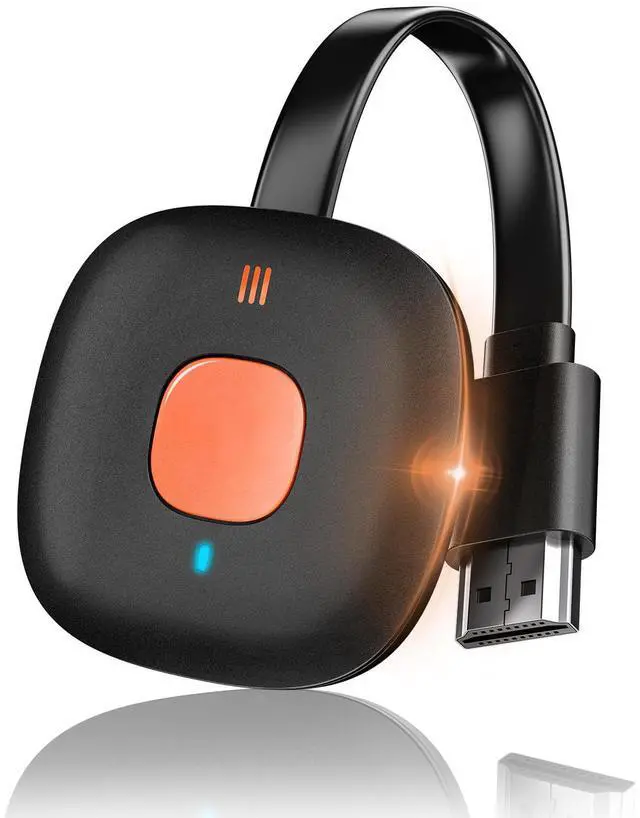



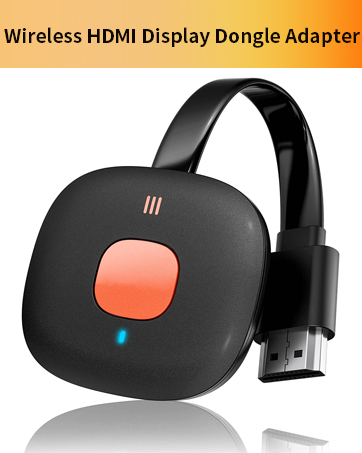

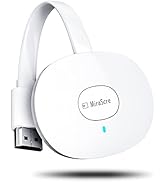
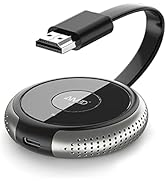
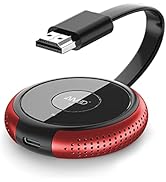
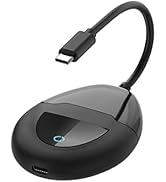
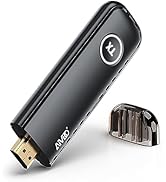
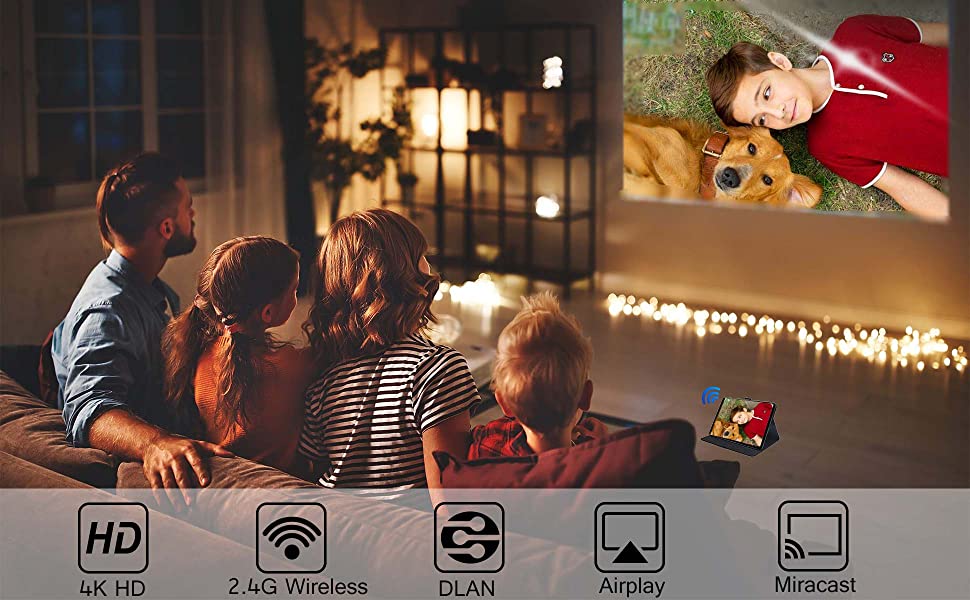
Wireless HDMI Display Adapter enable you to mirror your phone/tablets/laptop's screen to big TV/Projector/Monitor big screen
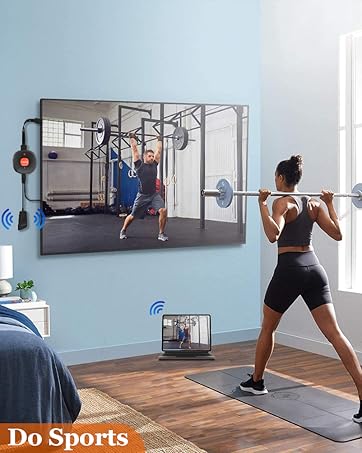
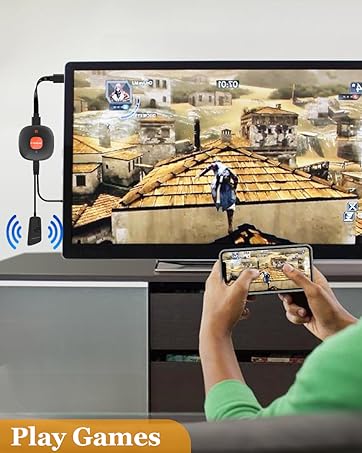
Mirror or cast HD videos/games/music/photos/files from phone, pad, laptop to TV/projectors /monitors. Suitable for home entertainment/ business/ educations/ training.
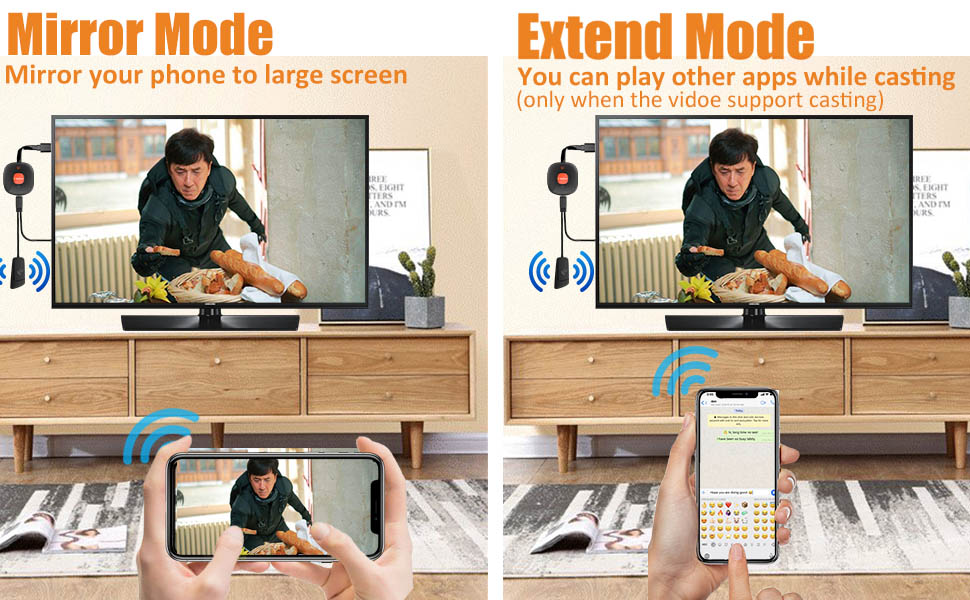
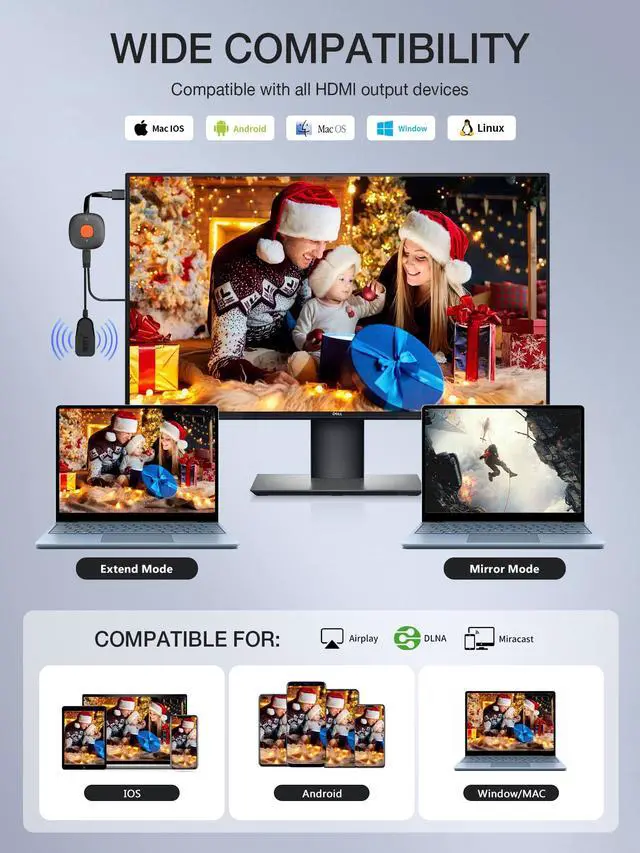
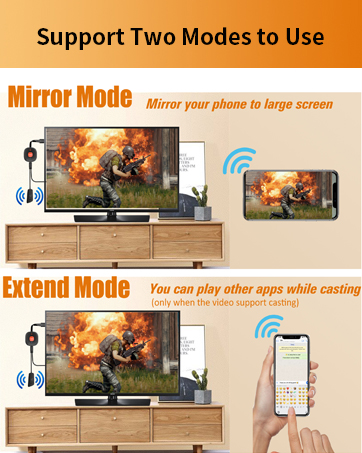
Mirror Mode & Extend Mode
MIRROR MODE
Mirror enable to mirror videos, games, music, photos, files from phone, pad, laptop to TV/ projectors/ monitors. Great for home entertainment/ business/ educations/ training.
EXTEND MODE
In extend mode, while casting video, you can still use other apps one your phone. (only when your video support cast mode.)
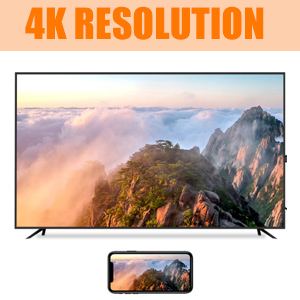
Full High Resolution
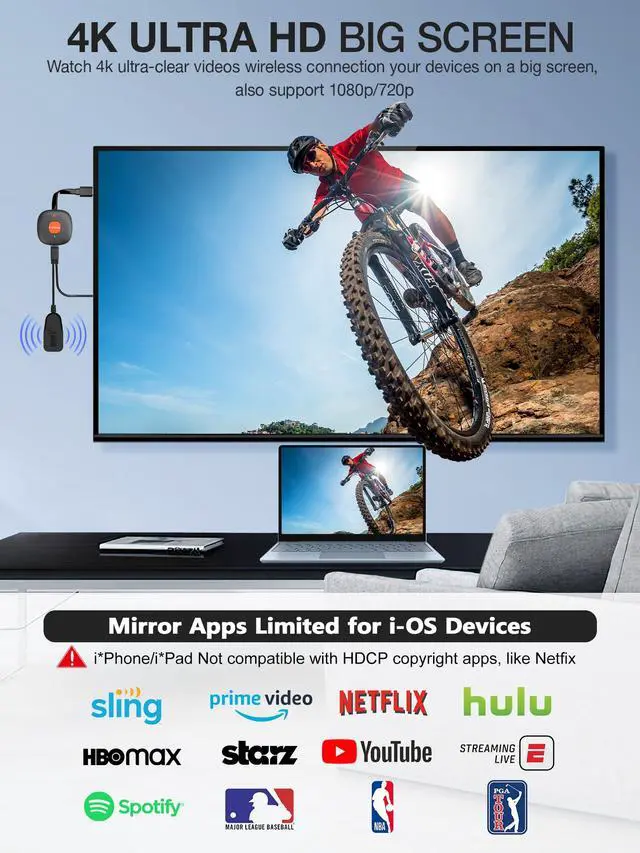
It supports 4K resolution (3840 x 2160 @ 30 Hz) with no transmission loss and delay. You could enjoy cinema-like experience easily at home.
(The resolution and refresh rate are also determined by the performance of your devices. If intend to display 4K content, please make sure that both your input and output devices can support 4K resolution.)
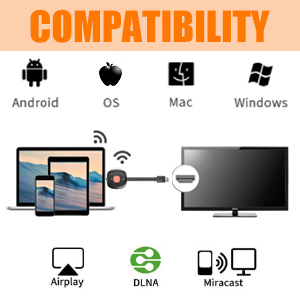
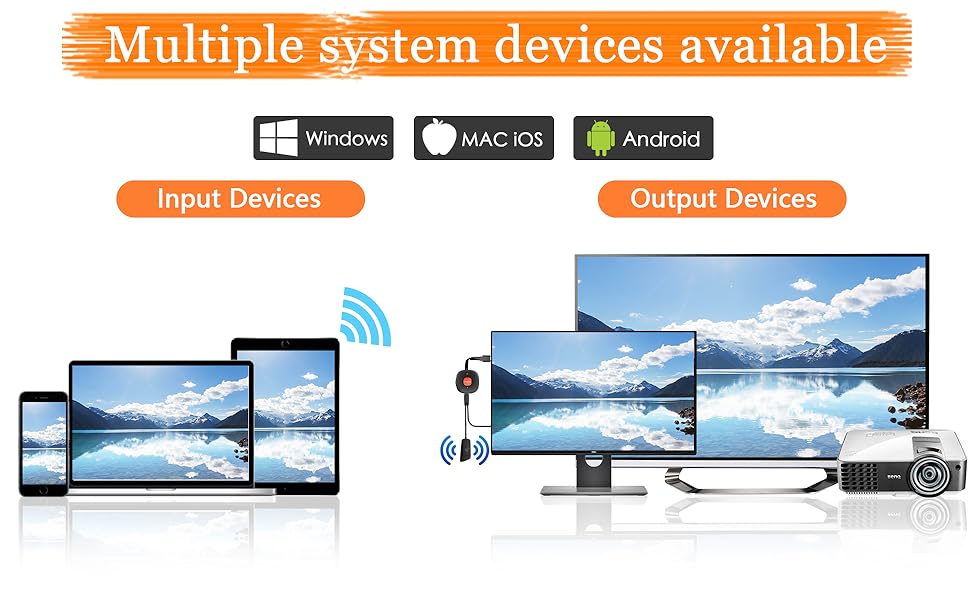
Support Most System And Devices
- For Phone: Phone 13/12/11Pro Max/11Pro/ 11/XS Max/XS/XR/X/8P/8/7P
- For Pad: Pad 8/7/6/5; Pad Air 3/4; Pad Mini 5; Pad Pro 11/12.9 inch, etc.
- For Mac OS: Mac Book Pro 13.3/15.4, Mac Book Air 13.3
- For Android: Most of Android phone/tablets
- For Windows: Windows 8.1/10
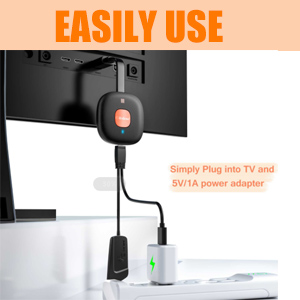
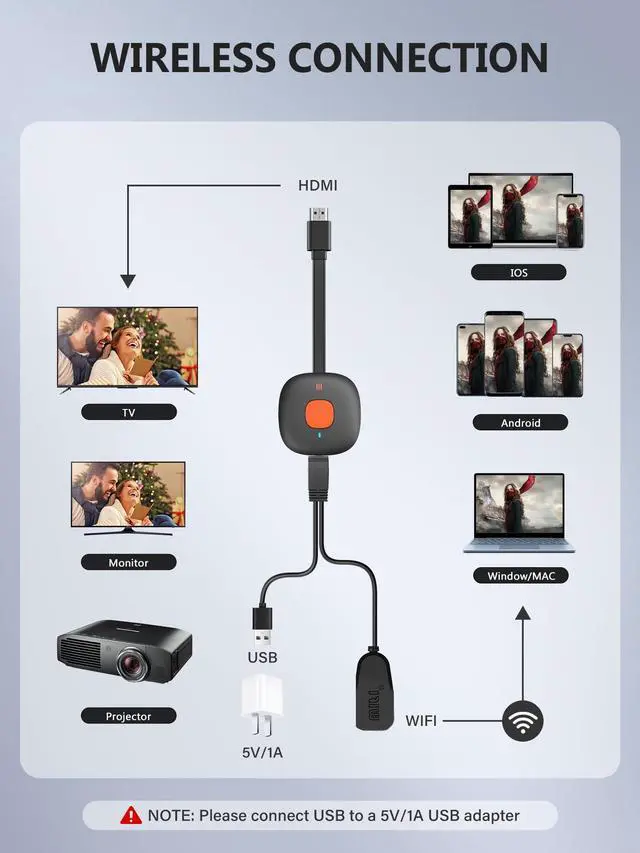
Easy connection-Wireless
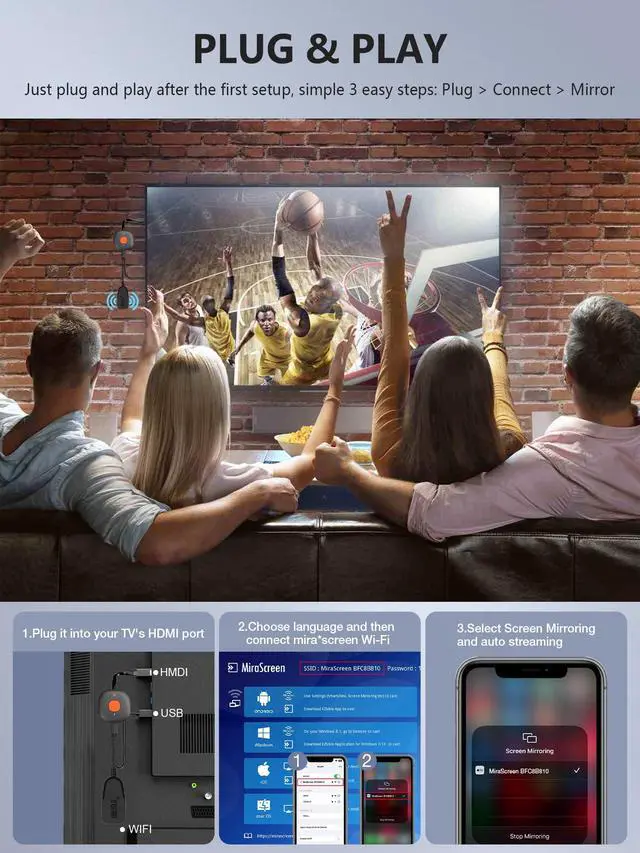
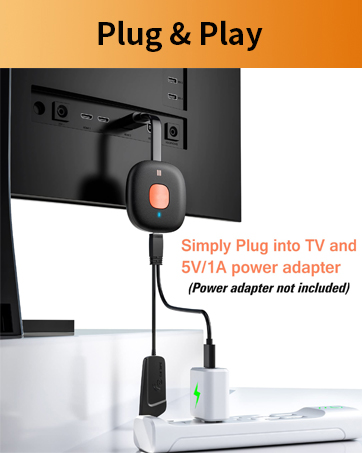
1. Just plug into TV and power adapter. No wires between devices
2. Make sure the power adapter is at least 5V/2A to ensures stable power supply.
3. Set up WiFi on phone and the devices
Please Note:
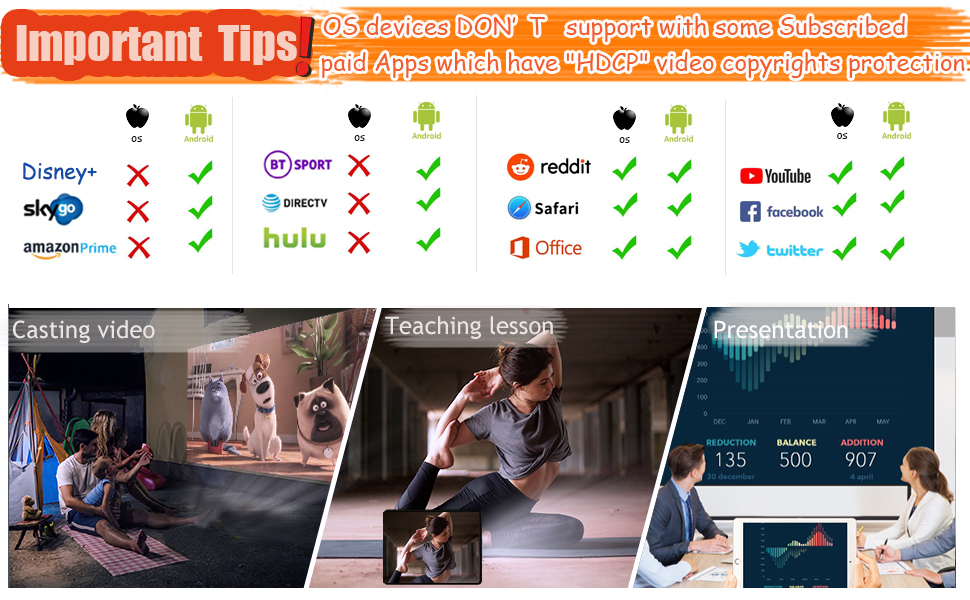
1. OS devices DON’T support with some subscribed paid Apps which have "HDCP" video copyrights protection like Di*ney+, prime videos, Hulu, Xfinity, Vudu, Sky Go, BT Sport, etc.
2. Android devices are compatible with most Apps
3. Please connect USB cable to a 5V/2A Power adapter, Not the USB port on TV ( the USB port on TV may have not enough watt)
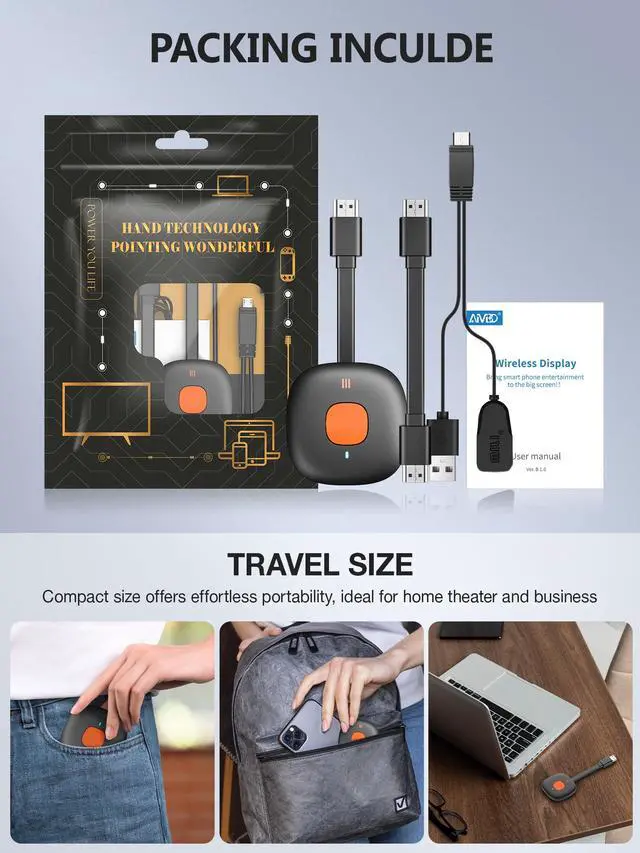
Package include:
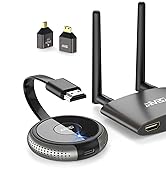
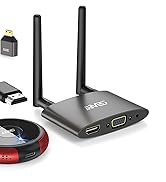
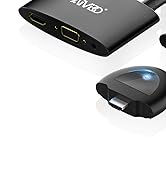
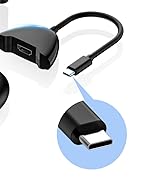
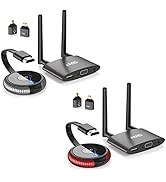
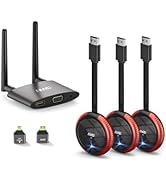
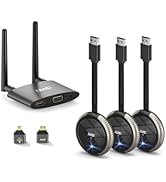
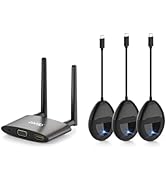
1 x Wireless Display adapter with HDMI cable
1 x WiFi Antenna with USB power cable
1 x Manual User (Power adapter is not included)
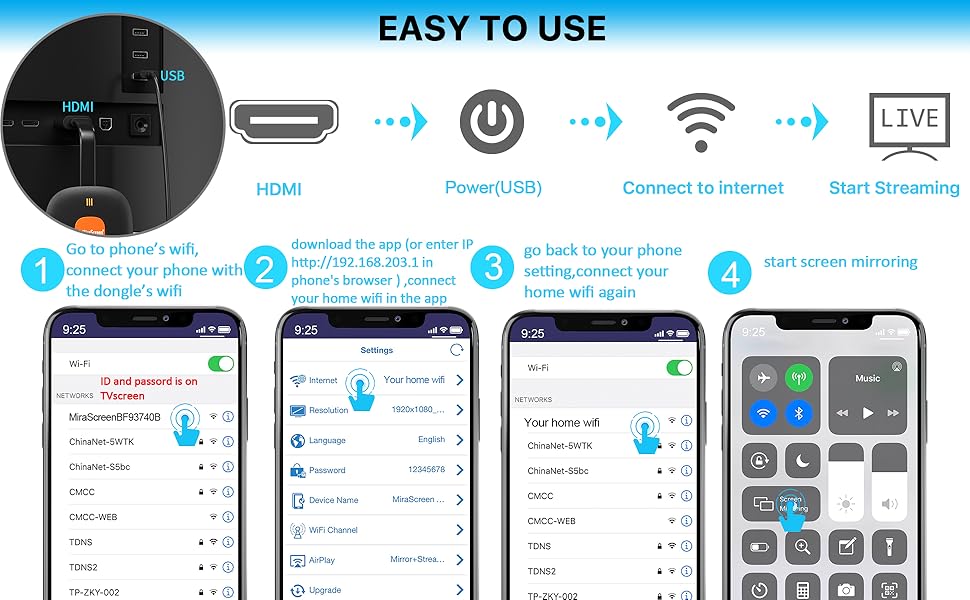
For Apple IOS connect:
Step 1:Plug all the cables in the device: HDMI to TV HDMI, WiFi Antenna to the Adapter, USB cable connect to a 5V/2A charger ).
Then the blue screen will be on TV after set up. You can see the WIFI ID and password on the upper side.
Step 2:Go to your phone's WIFI setting, connect your phone to the adapter's Miracast wifi ( The WIFI ID and password is on the blue screen of the TV after you connect the adapter to TV)
Step 3/4: Launch browser on your iPhone to access the IP address "192.168.203.1"
Step 5: Once you enter the IP in the browser, you will see "Internet" , connect it to your home's router wifi.
Step 6: Go back to your phone's wifi setting, change the wifi to your home's wifi router again.
Step 7: Slide your iPhone screen and tap Air Play/ Screen Mirroring, then start screen mirroring.
For Android devices connect:
Android device's mirror function name is different.Just need to use the "Cast " function on your phone and choose"Miracast" as a target. no need to connect the IP address.
For Windows 10
Press" WIN+P" button, then you can see there is a choice to connect the adapter's network, then start.
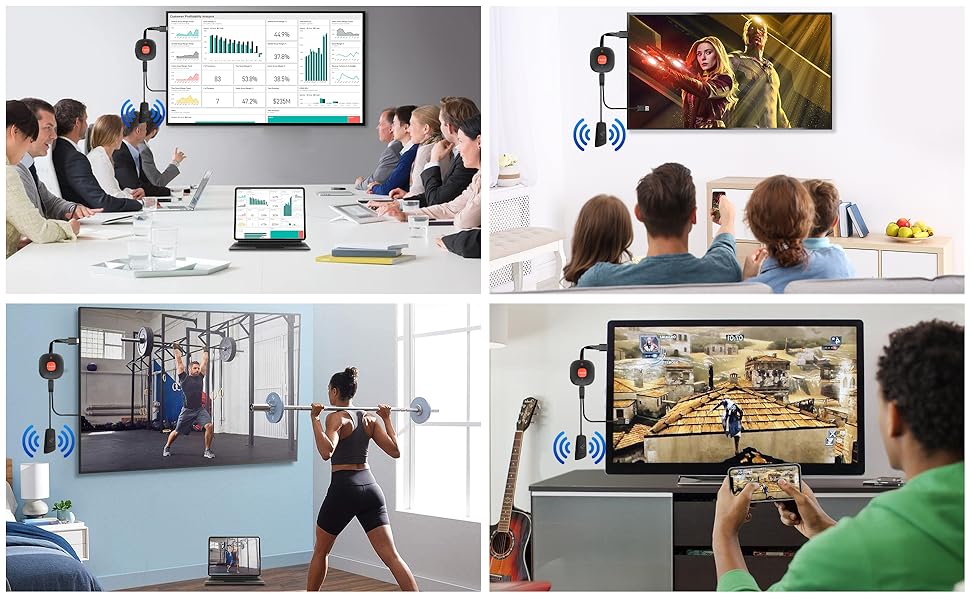
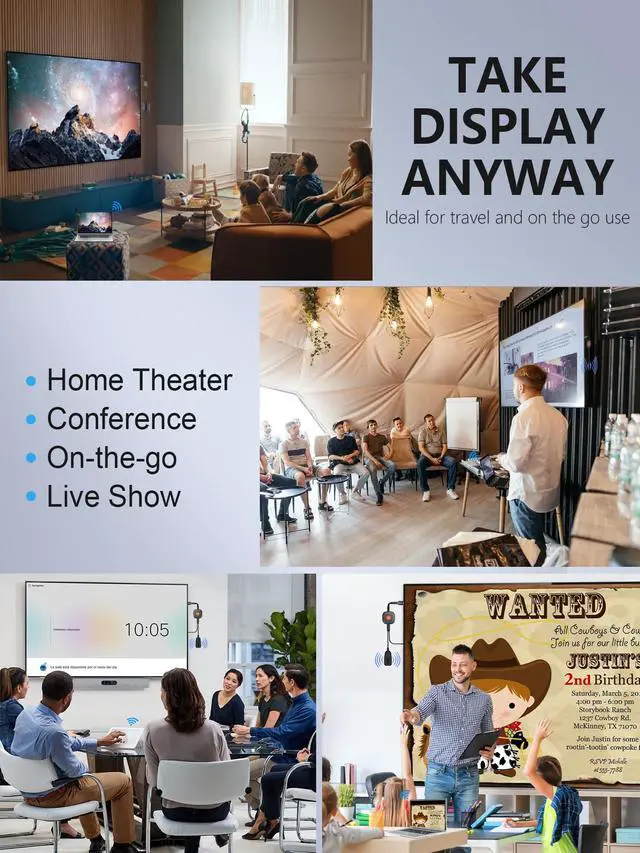
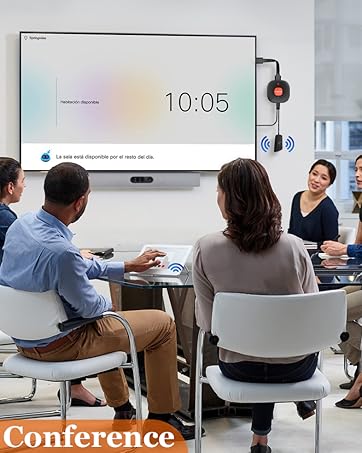
Situation #1 - Showcasing a presentation to a business partner in a conference room
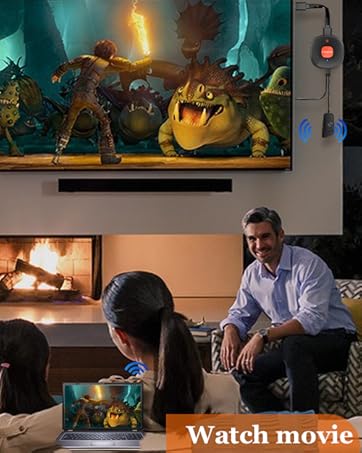
Situation #2 - Have a precious time at home with your loved ones and children
Situation #3 - You no longer need to watch videos around your laptop, you can enjoy the pleasure of the big screen
Situation #4 - It is the best choice for families with a large wireless wall-mounted TV screen for leisure and entertainment
Our TIMBOOTECH 4K Wireless HDMI Display Adapter Dongle allows you to stream audio and video from any HDMI output like a smartphone, iPhone, iPad, or laptop. It allows you to remove unsightly HDMI cables from your setup. There’s nothing quite like having a clean and professional home theater look.
Wireless HDMI Display Adapter enable you to mirror your phone/tablets/laptop's screen to big TV/Projector/Monitor big screen
Mirror or cast HD videos/games/music/photos/files from phone, pad, laptop to TV/projectors /monitors. Suitable for home entertainment/ business/ educations/ training.
Mirror Mode & Extend Mode
MIRROR MODE
Mirror enable to mirror videos, games, music, photos, files from phone, pad, laptop to TV/ projectors/ monitors. Great for home entertainment/ business/ educations/ training.
EXTEND MODE
In extend mode, while casting video, you can still use other apps one your phone. (only when your video support cast mode.)
Full High Resolution
It supports 4K resolution (3840 x 2160 @ 30 Hz) with no transmission loss and delay. You could enjoy cinema-like experience easily at home.
(The resolution and refresh rate are also determined by the performance of your devices. If intend to display 4K content, please make sure that both your input and output devices can support 4K resolution.)
Support Most System And Devices
- For Phone: Phone 13/12/11Pro Max/11Pro/ 11/XS Max/XS/XR/X/8P/8/7P
- For Pad: Pad 8/7/6/5; Pad Air 3/4; Pad Mini 5; Pad Pro 11/12.9 inch, etc.
- For Mac OS: Mac Book Pro 13.3/15.4, Mac Book Air 13.3
- For Android: Most of Android phone/tablets
- For Windows: Windows 8.1/10
Easy connection-Wireless
1. Just plug into TV and power adapter. No wires between devices
2. Make sure the power adapter is at least 5V/2A to ensures stable power supply.
3. Set up WiFi on phone and the devices
Please Note:
1. OS devices DON’T support with some subscribed paid Apps which have "HDCP" video copyrights protection like Di*ney+, prime videos, Hulu, Xfinity, Vudu, Sky Go, BT Sport, etc.
2. Android devices are compatible with most Apps
3. Please connect USB cable to a 5V/2A Power adapter, Not the USB port on TV ( the USB port on TV may have not enough watt)
Package include:
1 x Wireless Display adapter with HDMI cable
1 x WiFi Antenna with USB power cable
1 x Manual User (Power adapter is not included)
For Apple IOS connect:
Step 1:Plug all the cables in the device: HDMI to TV HDMI, WiFi Antenna to the Adapter, USB cable connect to a 5V/2A charger ).
Then the blue screen will be on TV after set up. You can see the WIFI ID and password on the upper side.
Step 2:Go to your phone's WIFI setting, connect your phone to the adapter's Miracast wifi ( The WIFI ID and password is on the blue screen of the TV after you connect the adapter to TV)
Step 3/4: Launch browser on your iPhone to access the IP address "192.168.203.1"
Step 5: Once you enter the IP in the browser, you will see "Internet" , connect it to your home's router wifi.
Step 6: Go back to your phone's wifi setting, change the wifi to your home's wifi router again.
Step 7: Slide your iPhone screen and tap Air Play/ Screen Mirroring, then start screen mirroring.
For Android devices connect:
Android device's mirror function name is different.Just need to use the "Cast " function on your phone and choose"Miracast" as a target. no need to connect the IP address.
For Windows 10
Press" WIN+P" button, then you can see there is a choice to connect the adapter's network, then start.
Situation #1 - Showcasing a presentation to a business partner in a conference room
Situation #2 - Have a precious time at home with your loved ones and children
Situation #3 - You no longer need to watch videos around your laptop, you can enjoy the pleasure of the big screen
Situation #4 - It is the best choice for families with a large wireless wall-mounted TV screen for leisure and entertainment
Our TIMBOOTECH 4K Wireless HDMI Display Adapter Dongle allows you to stream audio and video from any HDMI output like a smartphone, iPhone, iPad, or laptop. It allows you to remove unsightly HDMI cables from your setup. There’s nothing quite like having a clean and professional home theater look.
4K Wireless HDMI Adapter
Compatible with iPhone, iPad, Android Phone/Tablet, Window
2025 4K Wireless HDMI Kit 5.8G
2025 USB C to Wireless HDMI 4K
Wireless HDMI 4K
Wireless HDMI Transmitter
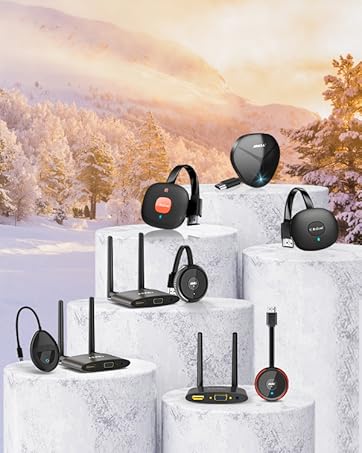
Multiple Wireless HDMI Sets
