




AT-Mizhi
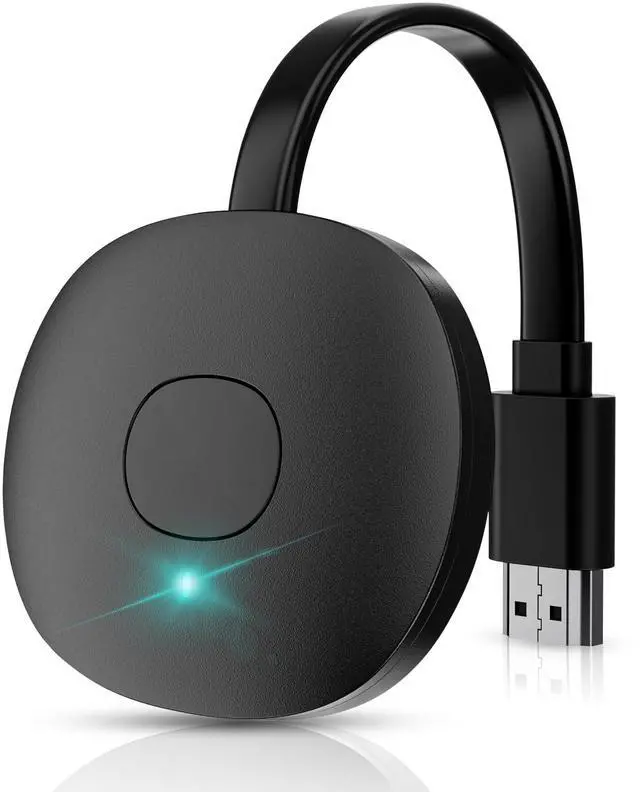
Popular Mir-acast, Wireless HDMI Display Dongle Adapter.
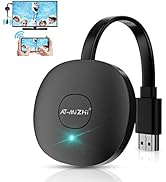
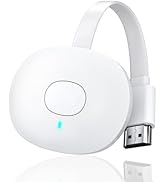
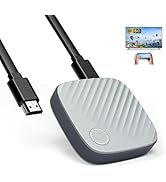
Wireless HDMI Dongle
Brand Story
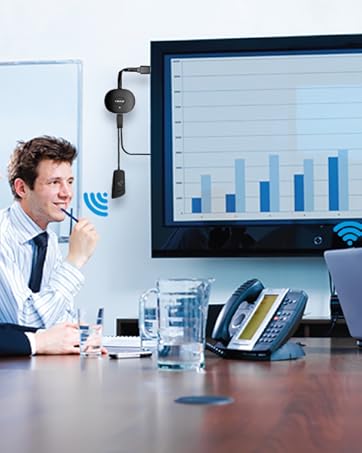
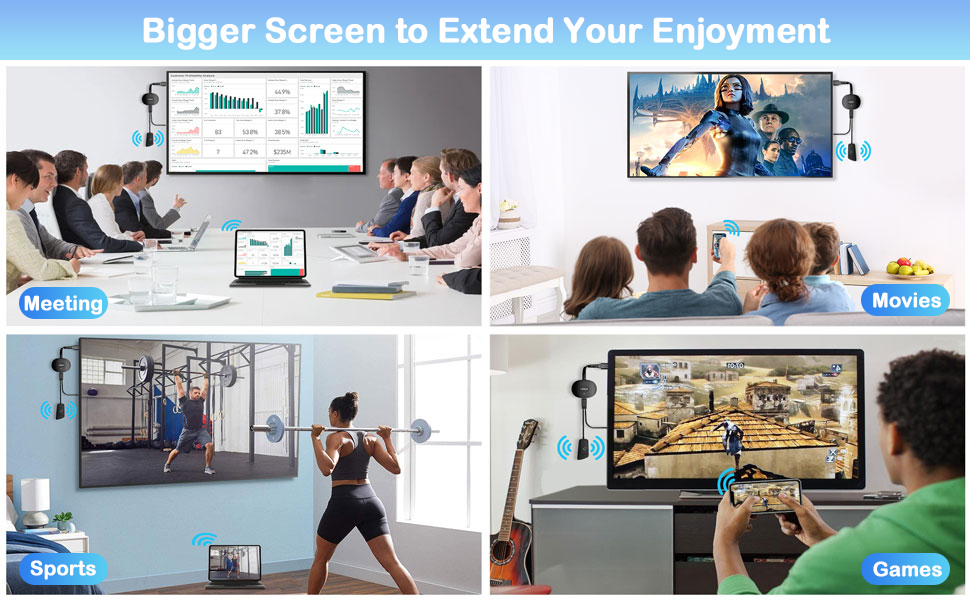
Awesome Meeting Partner
Fast transfer of meeting content.
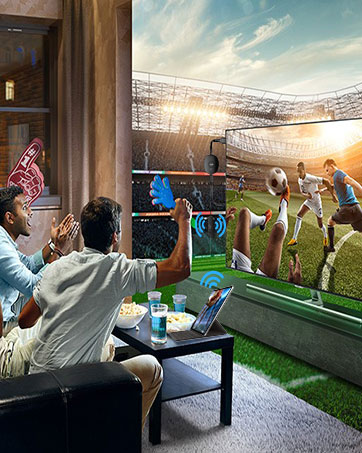
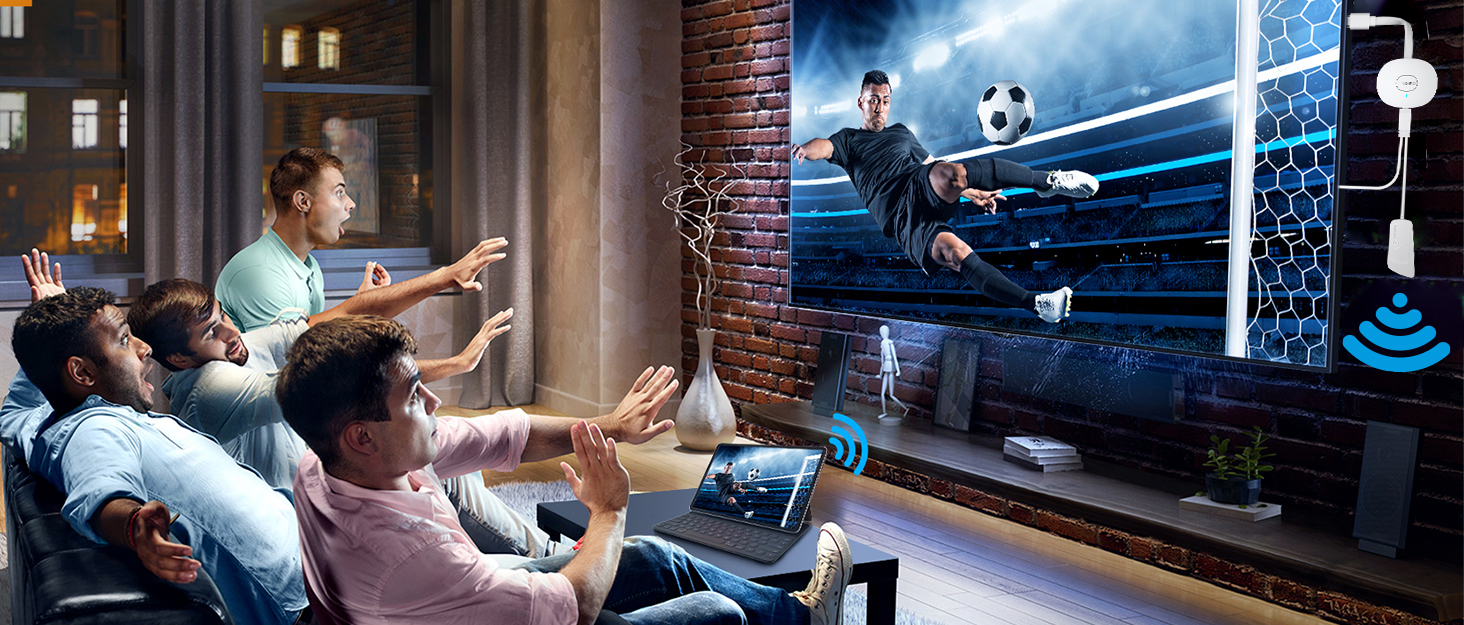
Enjoy Big Screen Events
Simple installation and stable transmission.
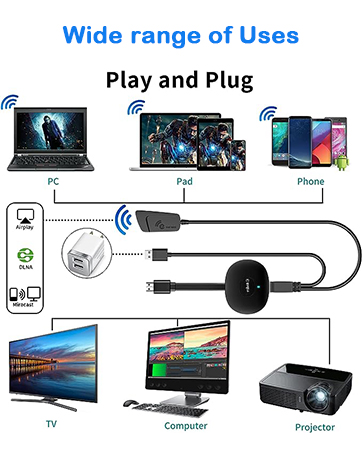
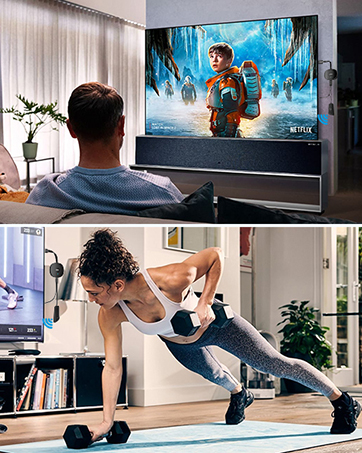
Best home streaming device
It is suitable for both home theater and large-screen exercise at home.
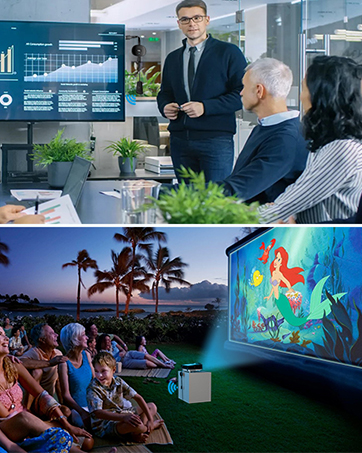
Best choice for multi-person meetings/parties!
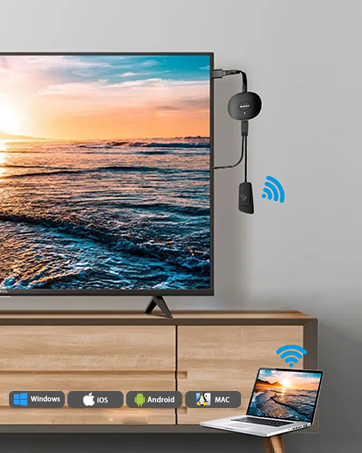
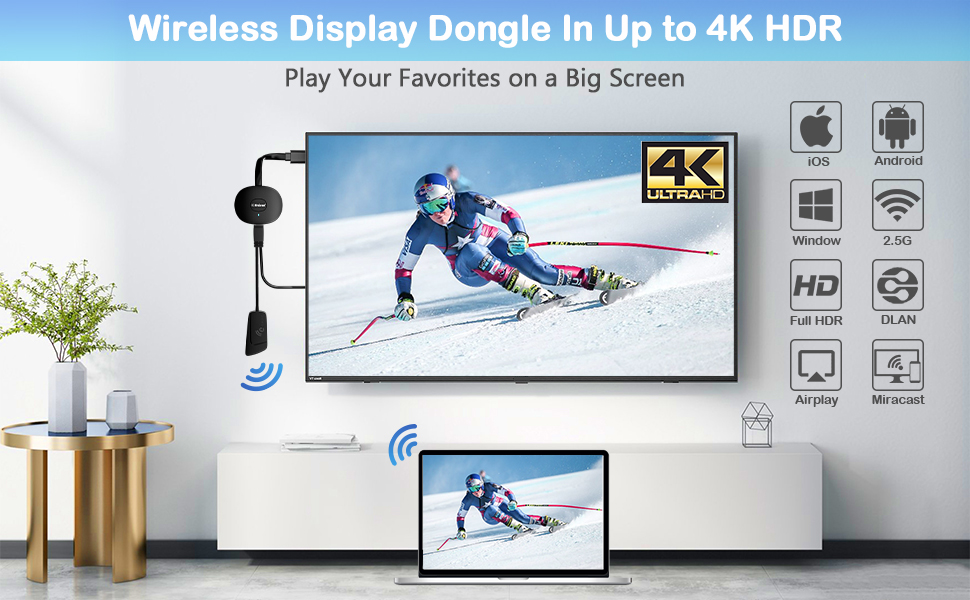
Entertainment your love, with help from AT-Mizhi Wireless HDMI Display Dongle!
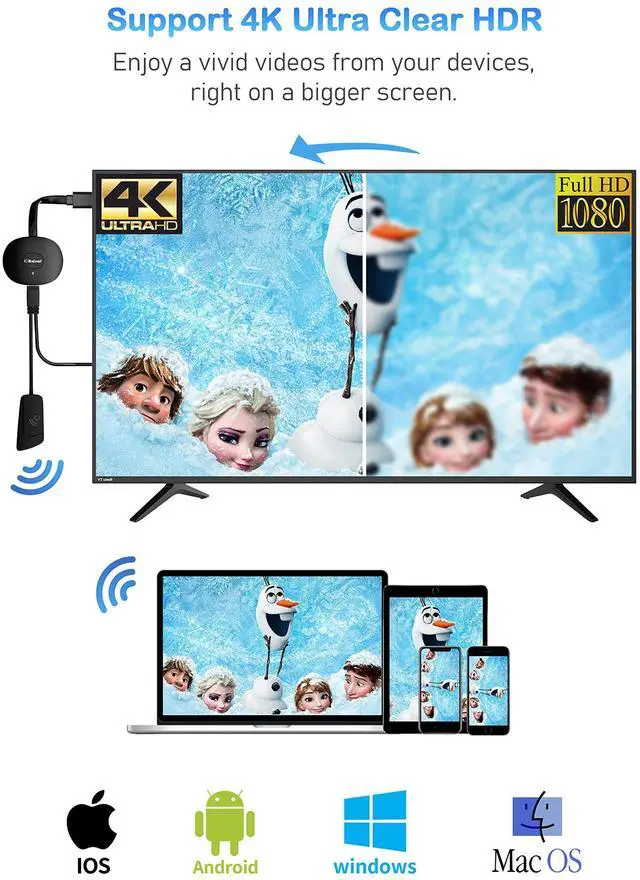
- Play your favorites in stunning 4K decoding. (TV shows/Movies/Pictures/PPT/Files).
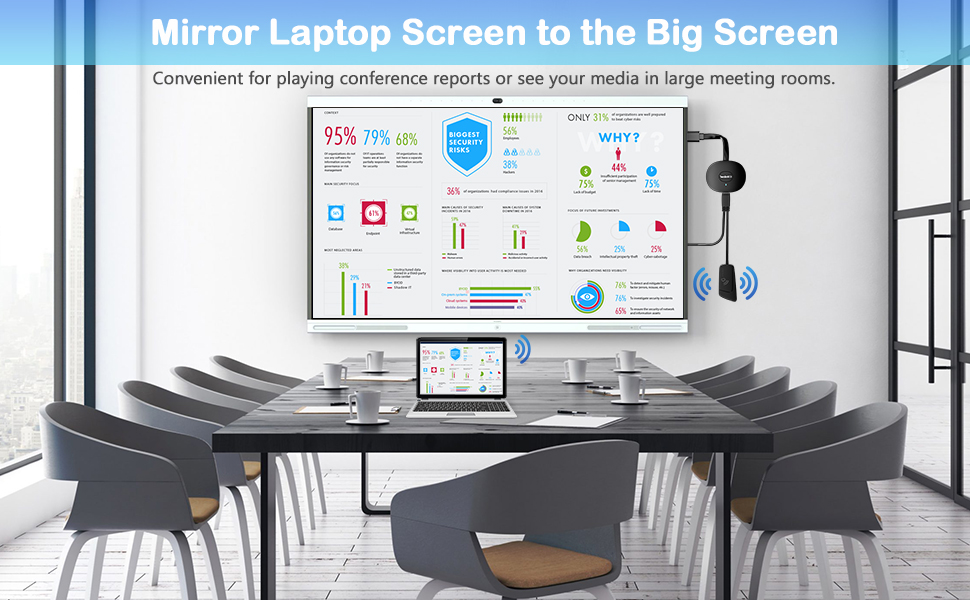
- Mirror your laptop screen to your TV, watch movies or growth records with your kids on the big screen.
- Stream from your phone. And while you‘re streaming from your phone, you can still use phone as you normally do.
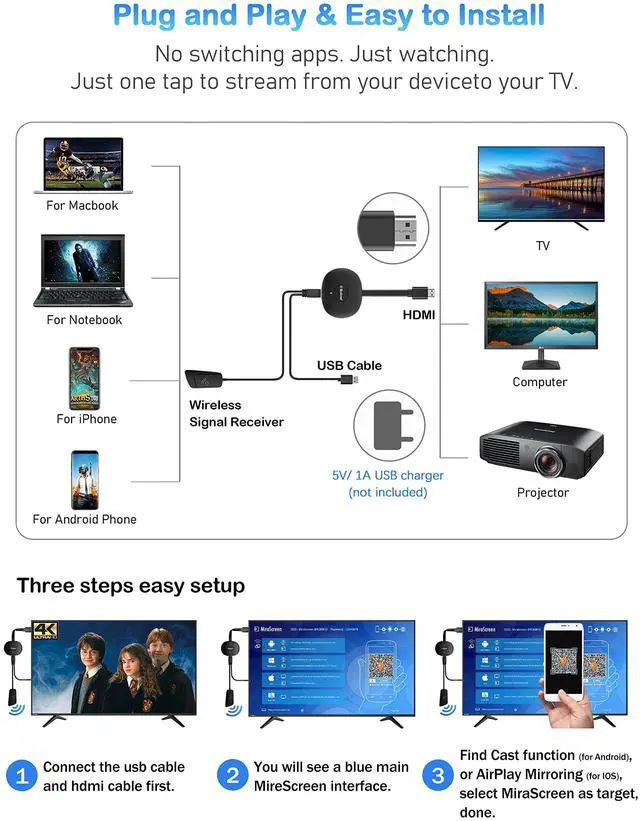
- Simple 3-step setup, just plug it in, connect to Wi-Fi, and start streaming.
- Work with over 2,000 streaming apps you know and love. (Shows/Movies/Music/Games/Sports/Files etc.).
The upgraded Wireless HDMI Display Adapter adds more fun and brilliance to your life!
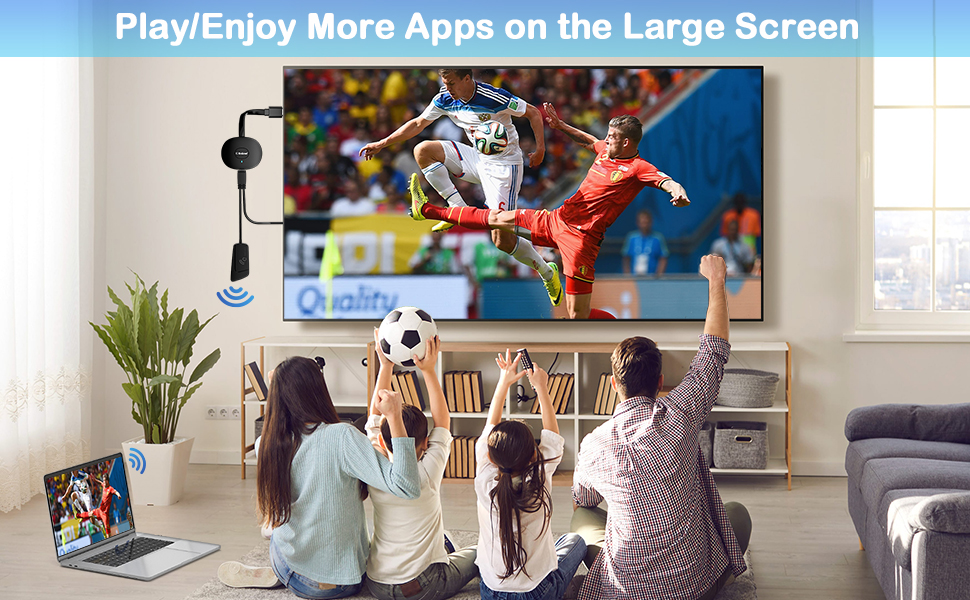
AT-Mizhi Wireless HDMI Dongle support most apps and devices, enjoy more matches with your family !
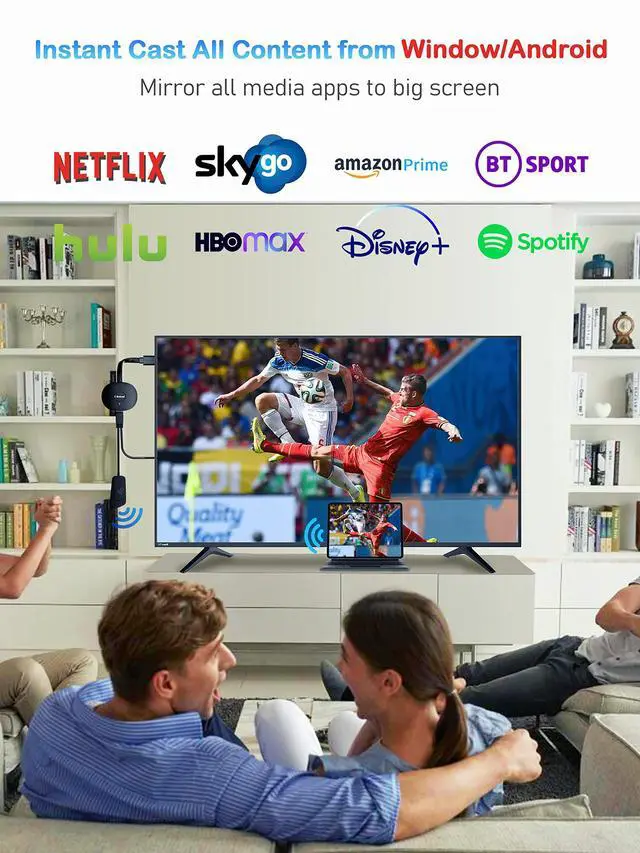
- Android/Windows devices could work with most video Apps;
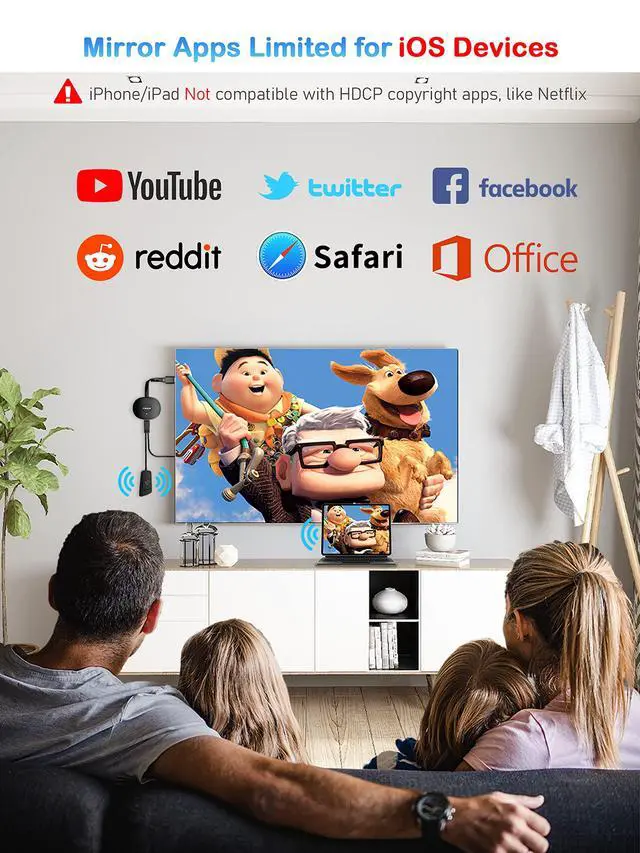
- Apple devices(i-OS/Mac system) are not compatible with Apps that have subscription services for watching TV, like Neflx, Prime video, Sky Go, BT Sport, DIRECTV, HULU, Comcast tv, Xfinity, Vudu, Movistar, or other App which have "HDCP" video copyrights protection.
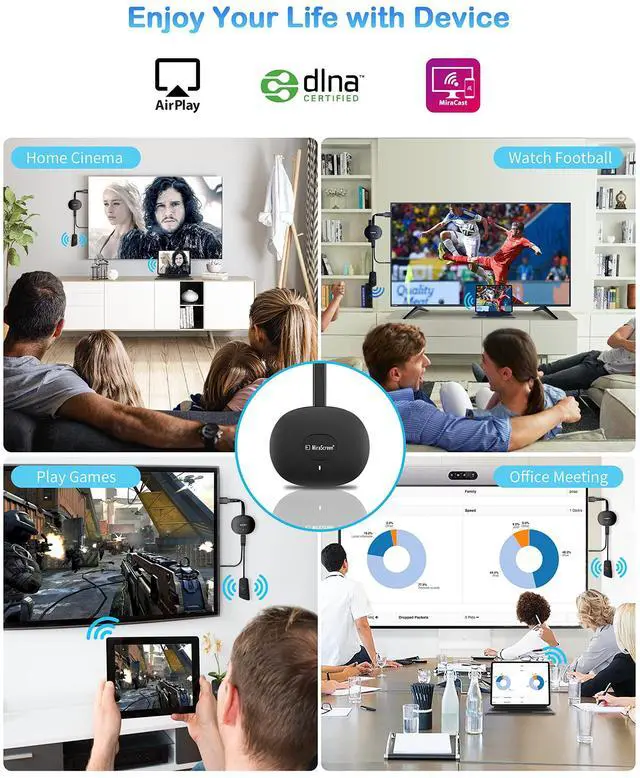
- AT-Mizhi HDMI wireless display dongle adapter is compatible with iOS 9+ (for iPhone/iPad/MacBook), Android 4.2+ (Samsung/Huawei, etc) , and Windows 8.1+/10 systems (Laptop/Tablet/PC, etc). Supports Miracast / Airplay / DLNA mode.
Tips for Using AT-Mizhi Wireless HDMI Display Dongle !
- This wireless display adapter is used for the transmission of data via WiFi. Please don't cloak the device with metal;
- The wireless display adapter is poor in wall-penetrating capability. Please don’t use it where there are partition walls;
- For the availability of a good experience, the phone or computer is ideally 3-5 meters away from the wireless display adapter;
- Please kindly use our original supplied antenna cable to ensure the device can be used and connected properly.
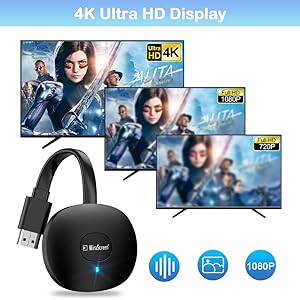
4K Resolution & 3D Vision
AT-Mizhi Wireless HDMI Dongle supports most resolutions, including 1080P @60hz,1080P @30hz, 3D/720P, you can share most luxurious video and audio with your friends or families via the connection of router and devices.
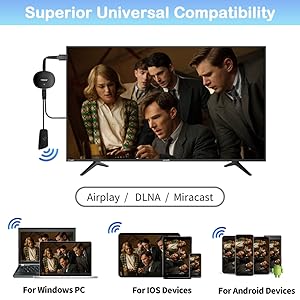
Superior Universal Compatibility
For iOS: iPhone 13/12/ 11Pro Max/ 11Pro/ 11/X/8P/8/7/6; iPad 9/8/7/6/5; iPad Air/Pro/mini.
For Mac OS: MacBook Pro 13.3/15.4,MacBook Air 13.3 and more.
For Android: Android 4.2+ phone / tablet.
For Windows: Windows 8.1/10.
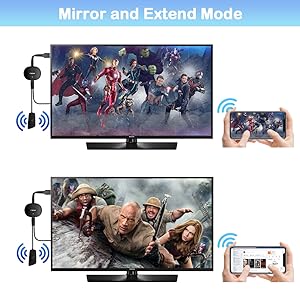
Mirror & Extend Mode
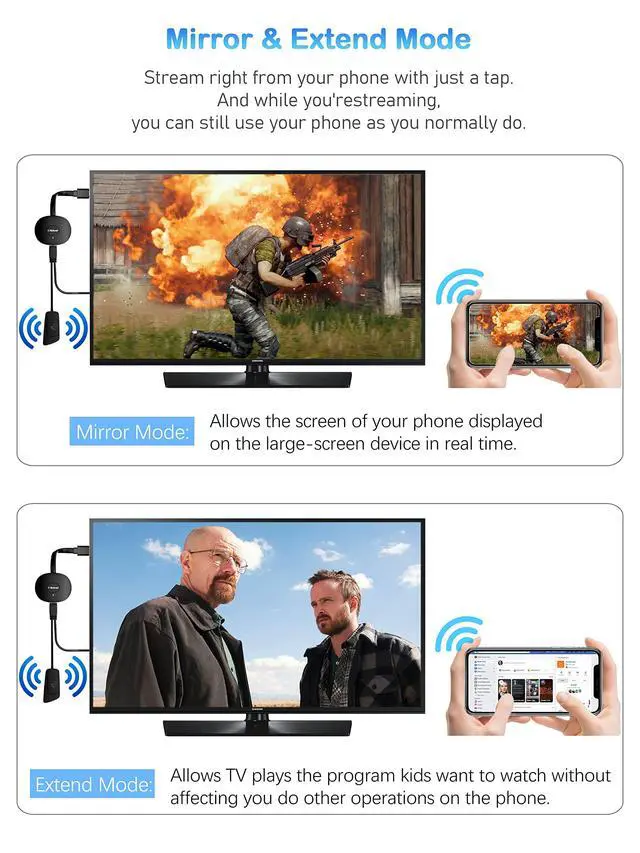
In mirror mode: It can mirror videos,games,music, photos, files from iphone, ipad, laptop to TV/projectors /monitors. Great for home entertainment/ business/ educations/ training.
In extend mode: While casting video, you can still use other apps one your phone.( only when your video support cast mode).
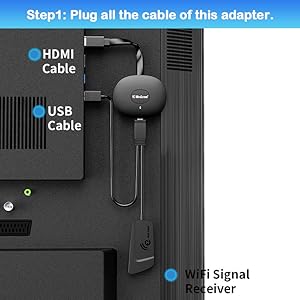
Step 1
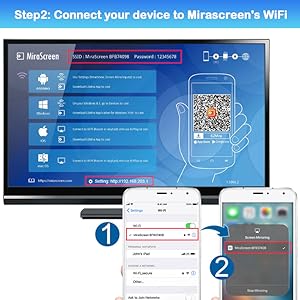
Step 2
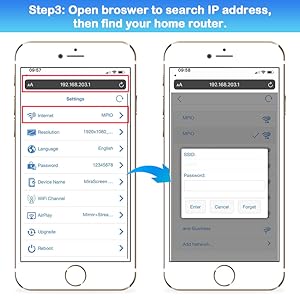
Step 3
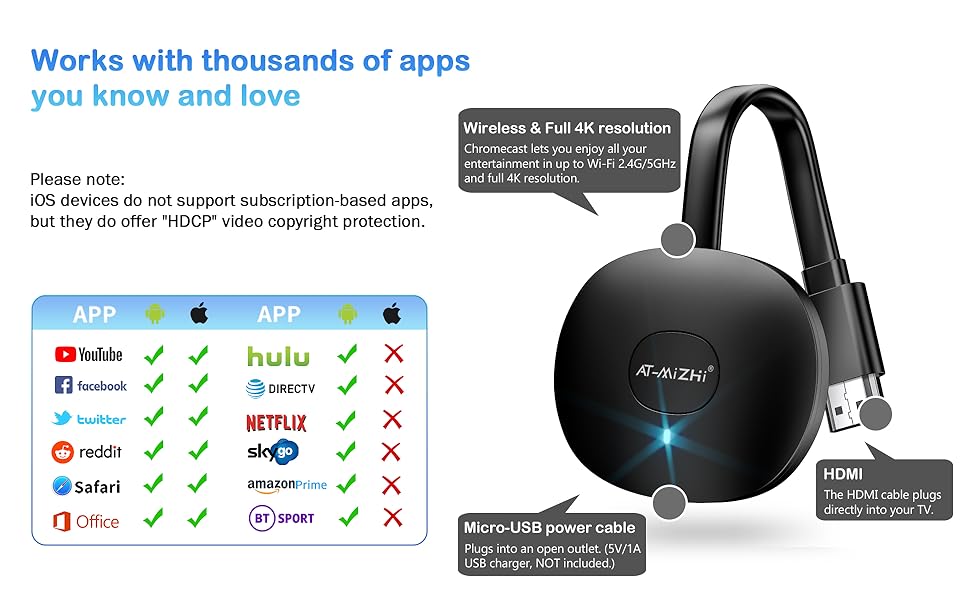
- Q:Does this wireless hdmi dongle work with Neflx, Prime videos?
A: i-OS(A pple) devices DON’T support with all Subscribed paid Apps which have "HDCP" video copyrights protection like Neflx, Prime videos, Hulu, Comcast tv, Xfinity, Vudu, Sky Go, BT Sport, etc. Android devices are compatible with most Subscribed paid Apps.
- Q: How to set a higher resolution pixel?
A: After the phone is properly connected to WiFi: MiraScreen XXX, open the IP address 192.168.203.1. Inside, find "Resolution" to adjust.E
Entertainment your love, with help from AT-Mizhi Wireless HDMI Display Dongle!
- Play your favorites in stunning 4K decoding. (TV shows/Movies/Pictures/PPT/Files).
- Mirror your laptop screen to your TV, watch movies or growth records with your kids on the big screen.
- Stream from your phone. And while you‘re streaming from your phone, you can still use phone as you normally do.
- Simple 3-step setup, just plug it in, connect to Wi-Fi, and start streaming.
- Work with over 2,000 streaming apps you know and love. (Shows/Movies/Music/Games/Sports/Files etc.).
The upgraded Wireless HDMI Display Adapter adds more fun and brilliance to your life!
AT-Mizhi Wireless HDMI Dongle support most apps and devices, enjoy more matches with your family !
- Android/Windows devices could work with most video Apps;
- Apple devices(i-OS/Mac system) are not compatible with Apps that have subscription services for watching TV, like Neflx, Prime video, Sky Go, BT Sport, DIRECTV, HULU, Comcast tv, Xfinity, Vudu, Movistar, or other App which have "HDCP" video copyrights protection.
- AT-Mizhi HDMI wireless display dongle adapter is compatible with iOS 9+ (for iPhone/iPad/MacBook), Android 4.2+ (Samsung/Huawei, etc) , and Windows 8.1+/10 systems (Laptop/Tablet/PC, etc). Supports Miracast / Airplay / DLNA mode.
Tips for Using AT-Mizhi Wireless HDMI Display Dongle !
- This wireless display adapter is used for the transmission of data via WiFi. Please don't cloak the device with metal;
- The wireless display adapter is poor in wall-penetrating capability. Please don’t use it where there are partition walls;
- For the availability of a good experience, the phone or computer is ideally 3-5 meters away from the wireless display adapter;
- Please kindly use our original supplied antenna cable to ensure the device can be used and connected properly.
4K Resolution & 3D Vision
AT-Mizhi Wireless HDMI Dongle supports most resolutions, including 1080P @60hz,1080P @30hz, 3D/720P, you can share most luxurious video and audio with your friends or families via the connection of router and devices.
Superior Universal Compatibility
For iOS: iPhone 13/12/ 11Pro Max/ 11Pro/ 11/X/8P/8/7/6; iPad 9/8/7/6/5; iPad Air/Pro/mini.
For Mac OS: MacBook Pro 13.3/15.4,MacBook Air 13.3 and more.
For Android: Android 4.2+ phone / tablet.
For Windows: Windows 8.1/10.
Mirror & Extend Mode
In mirror mode: It can mirror videos,games,music, photos, files from iphone, ipad, laptop to TV/projectors /monitors. Great for home entertainment/ business/ educations/ training.
In extend mode: While casting video, you can still use other apps one your phone.( only when your video support cast mode).
Step 1: Correctly plug it into the TV's connector.
- Plug external antenna to wireless HDMI dongle, then connect dongle to TV and plug USB cable to a power adapter(5V/2A) or TV USB port.
Step 2: Correctly connected to WiFi.
- You can see the WIFI ID and password on the screen.
- Open your phone and go to the network setting, find and click the WiFi name "MiraScreen XXXX", and enter password: 12345678.
Step 3: What to do next depends on your device's system:
Android devices: Search Screen Mirroring, select MiraScreen, then done.
Window devices: Press "win+P", find mirror function, then done.
iOS devices: 1.Launch browser on your phone to access the IP address "192.168.203.1"
2. Click "Internet" ---> Choose your router's account ---> Enter password: 12345678.
3. Finally, tap AirPlay Mirroring, select MiraScreen as a target, then done.
- Q:Does this wireless hdmi dongle work with Neflx, Prime videos?
A: i-OS(A pple) devices DON’T support with all Subscribed paid Apps which have "HDCP" video copyrights protection like Neflx, Prime videos, Hulu, Comcast tv, Xfinity, Vudu, Sky Go, BT Sport, etc. Android devices are compatible with most Subscribed paid Apps.
- Q: How to set a higher resolution pixel?
A: After the phone is properly connected to WiFi: MiraScreen XXX, open the IP address 192.168.203.1. Inside, find "Resolution" to adjust.E
AT-Mizhi
Popular Mir-acast, Wireless HDMI Display Dongle Adapter.
Wireless HDMI Dongle
Brand Story
Awesome Meeting Partner
Fast transfer of meeting content.
Enjoy Big Screen Events
Simple installation and stable transmission.
Best home streaming device
It is suitable for both home theater and large-screen exercise at home.
Best choice for multi-person meetings/parties!