



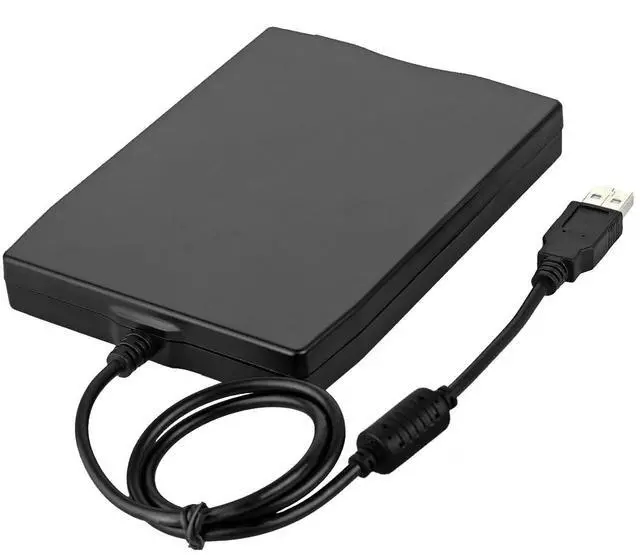
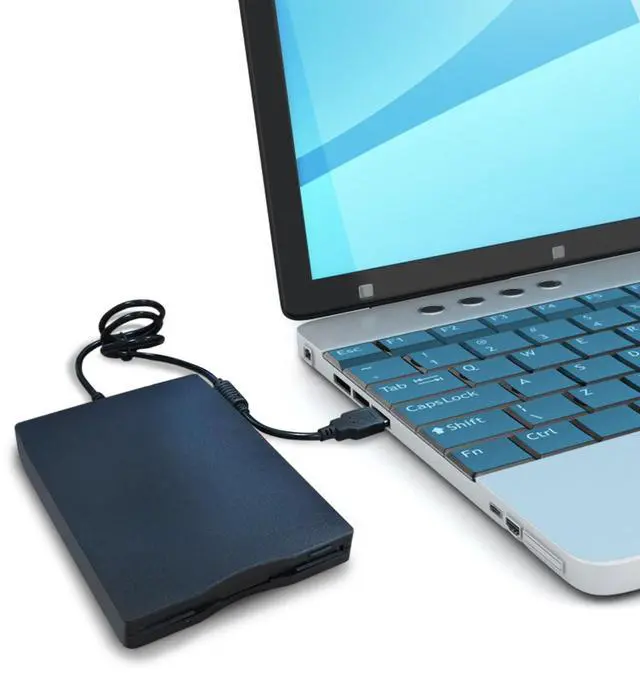


3.5 inch External USB Type C Floppy Disk Drive for PC, Laptop and Desktop
Double acceleration
- Original imported movement, compatible with USB1.1/USB2.0 interface, fast data read and write speed, reduced lag time, can provide the best product for floppy drive users
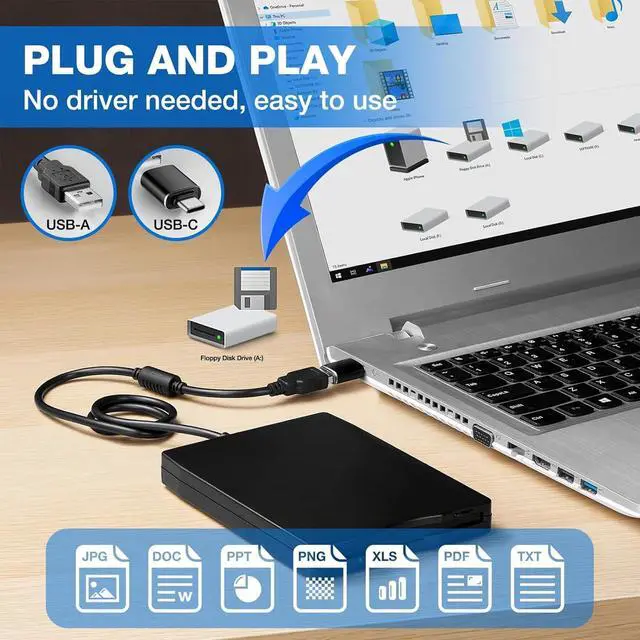
Plug and Play
- The drive gets power support from the USB port, no external power supply is required, and the drive can be accessed or installed directly through the system's USB port
Removable external drive
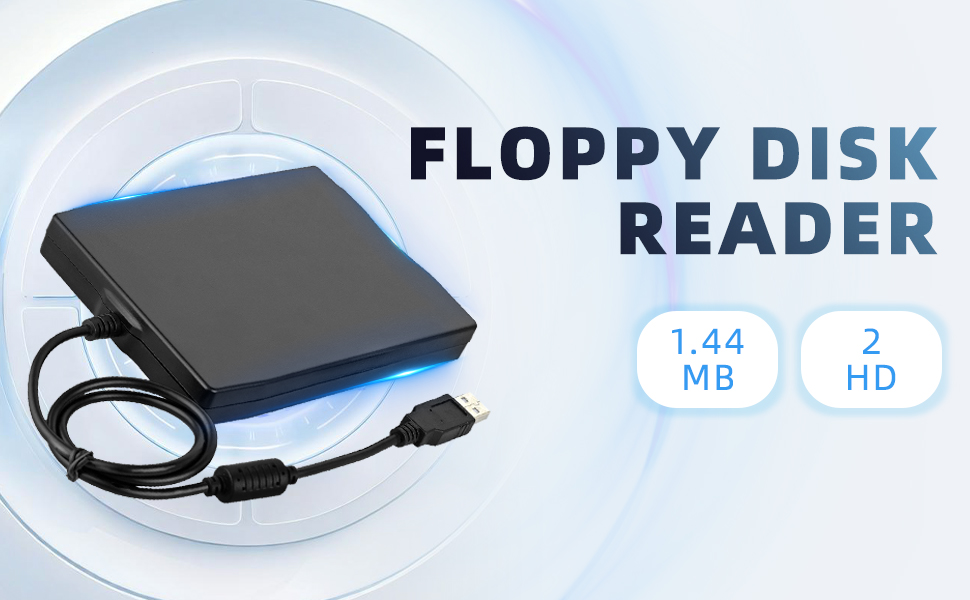
- Low power requirement, suitable for 1.44MB 2HD floppy disks, can be operated horizontally or vertically. Provides a complete mobile computing environment for travel or without power outlets
Suitable system
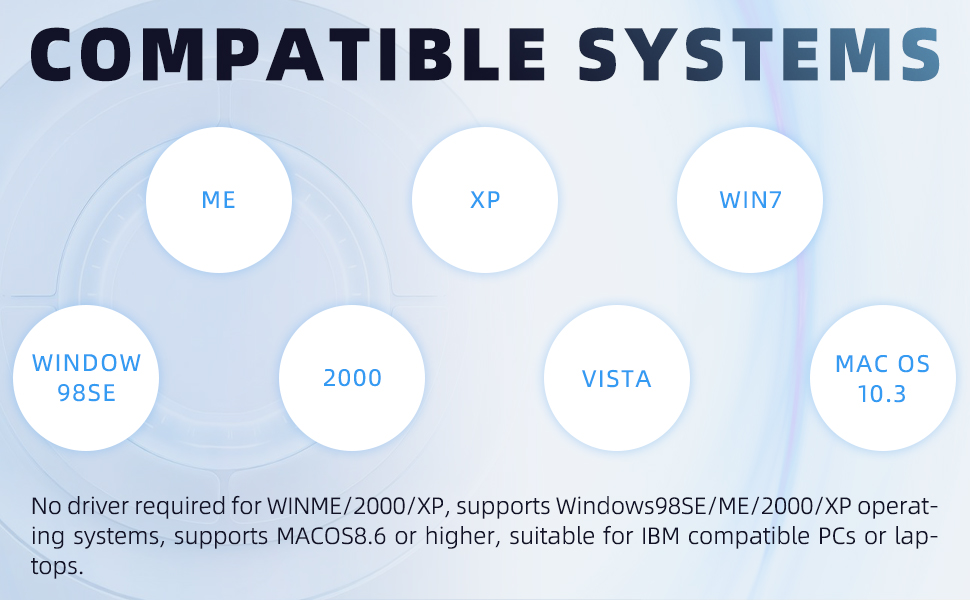
- No driver required, supports Windows98SE/ME/2000/XP operating system, supports MACOS8.6 or higher, suitable for IBM compatible PC or laptop
Unique appearance design
- This USB-connected disk drive adopts a streamlined plate design, which is ultra-thin, light, durable and sturdy. It is a must-have artifact for your business trips and travels
Floppy Disk Reader, External USB 2.0 & Type C Floppy Disc Reader

Parameters:
- Item Type: Portable floppy drive
- Material: PC
- Size: 3.5 inches 720KB
- Usable Current of USB Bus: 500 mA or less
- USB Data Transfer Rate: Complete speed / 12 Mbps
- Data Transfer Rate: 250 Kbits (720KB)
- Number of Cylinders: 80
- Speed: 300 rpm, Recording Speed: 360 rpm
- Media: High density (2 HD) or normal density (2 DD)
- Supported Operating Systems: For Windows 10 / 7 /VISTA /Windows 8 / XP / ME / 2000 / SE / 98
- Cable Length: Approx.58cm / 22.8in
1.44 MB Floppy Disk Drive Compatible with Windows 11/10/8/7/2000/XP
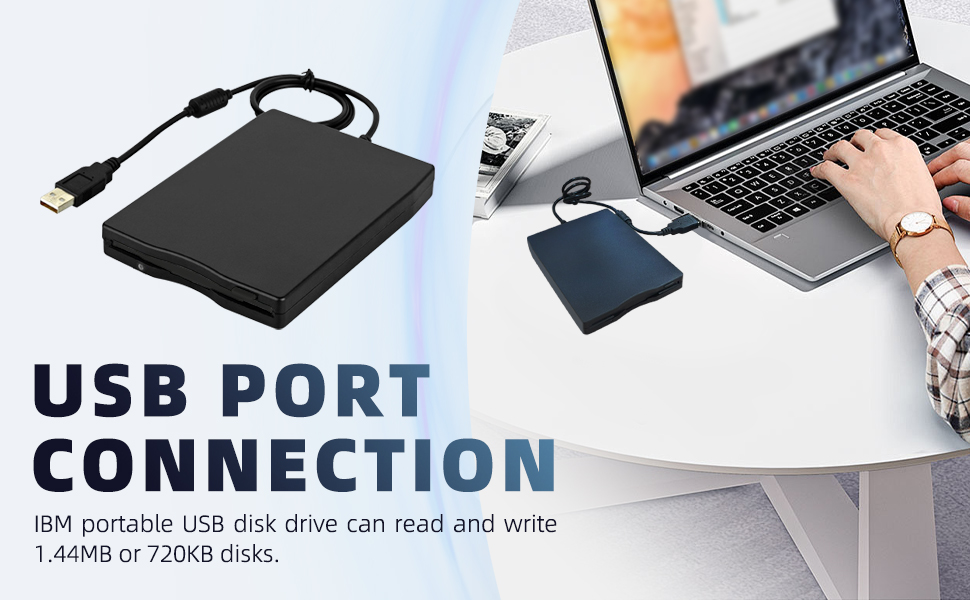
How to use it:
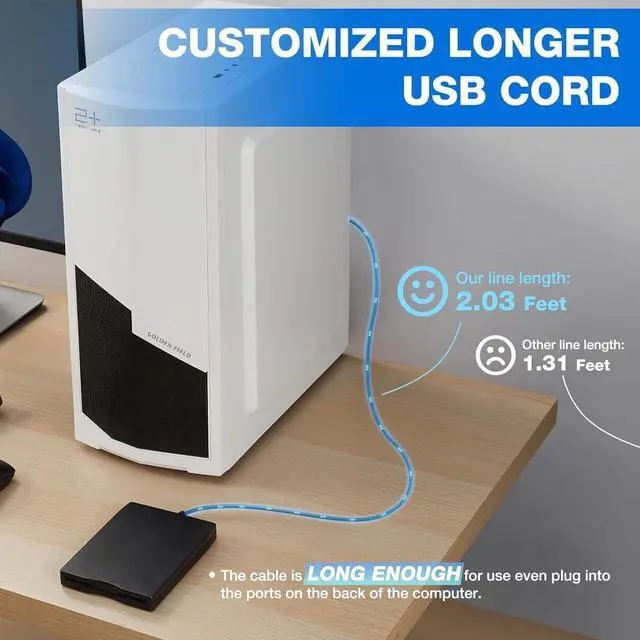
- 1.First insert your floppy disk into the Floppy Drive, then plug USB connector into an USB port on your computer directly with no hub, no extension cable, no adapter (You need to plug into the motherboard mounted ports, the ports on the back of the computer if yours is a desktop). Wait until your computer recognizes the new USB device, and settles.
- 2.The Drive will whir for a few seconds. After the disk stops whirring, bring up Windows File Explorer.
- 3.The Main Menu Tree will appear on the left side of the screen, but the Floppy Drive will probably not show up there. This is normal. If it does show up, skip to Step 7.
- 4. Click on the "This PC"listing on the Main Menu Tree. The main screen should show all the drives in the computer, including the new Floppy Drive, which should be shown as “Drive A:” or "Floppy Disk Drive (A:)" .
- 5. Right-Click on the “Drive A:”Floppy Drive icon. A menu should appear.
- 6. At the top of the Right-Click Menu should be "open". Click it. This lets the Operating System "see" the Floppy Drive. “Drive A:” Floppy Drive icon should now appear on the left Main Menu Tree, and can be used like any other Drive in the system.
- 7. To see the files stored on the Floppy Drive, click on “Drive A:” Floppy Drive in the Main Menu Tree, and the files should appear on the Main Screen.
- 8. Cut, Paste, Copy the files as you would other files in the system.
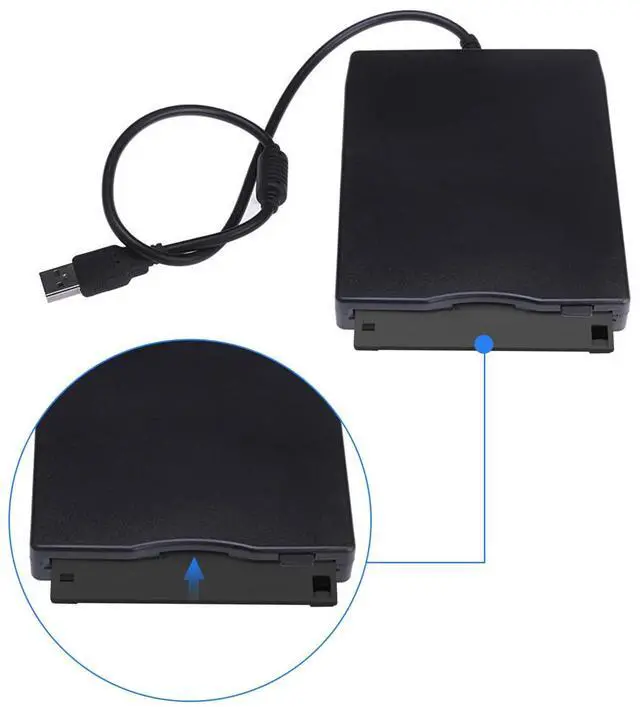
- 9. When done, press the mechanical eject button on the unit to eject the disk and insert the second disk, disk contents do refresh after double click the “Drive A:” icon in File Explorer.
TIPS:
- ?Windows 11/10 system has a lot of show/hide options for File Explore,so you maybe cannot see the drive icon named "Floppy disk drive (A:)" after bring up "Windows File Explorer", please bring up “Devices and Printers” and right-Click on the drive icon named “TEACV0.0” under the “Devices”, Hover cursor over “Browse files” and then click on “Floppy disk drive(A:)”, then you will see the content of your disks.
External USB Floppy Disk Drive Plug-and-play, Compatible with Windows 11/10/8.1/7/Vista/XP/2000 OS, Not compatible with Mac

Ultra Thin & Portable
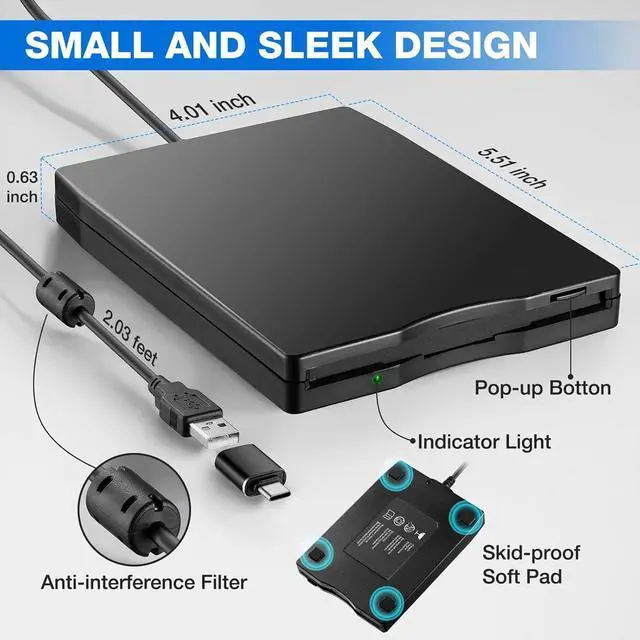
- With Only 0.63inch thick and 0.52Ib lightweight design, we can easily carry and use this compact external floppy diskette reader to retrieve your beautiful memroies at anywhere
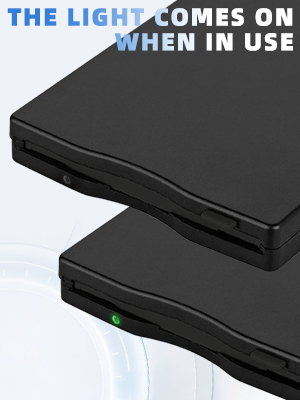
- ?No worries if you don't see a light on the front of the drive when you plug it in, you will see it when your drive start to read/write your disks.
- ?Please do not use an USB hub,USB extension cable or USB adapter to prevent the drive from working properly due to insufficient power
- ?Unlike flash drives you can't unmount the drive or eject the disks from windows. You have to press the button on the unit to eject the disk.
- ?This floppy disk converter compatible with windows 11/10/10 Pro/8/7/2000/XP, do not compatible with Mac
Plug and Play Floppy Disc Reader:
- No extra driver program is required, powered by the USB cable. Just insert your floppy diskette into floppy disk drive, then plug the USB type connector to your computer and it will be automatically detected. Bring up Windows File Explorer, you will see drive A icon under "Devices and Drives", right click it and select open option, you could cut, paste, copy the files in your floppy disks as you would other files in the system
- ?Please insert the disk into the drive firstly, and then plug the USB connector into your computer USB port, then your computers will recognize the drive soon.
- ?When using this usb floppy drive, please connect it to the the ports on the back of the computer if yours is a desktop.
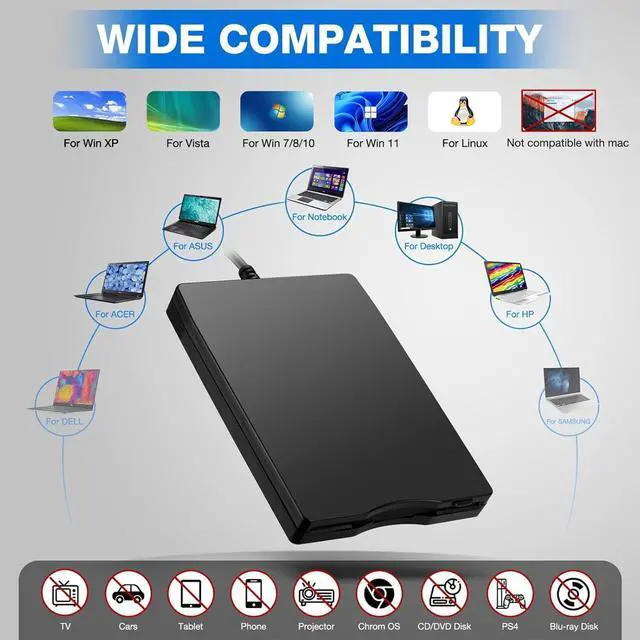
- ?This is a universal external 3.5 inch floppy disk reader, can't play 5.25 inch discs,and can't be used with TV, car, smartphone.
- ?This is a universal external 3.5 inch floppy disk reader, can't play 5.25 inch discs,and can't be used with TV, car, smartphone.
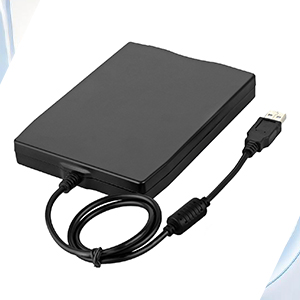
No Vibration and Noise
- Soft Skid - Proof Rubber Liner, no noise and vibration. Reads 3.5" Floppy Disks with 720KB/1.44mb Capacity.
Compatible More System
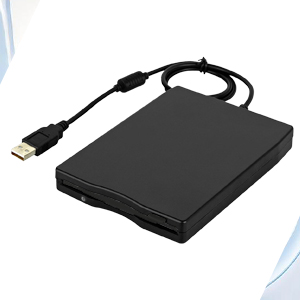
- Wide Compatibility: This USB floppy disk reader is compatible with Windows 11/10 / 8/ 7/ SE/ XP/ 2000 / XP/ Vista. You can use it on most laptop and desktop computers including HP, LG, Dell, Acer, ASUS, Lenovo, Thinkpad, Samsung, etc. (please note that this drive can not run with Chromebook, TV, tablet, mobile phones, projectors, trucks, etc.).
Easy to use
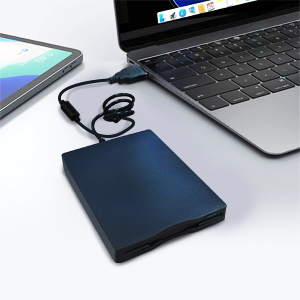
- Plug and play, no extra driver required, just plug it into USB connector directly, it will automatically install the driver by itself, with interference preventer. Powered directly from the USB port, no external power required.
Package:
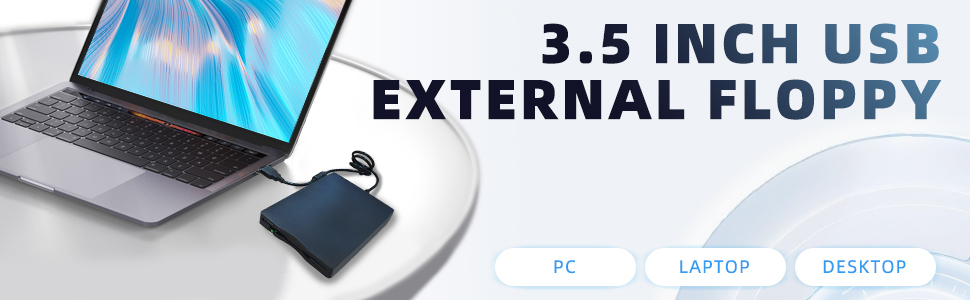
- 1 * USB Floppy Disk Reader
3.5 inch External USB Type C Floppy Disk Drive for PC, Laptop and Desktop
Double acceleration
- Original imported movement, compatible with USB1.1/USB2.0 interface, fast data read and write speed, reduced lag time, can provide the best product for floppy drive users
Plug and Play
- The drive gets power support from the USB port, no external power supply is required, and the drive can be accessed or installed directly through the system's USB port
Removable external drive
- Low power requirement, suitable for 1.44MB 2HD floppy disks, can be operated horizontally or vertically. Provides a complete mobile computing environment for travel or without power outlets
Suitable system
- No driver required, supports Windows98SE/ME/2000/XP operating system, supports MACOS8.6 or higher, suitable for IBM compatible PC or laptop
Unique appearance design
- This USB-connected disk drive adopts a streamlined plate design, which is ultra-thin, light, durable and sturdy. It is a must-have artifact for your business trips and travels
Floppy Disk Reader, External USB 2.0 & Type C Floppy Disc Reader
Parameters:
- Item Type: Portable floppy drive
- Material: PC
- Size: 3.5 inches 720KB
- Usable Current of USB Bus: 500 mA or less
- USB Data Transfer Rate: Complete speed / 12 Mbps
- Data Transfer Rate: 250 Kbits (720KB)
- Number of Cylinders: 80
- Speed: 300 rpm, Recording Speed: 360 rpm
- Media: High density (2 HD) or normal density (2 DD)
- Supported Operating Systems: For Windows 10 / 7 /VISTA /Windows 8 / XP / ME / 2000 / SE / 98
- Cable Length: Approx.58cm / 22.8in
1.44 MB Floppy Disk Drive Compatible with Windows 11/10/8/7/2000/XP
How to use it:
- 1.First insert your floppy disk into the Floppy Drive, then plug USB connector into an USB port on your computer directly with no hub, no extension cable, no adapter (You need to plug into the motherboard mounted ports, the ports on the back of the computer if yours is a desktop). Wait until your computer recognizes the new USB device, and settles.
- 2.The Drive will whir for a few seconds. After the disk stops whirring, bring up Windows File Explorer.
- 3.The Main Menu Tree will appear on the left side of the screen, but the Floppy Drive will probably not show up there. This is normal. If it does show up, skip to Step 7.
- 4. Click on the "This PC"listing on the Main Menu Tree. The main screen should show all the drives in the computer, including the new Floppy Drive, which should be shown as “Drive A:” or "Floppy Disk Drive (A:)" .
- 5. Right-Click on the “Drive A:”Floppy Drive icon. A menu should appear.
- 6. At the top of the Right-Click Menu should be "open". Click it. This lets the Operating System "see" the Floppy Drive. “Drive A:” Floppy Drive icon should now appear on the left Main Menu Tree, and can be used like any other Drive in the system.
- 7. To see the files stored on the Floppy Drive, click on “Drive A:” Floppy Drive in the Main Menu Tree, and the files should appear on the Main Screen.
- 8. Cut, Paste, Copy the files as you would other files in the system.
- 9. When done, press the mechanical eject button on the unit to eject the disk and insert the second disk, disk contents do refresh after double click the “Drive A:” icon in File Explorer.
TIPS:
- ?Windows 11/10 system has a lot of show/hide options for File Explore,so you maybe cannot see the drive icon named "Floppy disk drive (A:)" after bring up "Windows File Explorer", please bring up “Devices and Printers” and right-Click on the drive icon named “TEACV0.0” under the “Devices”, Hover cursor over “Browse files” and then click on “Floppy disk drive(A:)”, then you will see the content of your disks.
External USB Floppy Disk Drive Plug-and-play, Compatible with Windows 11/10/8.1/7/Vista/XP/2000 OS, Not compatible with Mac
Ultra Thin & Portable
- With Only 0.63inch thick and 0.52Ib lightweight design, we can easily carry and use this compact external floppy diskette reader to retrieve your beautiful memroies at anywhere
- ?No worries if you don't see a light on the front of the drive when you plug it in, you will see it when your drive start to read/write your disks.
- ?Please do not use an USB hub,USB extension cable or USB adapter to prevent the drive from working properly due to insufficient power
- ?Unlike flash drives you can't unmount the drive or eject the disks from windows. You have to press the button on the unit to eject the disk.
- ?This floppy disk converter compatible with windows 11/10/10 Pro/8/7/2000/XP, do not compatible with Mac
Plug and Play Floppy Disc Reader:
- No extra driver program is required, powered by the USB cable. Just insert your floppy diskette into floppy disk drive, then plug the USB type connector to your computer and it will be automatically detected. Bring up Windows File Explorer, you will see drive A icon under "Devices and Drives", right click it and select open option, you could cut, paste, copy the files in your floppy disks as you would other files in the system
- ?Please insert the disk into the drive firstly, and then plug the USB connector into your computer USB port, then your computers will recognize the drive soon.
- ?When using this usb floppy drive, please connect it to the the ports on the back of the computer if yours is a desktop.
- ?This is a universal external 3.5 inch floppy disk reader, can't play 5.25 inch discs,and can't be used with TV, car, smartphone.
- ?This is a universal external 3.5 inch floppy disk reader, can't play 5.25 inch discs,and can't be used with TV, car, smartphone.
No Vibration and Noise
- Soft Skid - Proof Rubber Liner, no noise and vibration. Reads 3.5" Floppy Disks with 720KB/1.44mb Capacity.
Compatible More System
- Wide Compatibility: This USB floppy disk reader is compatible with Windows 11/10 / 8/ 7/ SE/ XP/ 2000 / XP/ Vista. You can use it on most laptop and desktop computers including HP, LG, Dell, Acer, ASUS, Lenovo, Thinkpad, Samsung, etc. (please note that this drive can not run with Chromebook, TV, tablet, mobile phones, projectors, trucks, etc.).
Easy to use
- Plug and play, no extra driver required, just plug it into USB connector directly, it will automatically install the driver by itself, with interference preventer. Powered directly from the USB port, no external power required.
Package:
- 1 * USB Floppy Disk Reader