here!
here!
I’m your shopping assistant for PC builds, upgrades, and everything tech.
Got questions? Ask away!
Start a conversation
here!
I’m your shopping assistant for PC builds, upgrades, and everything tech.
Got questions? Ask away!
Start a conversation



Any questions? Ask CelesteSM will help you find out quickly.
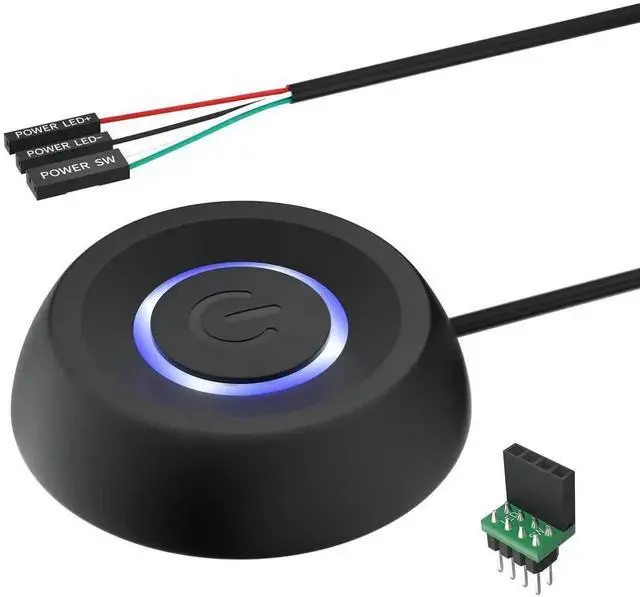
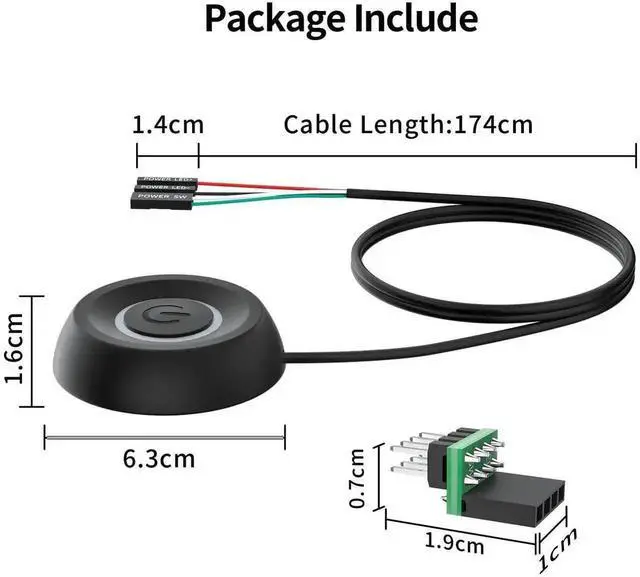
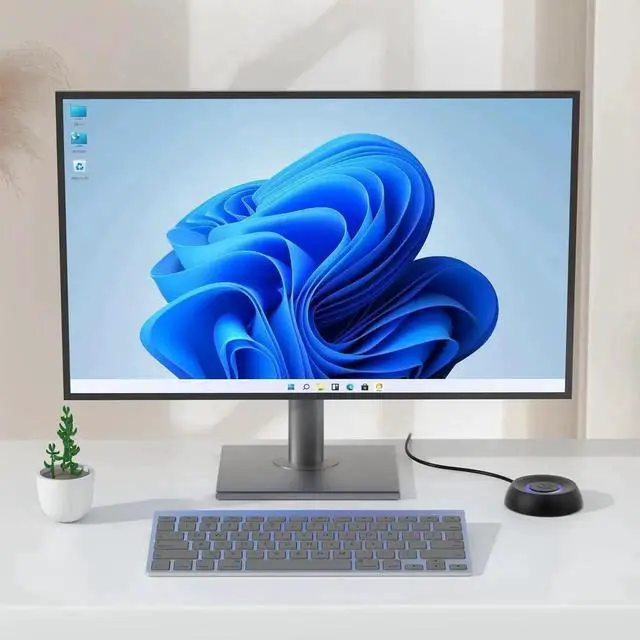
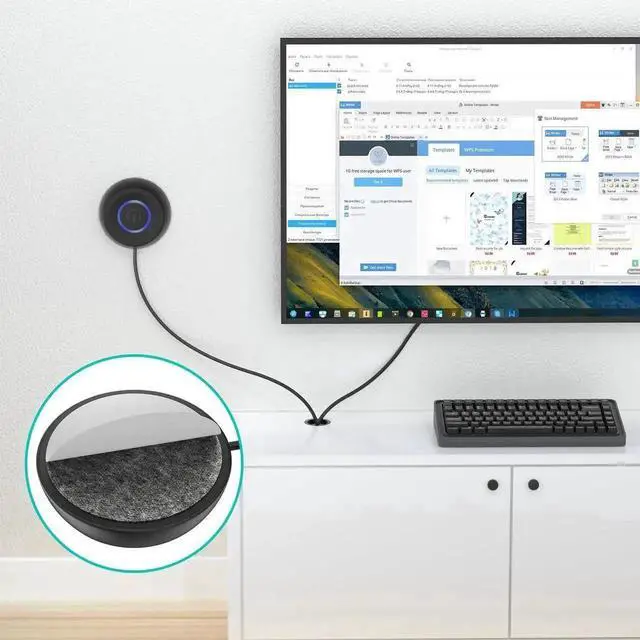
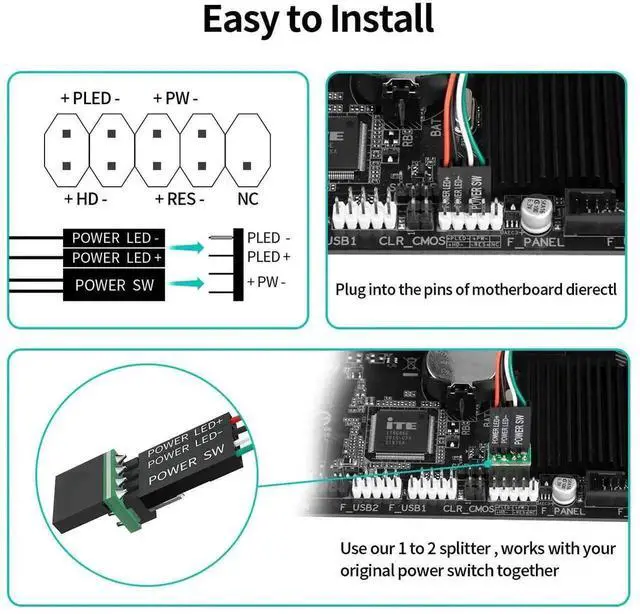
This external PC power button serves as a practical power switch extension for desktop computers. It connects to the POWER SW header on your motherboard, moving the power control outside the computer chassis. You can power on and shut down your computer conveniently without touching the original case power button.
Equipped with an LED indicator, the button clearly shows whether the computer is powered on, helping you recognize the working state at a glance. The wiring terminal follows standard motherboard pin definition, making connection straightforward. No complicated software configuration or external power supply is required; just plug and use.
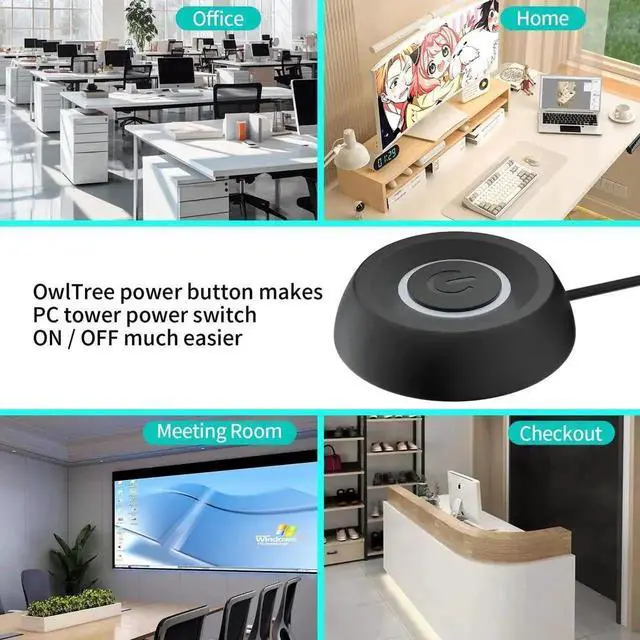
The push button features stable contact performance and excellent durability, supporting continuous repeated pressing. With a compact structure, it can be fixed on desktops, test racks, equipment panels or modified chassis.
It is widely applicable to DIY assembled computers, open frame hardware test benches, modified gaming PCs, maintenance equipment and industrial control hosts. An essential accessory for hardware enthusiasts, computer maintenance technicians and users who need flexible external power control.
Note: This item only realizes power switch function, separate reset function is not included.