here!
here!
I’m your shopping assistant for PC builds, upgrades, and everything tech.
Got questions? Ask away!
Start a conversation
here!
I’m your shopping assistant for PC builds, upgrades, and everything tech.
Got questions? Ask away!
Start a conversation



Any questions? Ask CelesteSM will help you find out quickly.
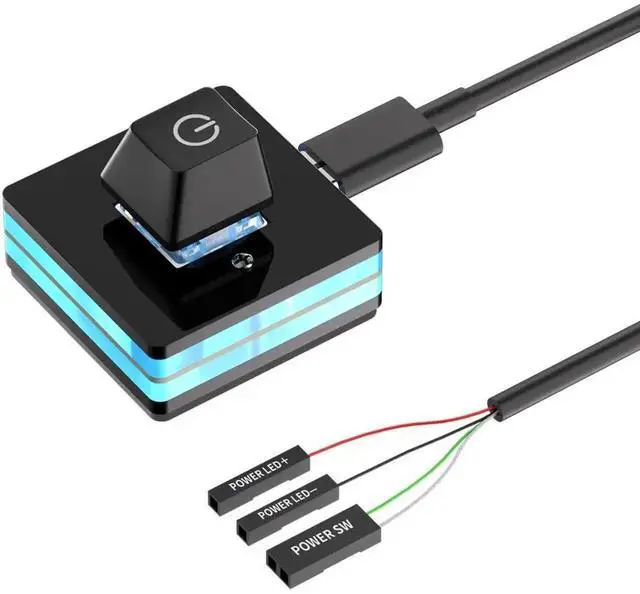
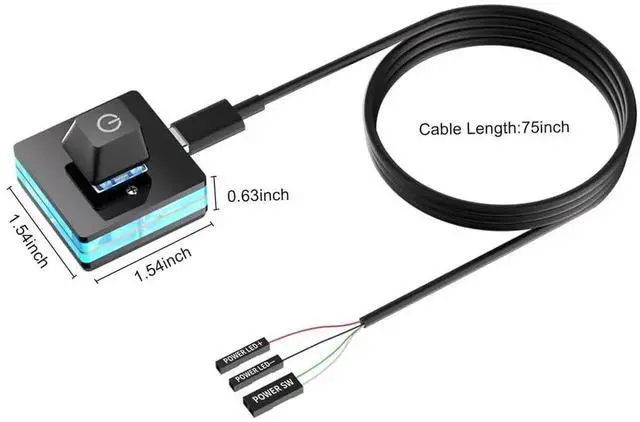
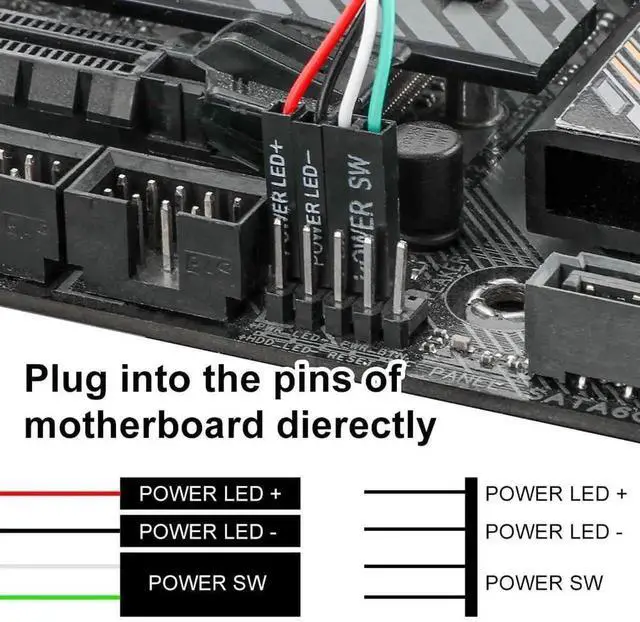
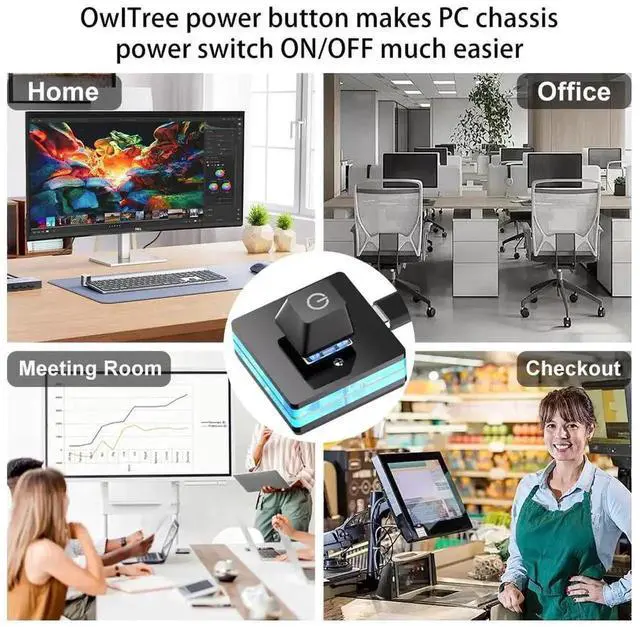
This external PC power button serves as an extended power switch for desktop computers. It connects directly to the motherboard front panel power header, enabling you to power on and shut down your computer externally instead of using the original chassis power button.
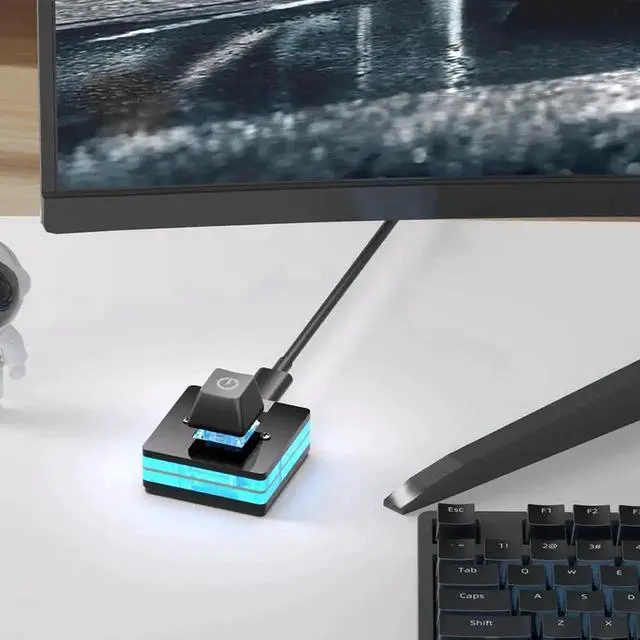
It is an ideal accessory for open air test benches, bare computer setups, overclocking platforms, and equipment debugging environments where the case power button is inaccessible. The durable switch module delivers stable contact performance and prevents frequent startup failure caused by poor contact.
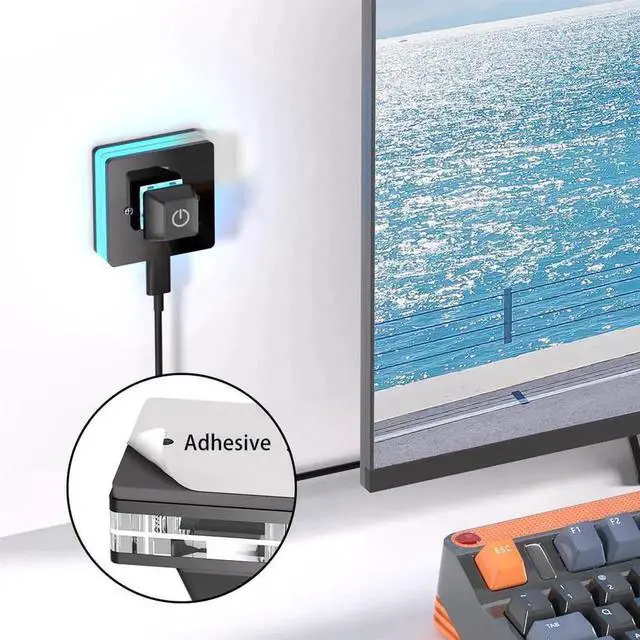
Easy to install without complicated configuration. Just plug the terminal into the corresponding motherboard power pins, and you can place the button on your desktop for easy access. Universally fits most ATX, MATX, ITX motherboards. Perfect for DIY PC builders, hardware testers and enthusiasts who need convenient external power control.