Your Browsing History
Meet Your Seller
PC Power Button Desktop, Desktop Computer External Power Switch,PC Power Supply Button SW Extension for Computer Motherboard-2M (Black)
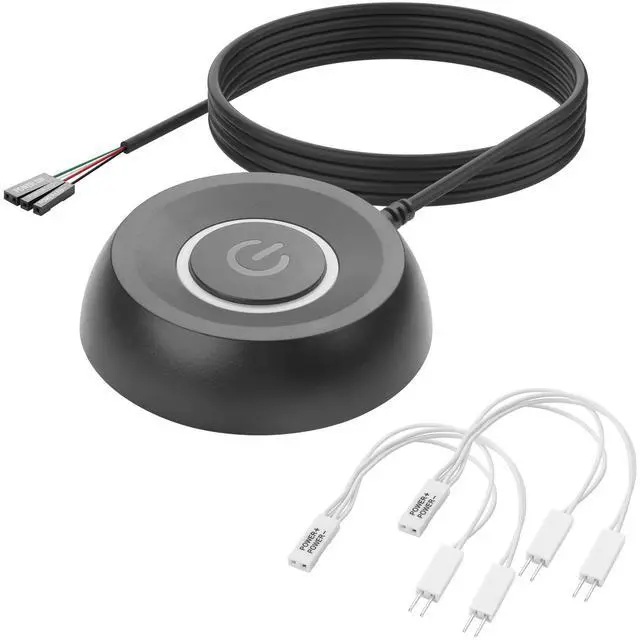
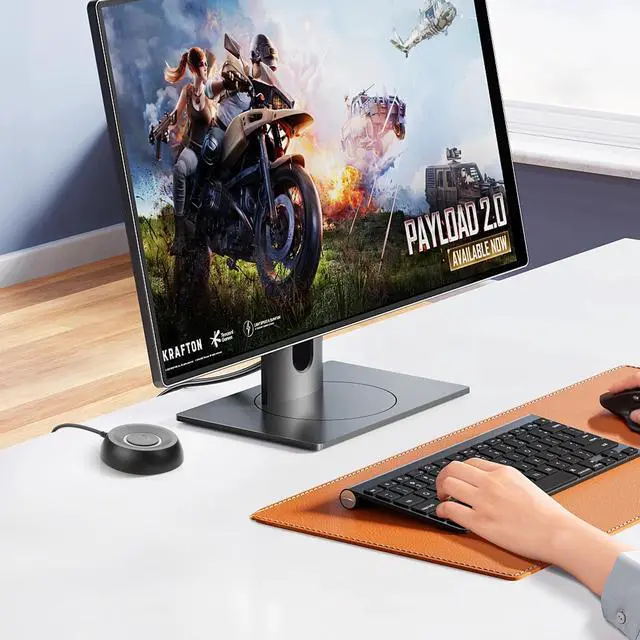
- External Desktop PC Power SwitchThis external power button is specially designed for desktop computers. It can directly connect to the 4-Pin power-on pins on the motherboard, easily solving the problems of damaged original switch or inconvenient operation of the case switch. You can achieve quick startup/restart without disassembling the case.
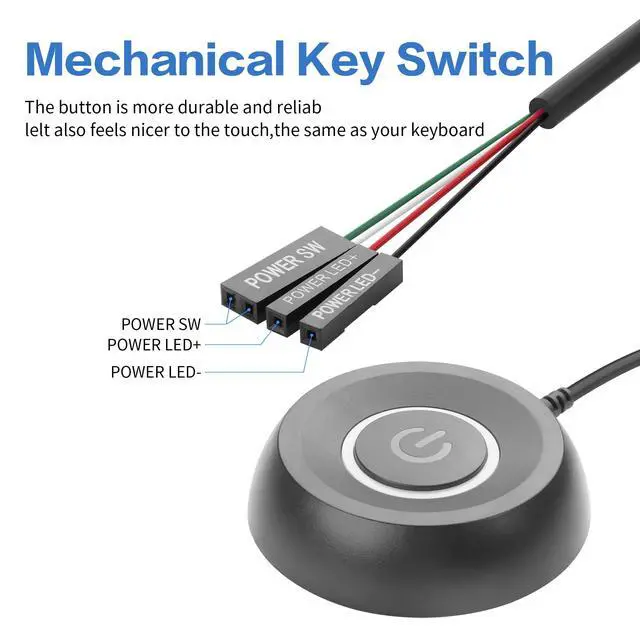
- Easy to install by StickerPlease check the installation instructions on product description. Just connect the POWER LED+, POWER LED-,POWER SW connectors with motherboard and stick the adhesive
- Repair and replacement solutionsIf the button on the chassis panel is damaged, this repair is a very good choice. The switch wiring can be inserted from the optical drive position on the front panel, the fan window on the back panel, the expansion slot on the back panel, etc.
- Wide compatibilityRemote pc power switch suitable for most ATX standard motherboards and desktop computer cases, compatible with desktop computers, gaming computers, workstations and custom tower cases. Equipped with a standard 4-Pin interface, plug-and-play, easy installation.
+
+
Overview
Specs
Reviews
Any questions? Our AI mode will help you find out quickly.
Try me now
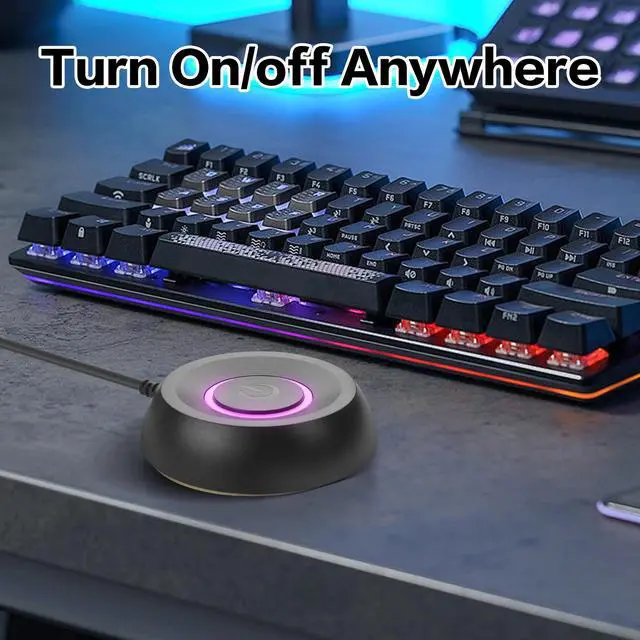
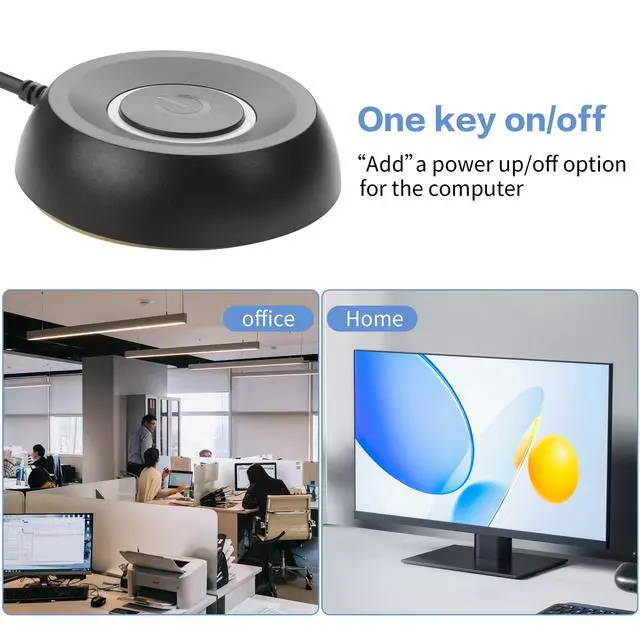
Enhance the convenience of your desktop computer operation! This PC external power switch is specially designed for desktop computer users, providing a simple and reliable power control solution.
Whether the original case switch is damaged, inconvenient to press, or you are conducting computer testing or modification, this plug-and-play power button can meet your needs.
Features
1. Making Power Computer much easier.
2. A good replacement for broken computer host switch.
3. 3M adhesive stickers
4. Simple to install.
Package included:
1* Computer Power Switch ON/OFF with 2M cable
2* Power SW splitter cable.
Warranty & Returns
Warranty, Returns, And Additional Information
Warranty
- Please contact the Seller directly for warranty information. Warranty information may also be found on the Manufacturer's website.
- CONTACT
Return Policies
- Return for refund within: 30 days
- Return for replacement within: 30 days
- This item is covered by BrightMart Shop Return Policy
Manufacturer Contact Info
- For a directory of all our manufacturers, please click below.
- Manufacturers Directory
LOADING...