




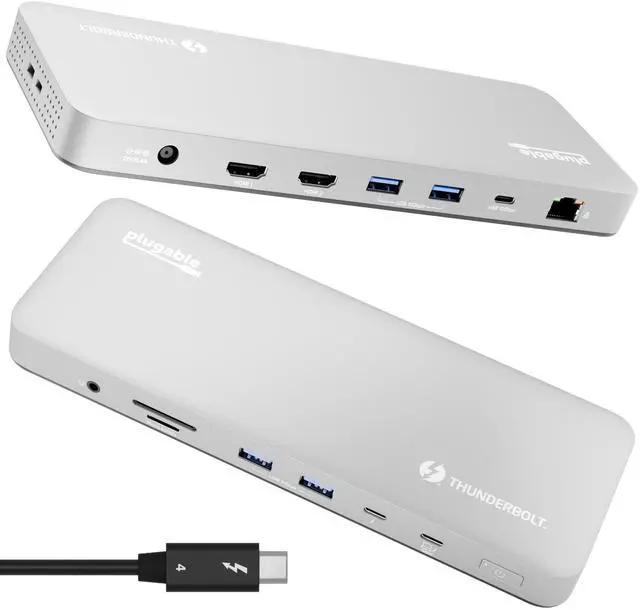








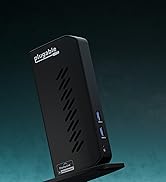



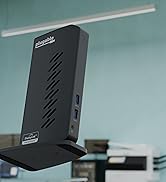
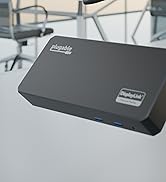

Plugable Thunderbolt 4 Dock for M4 MacBooks
Merchant Video


Do I need to install software or drivers in order to use the TBT-UDM?
No software or driver installation is necessary in order to use the TBT-UDM. This dock is not compatible with DisplayLink.
Is this dock compatible with M1 / M2 / M3 / M4 / M5 Macs?
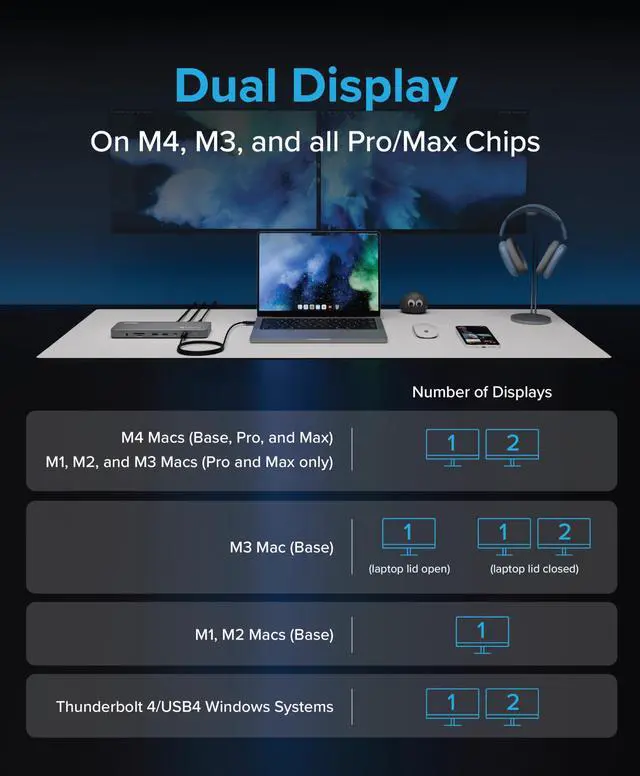
Yes, with important qualifications. M4 / M5 Macs, base M3 Macs (with lid closed), and all M-Series Macs with Pro or Max processors support two external displays. Base M1 and M2 processors will support one external display.
Why should I choose a dock with extra downstream Thunderbolt ports?
Downstream Thunderbolt ports provide flexibility. If the host has a Thunderbolt 4 port, then the downstream Thunderbolt port will work as a Thunderbolt 4 port which allows Thunderbolt 4, 3 and USB-C devices to be connected
Are my monitors compatible with the TBT-UDM docking station?
HDMI monitors are supported up to 4K 60Hz. For monitors with USB-C ports, up to a single 6K display (8K on Windows) can be connected via the front Thunderbolt port. Note, a total maximum of two displays can only be connected at a single time.
Plugable Thunderbolt Docking Stations
 TBT-UDM |  TBT4-UD5 |  TBT-UDT3 |  TBT4-UDZ | |
|---|---|---|---|---|
Customer Reviews | — | — | — | — |
Price | — | — | — | — |
Laptop Compatibility | Thunderbolt 5 & 4, USB4 | Thunderbolt 5 & 4, USB4 | Thunderbolt 5 & 4, USB4 | Thunderbolt 5 & 4, USB4, USB-C |
Laptop Charging | 100W (96W Certified) | 100W (96W Certified) | 140W | 100W (98W Certified) |
Max # of Displays | Up to 2x | Up to 2x | Up to 2x (may require USB-C) | 2x TB4 Mac, 4x TB4 Windows |
Downstream Thunderbolt Ports | 1 | 1 | 3 | 0 |
# of Ports | 13 | 13 | 11 | 16 |
Ethernet | 1.0 Gigabit | 1.0 Gigabit | 2.5 Gigabit | 1.0 Gigabit |
Media Card Reader | Full-size SD and microSD | Full-size SD and microSD | Full-size SD and microSD | Full-size SD and microSD |
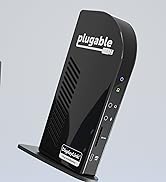
Orientation | Horizontal | Horizontal | Vertical or Horizontal | Vertical or Horizontal |
Plugable Thunderbolt 4 Dock for M4 MacBooks
Merchant Video


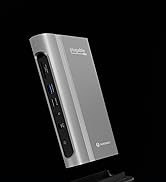
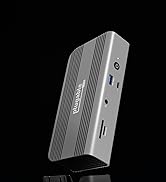
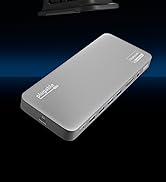
| Designed for Mac | The TBT-UDM has a premium Space Gray aluminum enclosure that fits in perfectly with your sleek MacBook setup |
|---|---|
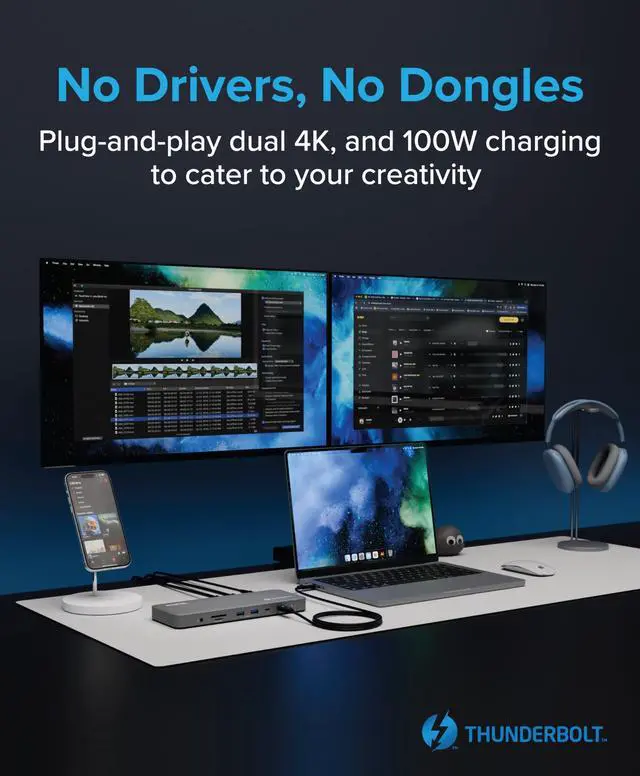
| Dual 4K or Single 6K | This Thunderbolt 4 docking station can support up to 2x 4K displays via HDMI, or a single 6K display (8K on Windows) on the downstream Thunderbolt 4 port. Increase your productivity with this docking station dual monitor solution. Display support is dependent on host video capabilities over USB-C. |
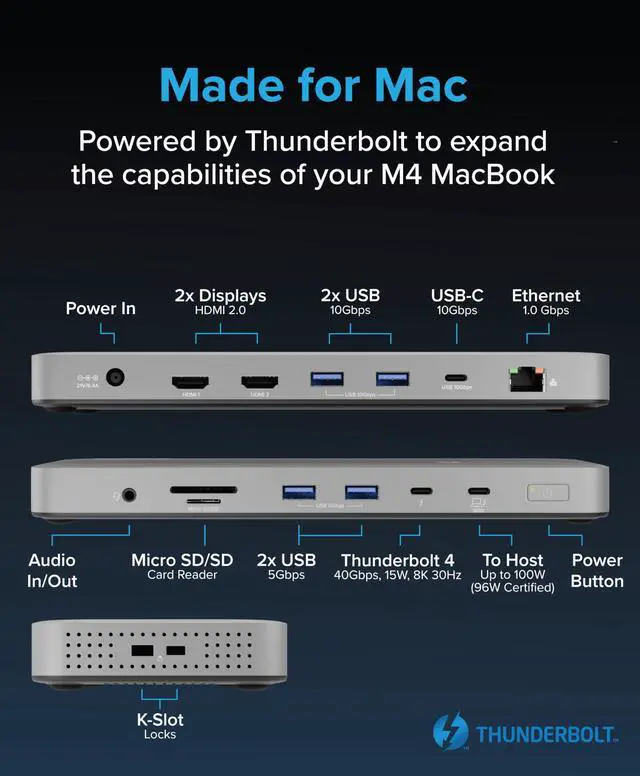
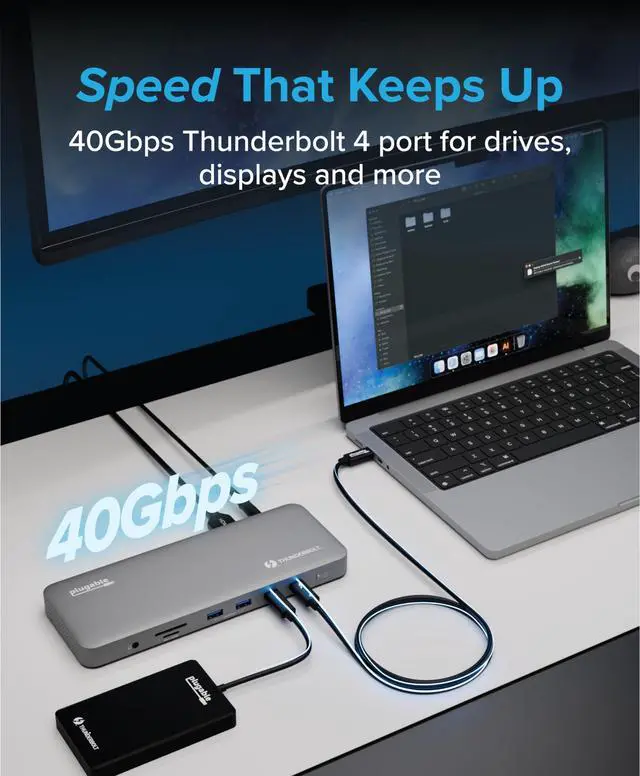
| Downstream Thunderbolt 4 Port | Equipped with a downstream Thunderbolt 4 port that supports up to 40Gbps bandwidth. Use it to connect USB-C and Thunderbolt peripherals such as external drives, USB-C monitors, and AI enclosures. |
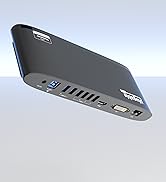
| Do It All with 13 Ports | The TBT-UDM has all the ports you need: 2x HDMI, 1x Downstream Thunderbolt 4 (40Gbps), 4x USB (2x 10Gbps, 2x 5Gbps), 1x USB-C (10Gbps), SD and microSD Card Slots, Combo Audio Jack, Gigabit Ethernet (1Gbps*) *Actual Ethernet port speed determined by OS version and host model. |
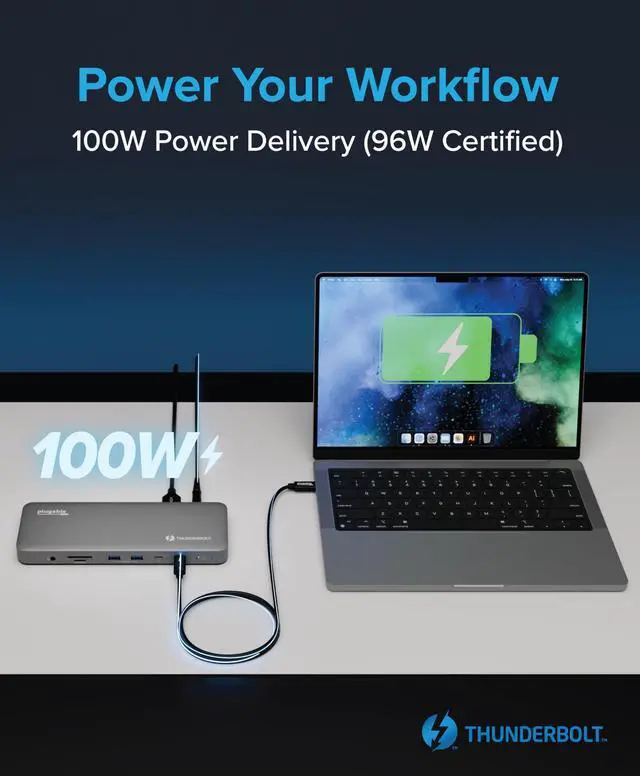
| 100W Power Delivery | With 100W of USB Power Delivery (96W Certified), you can be sure that your laptop stays charged all throughout the day. If your laptop needs less power, the docking station adjusts and only sends the optimal wattage, ensuring battery health. |
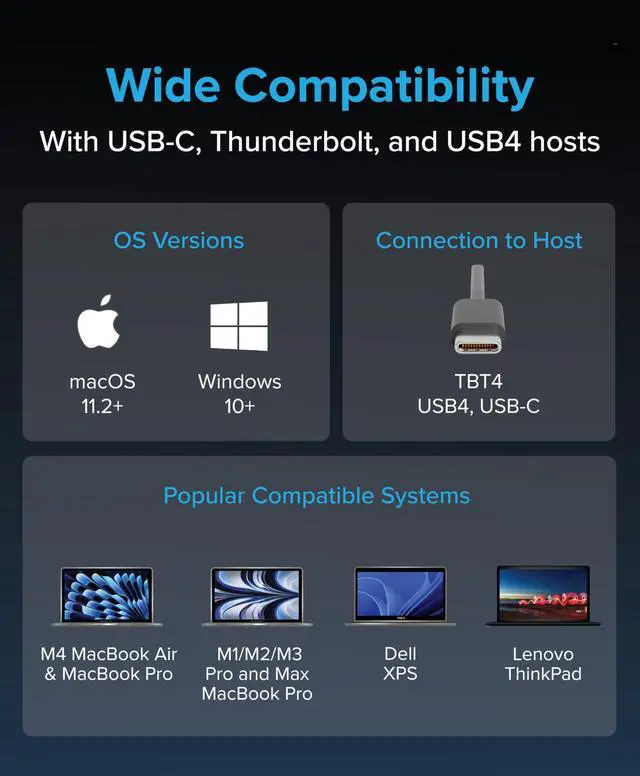
| Compatibility | For Mac systems dual display is supported Pro or Max CPUs, base model M3 CPU’s with the lid closed, and all M4 / M5 CPUs. Single display is supported on base model M1 and M2 CPUs. 2x displays supported on Windows 10+ Thunderbolt 4 or USB4 systems. |
Do I need to install software or drivers in order to use the TBT-UDM?
No software or driver installation is necessary in order to use the TBT-UDM. This dock is not compatible with DisplayLink.
Is this dock compatible with M1 / M2 / M3 / M4 / M5 Macs?
Yes, with important qualifications. M4 / M5 Macs, base M3 Macs (with lid closed), and all M-Series Macs with Pro or Max processors support two external displays. Base M1 and M2 processors will support one external display.
Why should I choose a dock with extra downstream Thunderbolt ports?
Downstream Thunderbolt ports provide flexibility. If the host has a Thunderbolt 4 port, then the downstream Thunderbolt port will work as a Thunderbolt 4 port which allows Thunderbolt 4, 3 and USB-C devices to be connected
Are my monitors compatible with the TBT-UDM docking station?
HDMI monitors are supported up to 4K 60Hz. For monitors with USB-C ports, up to a single 6K display (8K on Windows) can be connected via the front Thunderbolt port. Note, a total maximum of two displays can only be connected at a single time.
Plugable Thunderbolt Docking Stations
TBT-UDM | TBT4-UD5 | TBT-UDT3 | TBT4-UDZ |
|---|---|---|---|
| Customer Reviews | |||
| — | — | — | — |
| Price | |||
| — | — | — | — |
| Laptop Compatibility | |||
| Thunderbolt 5 & 4, USB4 | Thunderbolt 5 & 4, USB4 | Thunderbolt 5 & 4, USB4 | Thunderbolt 5 & 4, USB4, USB-C |
| Laptop Charging | |||
| 100W (96W Certified) | 100W (96W Certified) | 140W | 100W (98W Certified) |
| Max # of Displays | |||
| Up to 2x | Up to 2x | Up to 2x (may require USB-C) | 2x TB4 Mac, 4x TB4 Windows |
| Downstream Thunderbolt Ports | |||
| 1 | 1 | 3 | 0 |
| # of Ports | |||
| 13 | 13 | 11 | 16 |
| Ethernet | |||
| 1.0 Gigabit | 1.0 Gigabit | 2.5 Gigabit | 1.0 Gigabit |
| Media Card Reader | |||
| Full-size SD and microSD | Full-size SD and microSD | Full-size SD and microSD | Full-size SD and microSD |
| Orientation | |||
| Horizontal | Horizontal | Vertical or Horizontal | Vertical or Horizontal |


Find Your Docking Station

Shop for Mac

Shop for Windows


Shop Universal Compatability


Shop for Business