


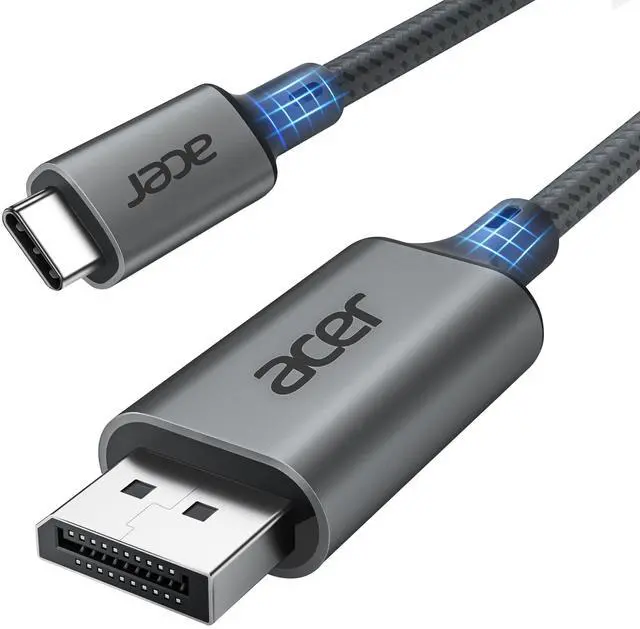
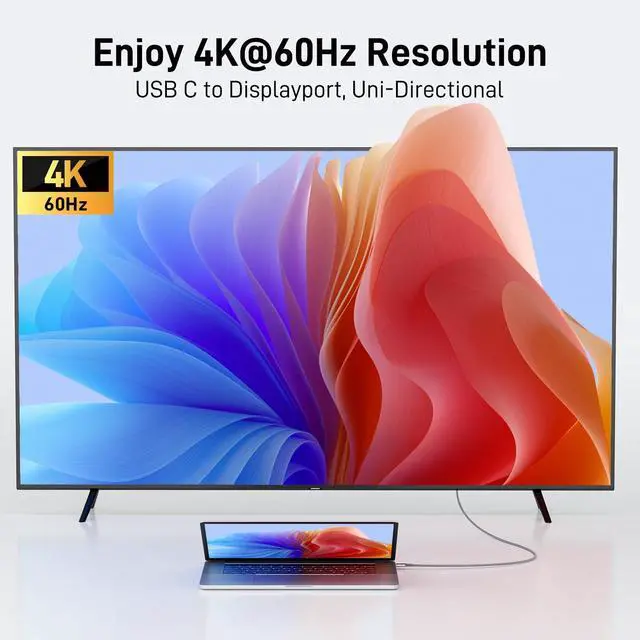
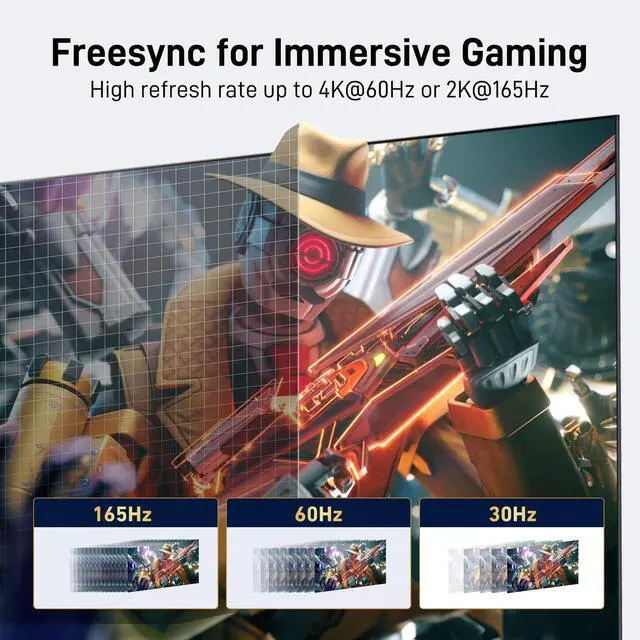
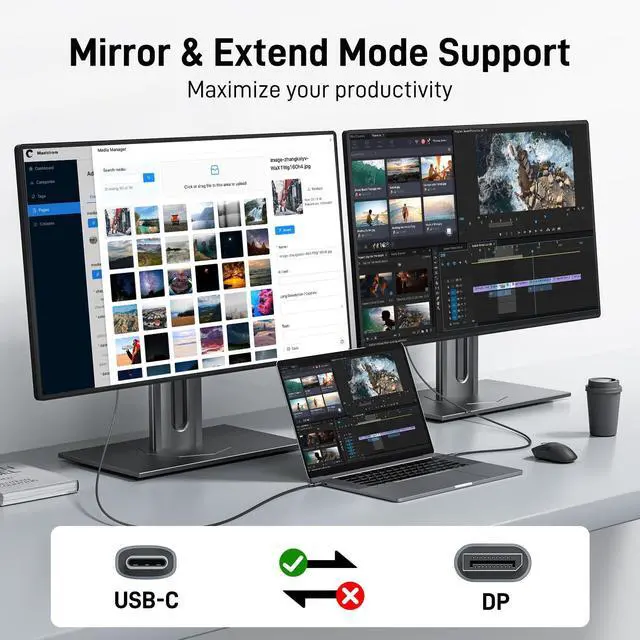
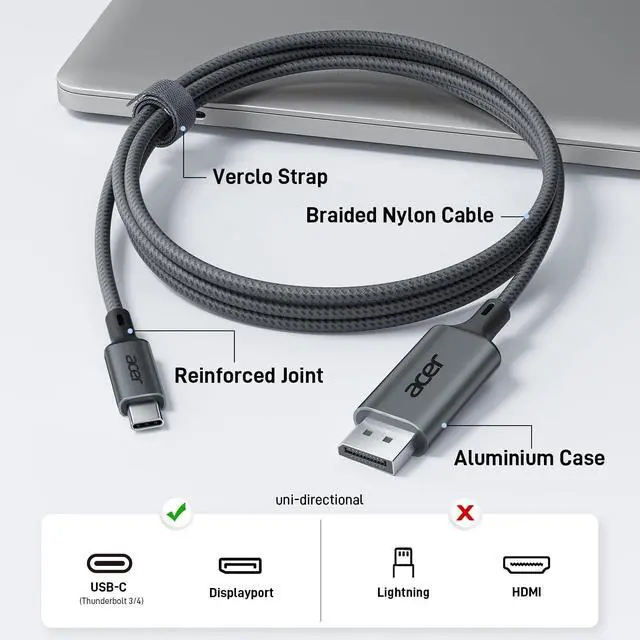




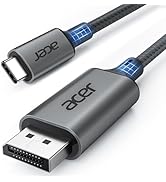
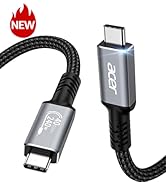
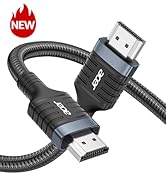
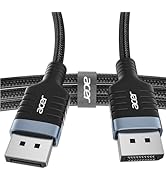
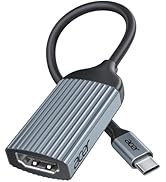
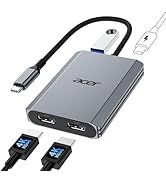
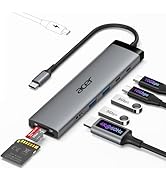
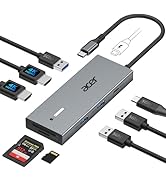
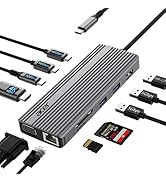
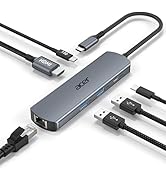
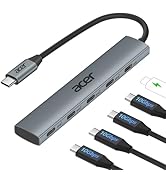
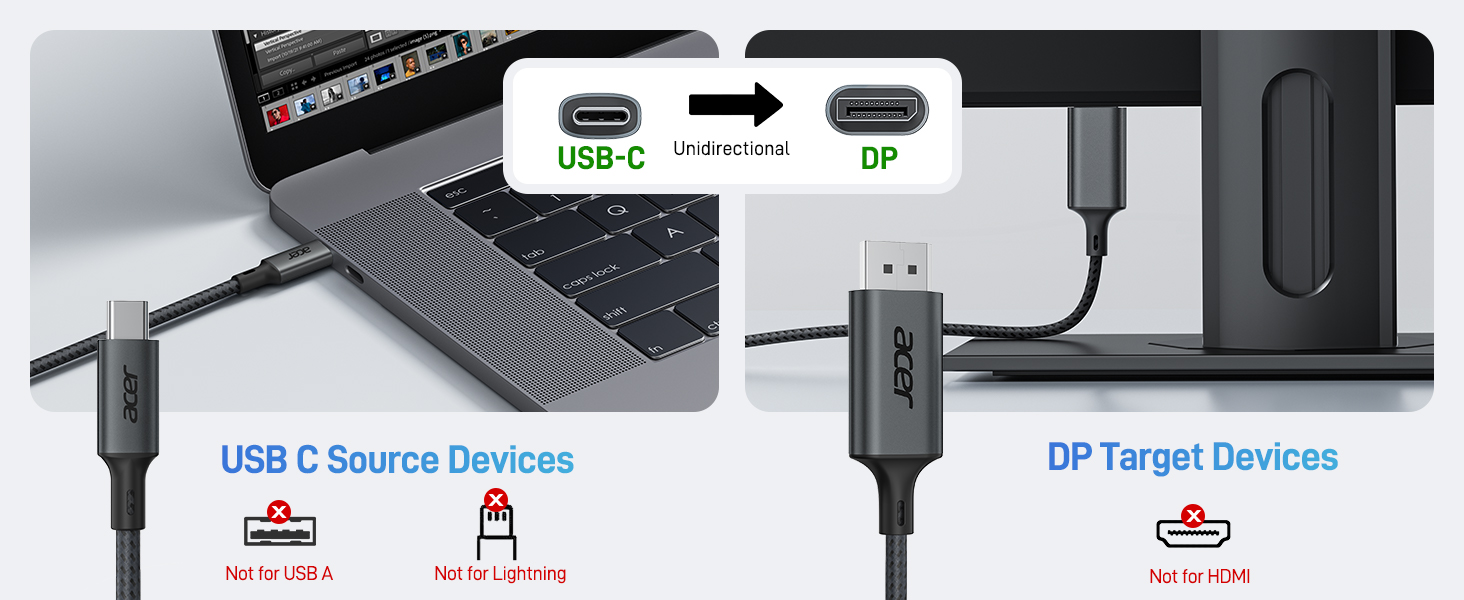
USB C to DisplayPort Cable (NOT DP to USB C)
USB C to DP
Merchant Video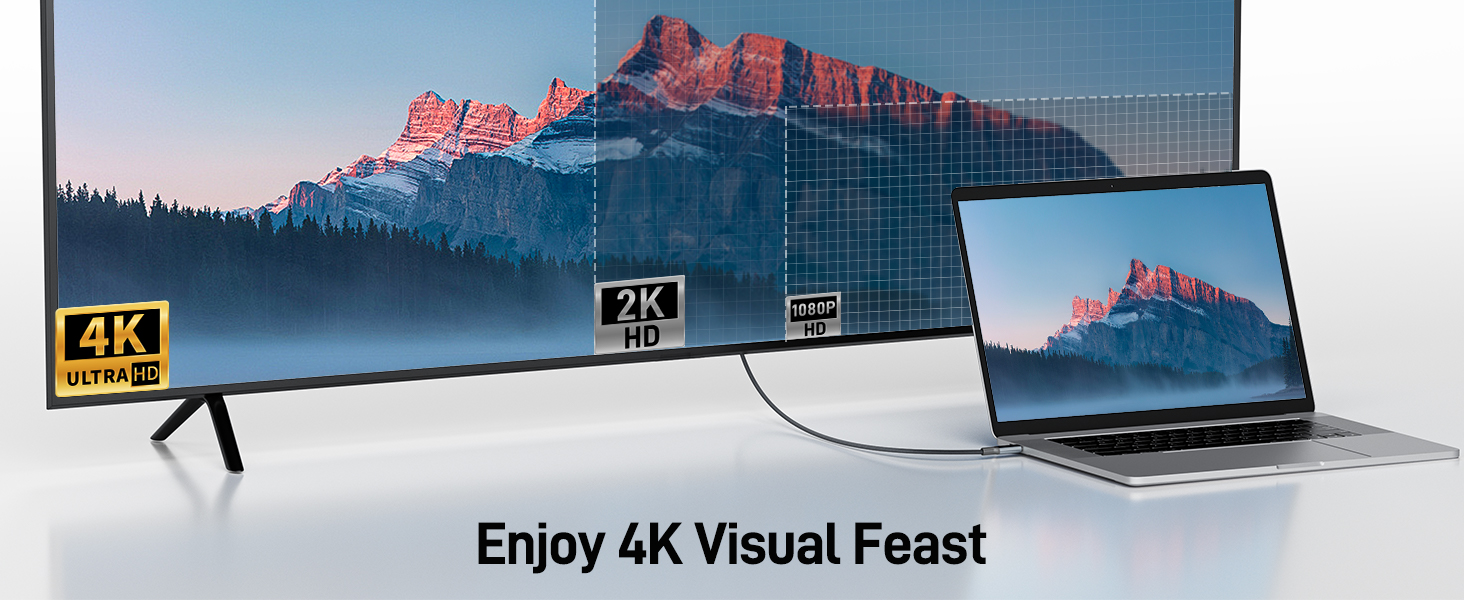
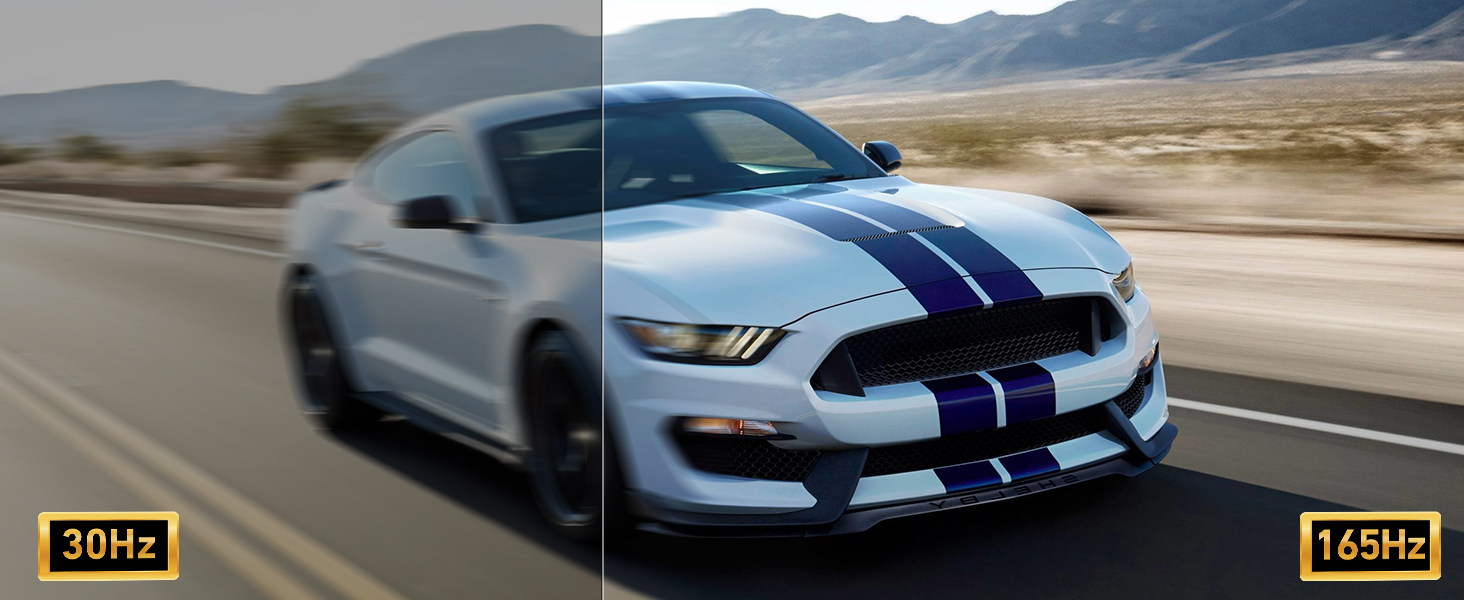
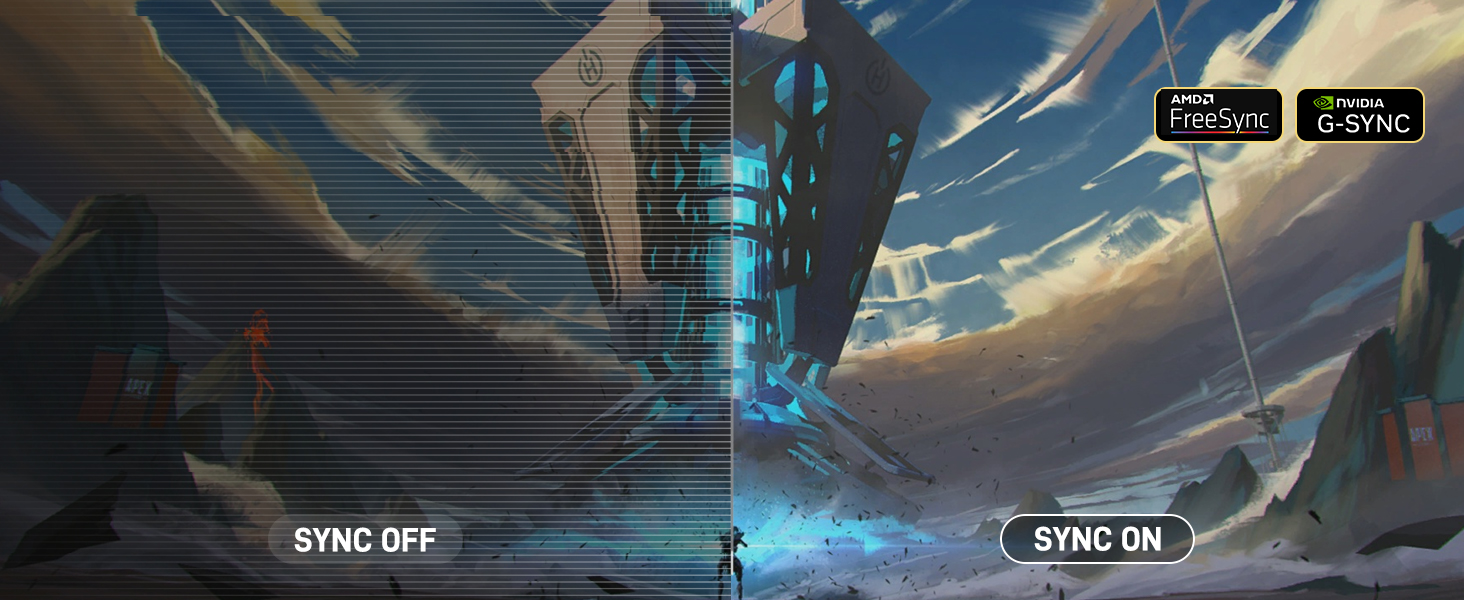
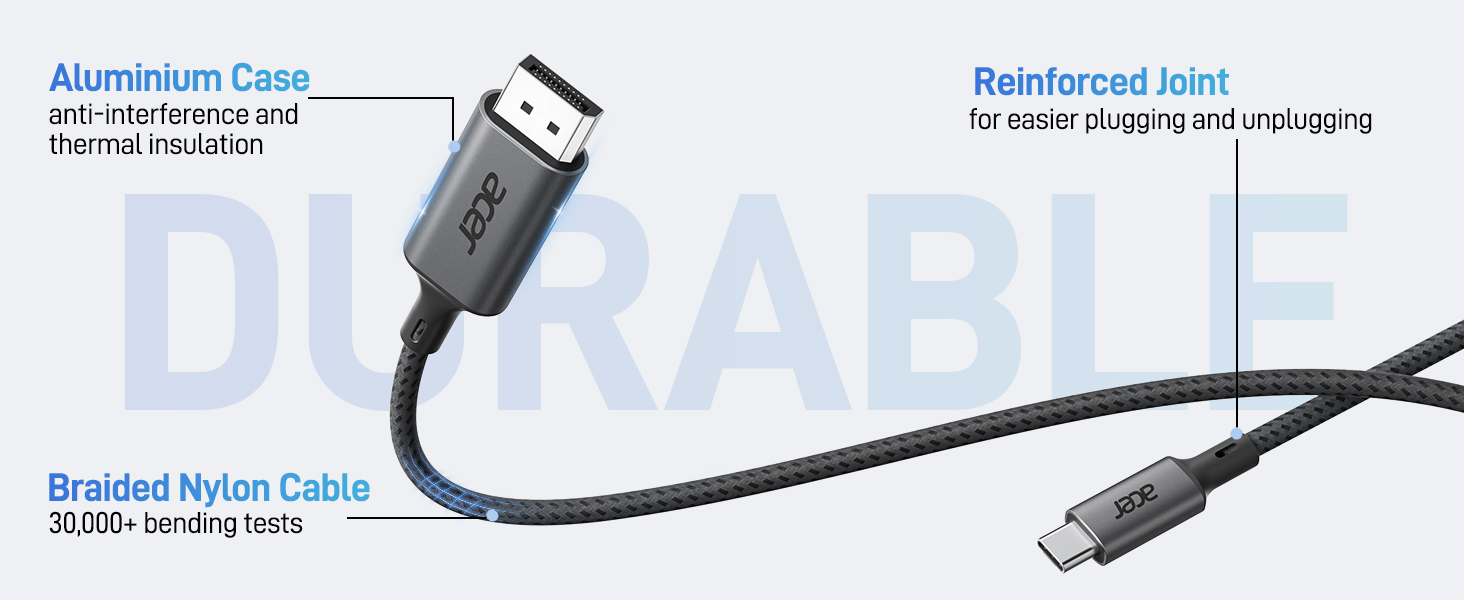
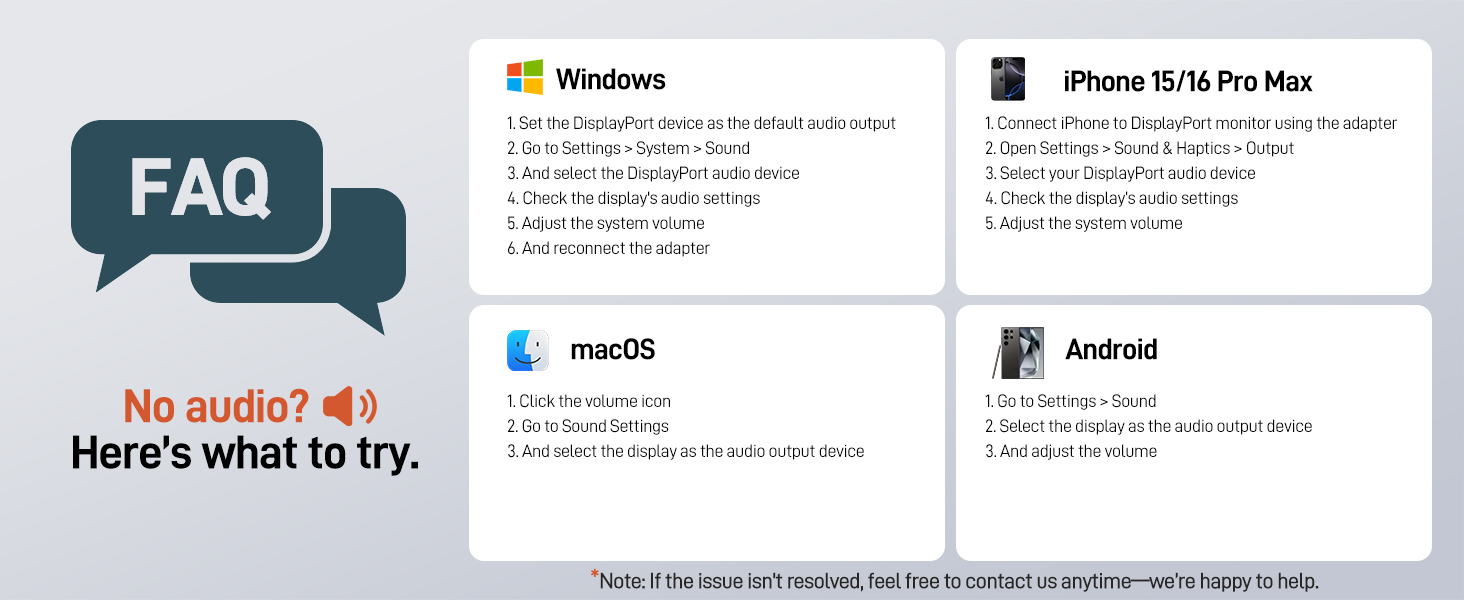
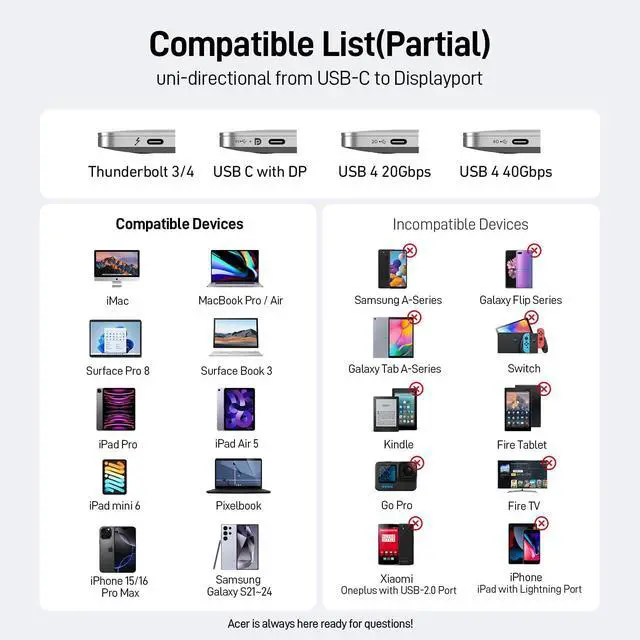
Compatibility list (partial)
acer More Choices for You
 USBC to DisplayPort Cable | 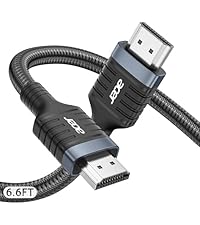 8K HDMI 2.1 Cable |  8K DisplayPort Cable | 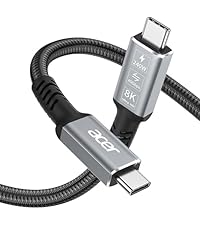 USB4 Cable | 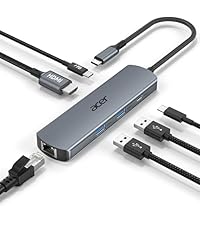 6 in 1 USB C Hub | |
|---|---|---|---|---|---|
Customer Reviews | — | — | — | — | — |
Price | — | — | — | — | — |
Source Interface | USB C | HDMI 2.1 | Displayport 1.4 | USB C | USB C |
Display Interface | Displayport | HDMI 2.1 | Displayport 1.4 | USB C | HDMI |
Max Resolution | 4K@60Hz | 8K@60Hz/4K@120Hz | 8K@60Hz/4K@240Hz | 8K@60Hz/4K@120Hz | 4K@60Hz |
Transmission Direction | Only support USB-C to DP | Only support HDMI to HDMI | Only support DP to DP | Only support USB C to USB C | Only support HDMI to HDMI |
Charging Supported | ? | ? | ? | PD 240W | PD 100W |
Data Transfer | ? | ? | ? | 40Gbps | 5Gbps |
Ethernet | ? | ? | ? | ? | 1000Mbps |
USB C to DisplayPort Cable (NOT DP to USB C)
USB C to DP
Merchant Video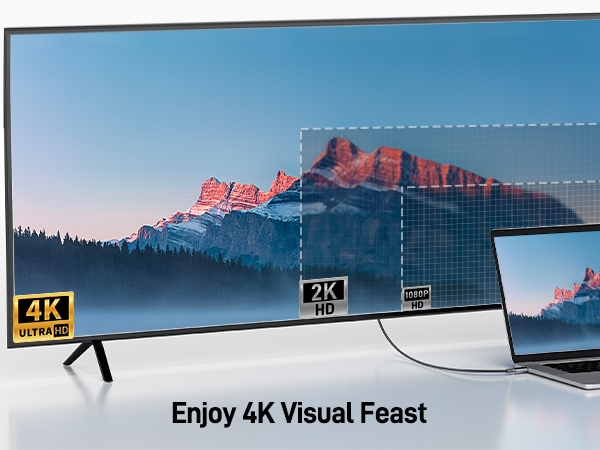
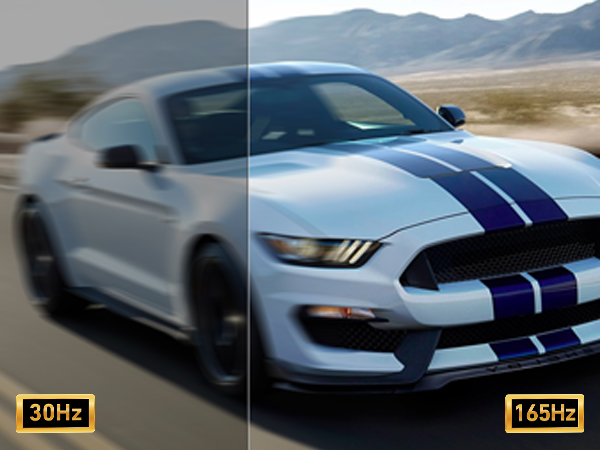
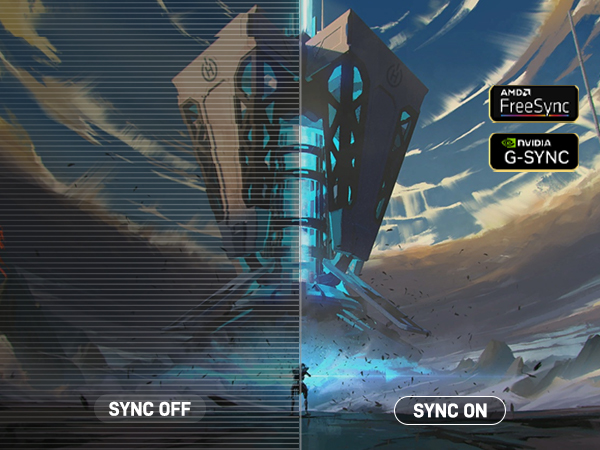
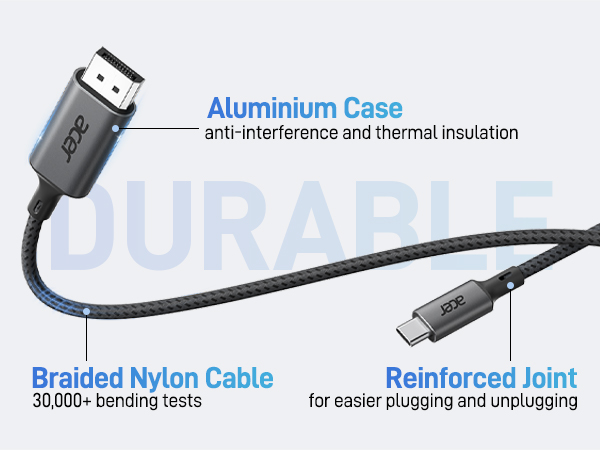
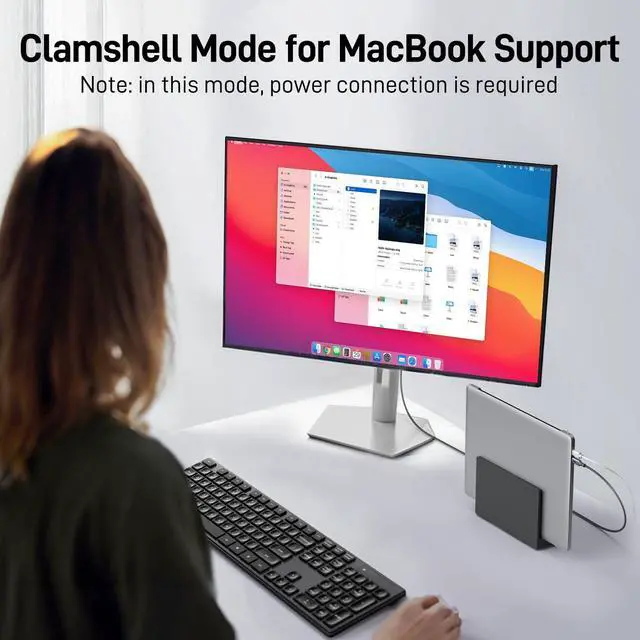
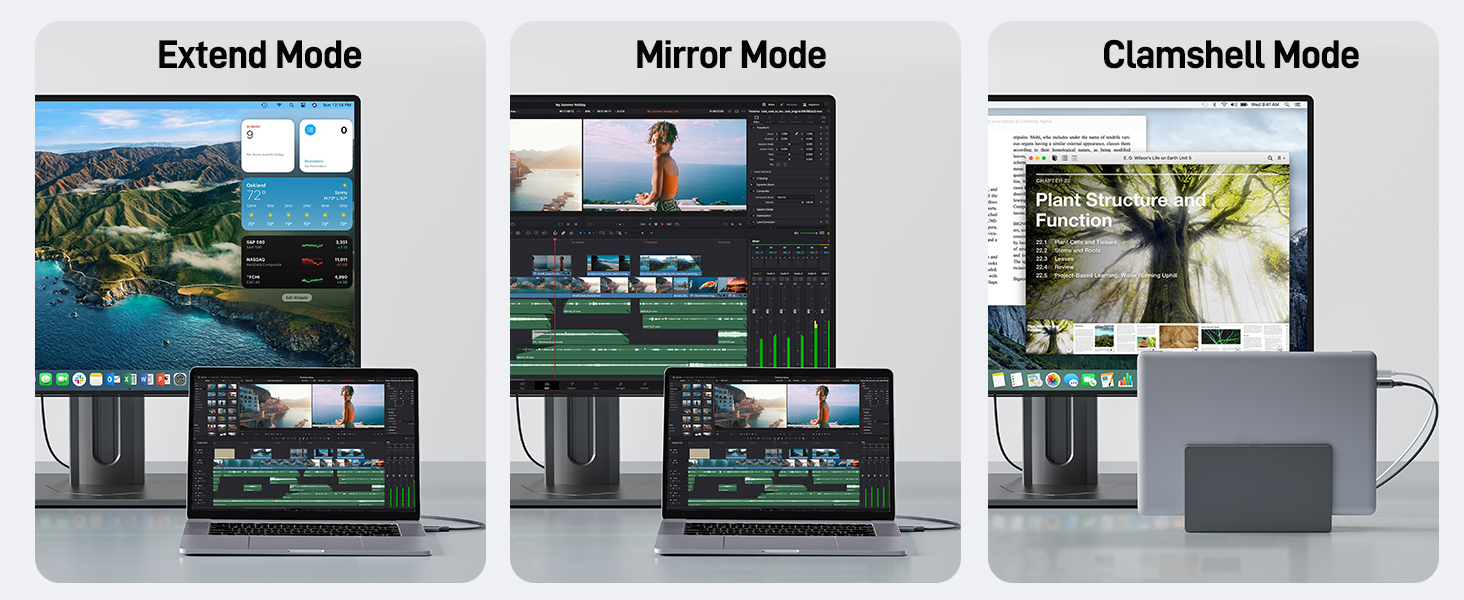
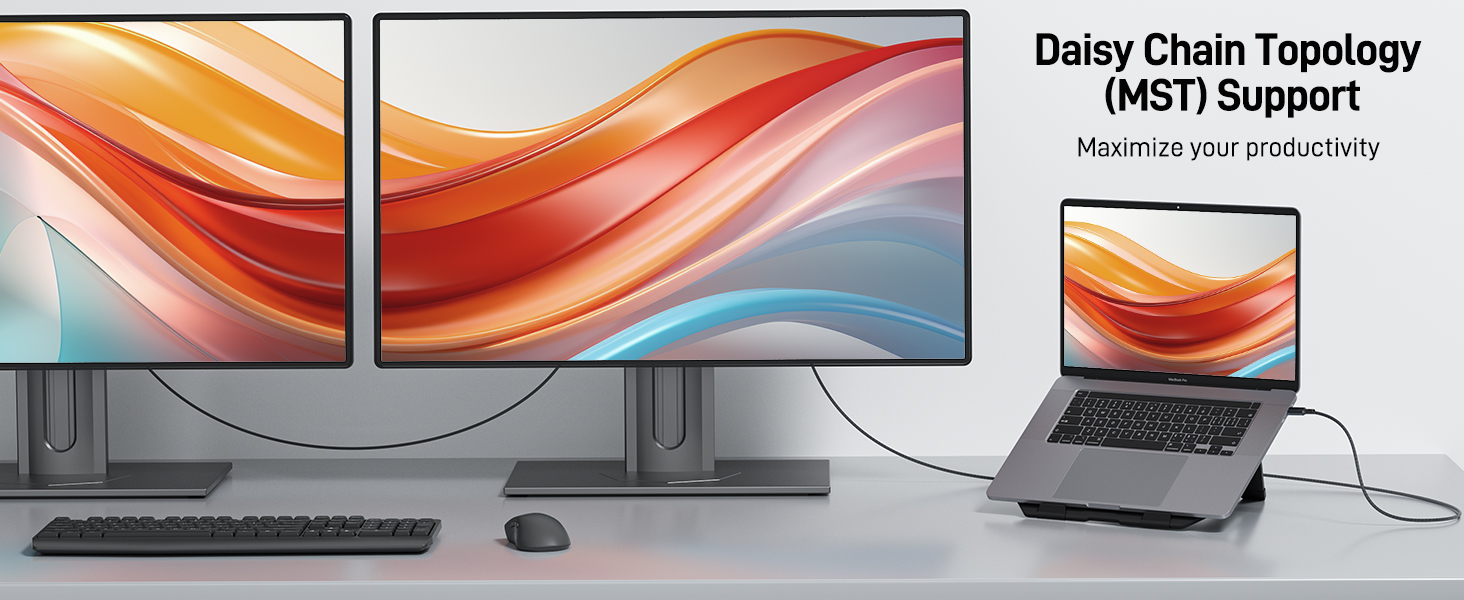
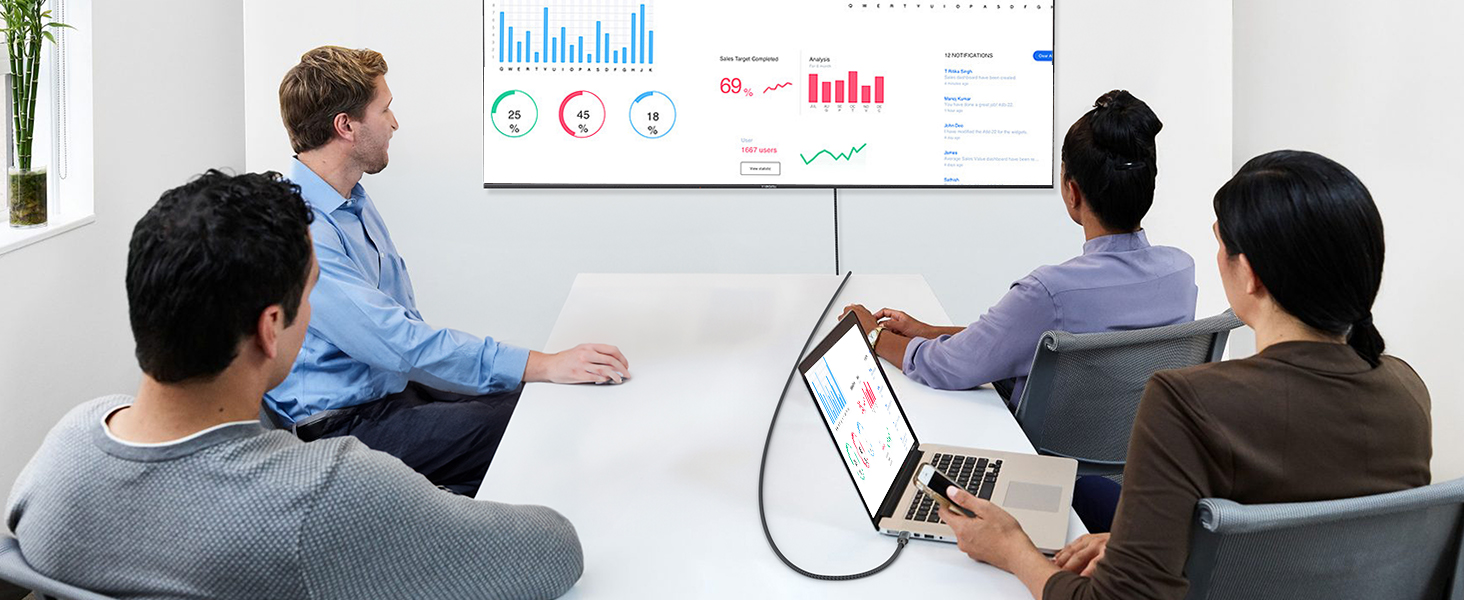
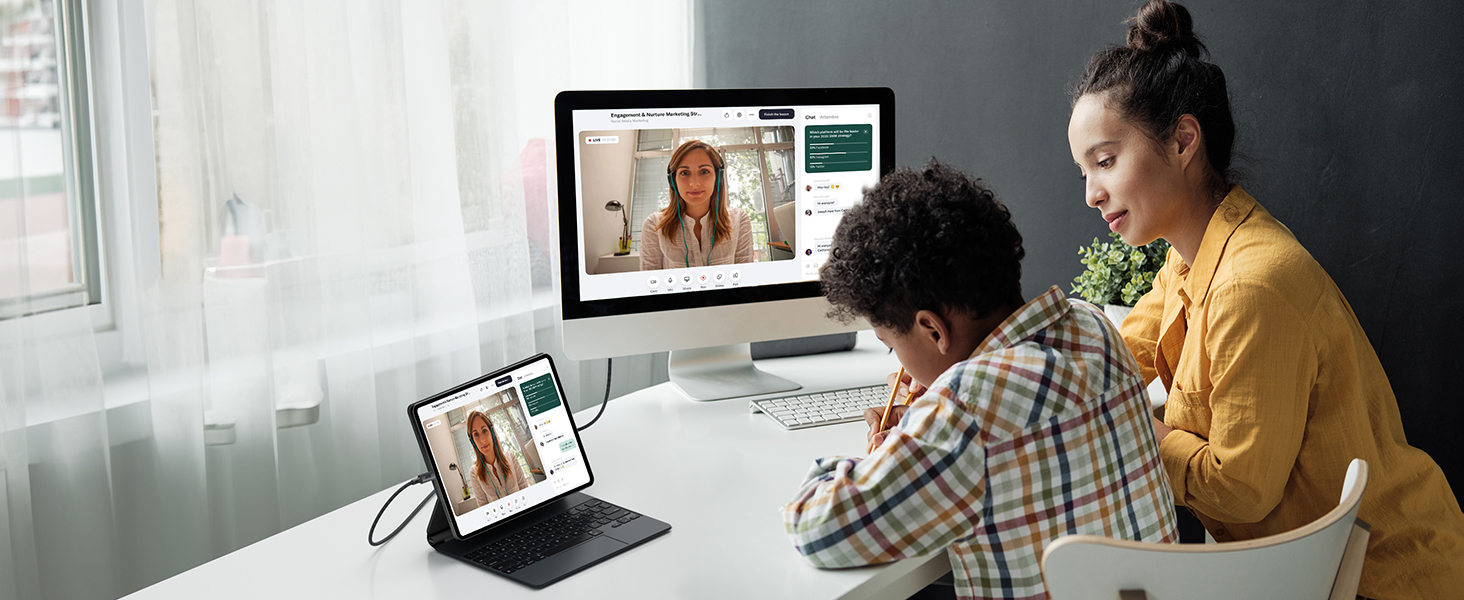
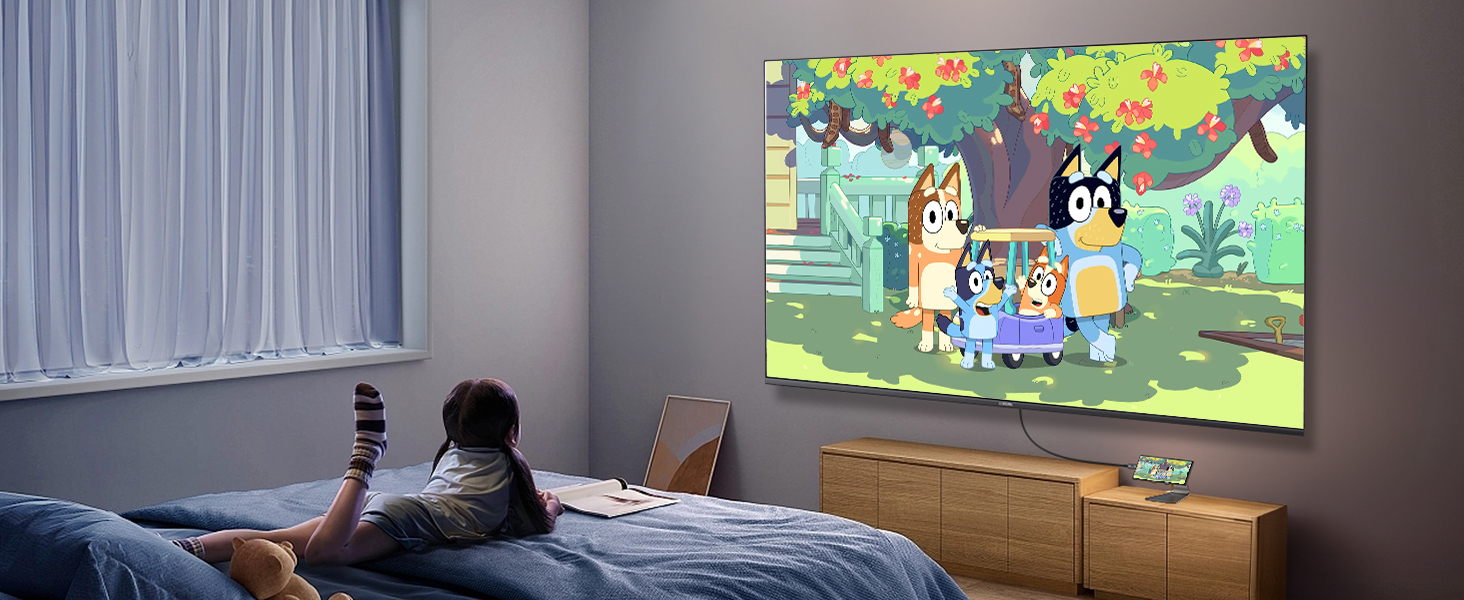
Three Different Modes
MST Daisy Chain
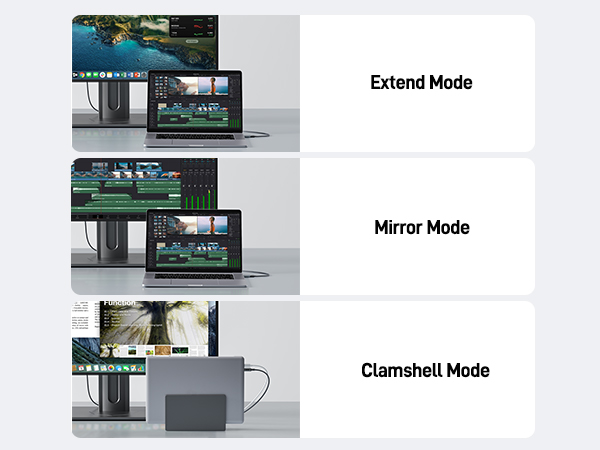
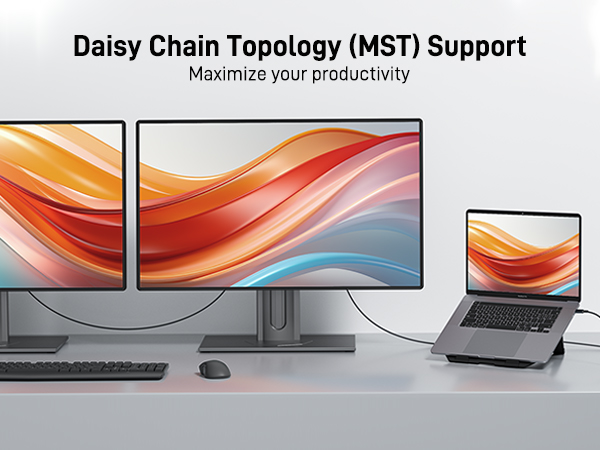
The monitor must have two DisplayPorts. Mac OS does not support it.
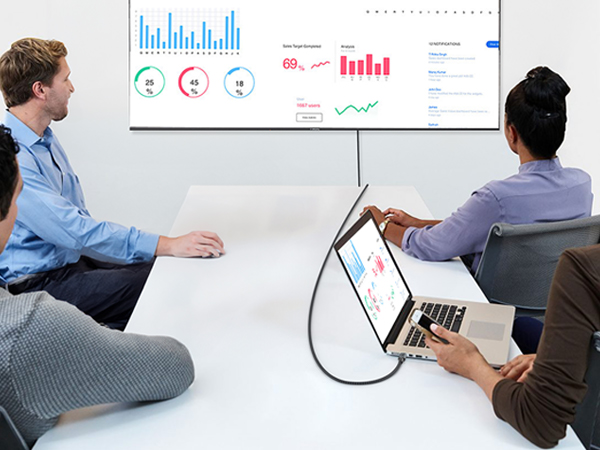

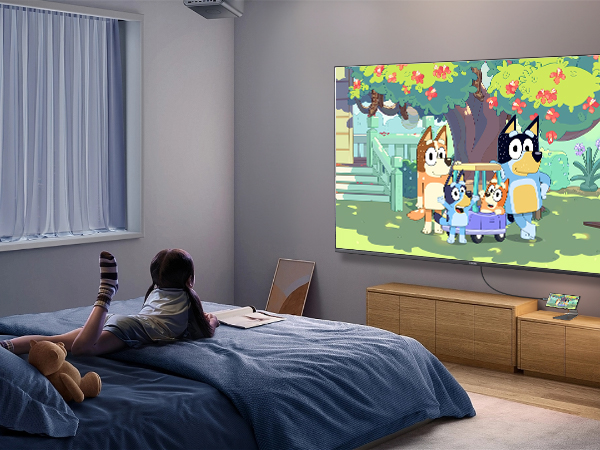
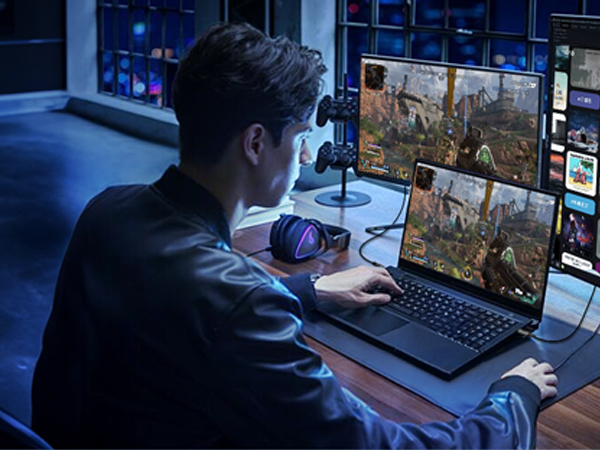
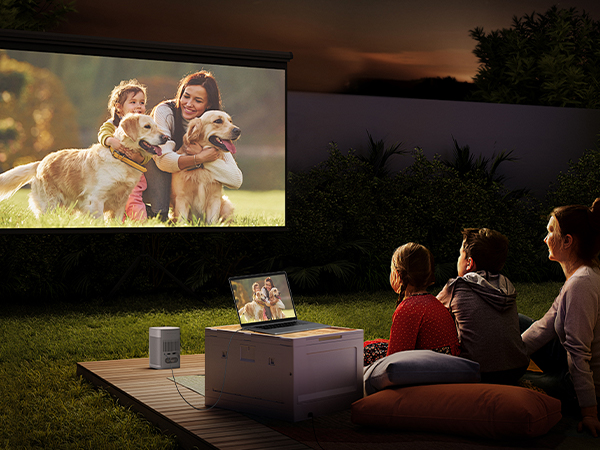
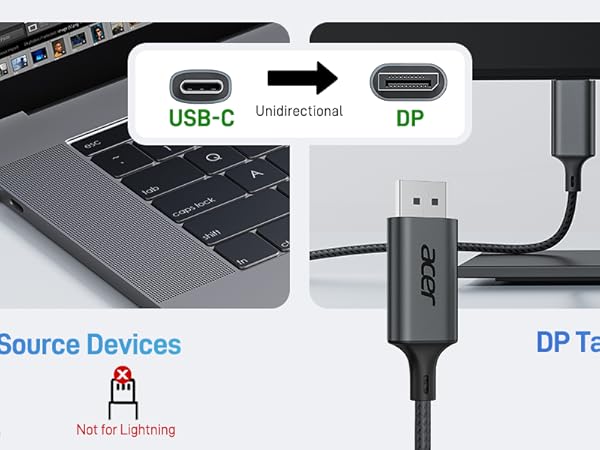
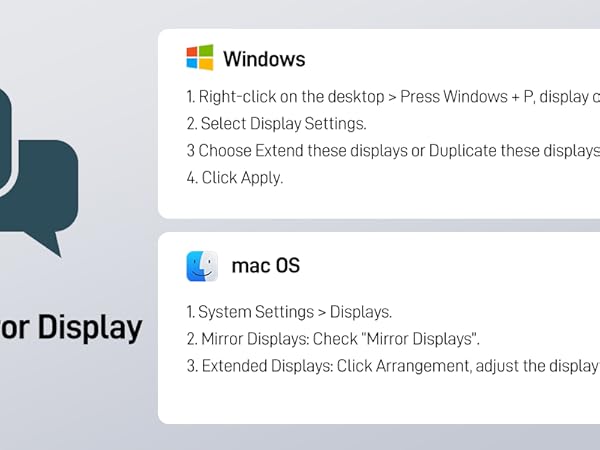
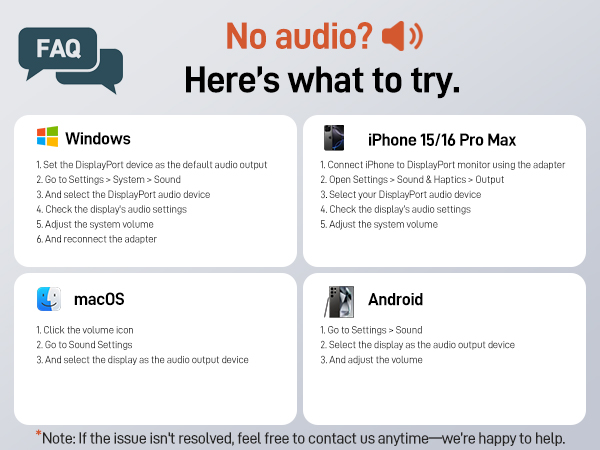
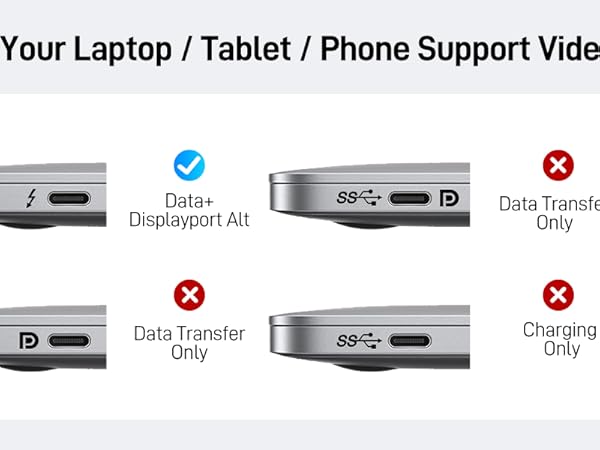
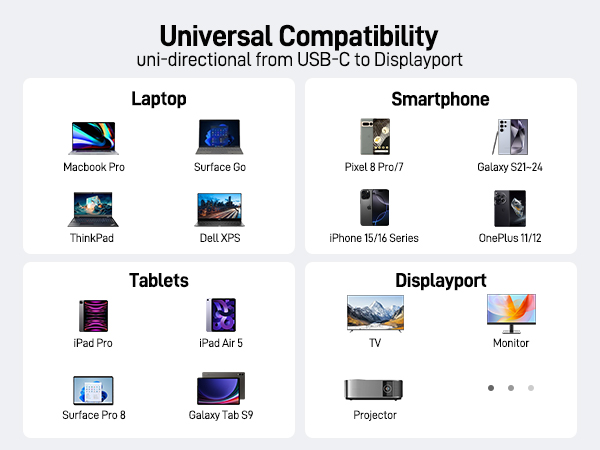
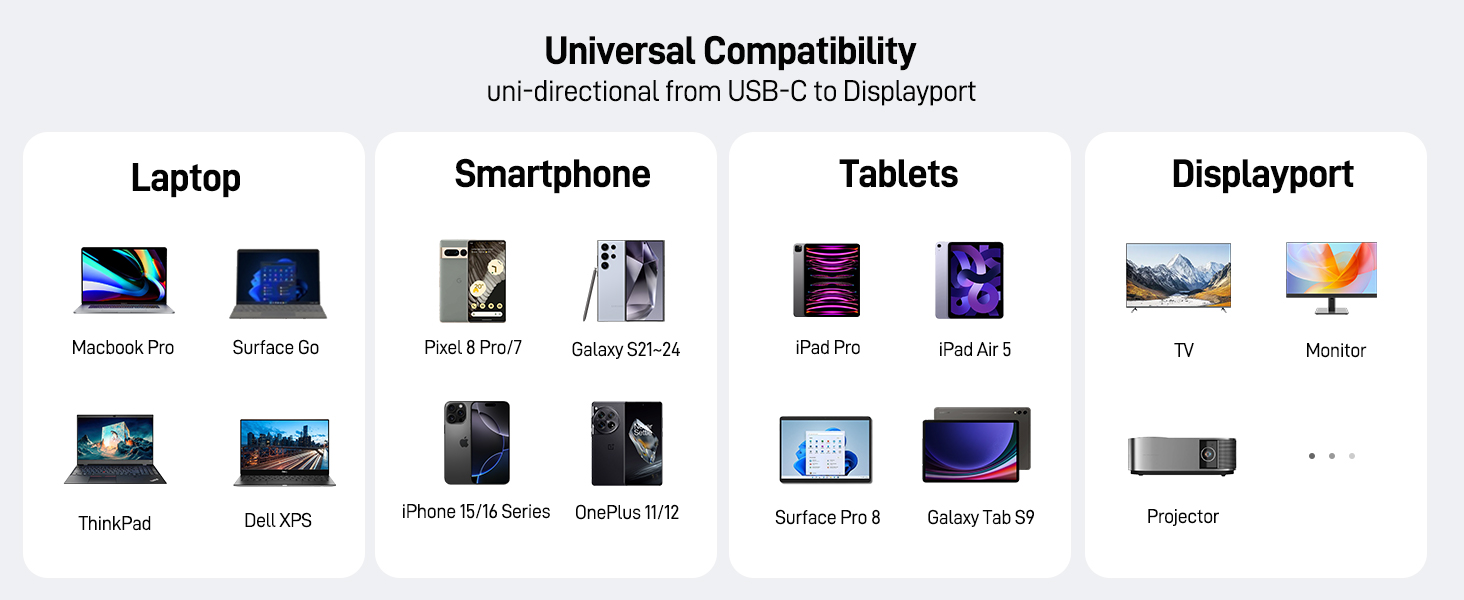
Compatibility list (partial)
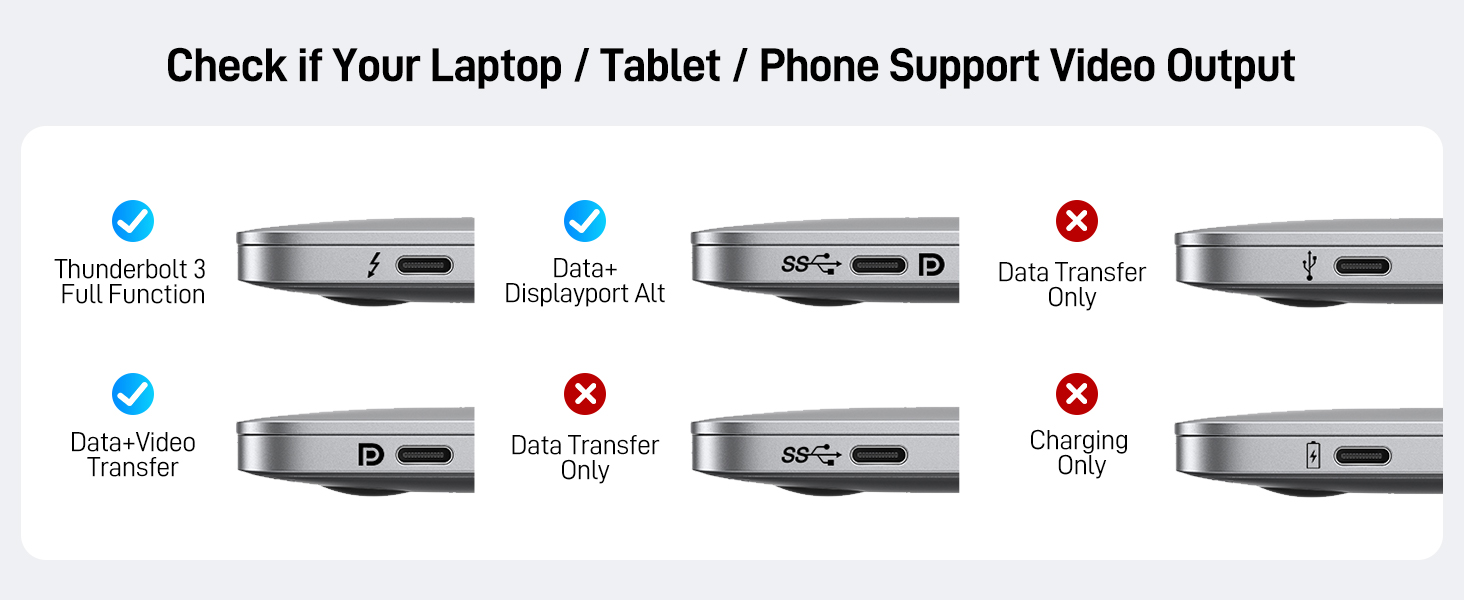
| ?? | Compatible With USBC or thunderbolt 3/4 port interfaces which support "DisplayPort Alternate Mode". |
|---|---|
| ??iPhone | iPhone 16 Pro Max/16 Pro/16 Plus/iPhone 15 Pro Max/15 Pro/15 Plus |
| ??MacBook | MacBook Pro 2024/2023/2022/2021/2020/2019, MacBook Air 2024/2022/2021/2020/2019, iMac (mid-2017 and newer), iMac Pro,Mac Mini |
| ??Galaxy | Galaxy S25 Ultra/S24 Ultra/S23/S24+/S23 Ultra/S23/S23+/S22/S22+/S22 Ultra/S21/S21 Plus/S21 Ultra/Note 20/S10/S10+/S9/S9 Plus/Tab S8/Tab S6, etc. |
| ??Samsung | Samsung Galaxy S24/ S23 / S22 / S21 / S20 / S20+ / S20 Ultra / S10e / S10 / S10+ / Note 20 / Note 9; S8 / S8+ / S9 / S9+ etc. |
| ??Dell | XPS 17/15/13, Dell Latitude 7373/5570/5490/5400, Dell Precision 15 (5510, 7540), Alienware M15/M17, Inspiron 7000 series. Inspiron 7400 series. Inspiron13-7378. Inspiron 14. Inspiron13-5330, Latitude 7420. Dell G15 Gaming Laptop, etc. |
| ??Lenovo | Lenovo Yoga 720 900 910 920, Lenovo Yoga 5 Pro, Lenovo Miix 510, ThinkPad X1 / ThinkPad X270 / ThinkPad X280 / ThinkPad X13 gen1 / ThinkPad T14 / Thinkpad T470 / T480, Legion Y520/Y530/Y7000/Y740, Tab P11 Pro/Tab P11, etc. |
| Note | Please connect USB C source to DP display directly to avoid display errors rather than via docking or hub due to hardware limitations.?????? ???????????????????? ???????? ?????? ???? ????????. |
| ? | Not compatible with devices that don't support the protocol of DP Alt Mode. |
| ?Xiaomi | Xiaomi 10T/10T pro. Redmi note10/10s/10 Pro/ Poco F4/11/11s, Realme 6/7/8. Redmi 10/Mi 9T Xiaomi 12/12 Ultra/12X/ Xiaomi Mi 11 Pro/11T/11T Pro.The devices from Xiaomi that do not support DP Alt Mode. |
| ?Handy | ALL OnePlus 2/3/3T/5/5T/6/6T, ALL Motos Handy; Lg Stylo, Moto G60,iPhone (lightning), Pixel 3 etc.,iPhone 4-14 (lightning port),iPhoe 15/16/16e |
| ?Samsung | ALL Samsung GalaxyA01/A10/A11/A12/A13/A14/a24/A32/A34/A52/A53/A54/A72/A73; Samsung S6 / S7 / J6 / J7 / M20 / M30, Samsung Galaxy Tab A / 10.1 / 10.5, Galaxy Tab S3 etc. |
| ? Motorola series | ALL Motorola series, such as Moto 6, Moto 8, etc. |
| Note | The cable does not have power supply, so it can not charge your device.The resolution and refresh rate supported by the adapter depend on the specifications of the USB-C host device and the connected display. |
| Note | ???????????? ????????: ?????? ??????-?? ???? ???? ?????????? ???????????????? ???????????????????????????? ???????????????????????? ???????? — ???????? ??????-?? ???? ????. Connect the USB-C end to a device that supports video output (DisplayPort Alt Mode), and the DP end to the DisplayPort input on your monitor. ?????????????? ???????????????????? (??.??., ???? ???? ??????-??) ???? ?????? ?????????????????? ?????? ???????? ?????? ????????????????. |
| Note | Not compatible with Ultra-Wide Monitors. |
acer More Choices for You
USBC to DisplayPort Cable | 8K HDMI 2.1 Cable | 8K DisplayPort Cable | USB4 Cable | 6 in 1 USB C Hub |
|---|---|---|---|---|
| Customer Reviews | ||||
| — | — | — | — | — |
| Price | ||||
| — | — | — | — | — |
| Source Interface | ||||
| USB C | HDMI 2.1 | Displayport 1.4 | USB C | USB C |
| Display Interface | ||||
| Displayport | HDMI 2.1 | Displayport 1.4 | USB C | HDMI |
| Max Resolution | ||||
| 4K@60Hz | 8K@60Hz/4K@120Hz | 8K@60Hz/4K@240Hz | 8K@60Hz/4K@120Hz | 4K@60Hz |
| Transmission Direction | ||||
| Only support USB-C to DP | Only support HDMI to HDMI | Only support DP to DP | Only support USB C to USB C | Only support HDMI to HDMI |
| Charging Supported | ||||
| ? | ? | ? | PD 240W | PD 100W |
| Data Transfer | ||||
| ? | ? | ? | 40Gbps | 5Gbps |
| Ethernet | ||||
| ? | ? | ? | ? | 1000Mbps |
Wired for Clarity
HDMI Port for Clarity
USB C Multiport HUB