










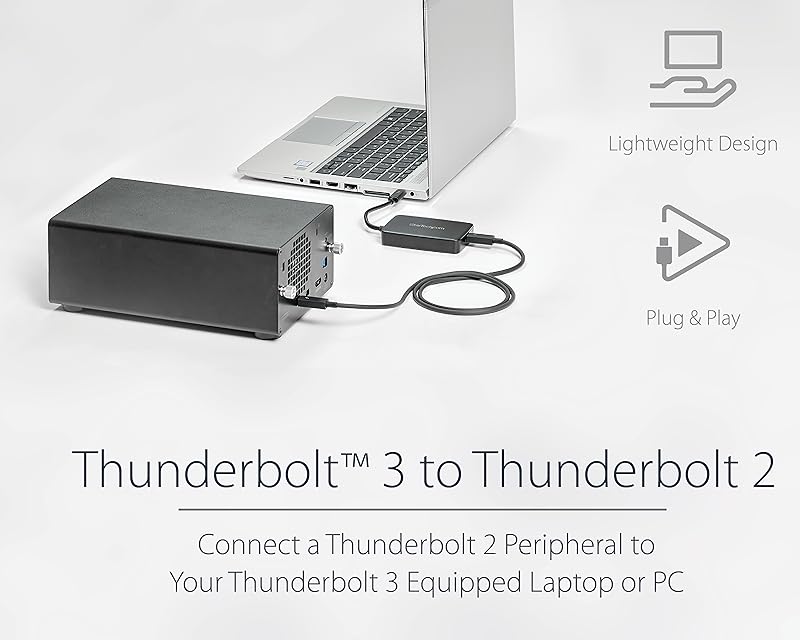
Connect Thunderbolt 3 Computers to Thunderbolt Devices
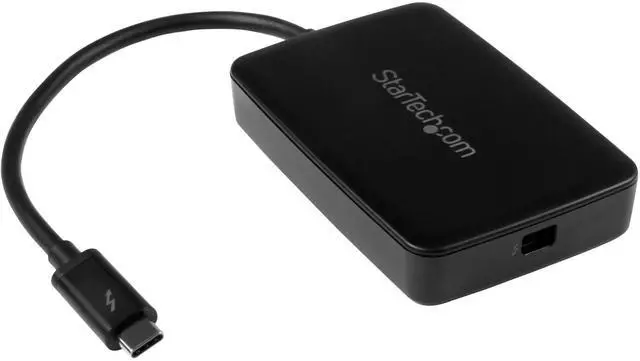
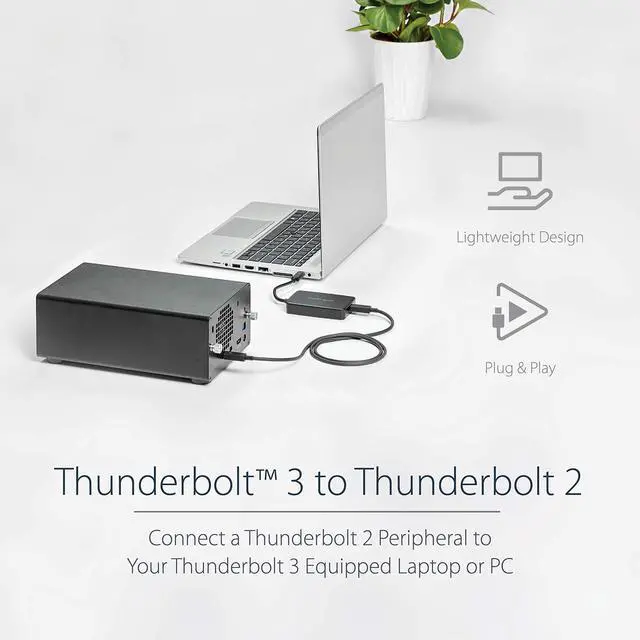
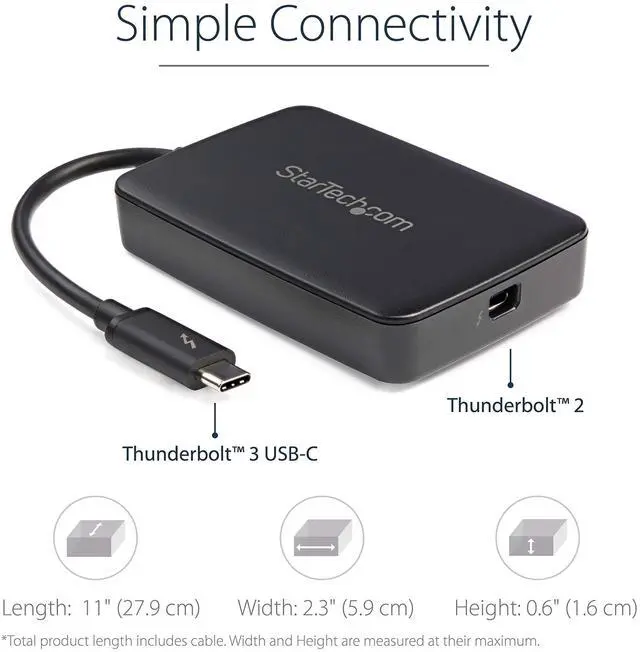
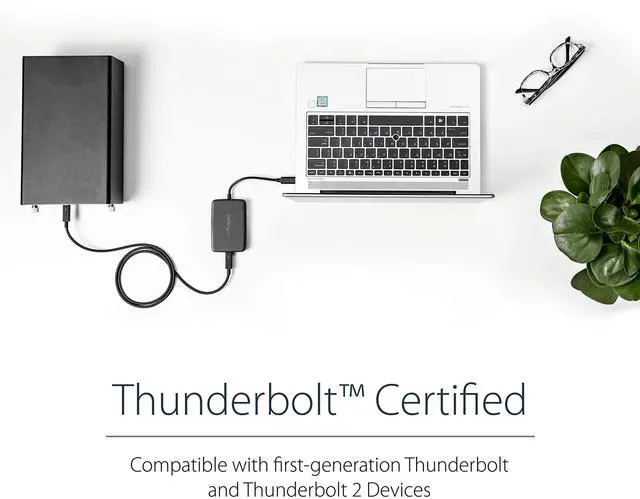
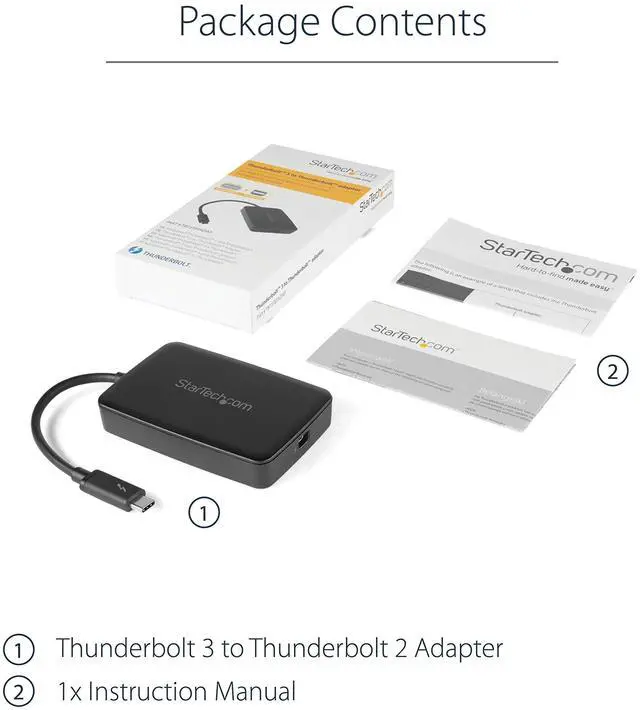
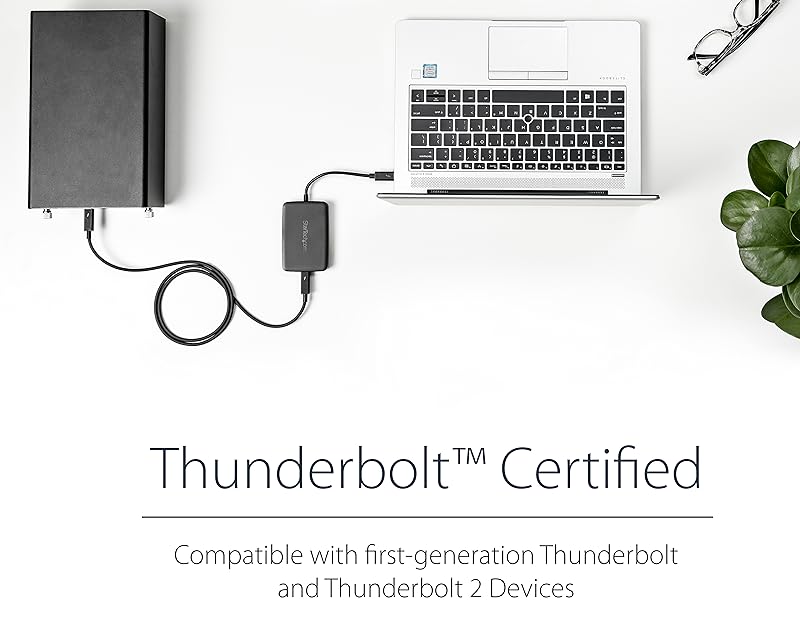
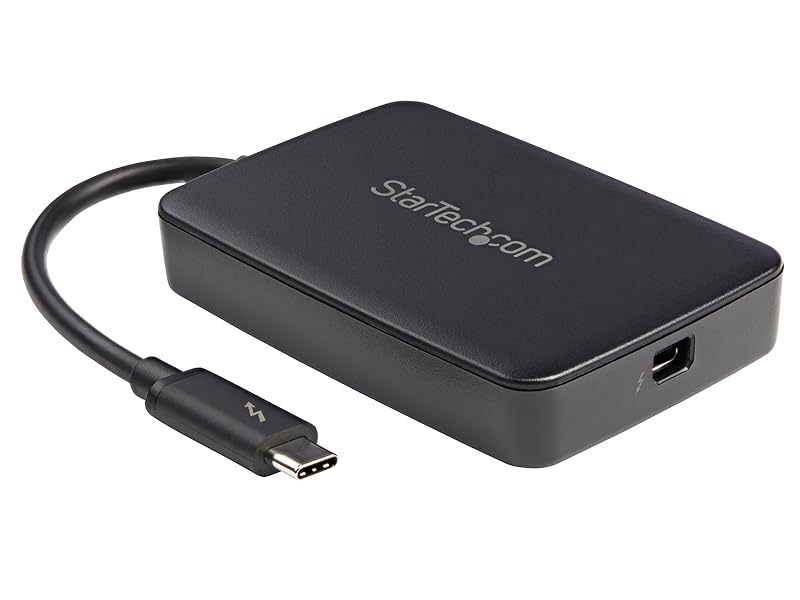
With this adapter, you can connect Windows and Mac based Thunderbolt 3 computers to older Thunderbolt devices, such as external hard drives, Thunderbolt displays, and older Thunderbolt capable Mac computers.
Connect a Thunderbolt 3 Laptop to Thunderbolt 1 and 2 Peripherals
Because this adapter is backward compatible, you can connect to first-generation Thunderbolt devices at 10Gbps speed.
With Thunderbolt 2 devices, you can connect at 20Gbps.
The adapter satisfies all requirements for bi-directional data transfers and simultaneous power for bus-powered devices.
This adapter is not compatible with Thunderbolt 4 computers
Your computer's Thunderbolt 3 ports might not function properly until you update one or more of the following on your computer:
- BIOS/Thunderbolt firmware/Thunderbolt 3 controller drivers/Thunderbolt 3 software
The required updates will vary depending on your computer.
How can I tell if I have a USB-C or Thunderbolt 3 port?
Some USB-C ports don’t support TB3. USB-C peripherals will work with TB3 computers, but TB3 peripherals will not work with USB-C computers. To determine if your computer features TB3, look for the TB3 symbol or refer to your computer's documentation.
Does this device also convert in the opposite direction?
No, this device has an intended source (Thunderbolt 3) and destination (Thunderbolt 1 or Thunderbolt 2), and does not convert in the opposite direction.
My computer is not properly detecting my Thunderbolt 3 device. What do I do?
Try the following: Update the TB software on your computer/Update the TB firmware on your computer/Update the TB drivers/Update your motherboard BIOS or UEFI. For more infor about how to complete these updates refer to the computer’s documentation.
Does this device work with DisplayPort displays, Mini DisplayPort displays, or MST hubs?
No, this device doesn't work when connected directly to an MST hub, a DisplayPort display, or a Mini DisplayPort display.
My 27in Apple Thunderbolt display is not working on my Dell computer. How can I fix this?
Make the following BIOS or UEFI settings change on your Dell system: Locate the setting "Thunderbolt Auto Switch" and uncheck "Auto Switch"
Select "BIOS Assist Enumeration"
Click Apply
Save changes
Setting may not be available on all Dell systems

Connect Thunderbolt 3 Computers to Thunderbolt Devices
With this adapter, you can connect Windows and Mac based Thunderbolt 3 computers to older Thunderbolt devices, such as external hard drives, Thunderbolt displays, and older Thunderbolt capable Mac computers.
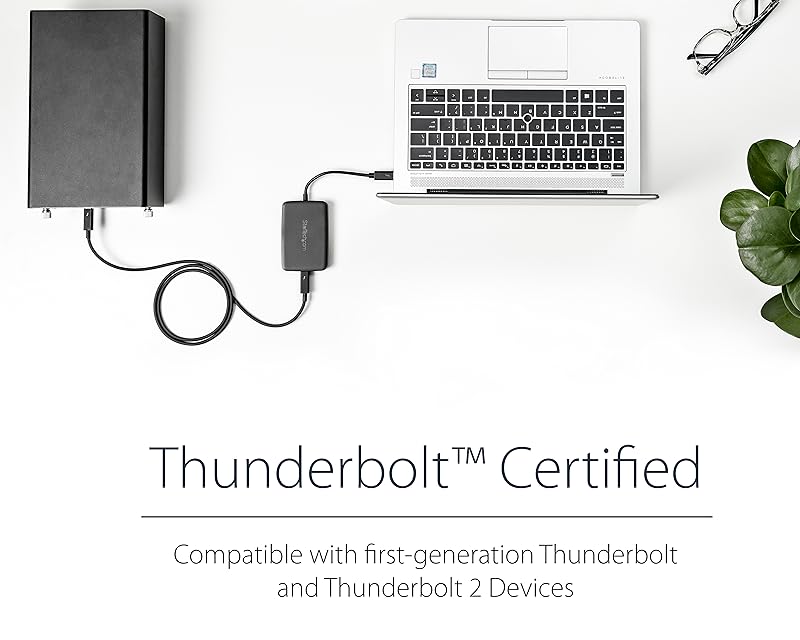
Connect a Thunderbolt 3 Laptop to Thunderbolt 1 and 2 Peripherals
Because this adapter is backward compatible, you can connect to first-generation Thunderbolt devices at 10Gbps speed.
With Thunderbolt 2 devices, you can connect at 20Gbps.
The adapter satisfies all requirements for bi-directional data transfers and simultaneous power for bus-powered devices.
This adapter is not compatible with Thunderbolt 4 computers
Your computer's Thunderbolt 3 ports might not function properly until you update one or more of the following on your computer:
- BIOS/Thunderbolt firmware/Thunderbolt 3 controller drivers/Thunderbolt 3 software
The required updates will vary depending on your computer.
How can I tell if I have a USB-C or Thunderbolt 3 port?
Some USB-C ports don’t support TB3. USB-C peripherals will work with TB3 computers, but TB3 peripherals will not work with USB-C computers. To determine if your computer features TB3, look for the TB3 symbol or refer to your computer's documentation.
Does this device also convert in the opposite direction?
No, this device has an intended source (Thunderbolt 3) and destination (Thunderbolt 1 or Thunderbolt 2), and does not convert in the opposite direction.
My computer is not properly detecting my Thunderbolt 3 device. What do I do?
Try the following: Update the TB software on your computer/Update the TB firmware on your computer/Update the TB drivers/Update your motherboard BIOS or UEFI. For more infor about how to complete these updates refer to the computer’s documentation.
Does this device work with DisplayPort displays, Mini DisplayPort displays, or MST hubs?
No, this device doesn't work when connected directly to an MST hub, a DisplayPort display, or a Mini DisplayPort display.
My 27in Apple Thunderbolt display is not working on my Dell computer. How can I fix this?
Make the following BIOS or UEFI settings change on your Dell system: Locate the setting "Thunderbolt Auto Switch" and uncheck "Auto Switch"
Select "BIOS Assist Enumeration"
Click Apply
Save changes
Setting may not be available on all Dell systems
Server Racks
Display and Video Adapters
Computer Cards and Adapters
Cables
Data Storage
Networking
Docking Stations
