here!
here!
I’m your shopping assistant for PC builds, upgrades, and everything tech.
Got questions? Ask away!
Start a conversation
here!
I’m your shopping assistant for PC builds, upgrades, and everything tech.
Got questions? Ask away!
Start a conversation





Any questions? Ask CelesteSM will help you find out quickly.
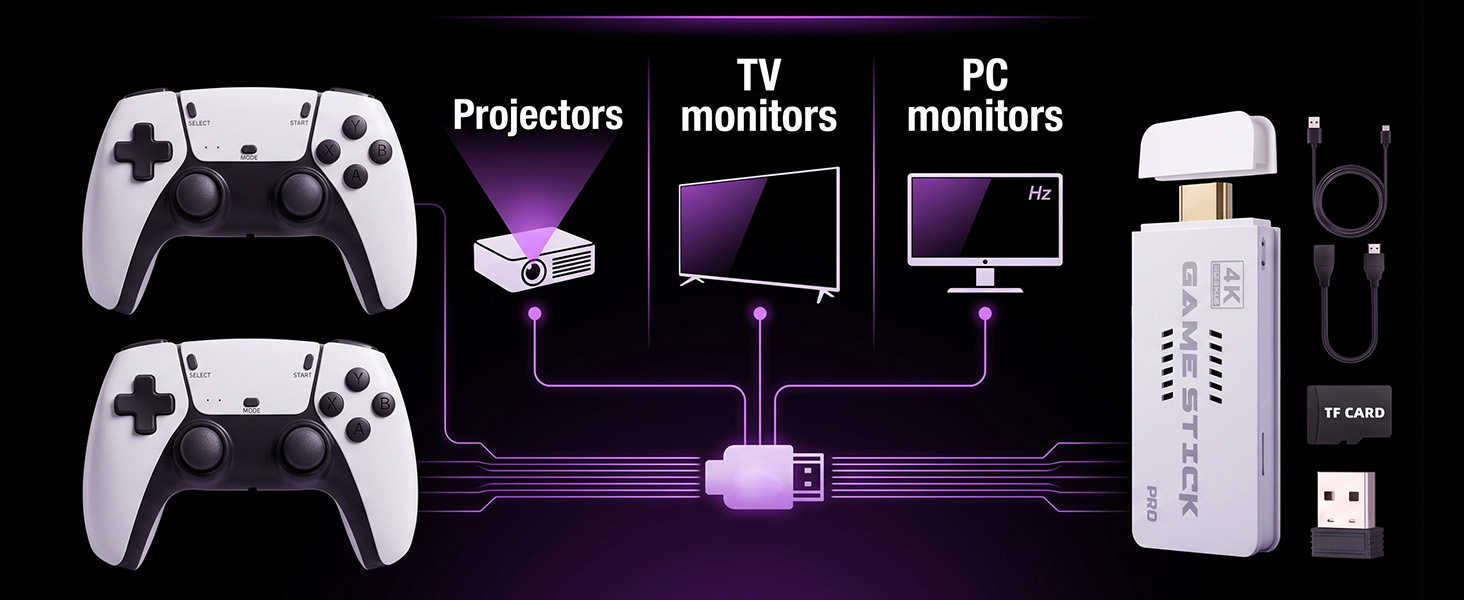
Console does not start, no picture on TV?
1. Ensure the TF card is inserted before powering on.
2. Check that the console's power indicator is lit. If not, verify that the 5V DC power supply is properly connected.
Black screen displayed, or boot progress does not reach 100%?
1. Try unplugging and replugging the console's power supply, and observe whether the boot progress reaches 100%.
Gamepad does not respond; buttons have no reaction?
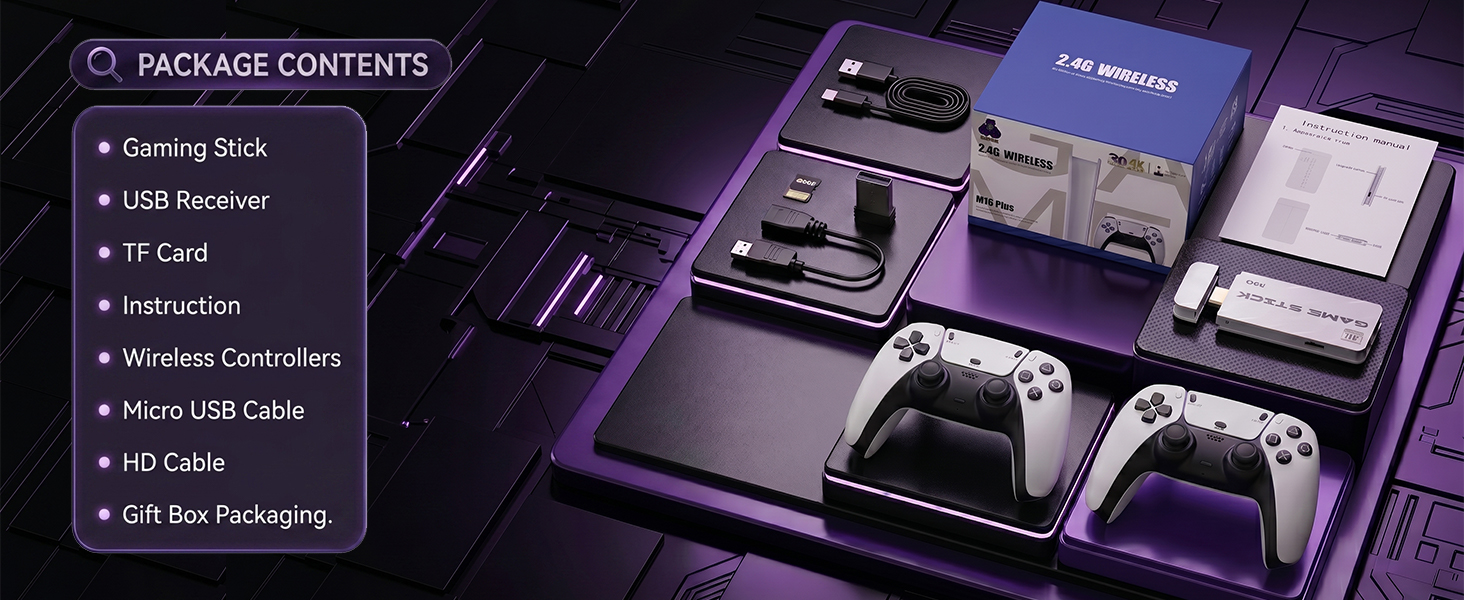
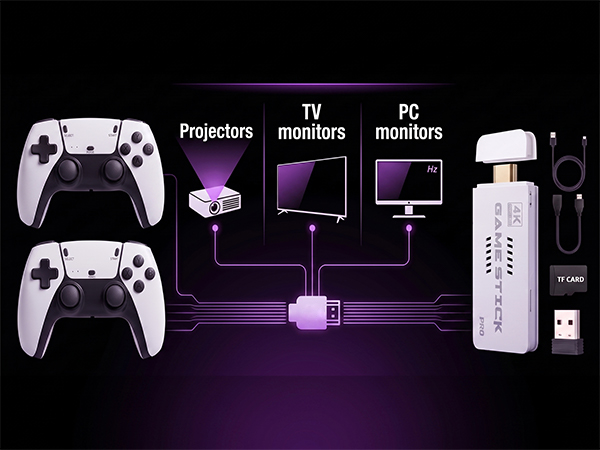
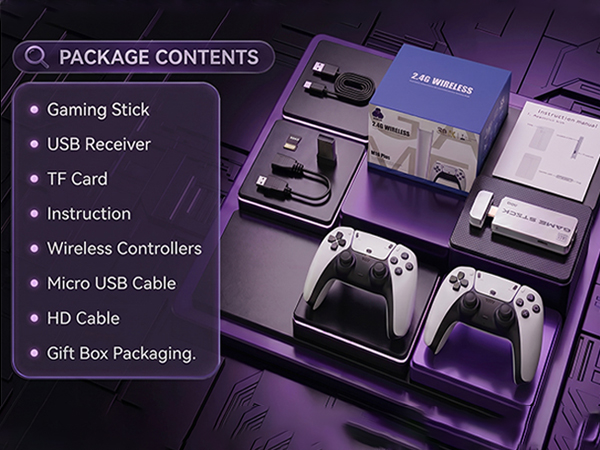
1. Check and ensure that the 2.4G USB dongle is inserted into the console.
2. Verify that batteries are installed in the gamepad and that the battery level is sufficient.

Console does not start, no picture on TV?
1. Ensure the TF card is inserted before powering on.
2. Check that the console's power indicator is lit. If not, verify that the 5V DC power supply is properly connected.
Black screen displayed, or boot progress does not reach 100%?
1. Try unplugging and replugging the console's power supply, and observe whether the boot progress reaches 100%.
Gamepad does not respond; buttons have no reaction?
1. Check and ensure that the 2.4G USB dongle is inserted into the console.
2. Verify that batteries are installed in the gamepad and that the battery level is sufficient.