Video Capture Card, HDMI to USB 3.0 A and USB C Capture Device, 4K Input 1080P 60FPS with Low Latency for Streaming and Recording Game, Compatible with iPad, Quest 3, PS5/4, Switch2/1, Camera
Limited time offer, ends 05/08 By Corn Electronics
Any questions? Our AI beta will help you find out quickly.
Try me now
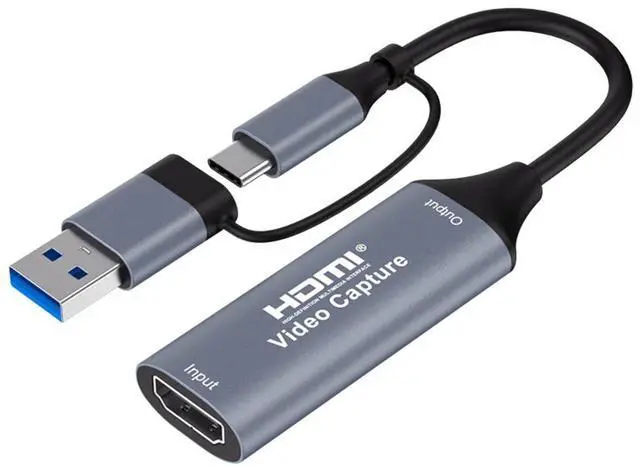
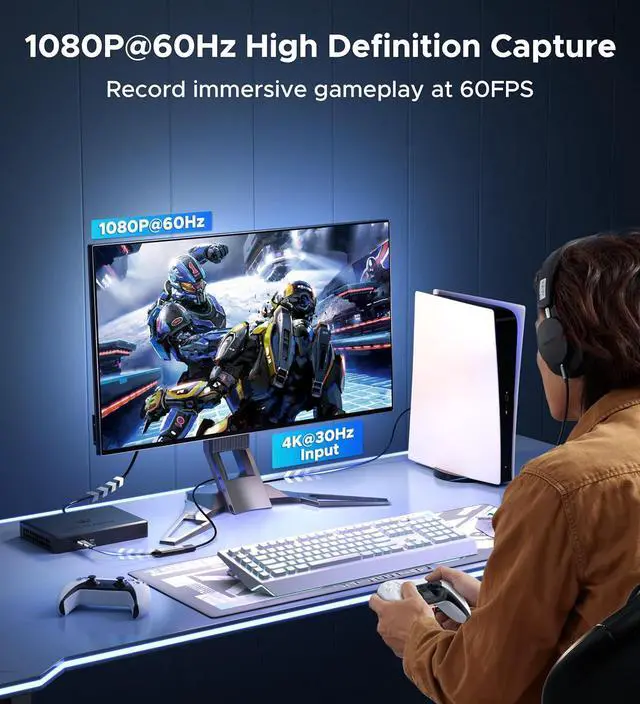
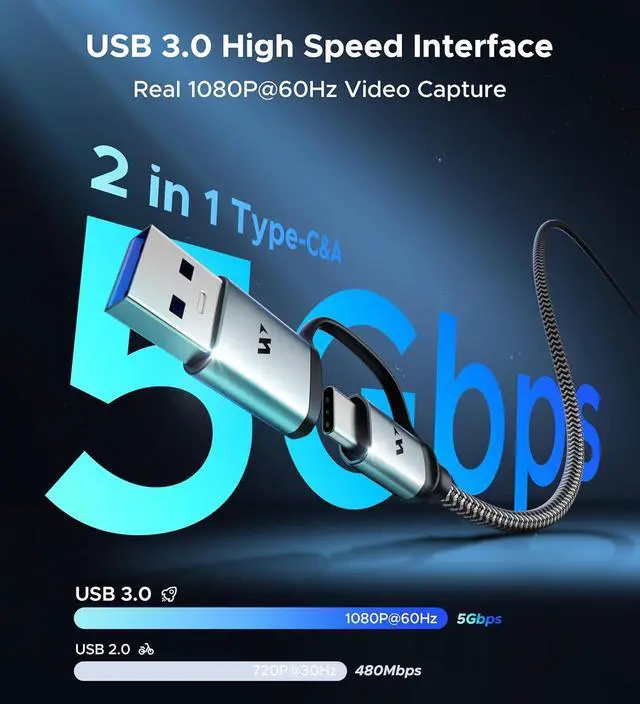
1080P@60FPS Video Capture CardPowered by a USB 3.0 interface with 5Gbps bandwidth, this HDMI capture card handles up to 4K@30FPS input and delivers a smooth 1080P@60FPS capture resolution. The advanced YUY2 video format ensures sharp, detailed imagery and vivid colors, letting you effortlessly capture every seamless, high-octane gaming moment and record stunning high-definition videos.
Seamless Low-Latency Streamingthis USB capture card delivers 5ms ultra-low latency and rock-solid signal transmission. Whether recording HD gameplay or streaming live, the advanced chipset eliminates image loss and distortion, ensuring every frame is rendered with crystal-clear precision. The included USB-C to USB-A adapter further boosts compatibility, enabling seamless device switching across USB-C and USB-A ports.
Premium Design and Enhanced DurabilityAluminum shell delivers strong heat dissipation, avoiding blue screen and lags during long-time gameplay and recording. Besides, nylon braided cable is 20 times more durable than PVC cables and is anti-twisting in daily use. And anti-lose protection that USB A adapter is securely attached to a string, ensuring you never lose it.
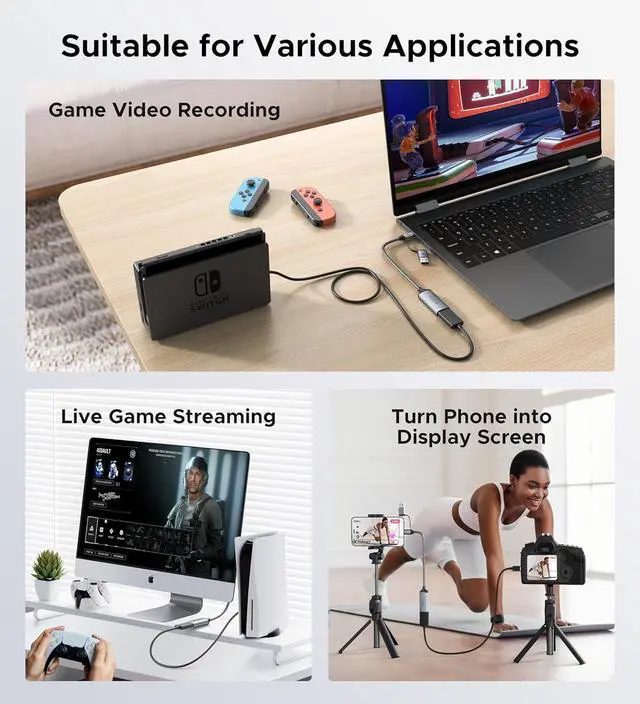
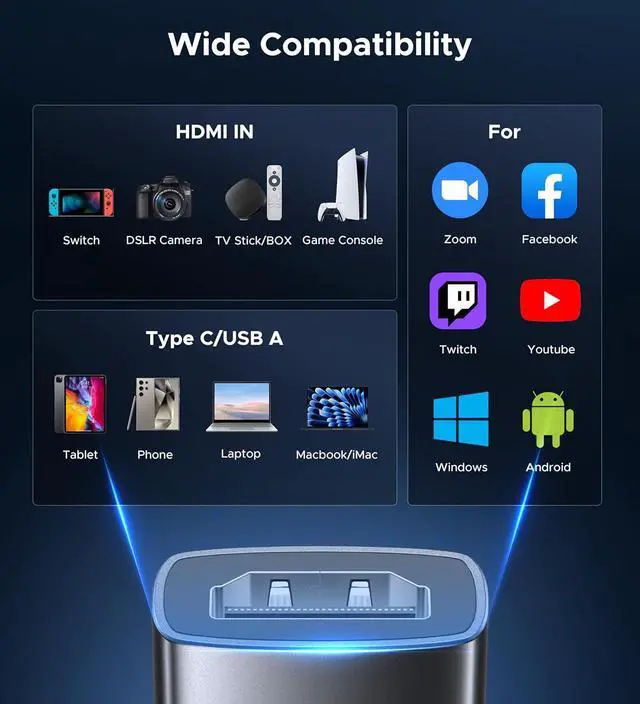
Wide Compatibility HDMI Capture CardThis HDMI to USB-C/USB-A capture card seamlessly works with diverse devices: laptops, tablets, PS4/PS5, Nintendo Switch, cameras, TV boxes, and Oculus Quest 2/3. It supports major operating systems: Windows 7/8/8.1/10, macOS, Linux, Android, and iPadOS 17+. Fully compatible with popular software and streaming platforms like OBS Studio, QuickTime Player, TikTok, Twitch, and YouTubeall without requiring drivers.
Helpful Notes and Customer SupportPlease align all logos on the product to enable USB 3.0. We suggest you use OBS Studio to record and stream. The attached User Guide in the package introduces how to use the product. If you have any problems while using it, please reach out to us at your convenience.
Learn more about the Detailed Specifications
Additional Information
First Listed on Newegg
March 27, 2026
There are no reviews yet.
Do you own this product?
Warranty & Returns
Warranty, Returns, And Additional Information
Warranty
Please contact the Seller directly for warranty information. Warranty information may also be found on the Manufacturer's website.