


• $34.49
  • Free 30-day Returns
  • Price alert
    Sold by ESTONE
    Top Rated
    3.2 (443 seller ratings)

    Shipped by ESTONE

    Shop it at NeweggBusiness.

    Meet Your Seller

    ESTONE Capture Card Supports 4K@60Hz Passthrough, HDMI Video Game Capture Card , Low Latency Record Broadcast Live Streaming Compatible with Nintendo Switch/PS4/PS5/Xbox One

    Limited time offer, ends 01/14 By ESTONE

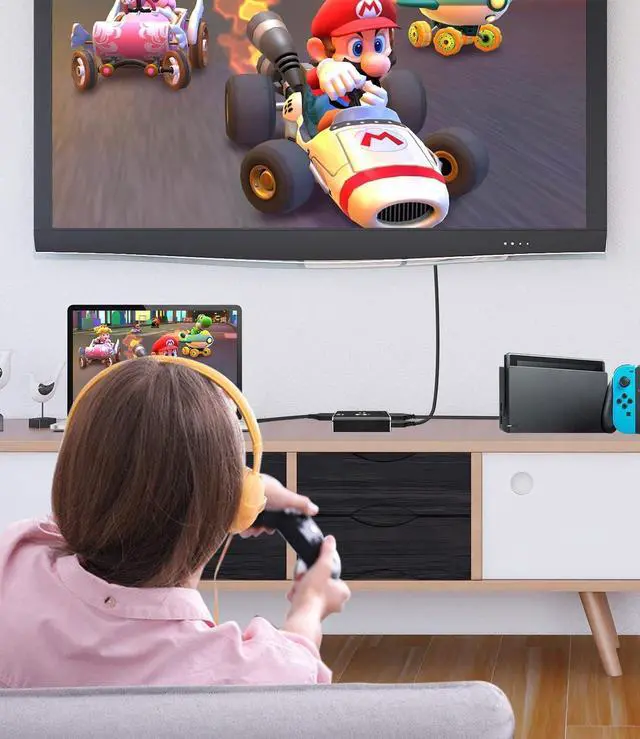
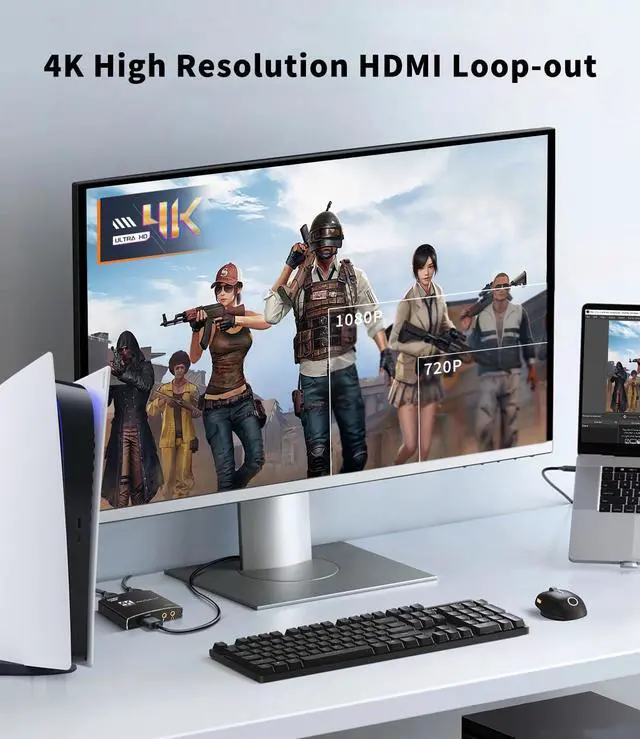
    • [4K Capture Card]: Capture high-quality game videos with this HDMI capture card. It allows you to capture HDMI input sources. The HDMI 2.0 port supports 4K@60Hz passthrough. Made with durable aluminum alloy material, this video capture card is perfect for streaming compatible with PS5.
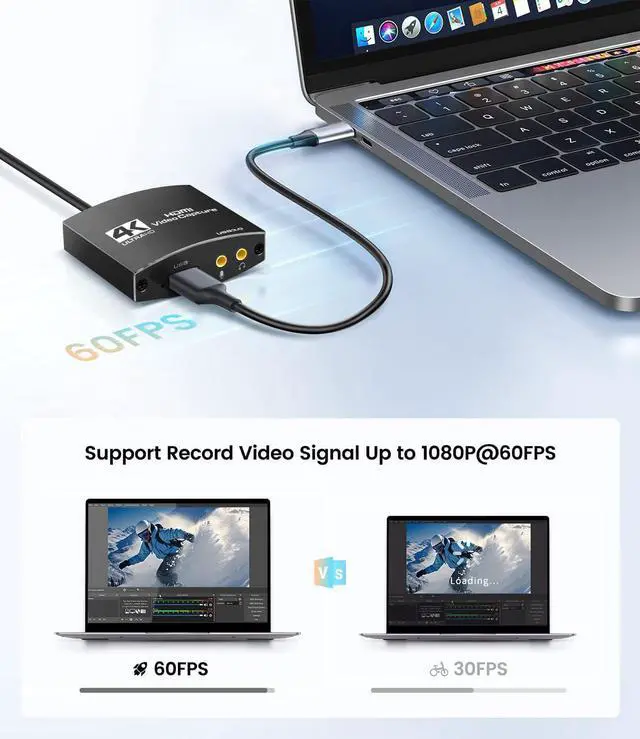
    • [HD Capture Resolutions]: This video capture device supports capture resolutions up to 1080p 60fps. The game capture card With the USB 3.0 version, you can enjoy low-latency, high-framerate recording for an exceptional gaming experience.
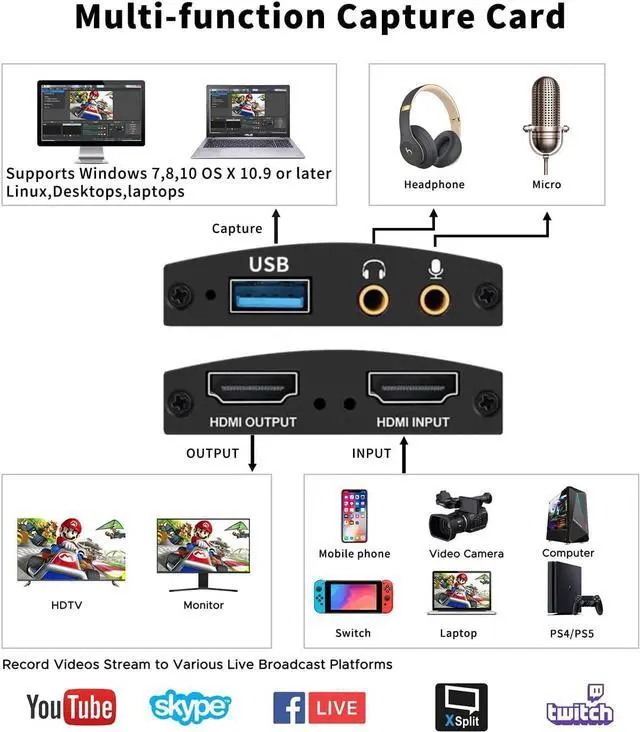
    • [Audio Interface]: This USB capture card features a 3.5mm audio input and output Port. The 3.5mm audio input allows you to connect a streaming microphone record the game audio and stream your voice simultaneously. The 3.5mm audio output Port enables you to use headphones and enjoy gaming works.
    +
    +
    Overview
    Specs
    Reviews
    avatar

    Any questions? Our AI beta will help you find out quickly.

    4K@60Hz Capture Card

    4K USB HDMI Capture Card

    About this item
    • Full HD Video Capture: The capabilities of this HDMI video capture card can capture and record your gaming sessions in stunning 4K resolution. It effortlessly captures every detail that supports up to 4K 60fps input and Full HD 1080p 60fps HDMI video capture, and loop-out 4K@30fps, 1080p@120Hz.
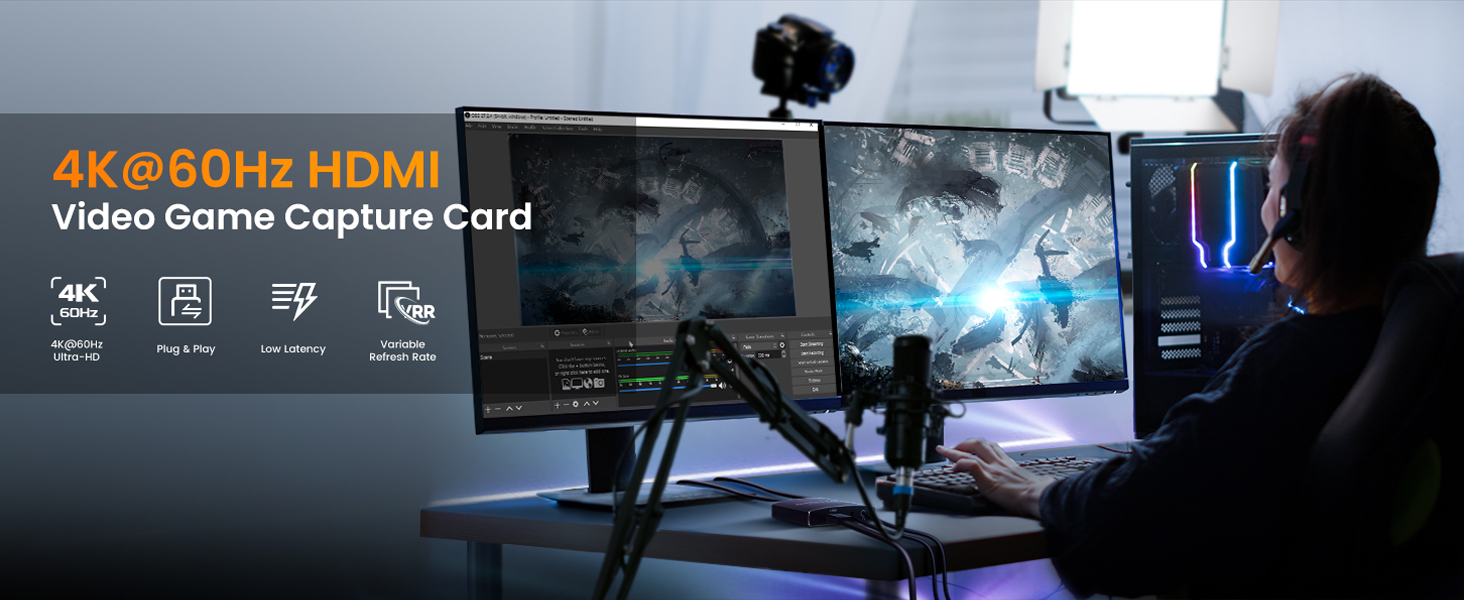
    • Real-time Preview & Screen Sharing:  4K capture card is made of good quality materials, allowing you to enjoy ultra low latency while live gaming or video recording. The usb capture card for streaming can capture video and audio at the same time, transfer the signal to your computer for streaming or recording.
    • Comprehensive Audio Ports: Our USB3.0 capture card with features 3.5mm audio input and output ports. While recording game audio video and voice, you can connect a streaming microphone to explain the game and hear the game through headphones.
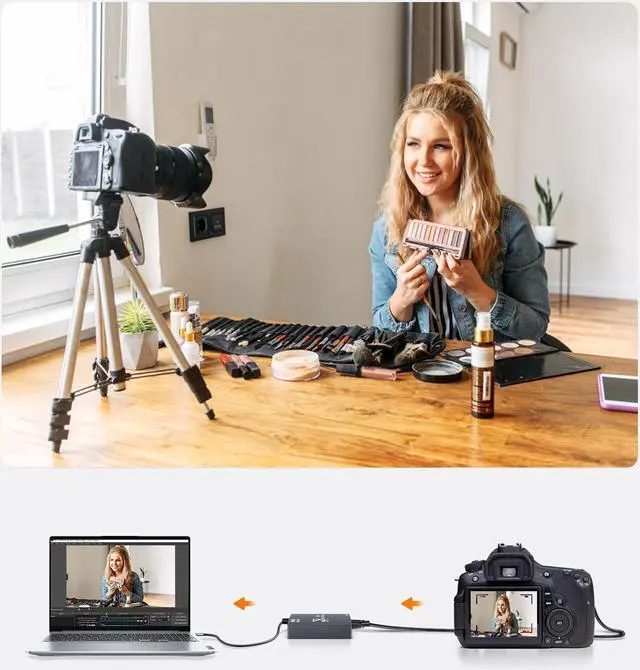
    • Wide Compatibility: This audio capture card suitable for Mac OS, Linux, Windows 7/8/10/11, Android and more. It is compatible with most devices such as Nintendo Switch, PS3, PS4, PS5, Xbox One, Xbox 360, DVDs, Monitor, Phone, DSLR Camera, ZOSI Security Camera and set top box etc. Take your live streaming(such as Twitter, Youtube, Facebook live, Twitch, Amcap, OBS, skype, XSplit, Tiktok, Streamlaps, Quicktime, Potplayer and VLC. ) to the next level and engage with your audience like never before.
    • Easy to Use:  Simply connect the capture card to your PC or laptop via USB, using OBS/Potplayer to play. Seamlessly connect your gaming console or any HDMI-enabled device to this video capture card and start recording or streaming directly to your preferred platform. If you have any technical problems while using the product, you can contact customer service for assistance.
    4K@60Hz Capture Card
    4K@60Hz Capture Card
    4K@60Hz Capture Card
    4K@60Hz Capture Card
    4K@60Hz Capture Card
    4K@60Hz Capture Card
    4K@60Hz Capture Card
    Step 1
    Step 1

    Click the right mouse button to select "Video Capture Device"

    Step 2
    Step 2

    Select Device: C8 USB3.0 Video

    Set the Resolution/FPS Type to "Custom"

    Set Resolution: 1920x1080

    FPS: 60 FPS

    Step 3
    Step 3

    Video Format: "Any"

    Audio Output Mode: Output desktop audio (WaveOut)

    Mark the "v" in the "Use custom audio device"

    Audio Device: "C8 USB3.0 Video"

    Step 4
    Step 4

    Click "Start Recording" to record the video and audio of your source.

    And your recording file will be saved in File in the upper left corner.

    • Q: What is the resolution of the Loop-out?

    A: Up to 4K@30Hz, 1080P@120Hz.

    • Q: How to get 1080P 60FPS video recording?

    A: It need to confirm your PC support 1080P@60FPS, and set OBS to 1080P@60FPS correctly.

    • Q: What should I do when there is flickering green screen?

    A: Re-plug the USB and HDMI cables properly, issue is caused by bad connecting.

    • Q: What to do "there was no sound coming through"?

    A: Add Sources "Audio Input Capture" to get property "Microphone/Aux", unless your PC has "Desktop Audio".

    • Q: How to deal with buzzing sound?

    A: Some low voltage USB panels would cause static buzzing sound, change a proper USB panel or rise enough voltage. 

    [4K
    Capture Card]: Capture high-quality game videos with this HDMI capture card. It allows you to capture HDMI input sources. The HDMI 2.0 port supports 4K@60Hz passthrough. Made with durable aluminum alloy material, this video capture card is perfect for streaming compatible with PS5.
    [HD Capture Resolutions]: This video capture device supports capture resolutions up to 1080p 60fps. The game capture card With the USB 3.0 version, you can enjoy low-latency, high-framerate recording for an exceptional gaming experience.
    [Audio Interface]: This USB capture card features a 3.5 mm audio input and output Port. The 3.5 mm audio input allows you to connect a streaming microphone record the game audio and stream your voice simultaneously. The 3.5 mm audio output Port enables you to use headphones and enjoy gaming works.

    Warranty & Returns

    Warranty, Returns, And Additional Information

    Warranty

    • Please contact the Seller directly for warranty information. Warranty information may also be found on the Manufacturer's website.
    • CONTACT

    Return Policies

    • Return for refund within: 30 days
    • Return for replacement within: 30 days
    • This item is covered by ESTONE Return Policy

    Manufacturer Contact Info

    LOADING...