






Notice:
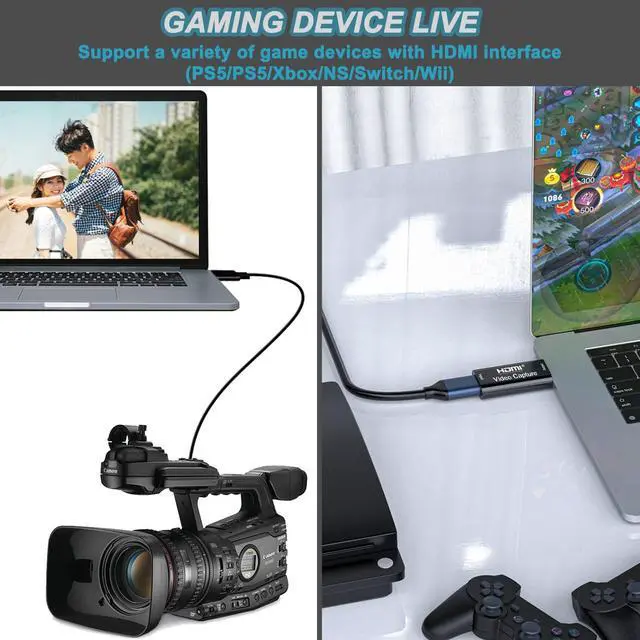
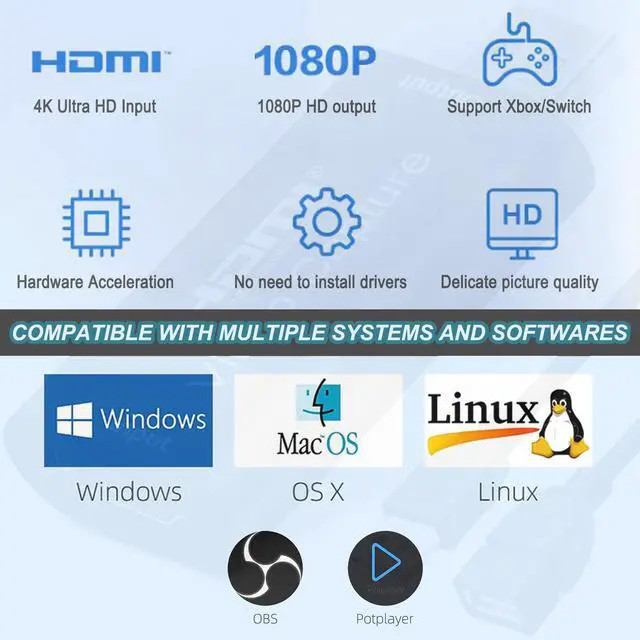
- If you are using MacBook, you do not need to download other software. You can obtain audio and video by using the QuickTime software provided by MacBook, and you do not need to install additional drivers.
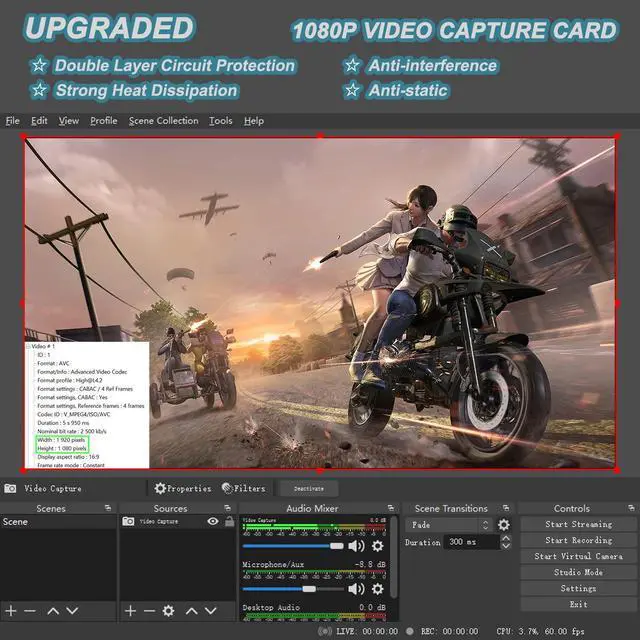
- If your computer is a Windows system, it is recommended that you install OBS software to capture audio and video. Please download the "User Manual (PDF)" on the current product description page or ask the seller for it.
- Try not to use hub, because some cheap hubs have poor compatibility.
Comparison of Input and Output Performance of Video Capture Cards
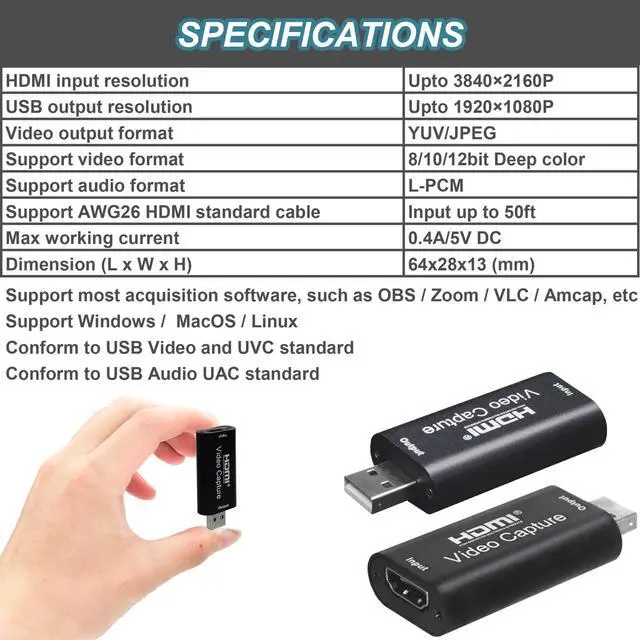
 USB A 2.0 Video Capture Card |  USB A 3.0 Video Capture Card |  USB C+A 3.0 Video Capture Card |
|---|---|---|
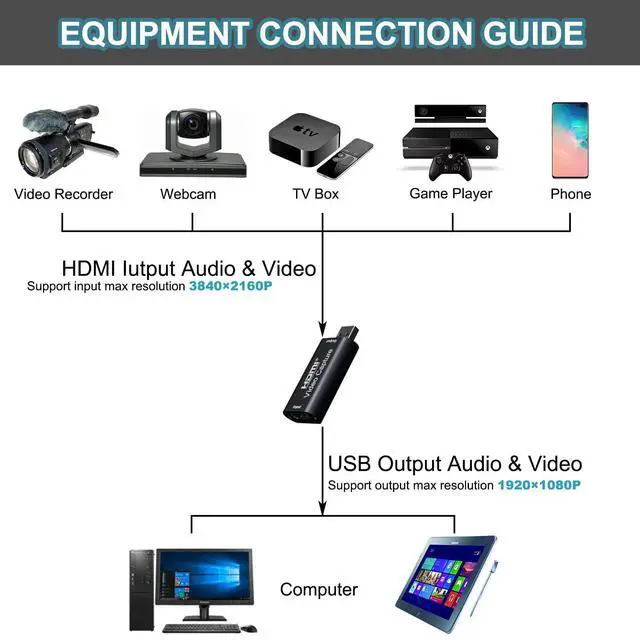
HDMI Input Standard HDMI, 1080P@30Hz, compatible with earlier lower versions. | HDMI Input Standard HDMI, 4K@30Hz or 1080P@60Hz, compatible with earlier lower versions. | HDMI Input Standard HDMI, 4K@30Hz or 1080P@60Hz, compatible with earlier lower versions. |
USB Output USB2.0 Type A 1080P@30Hz | USB Output USB3.0 Type A 1080P@60Hz | USB Output USB3.0 Type A+C 1080P@60Hz |


Notice:
- If you are using MacBook, you do not need to download other software. You can obtain audio and video by using the QuickTime software provided by MacBook, and you do not need to install additional drivers.
- If your computer is a Windows system, it is recommended that you install OBS software to capture audio and video. Please download the "User Manual (PDF)" on the current product description page or ask the seller for it.
- Try not to use hub, because some cheap hubs have poor compatibility.
Comparison of Input and Output Performance of Video Capture Cards


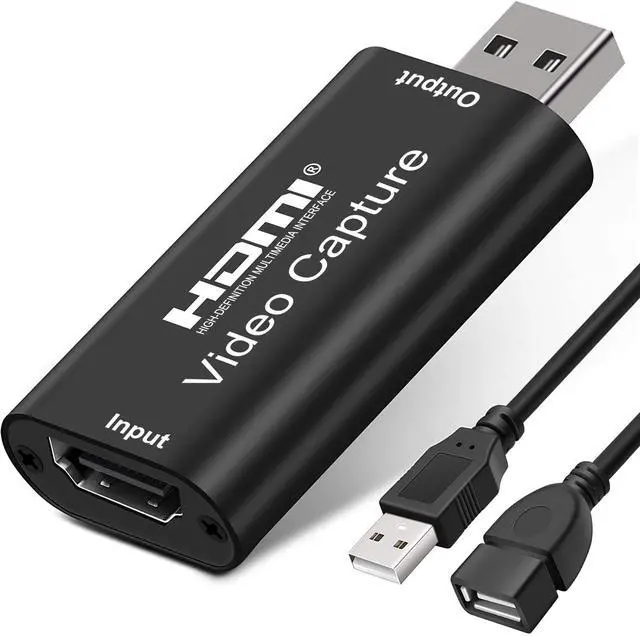
USB to HDMI Video Capture Card
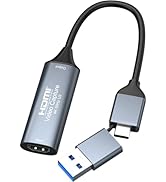
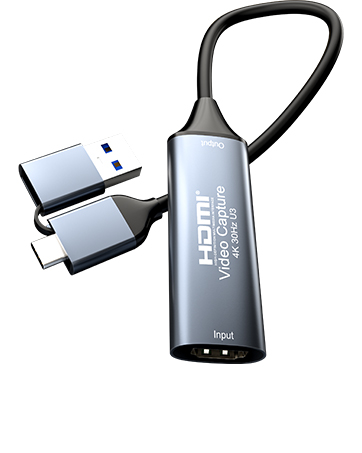
4K HDMI to USB 3.0 Type C Video Capture Card 1080P 60FPS
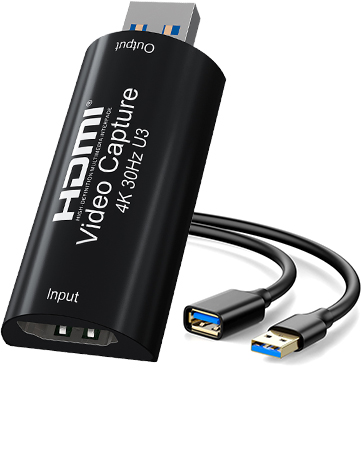
4K HDMI to USB 3.0 Video Capture Card 1080P 60FPS Cam Link Card Game Capture Card Adapter
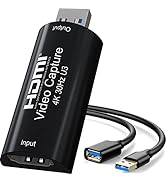
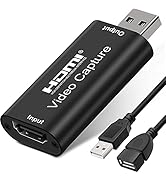
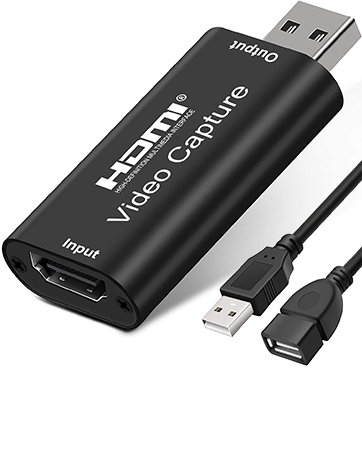
4K HDMI to USB 2.0 Video Capture Card 1080P Cam Link Card Game Capture Card Adapter