shipping Holiday Shipping Details & Extended Holiday Returns
  • $41.99
  • Free 30-day Returns
  • Price alert
    Sold by Fegfrght

    Shipped by Fegfrght

    Shop it at NeweggBusiness.

    Meet Your Seller

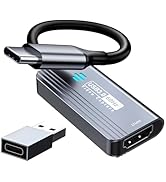
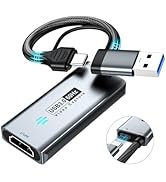
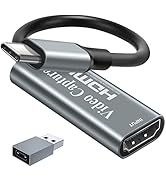
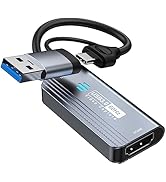
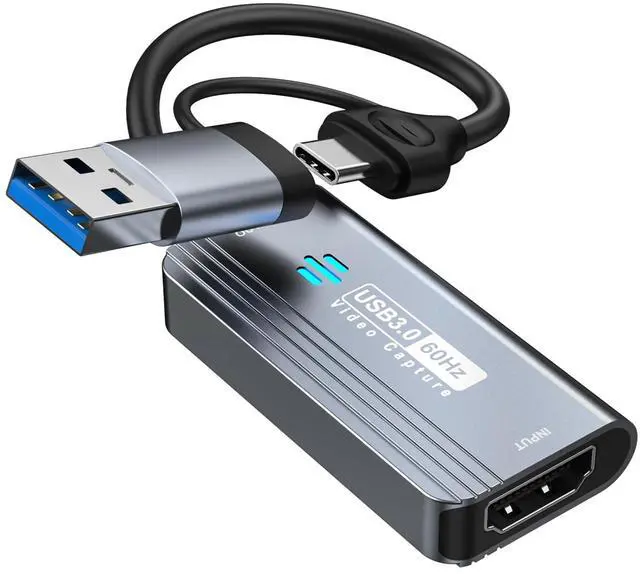
    Video Capture Card, 4K HDMI to USB/USB C 3.0 Capture Card, 1080P 60FPS Video Capture Device, for Streaming, Teaching,Gaming, Video conferencing or Live Broadcasting

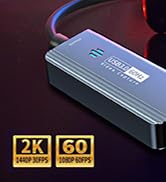
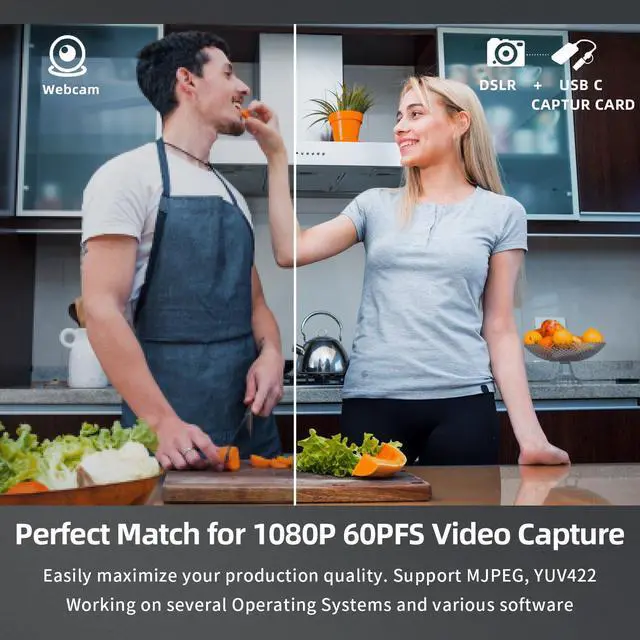
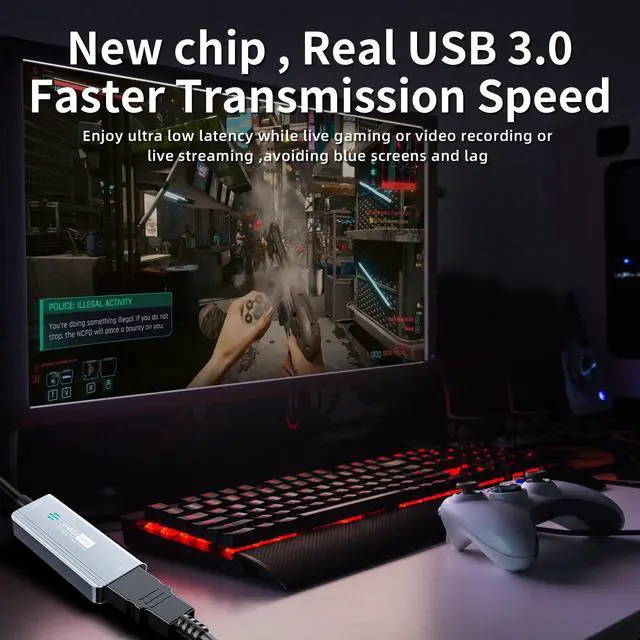
    • [3.0 High-Speed capture card] This Papeaso HDMI game capture card uses a newest 3.0 chip , lower latency compared to the old model, faster transmission speed,supports input max resolution 3840×2160@30Hz, output max resolution 1920×1080@60Hz, support 1080P 60fps High-Quality Recording and live streaming. (Note: It is a uni-directional video Capture Card, only converting from an HDMI source to a USB/USB C display.)
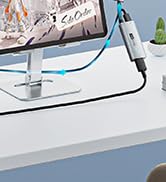
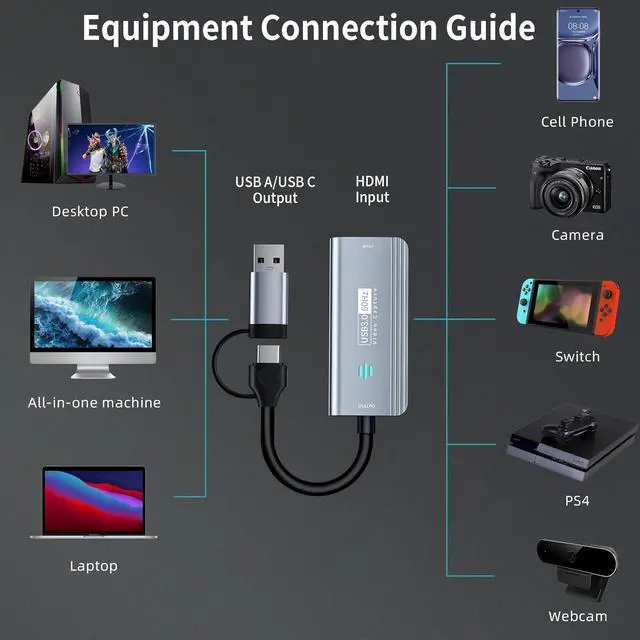
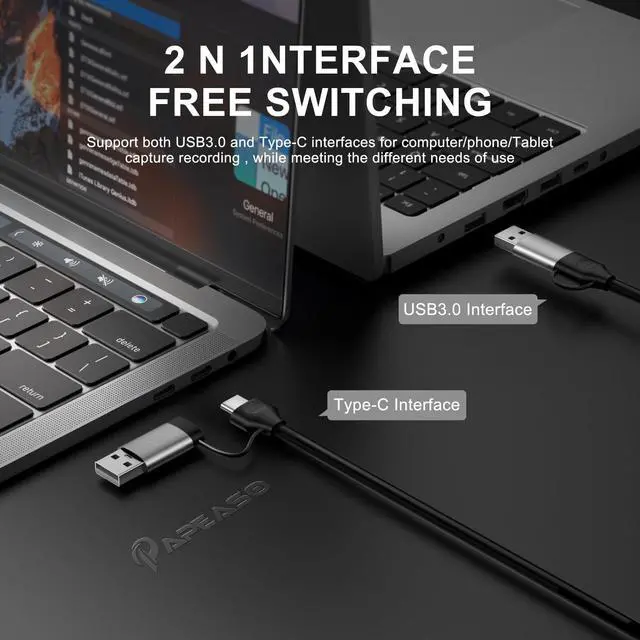
    • [Dual interface design]The latest version of USB A/USB C dual interface design meets the connection needs of different devices, no longer worry about the problem of interface mismatch, and is compatible with most current laptops, tablets, mobile phones and other devices
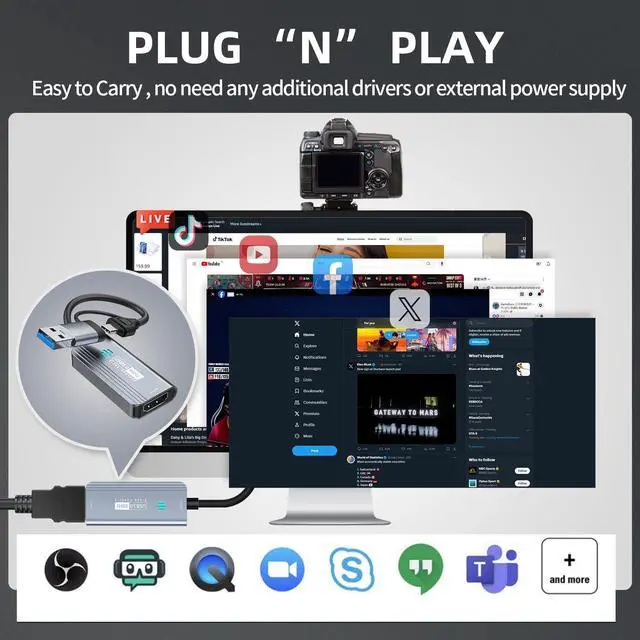
    • [Real-time preview]The audio and video capture card adopts ultra-low latency technology, allowing you to game live recording without delay. And makes it easier for you to have real-time streaming for Twitch, Youtube, Facebook, TikTok, record videos directly to the hard disk, output no compression without delay. (NOTE: game live broadcast needs to be used with capture software, such as VLC, OBS, Amcap, etc.)
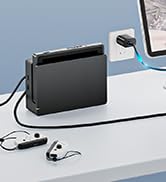
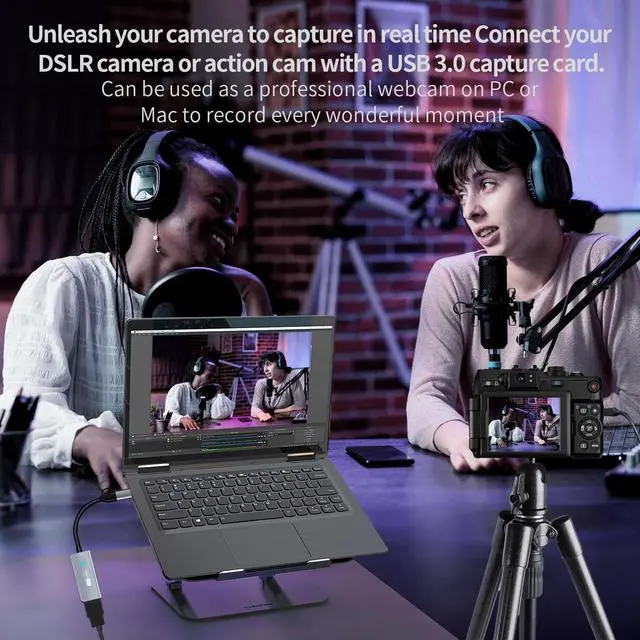
    • [Wide Compatible]This HDMI to USB/USB C 3.0 capture card easily connects DSLR, camcorder, or action Cam,PS5/4,Smartphones, Switch, XBOX to your PC or Mac, compatible with Windows/Android/MacOS.
    +
    +
    Overview
    Specs
    Reviews
    avatar

    Any questions? Our AI beta will help you find out quickly.

    capture card
    capture card
    1
    1
    capture card video capture card capture card for switch hdmi capture card

    [Note]:

    • For MacOS, do not need to download other software. just get audio and video by using the QuickTime software provided by MacBook, do not need to install additional drivers.
    • For Windows, we recommend using OBS software, then download the "User Manual (PDF)" on the current product description page or ask the seller for it.
    • Please insert the video capture card into the USB3.0 jack of the computer. Only in this way can you capture YUY2 uncompressed video.
    • If the edge of the captured image is jagged, adjust the image resolution of the captured device to 1080P/4K 16:9.
    • Try not to use hub, because some cheap hubs have poor compatibility.

    FEATURES

    Support Output Resolution 1920x1080@60Hz/2K@30Hz
    Support Input Resolution 4K(3840x2160@30Hz)
    Support Color 24/30/36bit deep color
    Support Cable AWG26 HDMI standard cable, input up to 15 meters
    Video Output Format YUV422/ MJPEG; Support audio format: L-PCM(Support stereo output)
    Max Working Current 0.4A/5V DC
    Operating Temperature Range -10 to +55?
    Dimension 54x23x10+145 (mm); Weight: 28g
    Support software OBS Studio (windows,OS X); Windows Media Encoder (Windows); Adobe Flash Media Live -Encoder (Windows, OS X); Real Producer Plus (Windows); VLC (Windows, OS X, Linux); QuickTime Broadcaster (OS X); QuickTime Player (OS X); Wirecast (Windows,OS X); vMix(Windows); Potplayer(Windows) ...
    Systems Windows 7, 8, 10, OS X 10.9 or above, Linux
    PC Intel Core i5-3400 or above + NVIDIA GT630 or above
    Laptop Intel Core i7-3537U 2.0 GHz or above + NVIDIA GT735 or above
    Packing 3.0Video Capture Card*1, User Manual*1
    capture card
    capture card
    1
    1
    capture card video capture card capture card for switch hdmi capture card

    [Note]:

    • For MacOS, do not need to download other software. just get audio and video by using the QuickTime software provided by MacBook, do not need to install additional drivers.
    • For Windows, we recommend using OBS software, then download the "User Manual (PDF)" on the current product description page or ask the seller for it.
    • Please insert the video capture card into the USB3.0 jack of the computer. Only in this way can you capture YUY2 uncompressed video.
    • If the edge of the captured image is jagged, adjust the image resolution of the captured device to 1080P/4K 16:9.
    • Try not to use hub, because some cheap hubs have poor compatibility.

    FEATURES

    Support Output Resolution 1920x1080@60Hz/2K@30Hz
    Support Input Resolution 4K(3840x2160@30Hz)
    Support Color 24/30/36bit deep color
    Support Cable AWG26 HDMI standard cable, input up to 15 meters
    Video Output Format YUV422/ MJPEG; Support audio format: L-PCM(Support stereo output)
    Max Working Current 0.4A/5V DC
    Operating Temperature Range -10 to +55?
    Dimension 54x23x10+145 (mm); Weight: 28g
    Support software OBS Studio (windows,OS X); Windows Media Encoder (Windows); Adobe Flash Media Live -Encoder (Windows, OS X); Real Producer Plus (Windows); VLC (Windows, OS X, Linux); QuickTime Broadcaster (OS X); QuickTime Player (OS X); Wirecast (Windows,OS X); vMix(Windows); Potplayer(Windows) ...
    Systems Windows 7, 8, 10, OS X 10.9 or above, Linux
    PC Intel Core i5-3400 or above + NVIDIA GT630 or above
    Laptop Intel Core i7-3537U 2.0 GHz or above + NVIDIA GT735 or above
    Packing 3.0Video Capture Card*1, User Manual*1

    Papeaso new 3.0 video capture card


    [Note]:

    -- For MacOS, do not need to download other software. just get audio and video by using the QuickTime software provided by MacBook, do not need to install additional drivers.

    -- For Windows, we recommend using OBS software, then download the "User Manual (PDF)" on the current product description page or ask the seller for it.

    -- Please insert the video capture card into the USB3.0 jack of the computer. Only in this way can you capture YUY2 uncompressed video.

    -- If the edge of the captured image is jagged, adjust the image resolution of the captured device to 1080P/4K 16:9.

    -- Try not to use hub, because some cheap hubs have poor compatibility.


    Features:

    Interface: USB 3.0

    HDMI Input resolution:4K 30FPS

    USB/Type-C output resolution:1080P 60FPS

    Video output format: YUV/JPEG

    Support video format: 24/30/36bit Deep color; audio format: L-PCM

    Support most acquisition software: such as VLC / OBS / Amcap, etc

    Support system: Windows / Android / MacOS / Linux

    Conform to USB Video and UVC standard; USB Audio UAC standard

    Max working current: 0.2A/5V DC

    Operating Temperature Range: -10 to +55

    Dimension (L * W * H): 53x25x9 (mm) Line length 160(mm)

    Without external power supply

    No need to install additional drivers.


    Connection and Operation:

    1: Connect the UHD signal source to the HDMI input of the video capture with one HDMI cable.

    2: Connect the computer to the usb port of the video capture with usb cable.

    3: Operation steps for USB video capture(OBS): Open OBS, click "+"->Video Capture Device, select "USB3.0 UHD" in "Device"; click "+"->Audio Input Capture, select "Microphone" in "Device"; click Start Recording.


    Package including:

    Product information

    Brand Papeaso
    Hardware Interface HDMI, USB 3.0, USB 3.0 Type C
    Video Capture Resolution 1080p
    Operating System Windows, Linux, Mac Os
    Recommended Uses For Product Video Recording
    Series Papeaso_HDMI_USB_C_Capture_Card
    Item model number PAP-001
    Item Weight 0.988 ounces
    Package Dimensions 4.49 x 3.19 x 0.75 inches
    Color Grey
    Manufacturer Papeaso
    Date First Available March 28, 2023

    Additional Features

    • [Widely use]4K HDMI Video capture card can capture video and audio simultaneously. This HDMI capture card is suitable for high definition acquisition, live broadcasts, conference rooms, video recording, teaching recording, medical imaging, game entertainment live broadcasting, etc.
    • [Package Content & Note] 1 x HD Video Capture Card, 1 x English user manual. Please note that you need to restart the OBS Studio software after the audio setup is complete, otherwise it will result in no sound output. If you meet with any quality problems while using this product, please contact us, our customer service online 24 hours a day to solve your problems

    Warranty & Returns

    Warranty, Returns, And Additional Information

    Warranty

    • Please contact the Seller directly for warranty information. Warranty information may also be found on the Manufacturer's website.
    • CONTACT

    Return Policies

    • Return for refund within: 30 days
    • Return for replacement within: 30 days
    • This item is covered by Fegfrght Return Policy

    Manufacturer Contact Info

    LOADING...