





Cievie redefines road safety with simplicity.
No complex setup. Just plug in and drive. Motion-activated recording safeguards your vehicle 24/7, and our seamless integration with your car's system ensures effortless use.
Smart, reliable, and unobtrusive. We're not just a recorder - we're your trusted partner on the road.
#DriveWithConfidence #CievieFamily


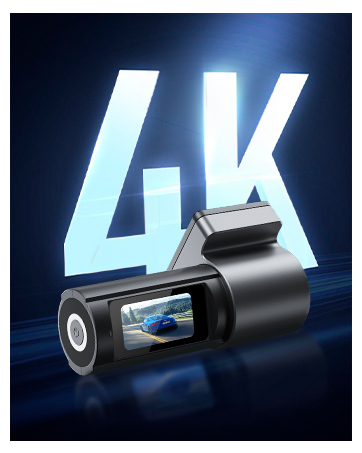

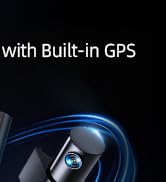
CIEVIE D100pro Dashcam

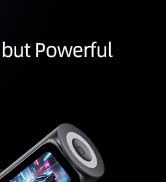
CIEVIE C200 Dashcam
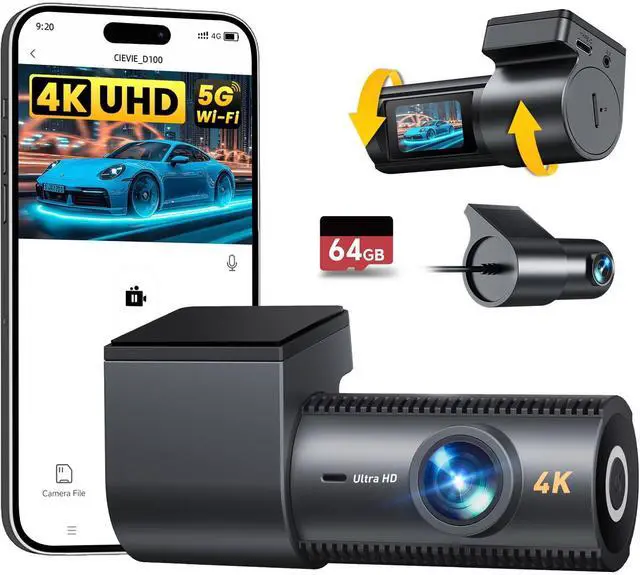
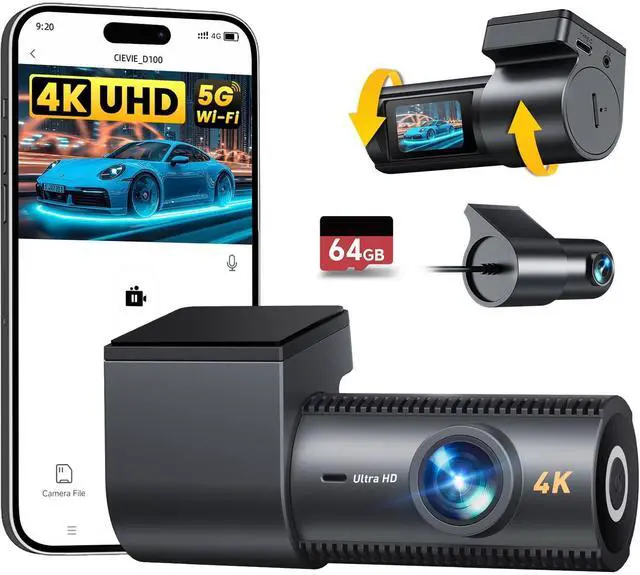
CIEVIE D100 Dashcam
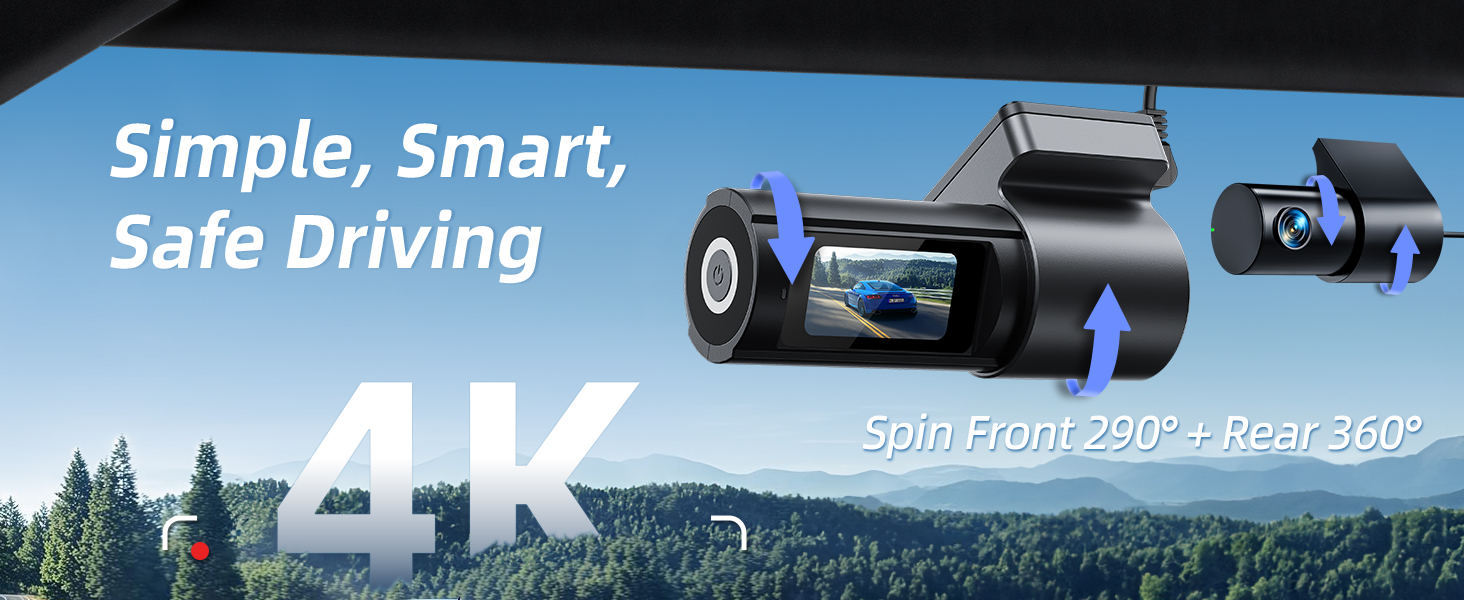
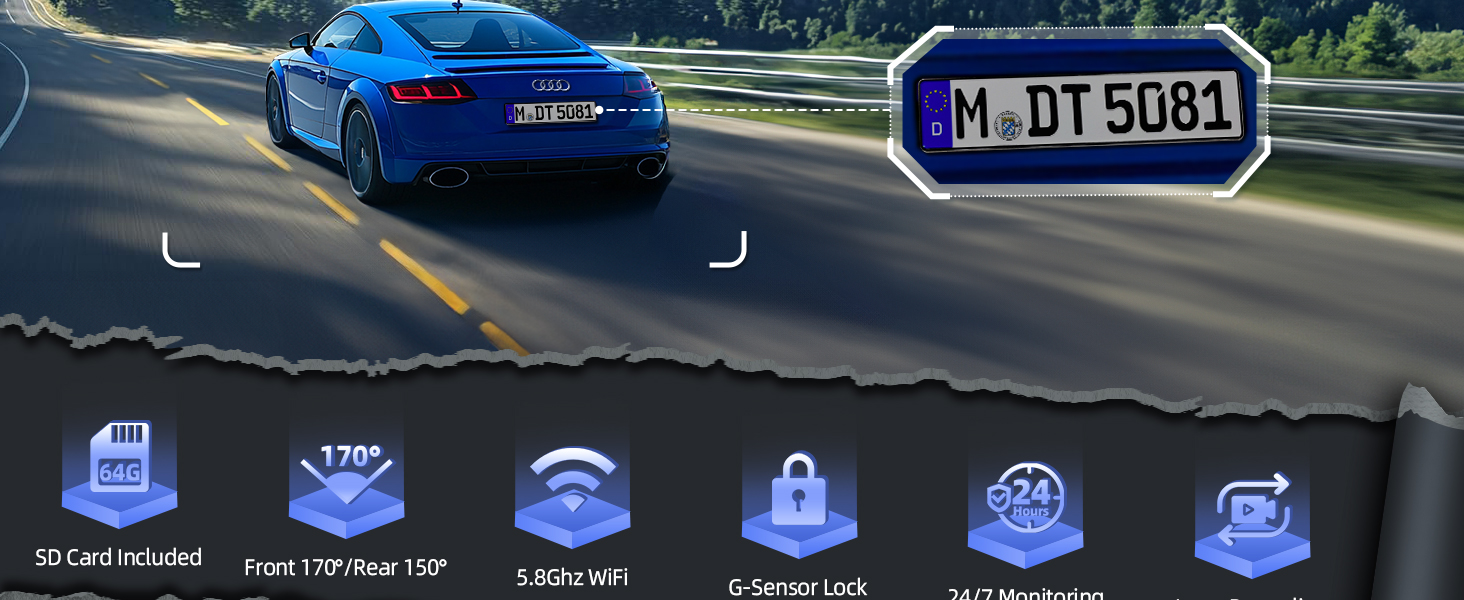
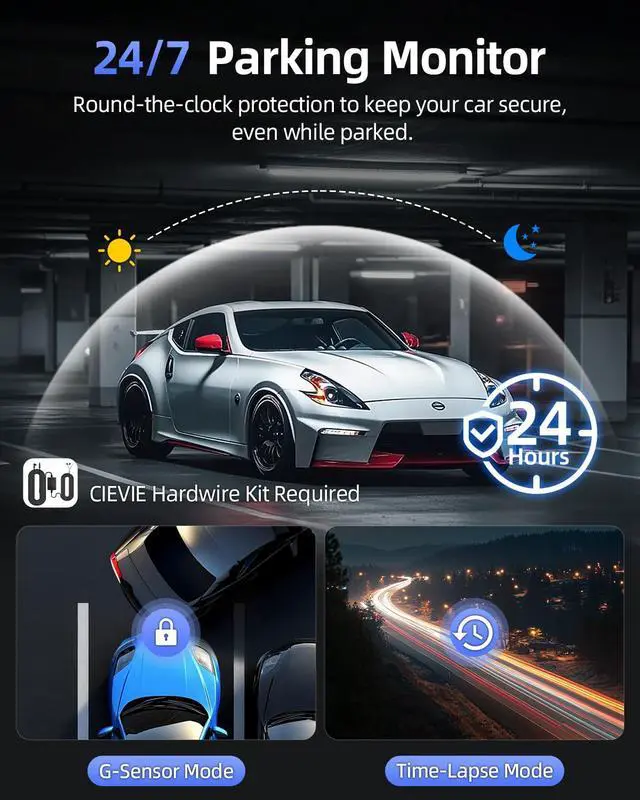
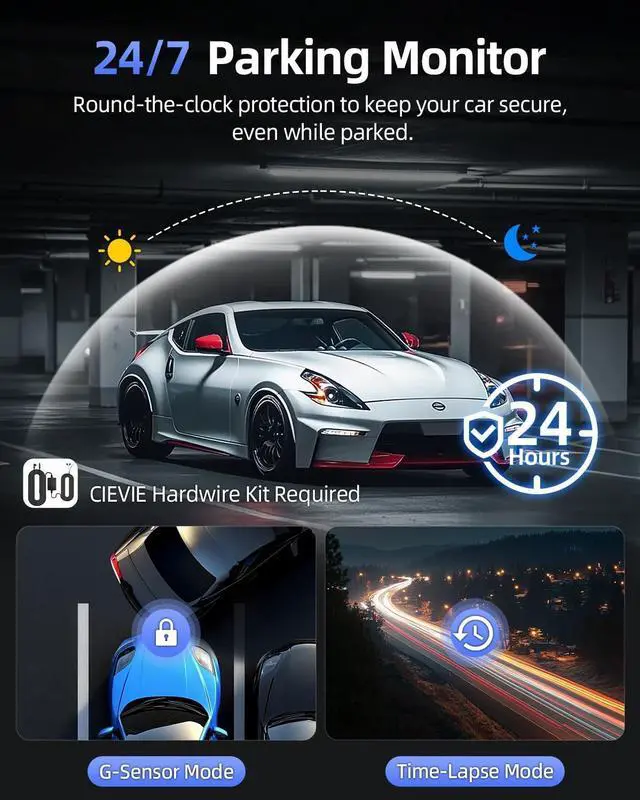
Two Parking Modes, Monitor Your Vehicle 24/7
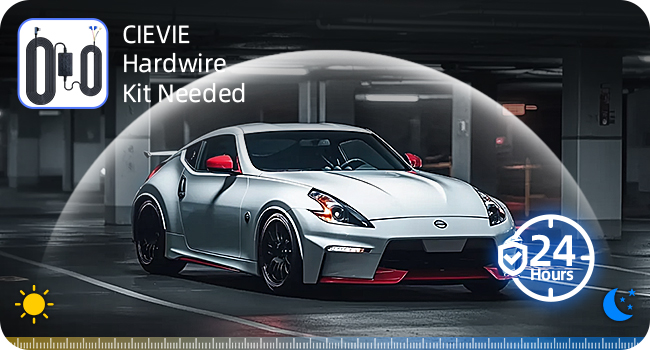
Time-Lapse Recording: Condenses Hours into Clips?
Records continuously at adjustable low FPS during parking mode (hardwire kit needed). Fast-forward through hours of footage to spot suspicious activity.
?? ?Why You Need This:
- Identifies slow-damage culprits
- Uses less storage than standard video
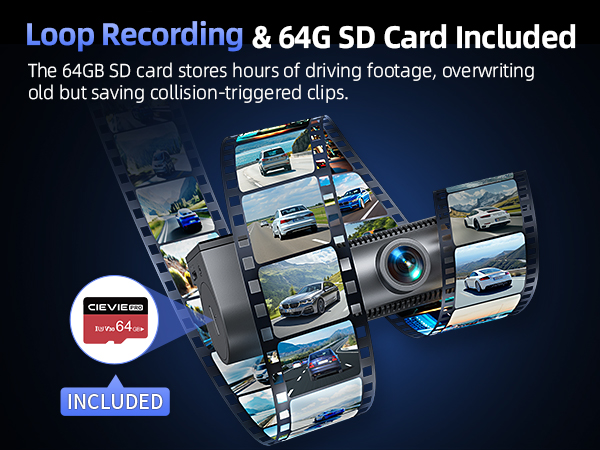
- Seamlessly integrates with your existing Loop Recording
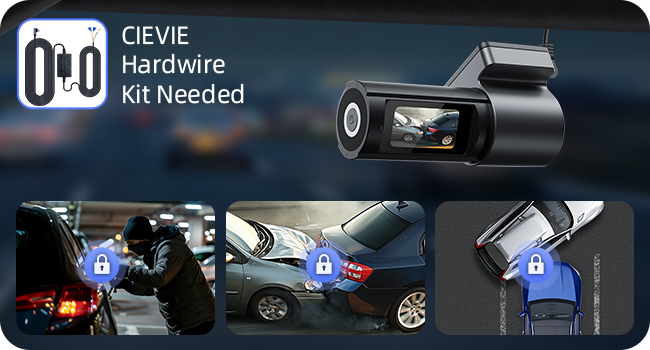
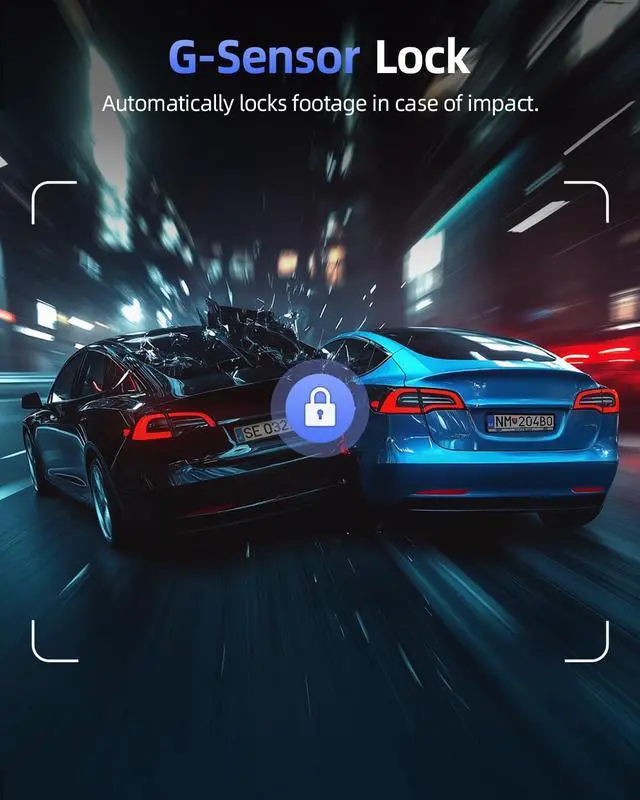
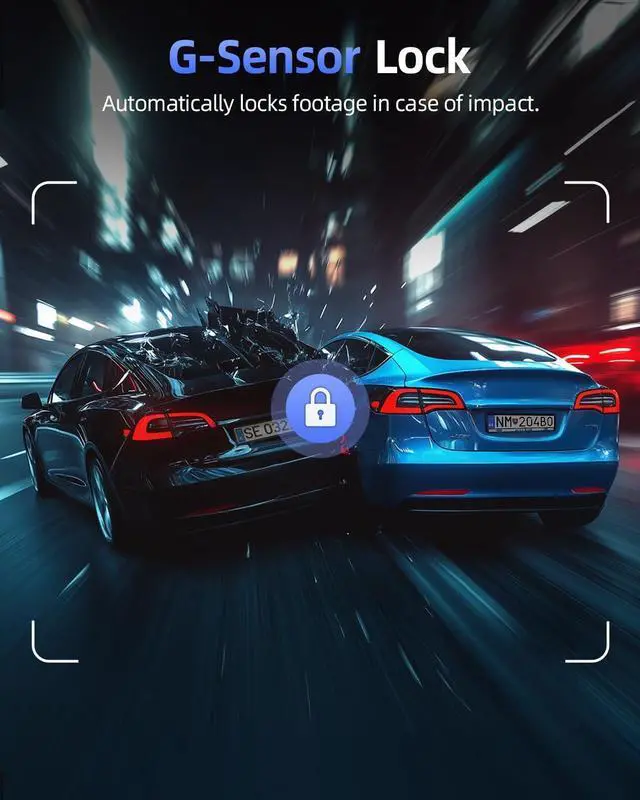
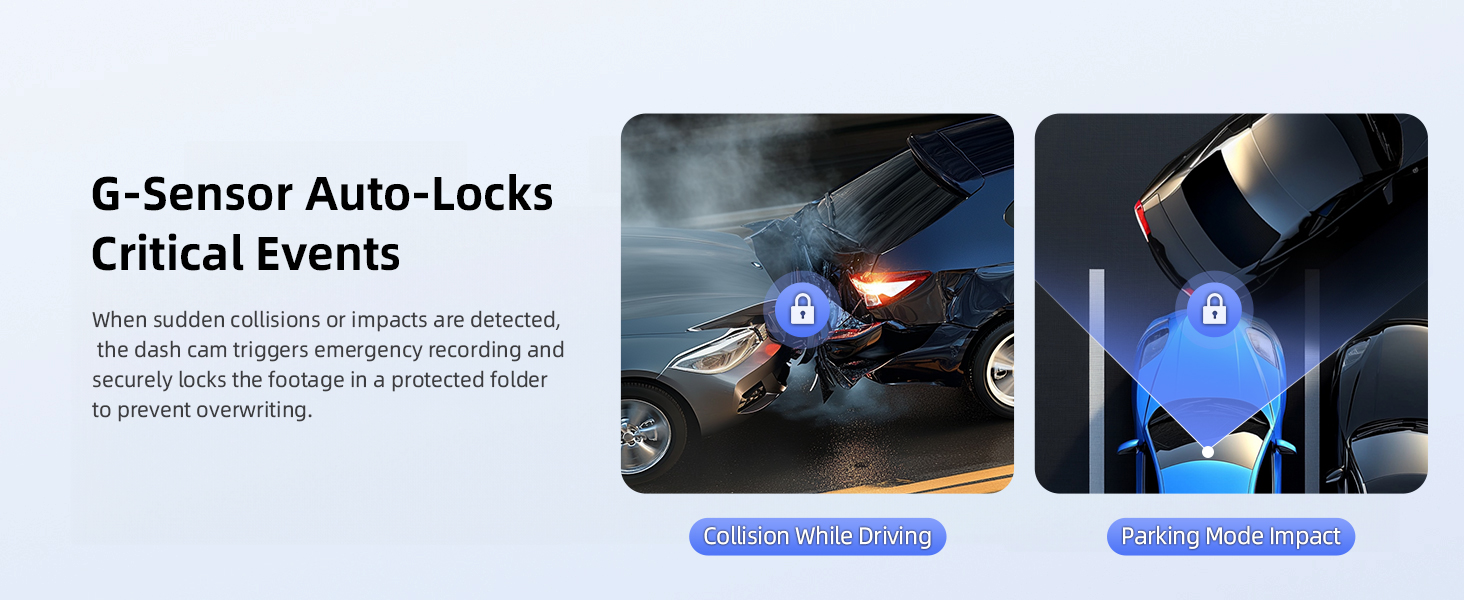
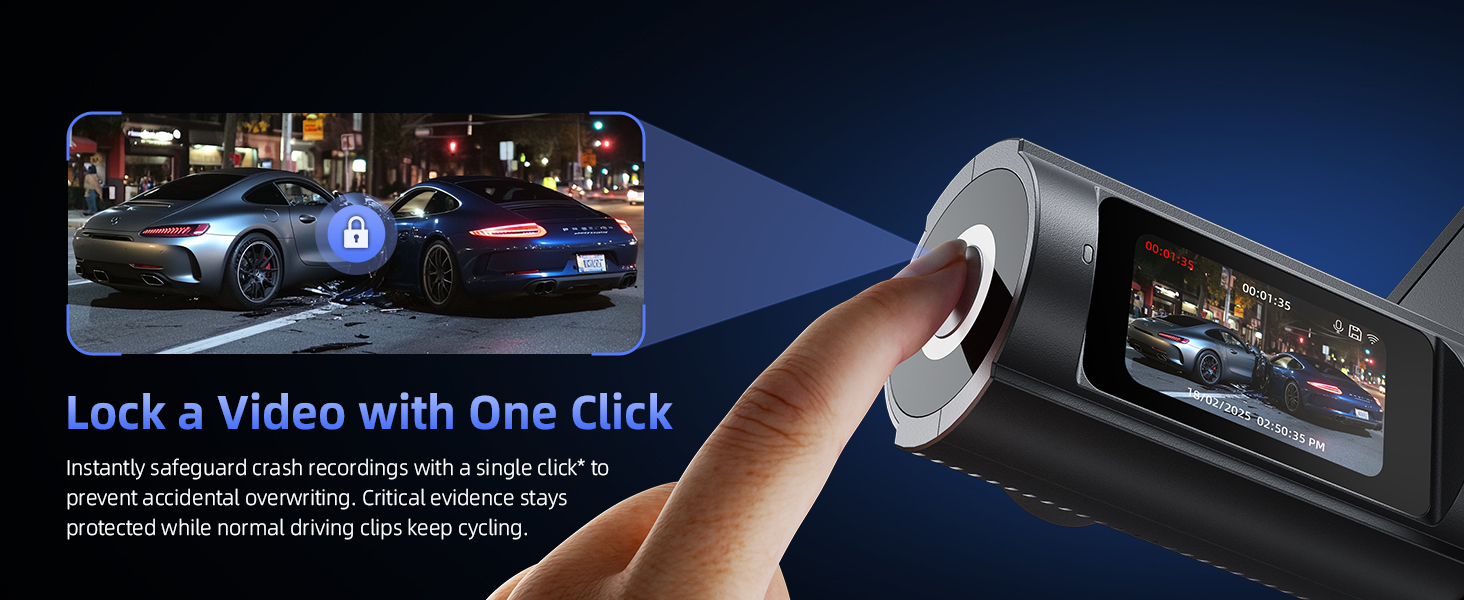
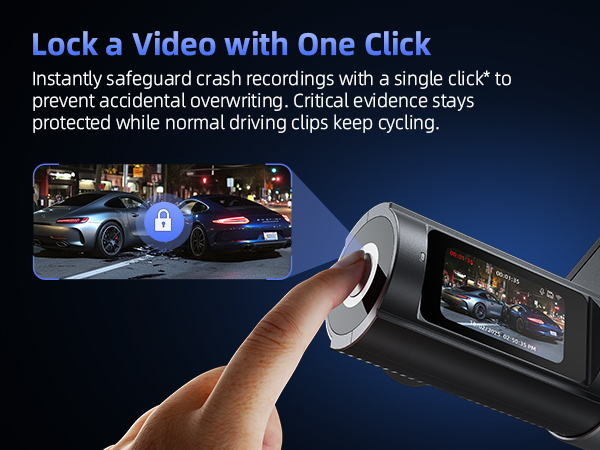
G-Sensor Guardian: Auto-Lock Critical Evidence?
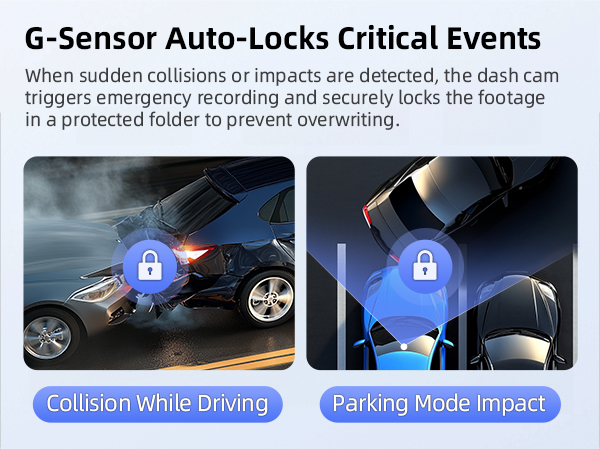
While parked (hardwire kit needed, sold separately), your dash cam conserves power until collisions trigger preset-sensitive recording, saving emergency clips to the Lock Folder.
?? ?Why You Need This:
- Catches hit-and-run license plates
- Prevents SD card clutter - only critical events are locked
My car doesn't have a cigarette lighter socket. How can I power the dash cam???
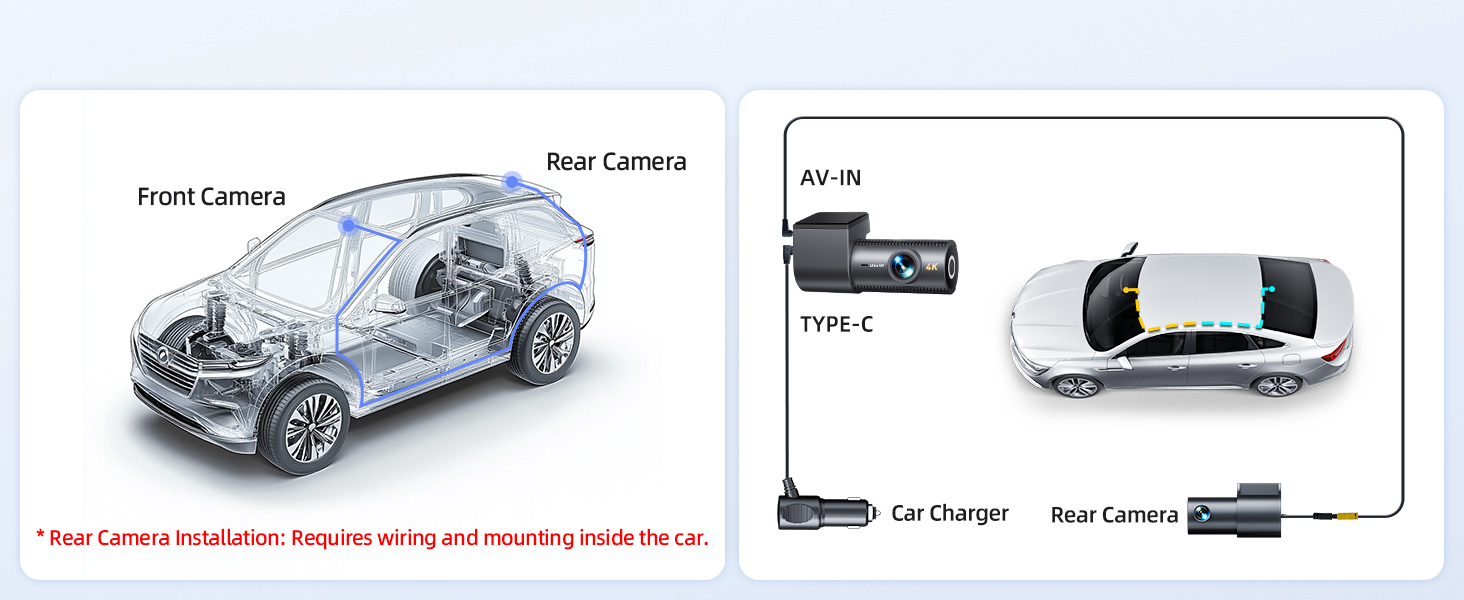
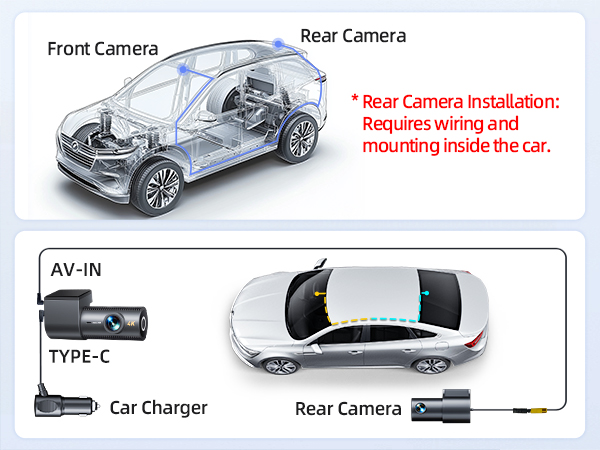
If your car lacks a cigarette lighter socket or the dash cam doesn't power on with your own Type-C cable, use CIEVIE Type-C cable.
Is the CIEVIE dash cam wireless? Can it work without being plugged in???
No. CIEVIE dash cams require constant power via your car's 12V socket or hardwiring. For Parking Mode (using your car battery), use CIEVIE hardwire kit (sold separately).
Why can't I open or play dashcam videos on my computer?
Dashcam videos are encoded in a special format to ensure stable recording, which may not be supported by some default computer players. We recommend using *PotPlayer* to play them properly.
How do I activate Parking Mode, and what does it do???
Requires hardwiring to your fuse box. Once installed via hardwire kit, enable Parking Monitoring in the CIEVIE app. This low-power mode records collisions or motion while your car is parked/off, providing security surveillance.
What should I check before connecting to the dashcam app???
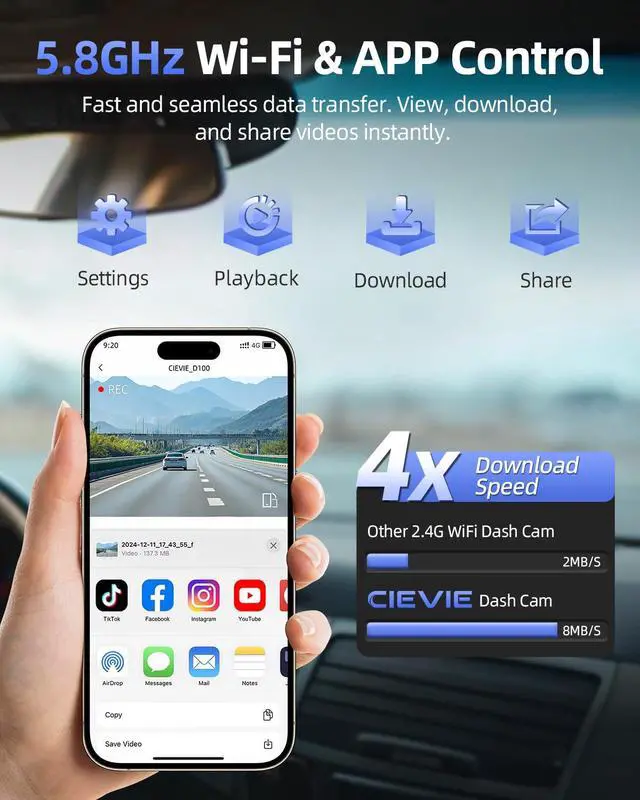
1) Exit CarPlay/Android Auto (cannot run concurrently with the dashcam APP).
2) Enable app permissions.
3) Disable VPNs/firewalls/anti-virus apps.
Two Parking Modes, Monitor Your Vehicle 24/7
Time-Lapse Recording: Condenses Hours into Clips?
Records continuously at adjustable low FPS during parking mode (hardwire kit needed). Fast-forward through hours of footage to spot suspicious activity.
?? ?Why You Need This:
- Identifies slow-damage culprits
- Uses less storage than standard video
- Seamlessly integrates with your existing Loop Recording
G-Sensor Guardian: Auto-Lock Critical Evidence?
While parked (hardwire kit needed, sold separately), your dash cam conserves power until collisions trigger preset-sensitive recording, saving emergency clips to the Lock Folder.
?? ?Why You Need This:
- Catches hit-and-run license plates
- Prevents SD card clutter - only critical events are locked
My car doesn't have a cigarette lighter socket. How can I power the dash cam???
If your car lacks a cigarette lighter socket or the dash cam doesn't power on with your own Type-C cable, use CIEVIE Type-C cable.
Is the CIEVIE dash cam wireless? Can it work without being plugged in???
No. CIEVIE dash cams require constant power via your car's 12V socket or hardwiring. For Parking Mode (using your car battery), use CIEVIE hardwire kit (sold separately).
Why can't I open or play dashcam videos on my computer?
Dashcam videos are encoded in a special format to ensure stable recording, which may not be supported by some default computer players. We recommend using *PotPlayer* to play them properly.
How do I activate Parking Mode, and what does it do???
Requires hardwiring to your fuse box. Once installed via hardwire kit, enable Parking Monitoring in the CIEVIE app. This low-power mode records collisions or motion while your car is parked/off, providing security surveillance.
What should I check before connecting to the dashcam app???
1) Exit CarPlay/Android Auto (cannot run concurrently with the dashcam APP).
2) Enable app permissions.
3) Disable VPNs/firewalls/anti-virus apps.
Cievie redefines road safety with simplicity.
No complex setup. Just plug in and drive. Motion-activated recording safeguards your vehicle 24/7, and our seamless integration with your car's system ensures effortless use.
Smart, reliable, and unobtrusive. We're not just a recorder - we're your trusted partner on the road.
#DriveWithConfidence #CievieFamily
CIEVIE D100pro Dashcam
CIEVIE C200 Dashcam
CIEVIE D100 Dashcam