




Cainda Digital USB Microscope
Compatible with Windows xp/vista/7/8/10/11, Mac, Linux
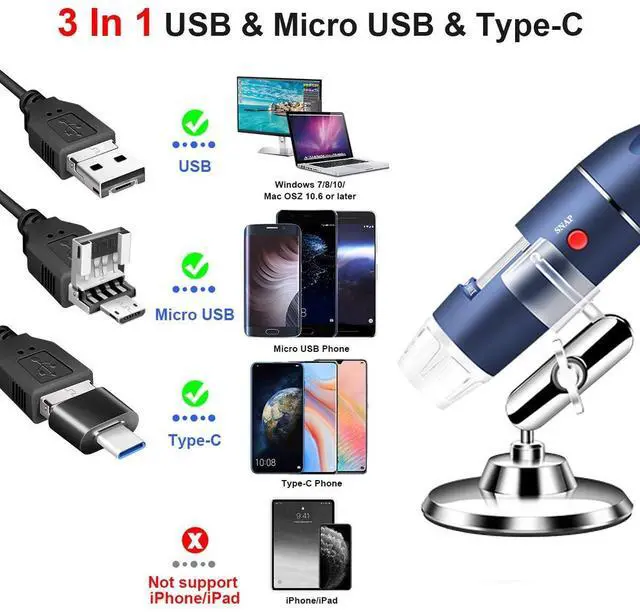
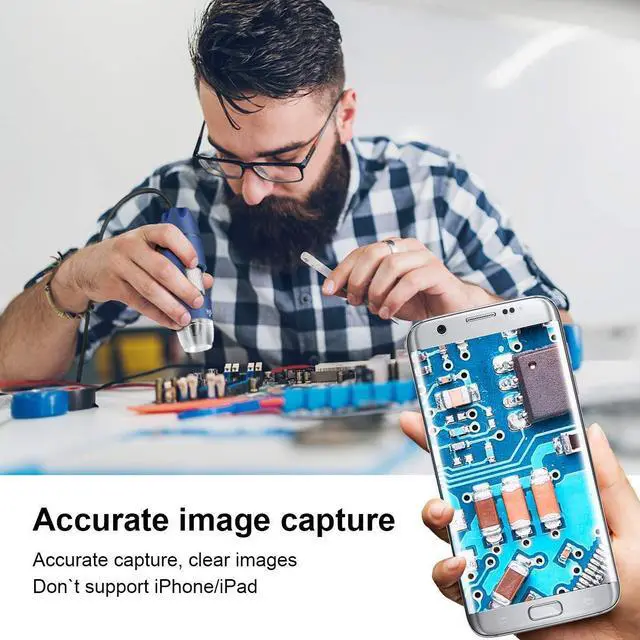
Compatible for Android Phone and Pad with OTG function (Not work with iPhone/iPad/Kindles)
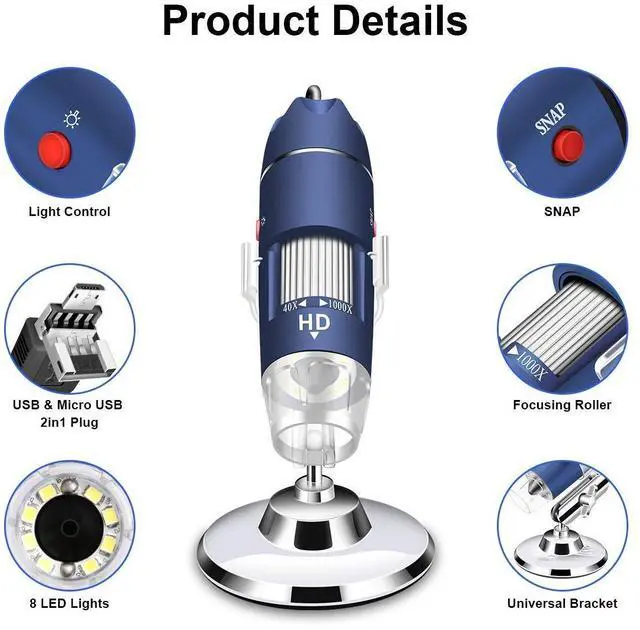
Note: The Focus Wheel and Light Control Button can be used on all devices above. But the SNAP button can only be recognized on the Windows system as the software was written by our company. All software has buttons for taking photos and videos.
Windows User
Win10 user can open the default camera app to use this microscope directly.
”Xploview” is a professional Window software designed for Windows xp/vista/7/8/10/11.
Mac User
Mac users can use the “Photo Booth” to use our microscope directly.
“Digital Viewer” can work well on Mac PC. Mac user can also download and install it to use.
Android User
Please download the “USB Camera” or “OTG View” from Google Play to use this microscope.
Linux User
You can use the webcam apps like cheese, VLC or guvcview. We have tested the microscope with Linux utilizing GTK+ UVC Viewer by using the following terminal commands: “sudo apt-get install guvcview” “guvcview”

User on Wndows PC, Mac PC and Android Phone

On Windows PC
1) Win10 user can open the default camera app to use this microscope.
2) Windows xp/vista/7/8/10/11 user all can install our recommended software - “Xploview” to use our microscope.

On Mac PC
1) Mac user can use the default camera app “Photo Booth” to use our usb microscope. (Image will be reversed on “Photo Booth”; you can use “xploview” if you mind.)
2) Mac user can install and use our recommended software - “Xploview” camera app.

On Android Smart Phone
1) This Cainda USB microscope can work on the Android smart phone with OTG function. (You can download the "USB OTG Checker" app to check it by yourself or contact with us for help.)
2) Our product is equipped with two kinds of usb plugs for smart phones - Micros USB and type C.


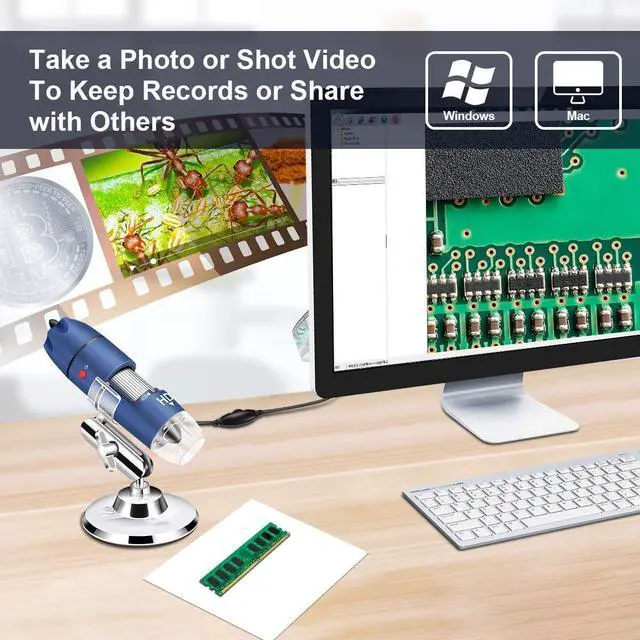
Widely Application

Brocade Check

Insect Observation

Identify Coin

PCB Inspection
Cainda Digital USB Microscope
Compatible with Windows xp/vista/7/8/10/11, Mac, Linux
Compatible for Android Phone and Pad with OTG function (Not work with iPhone/iPad/Kindles)
Note: The Focus Wheel and Light Control Button can be used on all devices above. But the SNAP button can only be recognized on the Windows system as the software was written by our company. All software has buttons for taking photos and videos.
Windows User
Win10 user can open the default camera app to use this microscope directly.
”Xploview” is a professional Window software designed for Windows xp/vista/7/8/10/11.
Mac User
Mac users can use the “Photo Booth” to use our microscope directly.
“Digital Viewer” can work well on Mac PC. Mac user can also download and install it to use.
Android User
Please download the “USB Camera” or “OTG View” from Google Play to use this microscope.
Linux User
You can use the webcam apps like cheese, VLC or guvcview. We have tested the microscope with Linux utilizing GTK+ UVC Viewer by using the following terminal commands: “sudo apt-get install guvcview” “guvcview”
User on Wndows PC, Mac PC and Android Phone
On Windows PC
1) Win10 user can open the default camera app to use this microscope.
2) Windows xp/vista/7/8/10/11 user all can install our recommended software - “Xploview” to use our microscope.
On Mac PC
1) Mac user can use the default camera app “Photo Booth” to use our usb microscope. (Image will be reversed on “Photo Booth”; you can use “xploview” if you mind.)
2) Mac user can install and use our recommended software - “Xploview” camera app.
On Android Smart Phone
1) This Cainda USB microscope can work on the Android smart phone with OTG function. (You can download the "USB OTG Checker" app to check it by yourself or contact with us for help.)
2) Our product is equipped with two kinds of usb plugs for smart phones - Micros USB and type C.
Built-in Adjustable LEDs
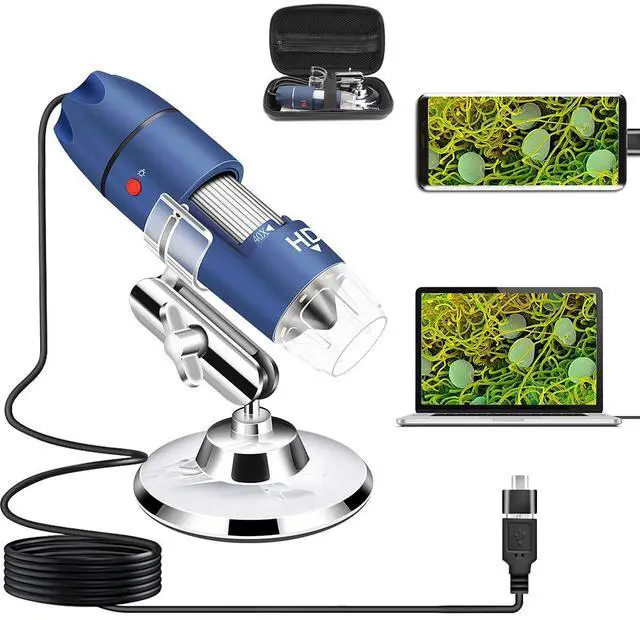
Our digital microscope has 8pcs built-in LEDs. Powered directly through usb cable. No need to charge in advance.
Soft and uniform light, could not affect the observation due to reflection while illuminating.
4-level adjustment light, suitable for use in different situations, even in dark. You can adjust it via the light control button.
Full HD Lens
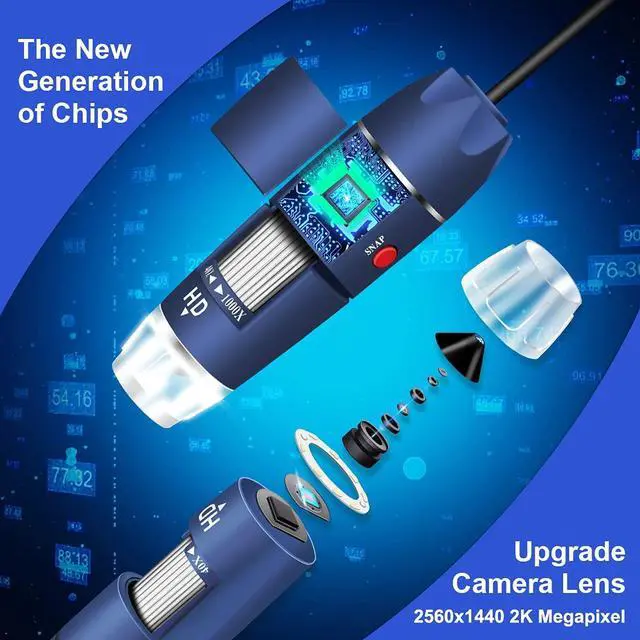
Newly upgraded camera lens, can capture the Full HD image and reduce the blur due to amplification generated.
Our microscope camera supports taking pictures and videos. 1920x1080 Resolution. All the software we recommanded support it. You also can use the SNAP button to take photos on your Windows PC.
Support Multiple Devices
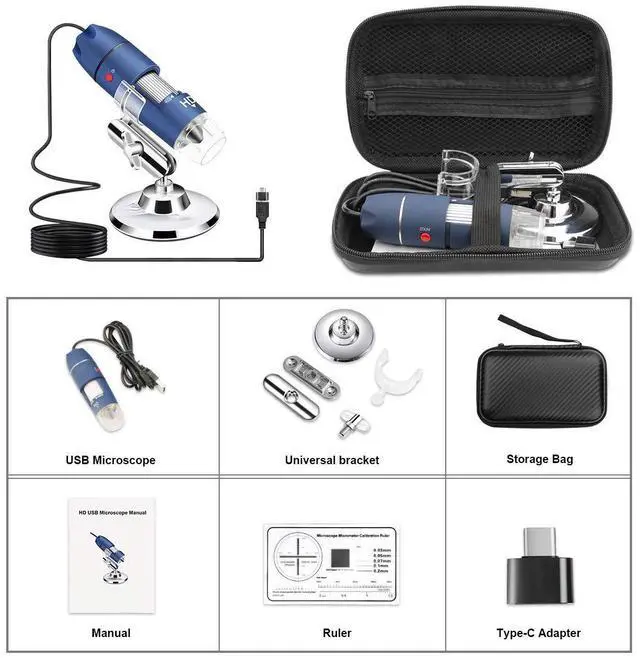
Cainda USB microscope is equipped with 3 kinds of usb plugs (USB plug, micro usb plug and type plug), to support multiple devices Windows PC, Mac PC, type-C and micro-usb Android phone.
Easy to Carry
You can get one portable storage case for the microscope and accessories. Dust-proof and fall resistant. So convenient for you to store and carry out.
Widely Application
Brocade Check
Insect Observation
Identify Coin