






 4K Body Camera, WiFi Action Camera with 128GB Card, Hands-Free POV Cameras, M... |  Upgraded 1080P Mini Body Camera with 64GB Card, Sports Action Cameras, Hands-... |  1080P Sports Action Camera, Mini Body Camera with Audio and Video Recording, ... | |
|---|---|---|---|
| Customer Reviews | — | — | — |
| Price | — | — | — |
| Video Resolution | 4K | 1080P | 1080P |
| Wireless Connection | WiFi | USB | USB |
| Battery Capacity | 800 mAh | 500 mAh | 500 mAh |
| Charging Port | USB-C | USB-C | USB-C |
| Wide Angle | 120° | 120° | 120° |
| Mobile App | ? | x | x |
| Record While Charging | ? | ? | ? |
| Includes SD Memory Card | ? | ? | x |
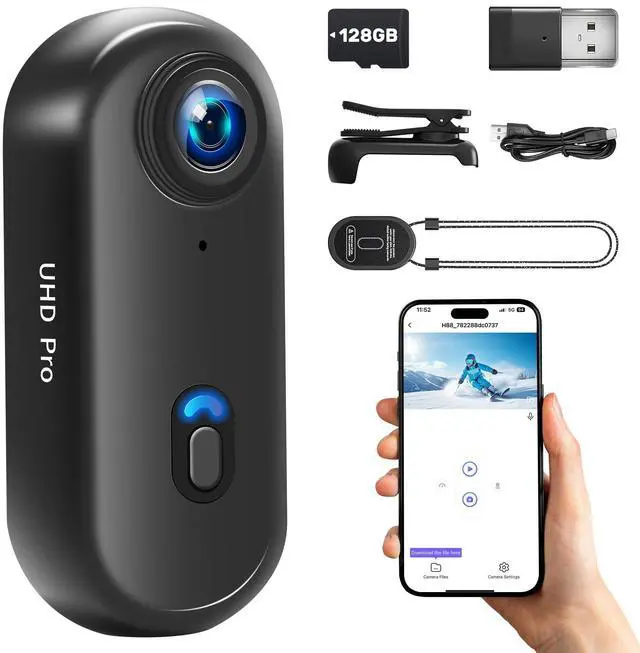
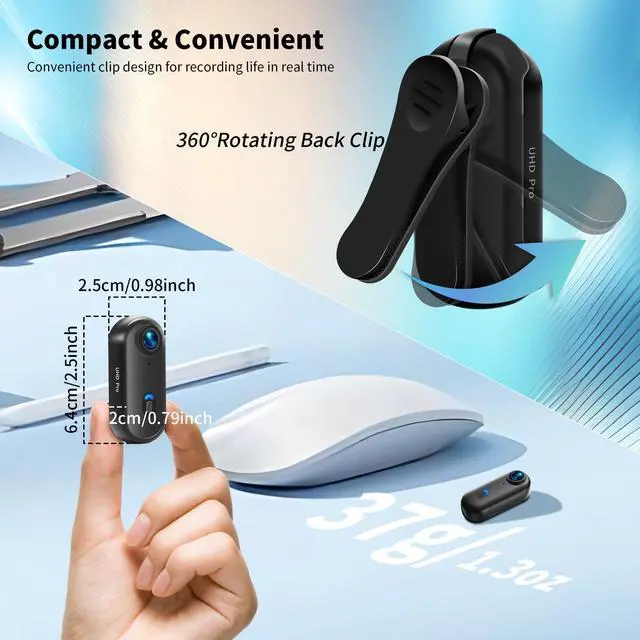
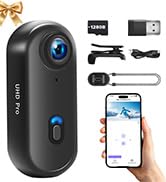
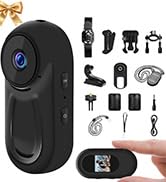
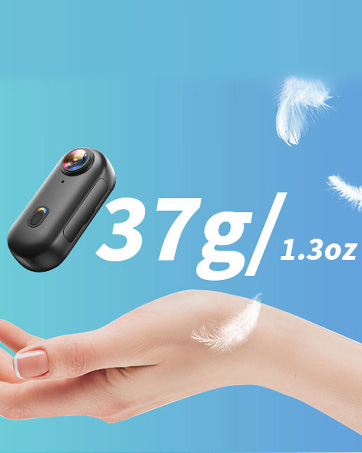
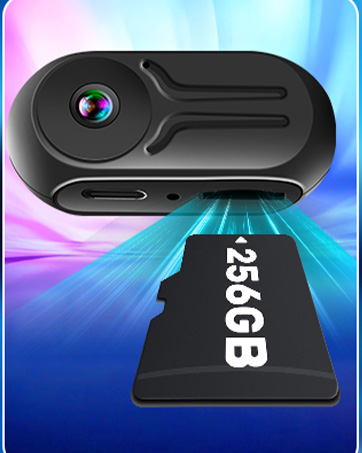
4K Sports Action Camera, Mini Body Camera, Thumb Size Action Body Cam, Wearable Sports Cameras

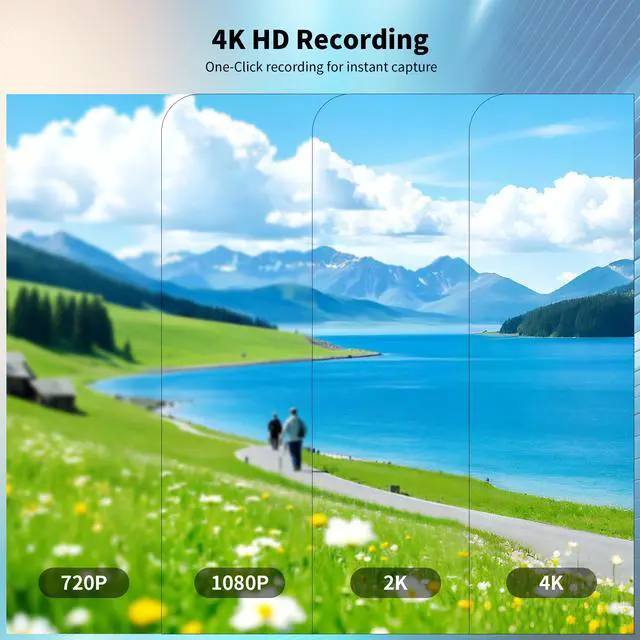
Video Recording Modes: 4K, 2K, 1080P (Adjustable)
Note:
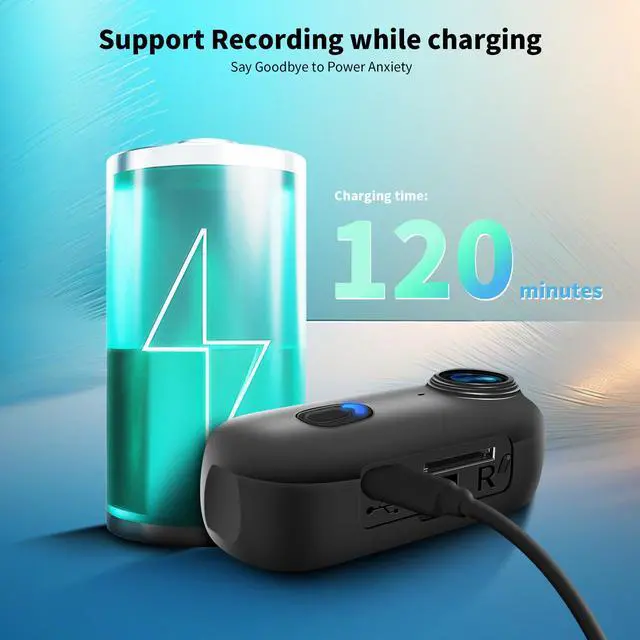
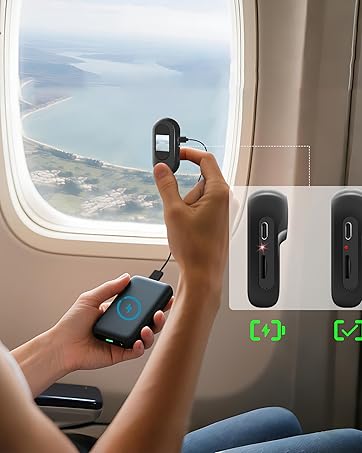
1. When connected to the charger, the device will vibrate and the red light will flash. Press and hold the power button to stop the vibration and keep the red light on.
2. Loop recording is enabled by default and cannot be turned off.

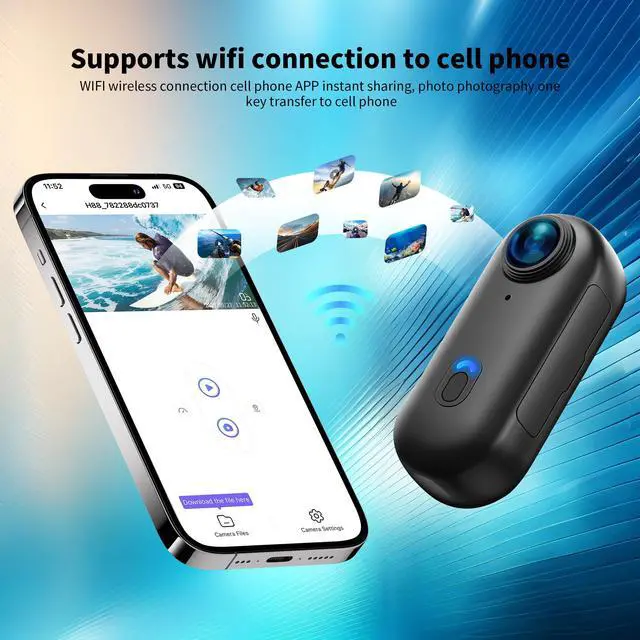
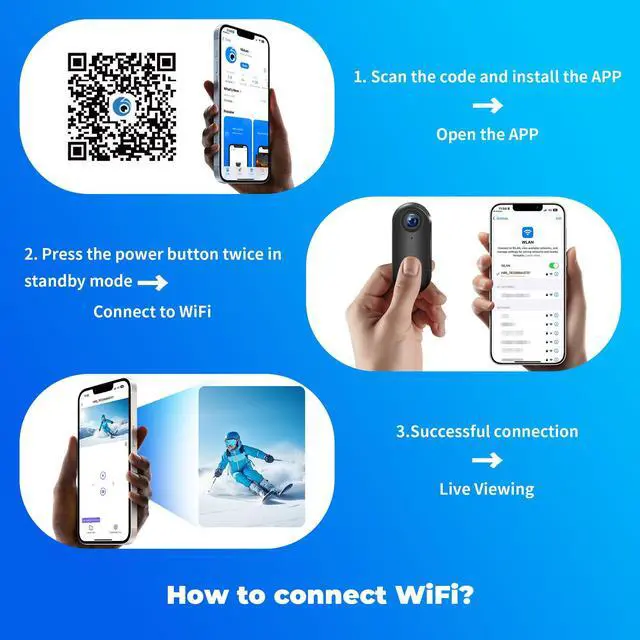
How to connect to WiFi? (Note: Before using this product, please fully charge it and insert an SD card.)
1. In standby mode, press the button twice ? Enter WiFi mode (green light flashes) and wait for connection.
(Note: If no connection is made within 3 minutes, the device will automatically shut down.)
2. Go to your phone’s WiFi settings and connect to "H88_782288DC0737"
3. Successful connection = Green light stays on.
4. Now open the app ? Click "Access Camera".

Power on = Long press the power button (1 vibration) Standby mode = Blue light stays on
How to record video/take photos with WiFi connection?
1. Simply open the mobile app and click "Record" (real-time viewing available)
2. Click the camera button once in the app to take a snapshot.

How to download the app? (Two methods)
1. Scan the code to directly download the "Lufengzhe" app.
2. Search and download from the app store:
a. For iOS – Search for "Lufengzhe" in the Apple App Store and download.
b. For Android (International) – Search for "Viidure" on Google Play and download.
c. For Android (China) – Search for "Lufengzhe" in your local app store and download.
How to record video without WiFi?
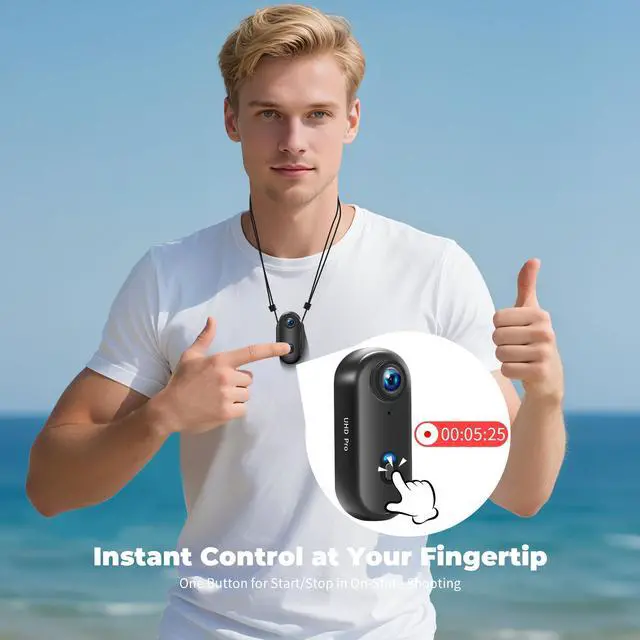
1. In standby mode, briefly press the button once (1 vibration) to start recording (blue light flashes slowly).
2. Briefly press the button once again (1 vibration) = Stop recording (file saved)


4K Body Camera, WiFi Action Camera with 128GB Card, Hands-Free POV Cameras, M... | Upgraded 1080P Mini Body Camera with 64GB Card, Sports Action Cameras, Hands-... | 1080P Sports Action Camera, Mini Body Camera with Audio and Video Recording, ... | |
|---|---|---|---|
| Customer Reviews | — | — | — |
| Price | — | — | — |
| Video Resolution | 4K | 1080P | 1080P |
| Wireless Connection | WiFi | USB | USB |
| Battery Capacity | 800 mAh | 500 mAh | 500 mAh |
| Charging Port | USB-C | USB-C | USB-C |
| Wide Angle | 120° | 120° | 120° |
| Mobile App | ? | x | x |
| Record While Charging | ? | ? | ? |
| Includes SD Memory Card | ? | ? | x |
4K Sports Action Camera, Mini Body Camera, Thumb Size Action Body Cam, Wearable Sports Cameras
Video Recording Modes: 4K, 2K, 1080P (Adjustable)
Note:
1. When connected to the charger, the device will vibrate and the red light will flash. Press and hold the power button to stop the vibration and keep the red light on.
2. Loop recording is enabled by default and cannot be turned off.
How to connect to WiFi? (Note: Before using this product, please fully charge it and insert an SD card.)
1. In standby mode, press the button twice ? Enter WiFi mode (green light flashes) and wait for connection.
(Note: If no connection is made within 3 minutes, the device will automatically shut down.)
2. Go to your phone’s WiFi settings and connect to "H88_782288DC0737"
3. Successful connection = Green light stays on.
4. Now open the app ? Click "Access Camera".
Power on = Long press the power button (1 vibration) Standby mode = Blue light stays on
How to record video/take photos with WiFi connection?
1. Simply open the mobile app and click "Record" (real-time viewing available)
2. Click the camera button once in the app to take a snapshot.
How to download the app? (Two methods)
1. Scan the code to directly download the "Lufengzhe" app.
2. Search and download from the app store:
a. For iOS – Search for "Lufengzhe" in the Apple App Store and download.
b. For Android (International) – Search for "Viidure" on Google Play and download.
c. For Android (China) – Search for "Lufengzhe" in your local app store and download.
How to record video without WiFi?
1. In standby mode, briefly press the button once (1 vibration) to start recording (blue light flashes slowly).
2. Briefly press the button once again (1 vibration) = Stop recording (file saved)
mini body camera
Wildly Popular Action Cmaera
The Beloved Camera
The Mighty Mini Camera
Ready for Anything
Capture Every Detail