





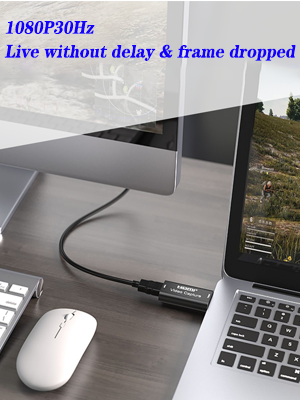
Package include
- Video capture card
- user manual
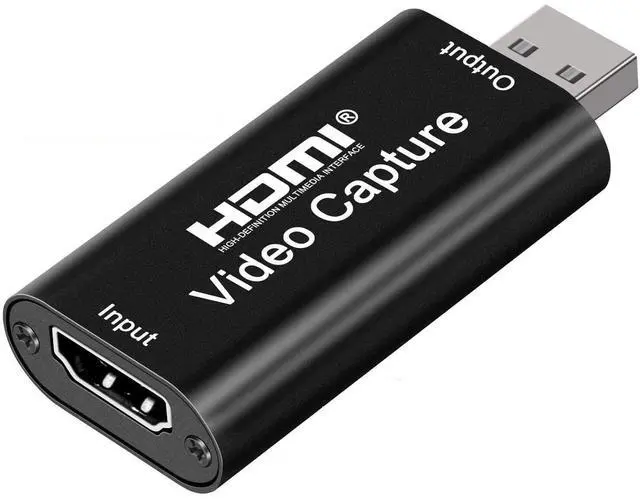
HDMI Video Capture
Features:
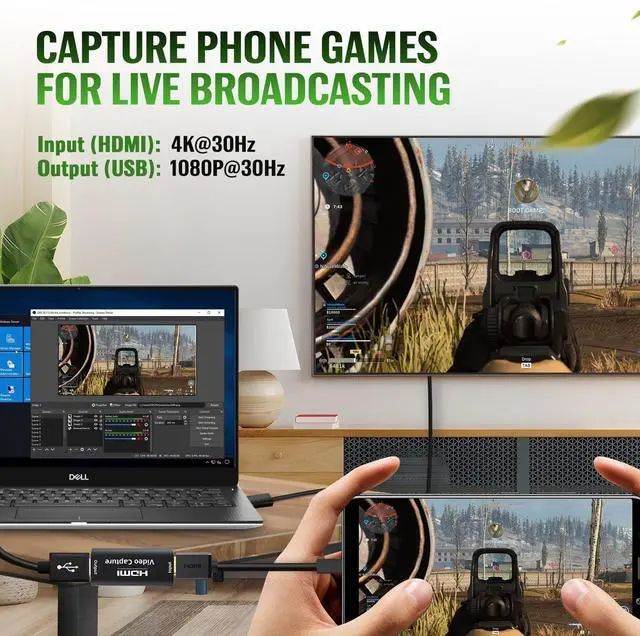
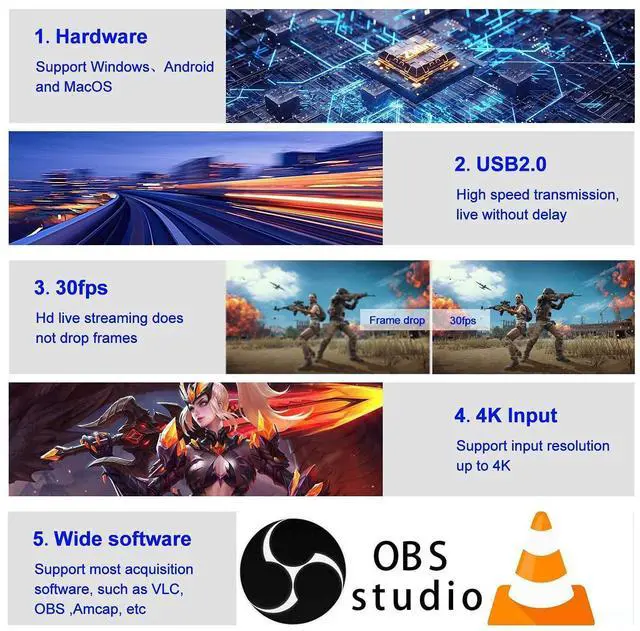
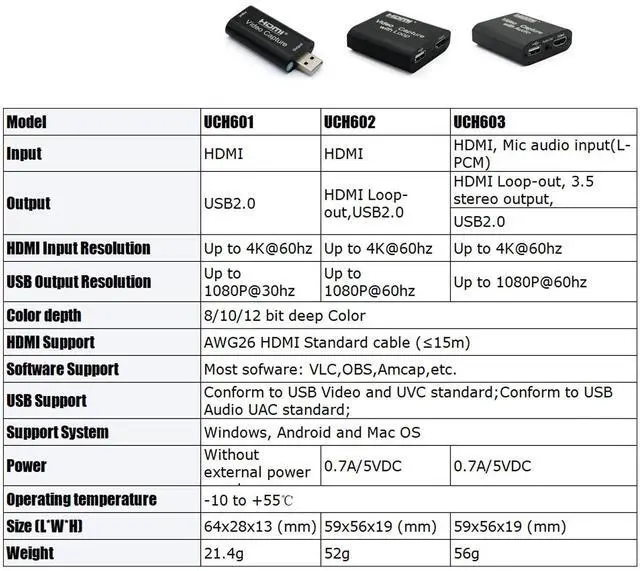
- Support input max resolution 4K
- Support output max resolution 1080P
- Support 8/10/12bit deep color
- Support AWG26 HDMI standard cable: input up to 15 meters(1080P and below resolution);
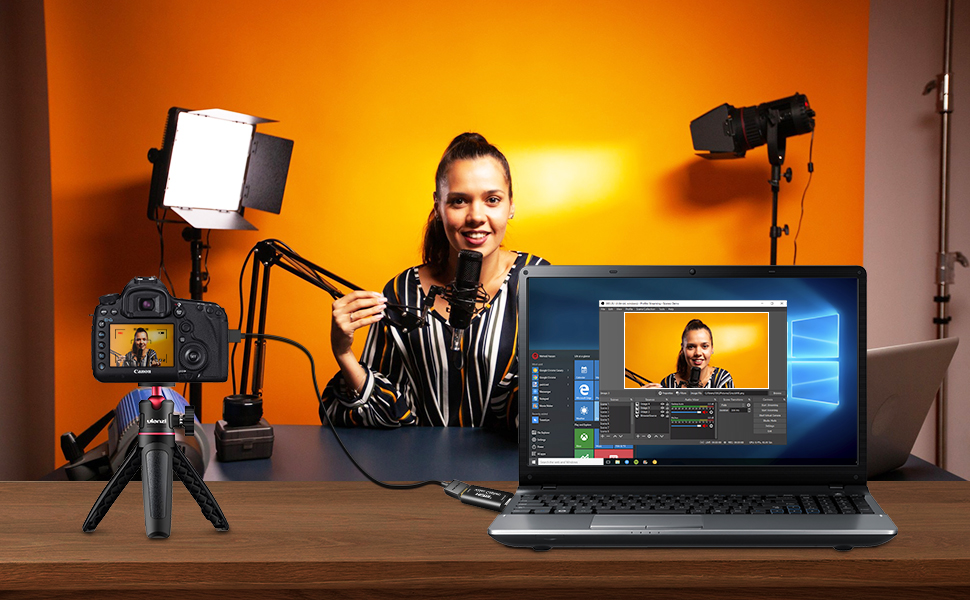
- Support most acquisition software, such as VLC
- Support Windows Android and MacOS
- Conform to USB Video and UVC standard
- Conform to USB Audio UAC standard
- Without external power supply, compact and portable.
- HDMI resolution :Max input can be 4K
- Support video format:8/10/12bit Deep color
- Video output format:YUV?JPEG
- Video output resolution :Max output can be 1080P
- Support audio format:L-PCM
- Input cable distance: =15m,
- Max working current:0.4A/5VDC
- Operating Temperature range: (-10 to +55)
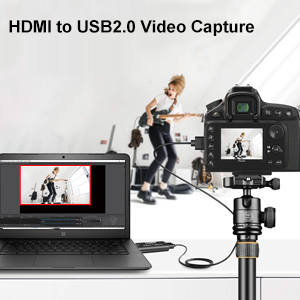
Note:
- Computer hardware configuration requirements
- CPU: PC i5-3400 or above;NB i7-3537U 2.0GHZ or above;
- Graphics card: PC NVIDIA GT630 or above;NC NVIDIA GT735M or above
- Run memory: 4G RAM

INTRODUCTION:
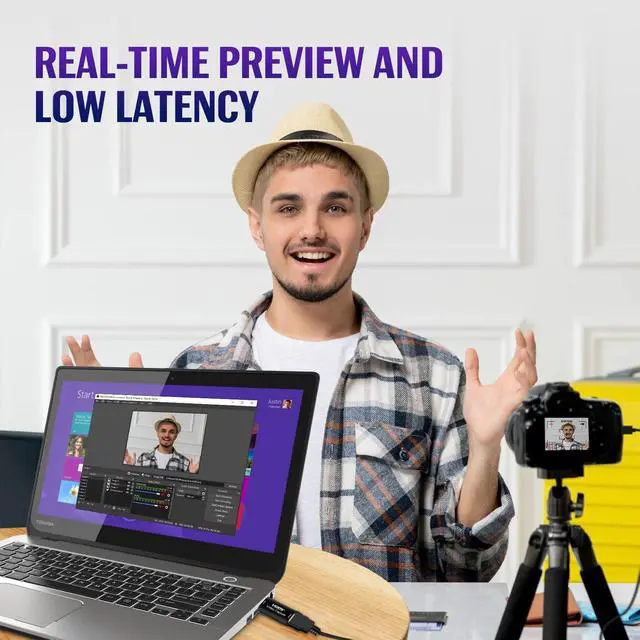
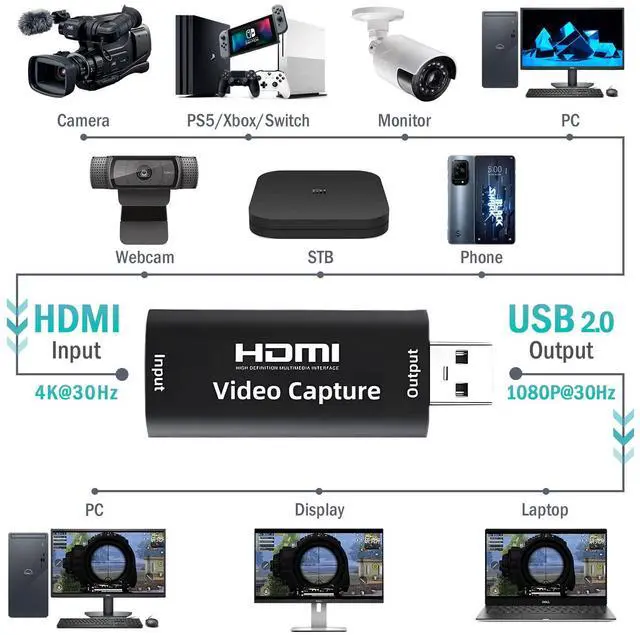
The video capture can capture both HDMI video and HDMI audio, sending audio and video signals to computers and smart phones for preview and storage. Suitable for high definition acquisition, teaching recording, medical imaging, etc.
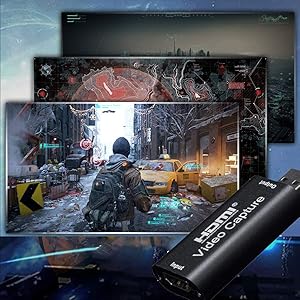
[Note] Please read carefully before buying.
- If the PC specifications are insufficient, the recorded video may be powered off or randomly frozen.
- The product itself does not have an encoding function, but it can be used by connecting to a PC and using third-party video capture software.
- The HUB and USB extension cable cannot be used, please connect directly to the USB port of the PC.
- The quality of capture, recording, etc. also depends on the performance and software of the PC.
- We do not sure that it will run in all operating environments.
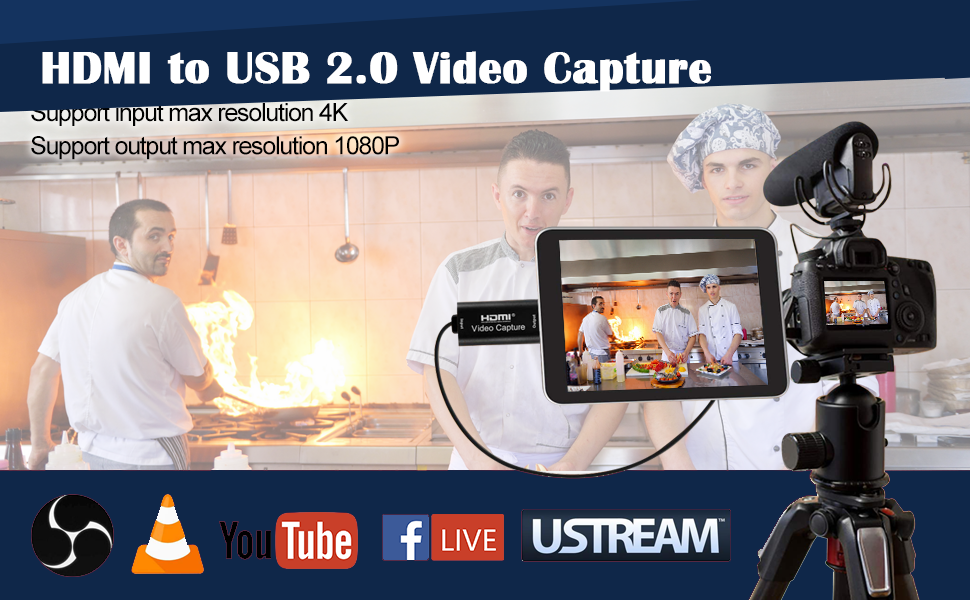
Compatible with USB2.0 capture board, suitable for recording games
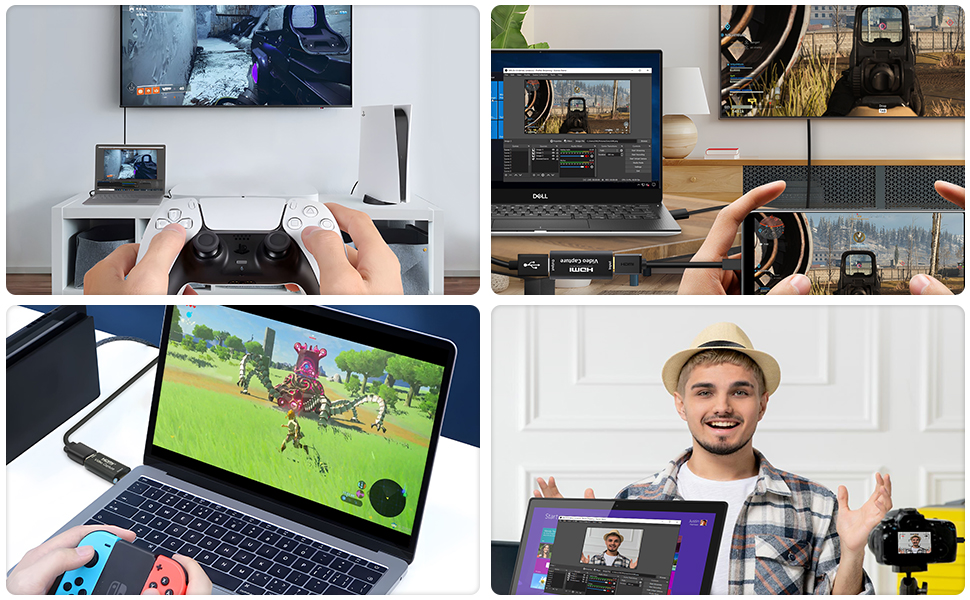
- HDMI capture allows you to record HDMI video on your computer. It is very suitable for use as a game capture device connected to a game console to record game video.
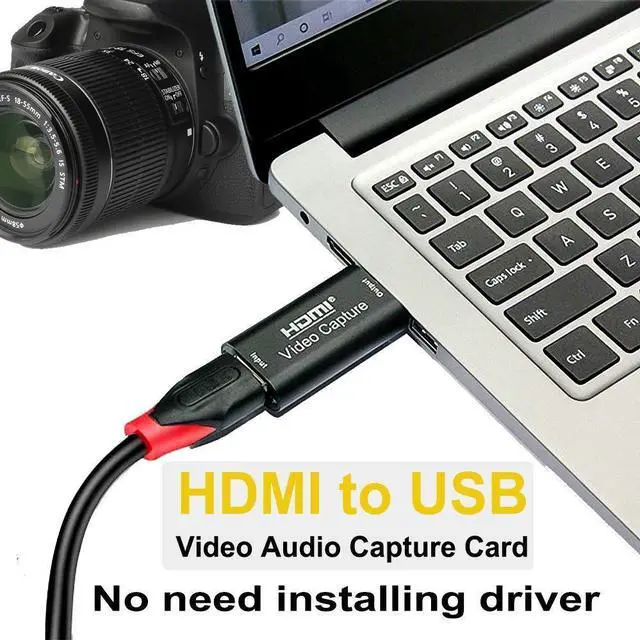
- Small size, no power supply or driver installation required, easy to carry. You do not need to prepare a new environment, you can implement it in the current Internet environment. You can use a conversion cable that supports HDMI input to connect to various devices.
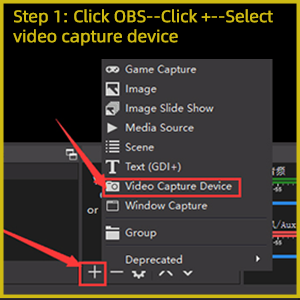
Step 1
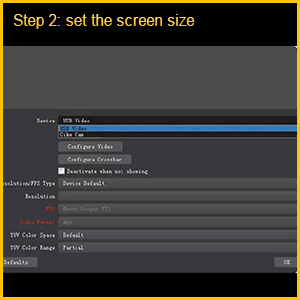
Step 2
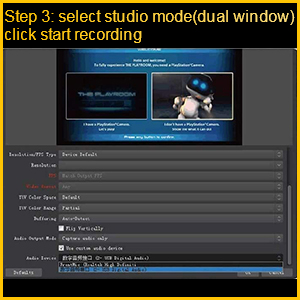
Step 3
Step 4
 UCH603 |  UCH601 | 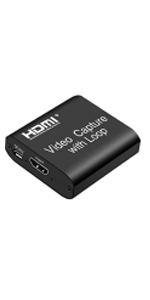 UCH602 | 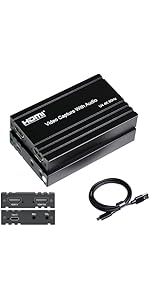 UCH801 | 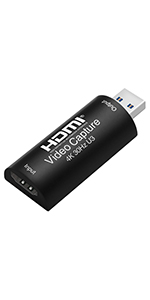 UCH701 | 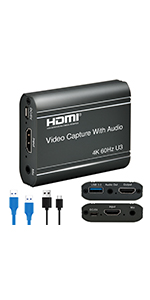 UCH703 | |
|---|---|---|---|---|---|---|
| Customer Reviews | — | — | — | — | — | — |
| Price | — | — | — | — | — | — |
| Max Input Resolution | 4K | 4K | 4K | 4K@60Hz 4:4:4 | 4K@30Hz | 4K@60Hz |
| Max Output Resolution | 1080P | 1080P | 1080P | 4K@60Hz | 1080P@60Hz | 1080P@60Hz |
| Video Output Mode | YUV/JPEG | YUV/JPEG | YUV/JPEG | MJPEG/YUY2/NV12/I420 | YUV/JPEG | no data |
| INTERFACE | USB 2.0/Audio/HDMI loopout | USB 2.0/HDMI loopout | USB 2.0/HDMI loopout | Type C/Audio/4K HDMI 2.0 loopout | USB 3.0 | USB 3.0 |
| WORKS BEST WITH | PS4, Xbox One X/S | PS4, Xbox One X/S | PS4, Xbox One X/S | PS4, Xbox One X/S | PS4, Xbox One X/S | PS4, Xbox One X/S |
| input | HDMI | HDMI | HDMI | 4K HDMI 2.0 | HDMI | HDMI |
| Support Audio Format | L-PCM | L-PCM | L-PCM | meet the UVC and UAC standards | L-PCM | LPCM |
| Dimension | 59x56x19 mm | 64x28x13 mm | 59x56x19 mm | 100x63x16 mm | 52x25x14 mm | 70x56x19 mm |
| Weight | 56g | 21.4g | 52g | 126g | 15.6g | 56g |

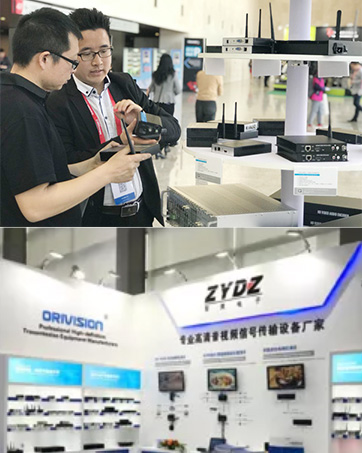
Professional solution provider
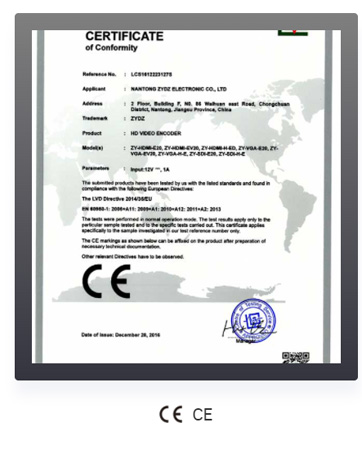
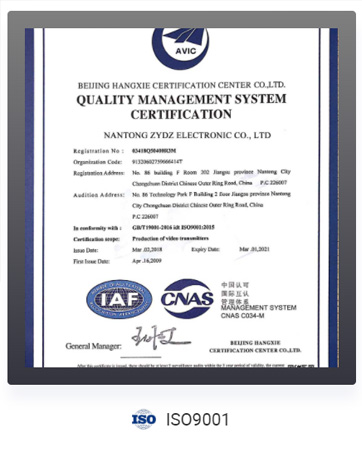
Orivision is a National High-New-Tech Enterprise and Technology Innovation Enterprise with ISO certified.
Who We Are
ORIVISION, established in 2004, is a professional leading manufacturer of IP/fiber optic/coaxial-based video transmission systems.
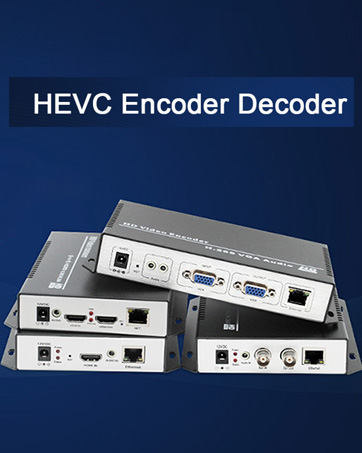
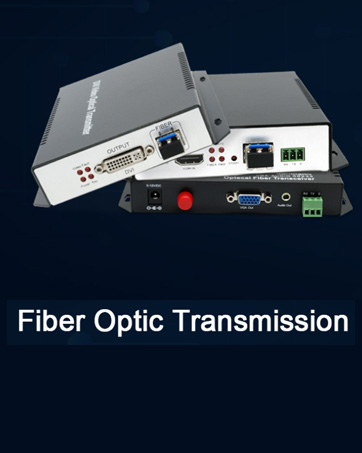
Specializing in the R&D and production, we deliver encoders and decoders supporting H.265, H.264, and MJPEG protocols across HDMI/SDI/VGA interfaces, along with transmission solutions including HDMI/VGA/SDI/DVI network/coaxial/fiber transmitters.
We excel in low-bitrate encoding, bandwidth-efficient transmission, NDI/SRT streaming protocols, RTMP/RTSP/RTSP integration, high-definition decoding, streaming service management.
Business Growth and Services
With 2 decades of continuous operation, ORIVISION has served over 40,000 corporate clients across nearly 200 countries, establishing collaborative partnerships through cross-industry projects and customized implementations.
Beyond standard -available products, we provide tailored engineering solutions including OEM/ODM & custom logo labeling services.
Our technical team stands ready to address specialized requirements and deliver scalable solutions for global enterprises.
For detailed inquiries about customized business solutions, please feel free to inquire.
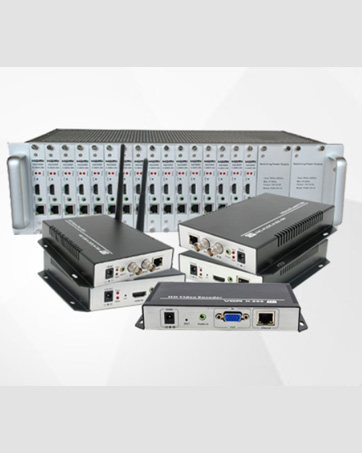
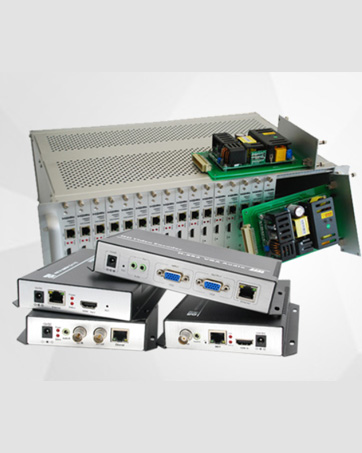
H.265/H.264 HDMI Video Encoder

HDMI Video Capture
Package include
- Video capture card
- user manual
Features:
- Support input max resolution 4K
- Support output max resolution 1080P
- Support 8/10/12bit deep color
- Support AWG26 HDMI standard cable: input up to 15 meters(1080P and below resolution);
- Support most acquisition software, such as VLC
- Support Windows Android and MacOS
- Conform to USB Video and UVC standard
- Conform to USB Audio UAC standard
- Without external power supply, compact and portable.
- HDMI resolution :Max input can be 4K
- Support video format:8/10/12bit Deep color
- Video output format:YUV?JPEG
- Video output resolution :Max output can be 1080P
- Support audio format:L-PCM
- Input cable distance: =15m,
- Max working current:0.4A/5VDC
- Operating Temperature range: (-10 to +55)
Note:
- Computer hardware configuration requirements
- CPU: PC i5-3400 or above;NB i7-3537U 2.0GHZ or above;
- Graphics card: PC NVIDIA GT630 or above;NC NVIDIA GT735M or above
- Run memory: 4G RAM
INTRODUCTION:
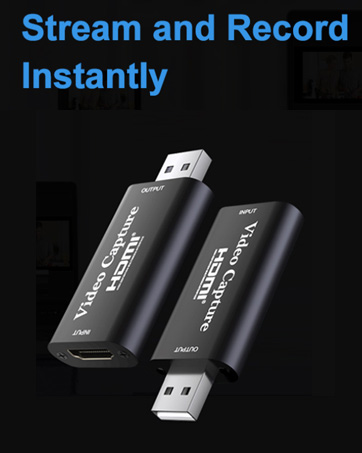
The video capture can capture both HDMI video and HDMI audio, sending audio and video signals to computers and smart phones for preview and storage. Suitable for high definition acquisition, teaching recording, medical imaging, etc.
[Note] Please read carefully before buying.
- If the PC specifications are insufficient, the recorded video may be powered off or randomly frozen.
- The product itself does not have an encoding function, but it can be used by connecting to a PC and using third-party video capture software.
- The HUB and USB extension cable cannot be used, please connect directly to the USB port of the PC.
- The quality of capture, recording, etc. also depends on the performance and software of the PC.
- We do not sure that it will run in all operating environments.
Compatible with USB2.0 capture board, suitable for recording games
- HDMI capture allows you to record HDMI video on your computer. It is very suitable for use as a game capture device connected to a game console to record game video.
- Small size, no power supply or driver installation required, easy to carry. You do not need to prepare a new environment, you can implement it in the current Internet environment. You can use a conversion cable that supports HDMI input to connect to various devices.
1. Add new sources, choose“ Video Capture Device”
2 . Set the size of the image
3 . Choose " Studio Mode " ( double window)
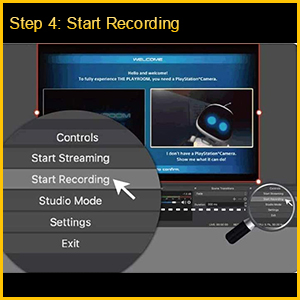
4 . Click " Start Recording
UCH603 | UCH601 | UCH602 | UCH801 | UCH701 | UCH703 | |
|---|---|---|---|---|---|---|
| Customer Reviews | — | — | — | — | — | — |
| Price | — | — | — | — | — | — |
| Max Input Resolution | 4K | 4K | 4K | 4K@60Hz 4:4:4 | 4K@30Hz | 4K@60Hz |
| Max Output Resolution | 1080P | 1080P | 1080P | 4K@60Hz | 1080P@60Hz | 1080P@60Hz |
| Video Output Mode | YUV/JPEG | YUV/JPEG | YUV/JPEG | MJPEG/YUY2/NV12/I420 | YUV/JPEG | no data |
| INTERFACE | USB 2.0/Audio/HDMI loopout | USB 2.0/HDMI loopout | USB 2.0/HDMI loopout | Type C/Audio/4K HDMI 2.0 loopout | USB 3.0 | USB 3.0 |
| WORKS BEST WITH | PS4, Xbox One X/S | PS4, Xbox One X/S | PS4, Xbox One X/S | PS4, Xbox One X/S | PS4, Xbox One X/S | PS4, Xbox One X/S |
| input | HDMI | HDMI | HDMI | 4K HDMI 2.0 | HDMI | HDMI |
| Support Audio Format | L-PCM | L-PCM | L-PCM | meet the UVC and UAC standards | L-PCM | LPCM |
| Dimension | 59x56x19 mm | 64x28x13 mm | 59x56x19 mm | 100x63x16 mm | 52x25x14 mm | 70x56x19 mm |
| Weight | 56g | 21.4g | 52g | 126g | 15.6g | 56g |
Professional solution provider
Orivision is a National High-New-Tech Enterprise and Technology Innovation Enterprise with ISO certified.
Who We Are
ORIVISION, established in 2004, is a professional leading manufacturer of IP/fiber optic/coaxial-based video transmission systems.
Specializing in the R&D and production, we deliver encoders and decoders supporting H.265, H.264, and MJPEG protocols across HDMI/SDI/VGA interfaces, along with transmission solutions including HDMI/VGA/SDI/DVI network/coaxial/fiber transmitters.
We excel in low-bitrate encoding, bandwidth-efficient transmission, NDI/SRT streaming protocols, RTMP/RTSP/RTSP integration, high-definition decoding, streaming service management.
Business Growth and Services
With 2 decades of continuous operation, ORIVISION has served over 40,000 corporate clients across nearly 200 countries, establishing collaborative partnerships through cross-industry projects and customized implementations.
Beyond standard -available products, we provide tailored engineering solutions including OEM/ODM & custom logo labeling services.
Our technical team stands ready to address specialized requirements and deliver scalable solutions for global enterprises.
For detailed inquiries about customized business solutions, please feel free to inquire.
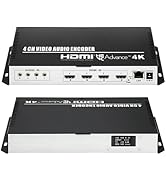
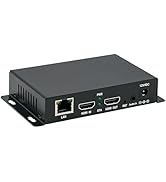
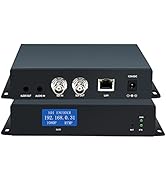
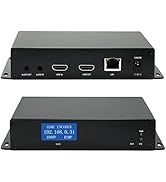
H.265/H.264 HDMI Video Encoder