here!
here!
I’m your shopping assistant for PC builds, upgrades, and everything tech.
Got questions? Ask away!
Start a conversation
here!
I’m your shopping assistant for PC builds, upgrades, and everything tech.
Got questions? Ask away!
Start a conversation



Any questions? Ask CelesteSM will help you find out quickly.
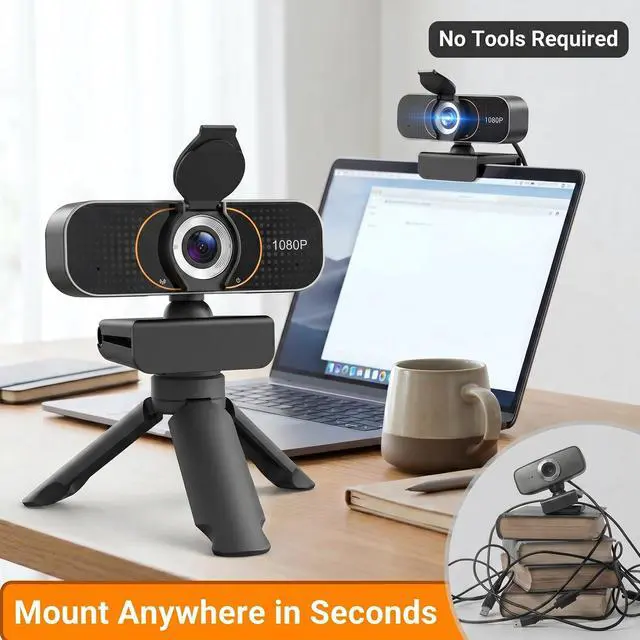
Can it be mounted on a tripod
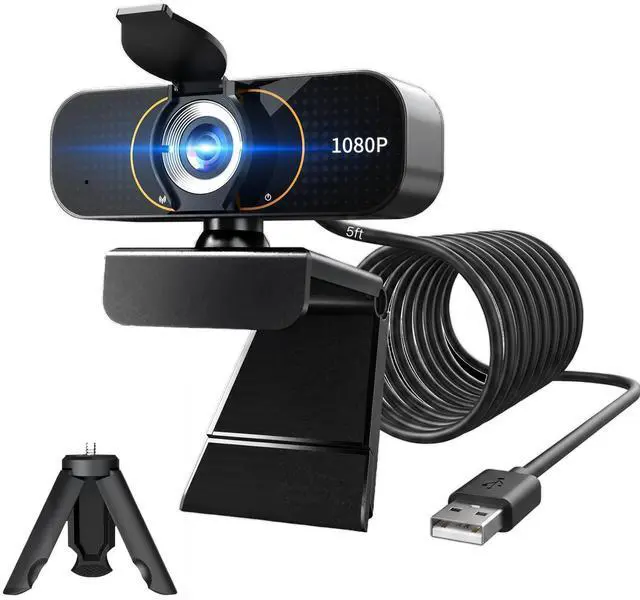
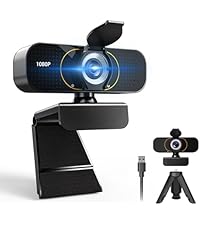
Yes. The Weishin 1080p webcam has a standard ¼-inch tripod thread on the bottom. It mounts securely on any common tripod in seconds. Perfect for overhead shots, streaming, or any angle you need. No tools require
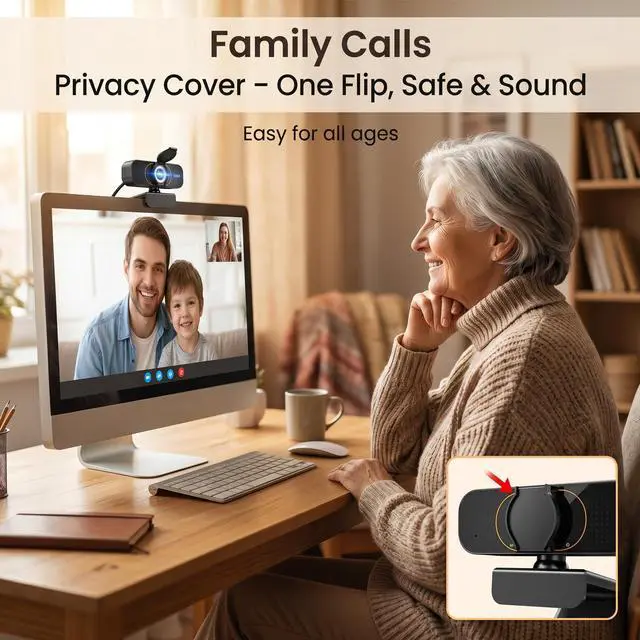
Does it have a privacy cover?
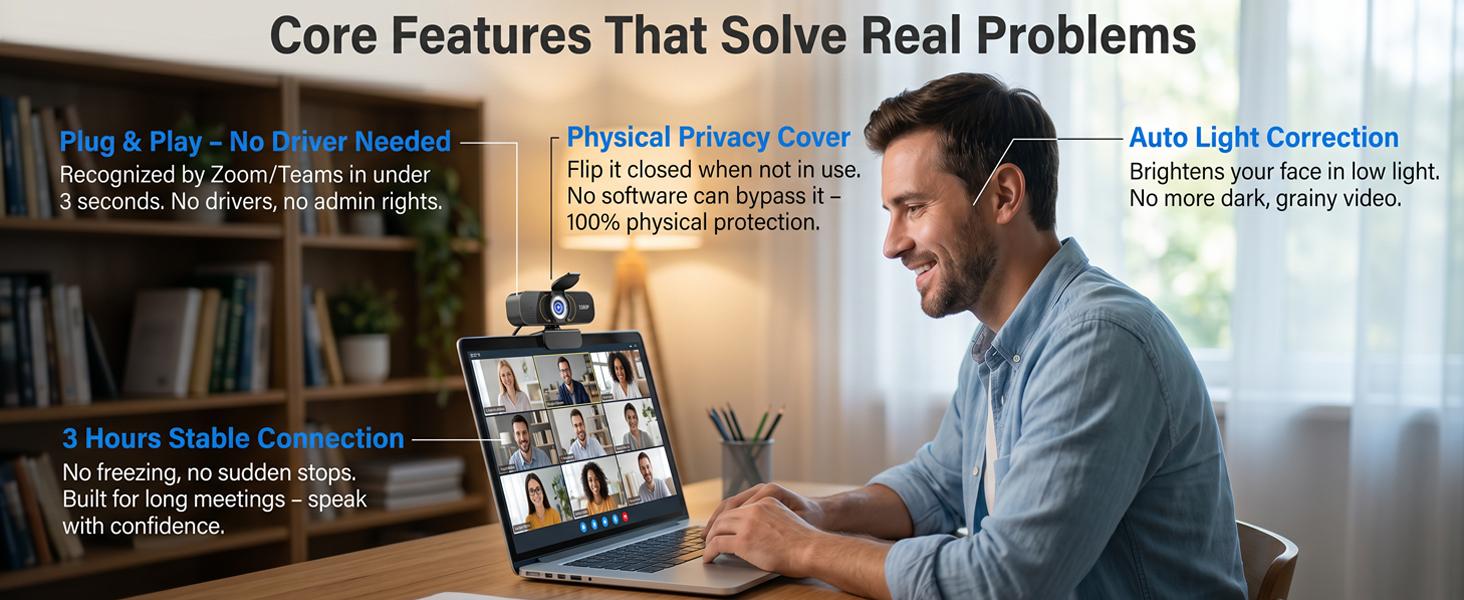
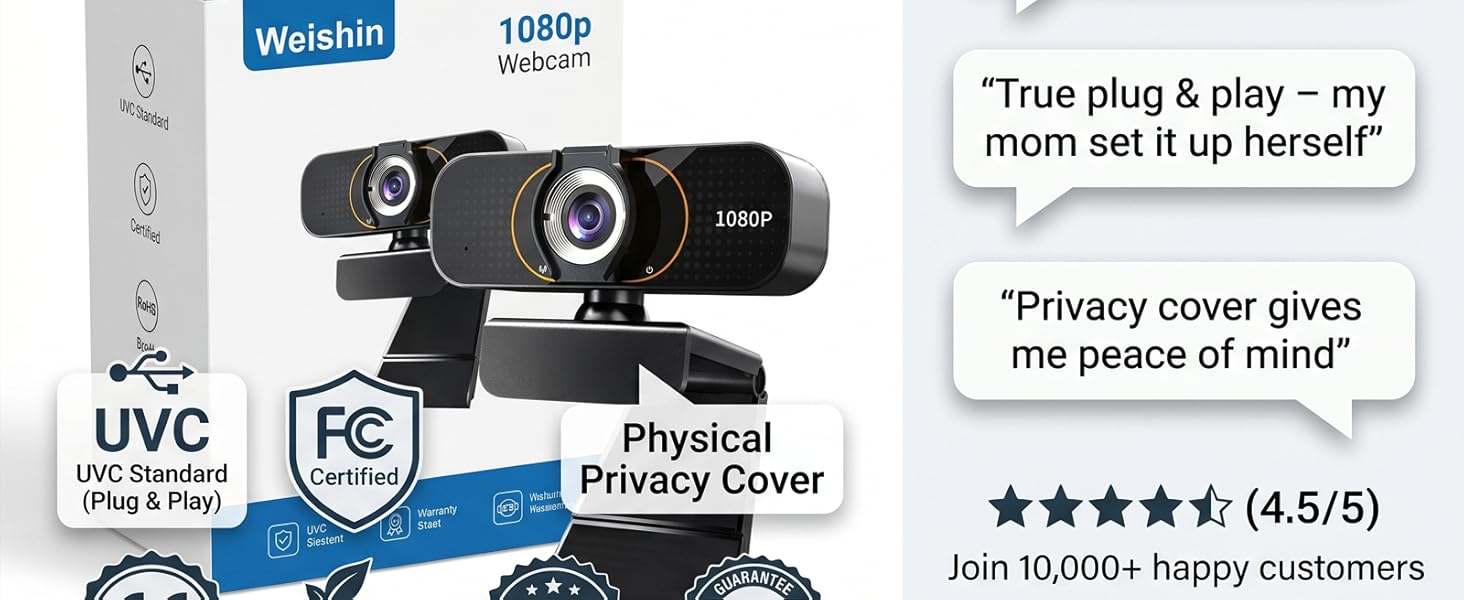
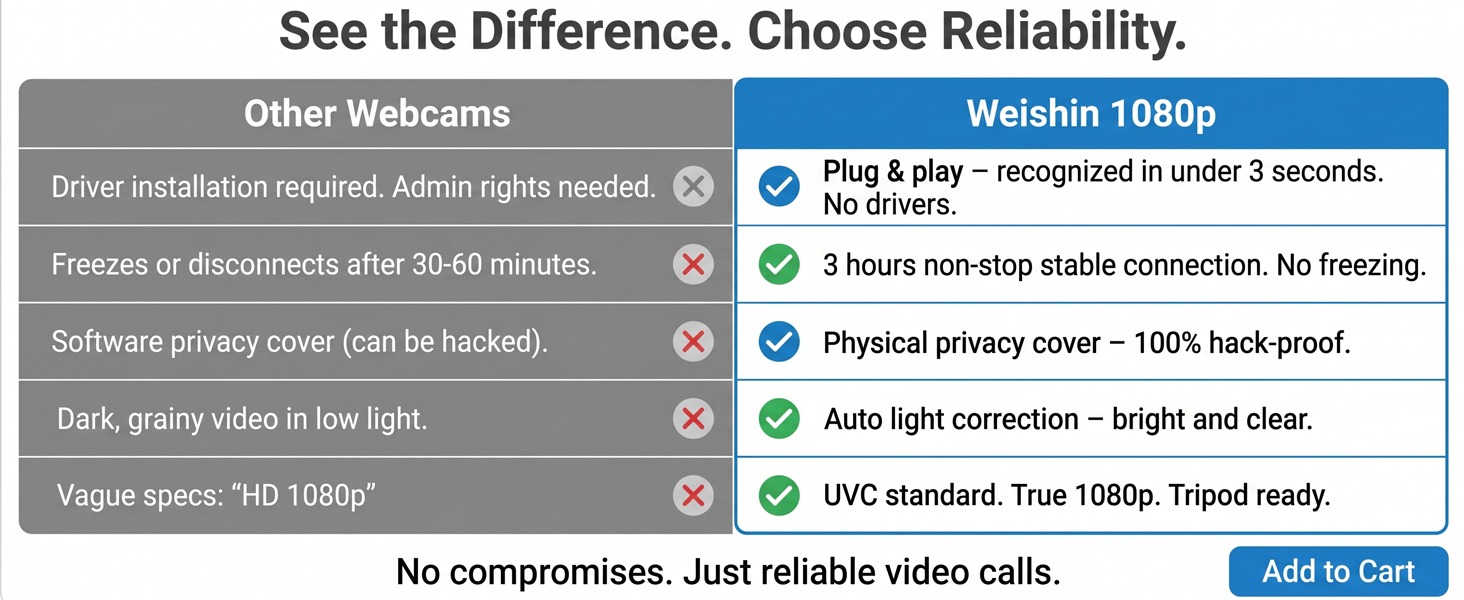
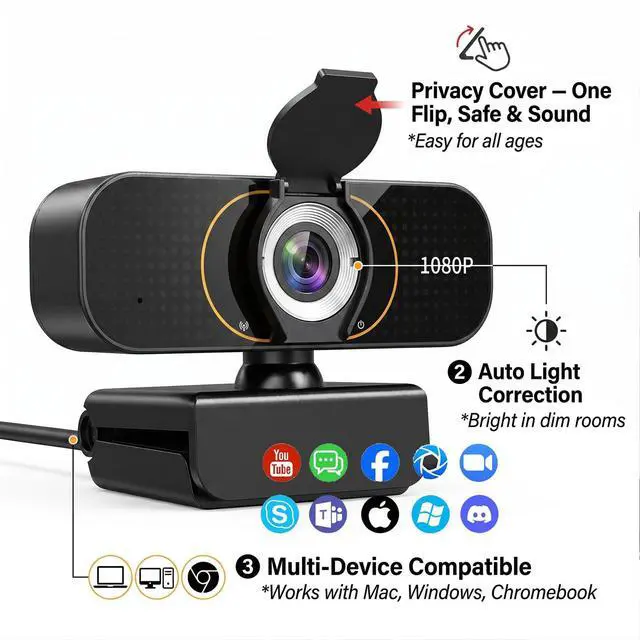
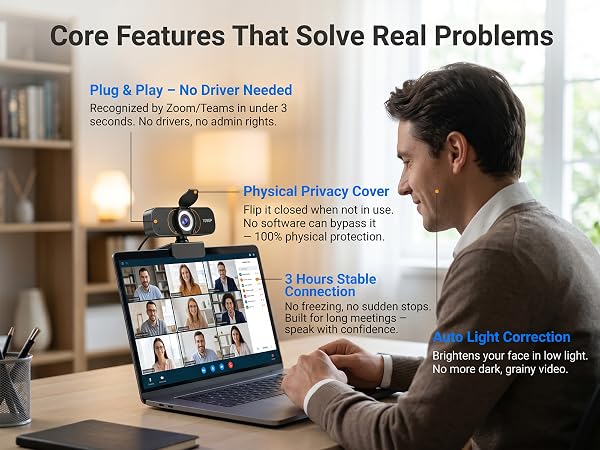
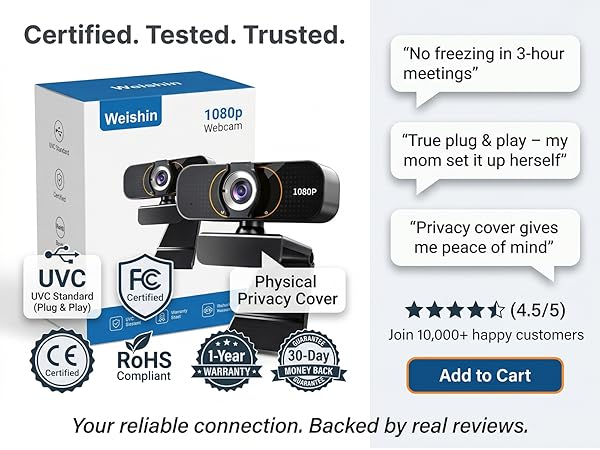
Yes, a physical privacy cover is built in. Simply slide it closed when not in use – no software can bypass it. You are in 100% control. Ideal for bedrooms, home offices, and shared spaces.
Does it have a built-in microphone?
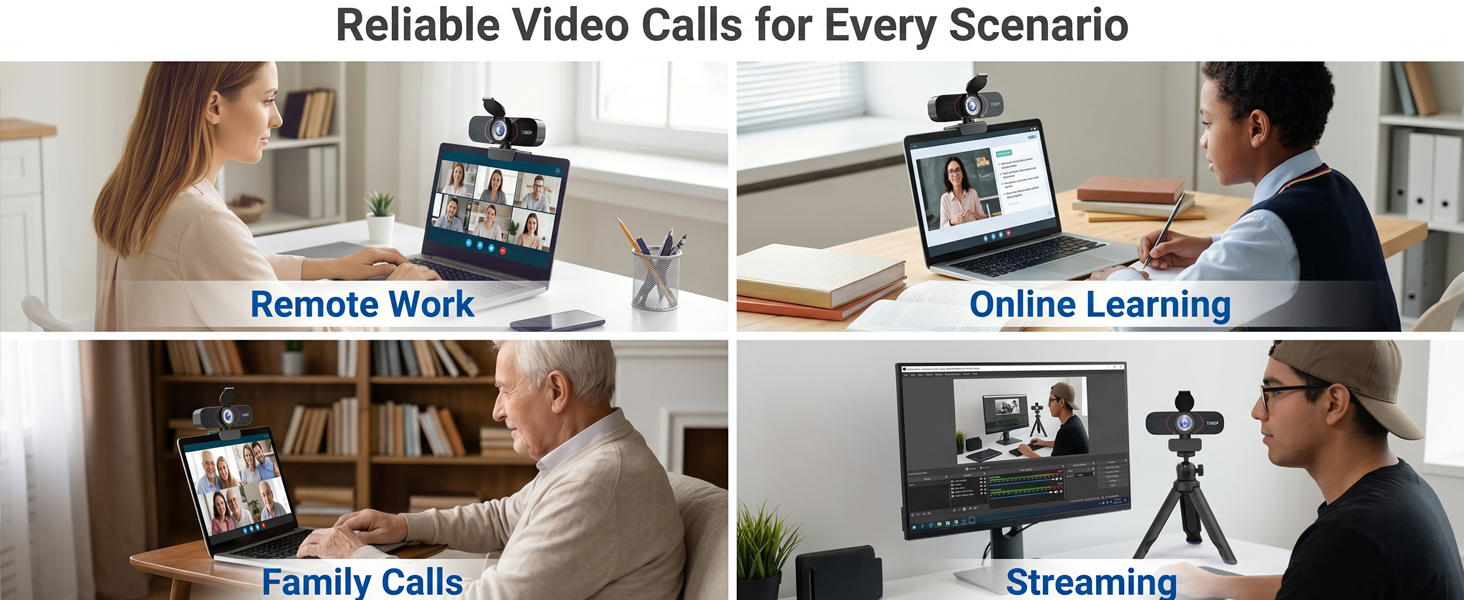
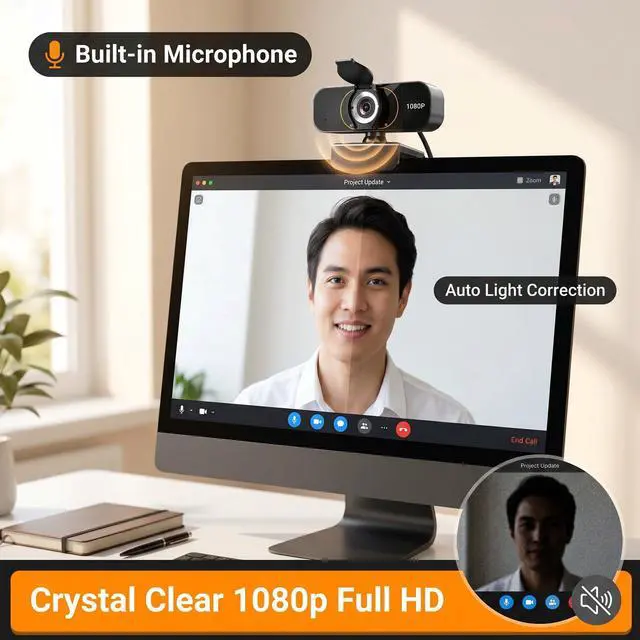
Yes, it includes a built-in microphone that captures clear audio for video calls, online classes, and meetings. For noisy environments, we recommend a headset, but the built-in mic works reliably for everyday use.
Is it plug and play?
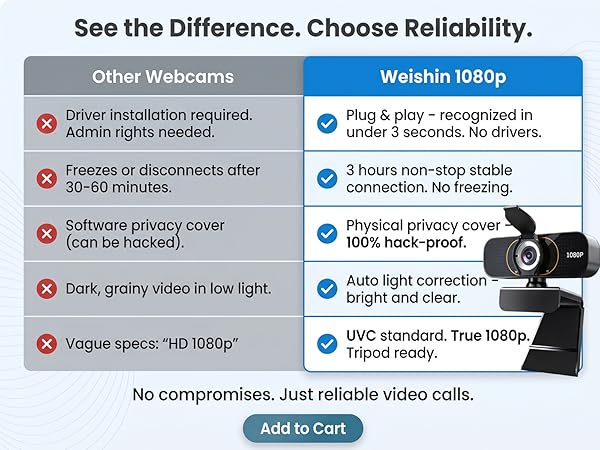
Absolutely. No drivers, no downloads, no admin rights. Plug the Weishin webcam into any USB port on Windows, Mac, Chromebook, or Linux – it is recognized by Zoom, Teams, and all major apps in under 3 seconds.
Weishin vs other webcams – what's the real difference?
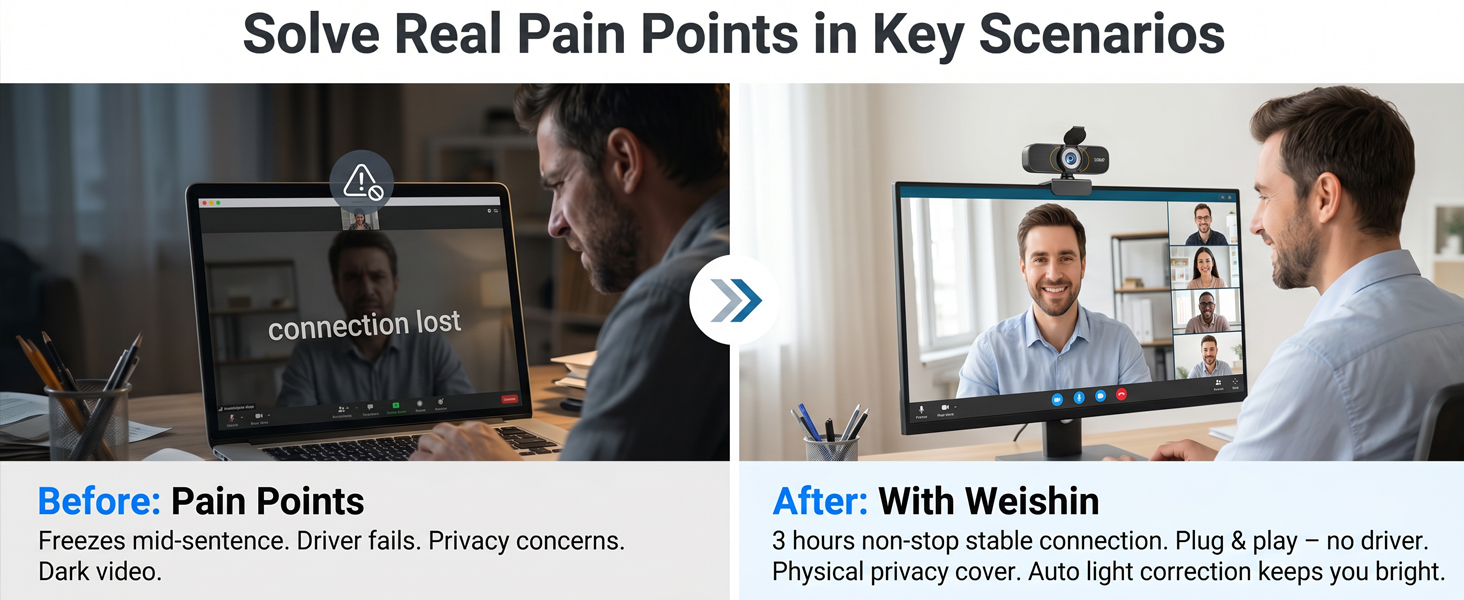
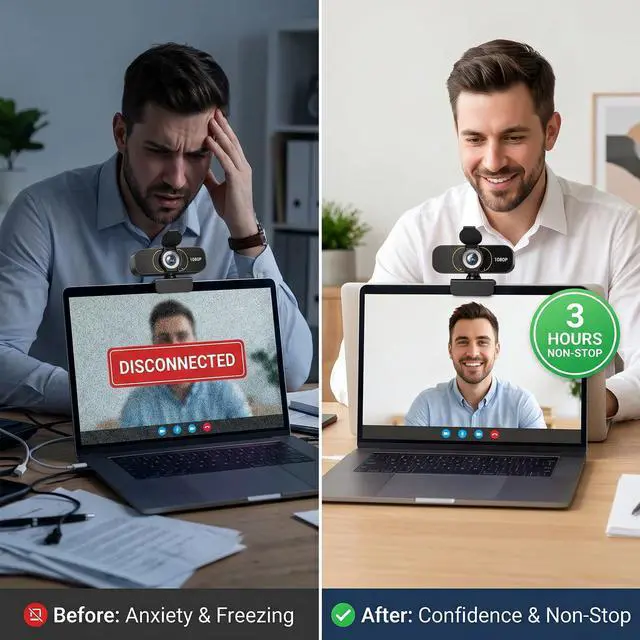
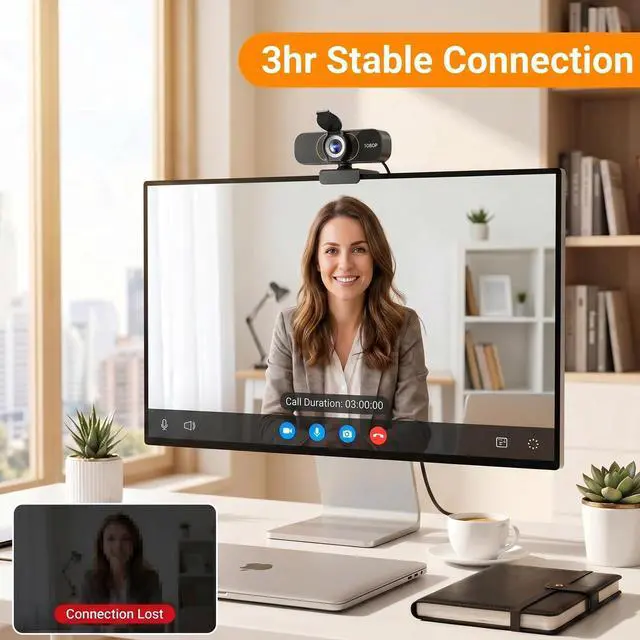
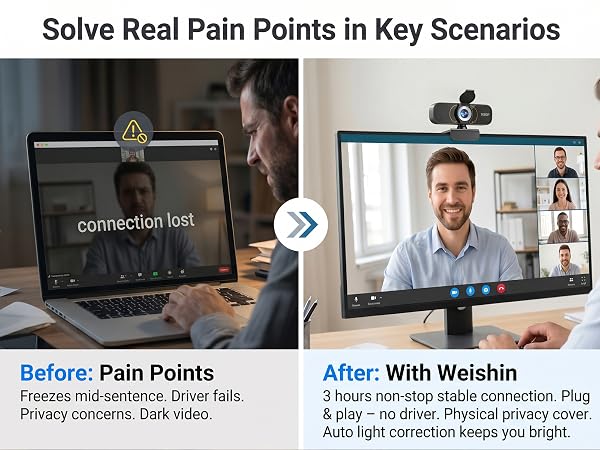
Others: freeze often, need drivers, no privacy cover, dark in low light. Weishin: 3 hours stable, true plug & play, physical privacy cover, auto light correction, tripod ready. You get premium reliability without the premium price.
 Plug and Play | 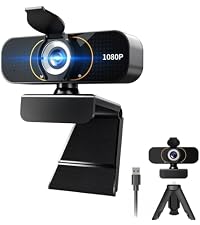 No driver needed |  1080p video quality | Physical privacy cover | Auto light correction |  Easy monitor mounting | Mac and Windows | |
|---|---|---|---|---|---|---|---|
Customer Reviews | — | — | — | — | — | — | — |
Price | — | — | — | — | — | — | — |
Plug and play | ? | ? | ? | ? | ? | ? | ? |
No driver needed | ? | ? | ? | ? | ? | ? | ? |
1080p video quality | ? | ? | ? | ? | ? | ? | ? |
Physical privacy cover | ? | ? | ? | ? | ? | ? | ? |
Auto light correction | ? | ? | ? | ? | ? | ? | ? |
Universal app compatibility | ? | ? | ? | ? | ? | ? | ? |
Easy monitor mounting | ? | ? | ? | ? | ? | ? | ? |
with Tripod | ? | ? | ? | ? | ? | ? | ? |
Stable connection | ? | ? | ? | ? | ? | ? | ? |
Mac and Windows | ? | ? | ? | ? | ? | ? | ? |

Can it be mounted on a tripod
Yes. The Weishin 1080p webcam has a standard ¼-inch tripod thread on the bottom. It mounts securely on any common tripod in seconds. Perfect for overhead shots, streaming, or any angle you need. No tools require
Does it have a privacy cover?
Yes, a physical privacy cover is built in. Simply slide it closed when not in use – no software can bypass it. You are in 100% control. Ideal for bedrooms, home offices, and shared spaces.
Does it have a built-in microphone?
Yes, it includes a built-in microphone that captures clear audio for video calls, online classes, and meetings. For noisy environments, we recommend a headset, but the built-in mic works reliably for everyday use.
Is it plug and play?
Absolutely. No drivers, no downloads, no admin rights. Plug the Weishin webcam into any USB port on Windows, Mac, Chromebook, or Linux – it is recognized by Zoom, Teams, and all major apps in under 3 seconds.
Weishin vs other webcams – what's the real difference?
Others: freeze often, need drivers, no privacy cover, dark in low light. Weishin: 3 hours stable, true plug & play, physical privacy cover, auto light correction, tripod ready. You get premium reliability without the premium price.
Plug and Play | 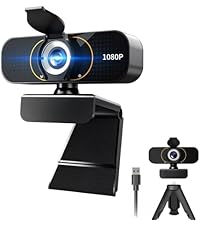 No driver needed | 1080p video quality | Physical privacy cover | Auto light correction | Easy monitor mounting | Mac and Windows |
|---|---|---|---|---|---|---|
| Customer Reviews | ||||||
| — | — | — | — | — | — | — |
| Price | ||||||
| — | — | — | — | — | — | — |
| Plug and play | ||||||
| ? | ? | ? | ? | ? | ? | ? |
| No driver needed | ||||||
| ? | ? | ? | ? | ? | ? | ? |
| 1080p video quality | ||||||
| ? | ? | ? | ? | ? | ? | ? |
| Physical privacy cover | ||||||
| ? | ? | ? | ? | ? | ? | ? |
| Auto light correction | ||||||
| ? | ? | ? | ? | ? | ? | ? |
| Universal app compatibility | ||||||
| ? | ? | ? | ? | ? | ? | ? |
| Easy monitor mounting | ||||||
| ? | ? | ? | ? | ? | ? | ? |
| with Tripod | ||||||
| ? | ? | ? | ? | ? | ? | ? |
| Stable connection | ||||||
| ? | ? | ? | ? | ? | ? | ? |
| Mac and Windows | ||||||
| ? | ? | ? | ? | ? | ? | ? |