here!
here!
I’m your shopping assistant for PC builds, upgrades, and everything tech.
Got questions? Ask away!
Start a conversation
here!
I’m your shopping assistant for PC builds, upgrades, and everything tech.
Got questions? Ask away!
Start a conversation
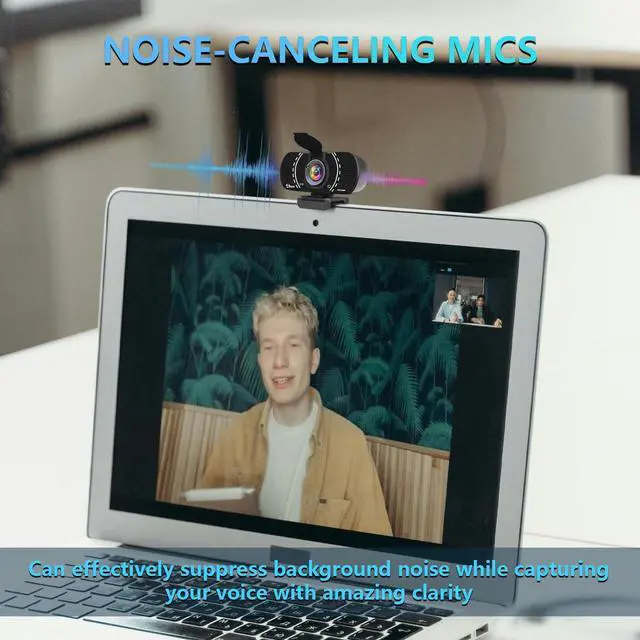



Any questions? Ask CelesteSM will help you find out quickly.
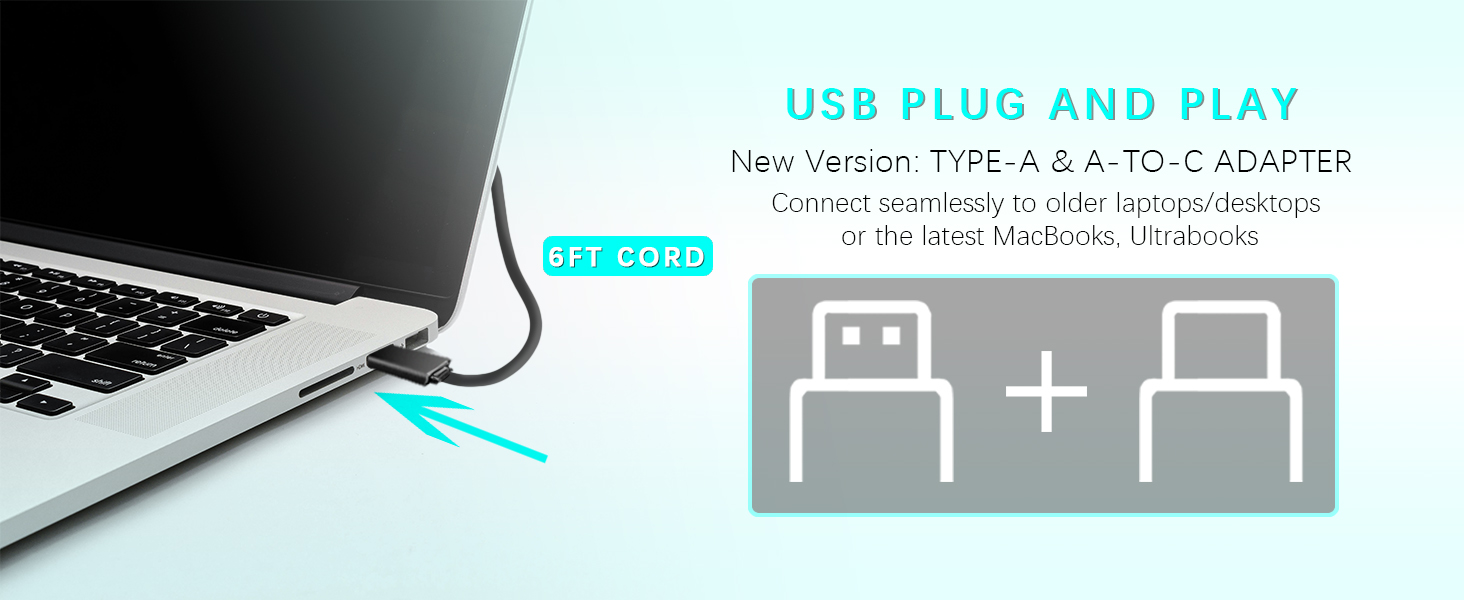
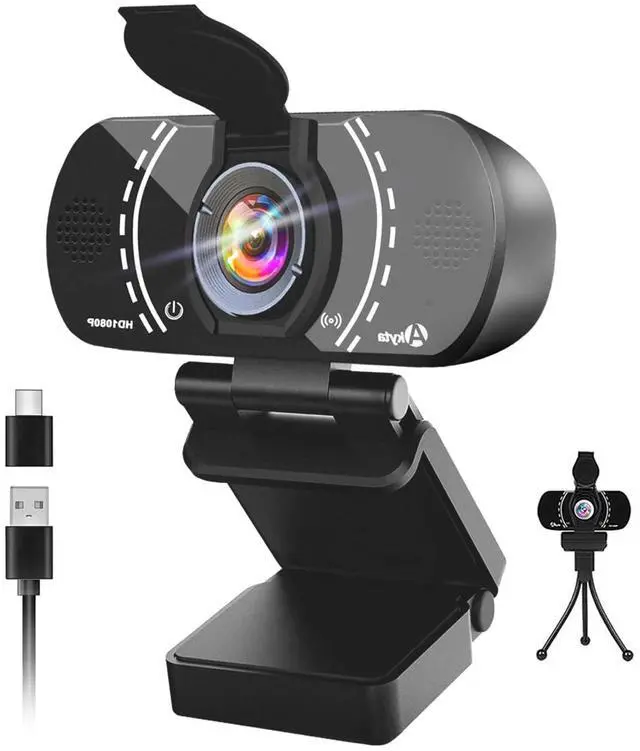
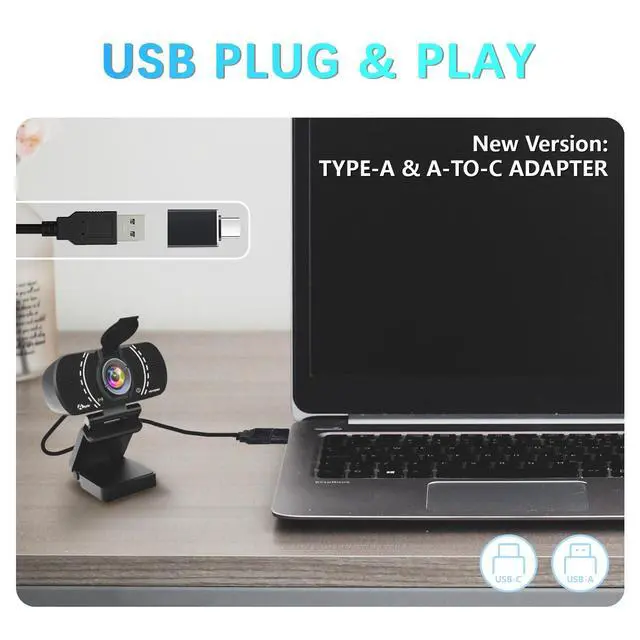
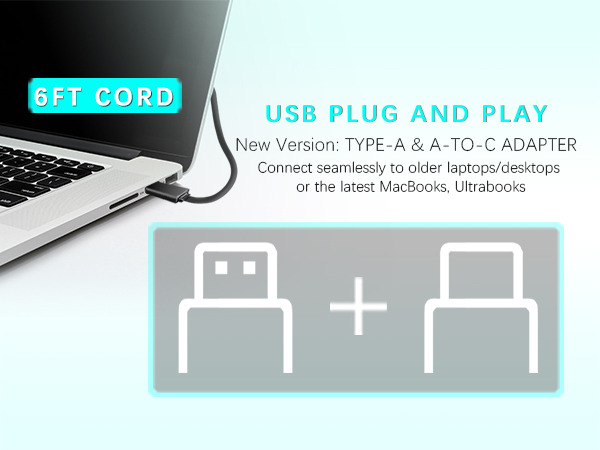
Is this webcam truly plug-and-play for both USB-C and USB-A computers?
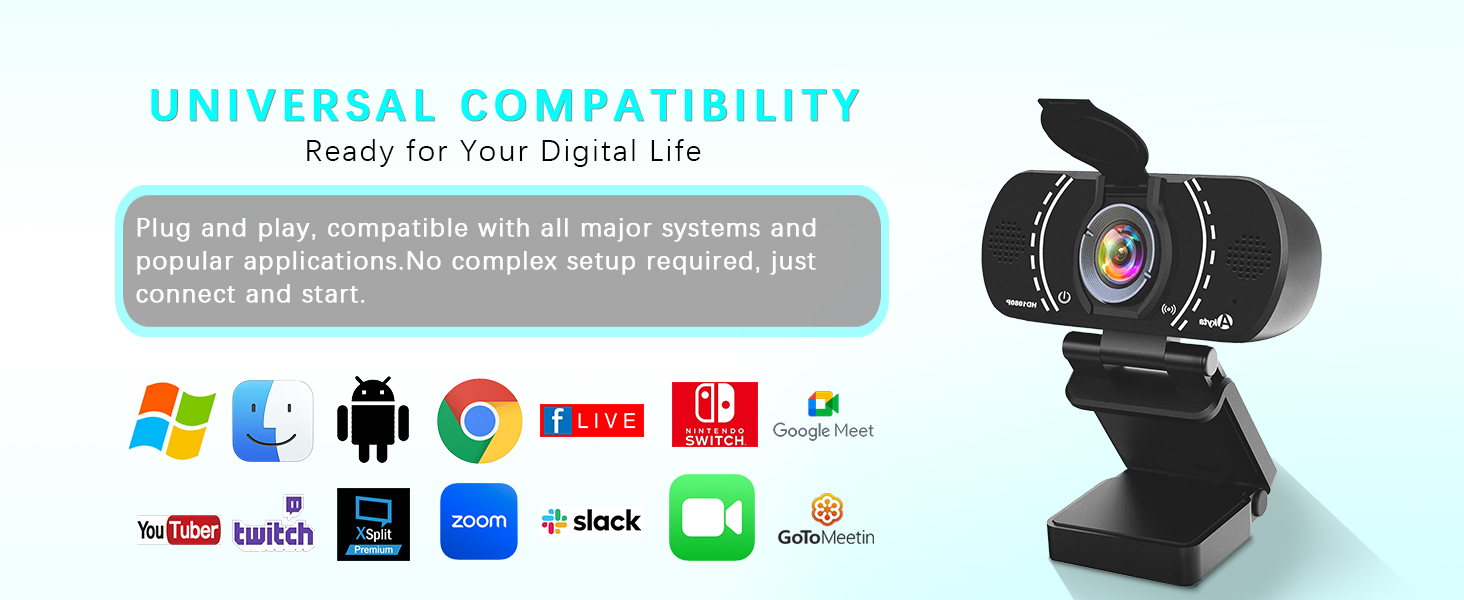
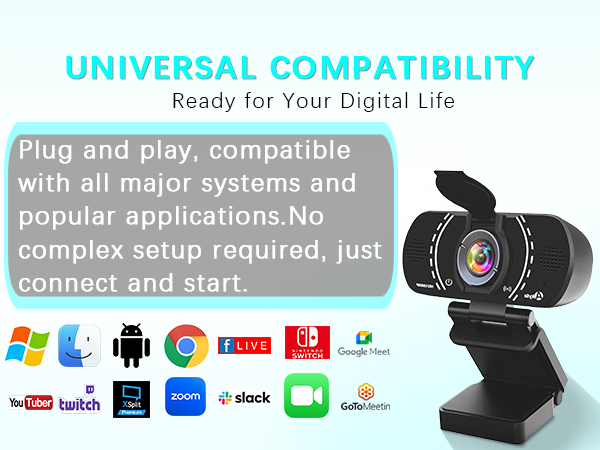
Yes, the included USB-A to USB-C adapter ensures compatibity withalmost any modern or legacy computer, and no extra drivers are needed to start using it
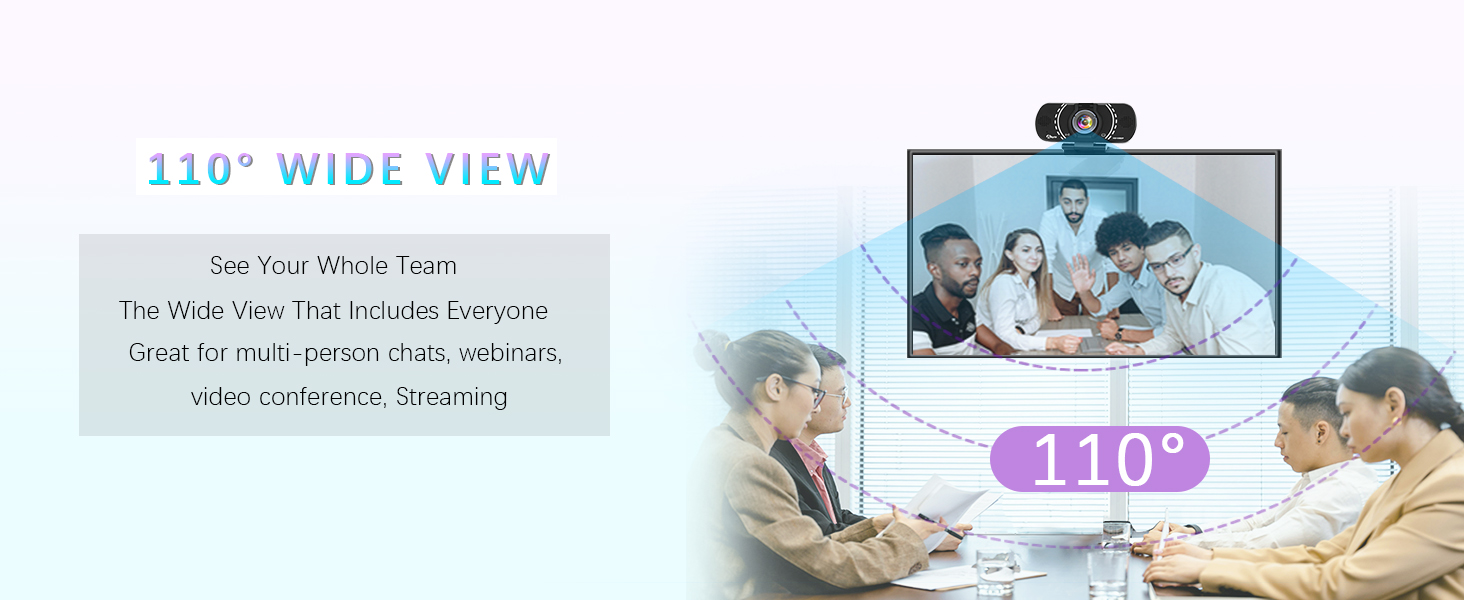
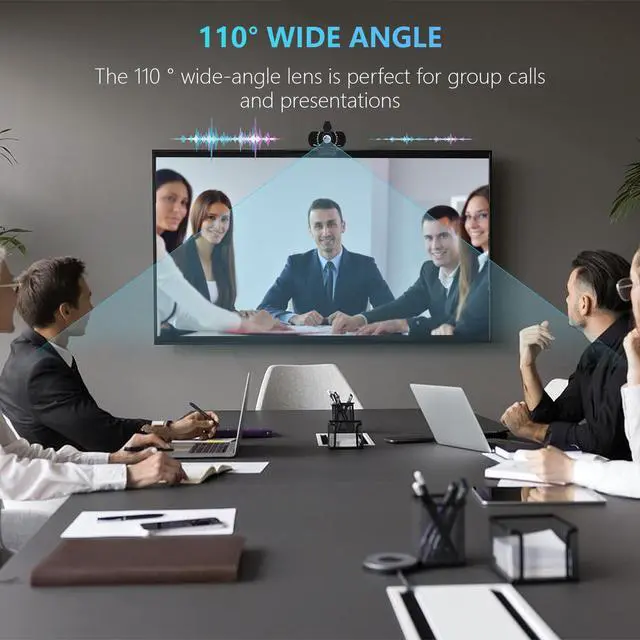
Does the 110 wide-angle lens work well for showing more than one person?
Absolutely.The 110 wide-angle field of view (FOV) allows you to fit more into the frame, making it great for small group calls
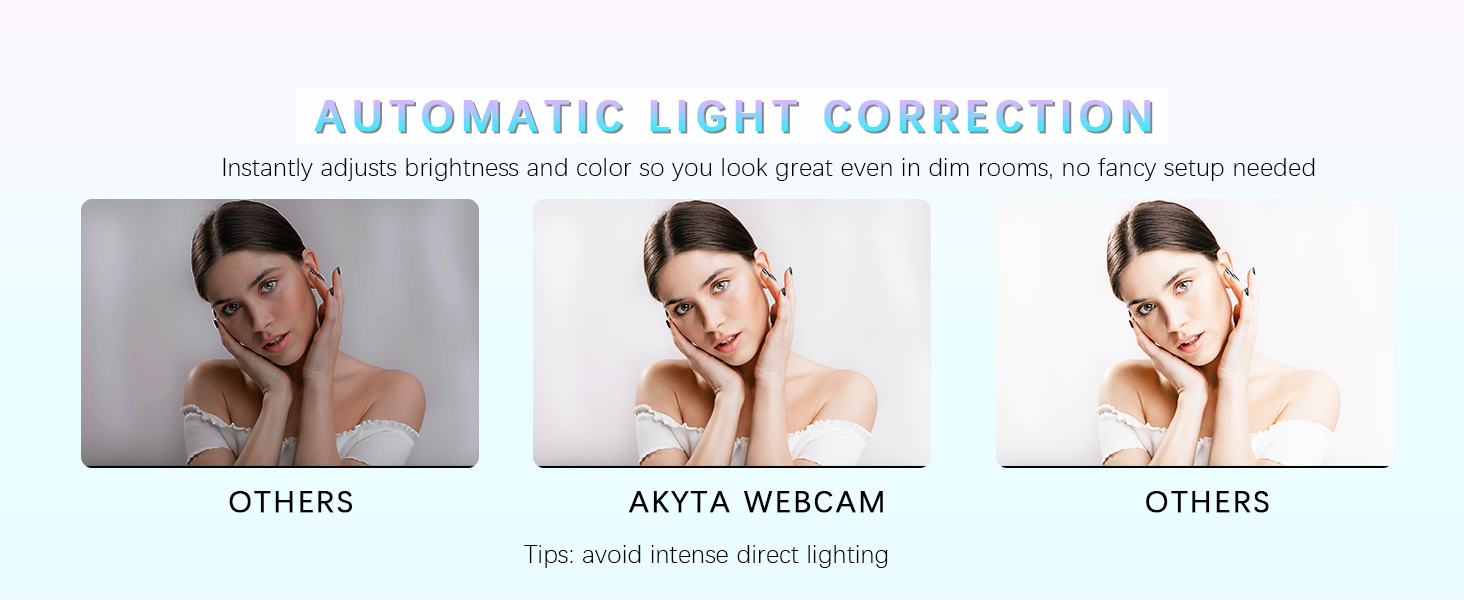
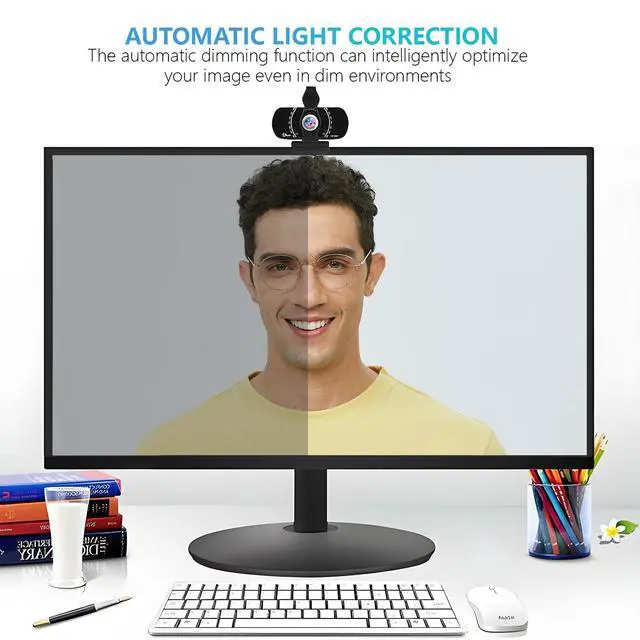
Q:Does it work well in low light conditions?
A:Akyta PC Webcam utilizes automatic light correction technology that dynamically adjusts brightness and color accuracy to match lighting conditions.
How to Set up Akyta Webcam?
Connect to Windows desktop computer / laptop / PC:
Please Check under Control Panel-->System and Security-->Device Manager
USB camera or USB webcam will be listed as a connected device
Connect to Mac Computer:
Please Click Apple Menu, then click About this Mac, Click on System Report from the pop-up window that appears.
The System Information window for your Mac will appear. Navigate to the USB section, USB webcam will be listed as a connected device.

Is this webcam truly plug-and-play for both USB-C and USB-A computers?
Yes, the included USB-A to USB-C adapter ensures compatibity withalmost any modern or legacy computer, and no extra drivers are needed to start using it
Does the 110 wide-angle lens work well for showing more than one person?
Absolutely.The 110 wide-angle field of view (FOV) allows you to fit more into the frame, making it great for small group calls
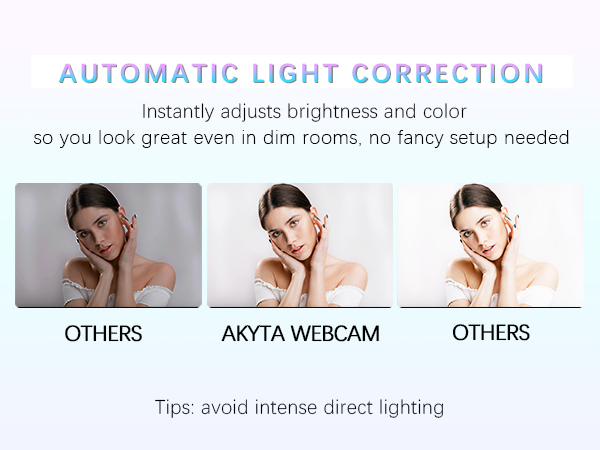
Q:Does it work well in low light conditions?
A:Akyta PC Webcam utilizes automatic light correction technology that dynamically adjusts brightness and color accuracy to match lighting conditions.
How to Set up Akyta Webcam?
Connect to Windows desktop computer / laptop / PC:
Please Check under Control Panel-->System and Security-->Device Manager
USB camera or USB webcam will be listed as a connected device
Connect to Mac Computer:
Please Click Apple Menu, then click About this Mac, Click on System Report from the pop-up window that appears.
The System Information window for your Mac will appear. Navigate to the USB section, USB webcam will be listed as a connected device.
| Sensor | 1920*1080P CMOS |
|---|---|
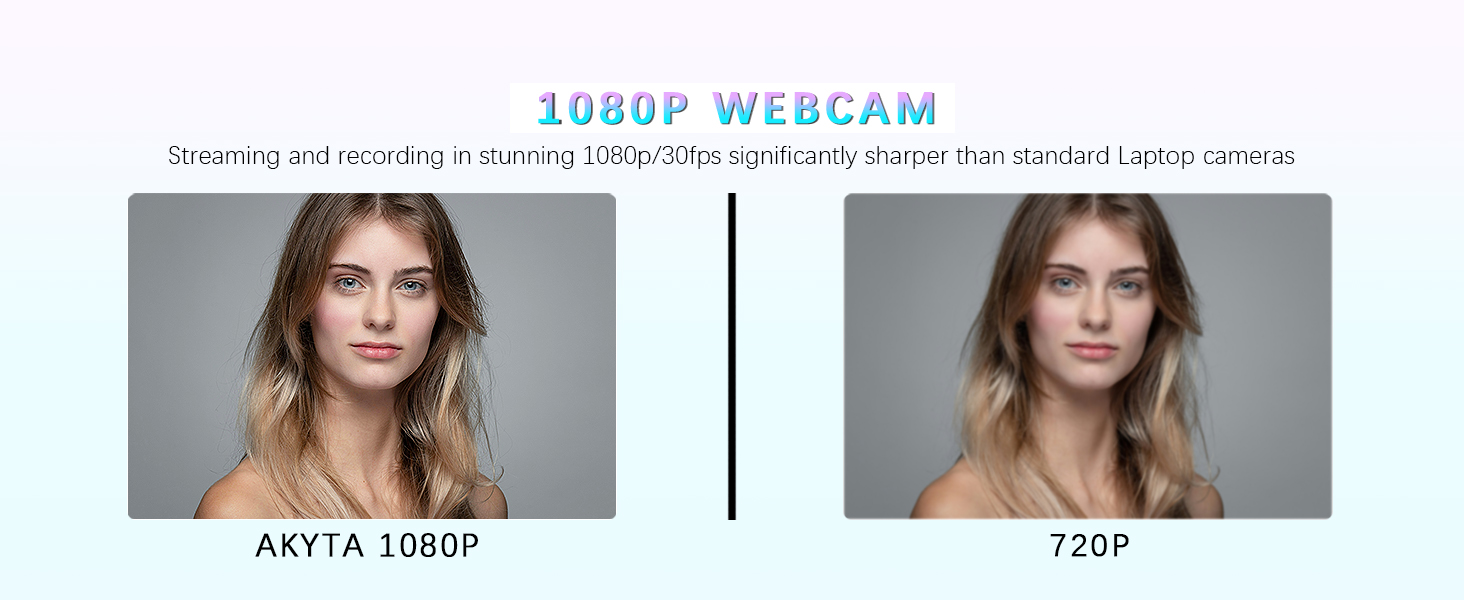
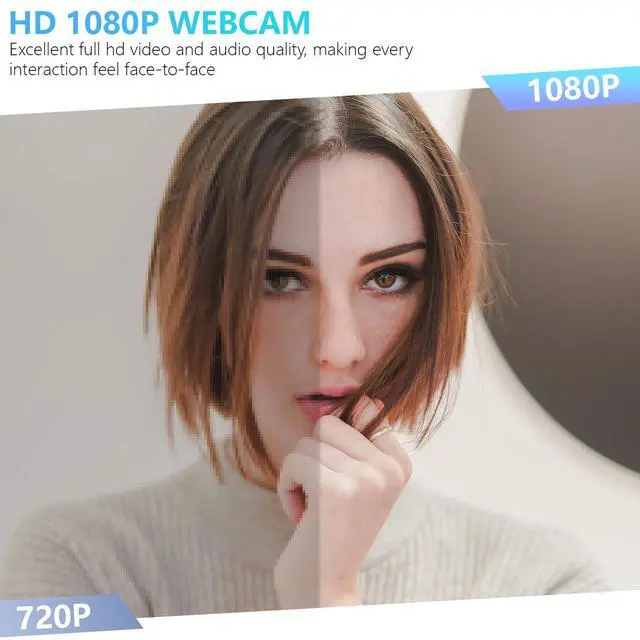
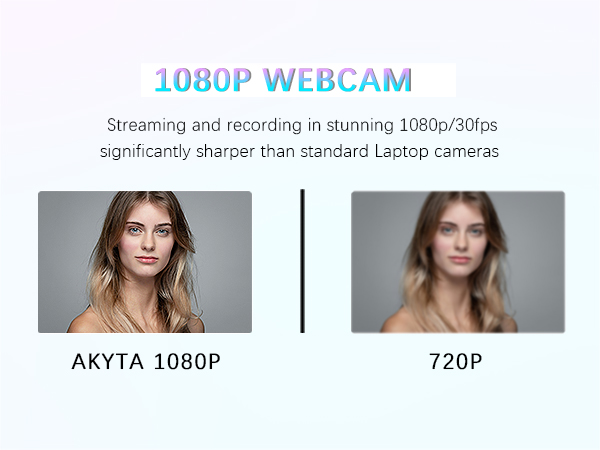
| Video Resolution | 2MP Full-HD (1920x1080P) |
| Frame Rate | 30FPS |
| Field of View | 110° Wide View |
| Focus | Fixed Focus |
| Audio | Built-in Microphone |
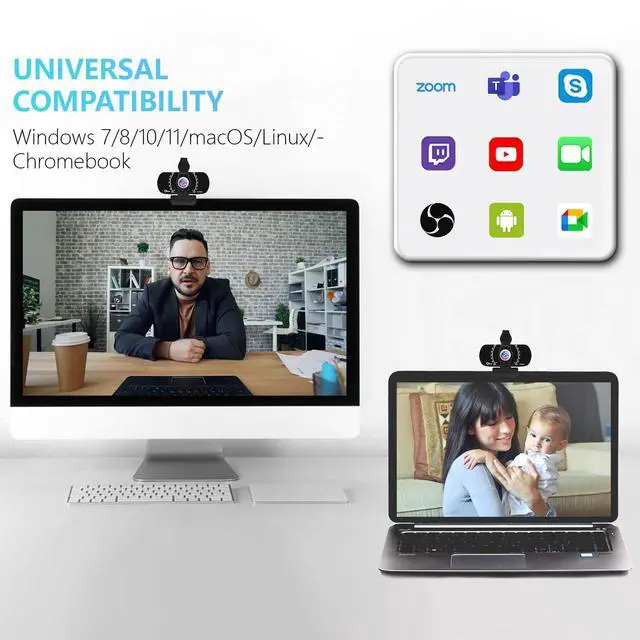
| Compatibility | Windows 7/8/10/11, Mac OS, etc |
| Connection Type | USB A,C |
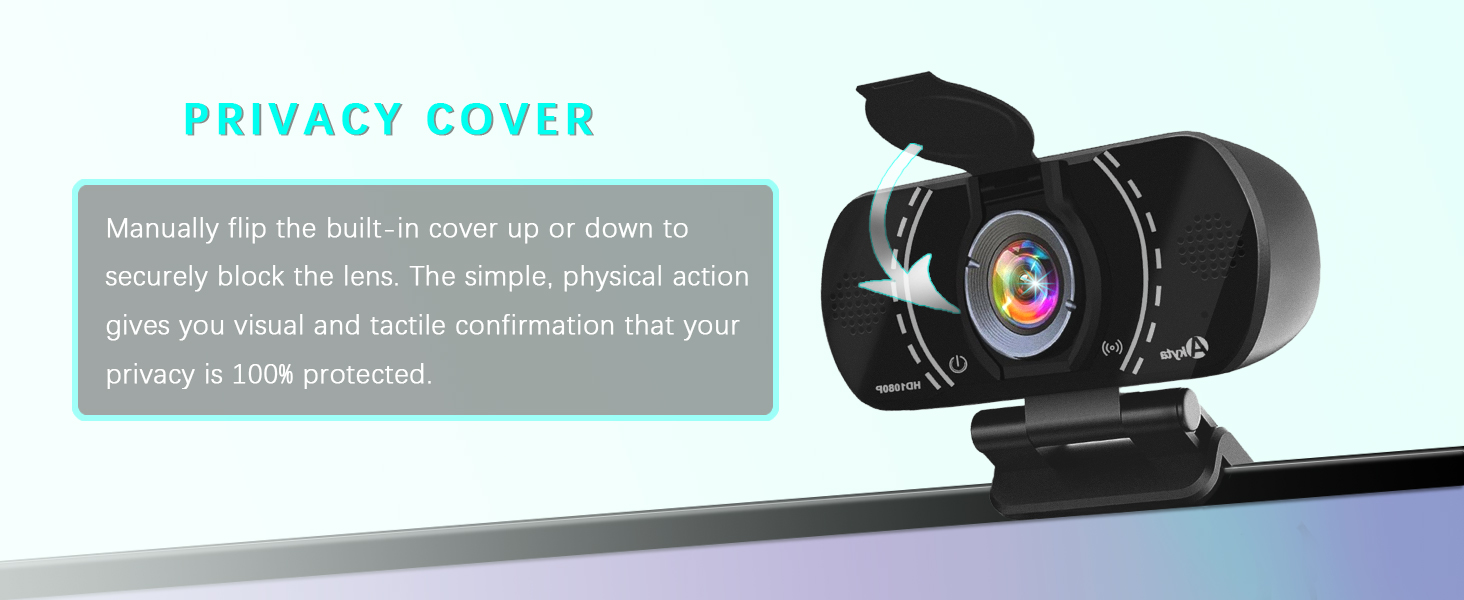
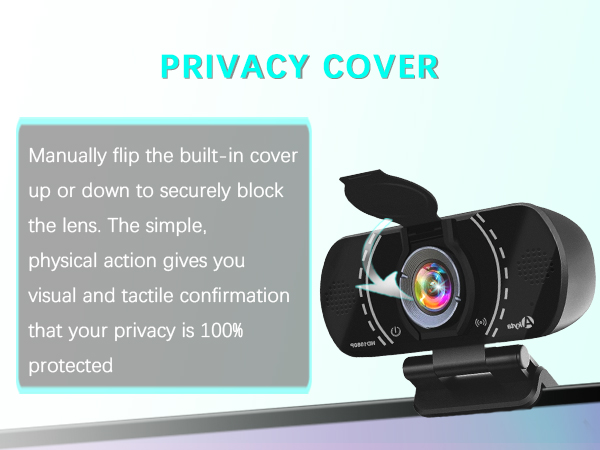
| Privacy Cover | ? |
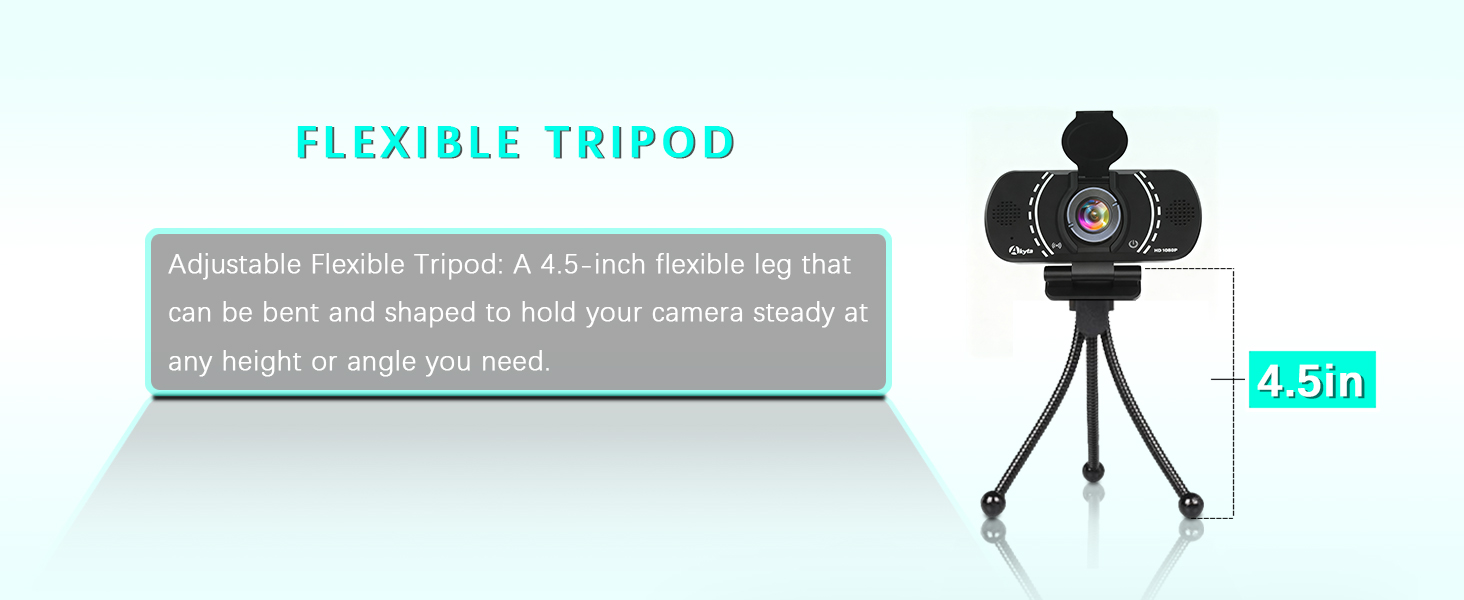
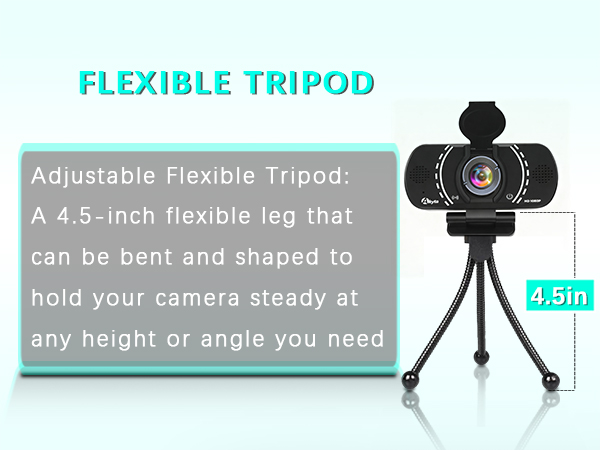
| Webcam with Tripod | Yes |