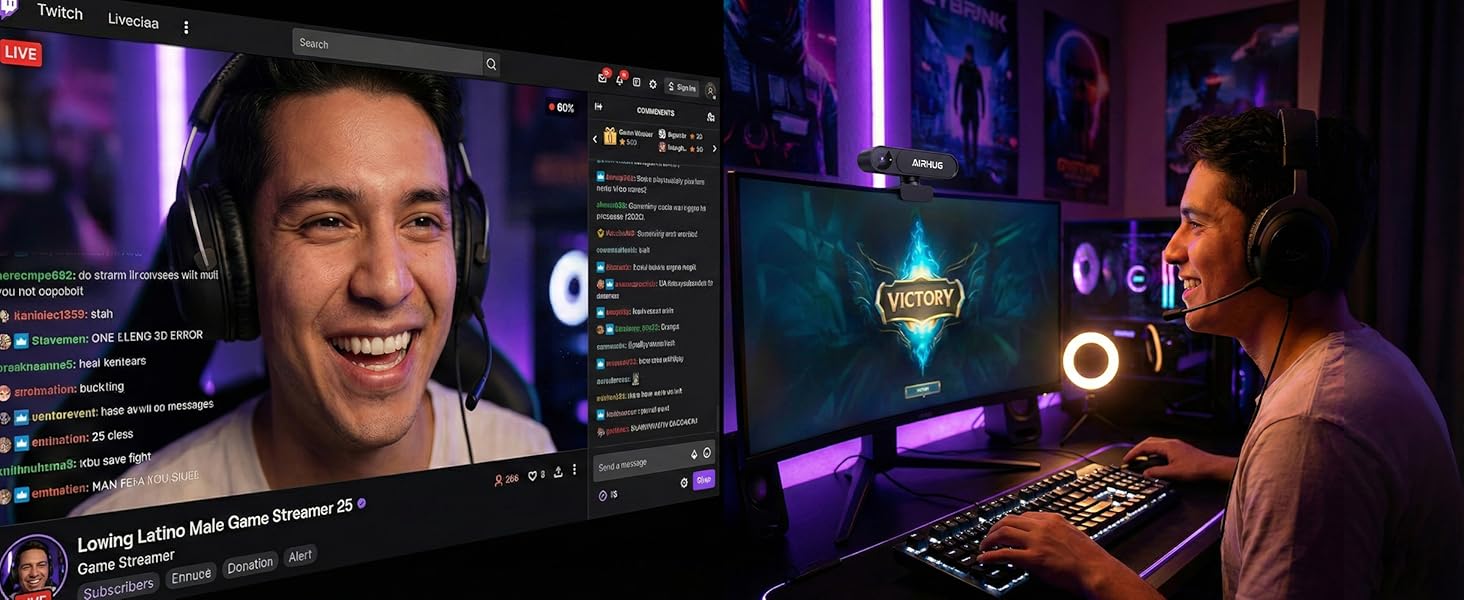
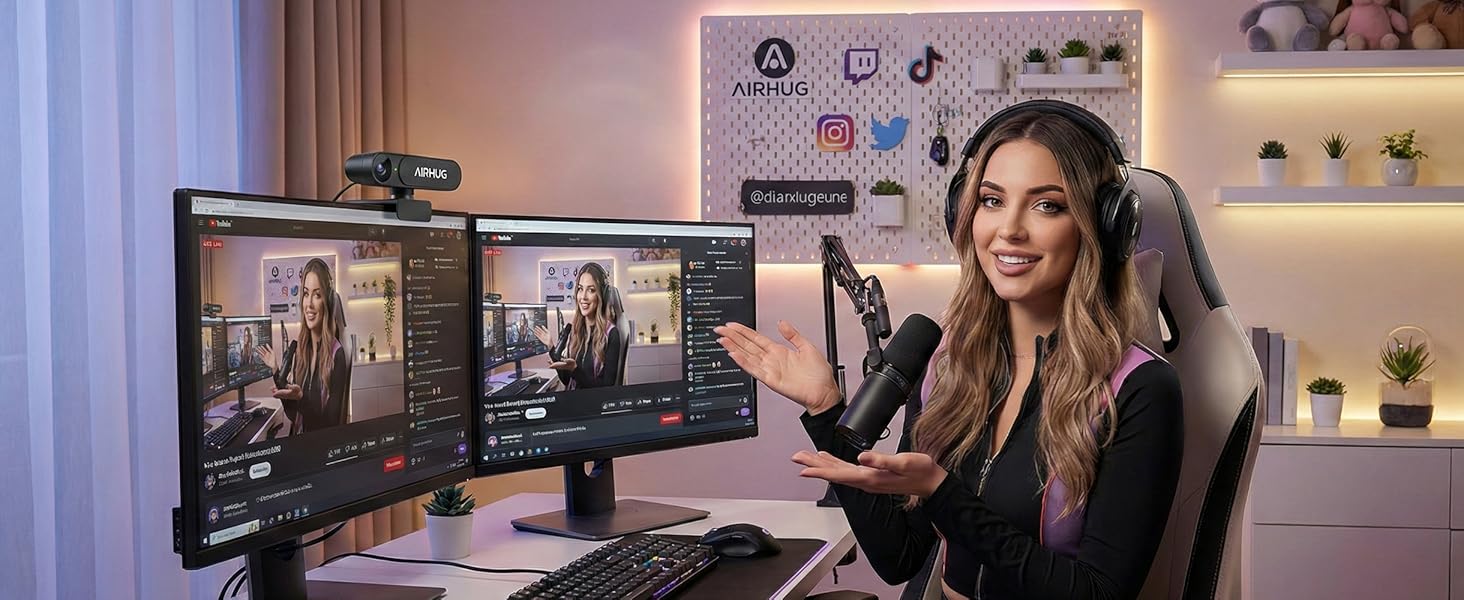
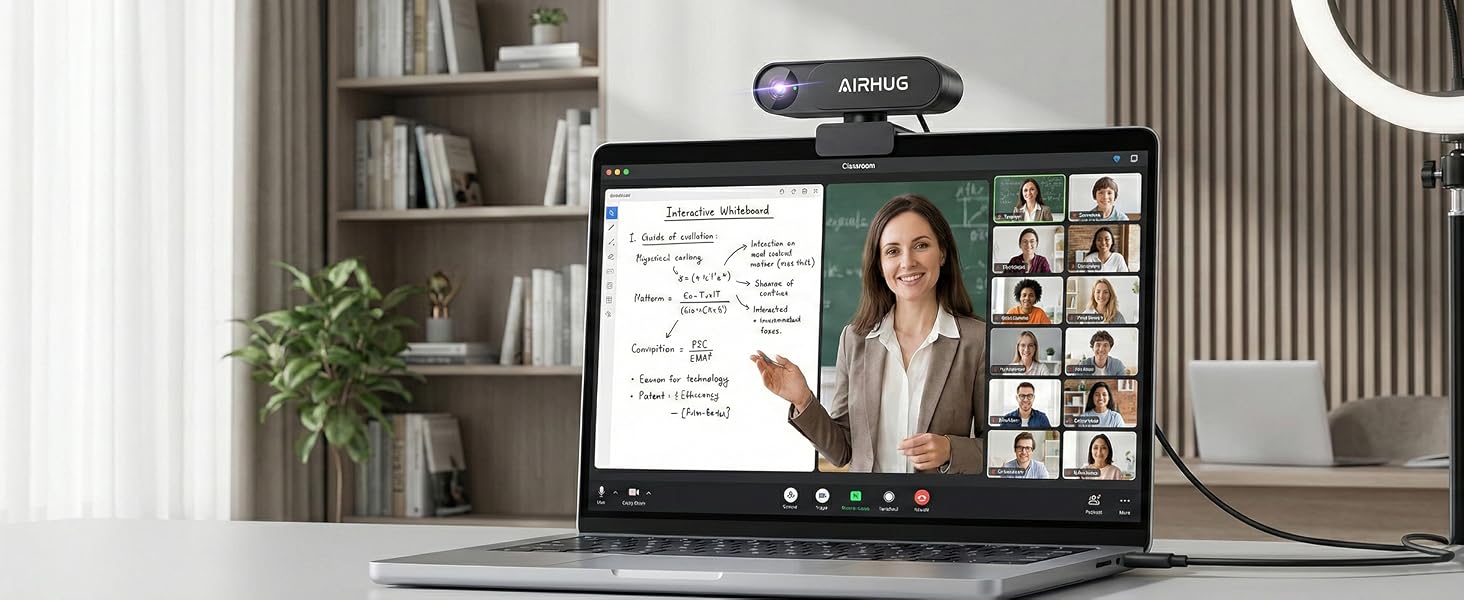
here!
here!
I’m your shopping assistant for PC builds, upgrades, and everything tech.
Got questions? Ask away!
Start a conversation
here!
I’m your shopping assistant for PC builds, upgrades, and everything tech.
Got questions? Ask away!
Start a conversation
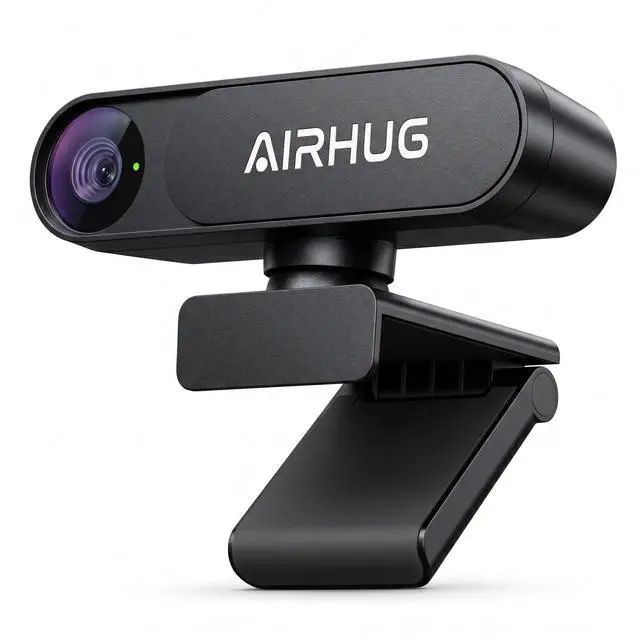




Any questions? Ask CelesteSM will help you find out quickly.
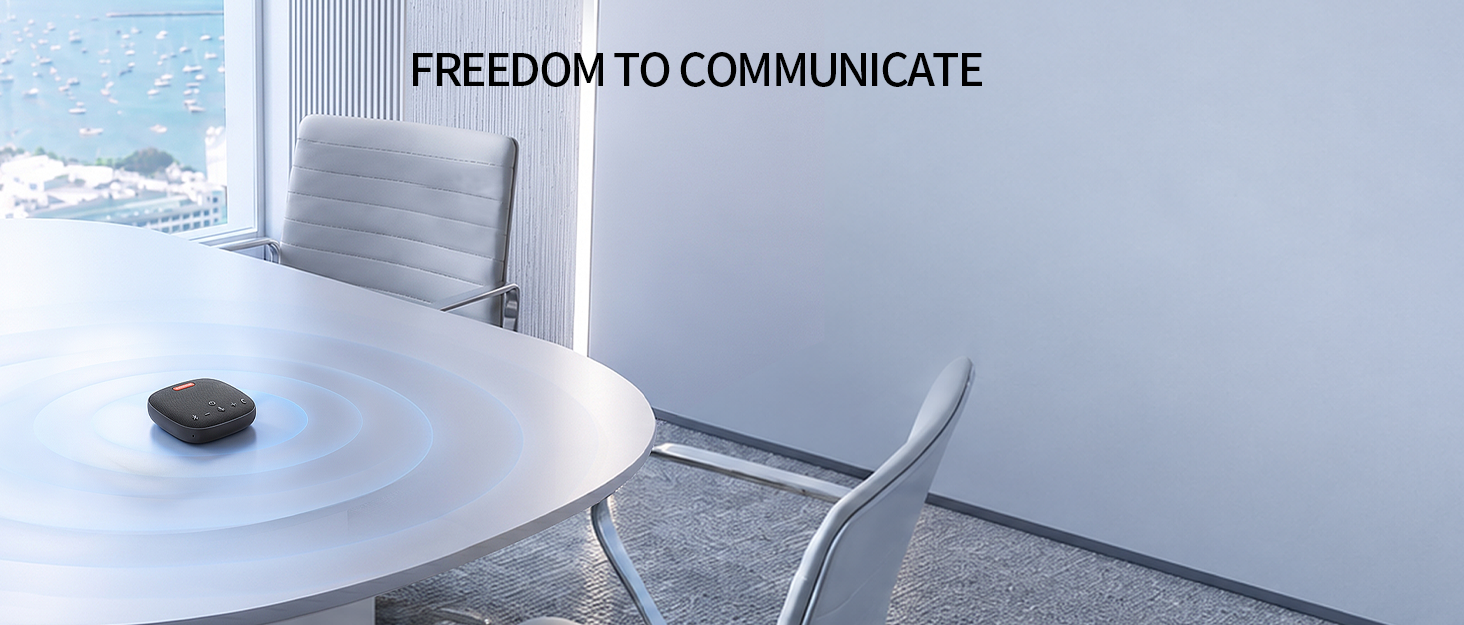


AIRHUG believes true communication freedom means seeing and hearing clearly.
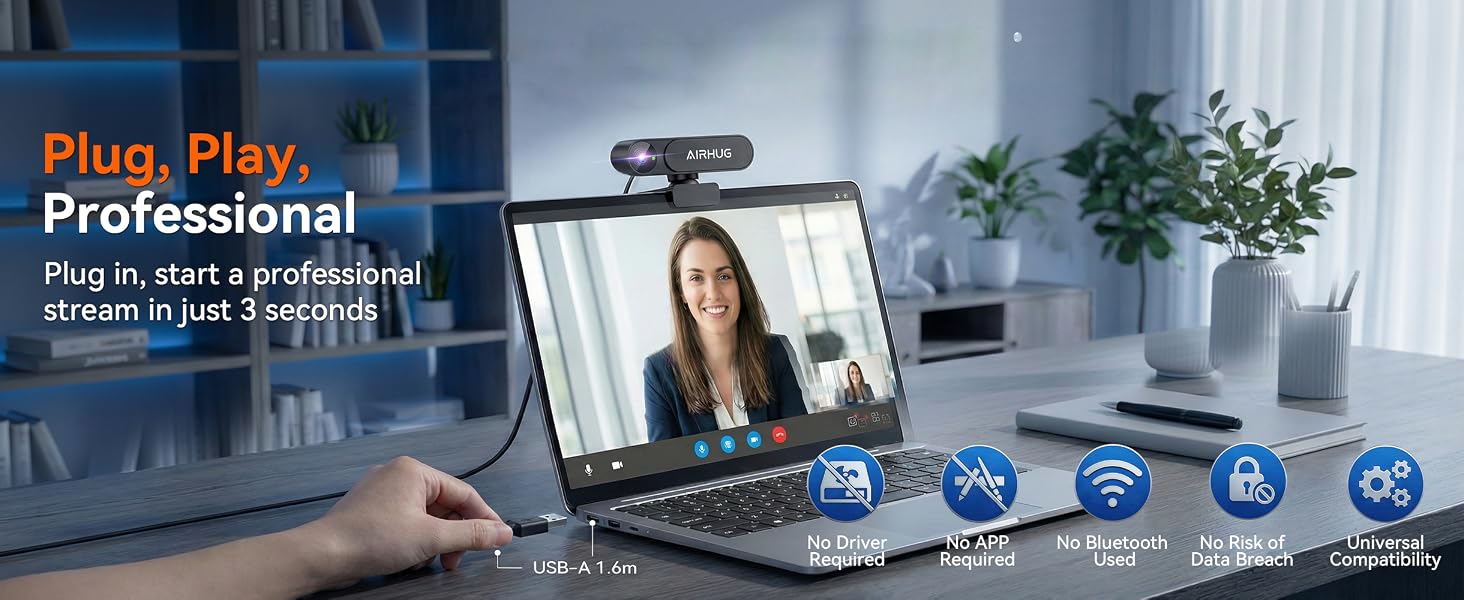
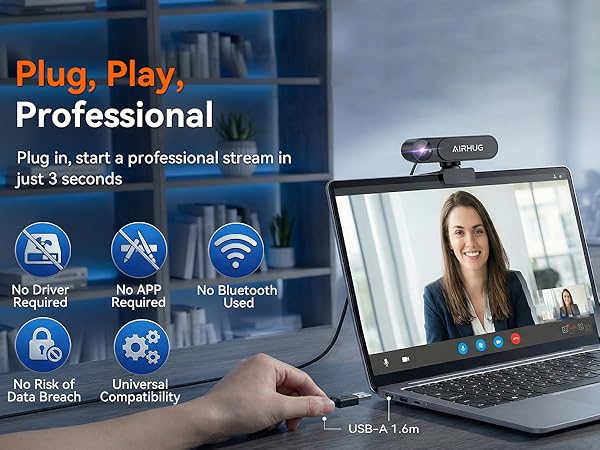
We focus on HD cameras and professional microphones for smooth, synchronized experiences. No complicated setup, just plug and play.
We create "unrestricted" spaces where your expression comes first.
Trusted by teams and creators worldwide. When the tech works, you just be you.
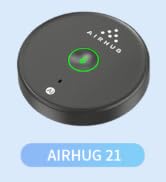
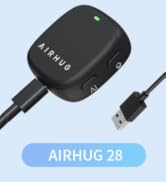
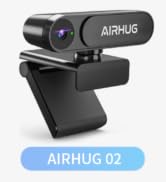

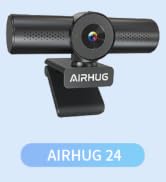
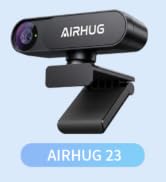
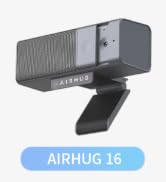

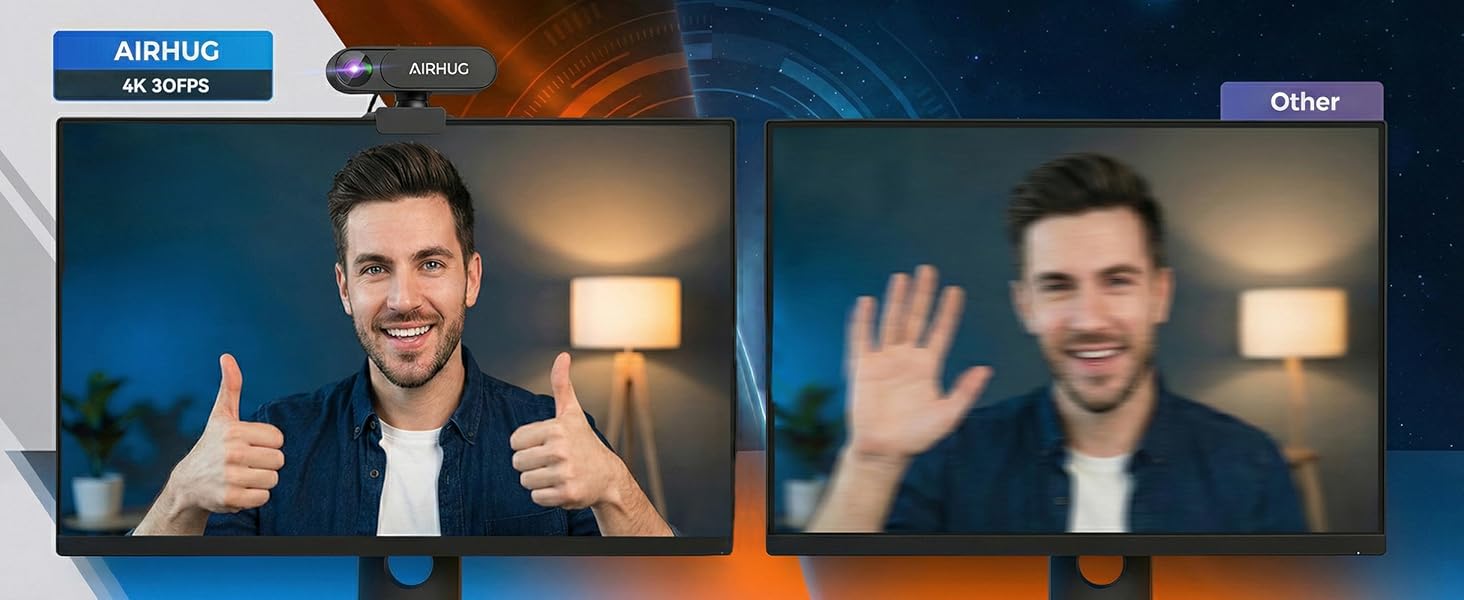
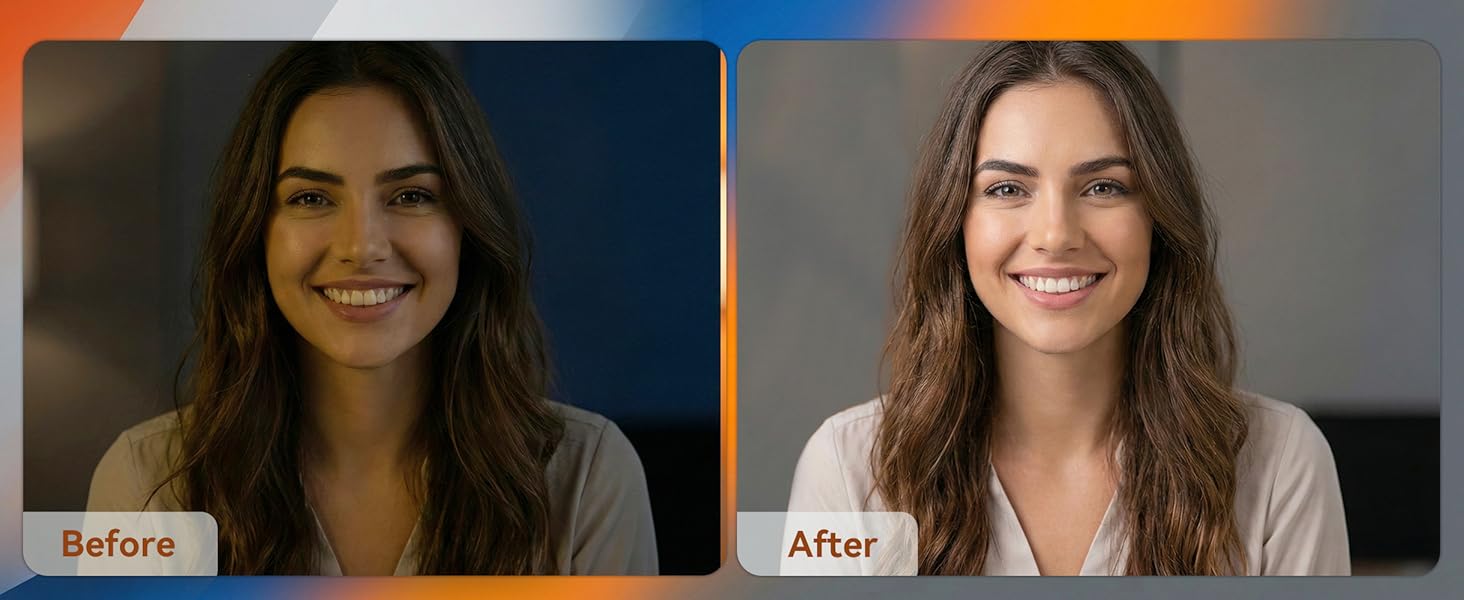
16MP Clarity & More Light Capture & Authentic Colors & Cleaner Image
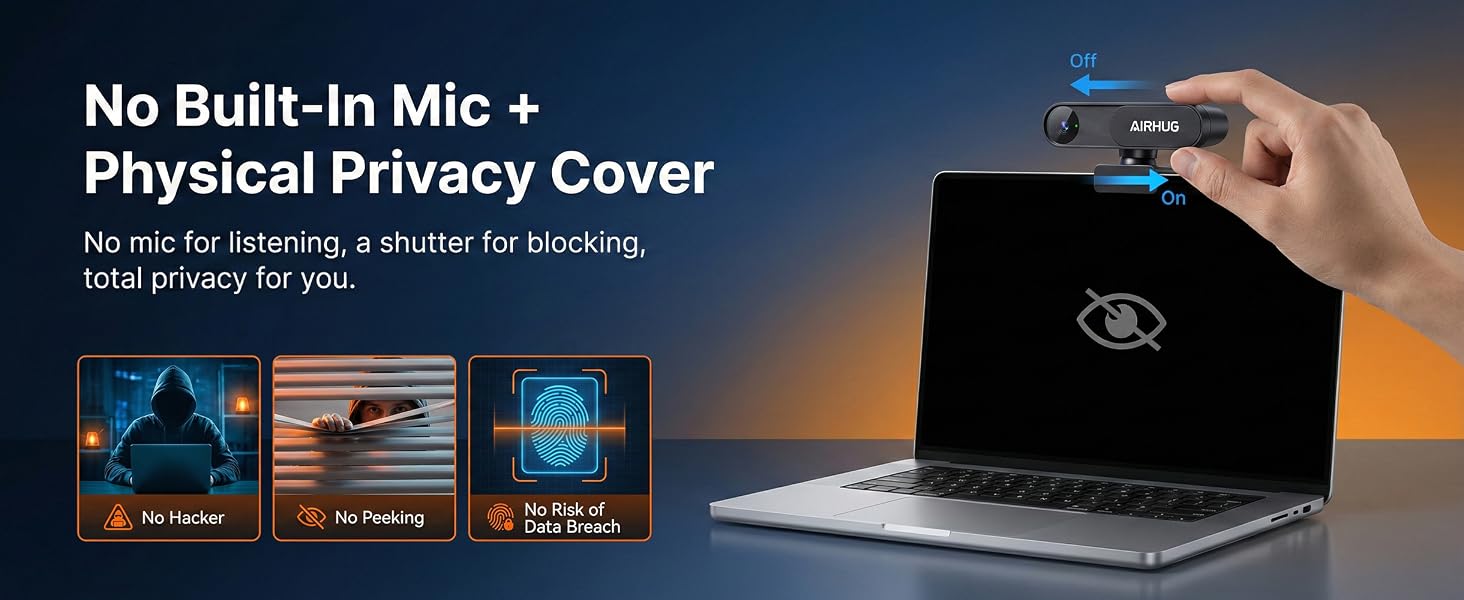
The privacy cover seems a bit hard to slide. What can I do?
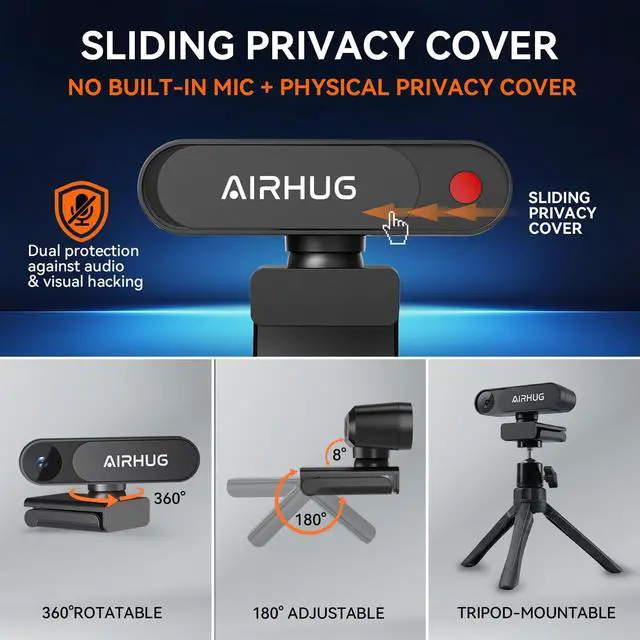
It's normal for new units. The cover is designed to fit tightly for long lasting use. Just slide it back and forth a few times, and the resistance will decrease quickly.
The video image on my camera looks blurry and too dark. How can I fix it?
Two quick fixes to try first:
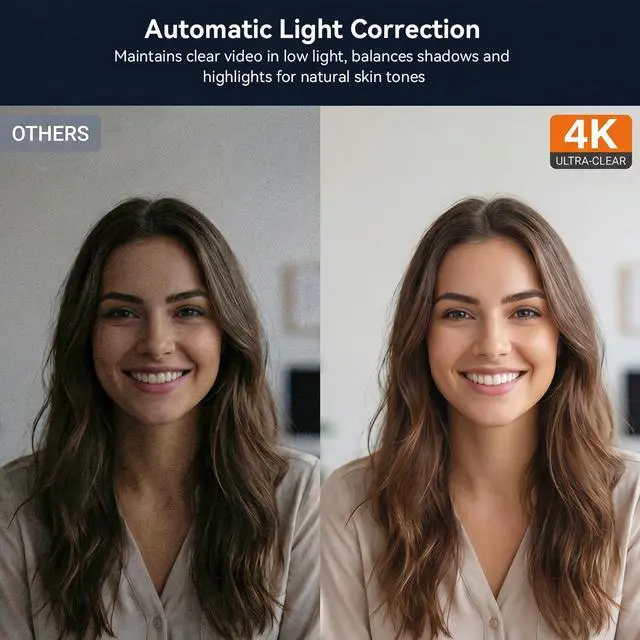
Lighting: Make sure light is hitting your face from the front, not from a window or lamp behind you.
Lens: Use a soft cloth to wipe the camera lens clean.
What should I do if the pc webcam is not recognized?
If you encounter a recognition issue, please follow these standard troubleshooting steps:
1. Check the USB ports.
2. Verify privacy settings.
3.If the issue persists, find us for further assistance.
If the webcam is not working in a specific conferencing application?
Check webcam access permissions. Please ensure that streaming webcam has been selected as the video source in application’s settings.
Why is the video not displaying in 4K resolution?
1. Check settings: Manually select 4K resolution output.
2. Ensure that PC's CPU, RAM, and graphics card performance meet 4K processing requirements.
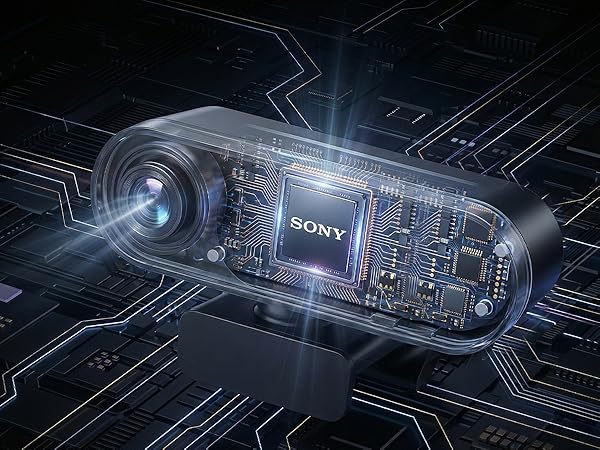
16MP Clarity & More Light Capture & Authentic Colors & Cleaner Image
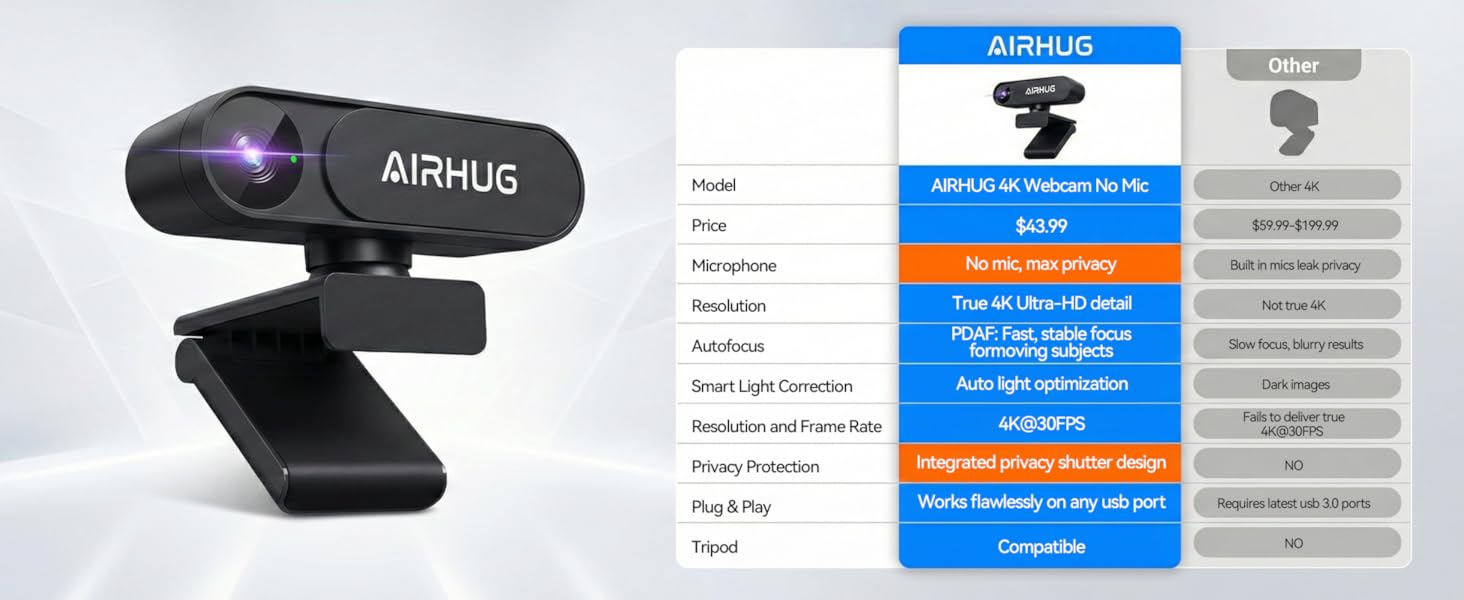
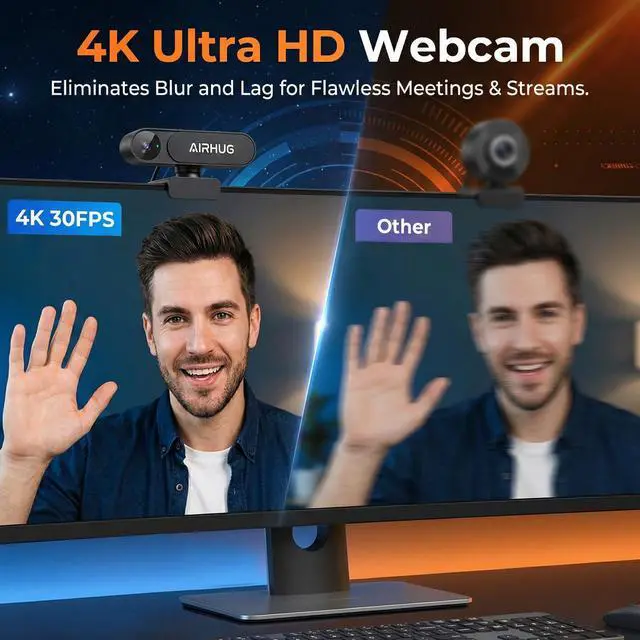
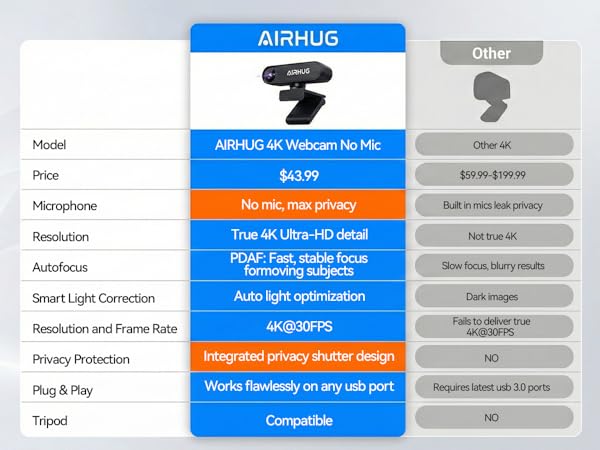
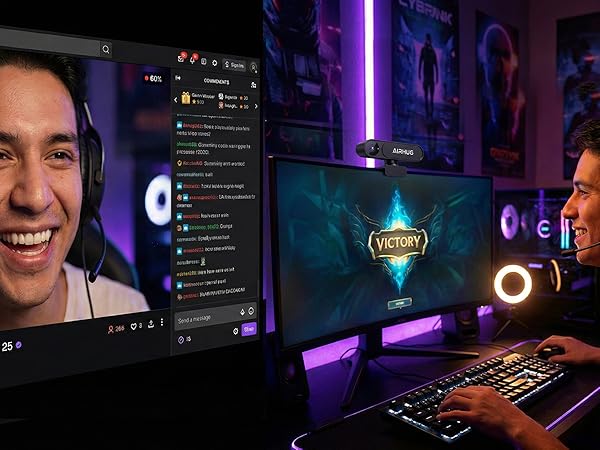
Own every detail with 4X the resolution of full HD
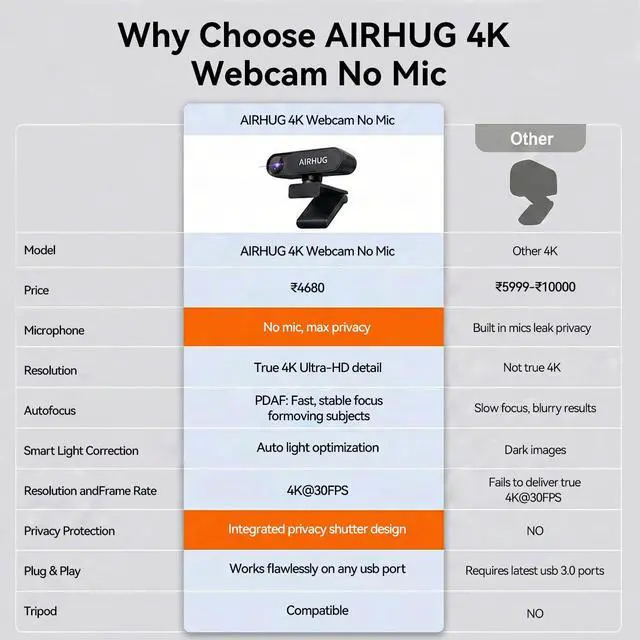
This feature locks focus quickly and accurately to keep you sharp at all times
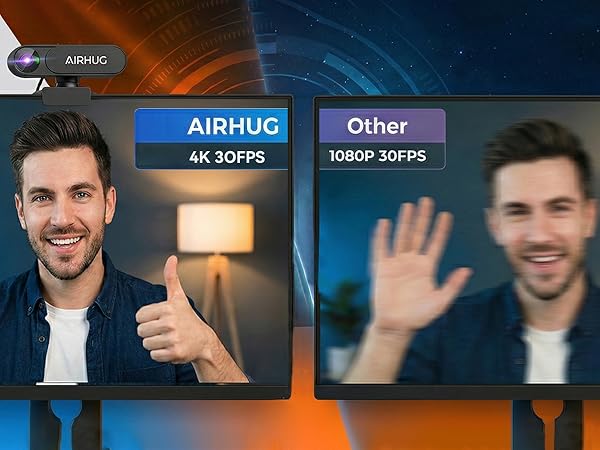
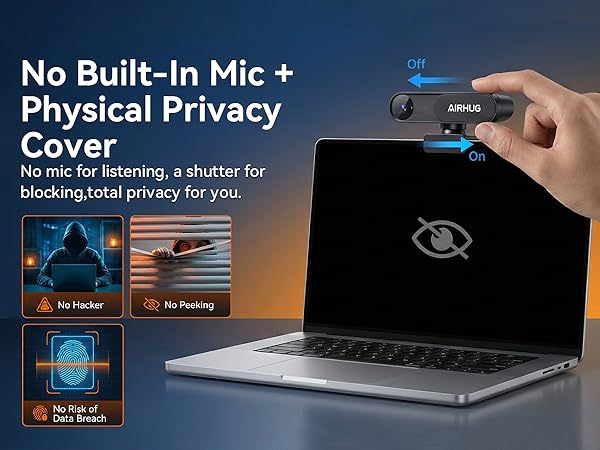
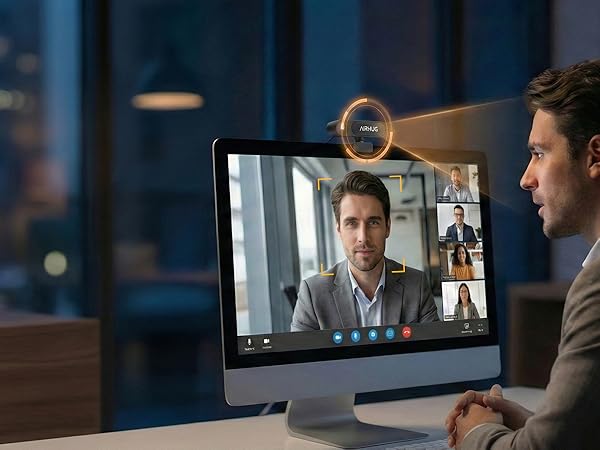
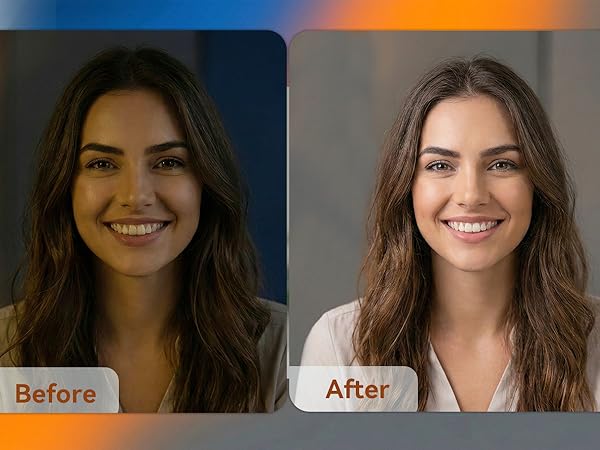
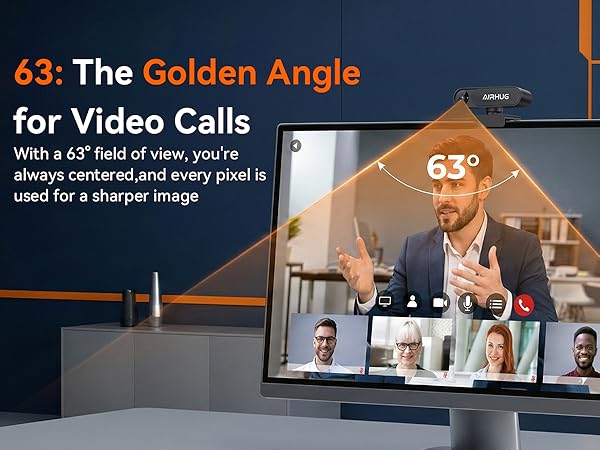
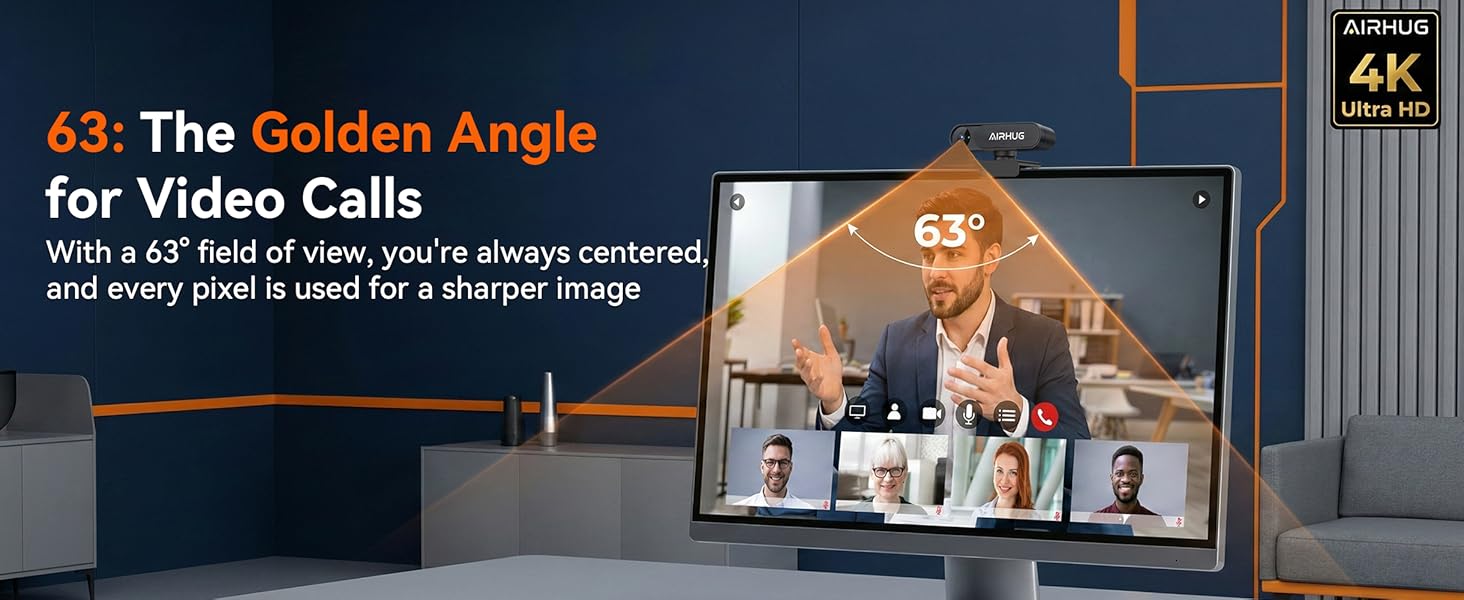
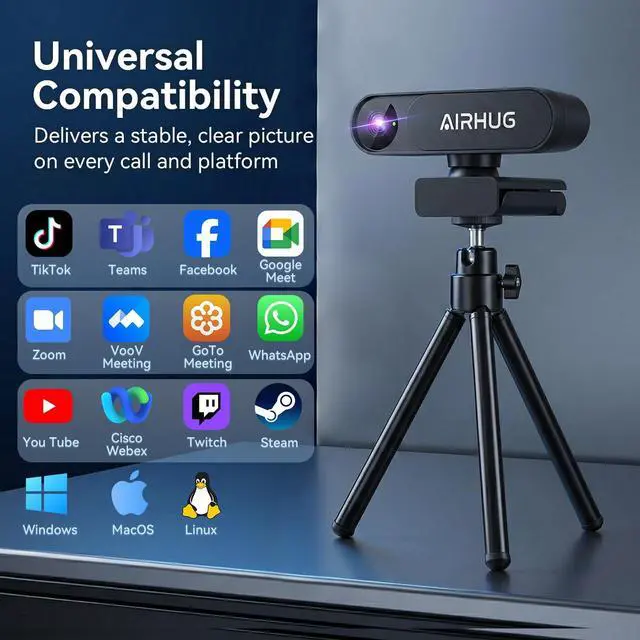
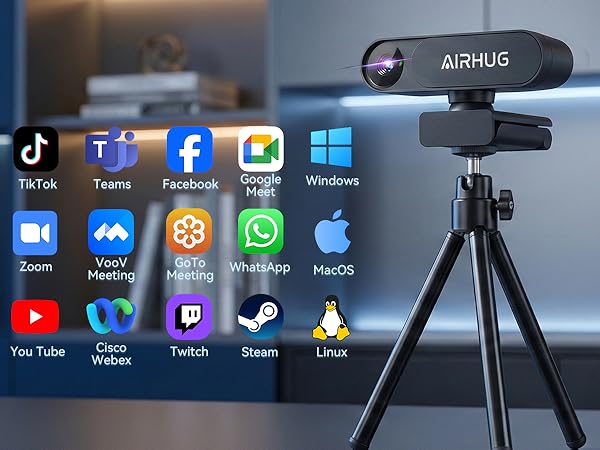
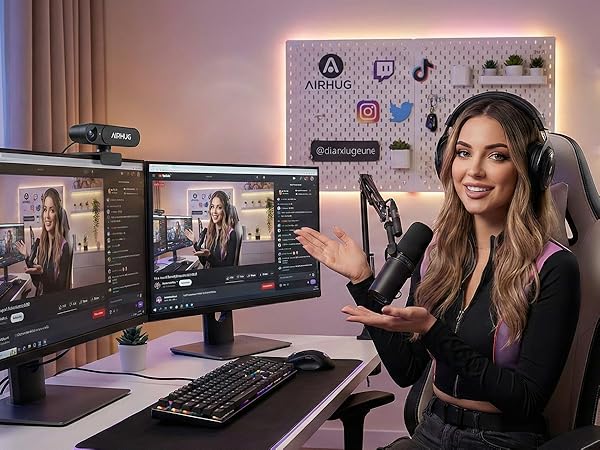
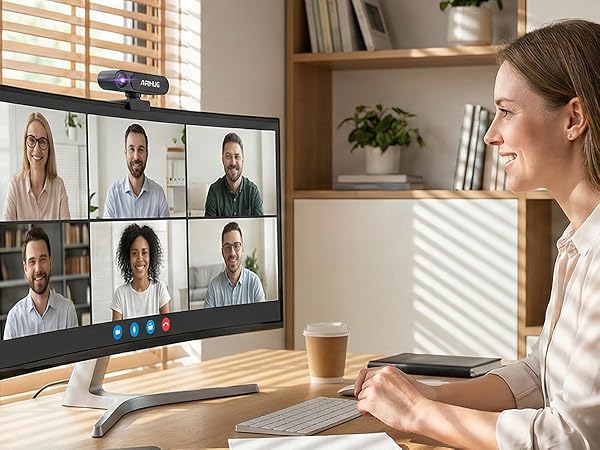
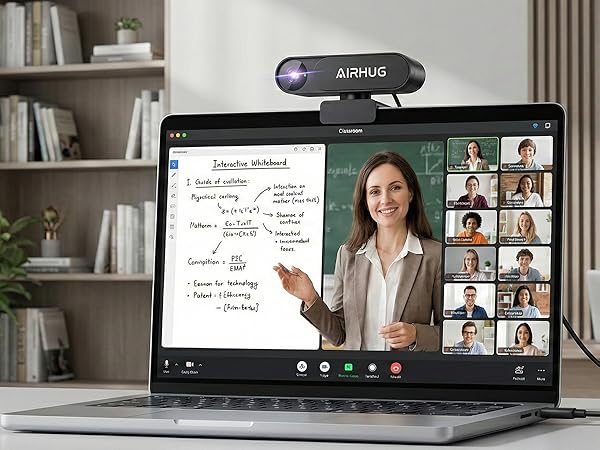
Delivers a stable, clear picture on every call and platform

The privacy cover seems a bit hard to slide. What can I do?
It's normal for new units. The cover is designed to fit tightly for long lasting use. Just slide it back and forth a few times, and the resistance will decrease quickly.
The video image on my camera looks blurry and too dark. How can I fix it?
Two quick fixes to try first:
Lighting: Make sure light is hitting your face from the front, not from a window or lamp behind you.
Lens: Use a soft cloth to wipe the camera lens clean.
What should I do if the pc webcam is not recognized?
If you encounter a recognition issue, please follow these standard troubleshooting steps:
1. Check the USB ports.
2. Verify privacy settings.
3.If the issue persists, find us for further assistance.
If the webcam is not working in a specific conferencing application?
Check webcam access permissions. Please ensure that streaming webcam has been selected as the video source in application’s settings.
Why is the video not displaying in 4K resolution?
1. Check settings: Manually select 4K resolution output.
2. Ensure that PC's CPU, RAM, and graphics card performance meet 4K processing requirements.
AIRHUG believes true communication freedom means seeing and hearing clearly.
We focus on HD cameras and professional microphones for smooth, synchronized experiences. No complicated setup, just plug and play.
We create "unrestricted" spaces where your expression comes first.
Trusted by teams and creators worldwide. When the tech works, you just be you.