here!
here!
I’m your shopping assistant for PC builds, upgrades, and everything tech.
Got questions? Ask away!
Start a conversation
here!
I’m your shopping assistant for PC builds, upgrades, and everything tech.
Got questions? Ask away!
Start a conversation



Any questions? Ask CelesteSM will help you find out quickly.


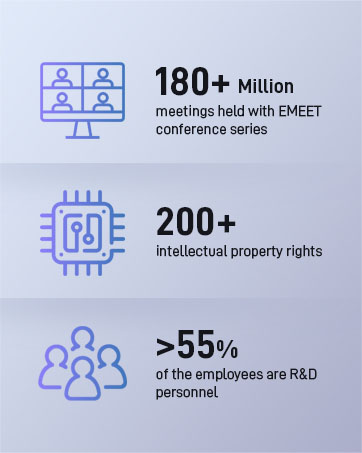
EMEET values the contributions of every individual in meetings and knows that everyone should be heard and seen. Established in August 2016, with the mission of "better communication, better world", we endeavored to create an intelligent mobile collaboration space. Today, EMEET is a prominent global company, specializing in R&D, production, and sales of AI-driven intelligent audio and video communication products and cloud services.


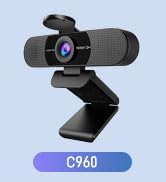



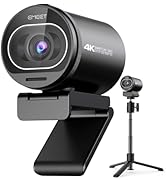
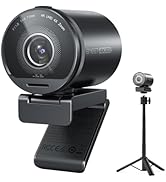

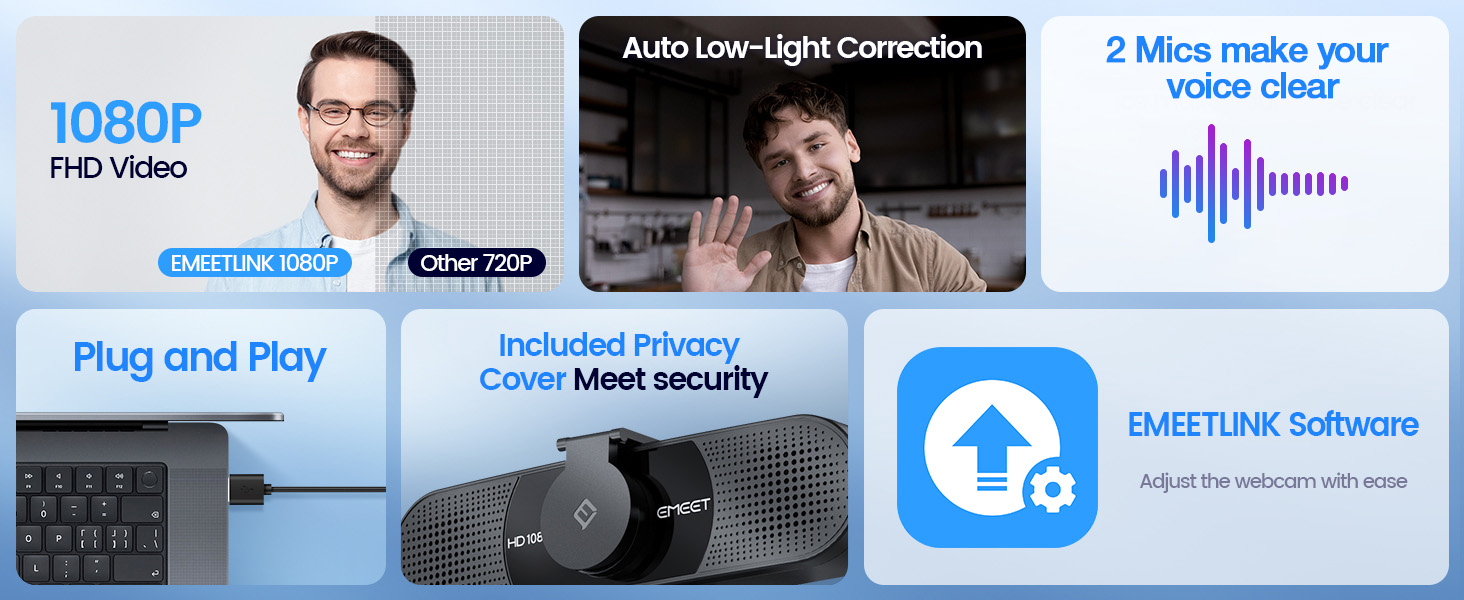
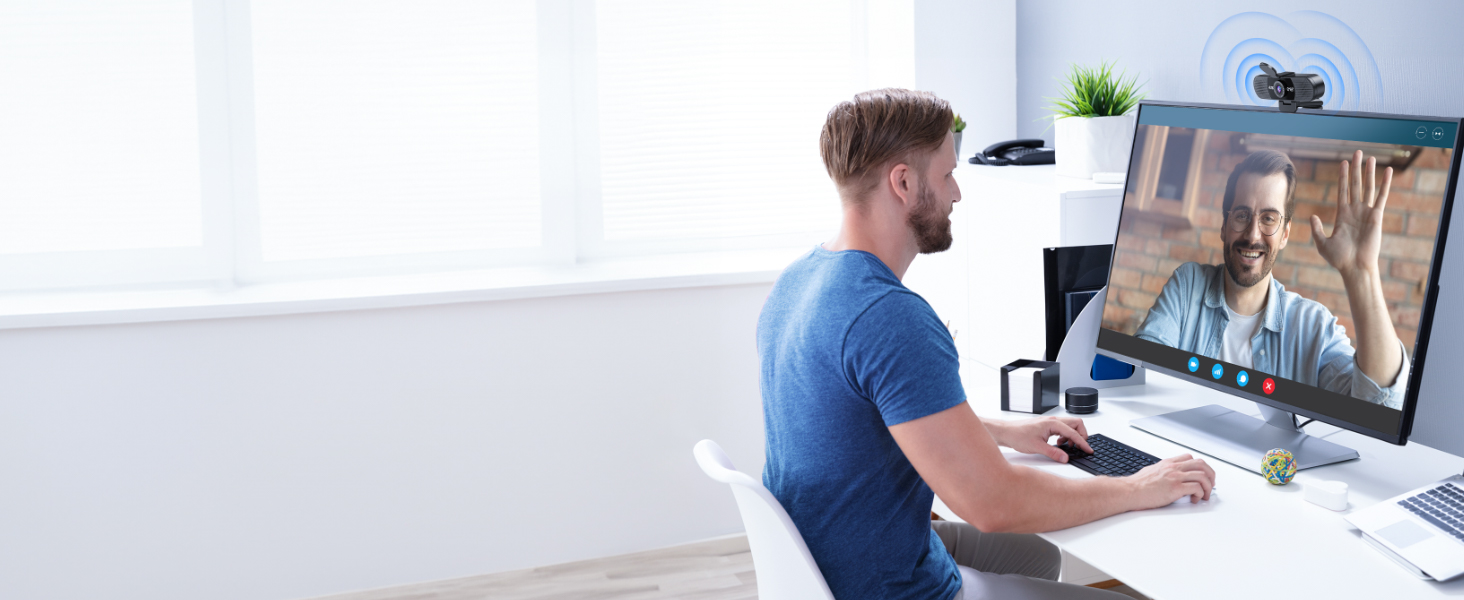
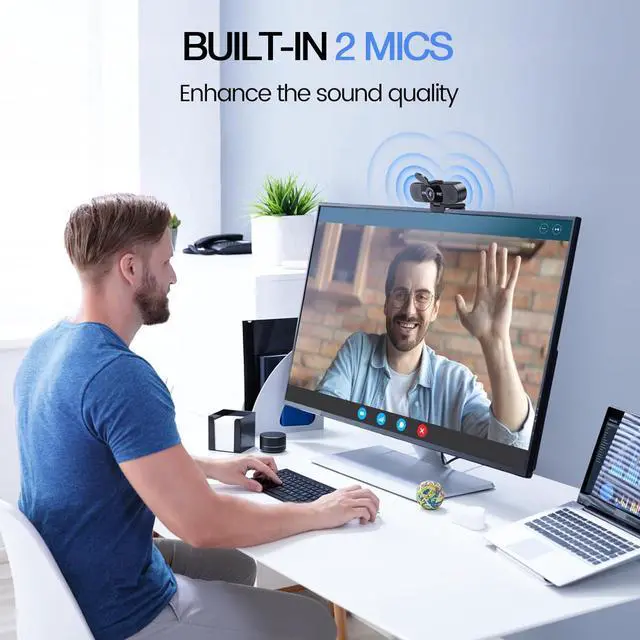
With 2 mics, the USB webcam picks up and delivers your voice clearly and accurately.

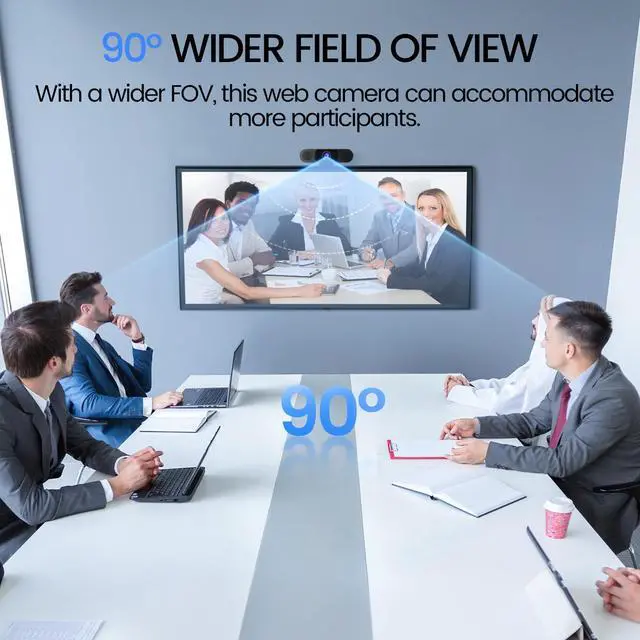
With a wider 90° FOV, this web camera can accommodate more participants.
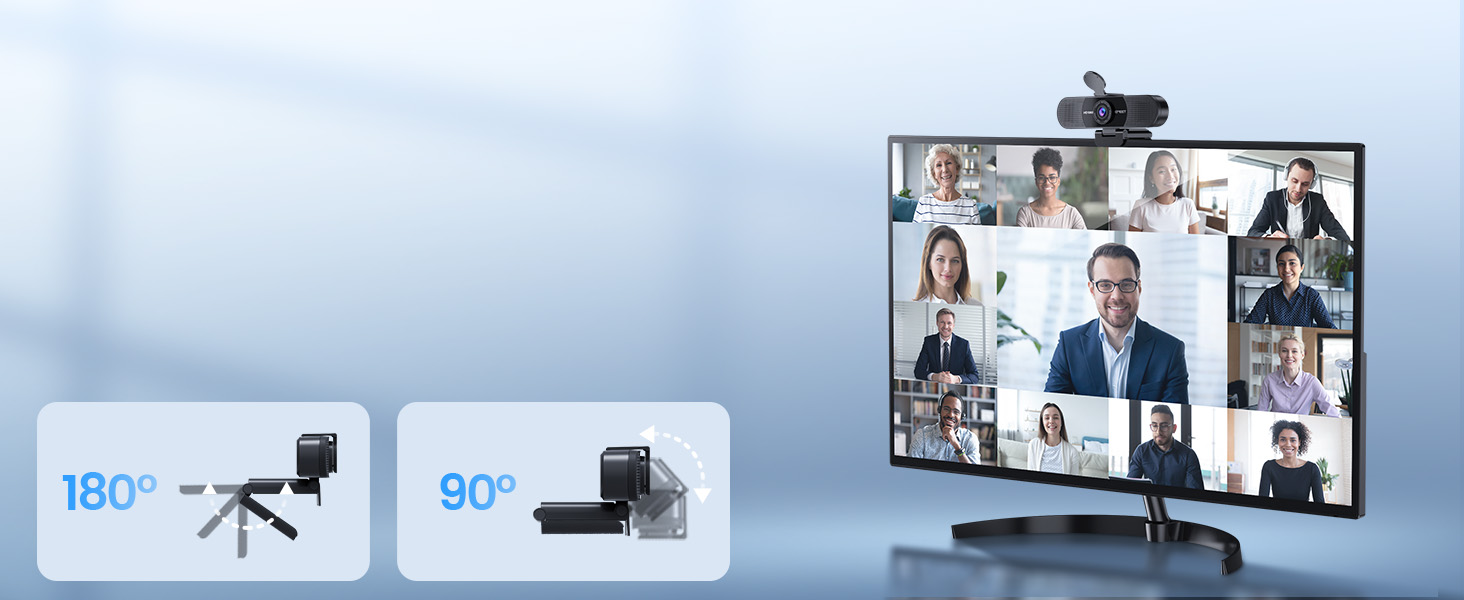
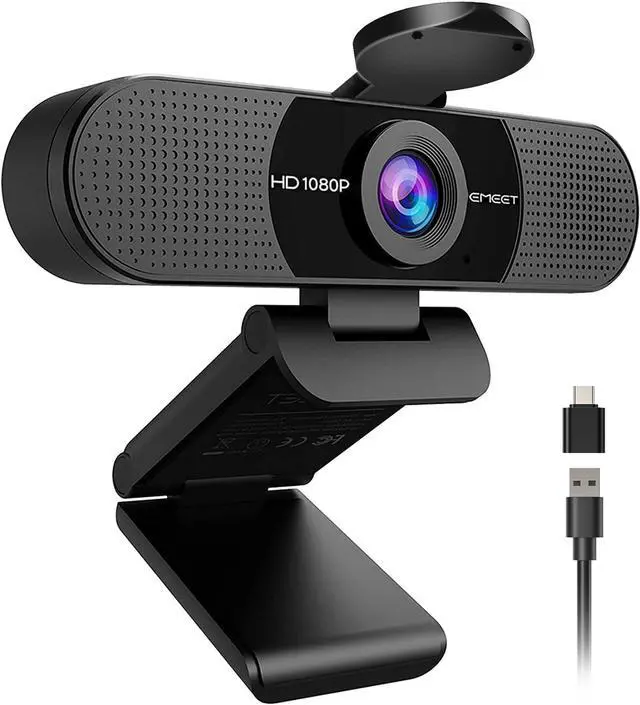
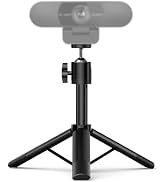
Both the base and head of the EMEET smartcam C960 are flexible for better coverage of attendees.

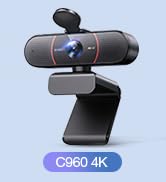
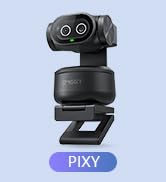
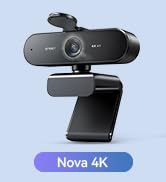
 C960 2025 Version |  PIXY PTZ Dual-Camera |  C960 Ultra 4K |  S600L Webcam with Light |  S600 4K Webcam |  NOVA 4K Webcam |  C960 4K Webcam | |
|---|---|---|---|---|---|---|---|
Customer Reviews | — | — | — | — | — | — | — |
Price | — | — | — | — | — | — | — |
Max. Resolution | 1080P | 4K | 4K | 4K | 4K | 4K | 4K |
Sensor | 1/3” CMOS | 1/2.55?CMOS SONY Sensor | 1/1.5?CMOS SONY Sensor | 1/2.0?CMOS SamSung Sensor | 1/2.55?CMOS SONY Sensor | 1/2.55?CMOS | 1/2.55?CMOS |
Camera | Single | Main&Auxiliary Dual cameras | Single | Single Camera with Ring Light | Single | Single | Single |
Max. Frame Rate | 30 FPS | 4K@30FPS and 1080P@60FPS | 4K@30FPS and 1080P@60FPS | 4K@30FPS and 1080P@60FPS | 4K@30FPS and 1080P@60FPS | 30 FPS | 30 FPS |
Focus Type | Fixed Focus | PDAF and AI fast Autofocus | 0.2S AI Autofocus | 0.2S PDAF Autofocus | PDAF Autofocus | PDAF Autofocus | PDAF Autofocus |
Field of View | 90° | Adjustable | 73° | 73° | 40°-73° | 73° | 73° |
Microphone and Speaker | 2 Mics | 3 Mics with 3 Sound Modes | 2 Mics | 2 Mics | 2 Mics | 2 Mics | 2 Mics |
Tripod Suitable | Yes | Yes | Yes | Yes | Yes | Yes | Yes |
Privacy Cover | External push-pull cover | Built-in privacy mode | Built-in rotary privacy cover | Built-in privacy cover slide | Built-in rotary privacy cover | External push-pull cover | External push-pull cover |
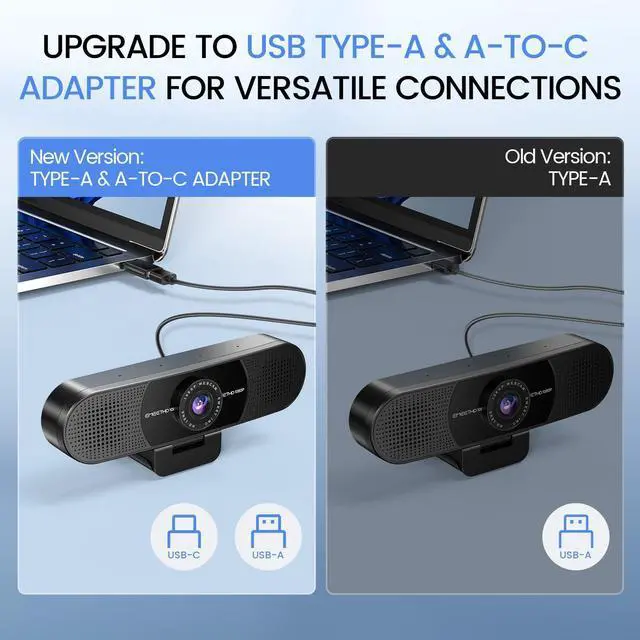
USB Connection | Type-A & A-to-C Adapter | Type-C & C-to-A Adapter | Type-C & C-to-A Adapter | Type-C & C-to-A Adapter | Type-C | Type-A | Type-A |
AI Tracking | NO | YES | NO | NO | NO | NO | NO |
Remote Control | NO | YES(Buy Separately) | NO | NO | NO | NO | NO |
Why is my webcam not working or not detected?
Connect the EMEET C960 webcam directly to a USB port, not hubs. Enable camera/mic permissions in Windows/macOS. Select the webcam in Zoom, Teams, Facetime, or other apps. Restart apps after permission changes for proper detection.
Does EMEET C960 have built-in speakers?
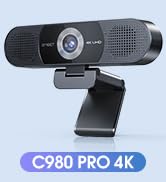
EMEET C960 is a webcam with built-in microphones for audio input and does not include built-in speakers. If you need speaker functionality, please choose an EMEET webcam model with built-in speakers like EMEET C980 (ASIN B0DCFGC6NJ).
Why is the video quality not as clear as expected?
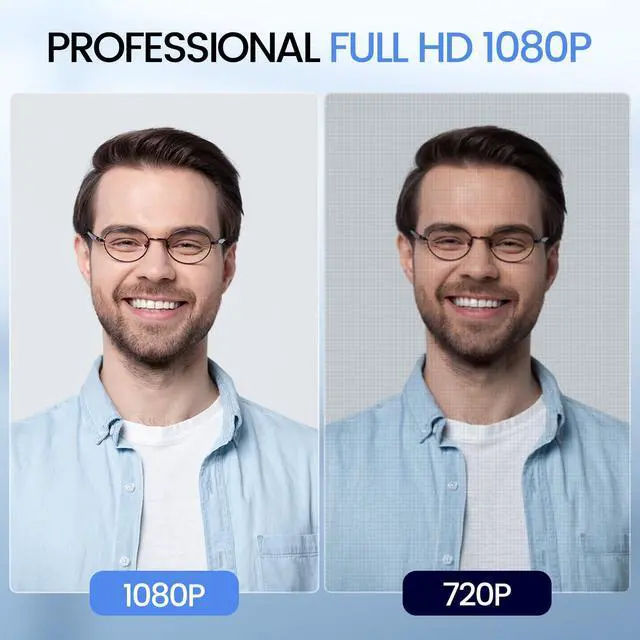
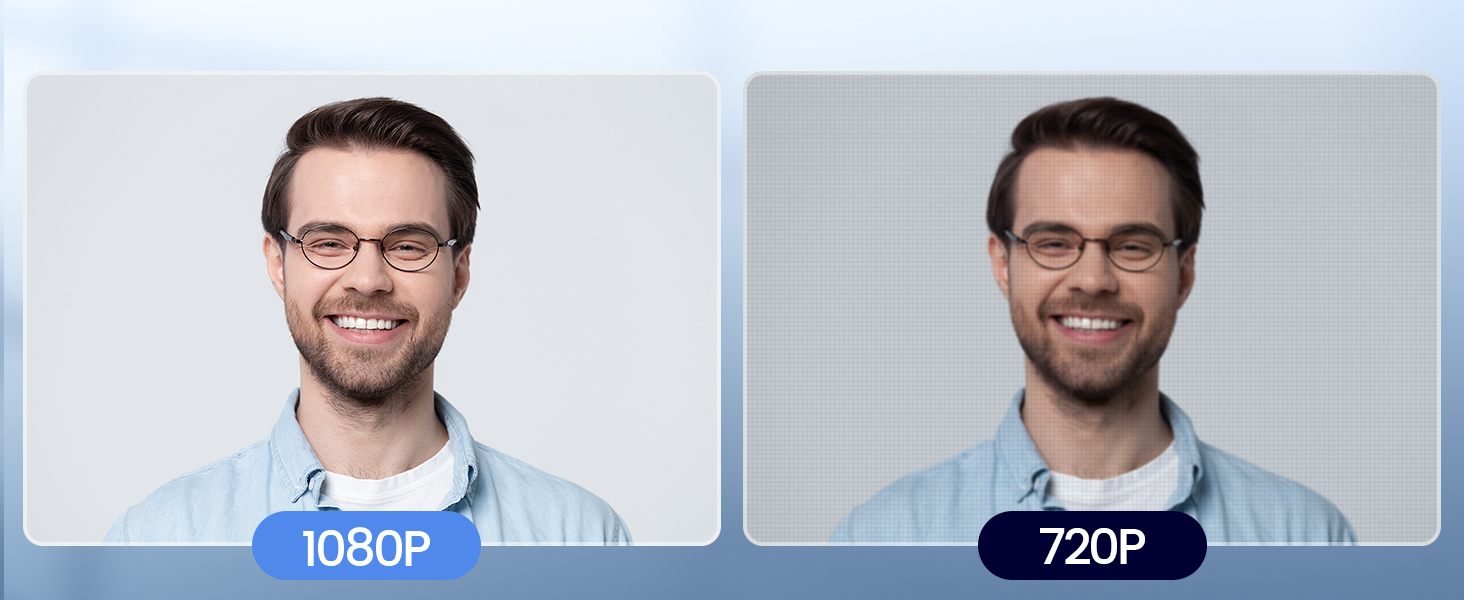
C960 delivers Full HD 1080P video. For clearer image quality, use the webcam in a well-lit environment and select suitable video settings in your application. Lighting and software settings may affect image performance.
Why is my microphone volume low or not working properly?
C960 features two built-in omnidirectional microphones for clear voice pickup. Select EMEET C960 as the default microphone device, enable microphone permissions, and keep an appropriate distance for optimal audio performance.
Can I use this webcam with a USB hub or docking station?
Yes, but connect directly to a USB port for stability. Hubs may cause intermittent video. Use the included Type-A/Type-C adapters. The upgraded USB cable and foldable design allow flexible, stable setup for streaming or calls.

With 2 mics, the USB webcam picks up and delivers your voice clearly and accurately.
With a wider 90° FOV, this web camera can accommodate more participants.
Both the base and head of the EMEET smartcam C960 are flexible for better coverage of attendees.


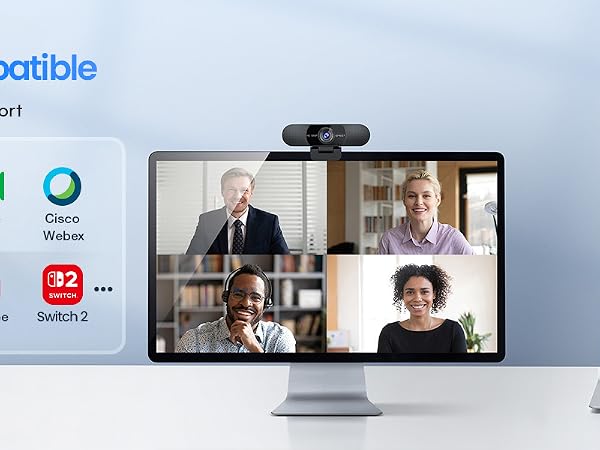

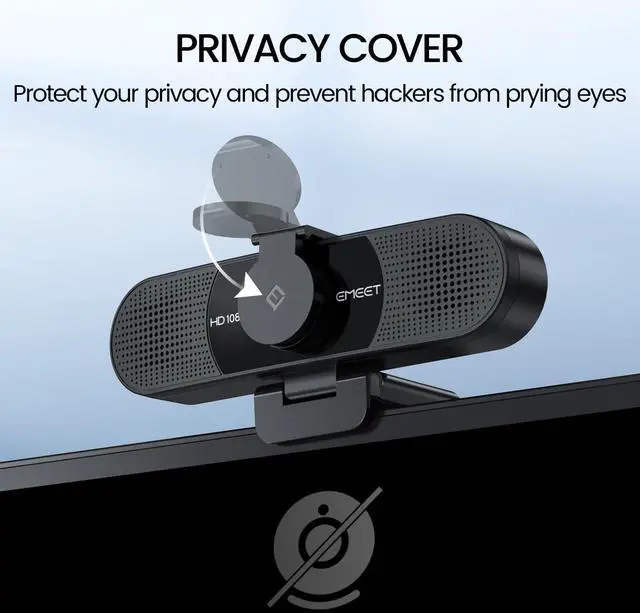
The C960 webcam for PC has a built-in privacy cover to protect your privacy and prevent hackers from prying eyes.

 C960 2025 Version | PIXY PTZ Dual-Camera | C960 Ultra 4K | S600L Webcam with Light | S600 4K Webcam | NOVA 4K Webcam | C960 4K Webcam |
|---|---|---|---|---|---|---|
| Customer Reviews | ||||||
| — | — | — | — | — | — | — |
| Price | ||||||
| — | — | — | — | — | — | — |
| Max. Resolution | ||||||
| 1080P | 4K | 4K | 4K | 4K | 4K | 4K |
| Sensor | ||||||
| 1/3” CMOS | 1/2.55?CMOS SONY Sensor | 1/1.5?CMOS SONY Sensor | 1/2.0?CMOS SamSung Sensor | 1/2.55?CMOS SONY Sensor | 1/2.55?CMOS | 1/2.55?CMOS |
| Camera | ||||||
| Single | Main&Auxiliary Dual cameras | Single | Single Camera with Ring Light | Single | Single | Single |
| Max. Frame Rate | ||||||
| 30 FPS | 4K@30FPS and 1080P@60FPS | 4K@30FPS and 1080P@60FPS | 4K@30FPS and 1080P@60FPS | 4K@30FPS and 1080P@60FPS | 30 FPS | 30 FPS |
| Focus Type | ||||||
| Fixed Focus | PDAF and AI fast Autofocus | 0.2S AI Autofocus | 0.2S PDAF Autofocus | PDAF Autofocus | PDAF Autofocus | PDAF Autofocus |
| Field of View | ||||||
| 90° | Adjustable | 73° | 73° | 40°-73° | 73° | 73° |
| Microphone and Speaker | ||||||
| 2 Mics | 3 Mics with 3 Sound Modes | 2 Mics | 2 Mics | 2 Mics | 2 Mics | 2 Mics |
| Tripod Suitable | ||||||
| Yes | Yes | Yes | Yes | Yes | Yes | Yes |
| Privacy Cover | ||||||
| External push-pull cover | Built-in privacy mode | Built-in rotary privacy cover | Built-in privacy cover slide | Built-in rotary privacy cover | External push-pull cover | External push-pull cover |
| USB Connection | ||||||
| Type-A & A-to-C Adapter | Type-C & C-to-A Adapter | Type-C & C-to-A Adapter | Type-C & C-to-A Adapter | Type-C | Type-A | Type-A |
| AI Tracking | ||||||
| NO | YES | NO | NO | NO | NO | NO |
| Remote Control | ||||||
| NO | YES(Buy Separately) | NO | NO | NO | NO | NO |
Why is my webcam not working or not detected?
Connect the EMEET C960 webcam directly to a USB port, not hubs. Enable camera/mic permissions in Windows/macOS. Select the webcam in Zoom, Teams, Facetime, or other apps. Restart apps after permission changes for proper detection.
Does EMEET C960 have built-in speakers?
EMEET C960 is a webcam with built-in microphones for audio input and does not include built-in speakers. If you need speaker functionality, please choose an EMEET webcam model with built-in speakers like EMEET C980 (ASIN B0DCFGC6NJ).
Why is the video quality not as clear as expected?
C960 delivers Full HD 1080P video. For clearer image quality, use the webcam in a well-lit environment and select suitable video settings in your application. Lighting and software settings may affect image performance.
Why is my microphone volume low or not working properly?
C960 features two built-in omnidirectional microphones for clear voice pickup. Select EMEET C960 as the default microphone device, enable microphone permissions, and keep an appropriate distance for optimal audio performance.
Can I use this webcam with a USB hub or docking station?
Yes, but connect directly to a USB port for stability. Hubs may cause intermittent video. Use the included Type-A/Type-C adapters. The upgraded USB cable and foldable design allow flexible, stable setup for streaming or calls.
EMEET values the contributions of every individual in meetings and knows that everyone should be heard and seen. Established in August 2016, with the mission of "better communication, better world", we endeavored to create an intelligent mobile collaboration space. Today, EMEET is a prominent global company, specializing in R&D, production, and sales of AI-driven intelligent audio and video communication products and cloud services.
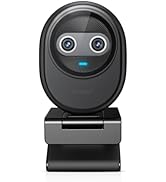
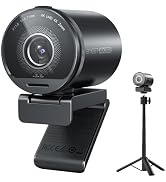
Full HD 1080P Webcam with Cover for Video Calls - EMEET computer webcam provides design and Optimization for professional video streaming. Realistic 1920 x 1080p video, 5-layer anti-glare lens, providing smooth video. The fixed focal length makes the object in the focal length range of 11.8-118.1 inches, so as to provide a clearer image. The C960 usb webcam has a cover and can be removed automatically to meet your needs for protection. It is a great choice for home office. Built-in 2 Mics - EMEET webcam with microphone for desktop is 2 built-in omnidirectional microphones, picking up your voice to create an excellent radio effect.EMEET computer webcam enables you to enjoy crystal clear voice for communication. (When installing the web camera, remember to select EMEET C960 usb webcam as the default device for the microphones). Low Dependence on Light Condition - Automatic low-light correction technology is applied in EMEET HD webcam 1080p so that the streaming webcam could capture the image in dim light. EMEET C960 camera for computer also has low-light boost, color boost and adjust exposure so you look your best, even in dim and harsh lighting. Imagine you are working in front of a sunny window. Is it convenient for no need to draw the curtains first when a video call comes in to get a normal exposure picture? Plug-and-Play & Upgraded USB Connectivity No driver required. The new version of the EMEET C960 webcam features both USB Type-A & A-to-C Adapter connections for wider compatibility. Please connect directly to the computer USB port for stable performance, as hubs or docking stations may cause unstable connections. The foldable design makes it easy to carry, and the upgraded USB cable ensures flexible setup. The 90° wide-angle lens captures more participants without frequent adjustments.
| Brand | EMEET |
| Photo Sensor Technology | CMOS |
| Video Capture Resolution | 1080p |
| Maximum Focal Length | 3 meters |
| Flash Memory Type | NOT Available, Rely on Your PC/Mac |
| Video Capture Format | AVI |
| Supported Audio Format | AAC, MP3, PCM |
| Screen Size | 3.8 inches |
| Connectivity Technology | USB |
| Color | Black |
| Sensor Type | CMOS |
| Special Feature | Auto Light Correction, Clip Base, Dual Omnidirectional Microphones, Privacy Cover, USB Type-A & A-to-C Adapter |
| Water Resistance Level | Not Water Resistant |
| Form Factor | Ultra Compact |
| Item Weight | 0.16 kg |
| Style Name | 1080P Updated |
| Item Dimensions D x W x H | 4.88"D x 2.65"W x 2.04"H |
| Operating System | Android TV (V7.0 and above), We recommend using the mainstream operating systems instead of Chrome OS which may not be compatible with all versions and models., Windows (Win 10, 11Tips: Incompatible with Windows Hello functions), macOS (10.14 and above) |
| Minimum Focal Length | 50 centimeters |
| Lens Type | Wide Angle |
| Focus Type | Fixed Focus |
| Display Resolution Maximum | FHD |