• $66.99
  • Free 30-day Returns
  • Sold by Mikiomie Dire
    Top Rated

    Shipped by Mikiomie Dire

    Price alert
    Shop it at NeweggBusiness.

    Meet Your Seller

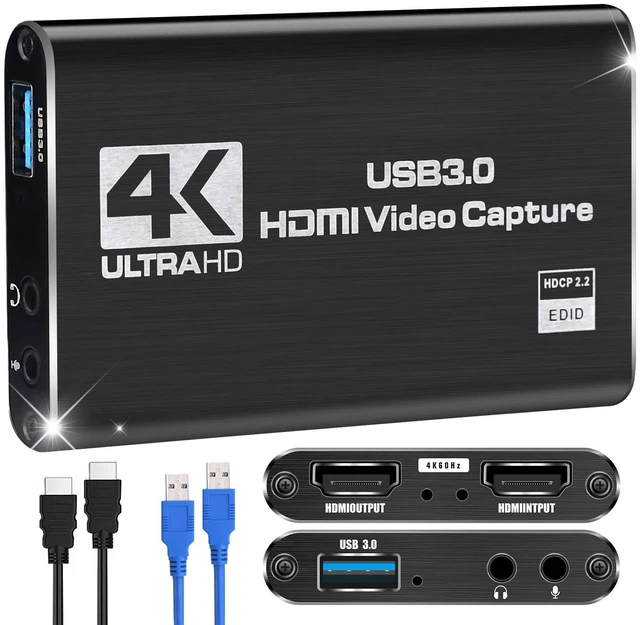
    Capture Card for Nintendo Switch with 4K30 Pass-Through & Streaming 1080P60 HDMI to USB 3.0 Switch Capture Card for Streaming Video Game Recording on PC OBS,Works with PS4/PS5/Camera/Xbox, Driver-Free

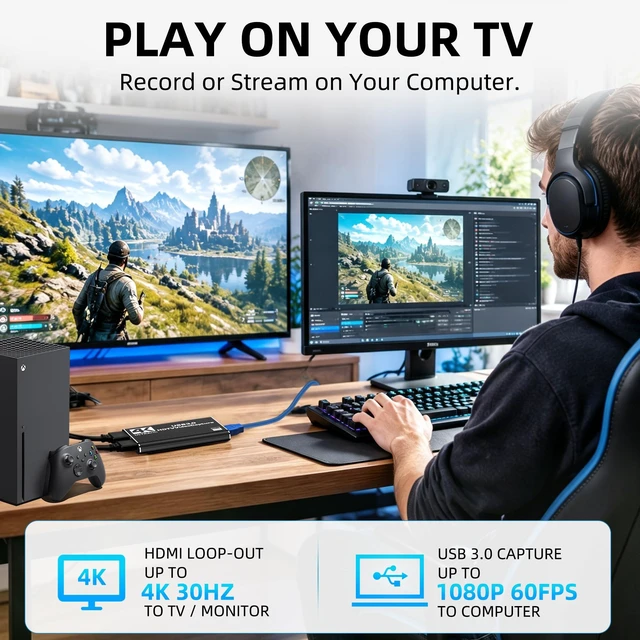
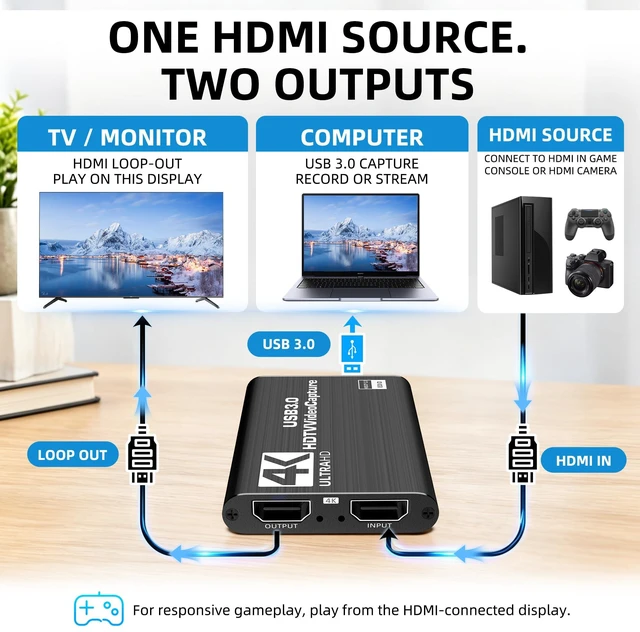
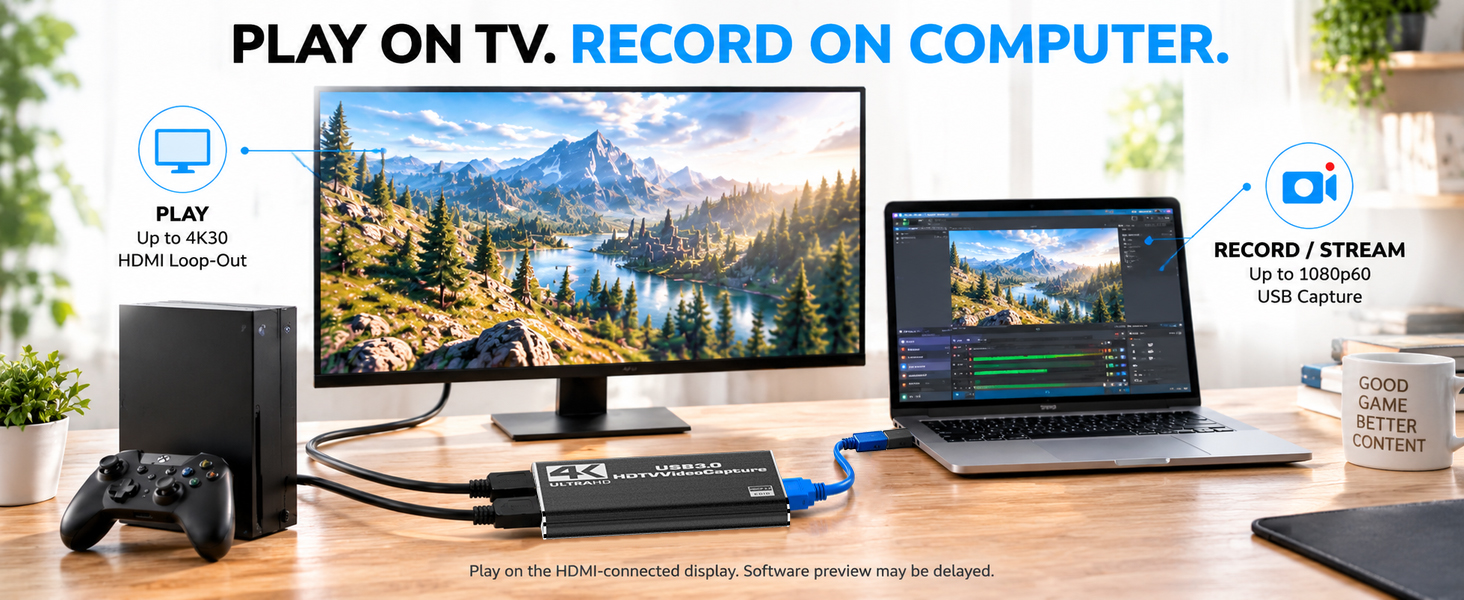
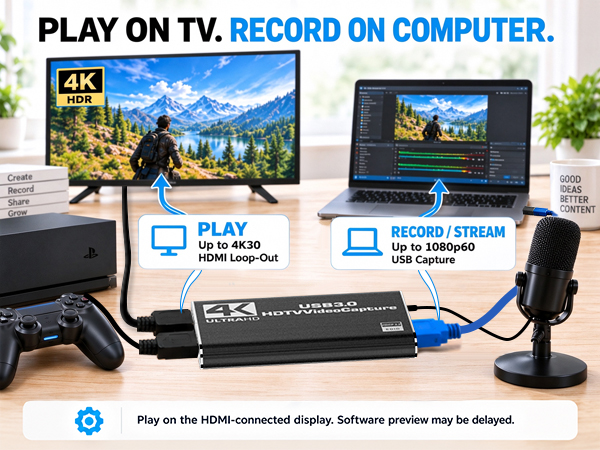
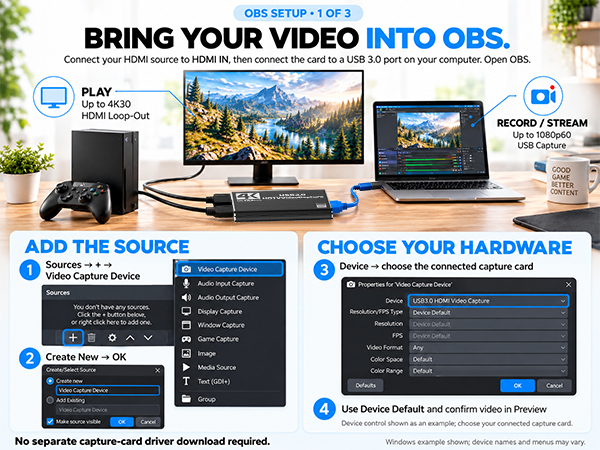
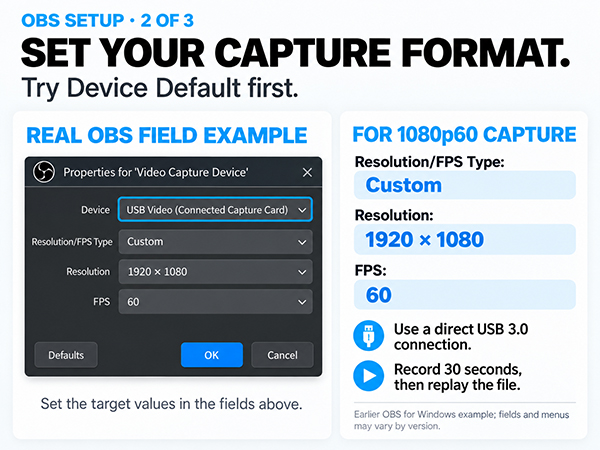
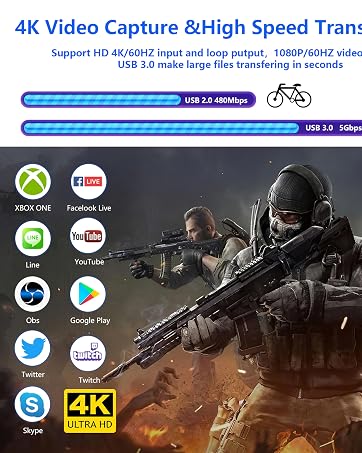
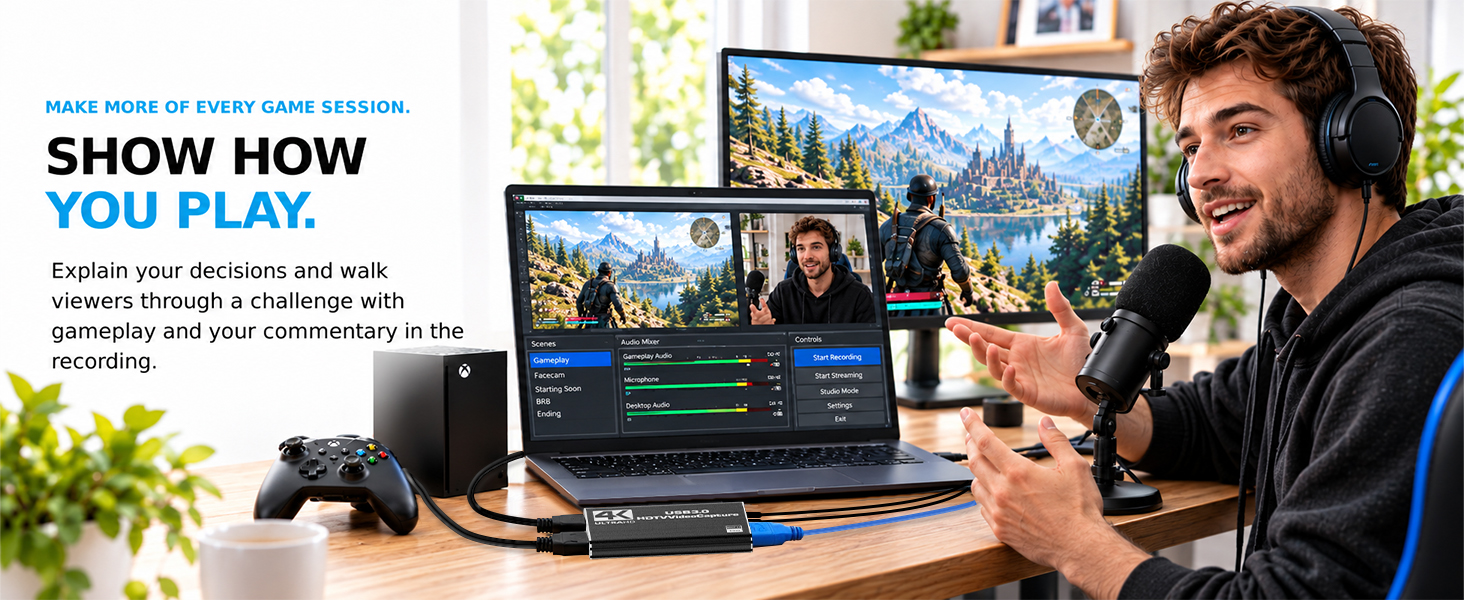
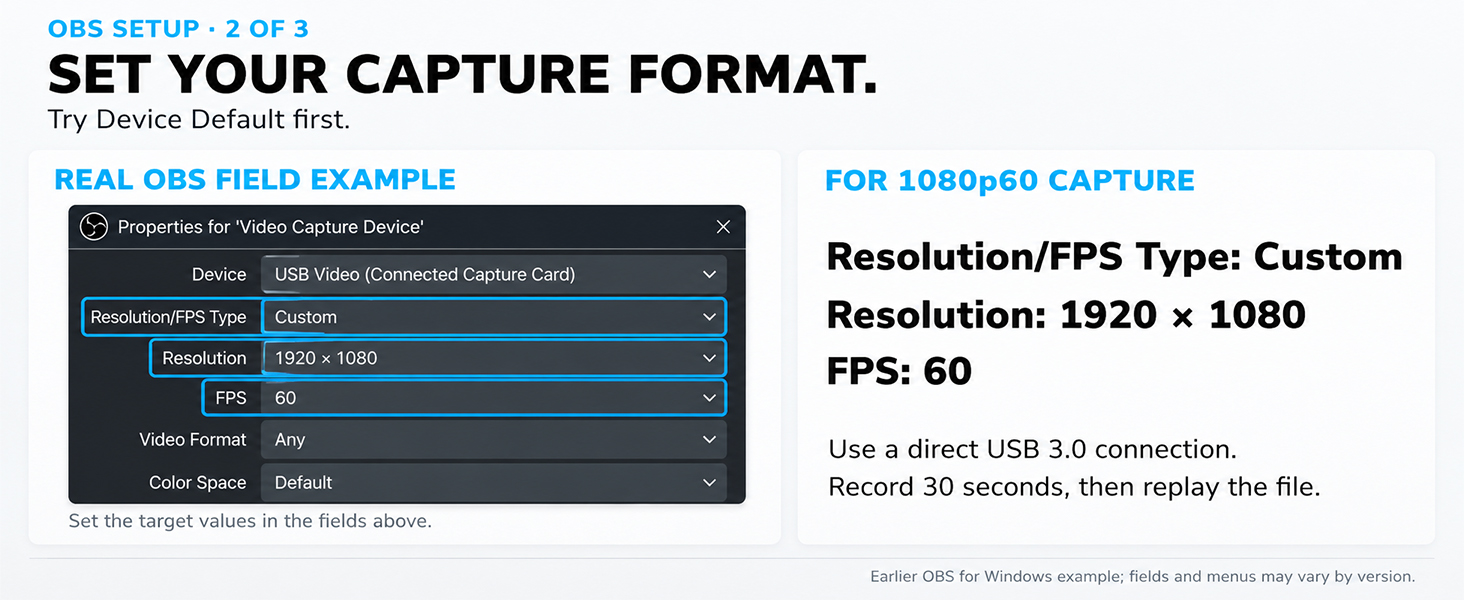
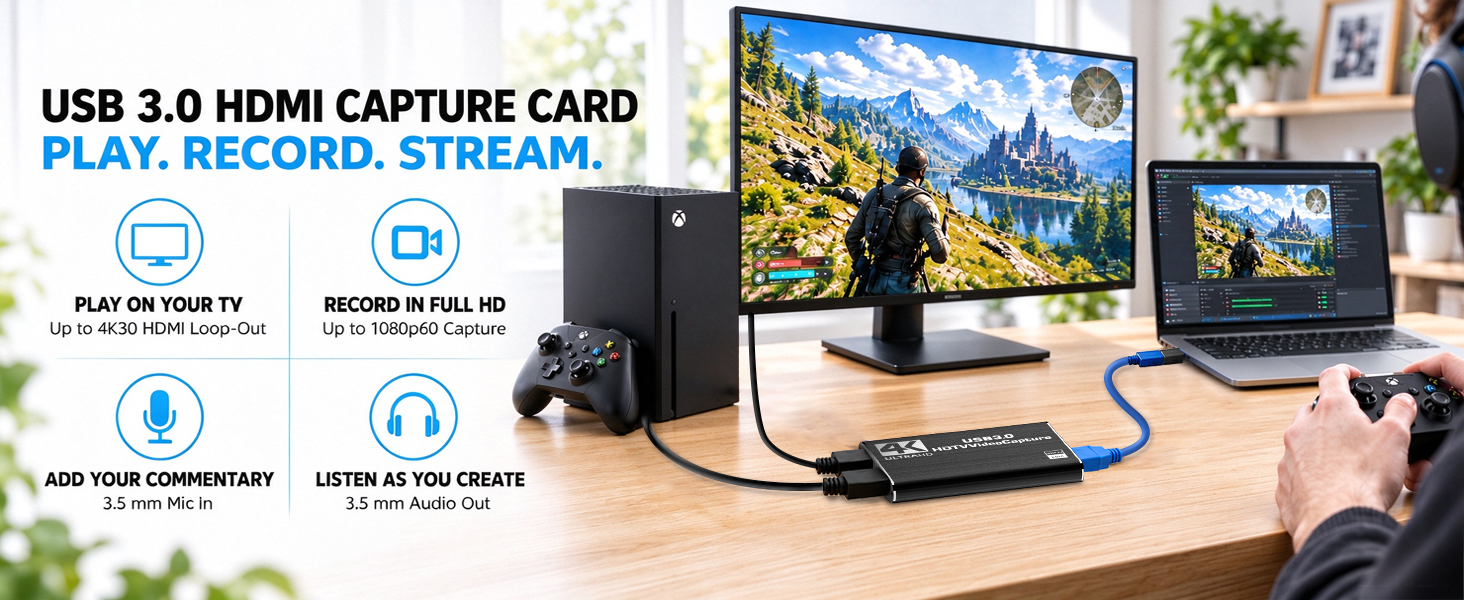
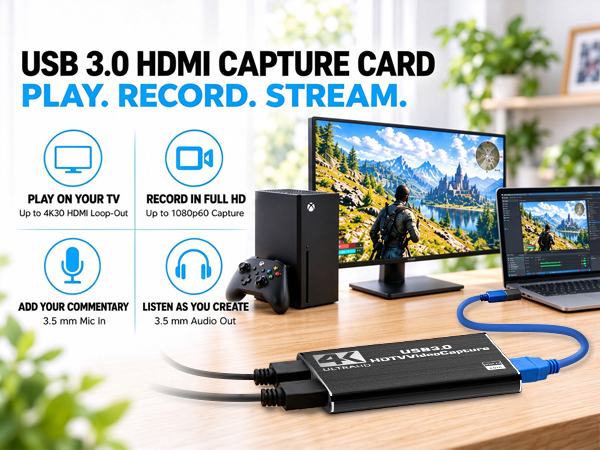
    • Watch in 4K30, Record in 1080P60Connect a TV or monitor through HDMI to view video up to 4K30 while your computer records or streams up to 1080P at 60 fps through USB 3.0. The capture card for streaming doesn't record in 4K, so you can choose the right resolution before starting your stream or recording
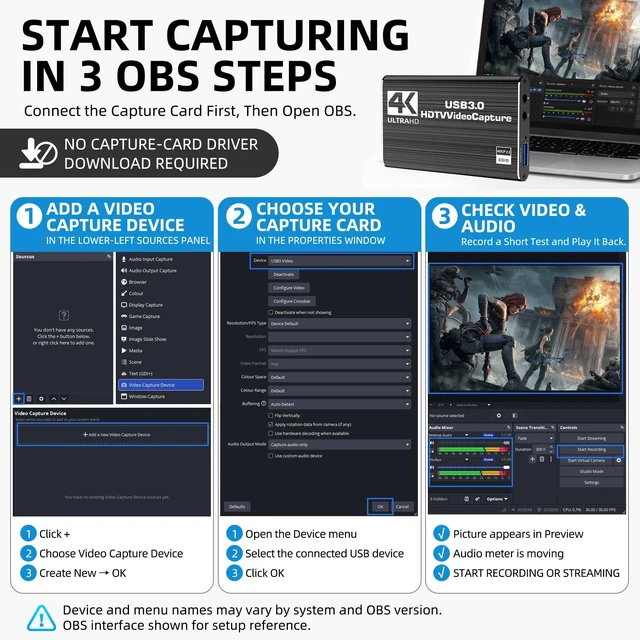
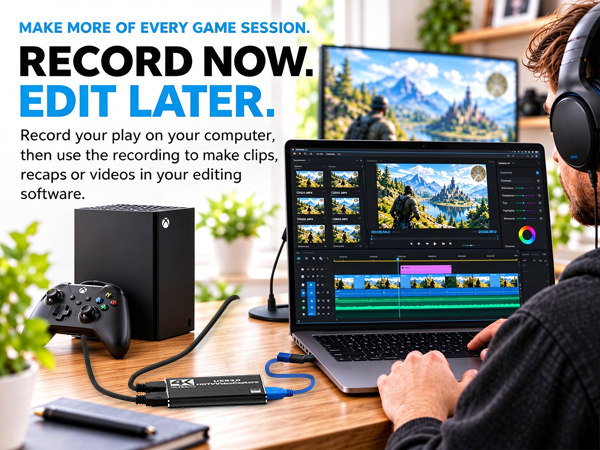
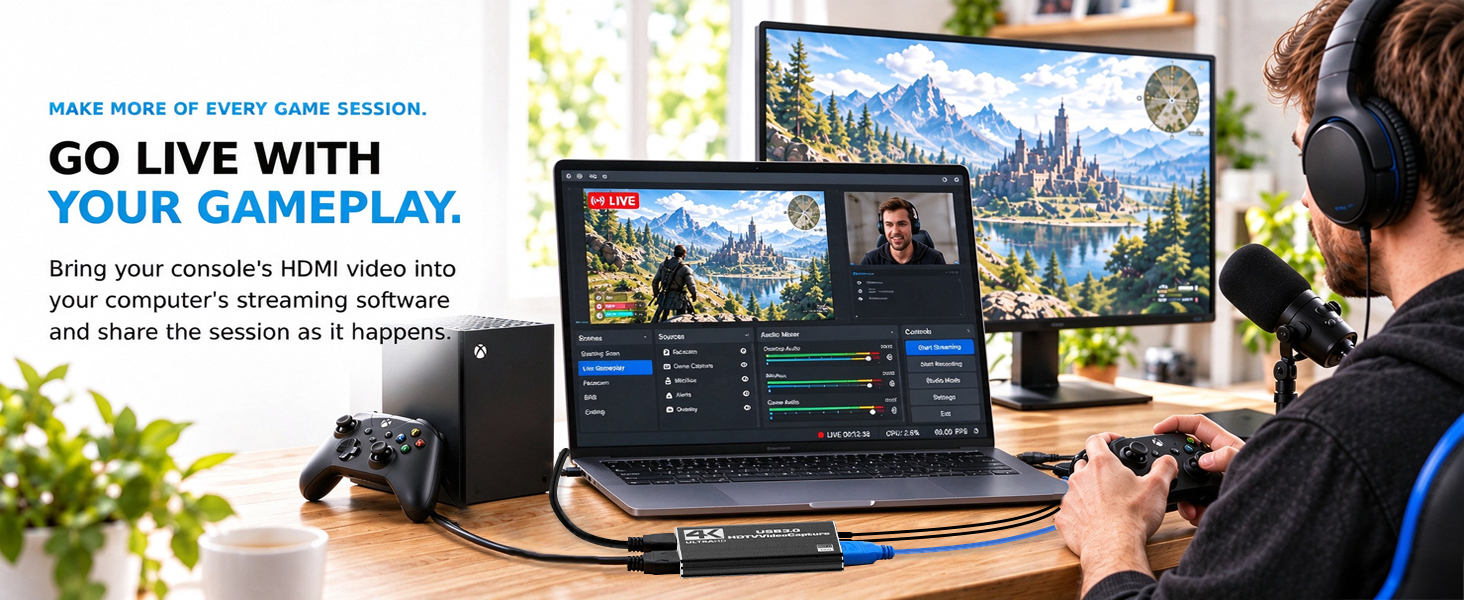
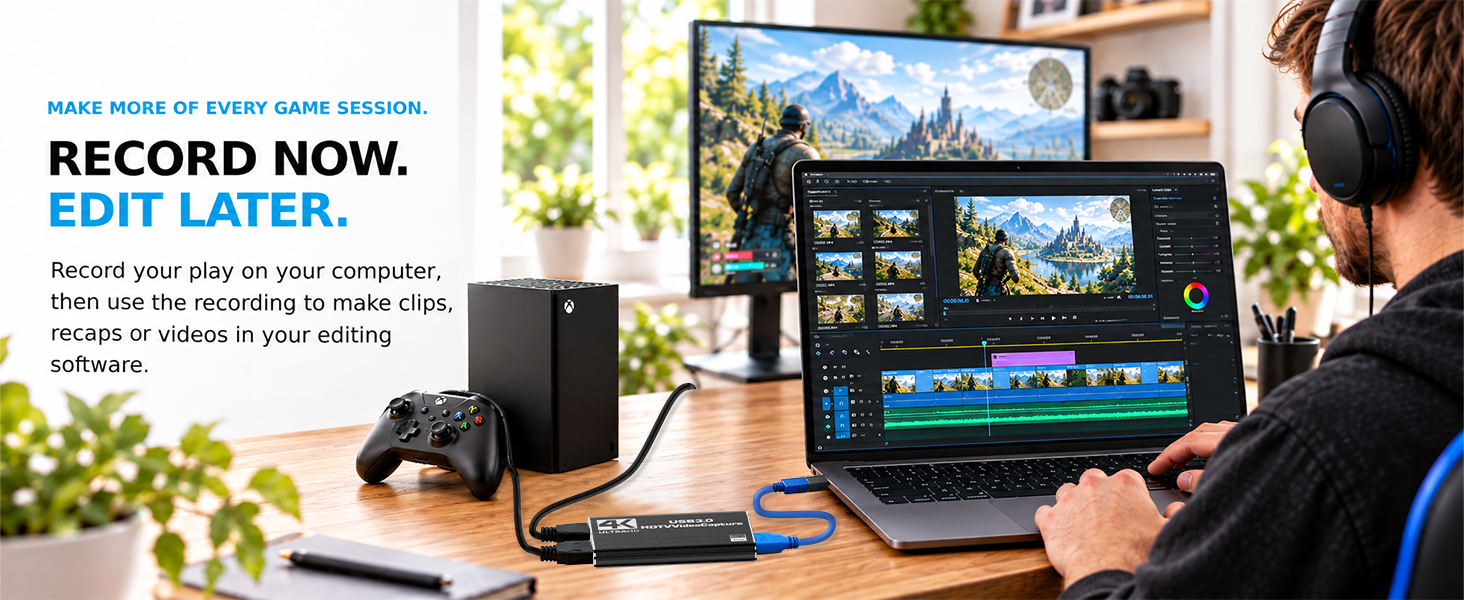
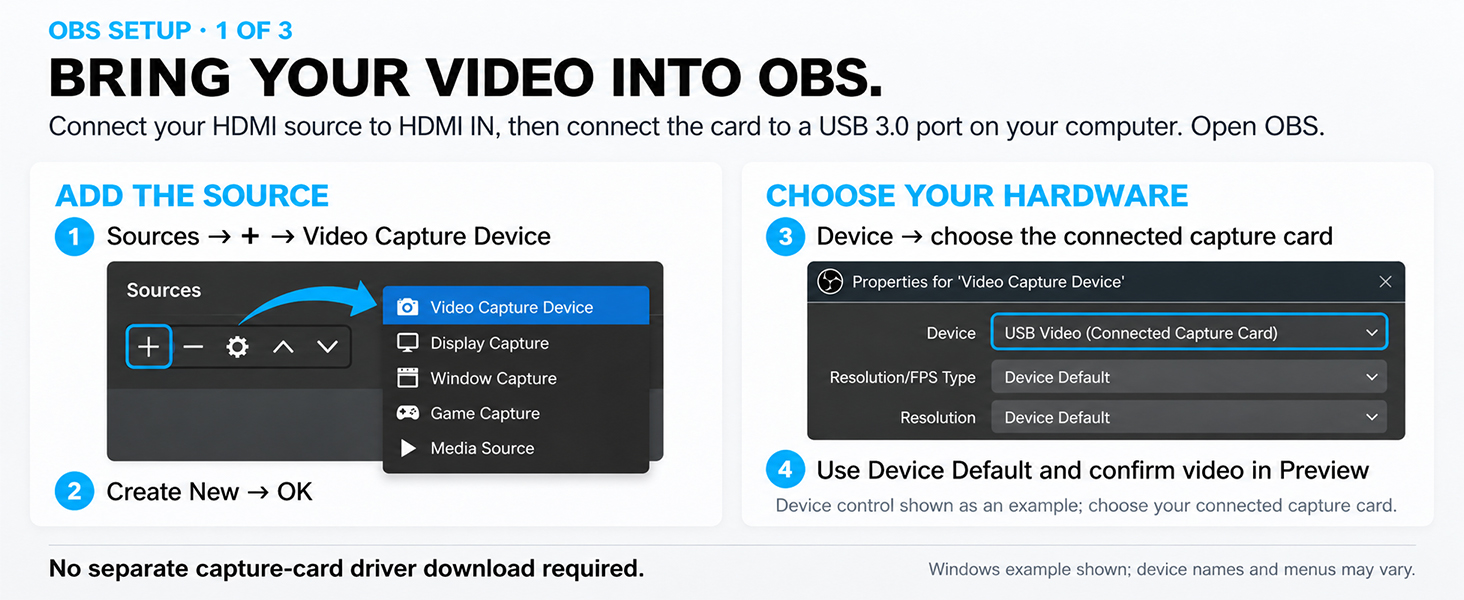
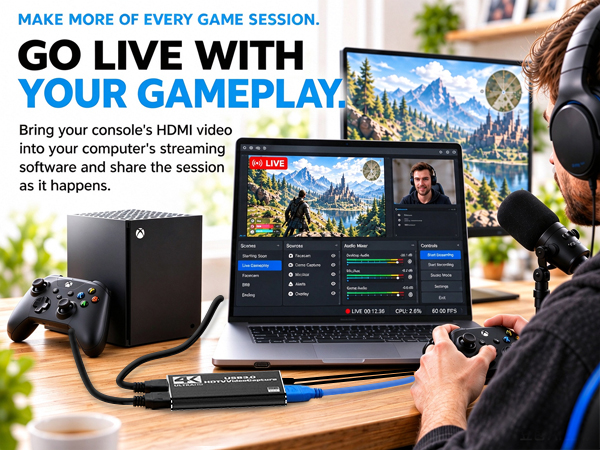
    • Connect, Select and Start RecordingConnect the HDMI source to the card, HDMI output to a TV or monitor, and USB 3.0 directly to your computer. No driver or external power adapter is required. Select the hdmi video capture card as the video and audio source in OBS or compatible capture software to begin
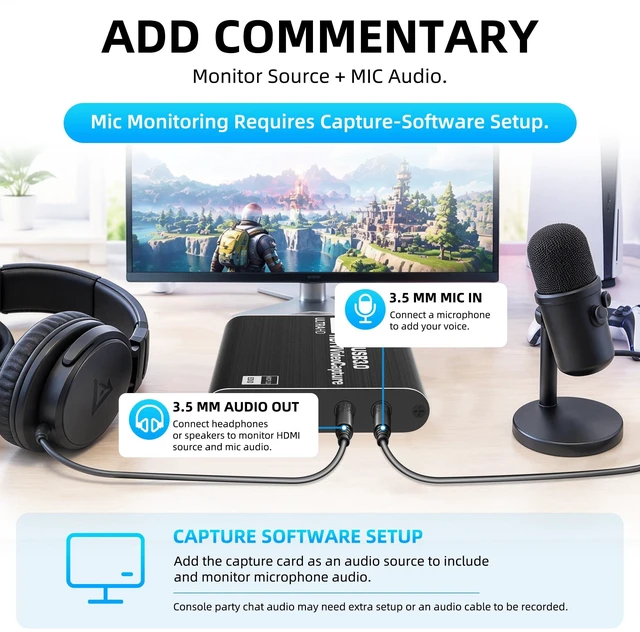
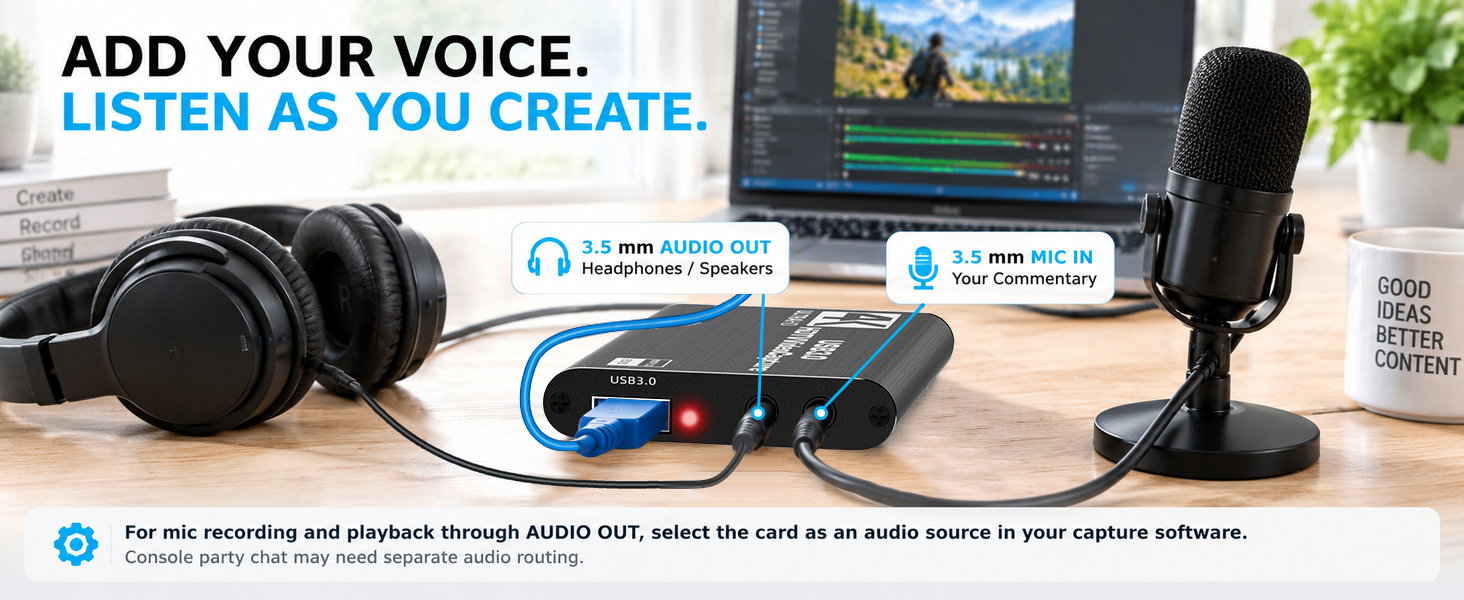
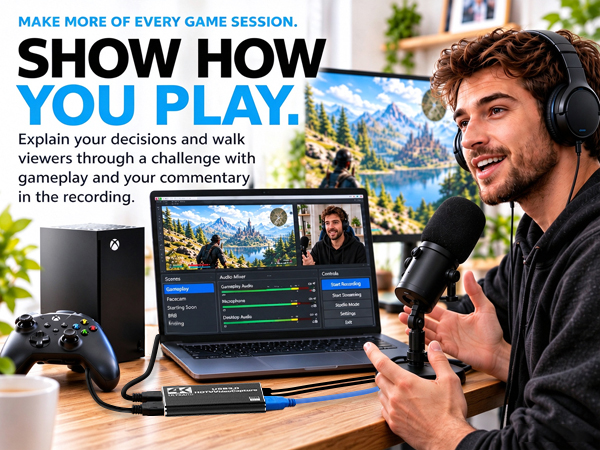
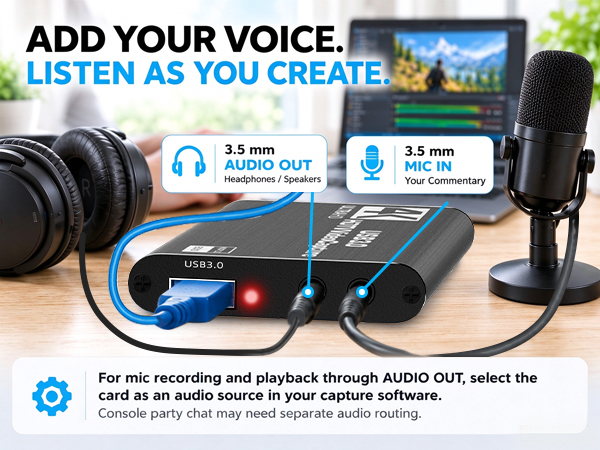
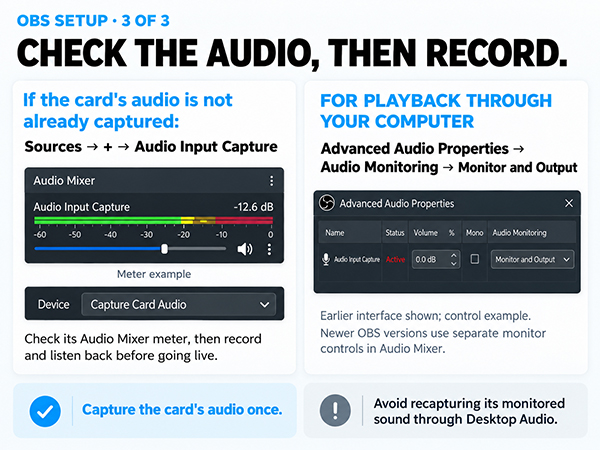
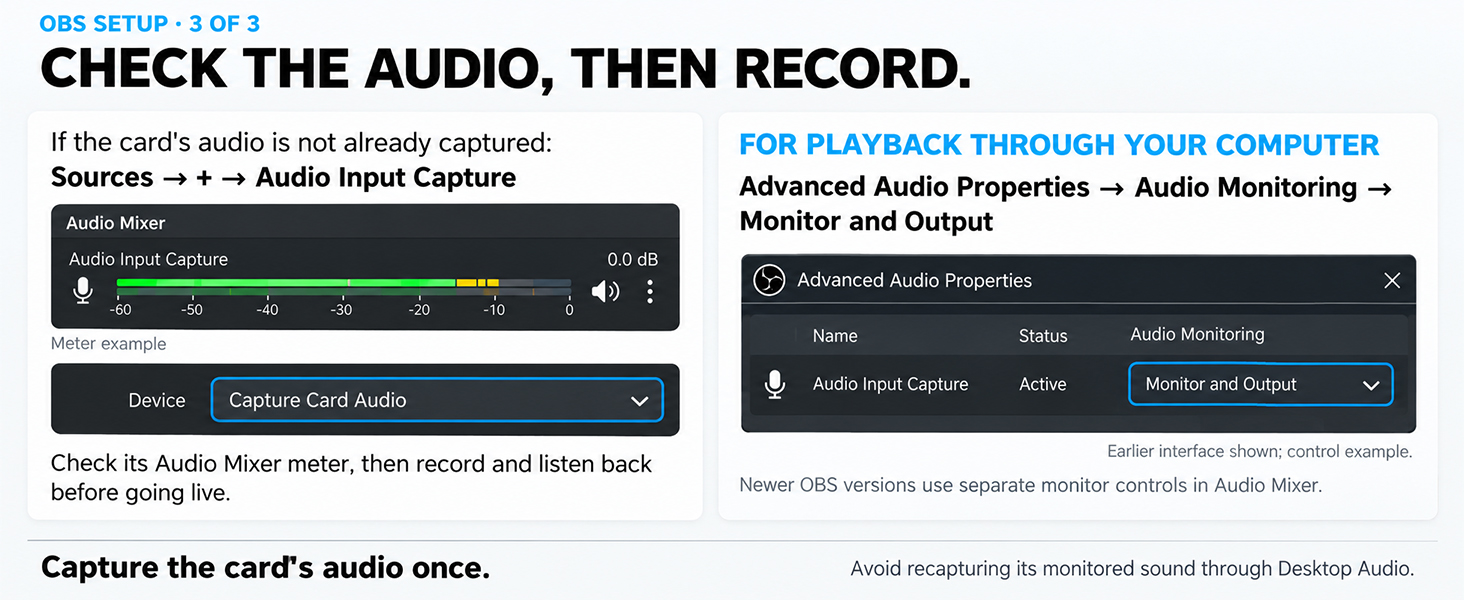
    • Add Commentary and Listen to AudioUse the 3.5 mm microphone input to add your voice and connect headphones or a sound system to the 3.5 mm audio output. Select the gaming capture card for streaming as the audio source in your software. Console party chat may require extra audio setup or accessories
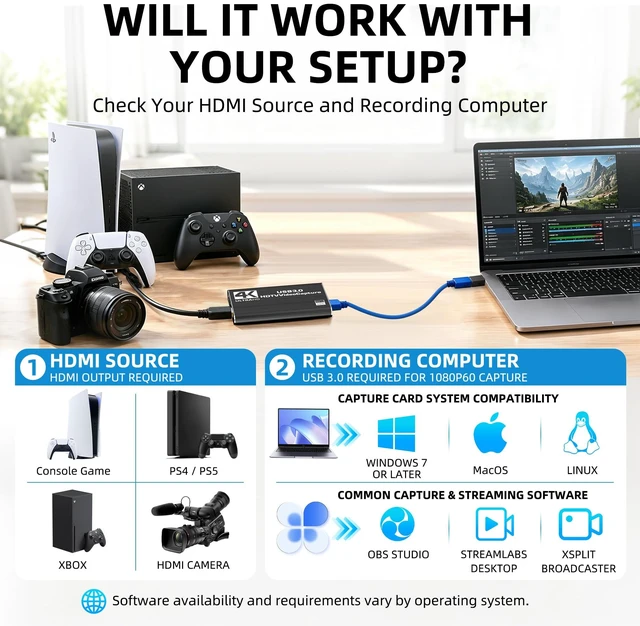
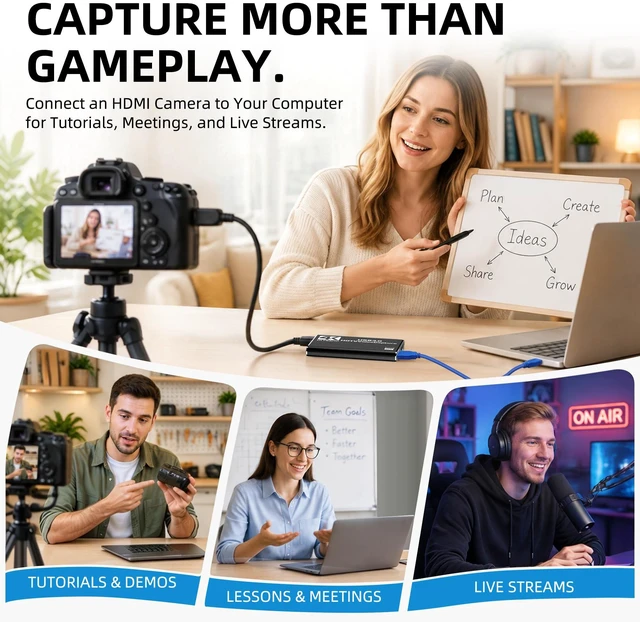
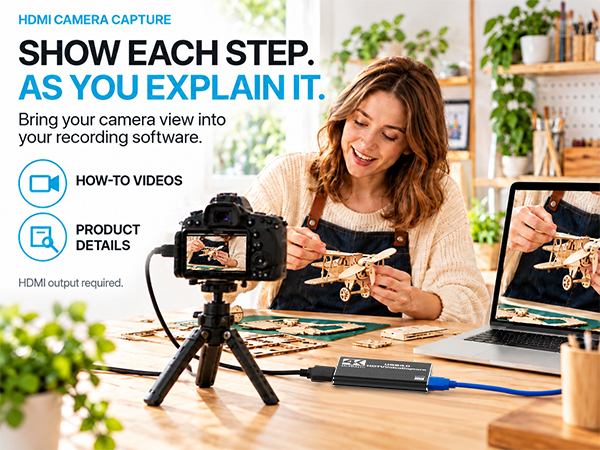
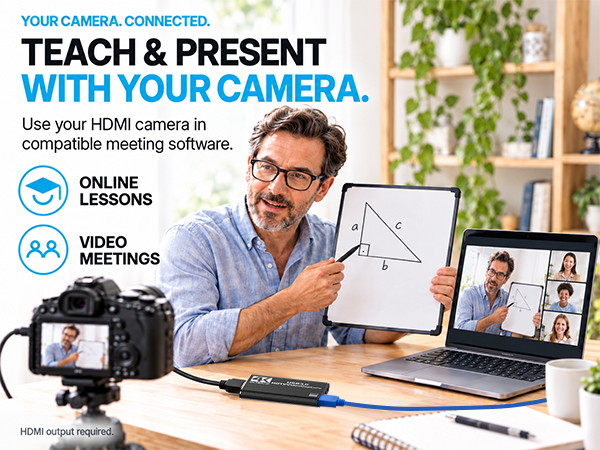
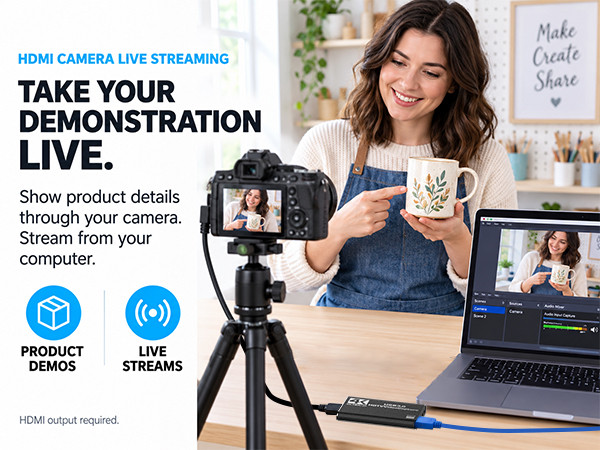
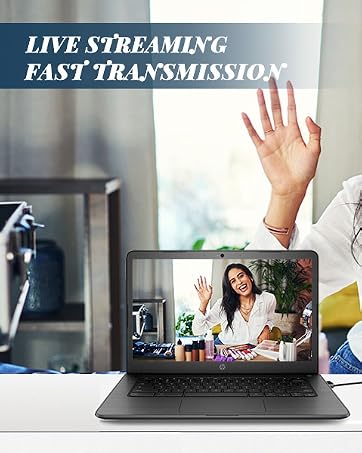
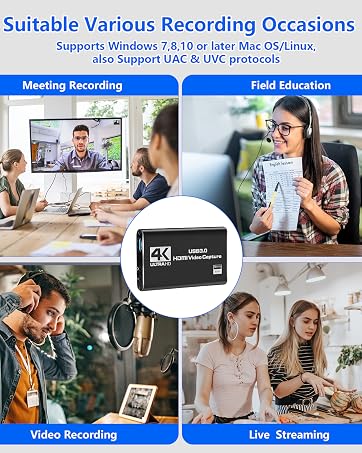
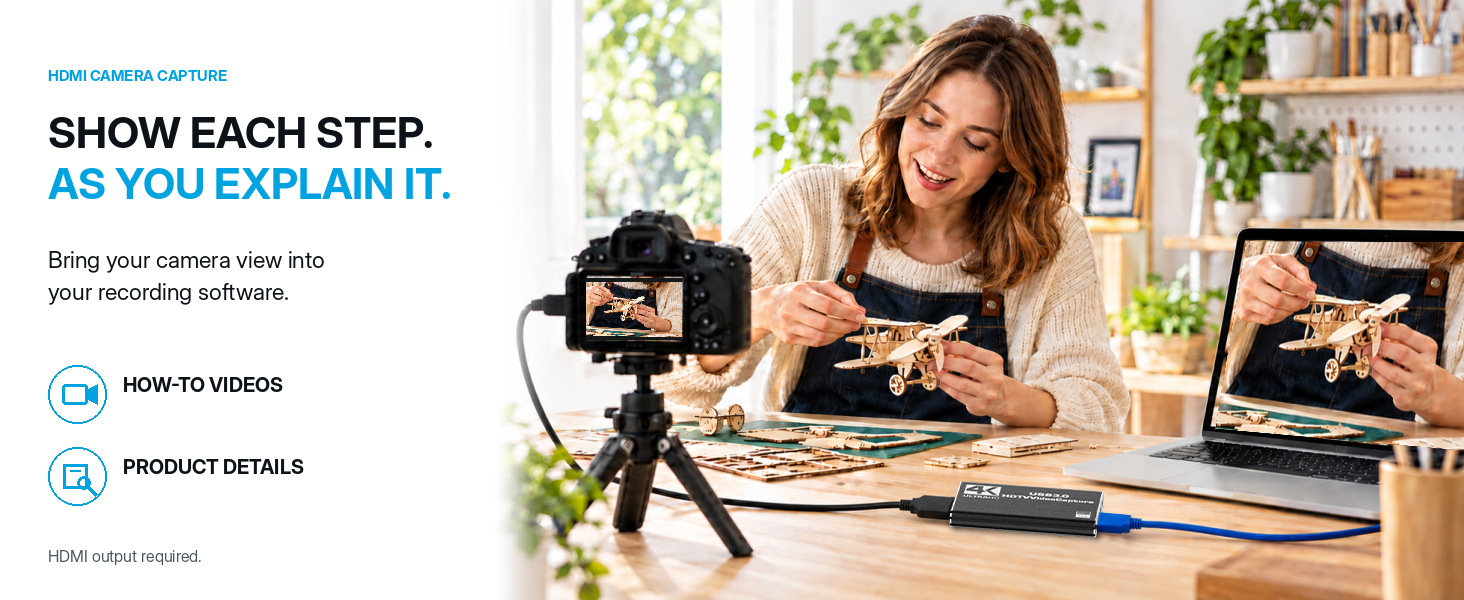
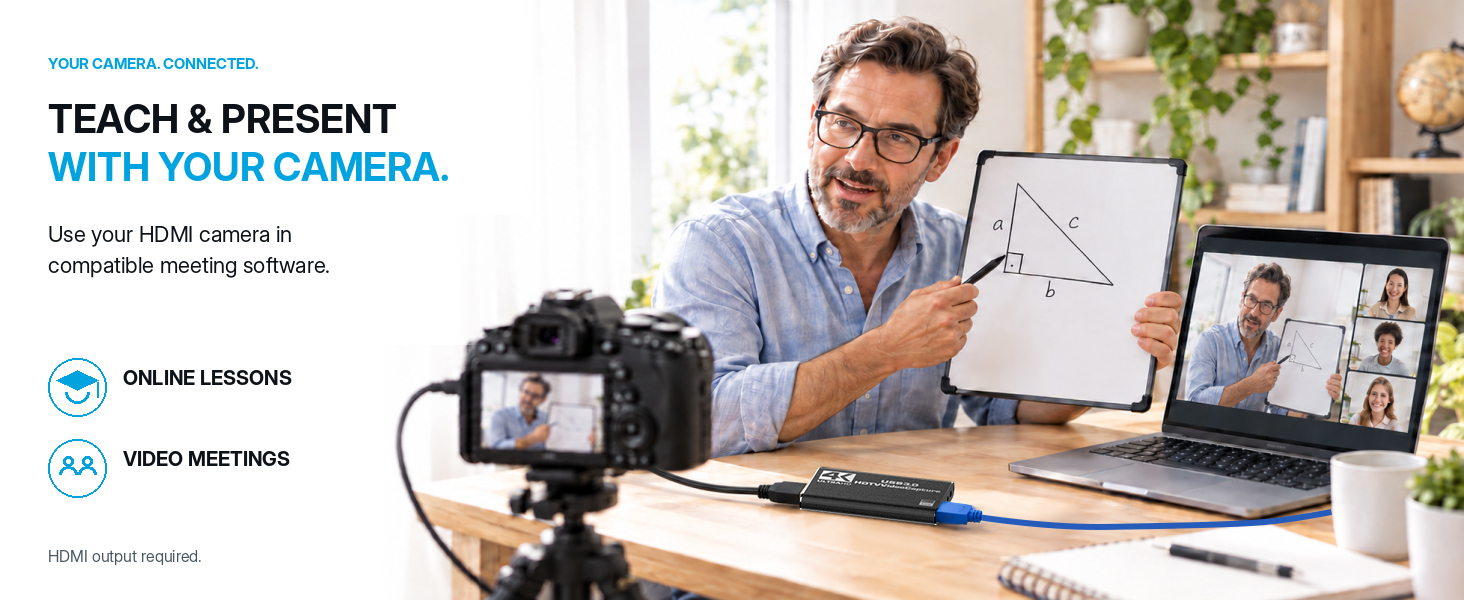
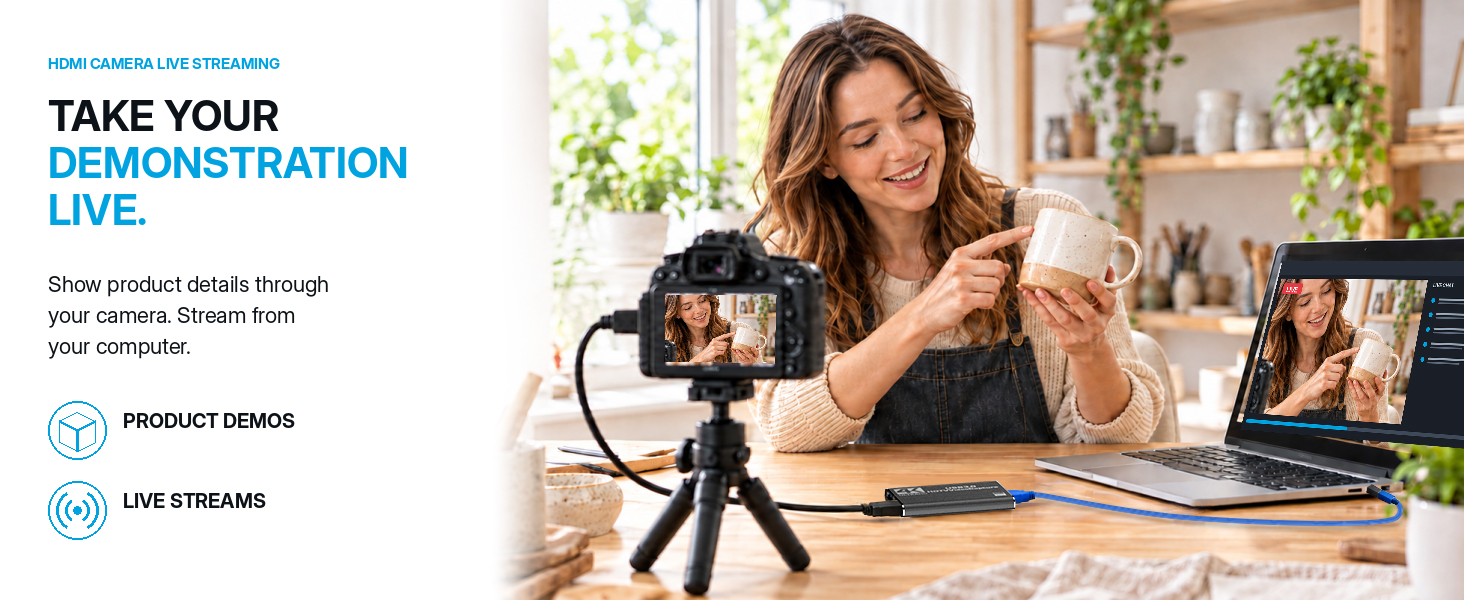
    • For Consoles, Cameras and MoreUse with the PS5, PS4, Xbox, DSLR or video cameras with HDMI output for gameplay, live streams, tutorials and meetings. The capture card for switch supports Windows 7+ and Linux systems; compatibility may vary with other systems or adapters
    • Stable Metal HousingThe compact aluminum-alloy body helps dissipate heat and fits neatly into desktop or mobile streaming setups. For stable operation, connect the card directly to a computer USB 3.0 port and avoid USB hubs or extension cables that may reduce power or data bandwidth
    +
    +
    Overview
    Specs
    Reviews

    Any questions? Ask CelesteSM will help you find out quickly.
    4K HDMI gaming video capture card for streaming recording for Nintendo Switch PS4 PS5 Xbox Camera
    4K HDMI gaming video capture card for streaming recording for Nintendo Switch PS4 PS5 Xbox Camera
    4K HDMI gaming video capture card for streaming recording for Nintendo Switch PS4 PS5 Xbox Camera
    • Yes. Use a USB 3.0 computer and compatible capture software, such as OBS Studio, Streamlabs Desktop or XSplit Broadcaster. Choose software supported by your OS; the card does not record on its own.

    • Connect one compatible HDMI-output source at a time: PS5, PS4, Nintendo Switch with a dock, Xbox or an HDMI camera.

    • Yes. For HDMI loop-out, use the included HDMI cable plus the cable you already use with your TV or monitor.

    • Yes, with a USB-C-to-USB-A adapter that supports USB 3.0 data transfer. The adapter is not included.

    • HDCP-protected content cannot be captured. Use an unprotected HDMI source.
    4K HDMI gaming video capture card for streaming recording for Nintendo Switch PS4 PS5 Xbox Camera
    4K HDMI gaming video capture card for streaming recording for Nintendo Switch PS4 PS5 Xbox Camera
    4K HDMI gaming video capture card for streaming recording for Nintendo Switch PS4 PS5 Xbox Camera
    • Yes. Use a USB 3.0 computer and compatible capture software, such as OBS Studio, Streamlabs Desktop or XSplit Broadcaster. Choose software supported by your OS; the card does not record on its own.

    • Connect one compatible HDMI-output source at a time: PS5, PS4, Nintendo Switch with a dock, Xbox or an HDMI camera.

    • Yes. For HDMI loop-out, use the included HDMI cable plus the cable you already use with your TV or monitor.

    • Yes, with a USB-C-to-USB-A adapter that supports USB 3.0 data transfer. The adapter is not included.

    • HDCP-protected content cannot be captured. Use an unprotected HDMI source.
    Capture Card for Nintendo Switch with 4K30 Pass-Through & Streaming 1080P60 HDMI to USB 3.0 Switch Capture Card for Streaming Video Game Recording on PC OBS, Works with PS4/PS5/Camera/Xbox, Driver-Free

    Warranty & Returns

    Warranty, Returns, And Additional Information

    Warranty

    • Please contact the Seller directly for warranty information. Warranty information may also be found on the Manufacturer's website.
    • CONTACT

    Return Policies

    Manufacturer Contact Info

    LOADING...