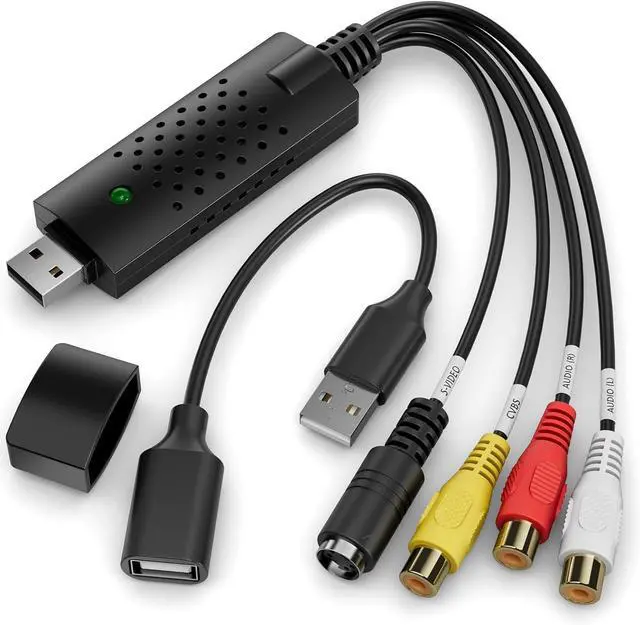
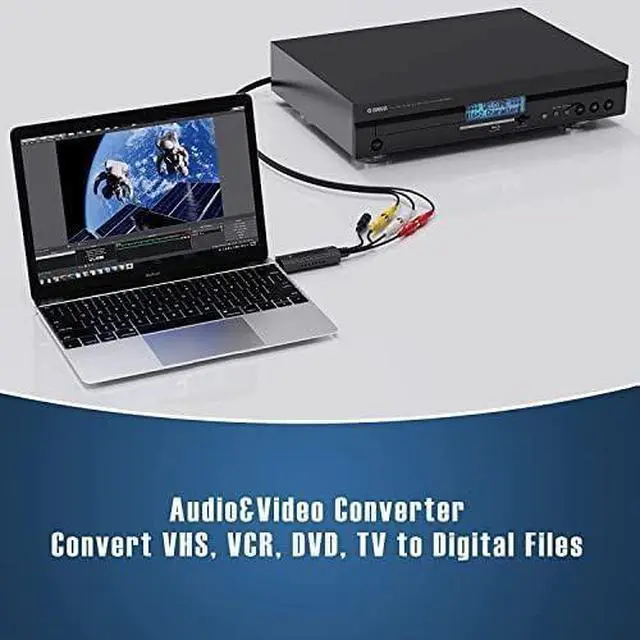
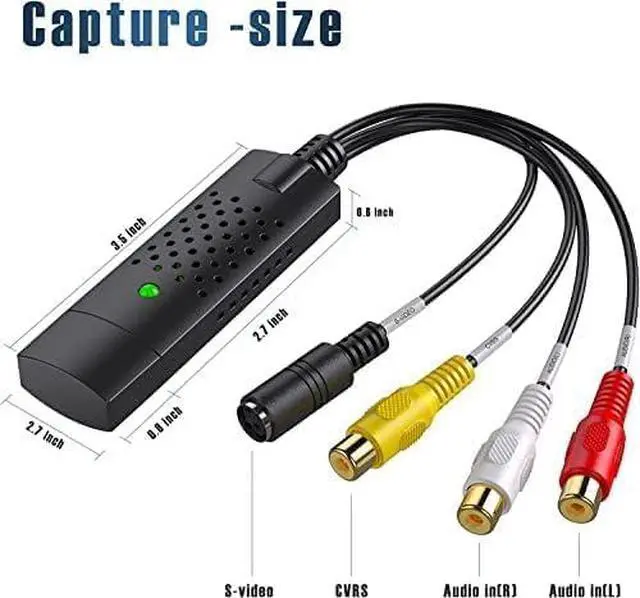
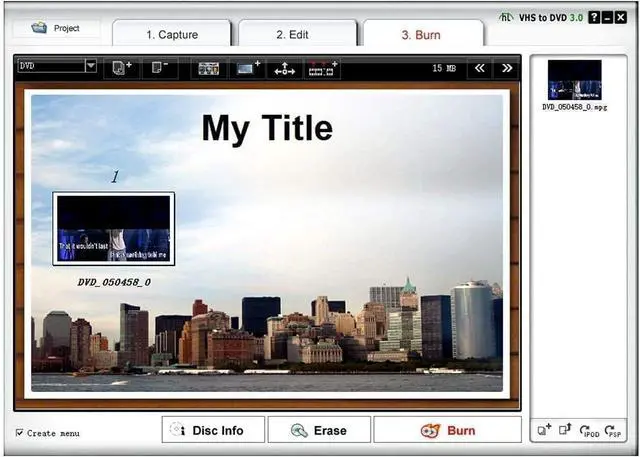
Product description RCA TO USB Converter with Powerful Video Capture Capability Got a lot of video tapes taking up so much room? Would like to save your favorite memories for ever? VIXLW USB Video Converter turns them into digital files. With VIXLW RCA TO USB Converter, easily capture from your devices with RCA port, like VHS/DVD/DV/Hi8 players or camcorders, and save your digitized videos onto your computer's hard drive.
Specification: PC
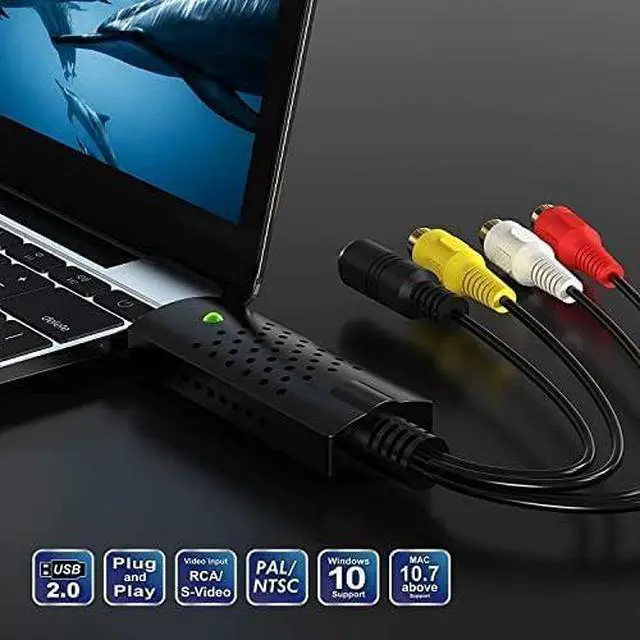
Hardware Interface: USB 2.0
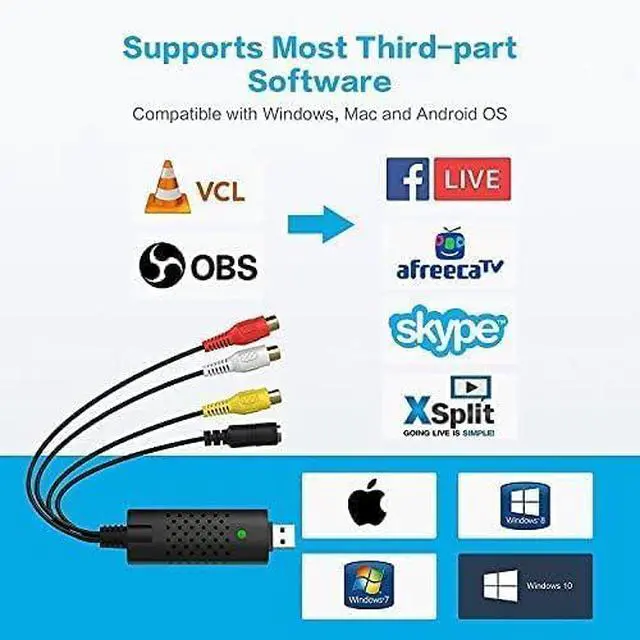
Operating System: Windows XP, Vista, 7, 8, 10, 11, Mac OS 10.15 Supported
TV Standards: NTSC, PAL,
Video format Video Input: One RCA composite, One
S-Video Audio Input: Stereo audio (RCA ) mm
Output Resolution: 720p@25HZ
Conversion Type: RCA to USB, S-Video to
USB Notes: Please unplug and replug converter into the USB port if device cann't be recognized! Package includes USB Video Converter*1 USB Extension Cable*1 User Manual*1 How to Reach your Goal with AV TO USB Converter?
Step 1: Hook up the converter to your computer, and the driver will be shown automatically installed on the screen.
Step 2: Connect the coverter to your video sources with RCA or S-Video cable.
Step 3: Open OBS Studio or Potplayer or QuickTime Player and run it.
(Note: No CD is included. Our USB Video Converter needs to work with OBS or Potplayer or QuickTime Player software. The software can be downloaded for online. The download link is included in user manual. )
Step 4: Capture your video.
Key Features: Capture audio without the sound card





 here!
here!