




 here!
I’m your shopping assistant for PC builds, upgrades, and everything tech.
Got questions? Ask away!
Start a conversation
here!
I’m your shopping assistant for PC builds, upgrades, and everything tech.
Got questions? Ask away!
Start a conversation
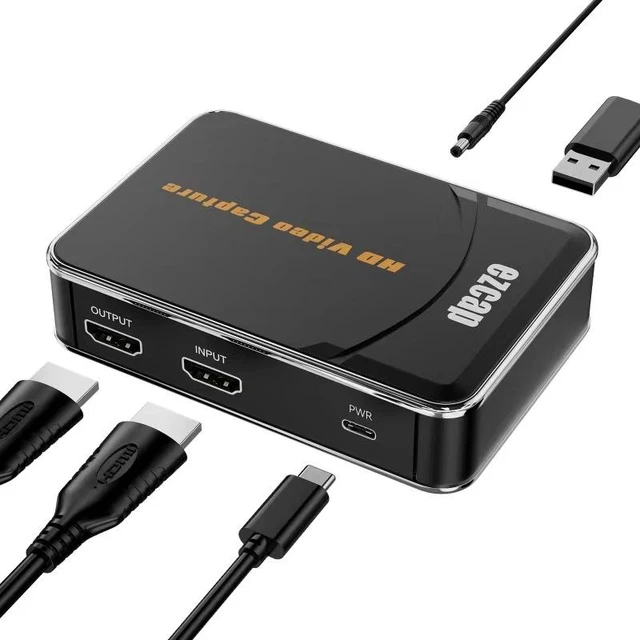
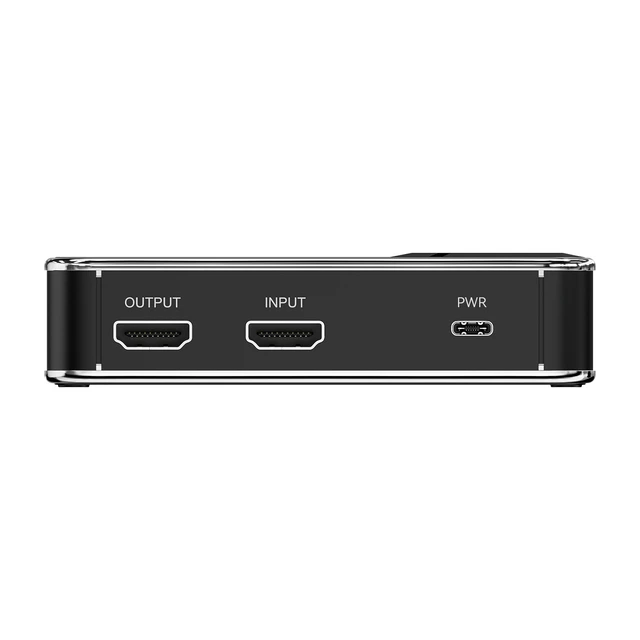
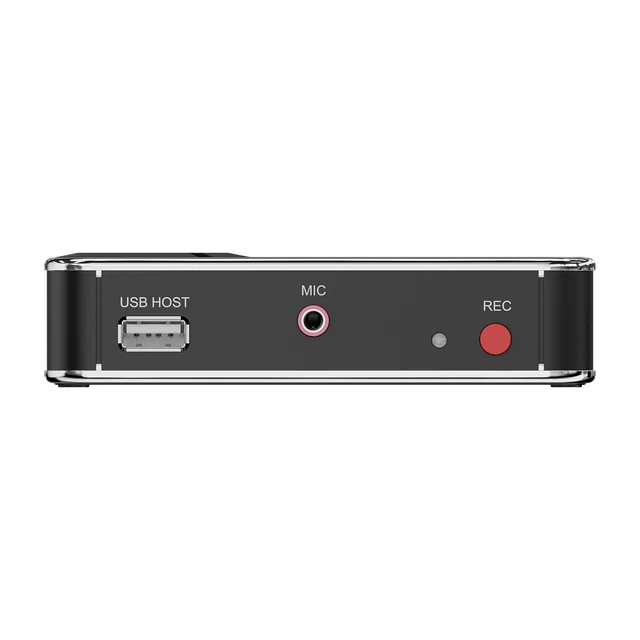
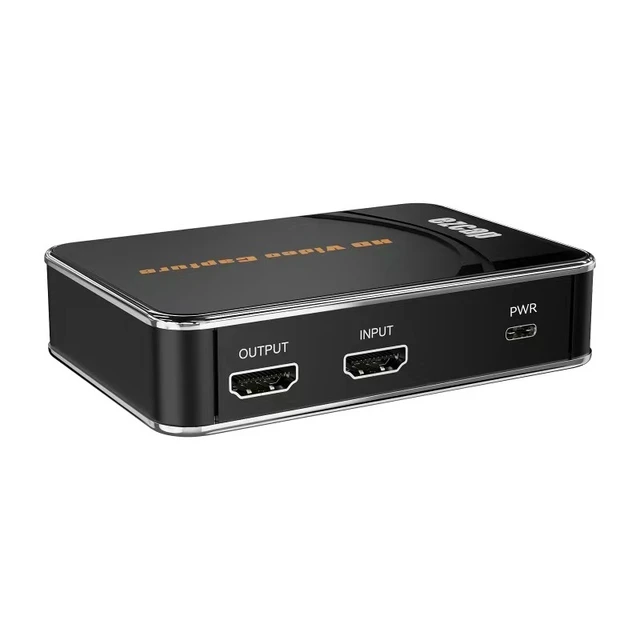



Any questions? Ask CelesteSM will help you find out quickly.
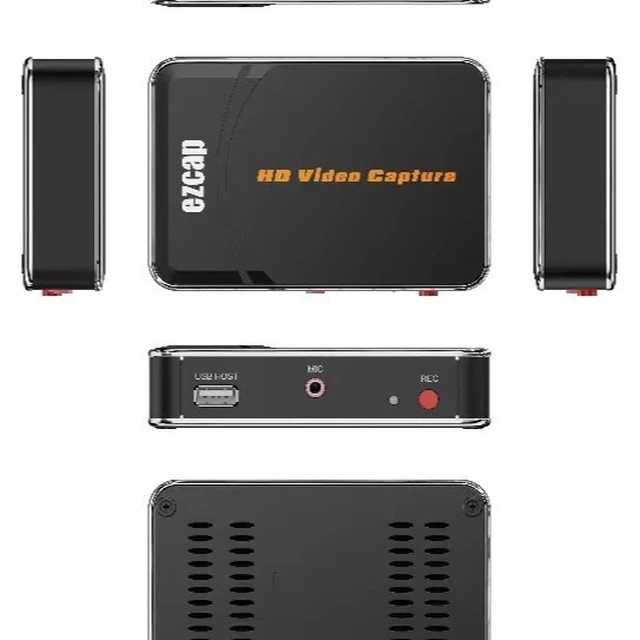
The 280HB can decode HDMI recording boxes, MIC input, PS3, PS4, XBOX, Blu-ray, etc. recording companions.
It is an HDMI high-definition recording box that can decode HDCP. With one click, you can handle all videos and record whenever you want - being free-spirited. Adding MIC input allows you to directly preview the sound on the HDMI output, truly a MIC.
This is a model specifically for recording HDMI videos, simple and affordable.
It captures videos from various sources such as DVDs, cameras, high-definition players, set-top boxes, computers, XBOX, PS3, PS4 game consoles, etc., and stores them on a USB drive or portable hard drive plugged into ezcap280H. No computer required, just one-click recording.
No longer need to worry about missing TV shows and sports events, or not finishing the English or Japanese online courses you signed up for because the validity period has expired.
You can also share the heroic and elegant demeanor you display when defeating enemies while playing games...
Of course, this product can also be used for high-definition recording in medical fields, etc.
Product Specifications:
Video Input: HDMI
Audio Input: HDM
Video Output: HDMI
Audio Output: HDMI
Codec: MPEG4
Supported Input Resolution: 720 x 480 (60p), 720 x 576 (50p), 1280 x 720p (50p), 1280 x 720p (60p), 1920
x 1080 (50i), 1920 x 1080 (60i), 1920 x 1080 (24p), 1920 x 1080 (25p), 1920 x 1080 (30p),
1920 x 1080 (50p), 1920 x 1080 (60p)
Resolution for video capture: 720 x 480 (60p), 720 x 576 (50p), 1280 x 720p (50p), 1280 x 720p (60p)
1920 x 1080 (50i), 1920 x 1080 (60i), 1920 x 1080 (24p), 1920 x 1080 (25p), 1920 x 1080
(30p), 1920 x 1080 (25p), 1920 x 1080 (30p)
Recording format: Video: AVI MPEG4, Audio: AAC Stereo
Collection quality: Maximum: 18Mbps @ 1080P 30fps
Size of individual collection file: Maximum 2GB. If the collected file exceeds 2GB (approximately 15 minutes for a 1080P file), it will be automatically divided into several files.
Support System: Windows 8 (32/64 bit), Windows 7 (32/64 bit), Windows Vista (32/64 bit)
Packaging List:
1 x HDMI high-definition video capture card
1 x power supply cable
1 x manual
Specification Parameters
Encoder: H.264 hardware compression
User interface: Record/Stop button
LED status indicator
Dimensions: 140(L) * 74(W) * 23(H) MM
Net weight: 115g
Storage medium: USB drive, portable hard drive
Maximum capacity: USB/2T
Note: Does not support ex FAT format
Resolution
Input/Output:
720 x 480 (60p), 720 x 576 (50p), 1280 x 720p (50p), 1280 x 720p(60p),
1920 x 1080 (50i), 1920 x 1080 (60i), 1920 x 1080 (24p),1920 x 1080 (25p), 1920 x 1080 (30p)
Resolution: 1920 x 1080 (50p), 1920 x 1080 (60p)
Recording:
720 x 480 (60p), 720 x 576 (50p), 1280 x 720p (50p), 1280 x 720p(60p), 1920 x
1080 (50i), 1920 x 1080 (60i), 1920 x 1080 (24p), 1920 x 1080 (25p), 1920 x 1080 (30p), 1920
x 1080 (25p), 1920 x 1080 (30p)
Note: The recording and input resolutions are the same. No resolution enhancement is supported.
Recording format: Video: MP4. Audio: AAC. Stereo audio.
Recording quality: Maximum: 10Mbps @ 1080P 30fps
Recording file: Max: 2GB/file. File has RTC real-time attribute. With RTC. NTFS file system is available. No program splitting.
Recording space: Max: 1.8MB/second
Power adapter: Mini USB interface for connecting devices, USB interface for power supply. DC 5V/2A
Software: Arcsoft Showbiz
Editing functions: Timeline/Storyboard edit, Split/Divide Scenes, Multi Trim Scenes...
Output format: Upload to YouTube
Portable devices: iPad, iPhone, Apple TV. PSP, PS3, Xbox... .
File: MPEG1/2/4, WMV HD, Quicktime (MOV)...
Operating Systems: Windows 8 (32/64-bit), Windows 7 (32/64-bit), Windows Vista (32/64-bit)
CPU: Intel Core 2 Duo 2.8GHz. AMD Athlon 64*2 Dual core 3.0GHz
Memory: 4GB RAM or above
Graphics Card: Supports DirectX 10.0c or above
High-definition video capture card, no computer required, button operation, HD, resolution 1080P-
The best high-definition video capture box.
No computer needed. After connecting the HDMI video source (DVD/DVD player/X-BOX/PSP, etc.), connect a USB drive to the capture card and press the button to start capturing HD video. The resolution can reach up to 1080P.
Supports HDMI video input (This is a basic version, can only capture HDMI signals, no microphone input)
At the same time, we also provide editing software for users to edit the recorded videos.


