- Free 30-day Returns
Meet Your Seller
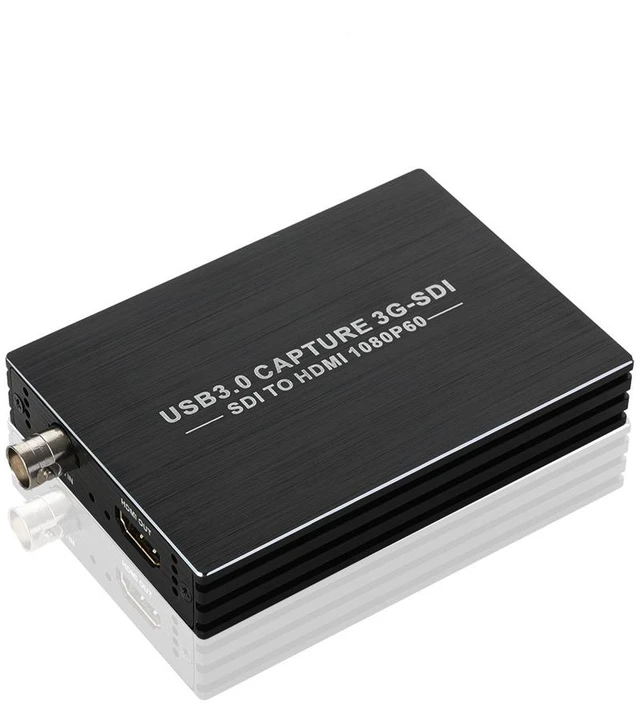
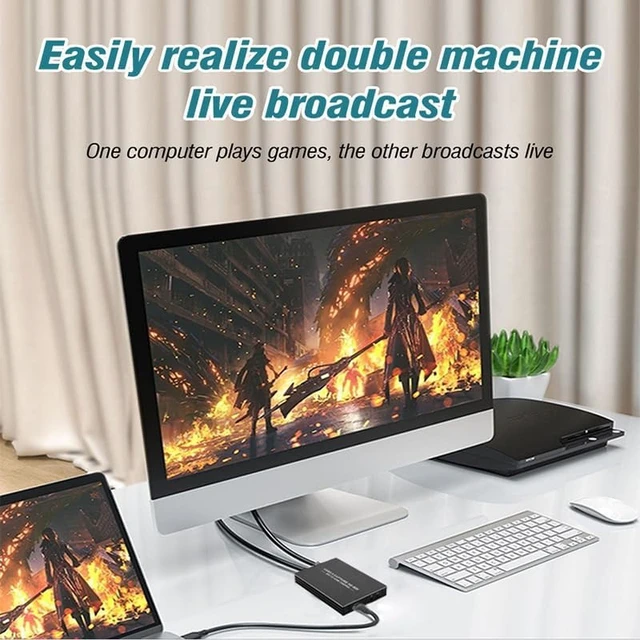
1080P USB 3.0 SDI/HDMI Video Capture Card, HD Video Capture and Live Streaming Device for PC
- 3G-SDI capture card, it is easy to carry, have a superior performance,superior compatibility, simple installation
- and many other features. It can capture one 3G-SDI input ,output HDMI 1080p and USB 1080p60 signals. The SDI video
- capture meets UVC and UAC standard, without having to install drivers and settings, the real PnP, easy to use.
- 2. Package
- USB3.0 Capture 3G-SDI Box-------------------------1Pcs
- USB3.0 Cable--------------------------------------------1Pcs
- HDMI Cable----------------------------------------------1Pcs
- User manual---------------------------------------------1pcs
- 3. Feature
- It doesn't need to install a driver, and it is truly PnP.
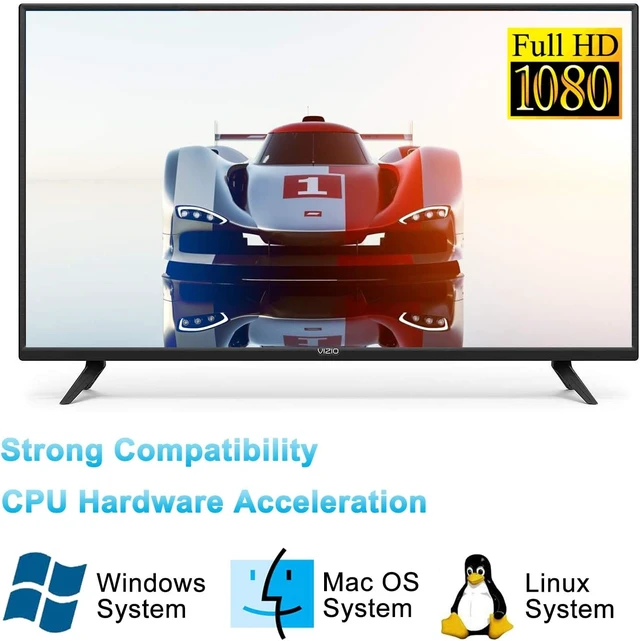
- It is compatible with Windows, Linux, OS X operating systems
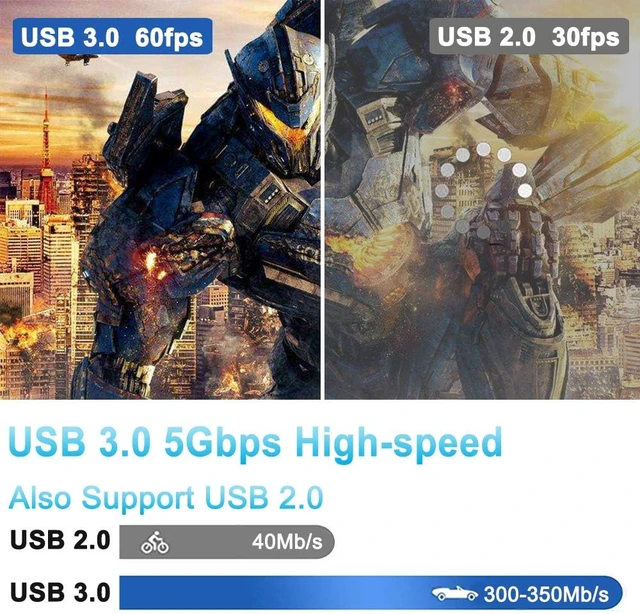
- USB3.0, 300-350MB/s throughput and it is compatible with USB 2.0
- The process of video and audio is done by the dongle and will not occupy the CPU.
- It can capture one single channel SDI video signals.
- It can automatically detect the input video formats and it will adjust to the set output size and frame rate
- automatically.
- Support SD-SDI/HD-SDI/3G-SDI input.
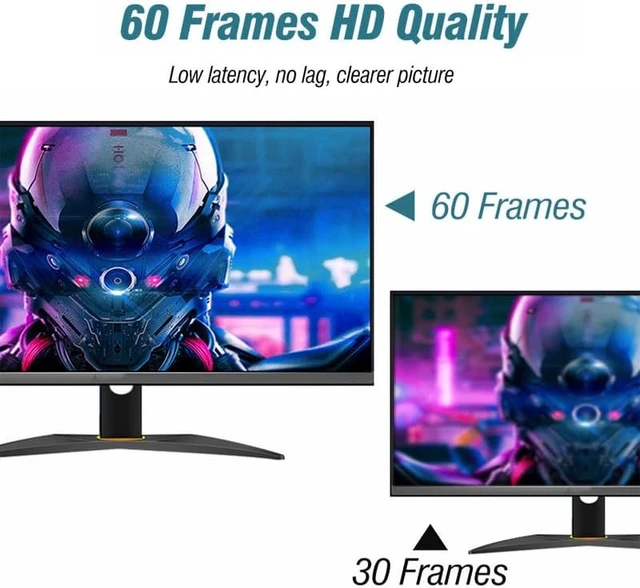
- Support SDI TO HDMI 1080p60(HDMI loop output 1080p60).
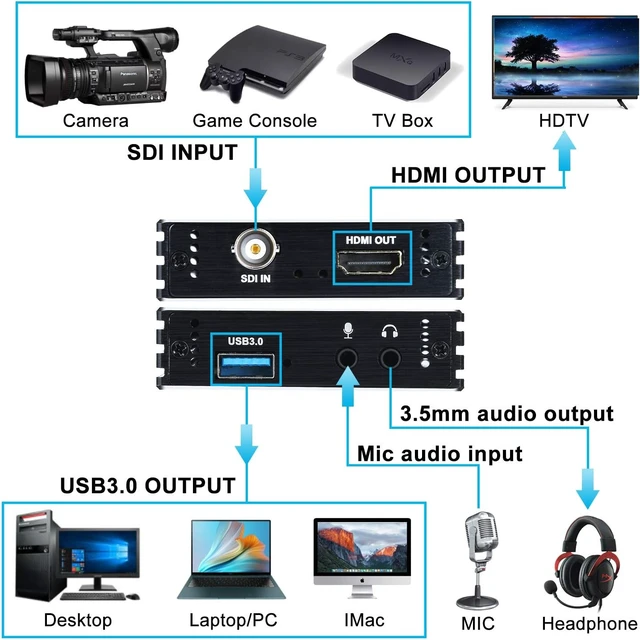
- Support MIC input and audio output.
- 4. Specification
- Host Interface USB3.0:300-350MB/s,USB2.0:40MB/s
Any questions? Ask CelesteSM will help you find out quickly.
Input Interface SDI interface: SDI Input Formats: SD-SDI,HD-SDI,3G-SDI
HDMI Output Formats: 480i,480p,576i,576p,720p, 1080i,1080P
USB3.0 Output Formats Resolutions:640x360/800x450/1280x720/960x540/1920x1080
Frame Rate:30/40/48/50/59.94/60 fps
Size:112x72x19 (L/W/H, mm)
Weight:130g
Power consumption <= 2.5W
Working Temperature 0-50 deg C
Storage Temperature -20-70 deg C
Storage Humidity 5%-90%
5. Connect and Operate
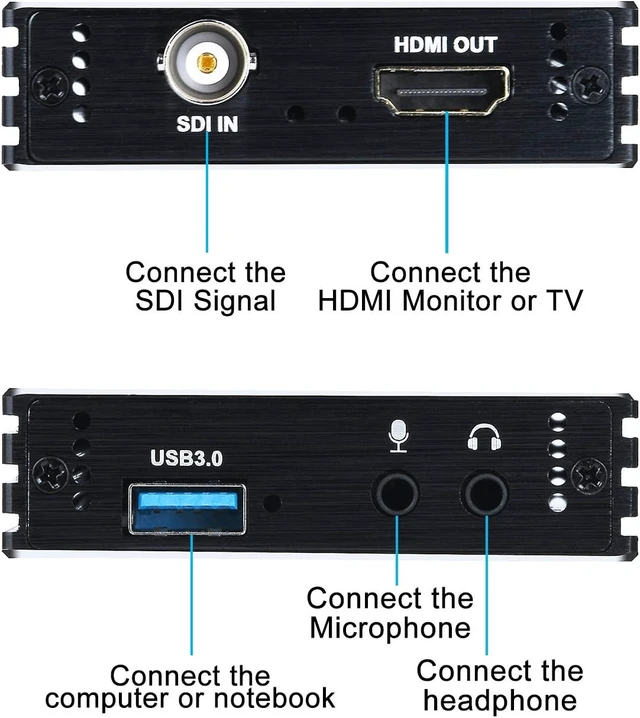
1.Connect the signal sources such as Blu-Ray Player, Play Station , audio/video receiver, satellite receivers with
SDI output interfaces with a bnc cable to the device sdi input
2.Insert the USB3.0 cable head to USB3.0 interface, the other side of the cable into your computer's USB3.0
interface.
3.SDI to USB3.0 Video Capture Dongle is based on UVC (USB video class), UAC(USB audio class)STANDARD, without having to install drivers and settings.After installation in operating system, the relevant videoand audio devices will be added on. In Windows, for example, will have new image device:


Warranty & Returns
Warranty, Returns, And Additional Information
Warranty
- Please contact the Seller directly for warranty information. Warranty information may also be found on the Manufacturer's website.
- CONTACT
Return Policies
- Return for refund within: 30 days
- Return for replacement within: 30 days
- This item is covered by Kepler Forge Return Policy
Manufacturer Contact Info
- For a directory of all our manufacturers, please click below.
- Manufacturers Directory