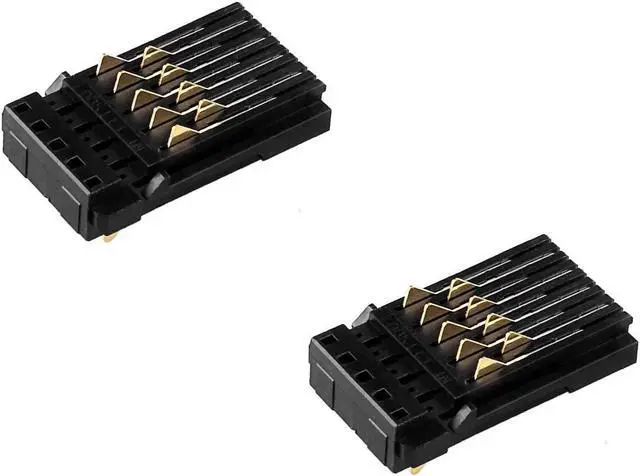
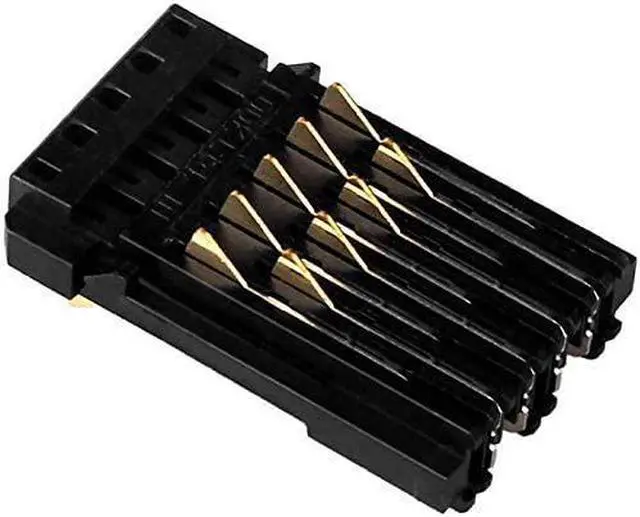
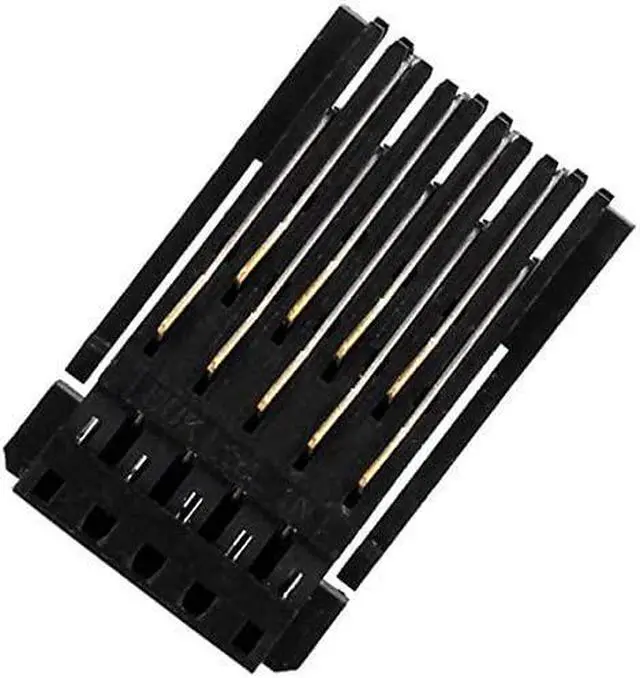
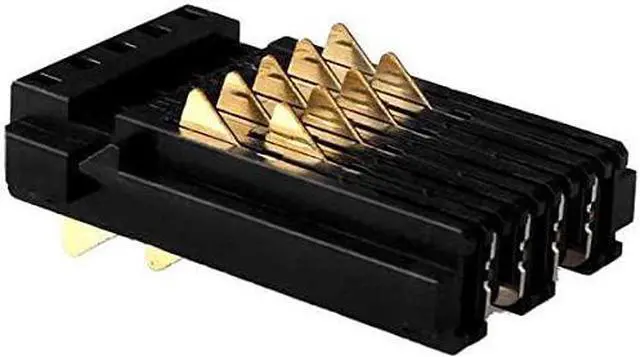
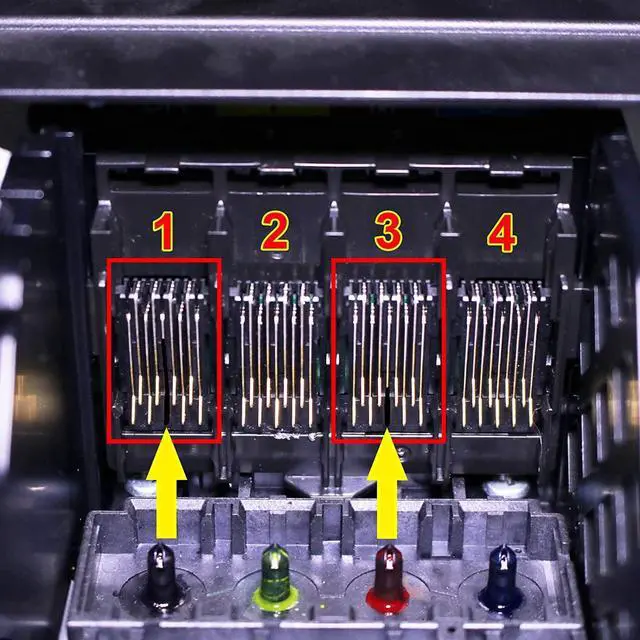
This chip connector is a part of the print head, and when you install the cartridge, it comes into contact with the metal part of the cartridge chip, connecting the circuit between the print head and the cartridge chip.
If your printer does not recognize the cartridge or still unrecognized after replacing a new cartridge, you can check whether the pin of Ink cartridge chip connector is damaged. (EX: missing a needle, deformed and tilted)
Pin of Ink cartridge chip connector damaged will cause these two ink cartridges not to be recognized by the printer, as shown in Figure 5. If one or more metal pins are missing from the location indicated in Figures 1 and 3, it indicate that the connector is damaged, and you can purchase this connector for replacement.





 here!
here!