• $72.99
  • Free 30-day Returns
  • Price alert
    Shop it at NeweggBusiness.

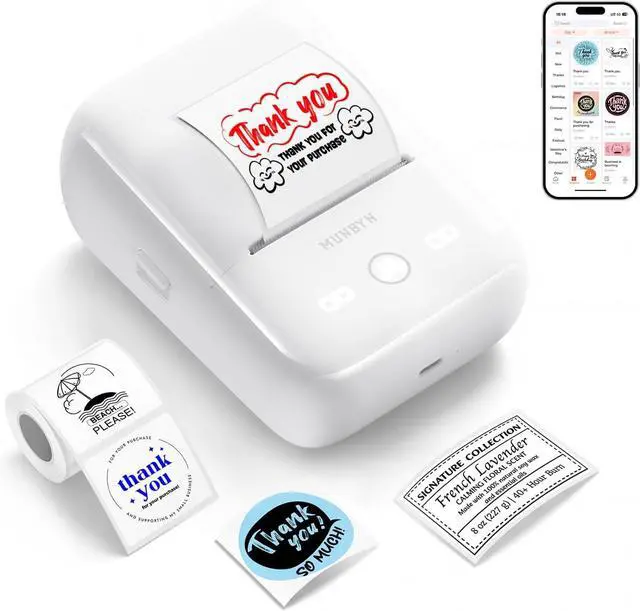
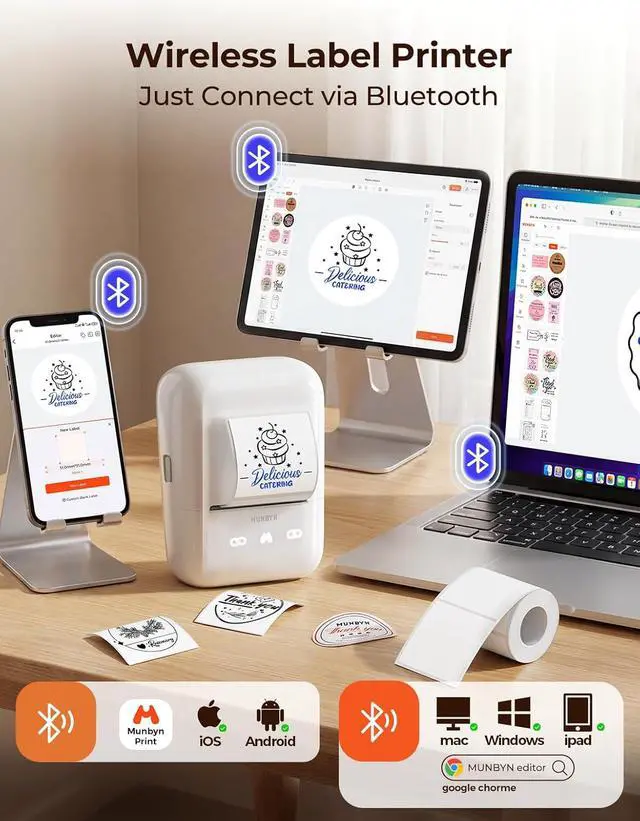
    MUNBYN FM226 Bluetooth Label Printer, Wireless Thermal Sticker Maker

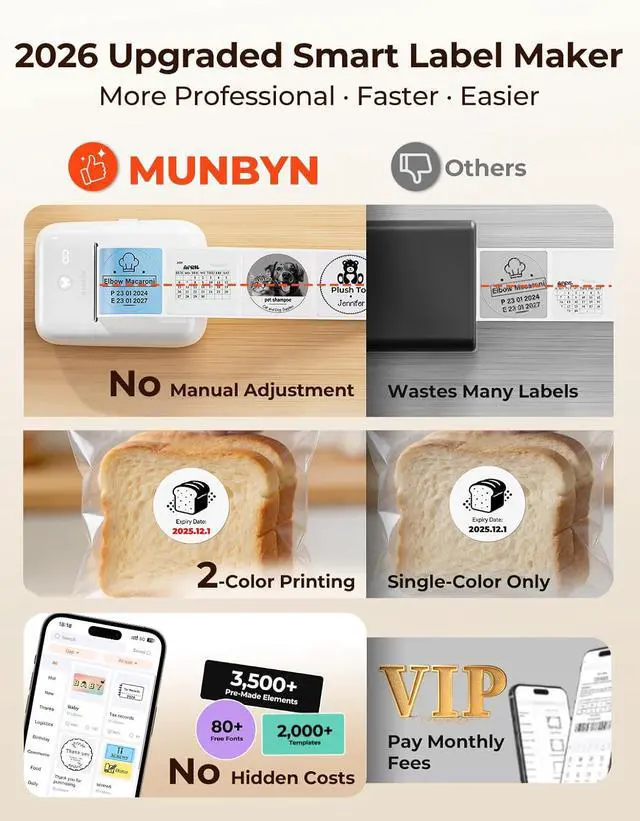
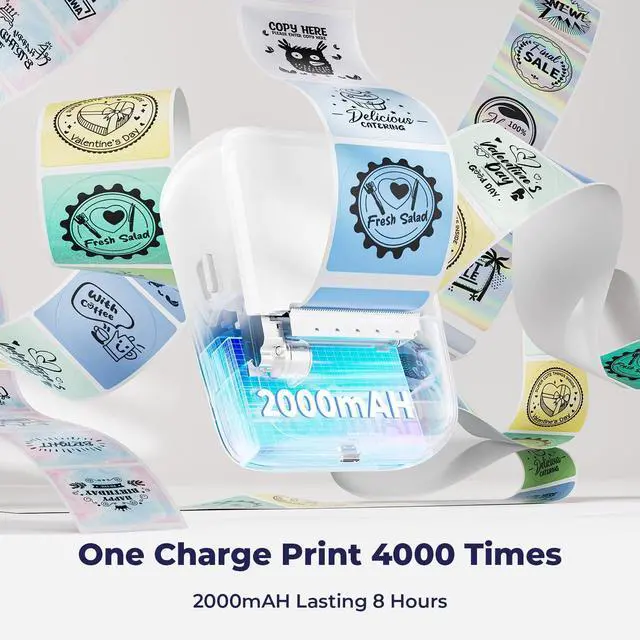
    • Dual-color thermal printing, auto alignment, inkless design, long battery life, batch PDF print, multi-size label support
    • [Dual-Color Thermal Printing]: Supports red/black and blue/black two-color printing for varied label needs. expiration date labels, warning icons, and shipping labels with accent color. Note: Dual-color mode uses official MUNBYN dual-color thermal labels only; standard labels print in monochrome black
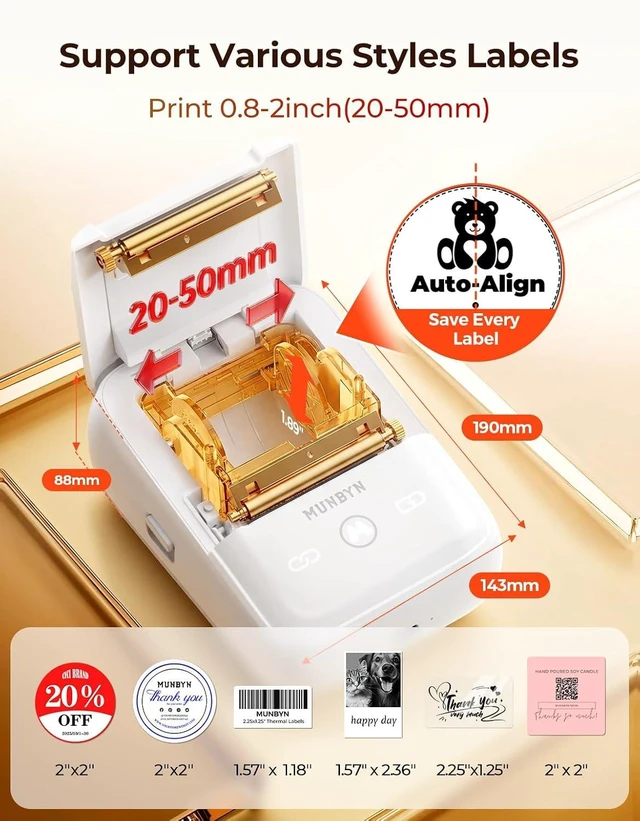
    • [Low-Waste Precision Auto-Alignment]: Upgraded auto-center alignment delivers accurate, consistent label positioning, helping reduce misprints and minimize unnecessary label waste. Simply load the roll and start printing quickly straightforward setup with minimal manual calibration required
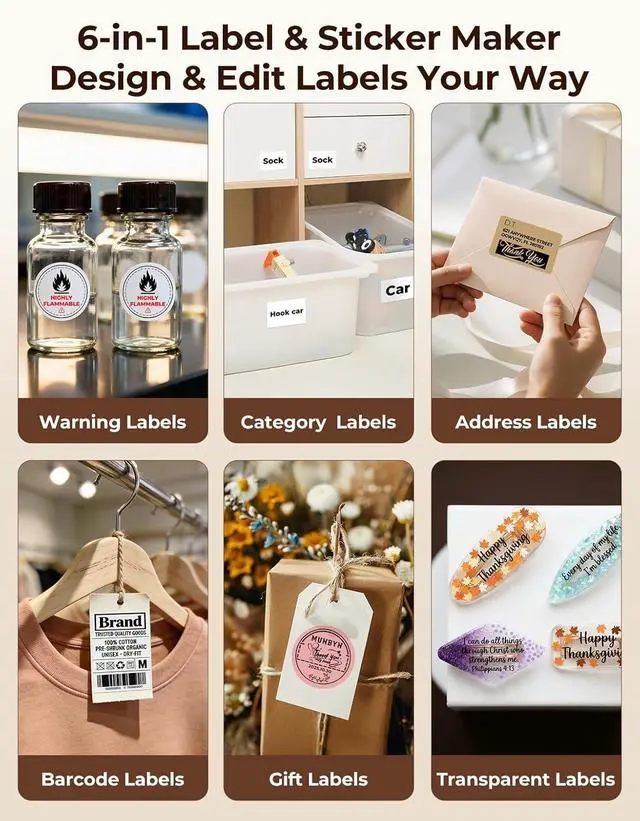
    • [Versatile 2" Multi-Size Support]: Handles a wide range of labeling tasks from 0.8" to 2" (20 mm- 50 mm) ideal for 2x2" professional logos, 1.57x1.18" scannable barcodes, waterproof storage labels, and transparent product stickers. Paper compartment fits label rolls up to 1.
    +
    +
    Overview
    Specs
    Reviews

    Any questions? Ask CelesteSM will help you find out quickly.


    1Custom Labels2Home Labeling3Study & Daily Using4Small Businesses

    What do the 3 indicator lights mean?
    The first Bluetooth indicator light: lights up when Bluetooth connection is successful;
    The middle power indicator light: long press for 3 seconds to turn on/off;
    The third charging indicator light: flashes red when the battery is low;
    Why do I need to enable location and contacts when using the Android app?
    It is Google's rule. Our App needs to abide by this rule on the Google platform. But please rest assured that we will firmly protect user privacy
    Why is my label printing blank?
    1. Check that the tear-off side of the label paper is facing you.
    2. Make sure that your label paper is a thermal material.
    3. If the self-test page can be printed, your text or image contrast is too low, please use darker text or image.
    Why is my label printed crooked?
    1.Check whether the label stock is placed correctly.
    2.The stopper holds the label paper.
    3.The gap between the labels is flush with the outlet.
    Why doesn't my printer turn on?
    1.Use the Type-C cable to connect an external power supply of 5V/2A or above to charge the printer.
    2.Make sure the printer has enough power, then press and hold the power button for three seconds to turn on.
    Dual Color Thermal Label

    Warranty & Returns

    Warranty, Returns, And Additional Information

    Warranty

    • Please contact the Seller directly for warranty information. Warranty information may also be found on the Manufacturer's website.
    • CONTACT

    Return Policies

    Manufacturer Contact Info

    LOADING...