Your Browsing History
- Free 30-day Returns
$256.99
Meet Your Seller
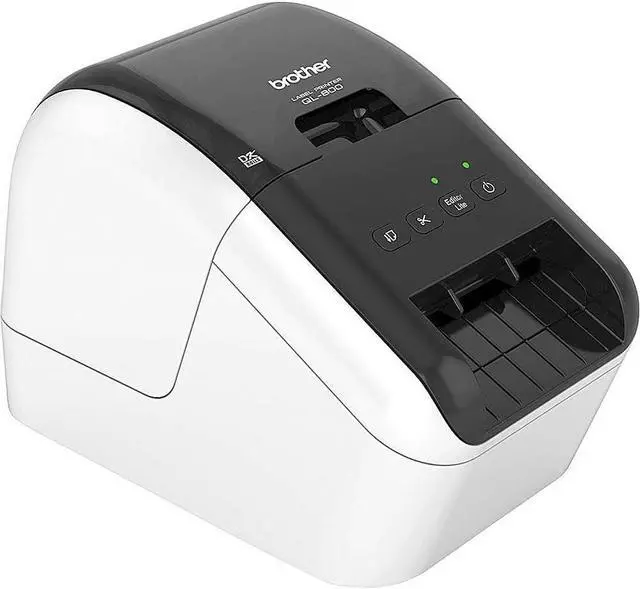
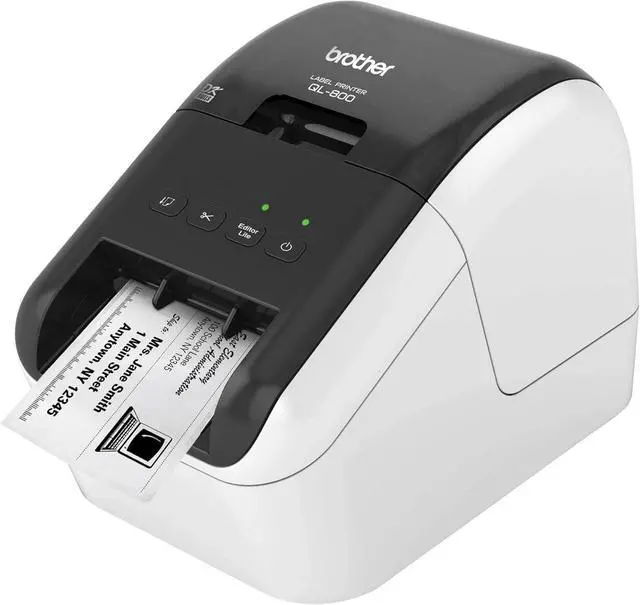
Brother QL-800 High-Speed Professional Label Printer - USB Connectivity, Black and Red Printing, 2.4" Wide, 300 x 300 dpi, 93 Labels Per Minute, Automatic Cutter, Postage and Barcode Printer
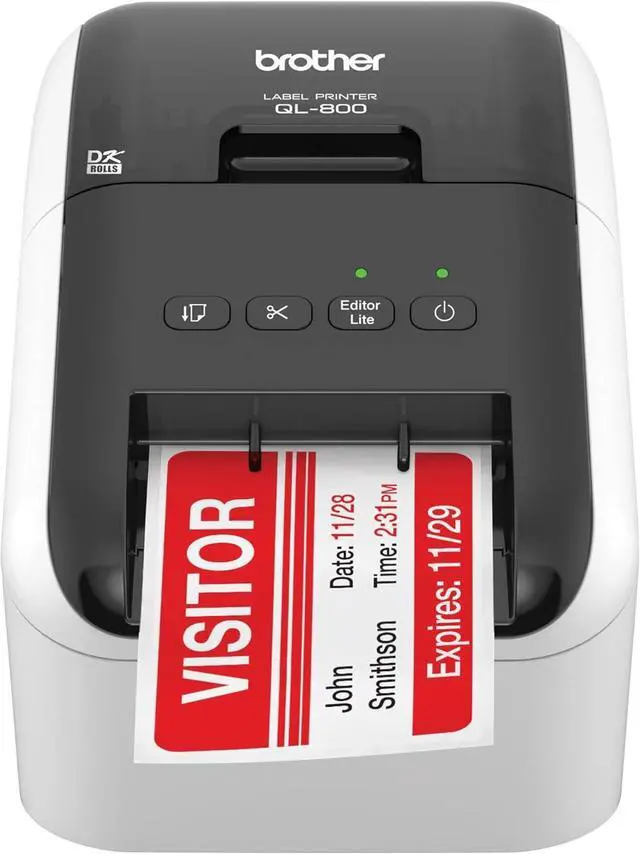
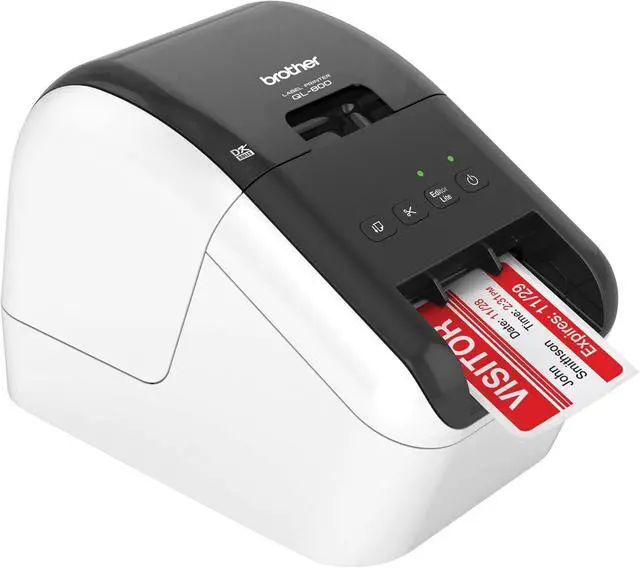
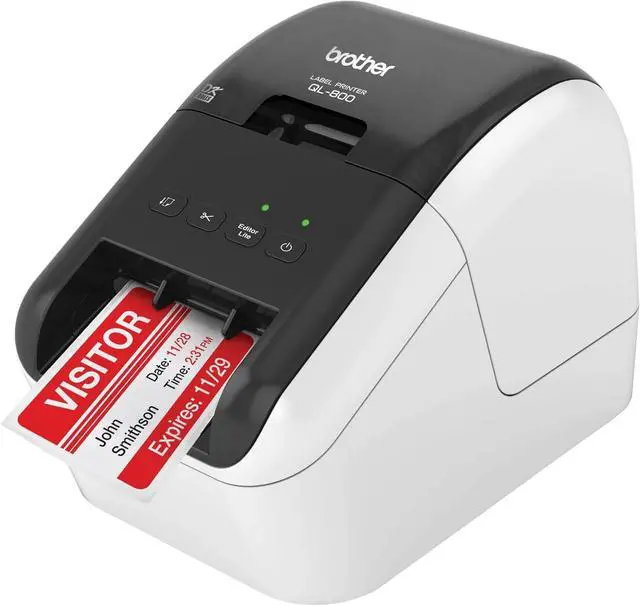
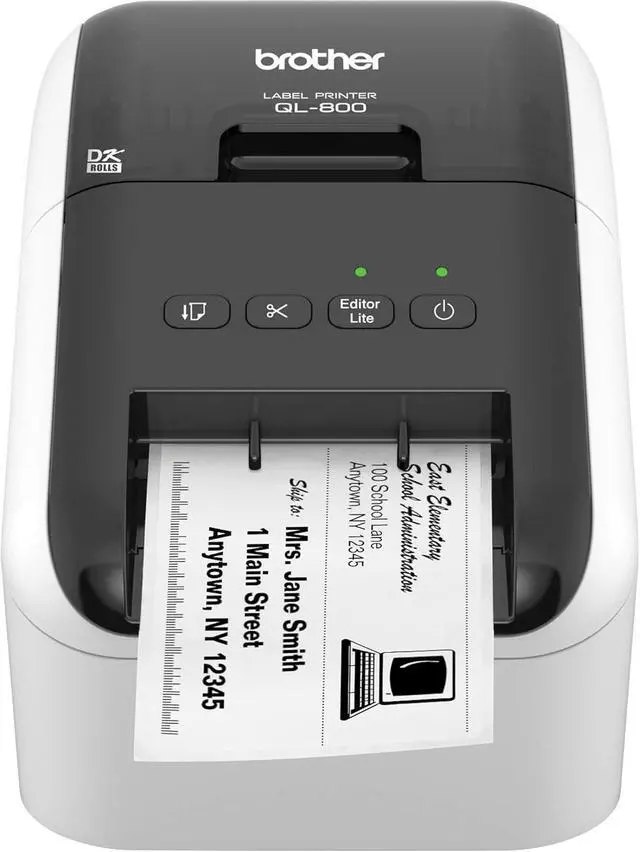
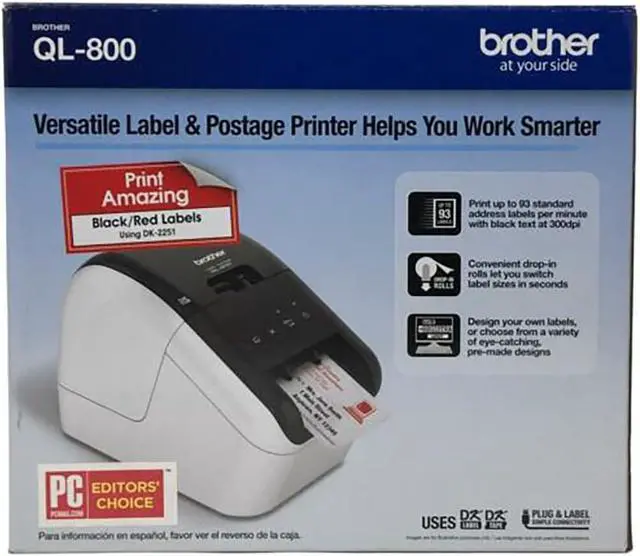
- ISQUECER NO wired E-ther-net, NO Blue-tooth, NO W-i-F-iThe Brother QL-800 High-Speed Professional Label Printer allows you to print black and red labels using DK-2251 or cost-effective paper labels for packages, envelopes, file folders, name badges, postage, and more.
- It can print up to 93 standard address labels per minute, with black text at 300 dpi. An auto cutter allows for printing one or multiple labels at a time, eliminating wasted label sheets.
- The QL-800 prints via USB.
- The "Plug & Label" feature supports quick label printing of basic labels, which does not require software installation for Windows computers. The P-touch Editor software for Windows and Mac lets you customize your labels. You can also print from Microsoft Word, Excel, and Outlook. When using genuine Brother DK drop-in rolls, you do not need ink or toner.
- In the Box: Brother QL-800 High-Speed Professional Label Printer; Software, USB Cable, Power Cord, Quick Setup Guide, Documentation, Starter rolls: DK-1
+
+
Overview
Specs
Reviews
Any questions? Our AI beta will help you find out quickly.
Try me now
ISQUECER NO wired E-ther-net, NO Blue-tooth, NO W-i-F-iThe Brother QL-800 High-Speed Professional Label Printer allows you to print black and red labels using DK-2251 or cost-effective paper labels for packages, envelopes, file folders, name badges, postage, and more.
It can print up to 93 standard address labels per minute, with black text at 300 dpi. An auto cutter allows for printing one or multiple labels at a time, eliminating wasted label sheets.
The QL-800 prints via USB.
The "Plug & Label" feature supports quick label printing of basic labels, which does not require software installation for Windows computers. The P-touch Editor software for Windows and Mac lets you customize your labels. You can also print from Microsoft Word, Excel, and Outlook. When using genuine Brother DK drop-in rolls, you do not need ink or toner.
In the Box: Brother QL-800 High-Speed Professional Label Printer; Software, USB Cable, Power Cord, Quick Setup Guide, Documentation, Starter rolls: DK-1201 Die-cut Standard Address Labels (100 labels), plus DK-2251 2.4" (62mm) Continuous Length Black/Red on White Paper Tape 16.4 ft. (5m).

It can print up to 93 standard address labels per minute, with black text at 300 dpi. An auto cutter allows for printing one or multiple labels at a time, eliminating wasted label sheets.
The QL-800 prints via USB.
The "Plug & Label" feature supports quick label printing of basic labels, which does not require software installation for Windows computers. The P-touch Editor software for Windows and Mac lets you customize your labels. You can also print from Microsoft Word, Excel, and Outlook. When using genuine Brother DK drop-in rolls, you do not need ink or toner.
In the Box: Brother QL-800 High-Speed Professional Label Printer; Software, USB Cable, Power Cord, Quick Setup Guide, Documentation, Starter rolls: DK-1201 Die-cut Standard Address Labels (100 labels), plus DK-2251 2.4" (62mm) Continuous Length Black/Red on White Paper Tape 16.4 ft. (5m).
Warranty & Returns
Warranty, Returns, And Additional Information
Warranty
- Please contact the Seller directly for warranty information. Warranty information may also be found on the Manufacturer's website.
- CONTACT
Return Policies
- Return for refund within: 30 days
- Return for replacement within: 30 days
- This item is covered by XinjintongLimited Return Policy
Manufacturer Contact Info
- For a directory of all our manufacturers, please click below.
- Manufacturers Directory
LOADING...