





Recommend-AMIR Digital Alarm Clock
Merchant Video
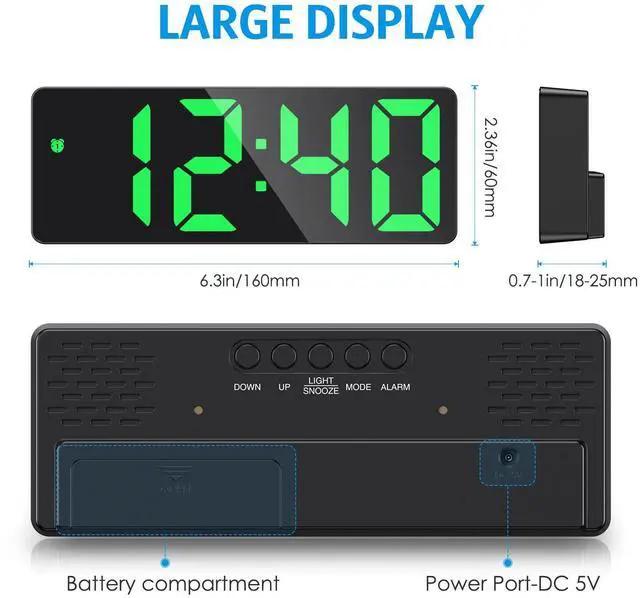
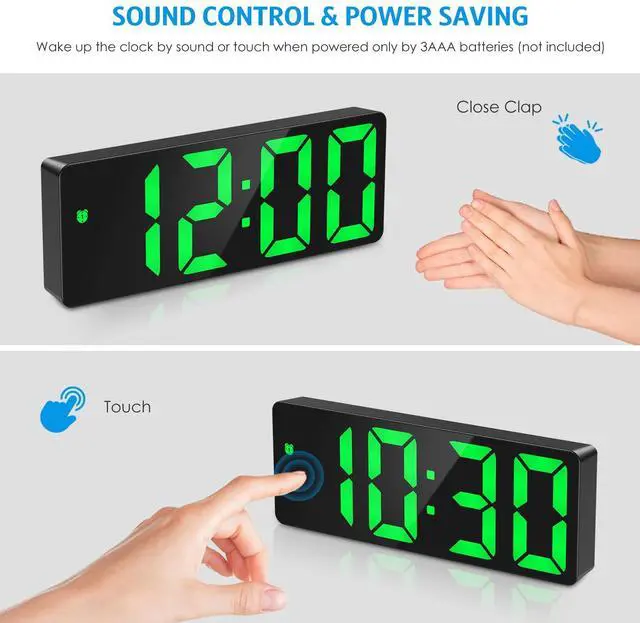
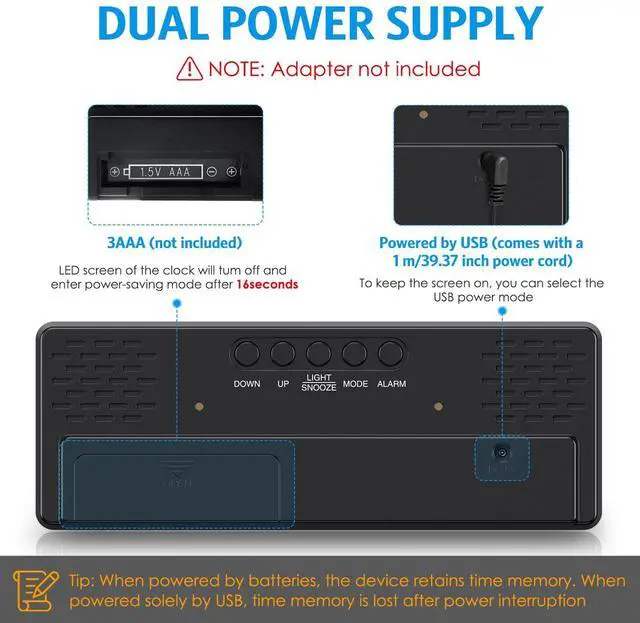
Please note: When powered by USB cable, the alarm clock will maintain a continuously lit display. When powered by batteries, the alarm clock will automatically enter power-saving mode, retaining only the time display function.


NOTE:
- If you use a cable for power supply, the clock will always be on.Note: AC adapter not included.
- When powered by batteries, the alarm clock will automatically enter power-saving mode, retaining only the time memory function.
- If the clock can not work or displays abnormally, please check firstly as below:
- a)When by USB powered, please check whether the two ends of the data cable are not in good contact or not plugged in, or check whether there is a problem with the charging port;
- b)When it is battery powered and does not light up, please check whether the batteries are properly placed, please ensure that the positive and negative poles of the batteries are correctly placed


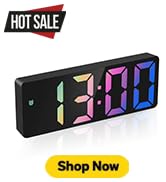


Digital Alarm Clock
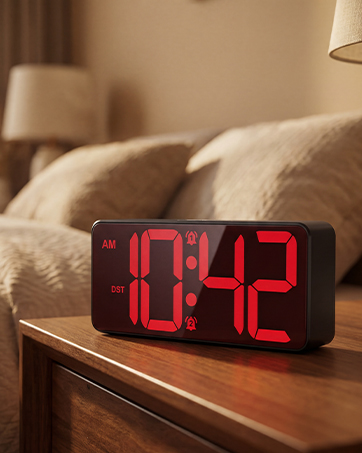
2026 New Version Alarm Clocks



How we got our start?
AMIR is a professional manufacturer and supplier on Home Improvement items. We specialize in overseas import and export products. We have been working hard to explore and provide our consumers with higher quality products.
What makes our product unique?
Our Digital Alarm Clock displays time, date, indoor temperature & humidity and works the alarm clock functions.
Why we love what we do?
AMIR is dedicated to providing the high quality products of Home Improvement for worldwide consumers. We will never stop trying and creating.

Digital Alarm Clock
2026 New Version Alarm Clocks
How we got our start?
AMIR is a professional manufacturer and supplier on Home Improvement items. We specialize in overseas import and export products. We have been working hard to explore and provide our consumers with higher quality products.
What makes our product unique?
Our Digital Alarm Clock displays time, date, indoor temperature & humidity and works the alarm clock functions.
Why we love what we do?
AMIR is dedicated to providing the high quality products of Home Improvement for worldwide consumers. We will never stop trying and creating.
Recommend-AMIR Digital Alarm Clock
Merchant Video
Please note: When powered by USB cable, the alarm clock will maintain a continuously lit display. When powered by batteries, the alarm clock will automatically enter power-saving mode, retaining only the time display function.


NOTE:
- If you use a cable for power supply, the clock will always be on.Note: AC adapter not included.
- When powered by batteries, the alarm clock will automatically enter power-saving mode, retaining only the time memory function.
- If the clock can not work or displays abnormally, please check firstly as below:
- a)When by USB powered, please check whether the two ends of the data cable are not in good contact or not plugged in, or check whether there is a problem with the charging port;
- b)When it is battery powered and does not light up, please check whether the batteries are properly placed, please ensure that the positive and negative poles of the batteries are correctly placed

