





Note:Press and hold the PROJECTION key to flip the projected numbers.


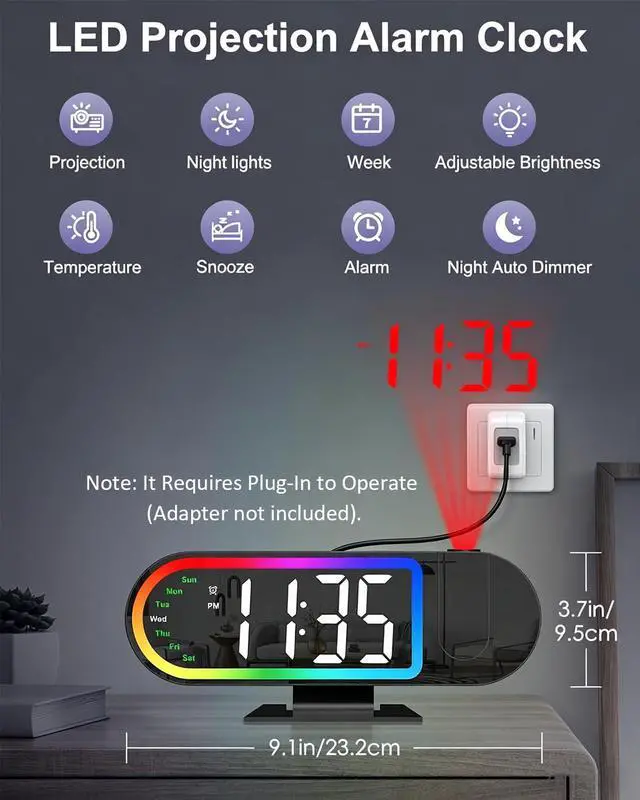
Note: Adapter not included.
What should I do if the projection is upside down?
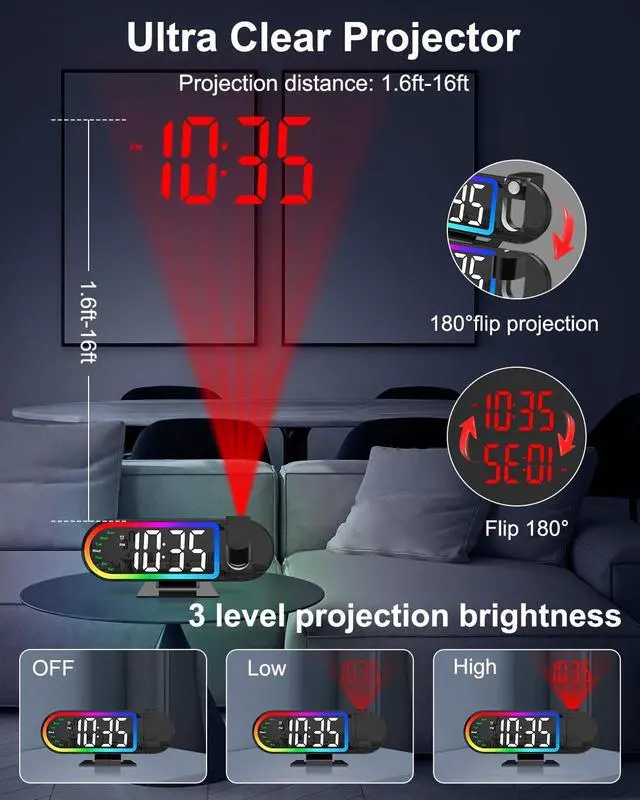
Please press and hold the "PROJECTION" button to flip the numbers.
Why is the projection time not displayed clearly?
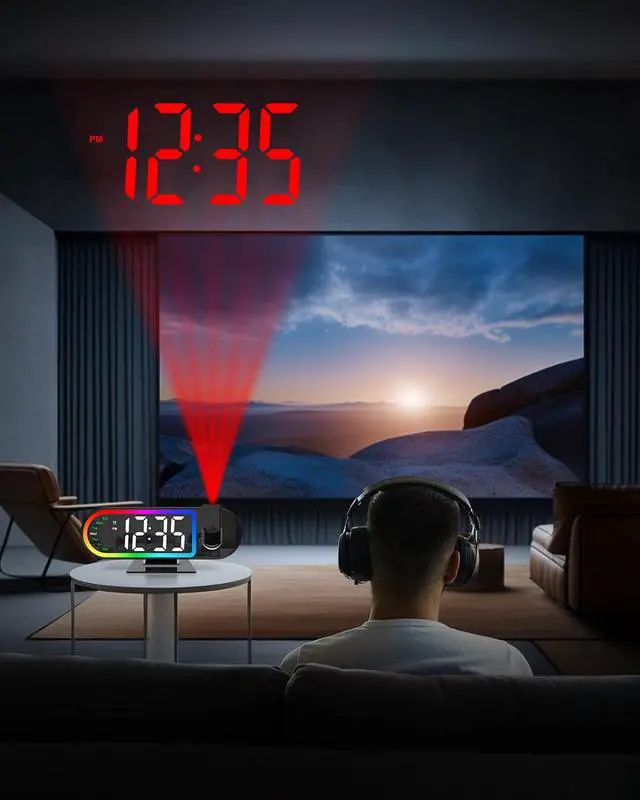
Please note the projection distance should be 1.6–16 ft, and keep the room dim while aiming at a flat, light-colored surface for optimal visibility.
Why doesn't the memory function work?
To enable the memory function, batteries must be installed.(Battries NOT included). This allows settings to be saved automatically during a power outage and restored automatically when power is back on.
How is this product powered?
This projection alarm clock needs to be powered by plugging into an outlet. (Includes charging cable; adapter not included.)
Does the product come with batteries?
No, batteries are not included with this product.


Note:Press and hold the PROJECTION key to flip the projected numbers.


Note: Adapter not included.
What should I do if the projection is upside down?
Please press and hold the "PROJECTION" button to flip the numbers.
Why is the projection time not displayed clearly?
Please note the projection distance should be 1.6–16 ft, and keep the room dim while aiming at a flat, light-colored surface for optimal visibility.
Why doesn't the memory function work?
To enable the memory function, batteries must be installed.(Battries NOT included). This allows settings to be saved automatically during a power outage and restored automatically when power is back on.
How is this product powered?
This projection alarm clock needs to be powered by plugging into an outlet. (Includes charging cable; adapter not included.)
Does the product come with batteries?
No, batteries are not included with this product.