here!
I’m your shopping assistant for PC builds, upgrades, and everything tech.
Got questions? Ask away!
Start a conversation
here!
I’m your shopping assistant for PC builds, upgrades, and everything tech.
Got questions? Ask away!
Start a conversation
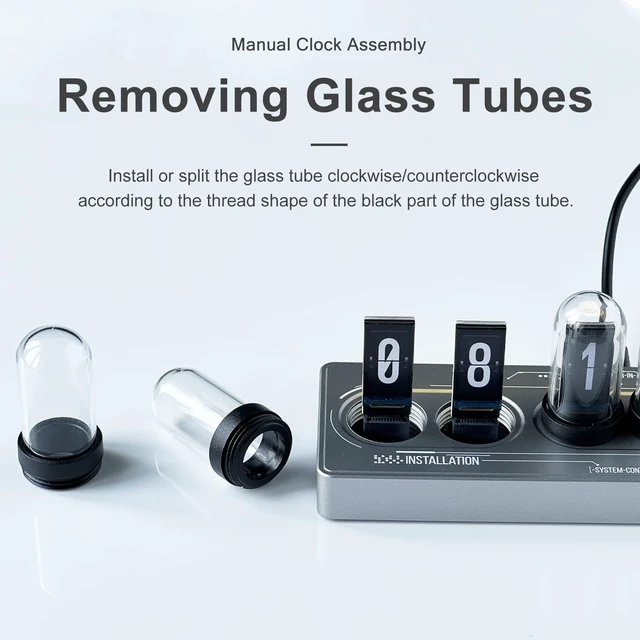
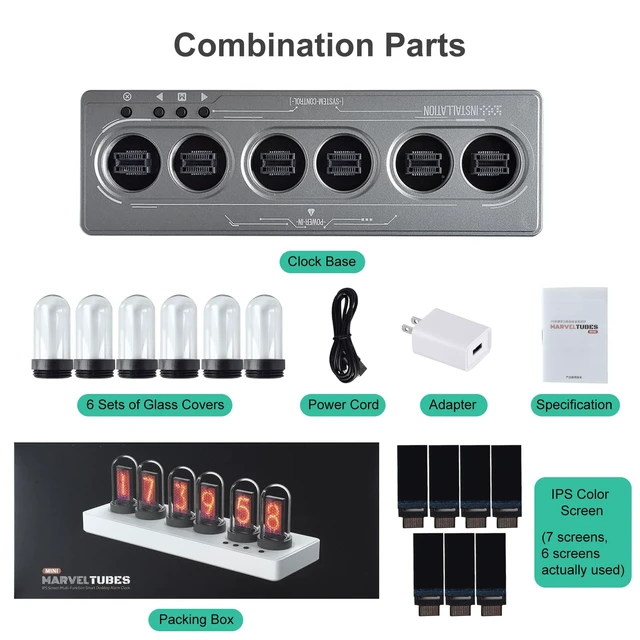



Any questions? Ask CelesteSM will help you find out quickly.
This nixie tube clock has been updated to the latest version and now includes timer and Pomodoro functions. Customers who previously purchased this Nixie tube clock can update the version to the latest one. (To upgrade, You can update via this link: ??????????://??????????????.????????????-??????????.??????/)
Important: Connect only one device at a time. The tool will automatically verify the device model and check whether an update is available; if the conditions are not met,
the process will not continue.
Connecting the Device:
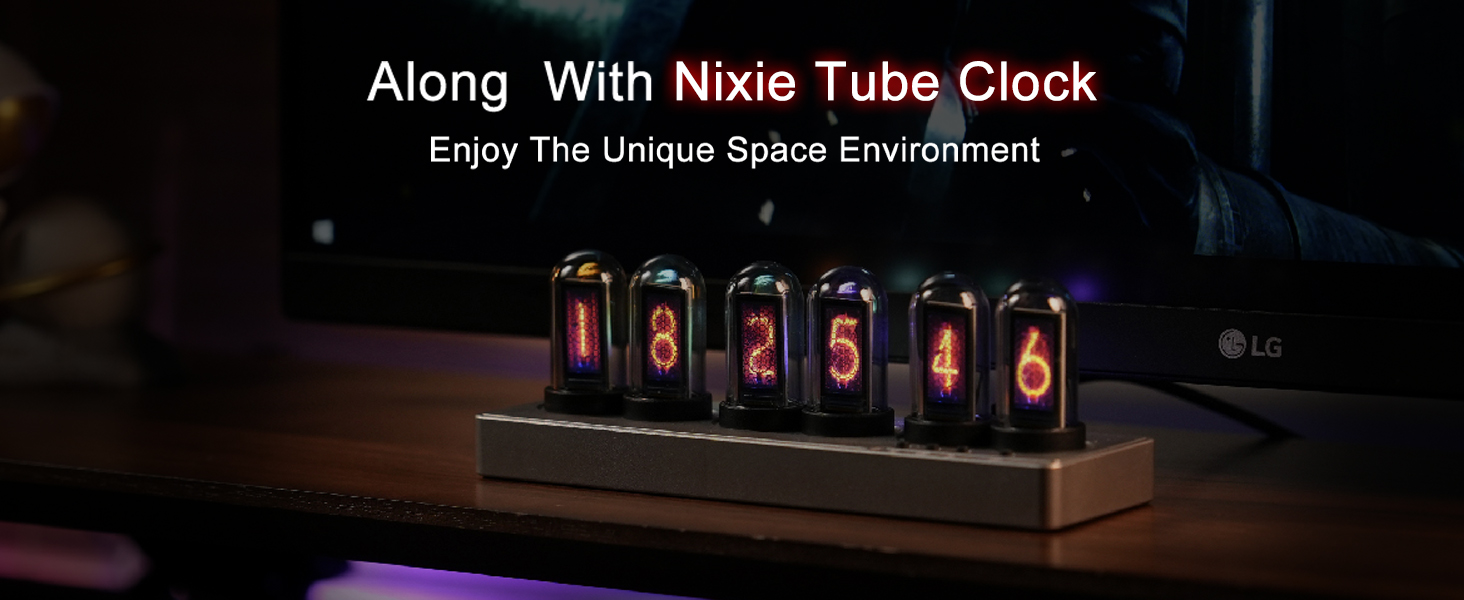
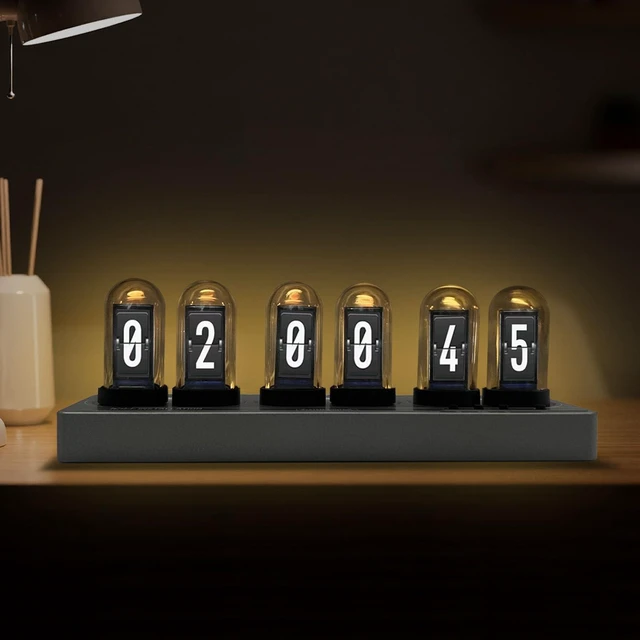
Enjoy quiet and unique company at night with the nixie tube clock!
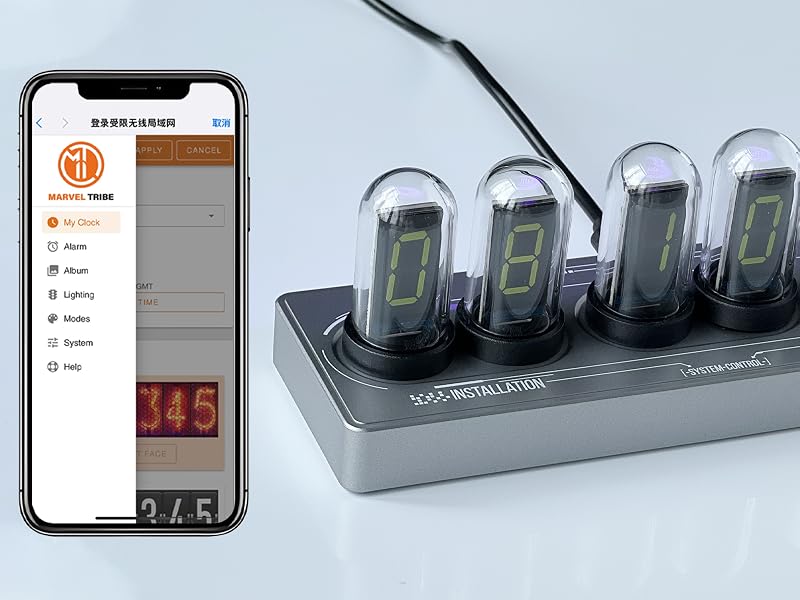
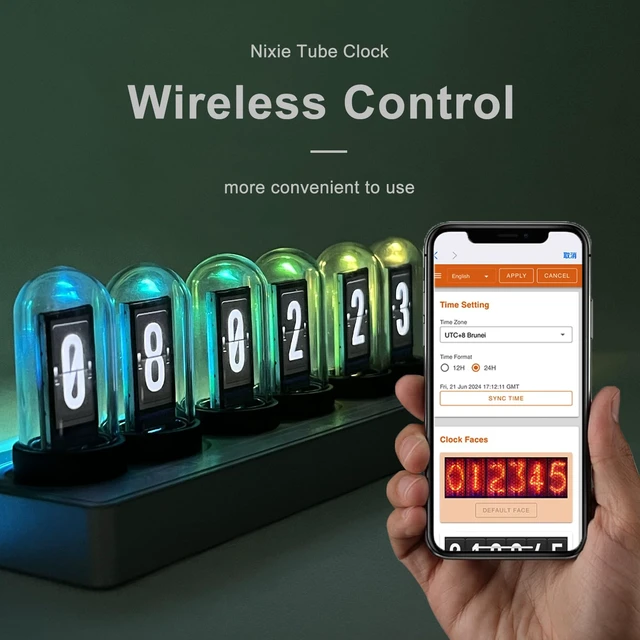
The glow tube clock can be adjusted through web control, eliminating the complicated keystroke process and making it easier to use.
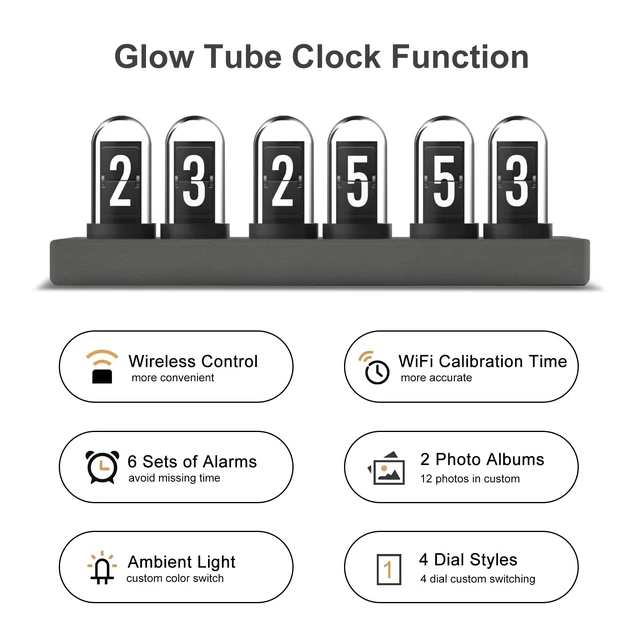
The glow tube clock has many features and can be customized according to your preferences and characteristics.
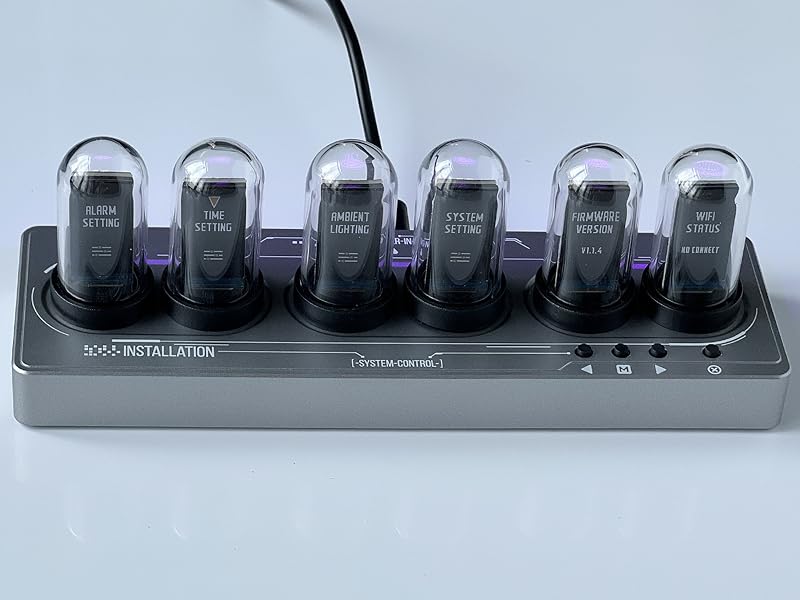
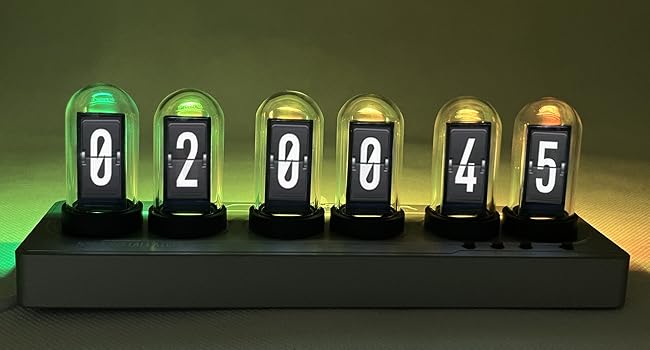
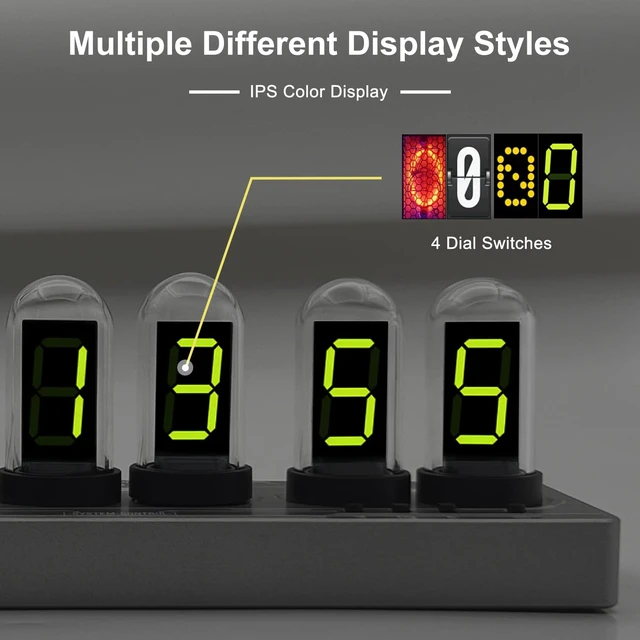
The digital clock is displayed by 6 IPS color screens, as well as its special glass cover design, giving the glow tube clock a certain uniqueness that is not only practical, but also good-looking!
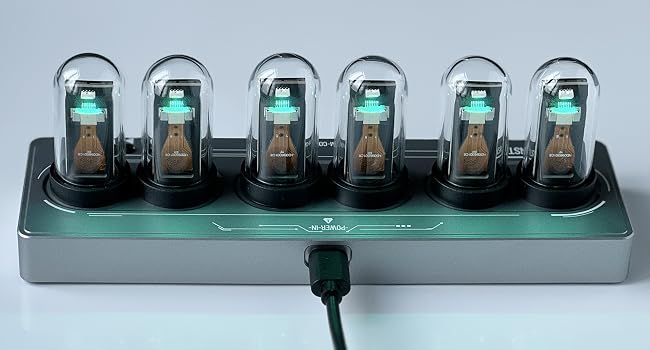
The nixie tube clock can be displayed properly only after it is powered by an external power supply.


We hope your life will be more regular and comfortable, and your home will be more warm.
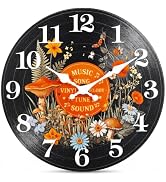
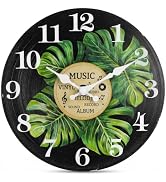
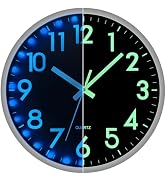
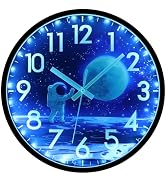
JoFomp wall clock can not only give you accurate time, but also make your home beautiful and distinctive.
Our vision is that love and time will always be with you.






We hope your life will be more regular and comfortable, and your home will be more warm.
JoFomp wall clock can not only give you accurate time, but also make your home beautiful and distinctive.
Our vision is that love and time will always be with you.
This nixie tube clock has been updated to the latest version and now includes timer and Pomodoro functions. Customers who previously purchased this Nixie tube clock can update the version to the latest one. (To upgrade, You can update via this link: ??????????://??????????????.????????????-??????????.??????/)
Important: Connect only one device at a time. The tool will automatically verify the device model and check whether an update is available; if the conditions are not met,
the process will not continue.
Connecting the Device:
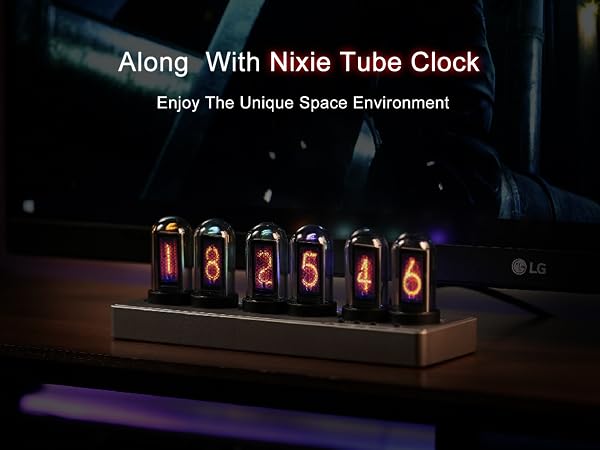
Enjoy quiet and unique company at night with the nixie tube clock!
The glow tube clock can be adjusted through web control, eliminating the complicated keystroke process and making it easier to use.
The glow tube clock has many features and can be customized according to your preferences and characteristics.
The digital clock is displayed by 6 IPS color screens, as well as its special glass cover design, giving the glow tube clock a certain uniqueness that is not only practical, but also good-looking!
The nixie tube clock can be displayed properly only after it is powered by an external power supply.
| Size | 6.7in*2.3in*2.1in (170.6mm*57.8mm*53.6mm) |
|---|---|
| Color | Silver |
| Battery Powered | NO |
| Non-Ticking | Yes |
| Display | IPS color screen display |