

Your Browsing History

Meet Your Seller


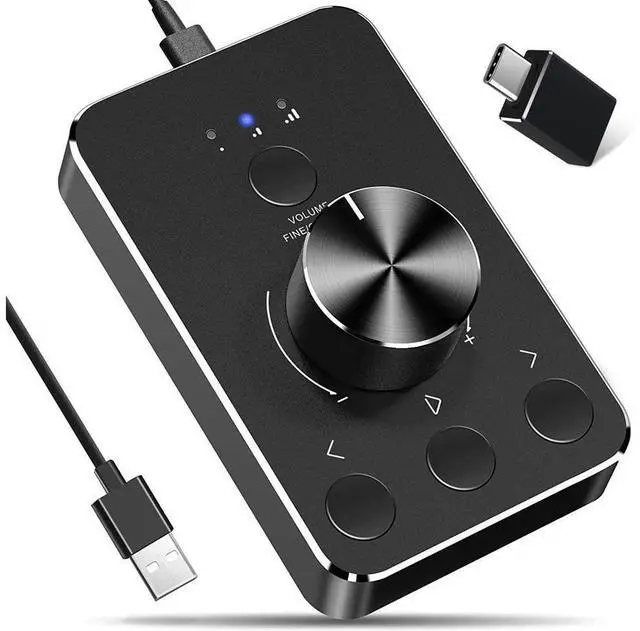
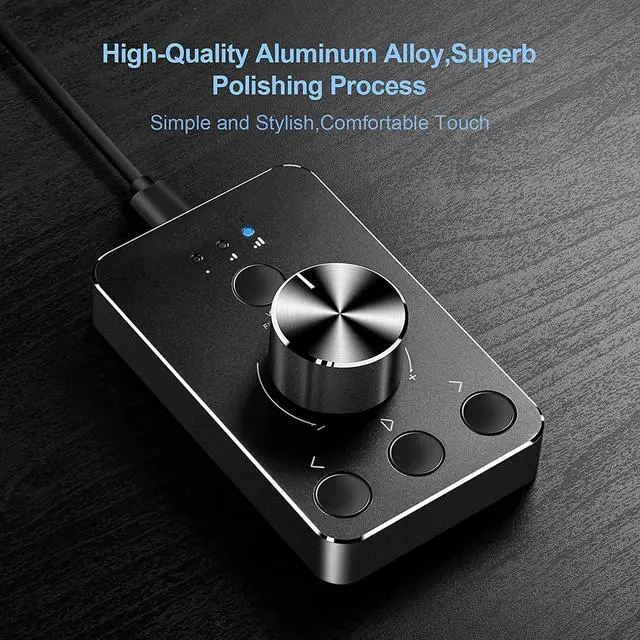


WRIARICH Volume Control Knob USB Computer Speaker Controller One-key Mute with Play Pause Skip Volume Control Audio Adjust
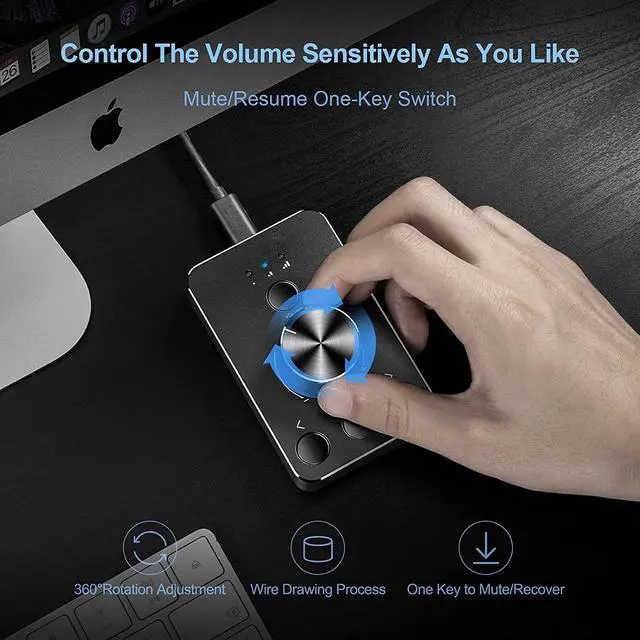
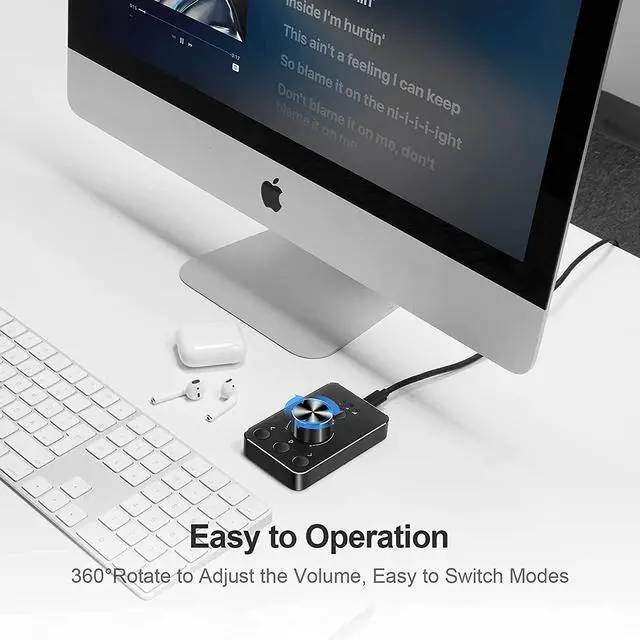
- Rotate the Multimedia knob to adjust the volume.With one key mute function, just press the knob when you are listening to music, the music will be stopped and start playing if pressing the knob again.
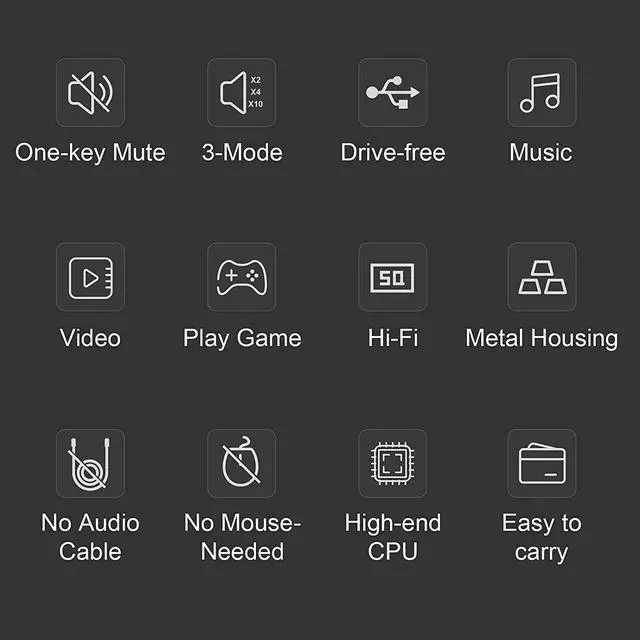
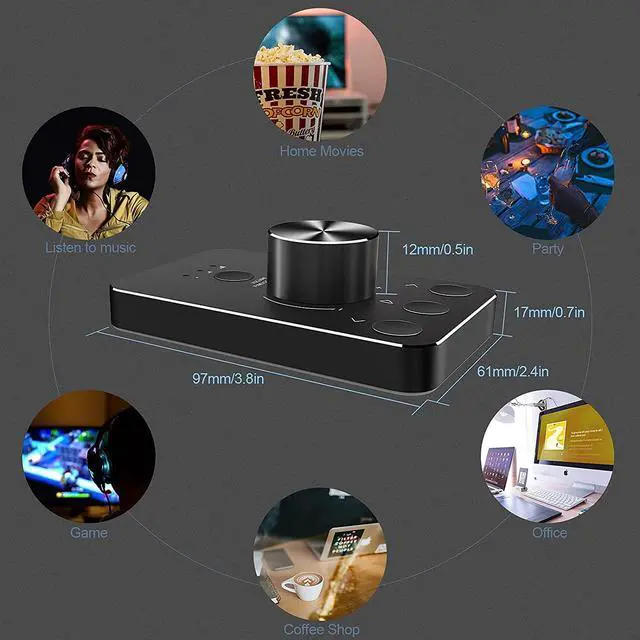
- USB Multimedia Volume Controller PC speaker computer,You can use it for listening to music, watching movies/videos, playing games, and even for office meetings, weddings and other celebrations.
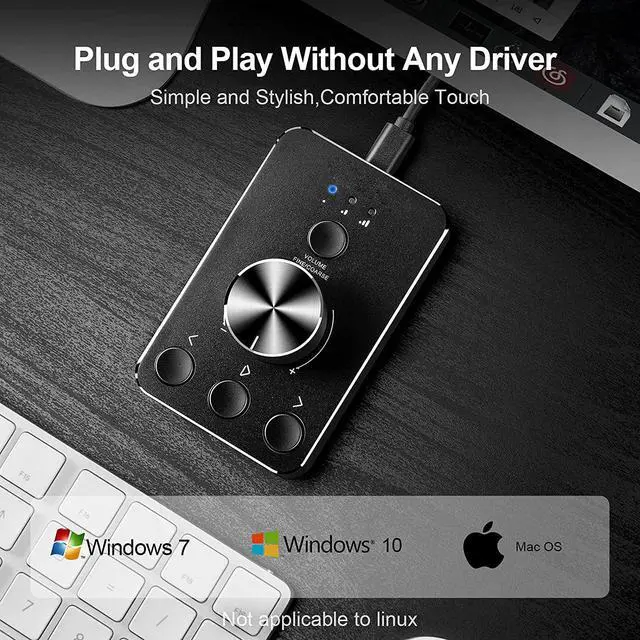
- This volume control knob supports Win10/8/7/Mac, once you insert it to your computer, it will begin to work. Plug and play, no driver required, you can directly adjust the volume by rotating the knob.
- How to use this multimedia knob:
- Mute/Unmute: Press the knob to mute the computer, press again to unmute.
- Volume adjustment: turn the usb volume knob clockwise to increase the volume, and turn the knob counterclockwise to decrease the volume.
- Previous song/Next song: Press and hold the knob, then turn clockwise to switch to the next song, and turn counterclockwise to switch to the next song.
+
+
Overview
Specs
Reviews

Any questions? Our AI mode will help you find out quickly.
Try me now
Rotate the Multimedia knob to adjust the volume. With one key mute function, just press the knob when you are listening to music, the music will be stopped and start playing if pressing the knob again.
USB Multimedia Volume Controller PC speaker computer, You can use it for listening to music, watching movies/videos, playing games, and even for office meetings, weddings and other celebrations.
This volume control knob supports Win10/8/7/Mac, once you insert it to your computer, it will begin to work. Plug and play, no driver required, you can directly adjust the volume by rotating the knob.
How to use this multimedia knob:
Mute/Unmute: Press the knob to mute the computer, press again to unmute.
Volume adjustment: turn the usb volume knob clockwise to increase the volume, and turn the knob counterclockwise to decrease the volume.
Previous song/Next song: Press and hold the knob, then turn clockwise to switch to the next song, and turn counterclockwise to switch to the next song.
Warranty & Returns
Warranty, Returns, And Additional Information
Warranty
- Please contact the Seller directly for warranty information. Warranty information may also be found on the Manufacturer's website.
- CONTACT
Return Policies
- Return for refund within: 30 days
- Return for replacement within: 30 days
- This item is covered by Seaside Shop Return Policy
Manufacturer Contact Info
- For a directory of all our manufacturers, please click below.
- Manufacturers Directory
LOADING...