


Out of stock
This item is currently out of stock and it may or may not be restocked.
Most customers receive within 5-7 days.
Shop it at NeweggBusiness.

Meet Your Seller

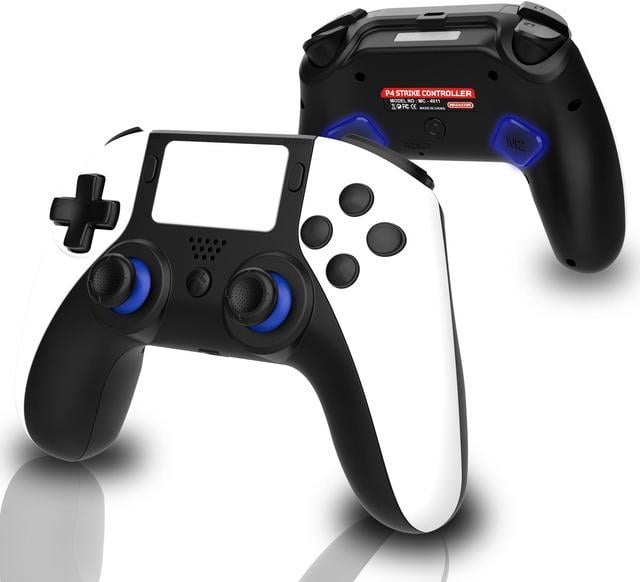
MEGACOM PS4 Wireless Controller - PS4 Gamepad with 2 Remap Keys, Rechargeable Battery, 3.5mm Audio Jack, Speaker, Multi-touch Pad, Dual Vibration - Compatible with PlayStation 4/PS4 Pro/PS4 Slim & PC

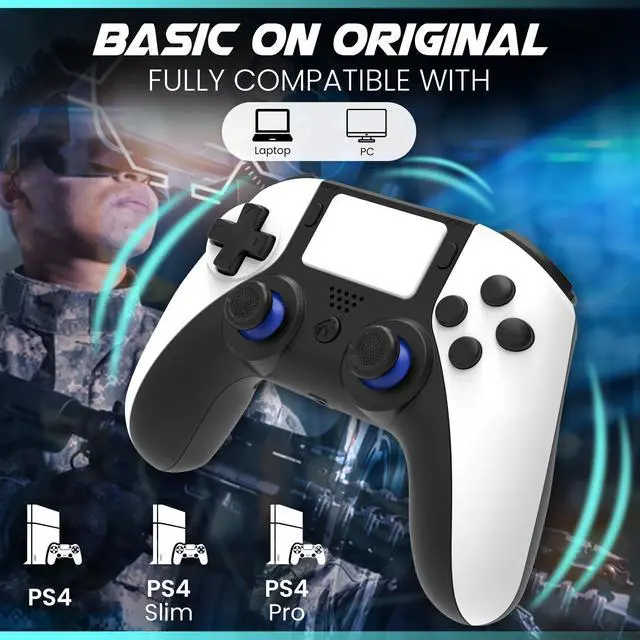
  • [Ultra-Versatile PS4 Wireless Controller] The megacom P4 Strike wireless PS4 controller is fully compatible with the PlayStation 4, PS4 Pro, PS4 Slim, Windows laptops, and PCs. Connect your game controller wirelessly via Bluetooth with your console or PC and enjoy unmatched versatility.
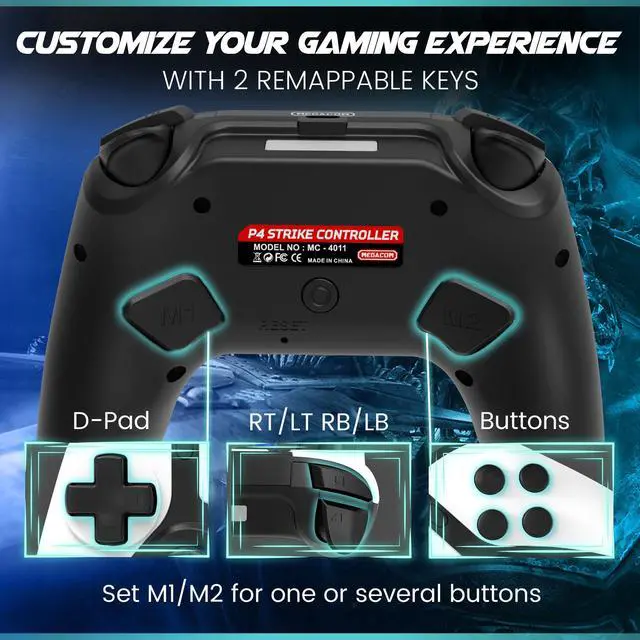
  • [Customize Your Gaming Experience with2 Remappable Keys] Ideal for all PS4 game genres and gaming profiles, our PS4 remote controller features 2 x remapping keys, which will enable gamers to assign unique commands, making it easier to execute complex actions while gaming.
  • [Ergonomic PS4 Pro Controller For Endless Gaming] Resembling the design of the PS5 wireless controller, our PS4 and PC controller offers a comfortable grip for long gaming sessions. Perfect for people with big hands, our Bluetooth game controller offers great control and precision.
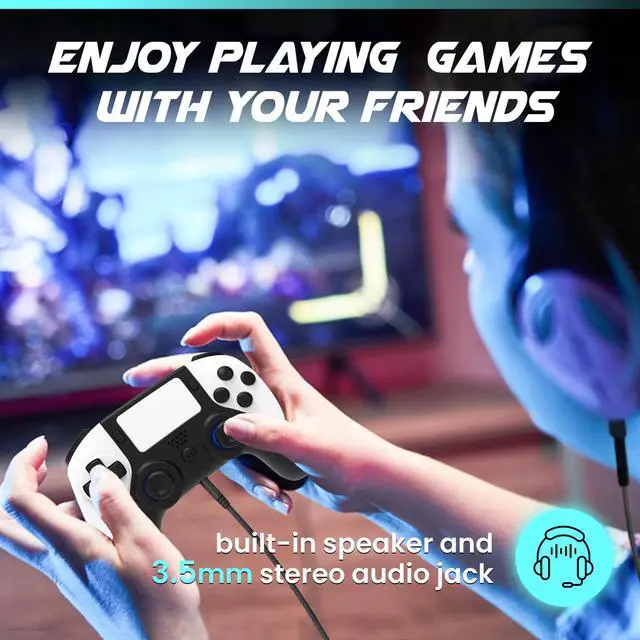
  • [Immerse Yourself In The Game With 2 Audio Options] The built-in speaker and 3.5mm audio jack provide you with an unparalleled immersive experience.
Overview
Specs
Reviews
avatar

Any questions? Our AI beta will help you find out quickly.

Basic for original
Designed for PS4 - Enjoy Your Favorite PS4 Games

If you are searching for a seamless gaming experience with a game controller that does not break the bank, look no further than the P4 Strike PS4 wireless controller. Designed to resemble the PS5 Dual Sense controller, our wireless pro controller is a must-have for both die-hard and casual gamers who value precision, accuracy, comfort, and exceptional gaming performance.

Top 4 Reasons To Choose The P4 Strike PS4 Game Controller
With 2 x Extra Remappable Back Keys

Extra Remappable Back Buttons provide you extra functionality & customization options. Set M1/M2 for one or several buttons (D-PAD/Triggers/Buttons) as you like. Fully match your operating habits.

Built-In Speaker & 3.5mm Headphone

Enjoy playing games with your freinds. Plug in your headphones for PS4 for fuss-free communication during multiplayer games or play without disturbing your loved ones.

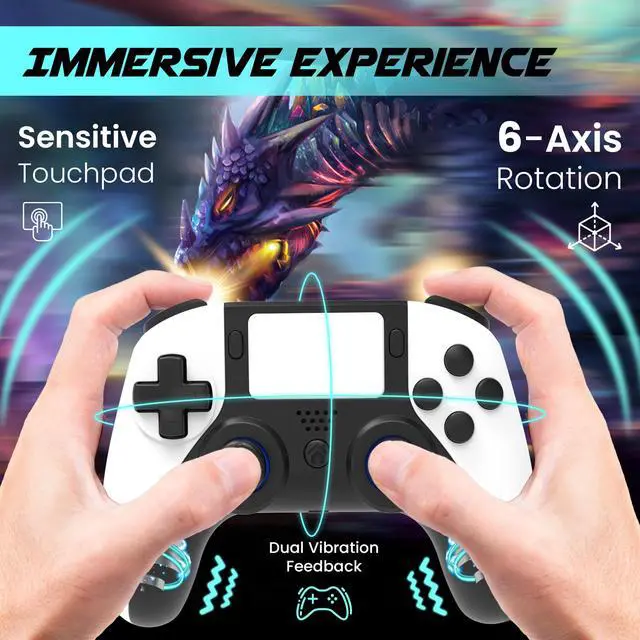
Dual Motor Vibration & 6-Axis Gyroscope

Immerse Yourself In The Game. Built-in Multitouch Pad, Dual Motor Vibration And Six-Axis Gyroscope , provide you with immediate Vibration feedback and superior motion sensing, giving you a realistic gaming experience.

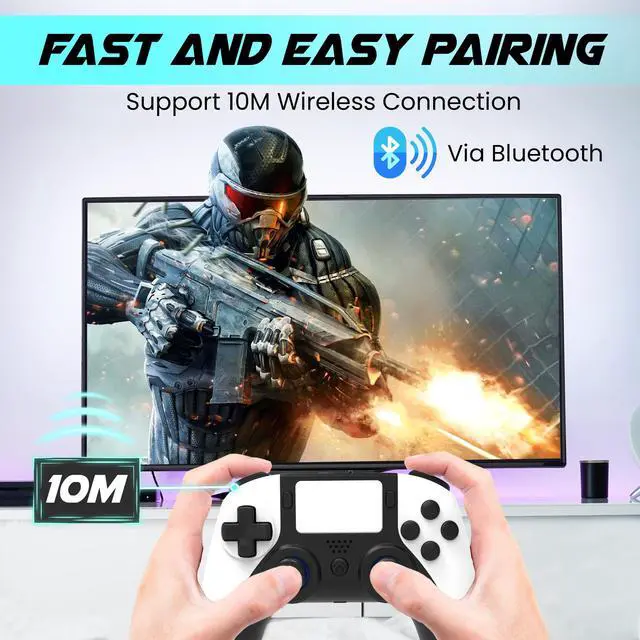
10 meters Bluetooth connection 0 delay

High-Precision & Superb Performance. Fast and Easy Pairing. Deal For FPS, Racing, Fighting, RPG, Simulation, Strategy, Action/Adventure And All PS4 Game Genres.

image for this item
Q&A
How To Remap The Back Keys?
  1. Press and hold the Mn key and then press the programming switch key in the middle, the indicator light turns orange and it enters the setting mode.
  2. Press the button you wanna set (multiple buttons are possible) and then press the Mn button, the setting is completed and the setting mode is exited and also the indicator light returns to the color before setting.
How To Wireless Connect With PS4 and PC?

The connection way is the same as the original PS4 Controller:

  • PS4: Use USB-C cable to connect the console. After that, press the PS button for wireless connection.
  • PC: Turn on PC Bluetooth / Add Bluetooth Device. Make sure the controller is in a sleeping state (no light), press Share button + PS button 5 secs until the light quick flashing. Choose "Wireless controller" to connect.
What You Will Get
  • 1 x Wireless PS4 Controller

  • 1 x USB-C Charging Cable

  • 1 x User Manual

Designed for PS4 - Enjoy Your Favorite PS4 Games
If you are searching for a seamless gaming experience with a game controller that does not break the bank, look no further than the P4 Strike PS4 wireless controller. Designed to resemble the PS5 Dual Sense controller, our wireless pro controller is a must-have for both die-hard and casual gamers who value precision, accuracy, comfort, and exceptional gaming performance.

Top 4 Reasons To Choose The P4 Strike PS4 Game Controller
1. With 2 x Extra Remappable Back Keys
Extra Remappable Back Buttons provide you extra functionality & customization options. Set M1/M2 for one or several buttons (D-PAD/Triggers/Buttons) as you like. Fully match your operating habits.

2. Built-In Speaker & 3.5 mm Headphone
Enjoy playing games with your freinds. Plug in your headphones for PS4 for fuss-free communication during multiplayer games or play without disturbing your loved ones.

3. Dual Motor Vibration & 6-Axis Gyroscope
Immerse Yourself In The Game. Built-in Multitouch Pad, Dual Motor Vibration And Six-Axis Gyroscope, provide you with immediate Vibration feedback and superior motion sensing, giving you a realistic gaming experience.

4. 10 meters Bluetooth connection 0 delay
High-Precision & Superb Performance. Fast and Easy Pairing. Deal For FPS, Racing, Fighting, RPG, Simulation, Strategy, Action/Adventure And All PS4 Game Genres.


Q&A
How To Remap The Back Keys?
Press and hold the Mn (M1 or M2) key and then press the programming switch key in the middle, the indicator light turns orange and it enters the setting mode.
Press the button you wanna set (multiple buttons are possible) and then press the Mn button, the setting is completed and the setting mode is exited and also the indicator light returns to the color before setting.

How To Wireless Connect With PS4 and PC?
The connection way is the same as the original
PS4 Controller:
PS4: Use USB-C cable to connect the console. After that, press the PS button for wireless connection.
PC: Turn on PC Bluetooth / Add Bluetooth Device. Make sure the controller is in a sleeping state (no light), press Share button + PS button 5 secs until the light quick flashing. Choose "Wireless controller" to connect.

Warranty & Returns

Warranty, Returns, And Additional Information

Warranty

  • Please contact the Seller directly for warranty information. Warranty information may also be found on the Manufacturer's website.
  • CONTACT

Return Policies

Manufacturer Contact Info

LOADING...