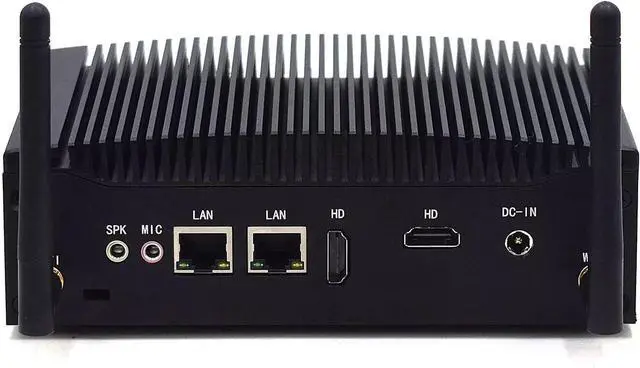
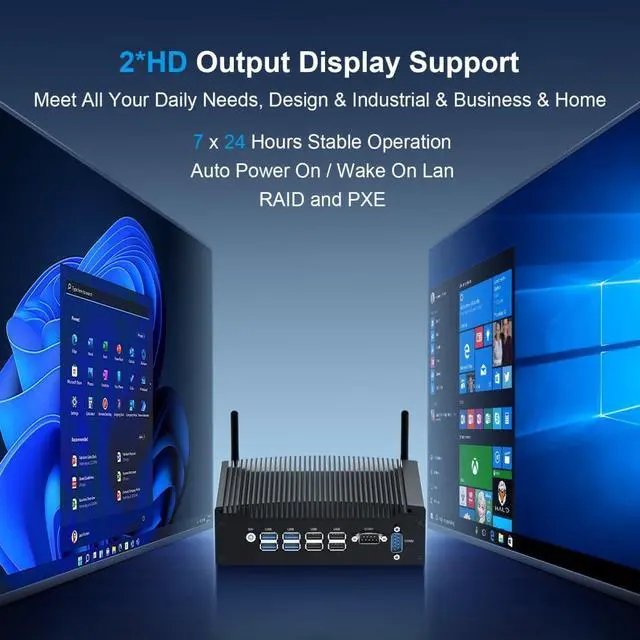
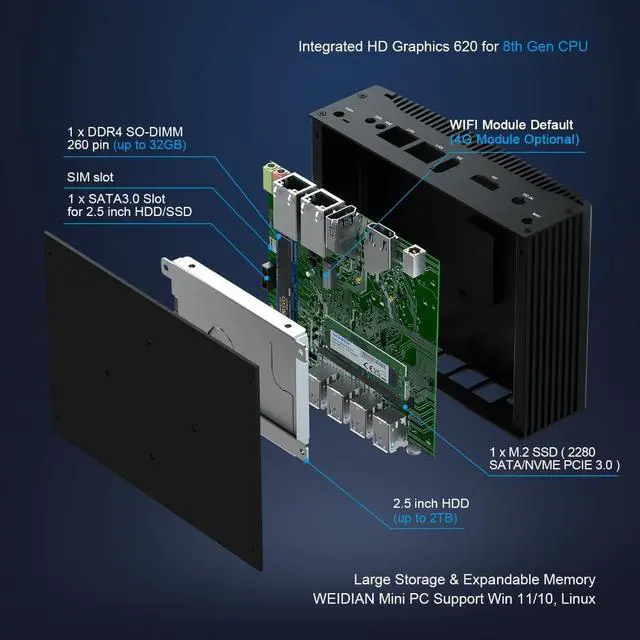
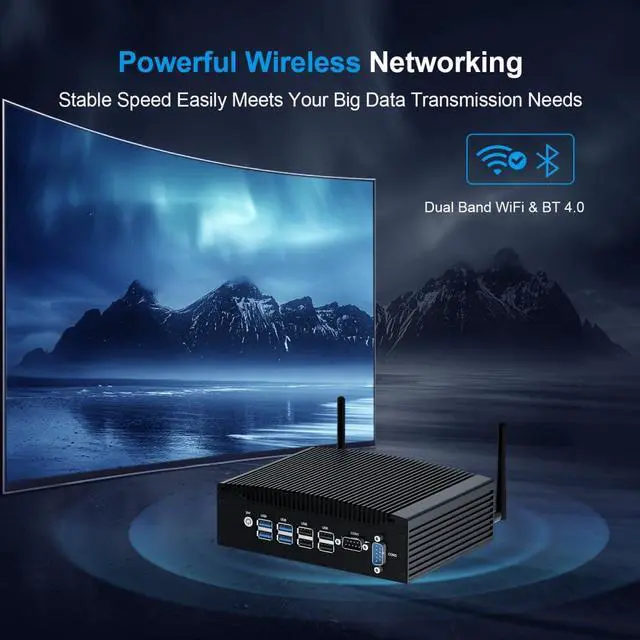
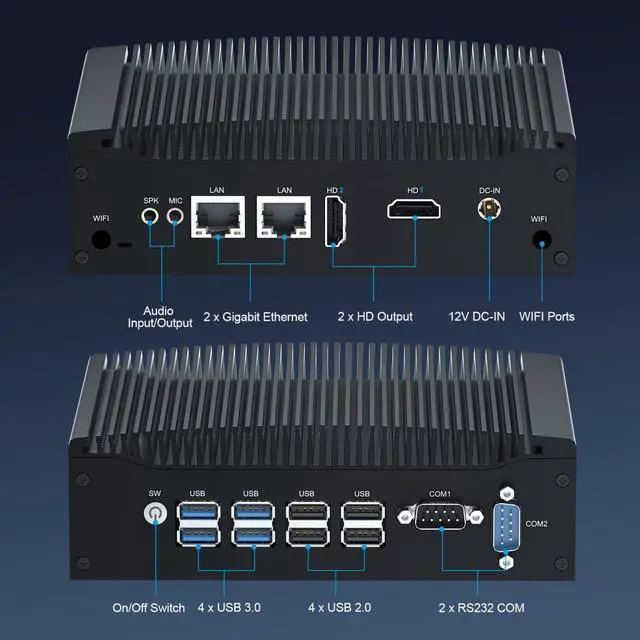
COM Ports2 x DB 9Pin RS232Memory (RAM)1 x DDR4 RAM 260pin SODIMM (Max 32GB, 2400MHz) ;Storage (SSD/HDD)1 x M.2 SSD (M.2 2280 SATA / NVME SSD PCIE 3.0 x 4, Max 2TB) + 1 x SATA 3.0 slot for 2.5'' HDD/SSD(Max 2TB, thickness7MM)WiFi & BTDual-band Wi-Fi + BT 4.0Output Display2 x HD 1.4 (supports audio/video transmission) - HD1: 4K 30HZ; HD2: 4K 30HZLanguageDefault English language (you can set your favorite language.)Material & NoiseAluminum housing & Fanless SystemRich Ports2*LAN + 2*HD 1.4 + 2*COM + 4*USB 2.0 + 4*USB 3.0 + MIC&SPK + Power SW + DC-IN + WIFI antenna + Kensington Lock. Operating Environment-10-50 CentigradeAntenna interfaceSupport WIFI module or 3G/4G module (4G module not included)Operating SystemSupport Win 11 Pro ( Support Win 10/Linux )PC Size/Weight6.69 x 4.96 x 2.28 inch (2.42lb)FunctionSupports Wake on Lan, Auto Power On (By moving the mainboard JPWR1 jumper cap), PXE (Legacy mode only), RAID (RAID0/RAID1)...LAN2 x RJ45 Gigabit Ethernet - Realtek 8168/8111(1000M)Power Adapter12V 5A ( DC 5.5*2.5MM )SIM Slot (Inside)Support Nano-SIM card (4G module not included by default). 1RAM SSD HDD2Powerful CPU32*DB 9pin RS232 How to enter the BIOS?
You can press ''Delete'' to enter Bios Setup, F11 to enter Boot Menu when reboot. BIOS manufacturer: AMI (American Megatrends Inc)
There is nothing display on monitor, what can I do ?
When using WEIDIAN mini pc and find that all indicators are showing and RAM is correctly inserted but nothing is showing, this could be due to a CMOS error, you need to remove the CMOS battery and start the computer again.
How to set auto power on function ?
Find the PWRON1 pin on the motherboard. The jumper is pre-inserted on the pin. When the jumper is moved to pin2 and pin3, it will achieve auto power on.
1. Check if the system has been updated recently. If yes, try to uninstall the updated patch.
2. Check if the system is infected with viruses, try to use an anti-virus program to scan and kill the entire disk.
3. Check if the driver has been updated recently, try to uninstall the updated driver.
4. Try to reinstall the operating system.
5. Please take pictures or video of the blue screen code, and contact the supplier for help.
Most blue screen issue is caused by software or OS. We will provide lifetime online support.
Parameters of H7 WEIDIAN Fanless Mini PC Core i5 8th Generation WEIDIAN i5 Industrial Small PC Supports 2*HD Dual Screen Displays How long do you provide the service when any problem with this mini desktop pc ?
How to enter the BIOS?
There is nothing display on monitor, what can I do ?
How to set auto power on function ?
Kind tips: Repeated blue screen during startup or use, any solutions ?