• $1,024.99
  • Price alert
    Server System configurator/ABS
    Shop it at NeweggBusiness.

    HYSTOU Mini - PC Fanlesss Computer: I5 10210U 16GB Ram DDR4 512GB SSD Industrial Mini PC

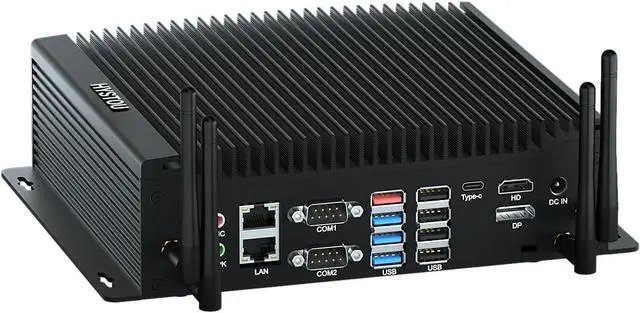
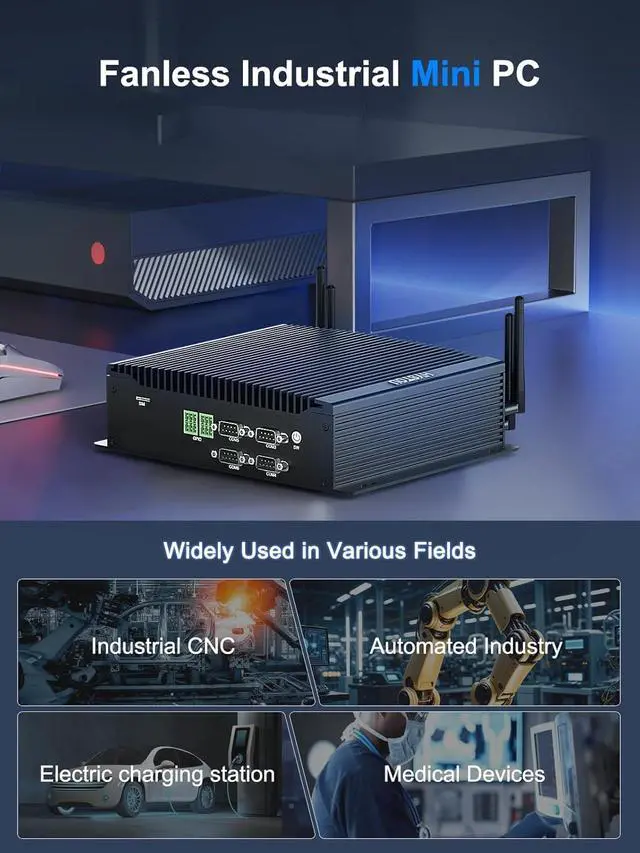
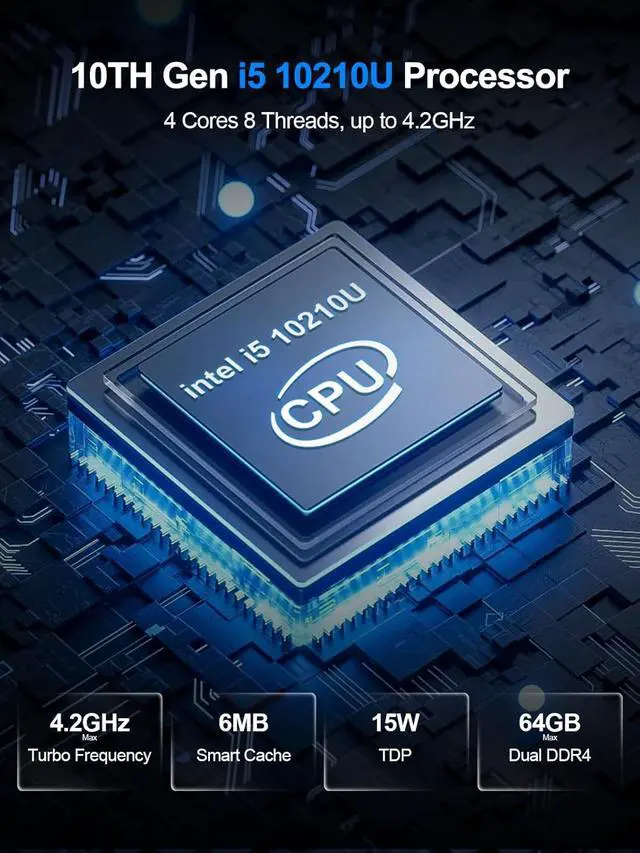
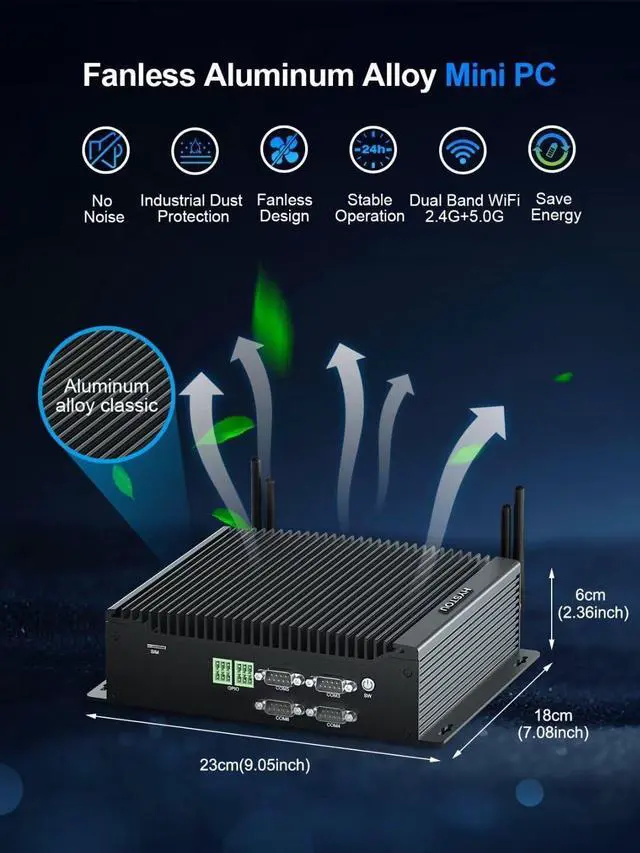
    • Powerful Mini PC I5 10210UFanless mini pc is equipped with 4 cores 10th Gen Core i5-10210U Processors(up to 4.2GHz). Pre-installed with Windows 11 Pro (64-bit), supports Linux and Ubuntu systems. Mini pc i5 come with 15W TDP which is faster and energy saving design. This fanless pc is a great choice for advanced industrial workstations
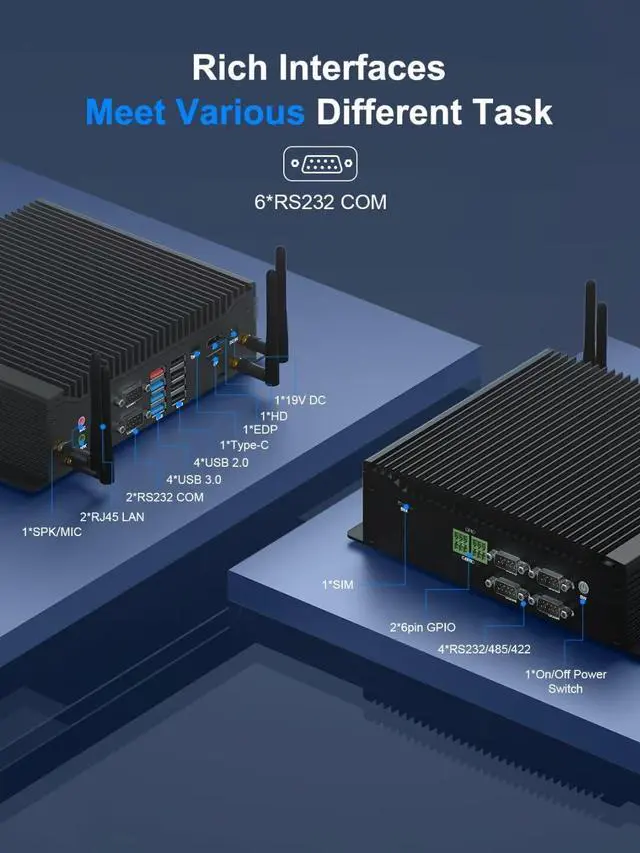
    • UHD Graphics & 4K Triple DisplayThe dual nic mini pc integrates UHD Graphics that ensures faster image processing and featured 4K UHD video editing and playback. Micro pc support triple display through EDP+HD+Type C interface for different tasks in the same time, efficiently handle your tasks Designed to save your time.
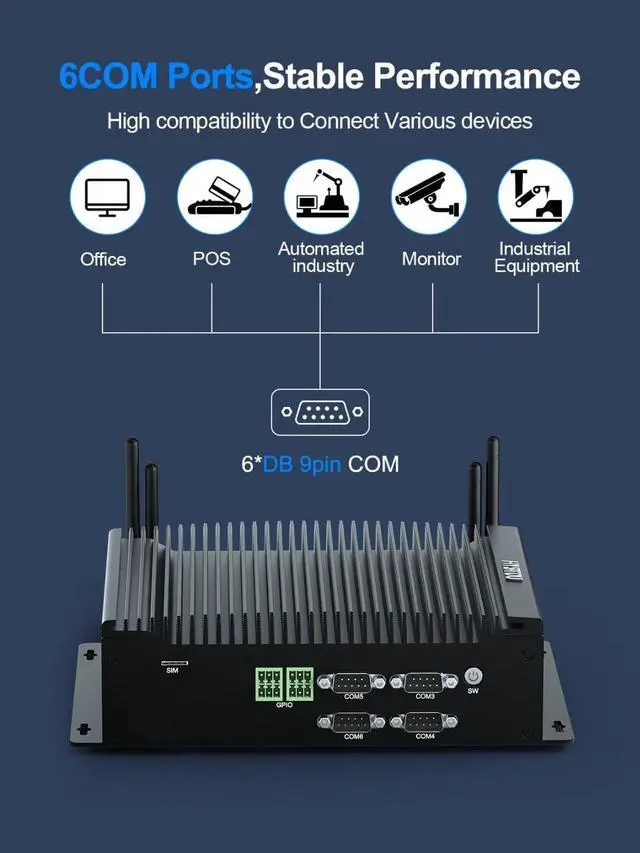
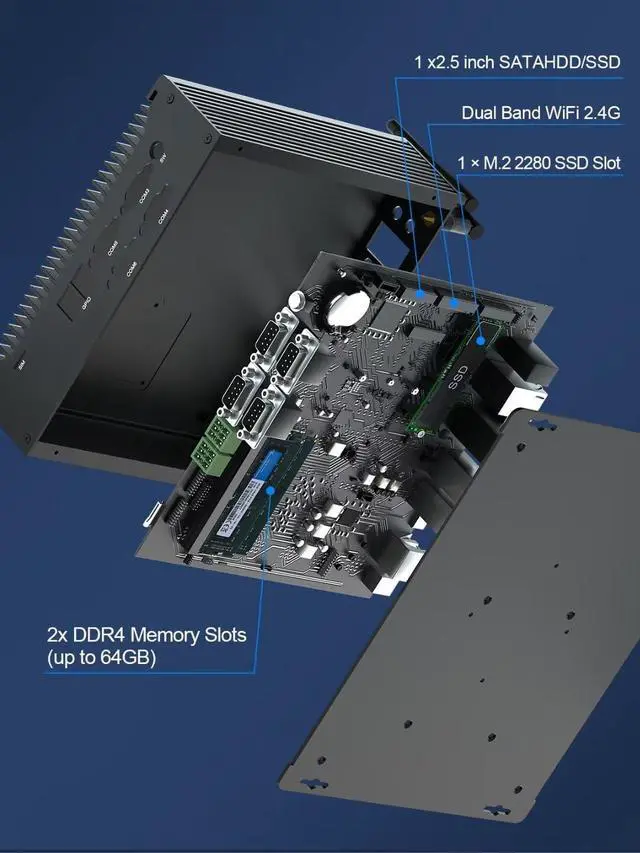
    • 6*DB 9pin COM & 2*6pin GPIO The fanless mini PC i5 is designed with 6*DB 9Pin RS232 COM Ports, COM1/2 supports RS232 onlyCOM3/4/5/6 supports RS232/RS422/RS485. Stable connection to various peripherals, such as printer, pos, medical equipment, very convenient for industrial work. And fanless mini computer with 2*6pin GPIO, Defaul
    +
    +
    Overview
    Specs
    Reviews
    avatar

    Any questions? Our AI beta will help you find out quickly.

    HYSTOU since its inception is focused on technology research and development, so as to provide professional Mini PCs for worldwide customers at affordable prices.
    How to switch between RS232/RS422/RS485?
    Press power button and quickly press Del key on wired keyboard to enter BIOS Setup. Select Advanced - ITE Super IO Configuration - Serial Port (3-4-5-6) Configuration - Com Mode. Default is RS232, RS422/RS485 optional. Press F4 to save and exit.

    How to set up the function of power on auto start?
    This model is positioned as an industrial computer, and the power-on auto-start function is enabled by default.

    How did we get our start? Industrial Mini PCwith GPIO, Ethernet Ports GPIO Connectivity Options Dual Gigabit LAN How to enter BIOS?
    How to switch between RS232/RS422/RS485?
    How to set up the function of power on auto start?

    Warranty & Returns

    Warranty, Returns, And Additional Information

    Warranty

    • Please contact the Seller directly for warranty information. Warranty information may also be found on the Manufacturer's website.
    • CONTACT

    Return Policies

    Manufacturer Contact Info

    LOADING...