

Your Browsing History
- Free 30-day Returns
$538.99


Meet Your Seller


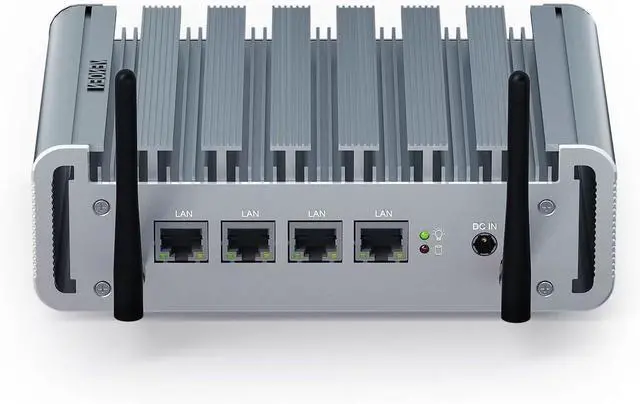
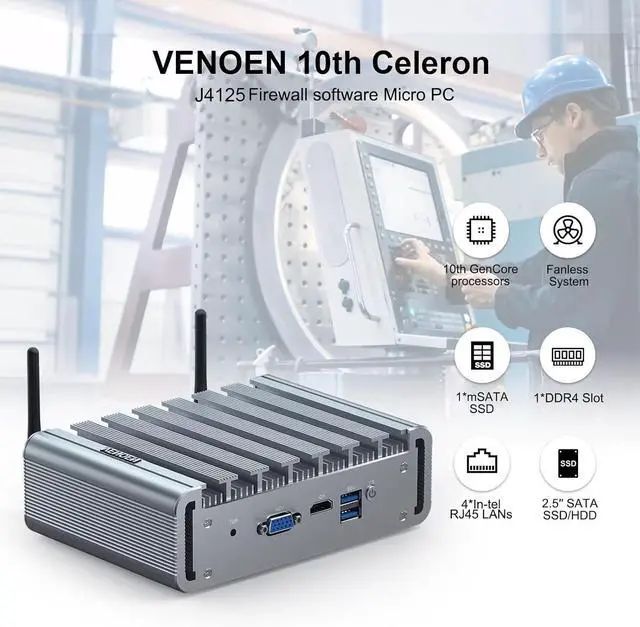


Fanless Firewall Software Mini PC, Router Server, 4 2.5Gbe I225 Lan, Celeron J4125, 4GB DDR4 RAM 256GB SSD, HD-MI, VGA, Dual-Display, USB, Wifi, Desktop Small Computer, Windows 10, Auto Power On
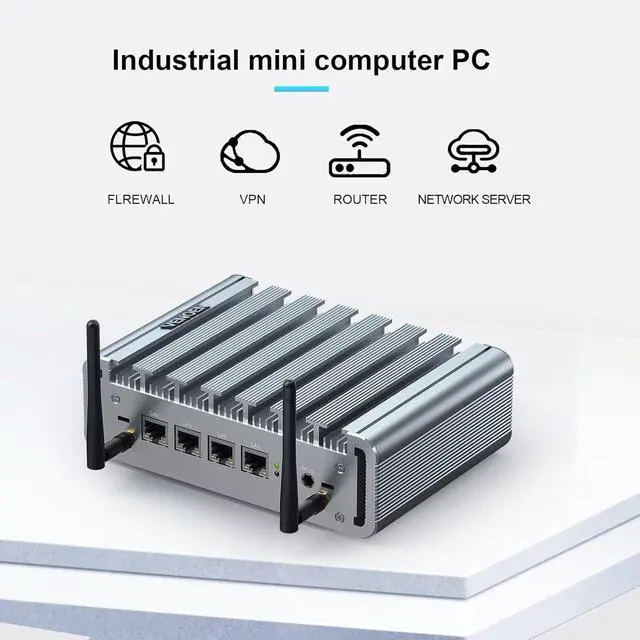
- CPU and Firewall Software Firewall Micro Appliance Mini PC is Equipped with Celeron J4125(Quad Cores Quad Threads, 2.00GHz up to 2.70GHz, 4MB Cache, UHD Graphics 600), pre-installed Firewall Software(also support windows / Linux / Other Open Source system, If need other, pls just leave us a message).
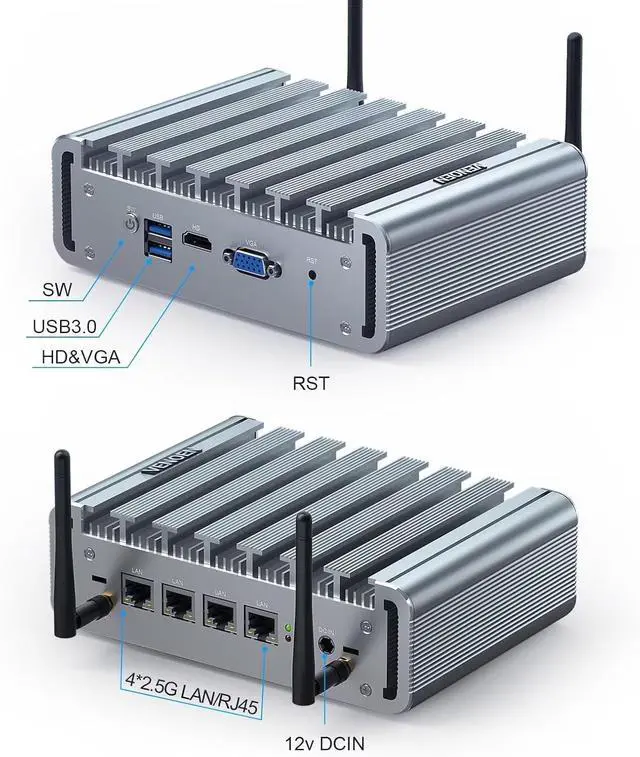
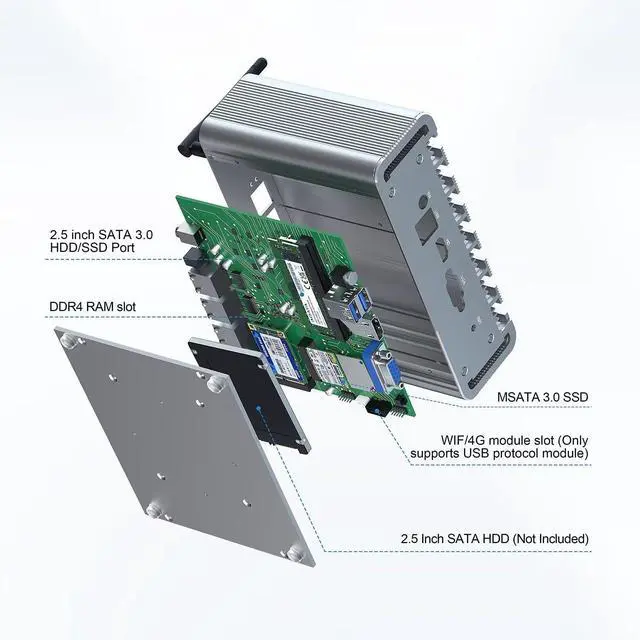
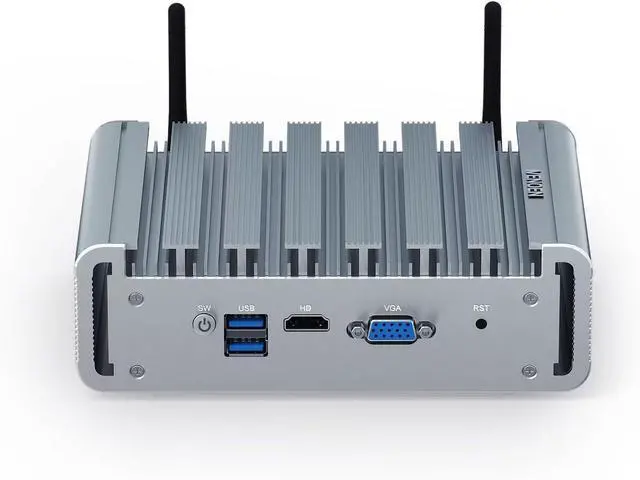
- Components and I/OVENOEN Micro Router PC equipped with 1*DDR4 memory slot, support max 16GB RAM1 x mSATA slot, 1 x SATA3.0 for 2.5 inch HDD/SSD, 4 x 2.5 Gigabit Lan ports, 1 x HD-MI port, 1 x VGA, 2 x USB 3.0. Various network ports provide component support for establishing firewalls.
- High speed 2.5Gbe Ethernet LAN This Network Appliance Mini PC equipped with 4* I225 Network card Suppot 2.5GbE,Single band WIFI module or 3G/4G module bring you more faster and professional network usage. Provide a secure and confidential network environment for data transmission and download.(The Wifi module takes effect under Windows system)
- Professional Firewall PCVENOEN Fanless PC with Fo
+
+
Overview
Reviews

Any questions? Our AI mode will help you find out quickly.
Try me now
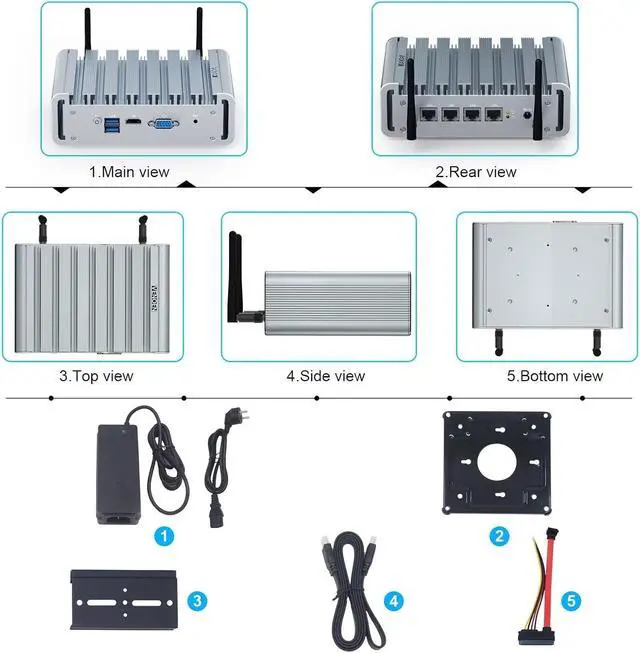
CPUCeleron J4125 (4M cache, base frequency 2.0 GHz up to 2.70 GHz 4 cores 4 threads)GDUUHD Graphics 600RAM1 x DDR4 260Pin SODIMM slot, MAX 16GB 2400MHz Storage1 x MSATA SSD + 1 x SATA3.0 slot for SATA HDD/SSDOperating systemSupports Win11/10 / Linux / Firewall SoftwareWifiMini PCI E slot, supports Wifi Model / 4G module (2 choose 1) SIMSIM slot onboard (25 mm x 15 mm), supports SIM cardDisplay port1 x HD port + 1 x VGA portLAN4 x i225 2.5 Gigabit RJ45 LanFunctionAuto Power On , RTC , WatchDog ect.Package contents1 x Mini-PC, 1 xPower Adapter, 1 x HD cable, 1 x SATA cable, 1 x VESA mount, 1 x DIN-SCHIENEN mountdimension177mm x 125mm x 55mm 1Dual Display 4K2Package include3VESA Mount Compact PC How to use the 4G module?
1. Install the 4G module and SIM card; 2. Install 4G module driver; 3. Check the network adaptation interface in Device Manager to determine whether the 4G module is recognized; 4. Restart your computer and disconnect your wired and WiFi networks
How do I set a timer to boot on?
Press "DEL" to enter BIOS --Advanced --S5 RTC Wake Settings --Wake up time
How to set the Auto Power On?
Through the motherboard jumper setting, the position of PWRON1 jump cap on the disassembly and mobile motherboard is realized, and the figure shows the open state
4 LAN Fanless firewall Mini computer Celeron J4125 How to use the 4G module?
How do I set a timer to boot on?
How to set the Auto Power On?
1. Install the 4G module and SIM card; 2. Install 4G module driver; 3. Check the network adaptation interface in Device Manager to determine whether the 4G module is recognized; 4. Restart your computer and disconnect your wired and WiFi networks
How do I set a timer to boot on?
Press "DEL" to enter BIOS --Advanced --S5 RTC Wake Settings --Wake up time
How to set the Auto Power On?
Through the motherboard jumper setting, the position of PWRON1 jump cap on the disassembly and mobile motherboard is realized, and the figure shows the open state
4 LAN Fanless firewall Mini computer Celeron J4125 How to use the 4G module?
How do I set a timer to boot on?
How to set the Auto Power On?
Warranty & Returns
Warranty, Returns, And Additional Information
Warranty
- Please contact the Seller directly for warranty information. Warranty information may also be found on the Manufacturer's website.
- CONTACT
Return Policies
- Return for refund within: 30 days
- Return for replacement within: 30 days
- This item is covered by Zhanfu Technology Co., Limited Return Policy
Manufacturer Contact Info
- For a directory of all our manufacturers, please click below.
- Manufacturers Directory
LOADING...