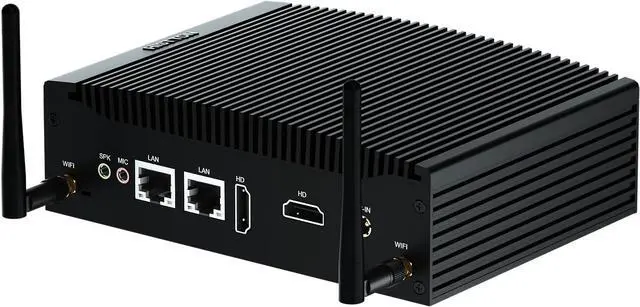
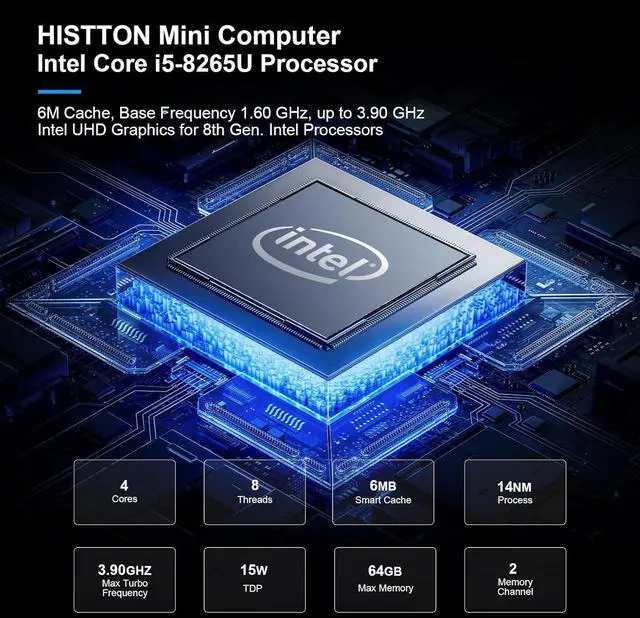
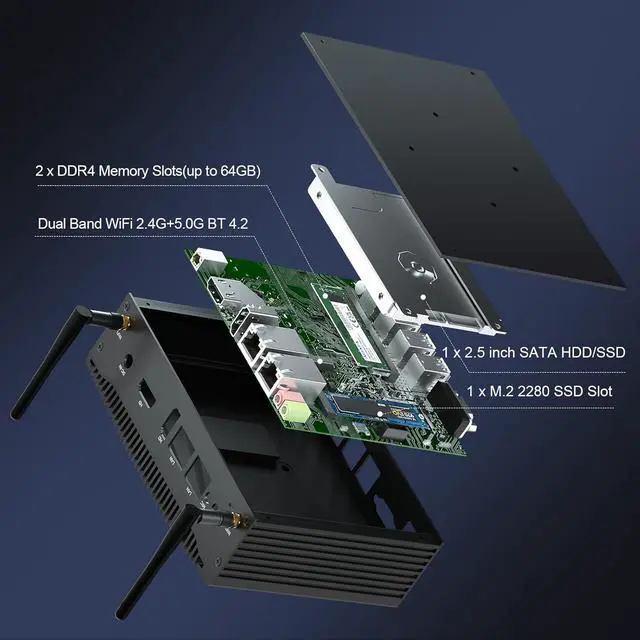
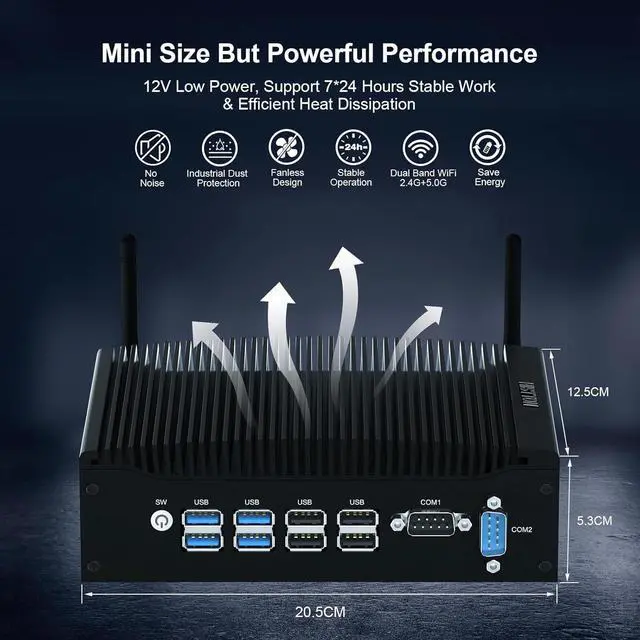
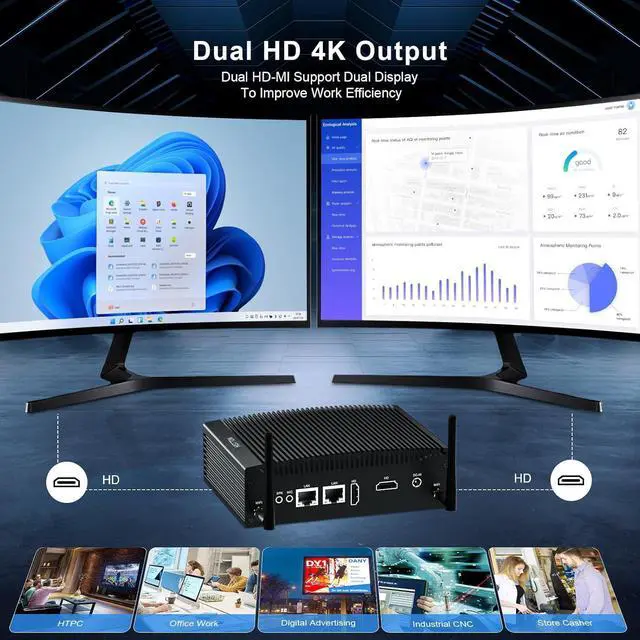
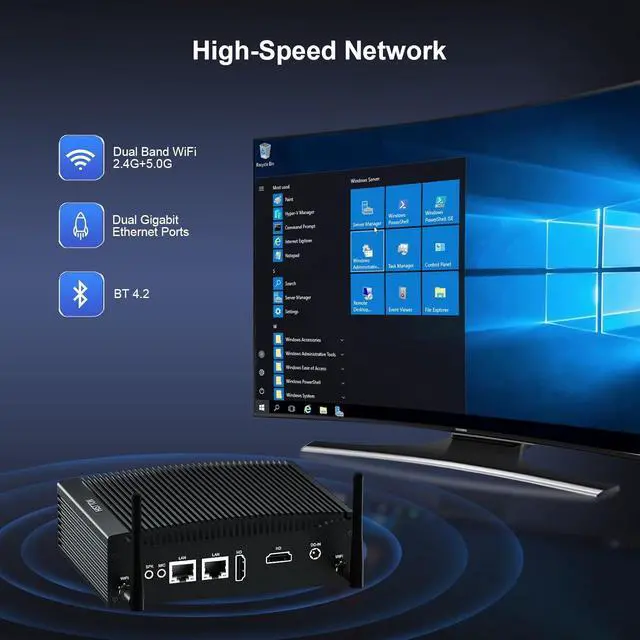
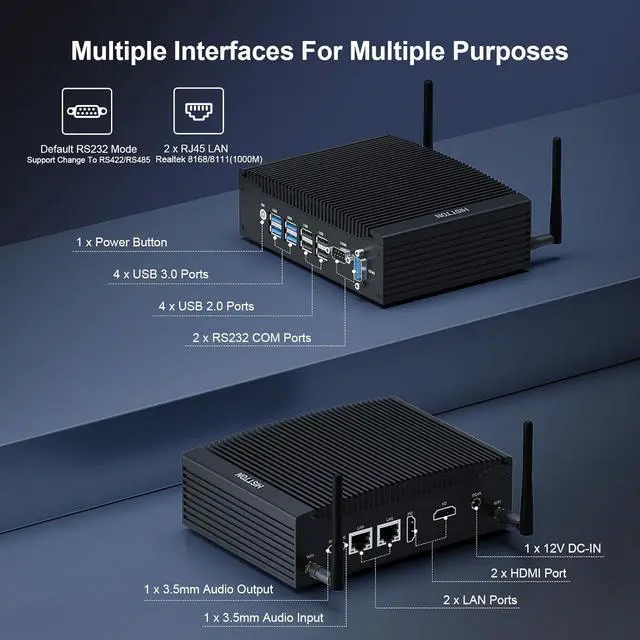
CPUIntel Core i5-8265U (6M Cache, 4 Cores 8 Threads, Base Frequency 1.60 GHz Burst Frequency 3.90 GHz)GraphicsIntel UHD Graphics for 8th Generation Intel ProcessorsMemory (RAM)1 × 260 pin DDR4 SO-DIMMs, Max 32GBStorage1 x M.2 2280 NVME PCIE 3.0x 4 / SATA 3 SSD and 1 x 2.5 inch SATA HDD/SSDVideo2 x HD-MI 1.4 4K 30HzPower Specification12V Power Input, Support Auto Power On FunctionWi-FiAC3165(WIFI5) BT 4.2 is installed by default.SystemPreinstall Windows 11 Pro, support Windows 10, Linux (Ubuntu\Centos\Pf-sense\opnsense\VMWare Exsi)LanguageEnglish as defaulted (Support pre-installed designated language system. Case MaterialAluminum AlloySize&Weight8.07 x 4.92 x 2.08 inches (2.65 lb) 1CPU Intel Core i5-8265U2RAM & Storage3Dual Display1Multiple Ports2Multiple Systems3Installation Diversity4Packing List Q2: How to set auto power on?
We need to use a screwdriver tool, remove the 4 screws of the bottom case and open the bottom case, find the jumper cap on the PWRON1 pin on the motherboard, move the jumper cap to the pin2 and pin3 pins to turn on the "Auto power on" function.
Q3: Does the mini computer make noise during work?
Fanless design, noise-free, 29mm ultra-thin brushed aluminum shell, the cooling effect is very good, the temperature control at 40-50 degrees, This mini computer is also very energy efficient, with power consumption as low as 15W.
Q4: The computer blue screen?
When the blue screen appears,we suggest that you try to boot several times.If the fault persists,then reinstall the system.If the blue screen persists after reinstalling the system,then consider the reasons for the memory module,hard disk and CPU.
HISTTON H7 Fanless Mini PC with Core i5-8265U Q1: What operating system is pre-installed on this mini computer? Does it support Windows 11 system?
Q2: How to set auto power on?
Q3: Does the mini computer make noise during work?
Q4: The computer blue screen?