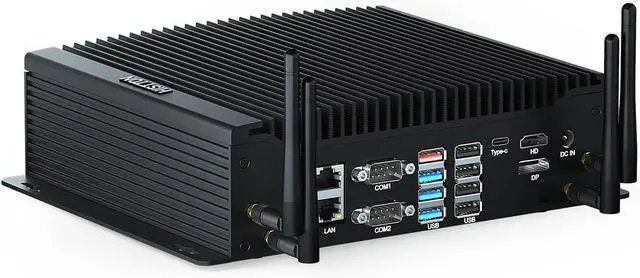
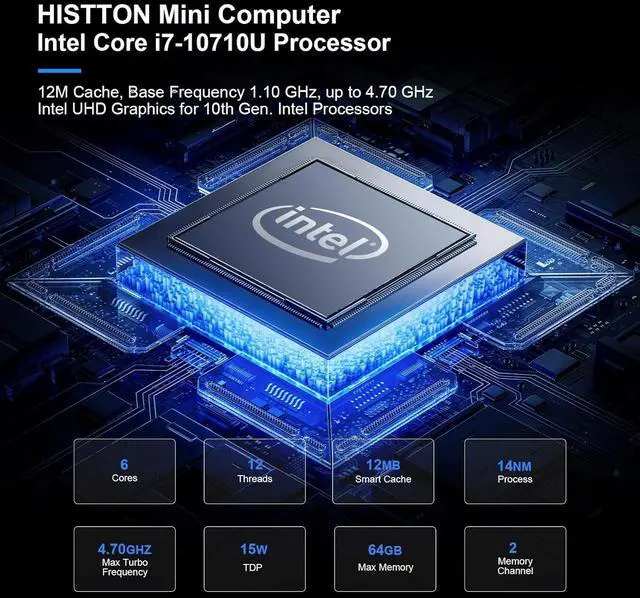
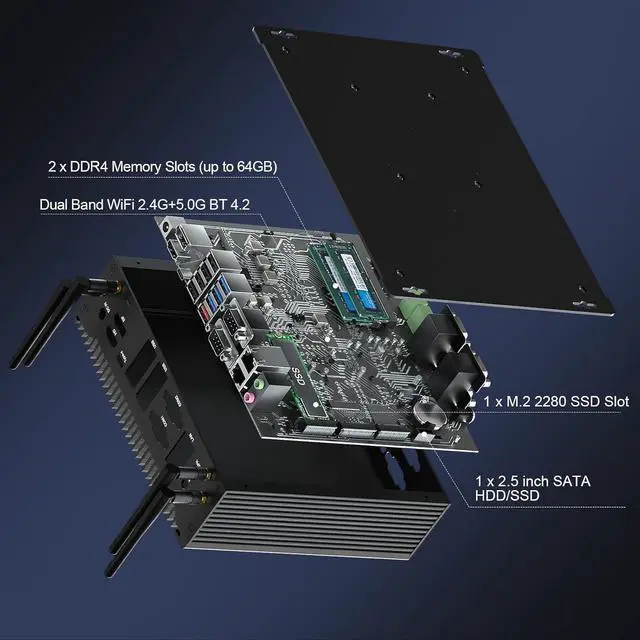
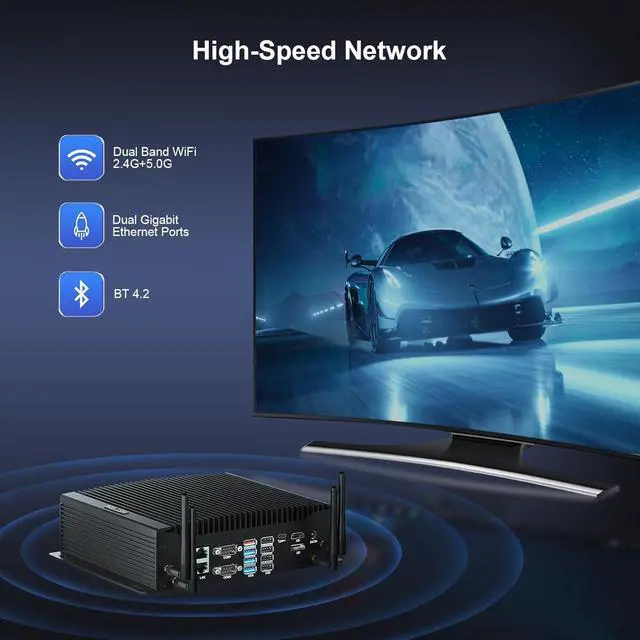
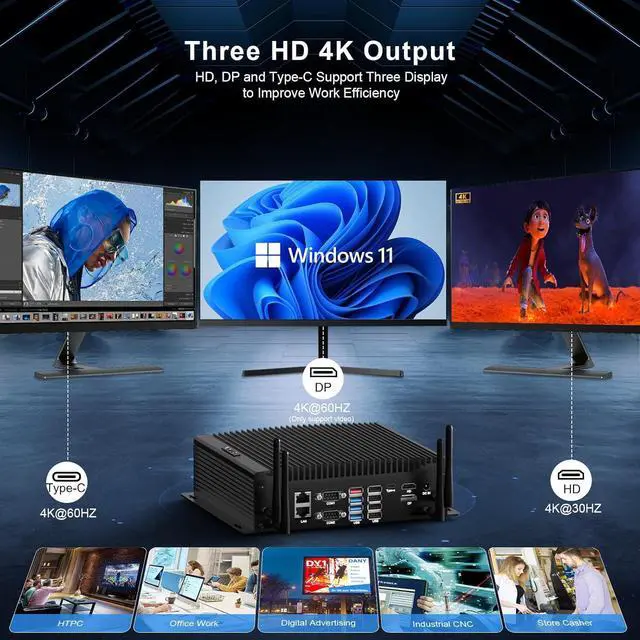
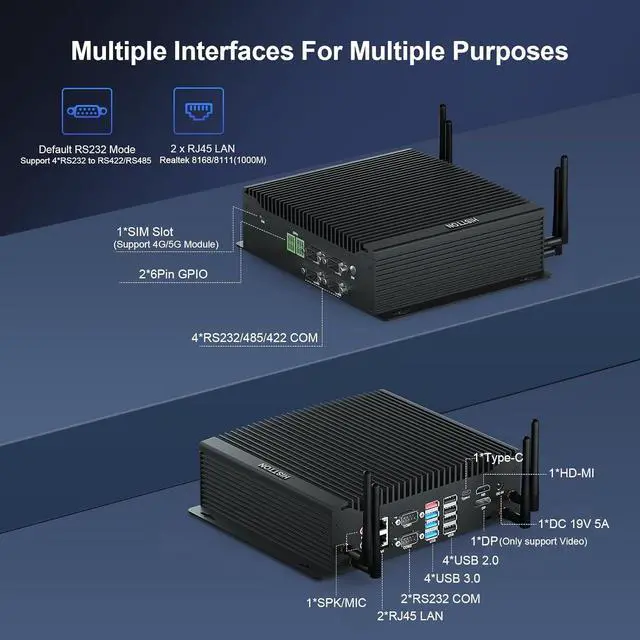
CPUIntel Core i7-10710U (12M Cache, 6 Cores 12 Threads, Base Frequency 1.10 GHz Burst Frequency 4.70 GHz)GraphicsIntel UHD Graphics for 10th Gen CPUMemory (RAM)Dual channel, 2 × 260 pin DDR4 SO-DIMMs, Max 64GB (32GB × 2)Storage1 x M.2 2280 NVME PCIE 3.0x 4 / SATA 3 SSD and 1 x 2.5 inch SATA HDD/SSDVideo1 x HD 1.4 4K 30Hz, 1 x Type-C 4K 60Hz and 1 x DP 4K 60Hz(video only)COM6 * DB 9 pin COM, supports 6 RS232 or 2 RS232+4 RS422/RS485 (COM1/2 only supports RS232, COM3/4/5/6 supports RS232/RS422/RS485)GPIO2 * 6 pin GPIO (Default 8 outputs, 2 sets of 5V+GND power supply)SIM1 * Nano SIM card slot, suitable for Nano SIM card(12.3mm*8.8mm), support 4G/5G module (not included by default)WiFi & BTAC3165(WIFI5) BT 4.2 is installed by default. Optional WIFI6 BT 5.2Power Specification19V 4.74A Power InputSystemPreinstall Windows 11 Pro, support Win10, Win11, Linux (Ubuntu\Debain\Rocky Linux\Vmware Esxi)LanguageEnglish as defaulted (Support pre-installed designated language system. Case MaterialAluminum AlloySize & Weight9.05 * 7.16 * 2.55 inches (4.18 lb) 1Core-i7-10710U2RAM & Storage3Triple Displays4WiFi & BT1Multiple Ports2Multiple Functions3Installation Diversity4Packing List Q2: How to set auto power on?
The automatic power-on function is enabled by default. If this function is not needed, 1. Open the bottom cover when the power is off; 2. Find the JPWR1 pin header on the motherboard and move the jumper on the pin header to pin1 and pin2.
Q3: Does the mini computer make noise during work?
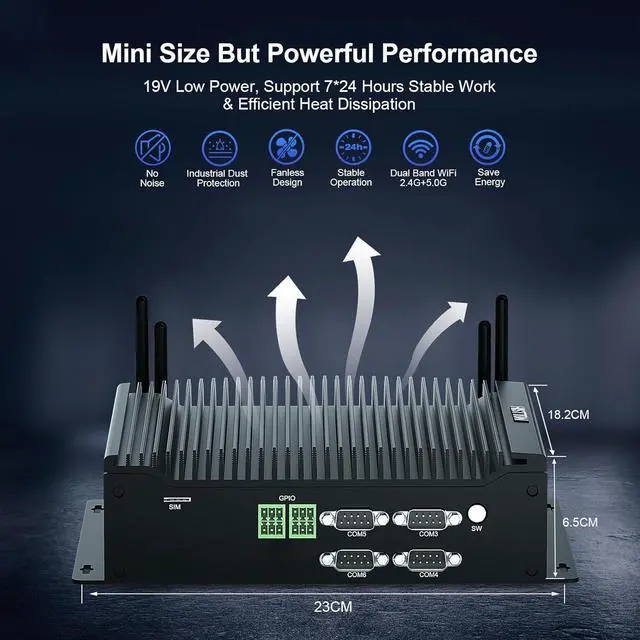
Fanless design, noise-free, 29mm ultra-thin brushed aluminum shell, the cooling effect is very good, the temperature control at 40-50 degrees, This mini computer is also very energy efficient, with power consumption as low as 15W.
Q4: The computer blue screen?
We recommend that you try booting the computer several times. If the problem persists, reinstall the system. If the blue screen persists after reinstalling the system, consider the memory, hard disk, or CPU as the problem.
HISTTON H4-T Fanless Industrial Mini PC with Core i7-10710U Processor Q1: Is Windows 11 Pro already installed?
Q2: How to set auto power on?
Q3: Does the mini computer make noise during work?
Q4: The computer blue screen?