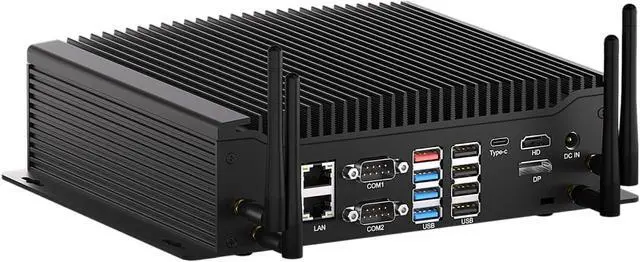
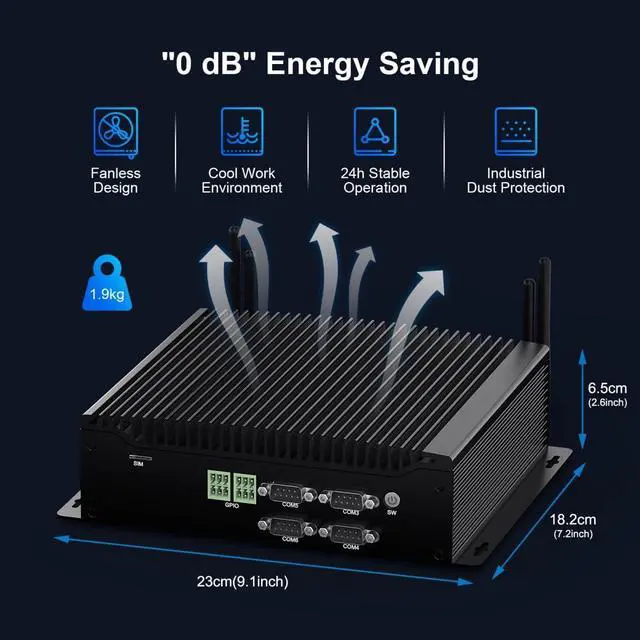
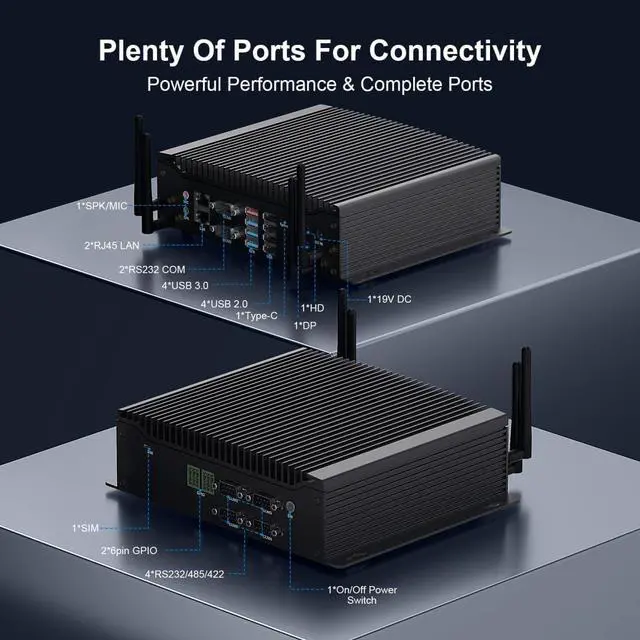
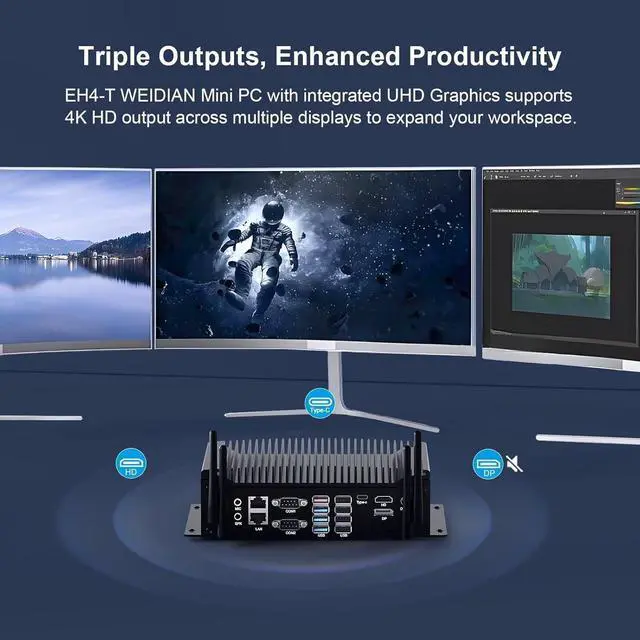
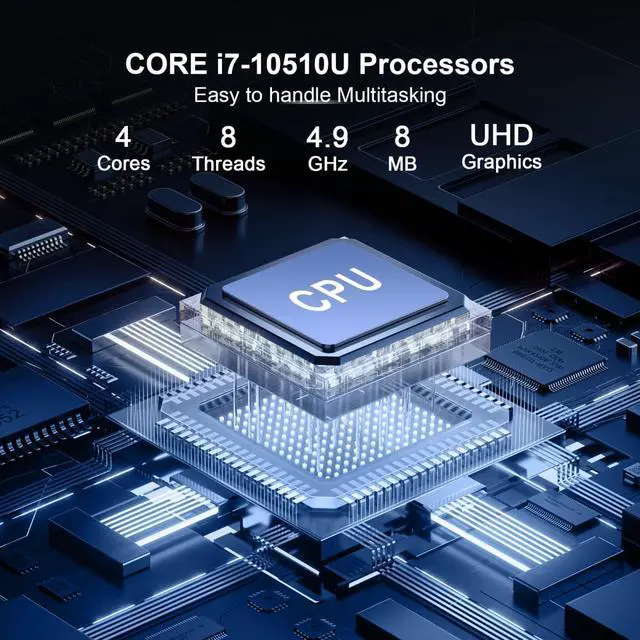
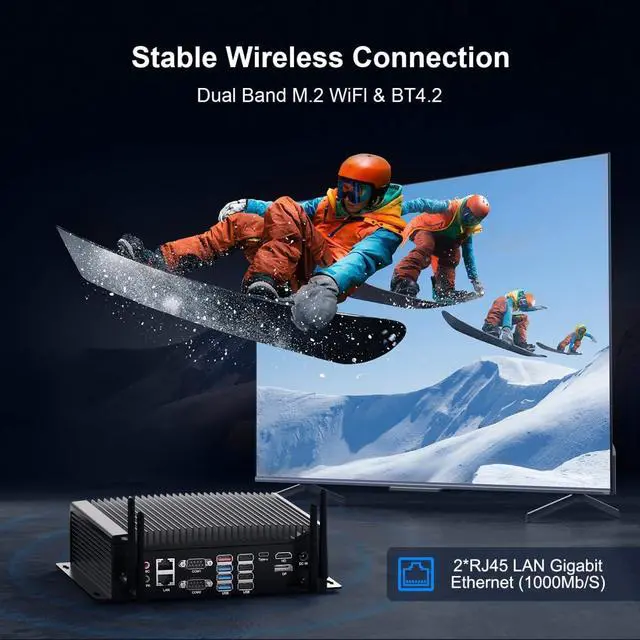
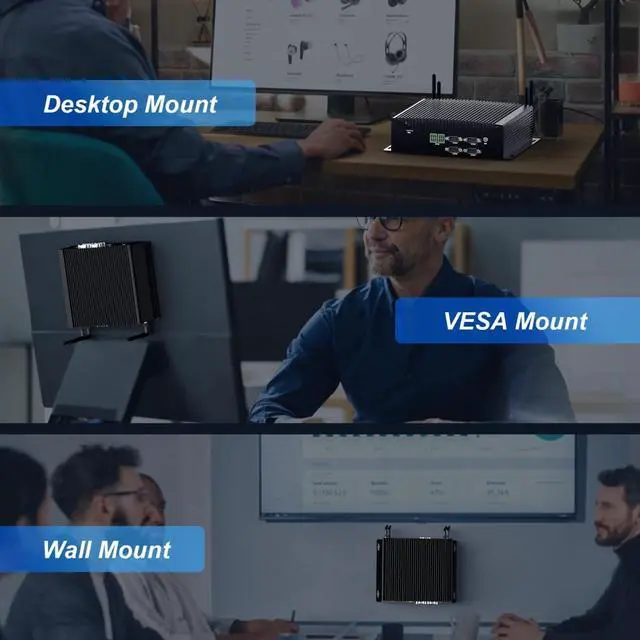
CPU & GPUi7-10510U (4 cores, 8 threads, base frequency: 1.8GHz, max frequency: 4.9GHz, CPU Mark: 6409) & UHD Graphics (Integrated Graphics )Memory (RAM)2 x DDR4 RAM 260pin SODIMM (Max 64GB)StorageSupport 1 x M.2 2280 NVME PCIE3.0x4/SATA SSD (Max 2TB) and 1 x SATA 3.0 slot for 2.5'' HDD/SSD (Max 6TB, thickness 9mm)WiFi & BTDual band antenna + BTOperating SystemSupport Win11 Pro (support Win10/Linux (Ubuntu/Debain/Rocky Linux/Vmware Esxi))LanguageDefault English language (you can set your favorite language)Antenna interfaceSupport WIFI module or 4G/5G module(not included by default)FunctionSupports TPM2.0, Wake on Lan, Auto Power On (BIOS/motherboard JPWR1 jump cap implementation), Wake System From RTC Alarm, Watchdog, PXE (only supports UEFI boot mode).COM Ports6*DB 9pin COM (supports 6 RS232 or 2 RS232+4 RS422/RS485) ; (COM1/2 only supports RS232, COM3/4/5/6 supports RS232/RS422/RS485)Display Output1*Type-C 4K 60HZ + 1*HD 4K 30HZ (supports audio/video transmission) + 1*DP/EDP 4K 60HZ(supports video transmission only, doesn't support hot-plugging)Rich Ports2*RJ45 I210/211(1000M) + 6*COM + 2*6pin GPIO + 4*USB2.0 + 4*USB3.0 + 4*WIFI antenna + HD + Type-C + EDP + MIC&SPK 3.5MM + Power SW + DC-IN + Nano SIM portMaterial & NoiseAluminum housing & Fanless SystemPower Adapter19V 4.74A (90W); (DC 5.5*2.5MM)PC Size/Weight23.0 x 18.2 x 6.5cm 1.9kg = 9.1 x 7.2 x 2.6inch 4.2 lbsOperating Environment-1055 Common motherboard interfaces1*9Pin Fp1 pin header; 1*4pin CPU_FAN pin header; 1*19pin TPM pin header; 1*3pin JPWR1 pin header; 1*2pin CMOS recovery pin header; 1COM + GPIO2Powerful CPU3Expandable RAM SSD HDD How to enter the BIOS?
"Delete" key to enter the BIOS, "F11" to enter the quick startup item.
There is nothing display on monitor , what can I do ?
When using WEIDIAN mini pc and find that all indicators are showing and RAM is correctly inserted but nothing is showing, this could be due to a CMOS error, you need to remove the CMOS battery and start the computer again.
How to set auto power on function ?
Auto Power On can be achieved by setting the BIOS or moving the motherboard JPWR1 jumper. You can consult WEIDIAN Mini PC - Dannie for details.
How to use GPIO?
For GPIO needs, our hardware supplier can supply the "GPIO Hardware Pin Definition" PDF, but no more professional software support. Users can refer to PDF and code by themselves based on their needs.
1. Check if the system has been updated recently. If yes, try to uninstall the updated patch.
2. Check if the system is infected with viruses, try to use an anti-virus program to scan and kill the entire disk.
3. Check if the driver has been updated recently, try to uninstall the updated driver.
4. Try to reinstall the operating system.
5. Please take pictures or video of the blue screen code, and contact the supplier for help.
Most blue screen issue is caused by software or OS. We will provide lifetime online support.
Parameters of EH4-T WEIDIAN Fanless Industrial Mini PC Core i7-10510U WEIDIAN i7 Industrial Mini Desktop PC Supports Triple Screen Displays How long do you provide the service when any problem with this mini desktop pc ?
How to enter the BIOS?
There is nothing display on monitor , what can I do ?
How to set auto power on function ?
How to use GPIO?
Kind tips: Repeated blue screen during startup or use, any solutions ?