

Currently sold out
  • $26.99
  • $29.97
  • Save: $2.98 (9%)
  • Free 30-day Returns
Price alert
Shop it at NeweggBusiness.

Meet Your Seller

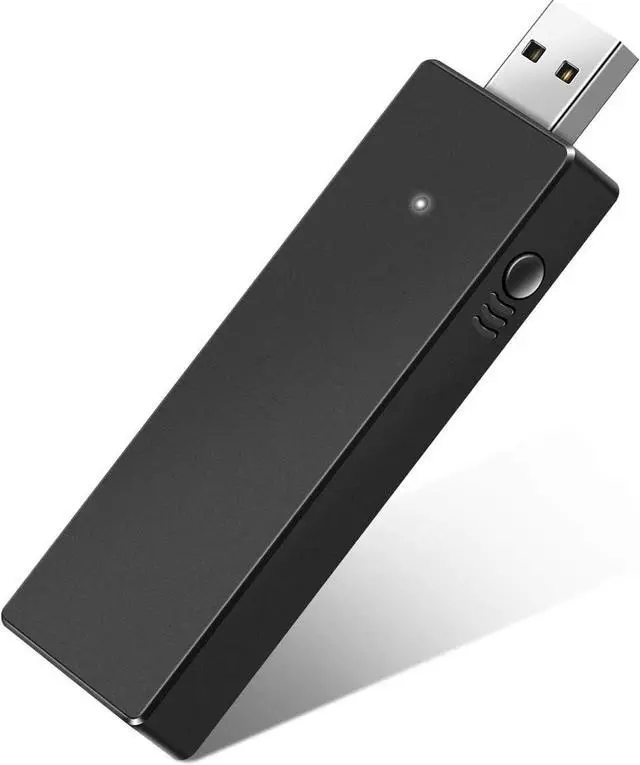
Bailink Wireless Adapter for Xbox Works for Windows 10 Compatible with Xbox One Controller, Xbox One X, Xbox One S and Elite Series Controller,Connect Up to 8 Controllers

Limited time offer, ends 01/11 By KOUKJU Store

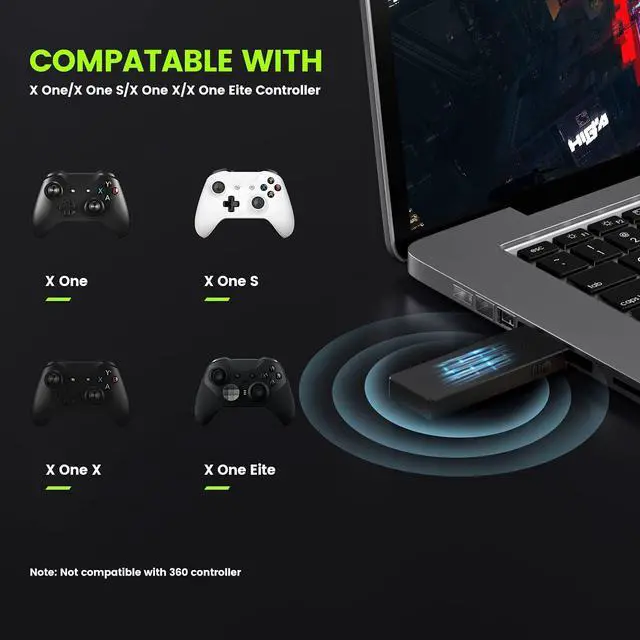
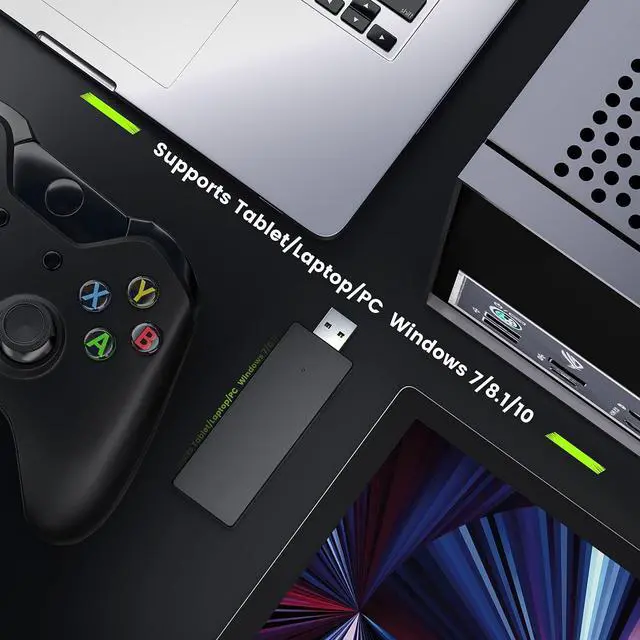
  • Widely Compatible :You can play games on PC, laptops or tablets running Windows 10 11 with USB 2.0/3.0. Compatible with Xbox one controller, Elite Series, Xbox one X, Xbox one S controller.[Not compatible with Xbox 360 controllers]
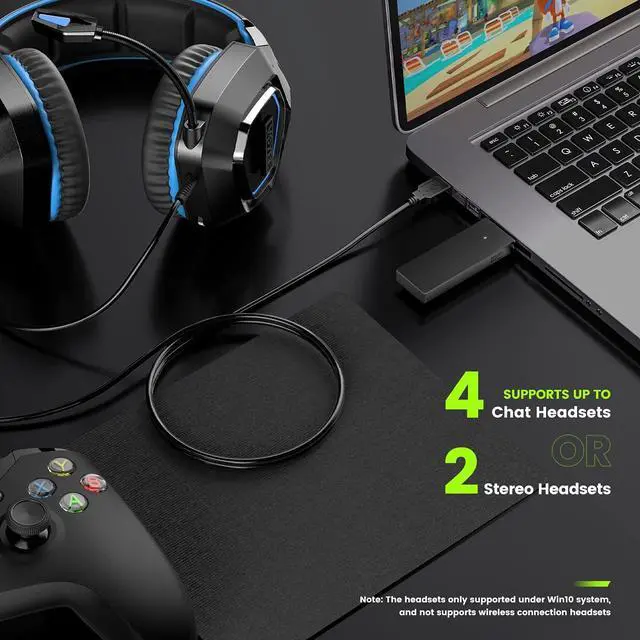
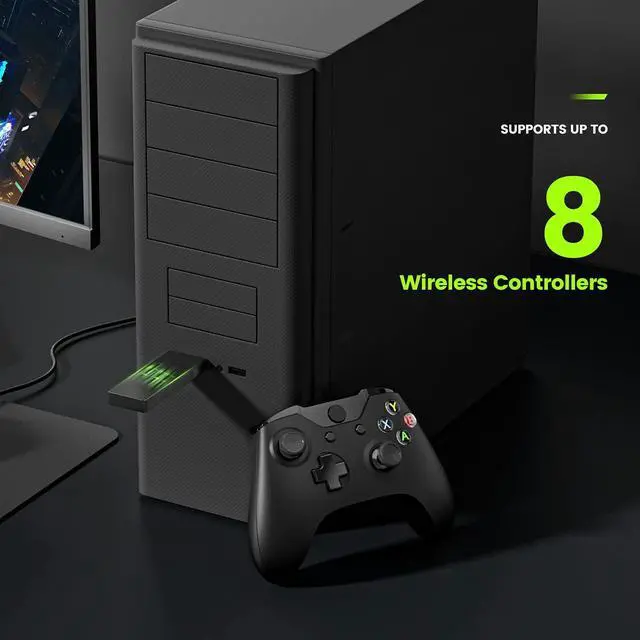
  • Use up to 8 controllers :Supports 8 simultaneous connections to game controllers, plus up to 4 chat headsets or 2 stereo headsets.(Note: The wireless headset must be specially designed for Xbox, and only supported under WIN10! Universal wireless headset will not connected).
  • Easy to Use :Just simply plug this Xbox wireless adapter into PC then you can play game as Xbox.
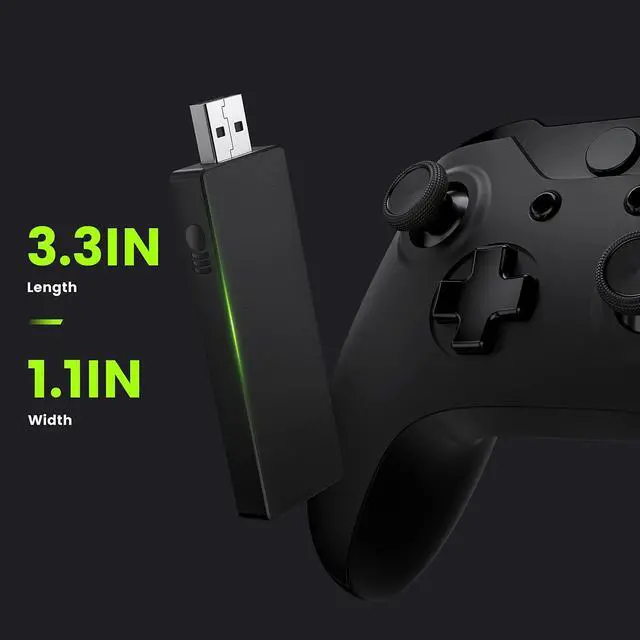
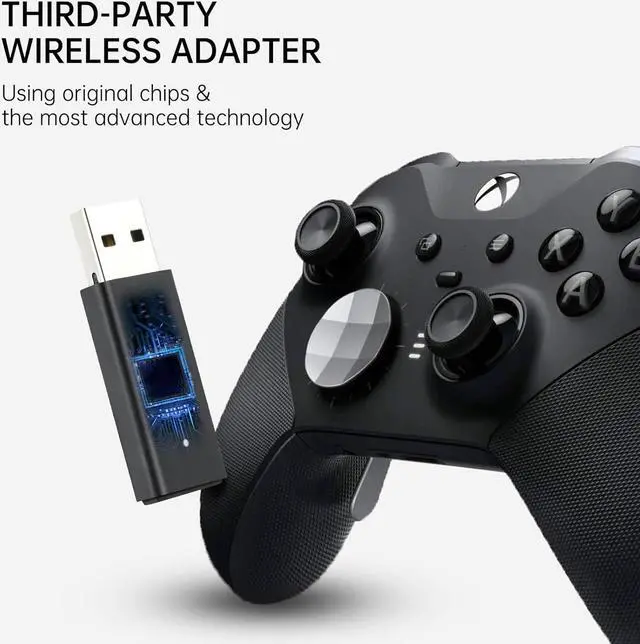
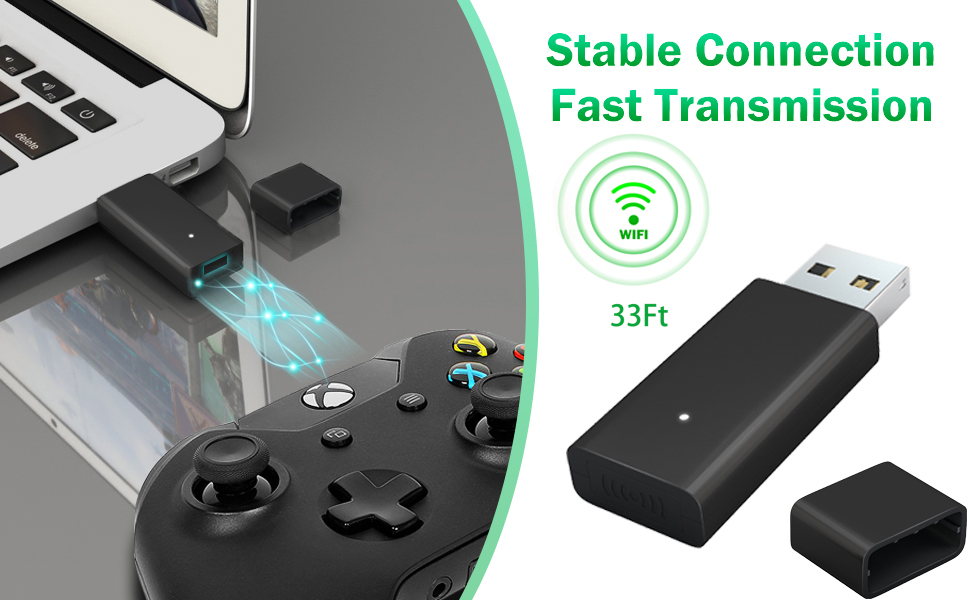
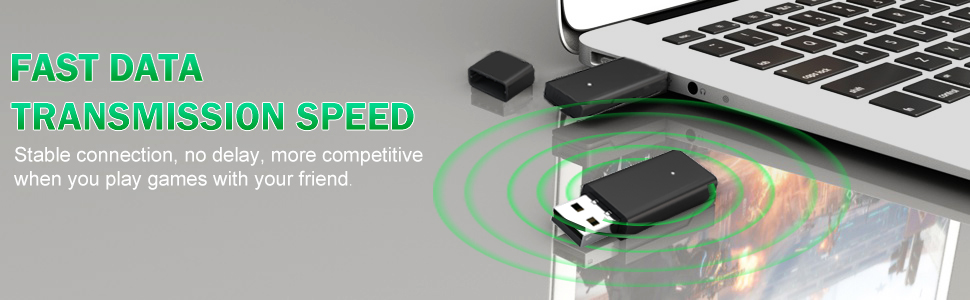
  • Smaller and Stronger :Using the latest technologies, smaller and stronger than others. No delay and larger transmission range, stable transmission. Have fun with your friends.
  • What you get : 1 x wireless adapter, 1 x instruction. 30 days refund, 365 days replacement warranty, 24*7 email support.
+
+
Overview
Specs
Reviews
avatar

Any questions? Our AI beta will help you find out quickly.

Wireless Adapter for Xbox

Why do you need it?

  • Bluetooth of PC is weakly, just 9ft connection range
  • Bluetooth of PC can't connect 8 controllers and chat headset
  • Bluetooth of PC disconnect frequently and delay


Use Instructions (for WIN 10, 8.1, 7)

  • 1.Plug the adapter into USB ports.
  • 2.WIN 10: waiting 10 seconds for Installing driver automatically. WIN 8 7: need to install driver manually.
  • 3.Press the pairing button on the Wireless Adapter 3 seconds (it starts to flash)
  • 4.Press the pairing button on the top of the controller (the raised button).(Xb button starts to fast flash)
  • 5.Wait for pairing, LED keep light and don't flash: pair successfully
  • 6.Pair more controllers: Press the pairing button on the Wireless Adapter 1 second it starts to flash, repeat 4) and 5).

    Note: If the light does not flash, please install a driver for your PC and update controller firmware.
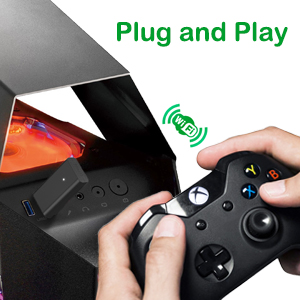
Plug and Play
Plug and Play

Plug the adapter on your windows device and the installation will be performed automatically(in WIN 10). [Note: you need to download drivers on Microsoft's site if you use WIN 7 or WIN 8.]
Plug the adapter on your windows device and the installation will be performed automatically(in WIN
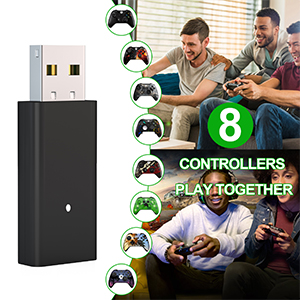
Use up to 8 controllers

Supports 8 simultaneous connections to game controllers, 33 ft wireless transmission, no delay. Get the leading edge and play at a more competitive level.
Plug the adapter on your windows device and the installation will be performed automatically(in WIN
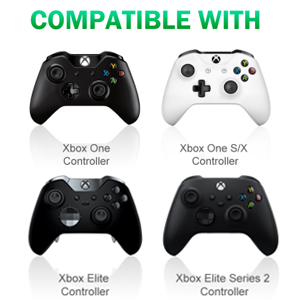
Widely compatible

This Xb wireless adapter is compatible with Xb one controller, Elite Series , Xb one X/S controller. [Not compatible with Xb 360 controllers and rock band guitars.]
Wireless Adapter for Xbox
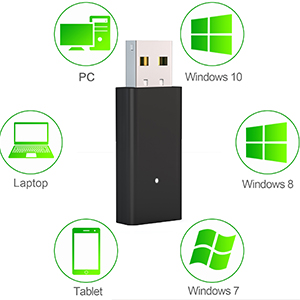
The best gaming experience

Play with your Xb Wireless Controller on PC, laptops and tablets running Windows 10 with USB 2.0/3.0 port. You can get the same gaming experience you are used to on Xb.
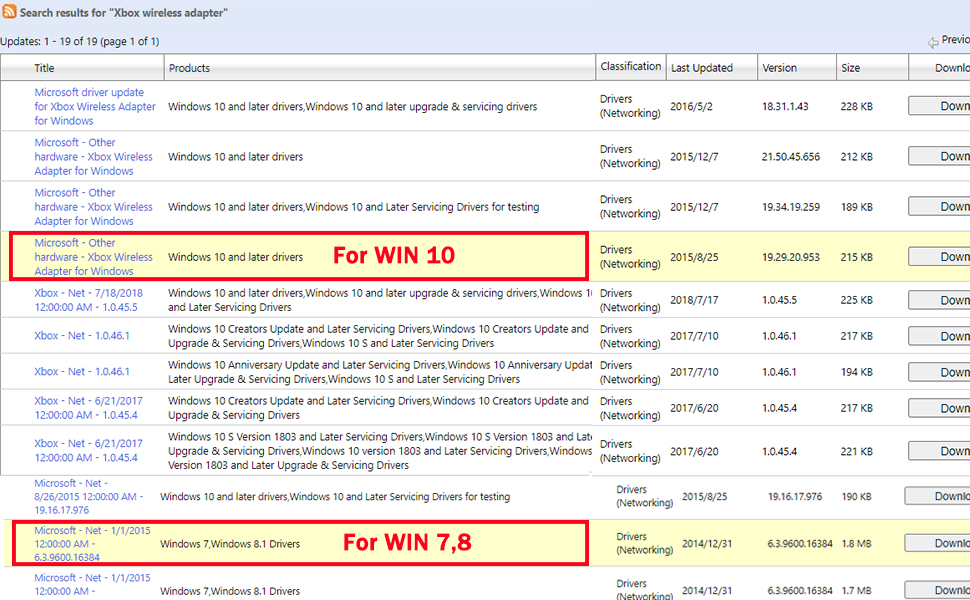
Manually install driver

Manually install driver

Try to update driver maybe resolve everything.

1.Enter website : Search ''Microsoft Update Catalog'', search "Xbox wireless adapter" in search box. Find the version file corresponding to your windows (a driver that does not match your windows will cause adapter to not work), downloaded file to a memorable folder. The WIN 10 driver title: ''Microsoft - Other hardware - Xb Wireless Adapter for Windows''

2.Click Start, type Device Manager, and press Enter. Left click Network adapters, Right click "Xb Wireless Adapter for Windows" and choose "Update Driver." Select "Browse my computer for driver software." Browse for the folder that you extracted the driver to in step 1. Then choose next.

3.After successful driver update, reboot computer. Press the pairing button on the Wireless Adapter 3 seconds, which should now start slowly blinking. Hold down button on your XB wireless controller for syncing, and two should link up.


Note: Adapter LED didn't light up after pressing button 3 seconds or disconnect randomly, You should:

1) download/update driver

2)use USB extension cable

3)Restart the controller
Wireless Adapter
Why do you need it?

Bluetooth of PC is weakly, just 9ft connection range
Bluetooth of PC can't connect 8 controllers and chat headset
Bluetooth of PC disconnect frequently and delay
Use Instructions (for WIN 10, 8.1, 7)

1. Plug the adapter into USB ports.

2.
WIN 10: waiting 10 seconds for Installing driver automatically.
WIN 8 7: need to install driver manually.

3. Press the pairing button on the Wireless Adapter 3 seconds (it starts to flash).

4. Press the pairing button on the top of the controller (the raised button). (Xb button starts to fast flash).

5. Wait for pairing, LED keep light and dont flash: pair successfully!

6.
Pair more controllers: Press the pairing button on the Wireless Adapter 1 second it starts to flash, repeat 4) and 5).

Note: If the light does not flash, please install a driver for your PC and update controller firmware.

Plug and Play
Plug the adapter on your windows device and the installation will be performed automatically (in
WIN 10). [Note: you need to download drivers on Microsoft's site if you use WIN 7 or WIN 8. ]

Use up to 8 controllers
Supports 8 simultaneous connections to game controllers, 33 ft wireless transmission, no delay. Get the leading edge and play at a more competitive level.

Widely compatible
This Xb wireless adapter is compatible with Xb one controller, Elite Series, Xb one X/S controller. [Not compatible with Xb 360 controllers and rock band guitars. ]

Manually install driver

Try to update driver maybe resolve everything.

1.
Enter website: Search Microsoft Update Catalog, search "Xbox wireless adapter" in search box. Find the version file corresponding to your windows (a driver that does not match your windows will cause adapter to not work), downloaded file to a memorable folder.
The WIN 10 driver title: Microsoft - Other hardware - Xb Wireless Adapter for Windows

2. Click Start, type Device Manager, and press Enter. Left click Network adapters, Right click "Xb Wireless Adapter for Windows" and choose "Update Driver. " Select "Browse my computer for driver software. " Browse for the folder that you extracted the driver to in step
1. Then choose next.

3. After successful driver update, reboot computer. Press the pairing button on the Wireless Adapter 3 seconds, which should now start slowly blinking. Hold down button on your XB wireless controller for syncing, and two should link up.

Note: Adapter LED didnt light up after pressing button 3 seconds or disconnect randomly, You
should:

1) download/update driver

2)use USB extension cable

3)Restart the controller

Warranty & Returns

Warranty, Returns, And Additional Information

Warranty

  • Please contact the Seller directly for warranty information. Warranty information may also be found on the Manufacturer's website.
  • CONTACT

Return Policies

Manufacturer Contact Info

LOADING...