




IINE Retro Controller Comparison Table
 IINE Pocket Controller PC |  IINE Pocket Controller NS |  IINE Ananke Gen 1 |  IINE Ananke Gen 2 |  IINE Gamebrick Controller | |
|---|---|---|---|---|---|
Customer Reviews | — | — | — | — | — |
Price | — | — | — | — | — |
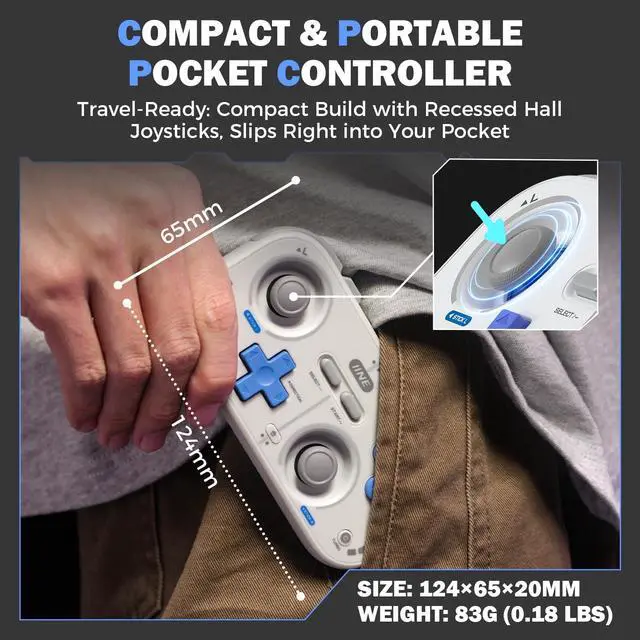
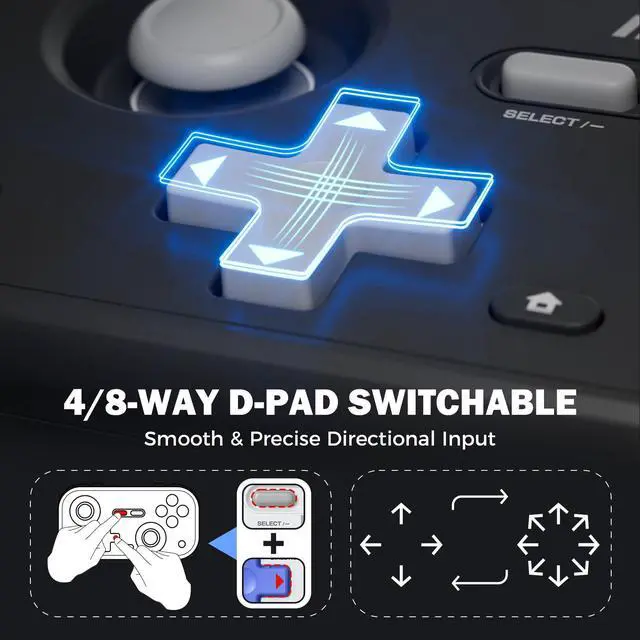
Size (in) | 4.88*2.55* 0.78 | 4.88*2.55* 0.78 | 2.76*1.69*0.63 | 2.75*1.61*0.66 | 1.92* 0.66*1.33 |
Weight (lb) | 0.18 | 0.18 | 0.07 | 0.07 | 0.04 |
Switch Wake-up | v | v | v | v | × |
Turbo (Auto-fire) | v | v | × | × | × |
Rumble | v | v | × | v | × |
ZL/ZR Buttons | v | v | v | v | × |
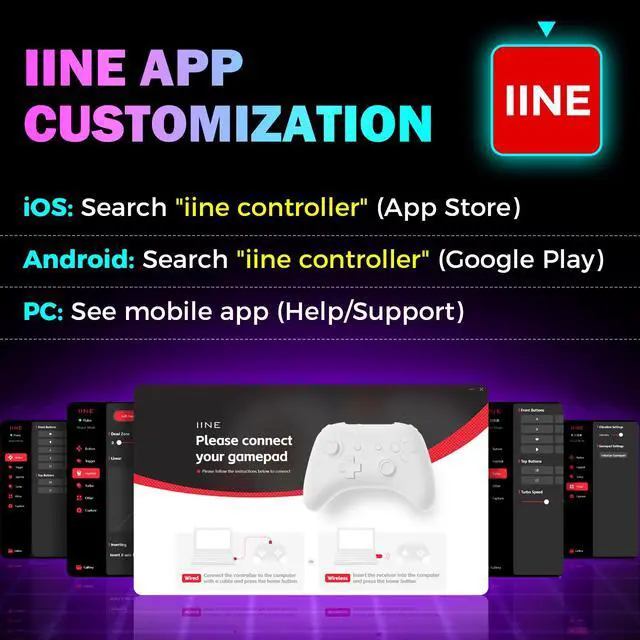
IINE App Support | v | v | × | v | v |
Button Remapping | v | v | × | v | v |
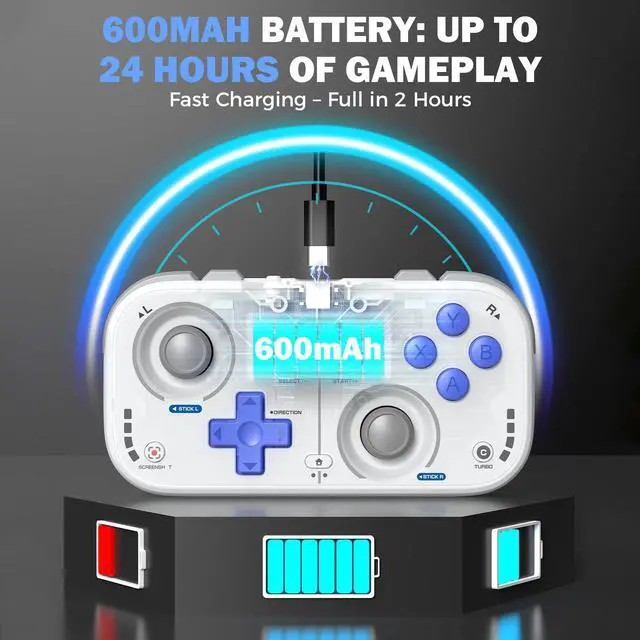
Battery | 600mAh | 600mAh | 200mAh | 200mAh | 150mAh |
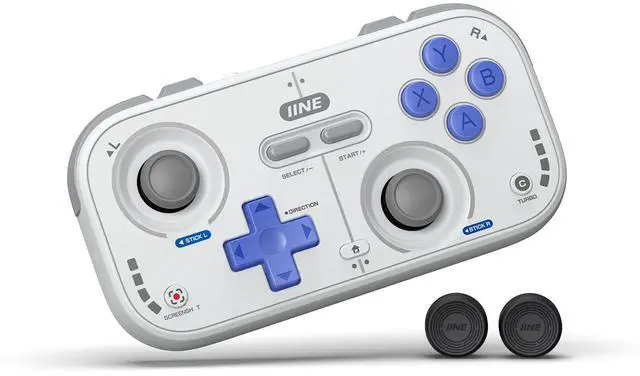
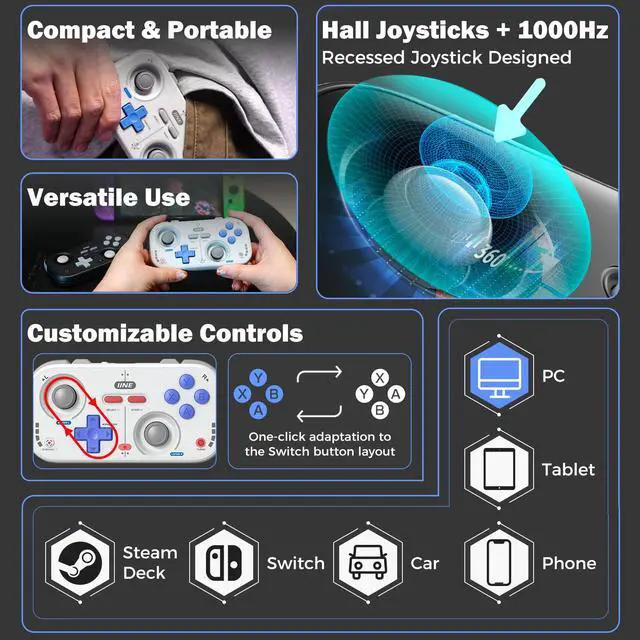
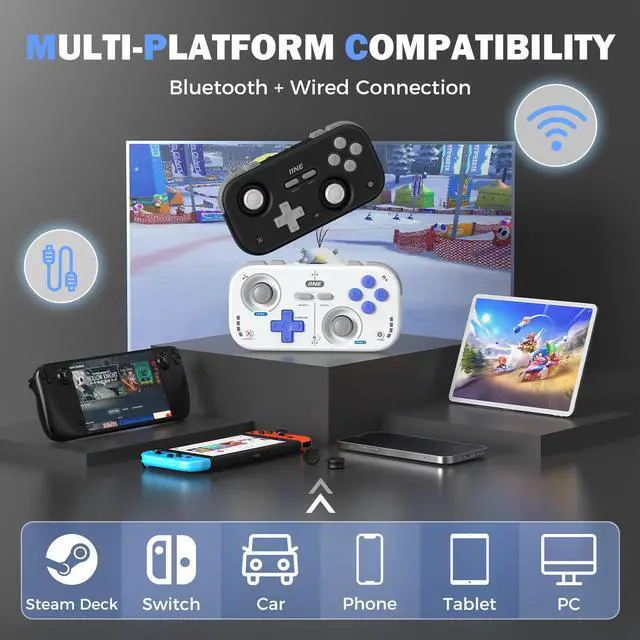
IINE Retro Pocket Wireless Game Controller
Merchant Video


How to connect different devices?
Android: Hold [Pairing] + [A] 3s, select ‘IINE Gamepad’
IOS: Hold [Pairing] 3s, select ‘Xbox Wireless Controller’
Switch: Hold [Pairing] + [Y] 2s
PC: Hold [Pairing] 3s
DualShock4 Mode: Hold [Pairing] + [B] 3s, select ‘DualShock4 Wireless Controller’
How to Calibrate the Joysticks on the IINE Retro Pocket Controller?
1. With the controller off, hold [Home + Screenshot] – LED1 flashes slowly (Calibration Mode).
2. Press [A] to start – LED2 flashes slowly.
3. Rotate both joysticks in full circles 3 times each.
4. Press [A] to finish.
How to switch between XINPUT and DINPUT modes?
Hold [Start] + [Select] + [X] button for 3 seconds.

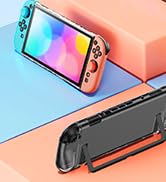
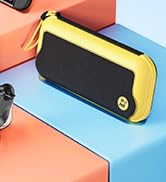



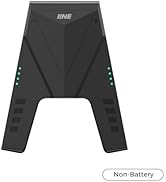
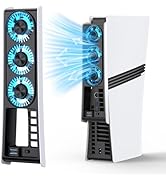
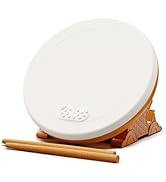
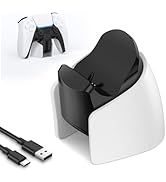
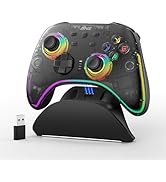
SN2 Essential Protection
Game On, Move Free
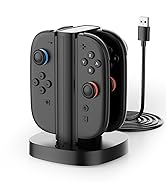
SN2 Joypad Charger
Hot Sales
Controllers
IINE Retro Controller Comparison Table
IINE Pocket Controller PC | IINE Pocket Controller NS | IINE Ananke Gen 1 | IINE Ananke Gen 2 | IINE Gamebrick Controller |
|---|---|---|---|---|
| Customer Reviews | ||||
| — | — | — | — | — |
| Price | ||||
| — | — | — | — | — |
| Size (in) | ||||
| 4.88*2.55* 0.78 | 4.88*2.55* 0.78 | 2.76*1.69*0.63 | 2.75*1.61*0.66 | 1.92* 0.66*1.33 |
| Weight (lb) | ||||
| 0.18 | 0.18 | 0.07 | 0.07 | 0.04 |
| Switch Wake-up | ||||
| v | v | v | v | × |
| Turbo (Auto-fire) | ||||
| v | v | × | × | × |
| Rumble | ||||
| v | v | × | v | × |
| ZL/ZR Buttons | ||||
| v | v | v | v | × |
| IINE App Support | ||||
| v | v | × | v | v |
| Button Remapping | ||||
| v | v | × | v | v |
| Battery | ||||
| 600mAh | 600mAh | 200mAh | 200mAh | 150mAh |
IINE Retro Pocket Wireless Game Controller
Merchant Video


How to connect different devices?
Android: Hold [Pairing] + [A] 3s, select ‘IINE Gamepad’
IOS: Hold [Pairing] 3s, select ‘Xbox Wireless Controller’
Switch: Hold [Pairing] + [Y] 2s
PC: Hold [Pairing] 3s
DualShock4 Mode: Hold [Pairing] + [B] 3s, select ‘DualShock4 Wireless Controller’
How to Calibrate the Joysticks on the IINE Retro Pocket Controller?
1. With the controller off, hold [Home + Screenshot] – LED1 flashes slowly (Calibration Mode).
2. Press [A] to start – LED2 flashes slowly.
3. Rotate both joysticks in full circles 3 times each.
4. Press [A] to finish.
How to switch between XINPUT and DINPUT modes?
Hold [Start] + [Select] + [X] button for 3 seconds.