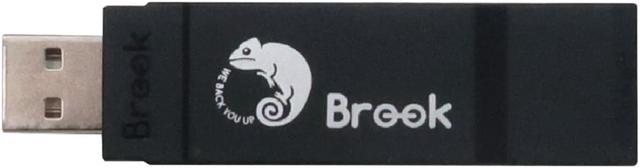
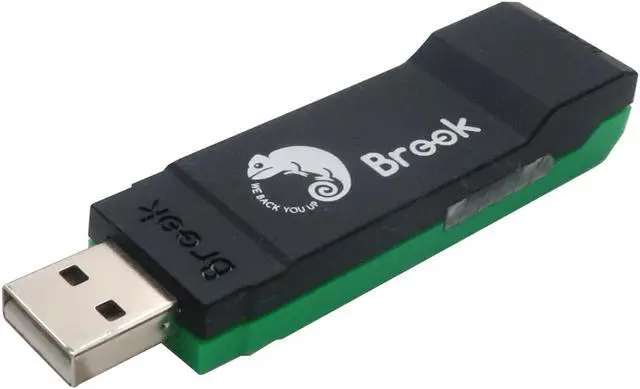
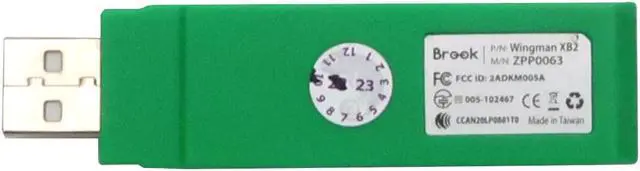
Description:
Enhanced version of previous Wingman XB.
- Supports 125+ modern controllers & sticks.
Includes: USB wired PS5, PS4, PS3, Switch Pro and arcade sticks, wired Sega Astro City Mini/MegaDrive Mini controllers and BT wireless PS5, PS4, PS3, Switch Pro, XSX|S, Xbox Elite 2 and Xbox One S controllers...
- Compatible with PC (X-Input).
- Support 5-level Turbo function (5/10/15/20/25 clicks/s) and remap settings.
- Hot swapping. Auto-register controllers.
- Faster reaction speed and immediate response. Lightweight, portable and USB-sized.
- Firmware upgradable
Note: Xb
Series: XSX|S and Xb One will no longer be supported from November 2023.
WARNING: This product may not be compatible with Xbox One, Xbox Series X, and Xbox Series S consoles due to an Xbox software update.
IMPORTANT:
- Each Wingman XB 2 can only connect to a single device. It supports most of the accessories that are compatible with original factory specifications. To expand the number of supported accessories, firmware will be updated irregularly.
- Please update to latest firmware before use.
- DO NOT support headset/microphone function which is provided by the controller audio jack.
- For wireless Xbox 360 controller, an Xbox 360 gaming receiver is required (not included). For wired use, please use actual wired Xbox 360 controller, NOT wireless controller with play and charge cable.
- For PS5/PS4/PS3/Switch Pro wireless controllers, please use wired connection for the first time. Then, it can be connected wirelessly.
Details
please refer to Manual.
- To use on Xbox Original console, a USB adapter cable is needed (not included).
-To use flight stick, you must use an alternate firmware. Please visit Brook official website to obtain firmware files.
- For a detailed set up instruction and compatibility list, please refer to Brook official website. Subject to Brook's official website





 here!
here!