• $1,199.99
  • Free 30-day Returns
  • Price alert
    Shop it at NeweggBusiness.

    Meet Your Seller

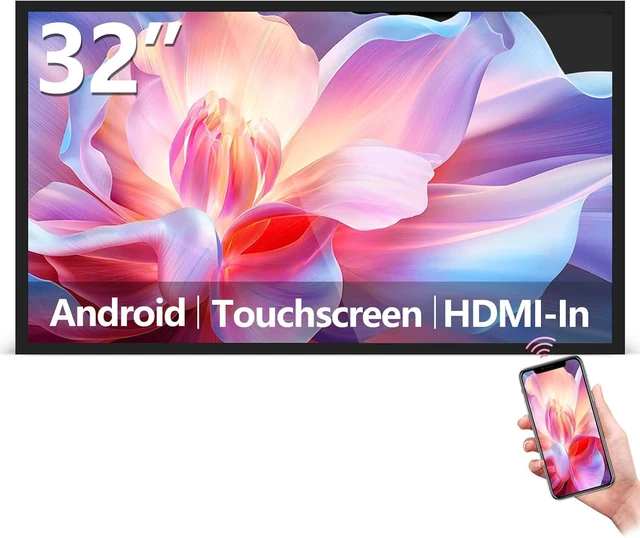
    32" Capacitive Touchscreen Digital Menu Board, Wall Mount Digital Signage, FHD Android 13 Industrial Monitor, Support Smart Split Screen, Reverse Control Laptop, Wireless Screen Mirroring, CMS

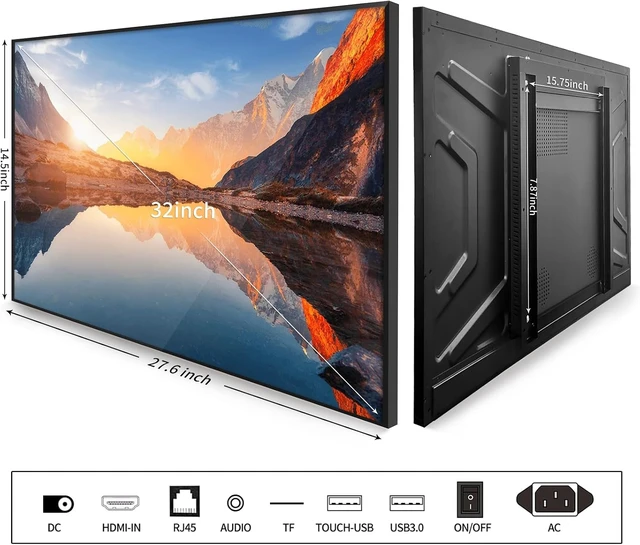
    • Sleek, Ultra-Narrow Bezel Design: This 32 inch wall-mounted monitor features a lightweight aluminum frame with a seamless, flat-wall mount design. Suitable for 24/7 high traffic work environment, it supports both horizontal and vertical mounting with 400x200mm VESA compatibility, blending style and functionality effortlessly
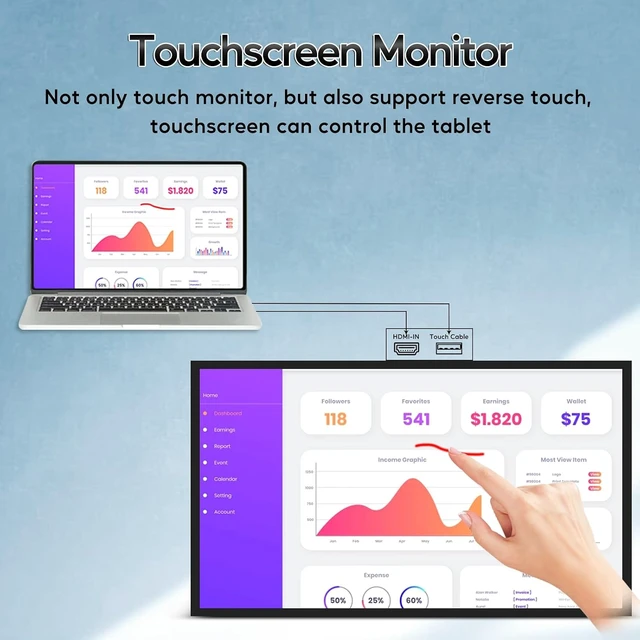
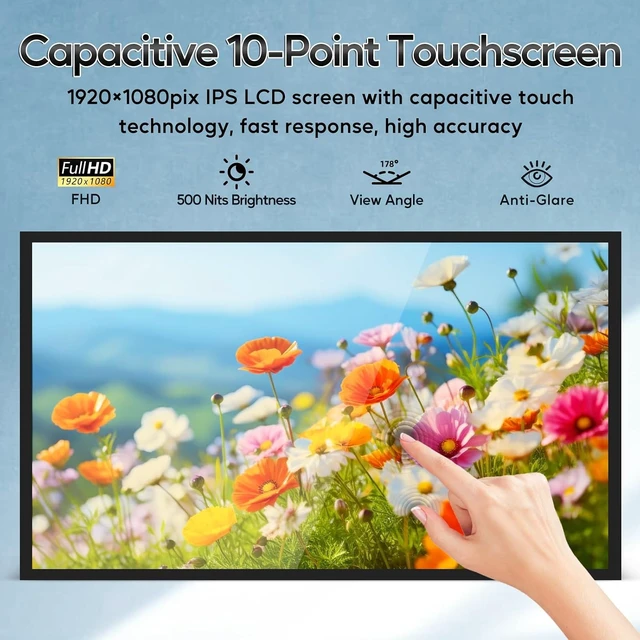
    • Capacitive Multi-Point Touchscreen: 16:9 FHD 1920 x 1080P G+G touch panel, compatible with Windows/Android (not compatible with Mac OS), plug and play via HDMI cable, and support touch reverse control (need to connect Touch USB-A cable). Built-in 2 x 5W speakers
    • Multifunctional External Display: This touchscreen monitor is compatible with computers, laptops, tablets, smartphones, and gaming devices. It can be used as a POS system touchscreen terminal, industrial control system, restaurant menu display, as well as a second display for devices such as PCs and Switch
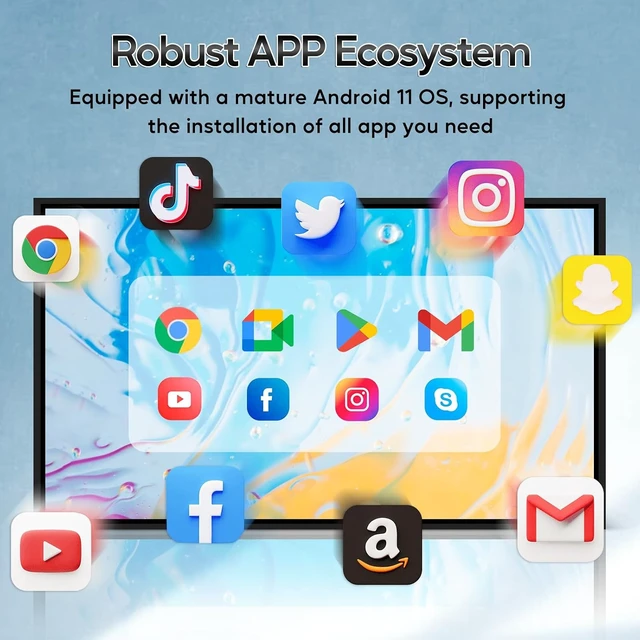
    • Open App Ecosystem: Can download and install any application you need, powered by Android 13 with 4GB RAM and 64GB storage, can handles most tasks with ease. Ideal for indoor settings like malls, restaurants, retail stores, cinemas, and hotels, this interactive kiosk is simple to operate and highly adaptable for various commercial needs
    • 100% Satisfaction Guaranteed: Certified by FCC, CE, RoHS, and 3C, our product comes with good warranty, ensuring reliable performance and peace of mind for your business
    +
    +
    Overview
    Specs
    Reviews

    Any questions? Ask CelesteSM will help you find out quickly.

    4

    5

    1


    1

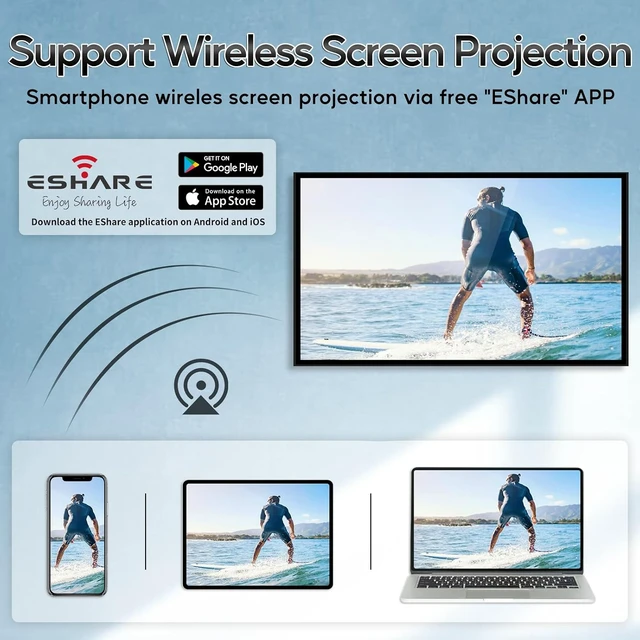
    1. Open the "EShareSever" in the machine's Apps. Follow the instructions at the bottom of the screen.

    8

    2. Install "EShare" APP on your phone.

    Android: Download by scanning code.

    IOS: Download on the APP store.

    9

    3. Connect to WiFi (both connect to the same WiFi), select the machine you want to share the screen with.

    10

    4. Select the screen/picture/video/document you want to transfer on your mobile phone.


    Warranty & Returns

    Warranty, Returns, And Additional Information

    Warranty

    • Please contact the Seller directly for warranty information. Warranty information may also be found on the Manufacturer's website.
    • CONTACT

    Return Policies

    • Return for refund within: 30 days
    • Return for replacement within: 30 days
    • This item is covered by DAOWO Tech Return Policy

    Manufacturer Contact Info

    LOADING...