here!
here!
I’m your shopping assistant for PC builds, upgrades, and everything tech.
Got questions? Ask away!
Start a conversation
here!
I’m your shopping assistant for PC builds, upgrades, and everything tech.
Got questions? Ask away!
Start a conversation
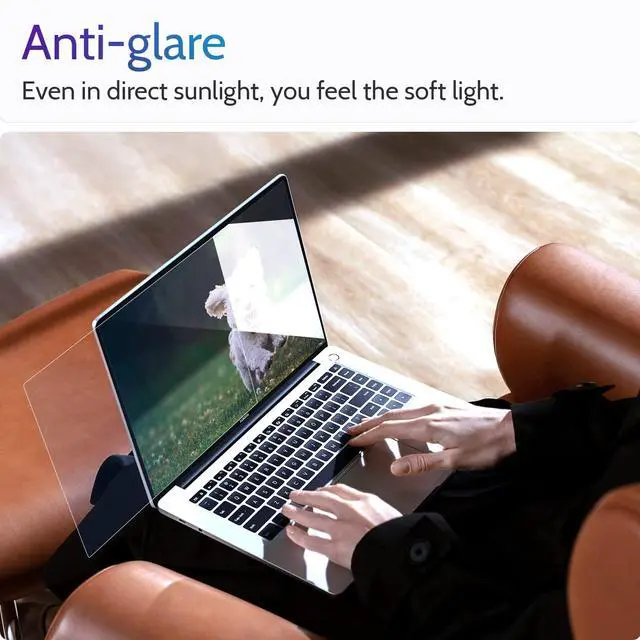
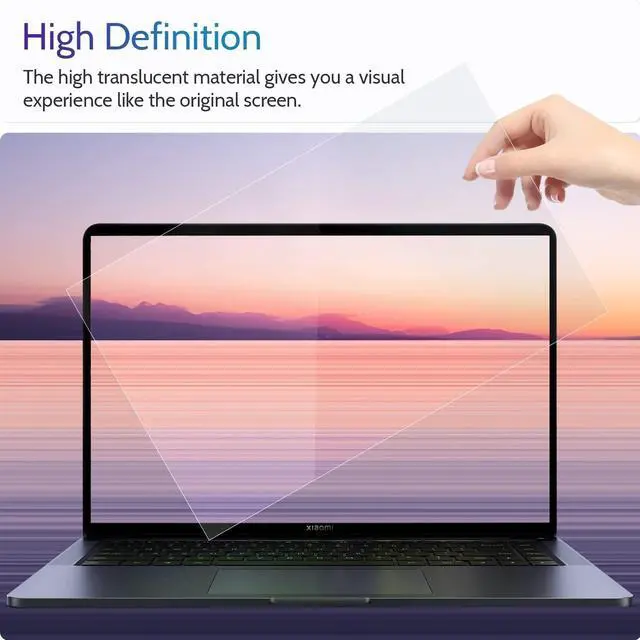
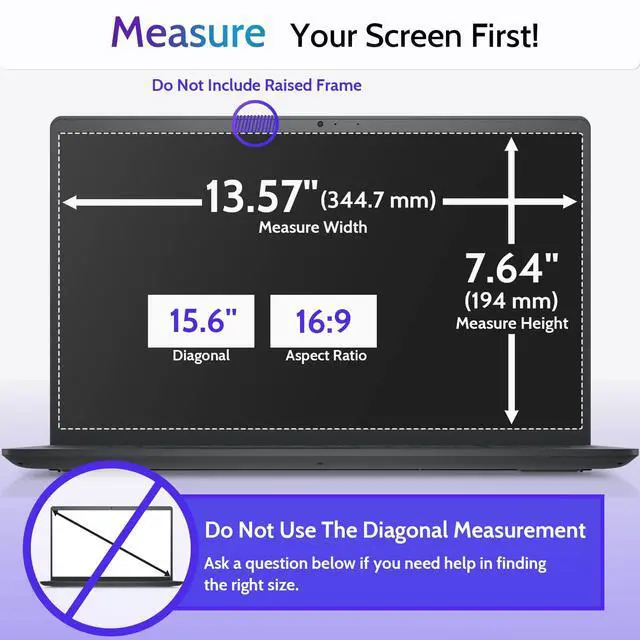
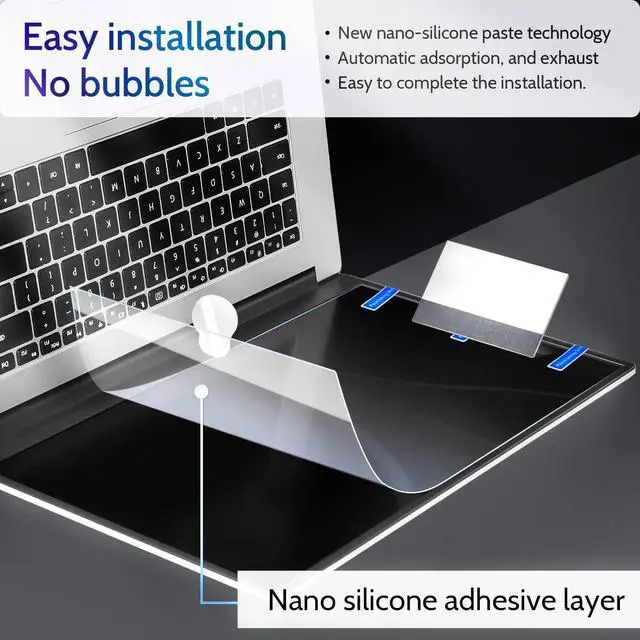



Any questions? Ask CelesteSM will help you find out quickly.


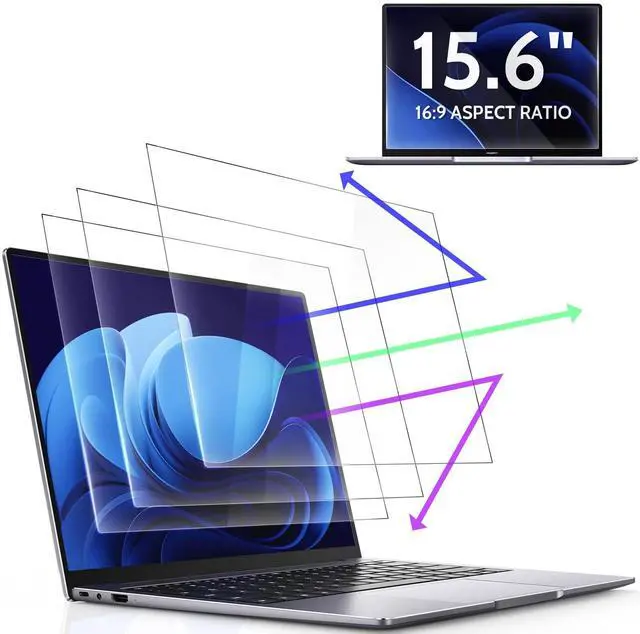
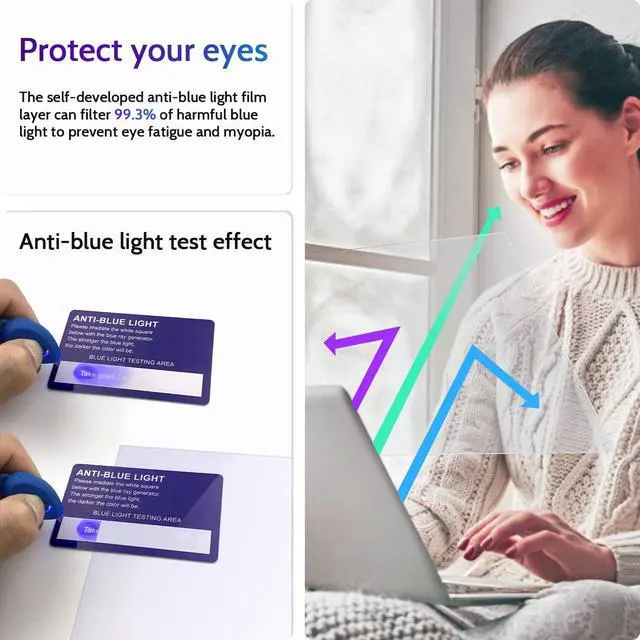
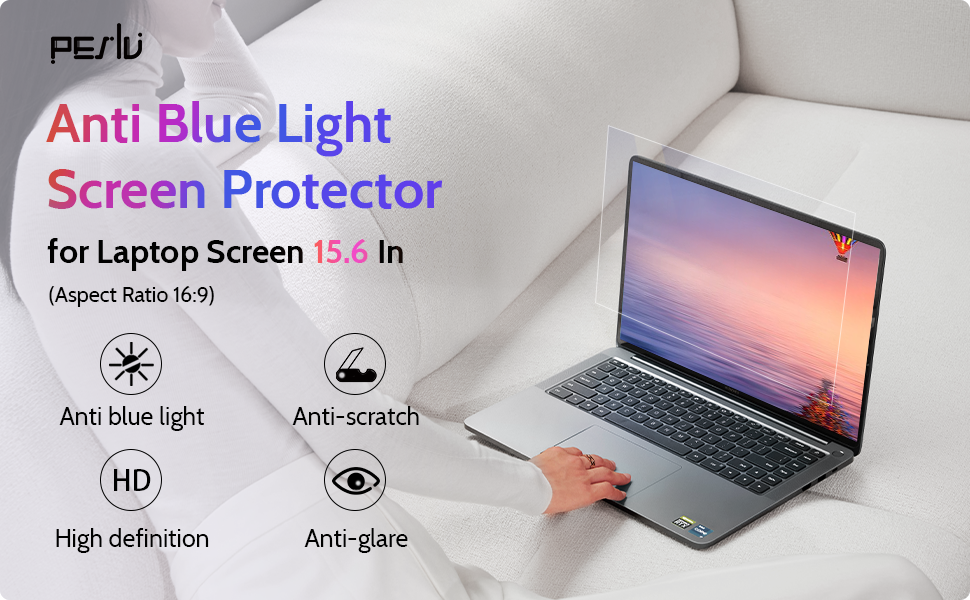
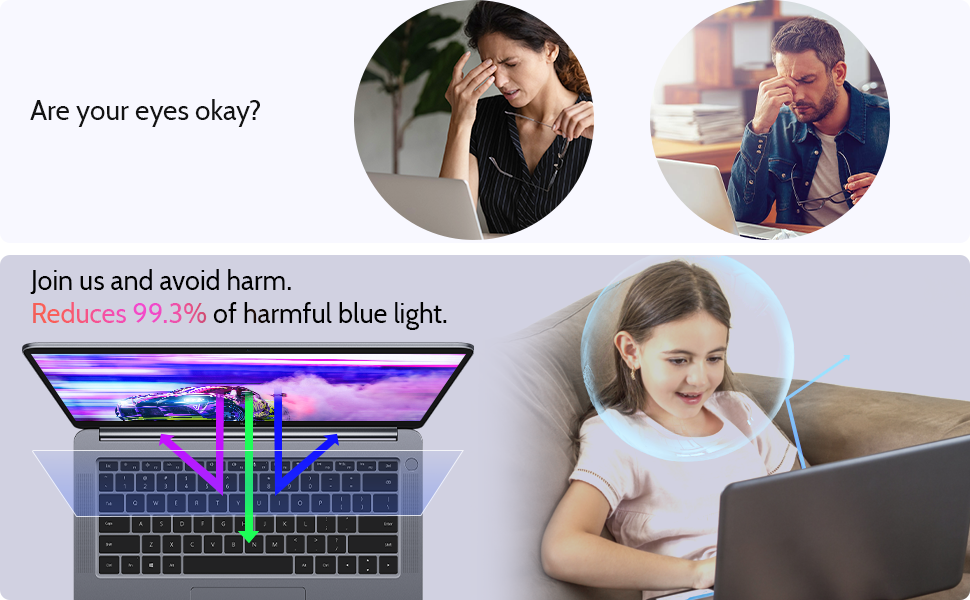
We want you to live without the eye strain and privacy breach of where your next use screen.
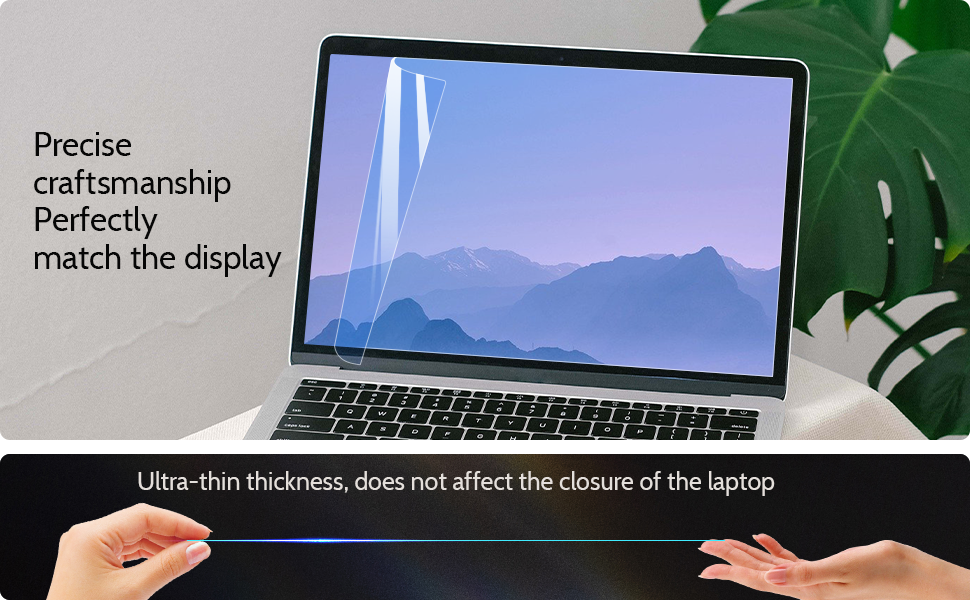
Our screen protectors don't just protect your screen, provide additional features such as privacy, anti-blue light, and more, they offer the tech experience you want with zero restrictions.
We look forward to obtaining your permission and providing lifetime service on all the products we supply.
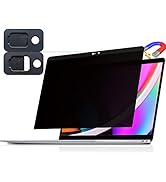
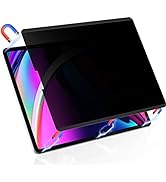
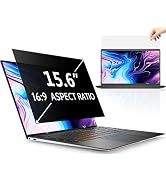
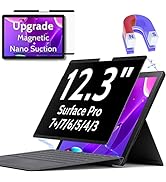
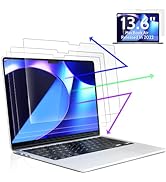
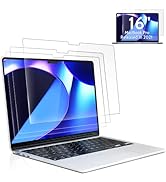
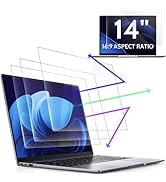
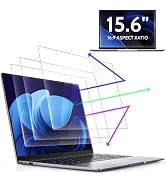
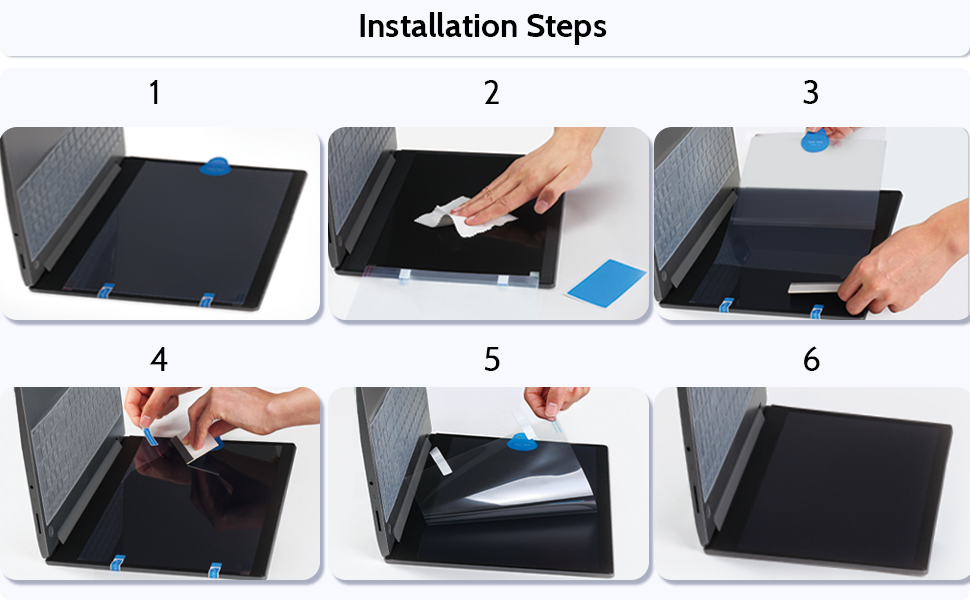
Step 1: As shown in the figure, align the screen protector to the notebook screen, and attach the positioning sticker and gripper. (Note: Face the side labeled "Step 1" toward the laptop screen. Apply the positioning sticker to the same end as the "Step 1" label)
Step 2: As shown in the figure, Flip the screen protector over as shown and clean the screen with a screen cleaning kit and a nanofiber cleaning cloth. (Note: Clean the screen, because dust can easily cause air bubbles)
Step 3: As shown in the figure, grab the gripper, slowly tear the release film with the "Step 1" label, and use the installation tool "scratch card" to slowly roll along the lifted end to make The screen protector fits snugly against the screen.
Step 4: As shown in the figure, if there are tiny air bubbles, please pull up the handle and roll the scratch card to clear it.
Step 5: As shown in the figure, remove all the bubbles, after 5 minutes of rest. Find the label "Step 2", slowly pull it up, and tear it apart to complete the installation.
Step 6: As shown in the figure, the installation is complete.
Step 1: As shown in the figure, align the screen protector to the notebook screen, and attach the positioning sticker and gripper. (Note: Face the side labeled "Step 1" toward the laptop screen. Apply the positioning sticker to the same end as the "Step 1" label)
Step 2: As shown in the figure, Flip the screen protector over as shown and clean the screen with a screen cleaning kit and a nanofiber cleaning cloth. (Note: Clean the screen, because dust can easily cause air bubbles)
Step 3: As shown in the figure, grab the gripper, slowly tear the release film with the "Step 1" label, and use the installation tool "scratch card" to slowly roll along the lifted end to make The screen protector fits snugly against the screen.
Step 4: As shown in the figure, if there are tiny air bubbles, please pull up the handle and roll the scratch card to clear it.
Step 5: As shown in the figure, remove all the bubbles, after 5 minutes of rest. Find the label "Step 2", slowly pull it up, and tear it apart to complete the installation.
Step 6: As shown in the figure, the installation is complete.

We want you to live without the eye strain and privacy breach of where your next use screen.
Our screen protectors don't just protect your screen, provide additional features such as privacy, anti-blue light, and more, they offer the tech experience you want with zero restrictions.
We look forward to obtaining your permission and providing lifetime service on all the products we supply.