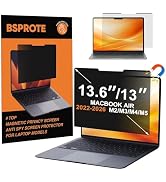
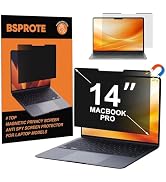
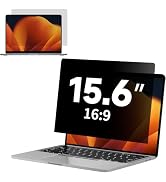
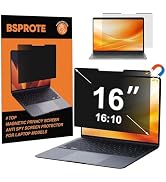
here!
here!
I’m your shopping assistant for PC builds, upgrades, and everything tech.
Got questions? Ask away!
Start a conversation
here!
I’m your shopping assistant for PC builds, upgrades, and everything tech.
Got questions? Ask away!
Start a conversation



Any questions? Ask CelesteSM will help you find out quickly.

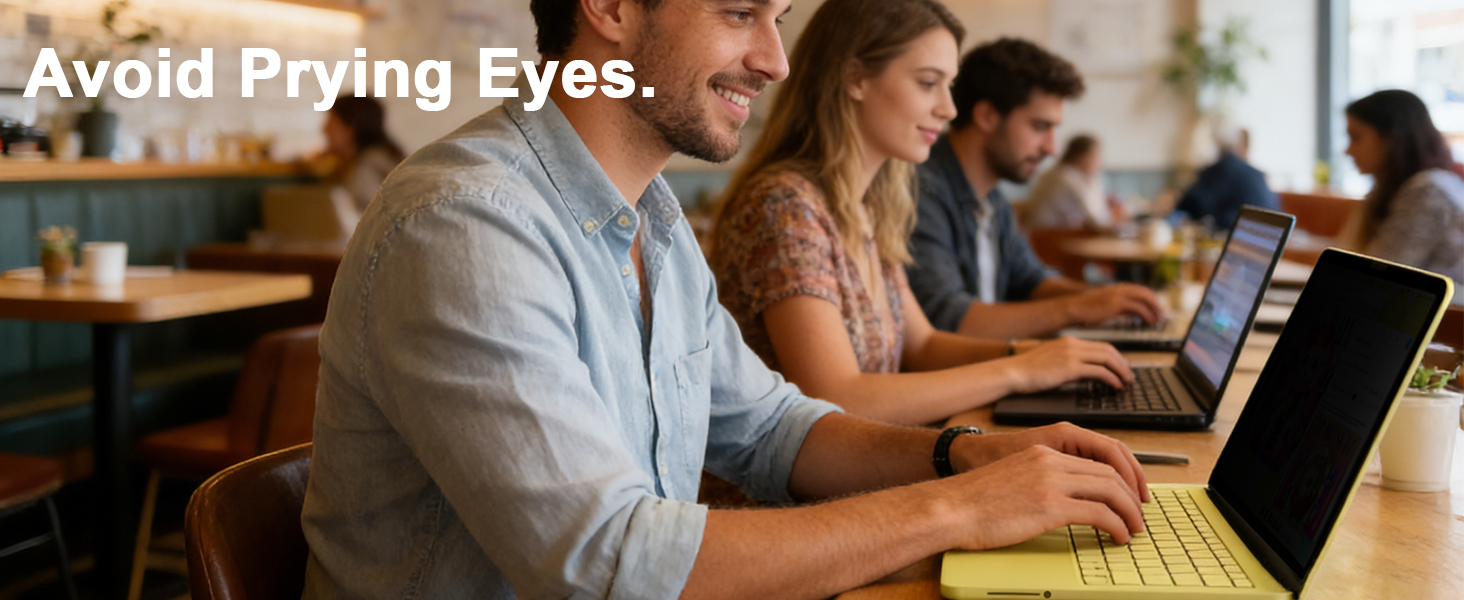
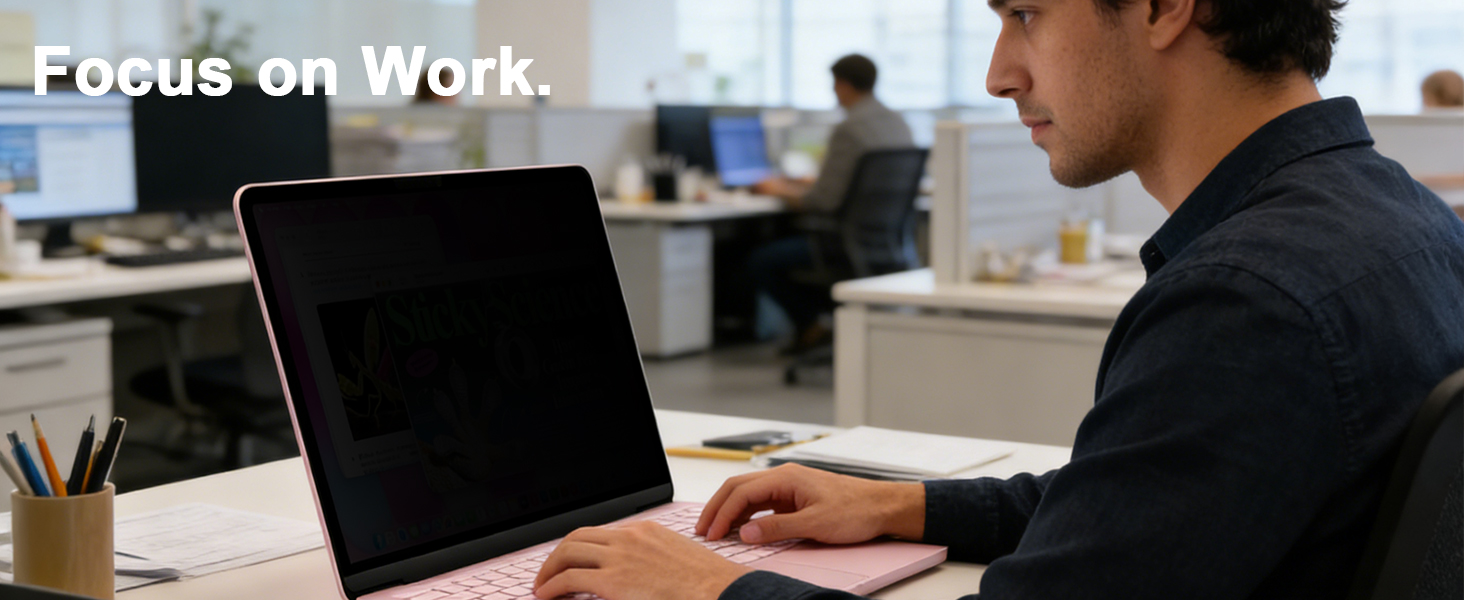
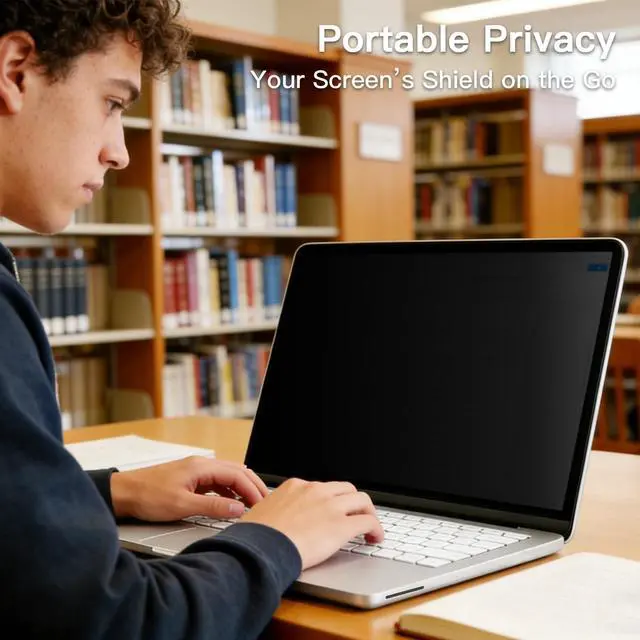
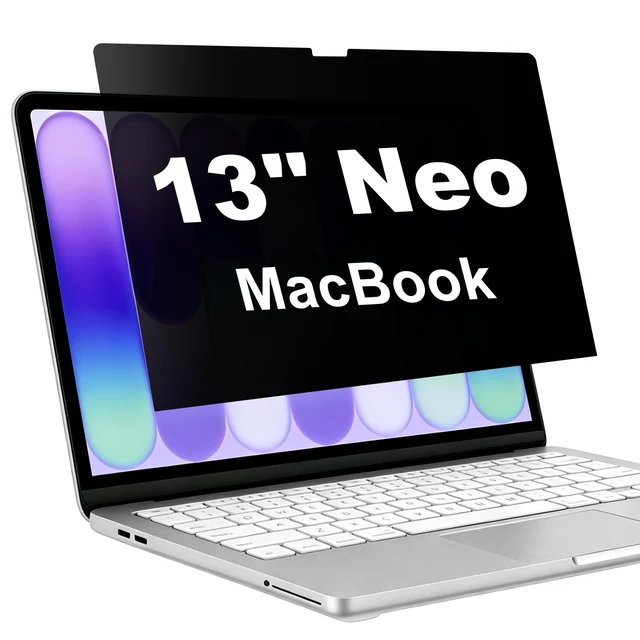
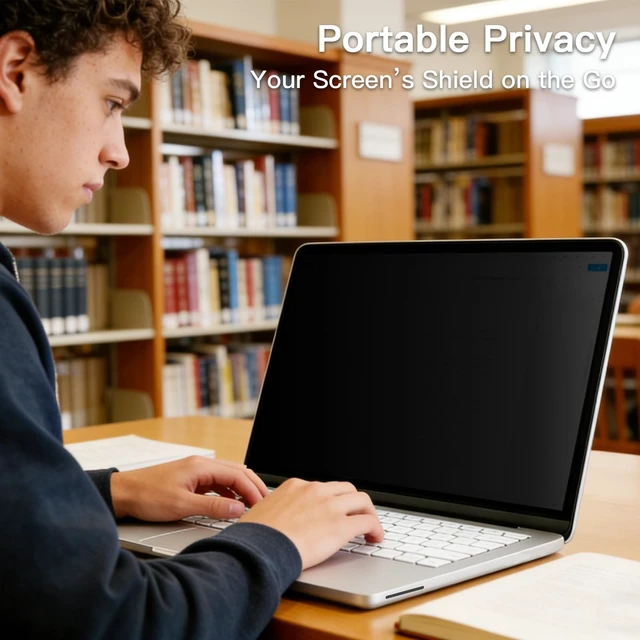
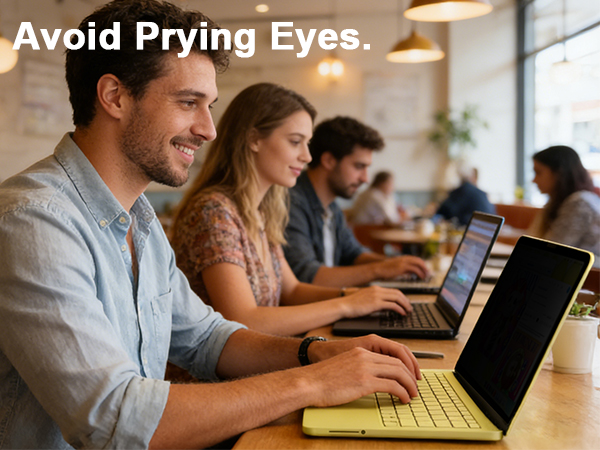
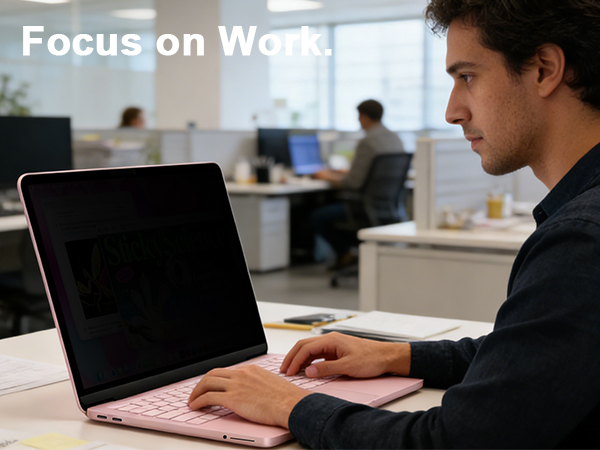
In today’s fast-paced digital world, privacy has never been more important. Whether you're working in a café, traveling through an airport, or attending meetings in an open office, have you ever worried about prying eyes on your screen? That’s why BSPROTE was created—to provide the better privacy screen protectors for your laptops that safeguard your personal and professional information without compromising screen clarity or functionality.
We continuously test and refine our materials to ensure that our privacy screen protectors not only safeguard your privacy, maintain crystal-clear visibility, seamless screen closure, and leave no residue. Our goal is to provide you with a secure and comfortable viewing experience.
Your satisfaction is our top priority. No matter you meet any problem about the product, we will give you the best solution at the first time.
Choosing BSPROTE means more than just selecting a privacy screen—it’s choosing a better and secure way to use your devices with confidence.
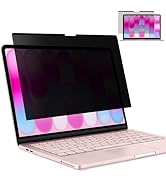
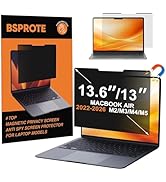
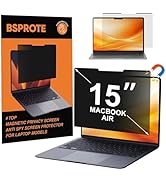
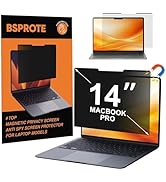
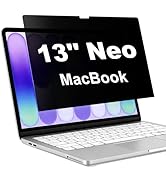
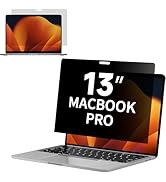
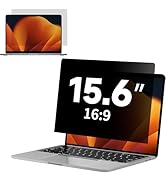
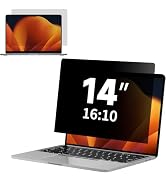
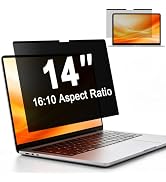
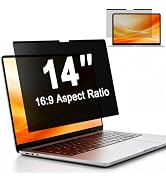
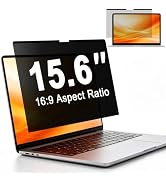
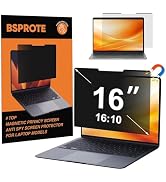
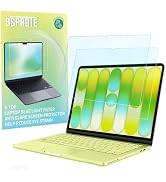
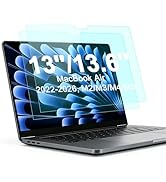
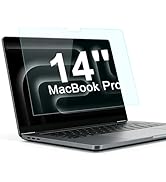
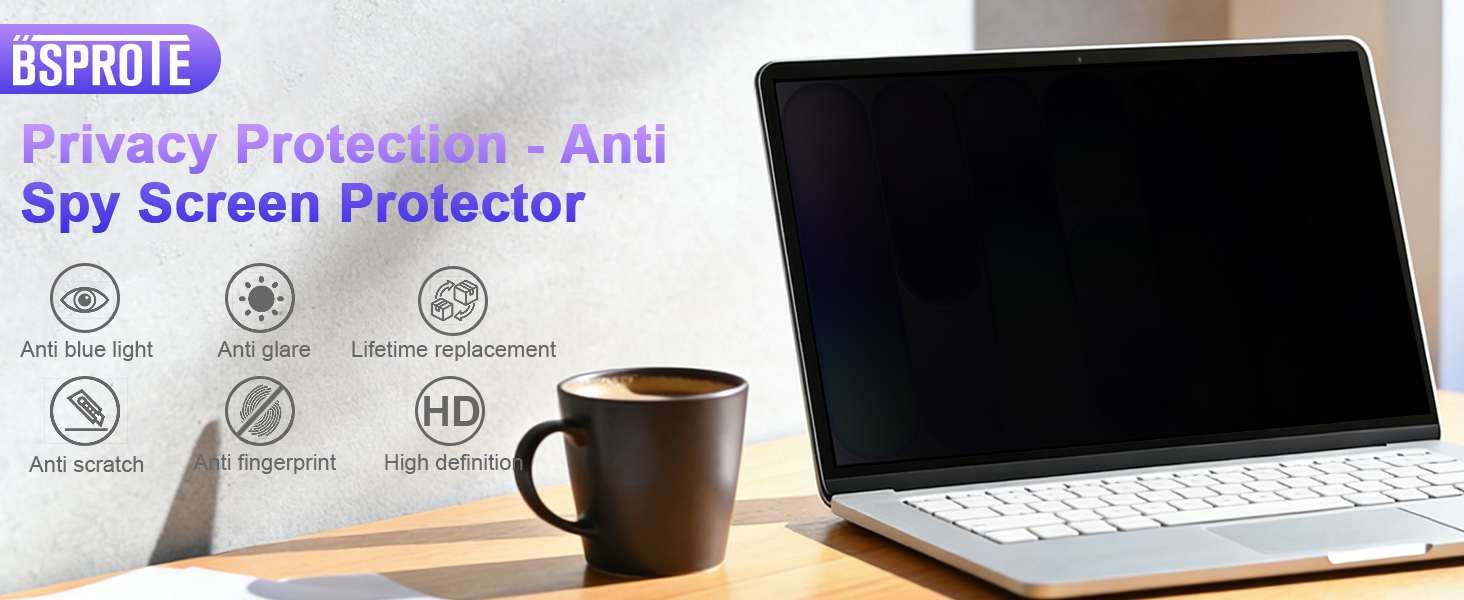
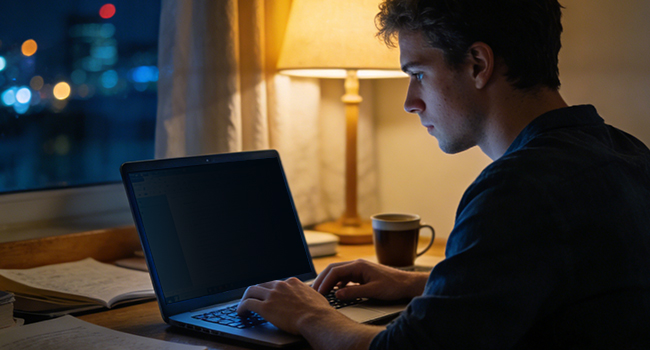
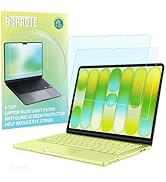
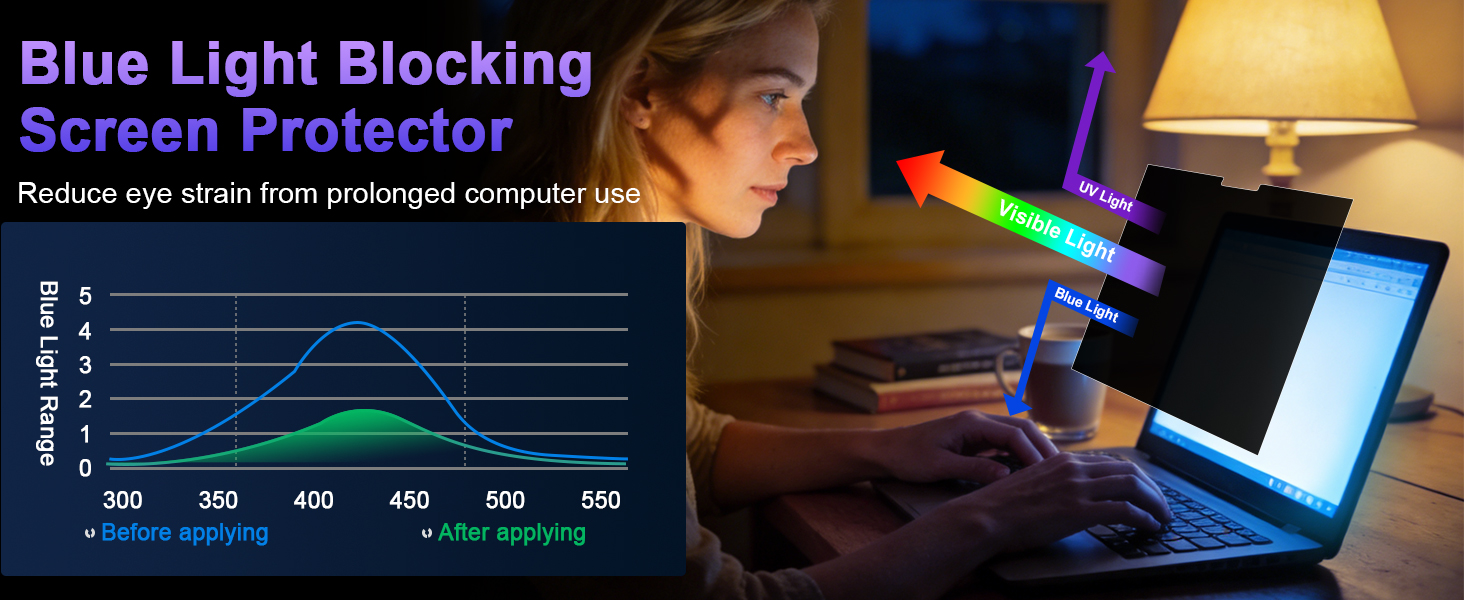
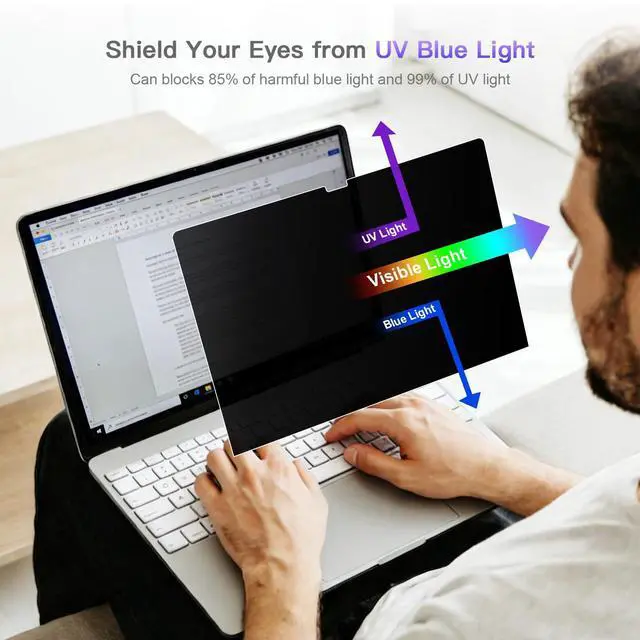
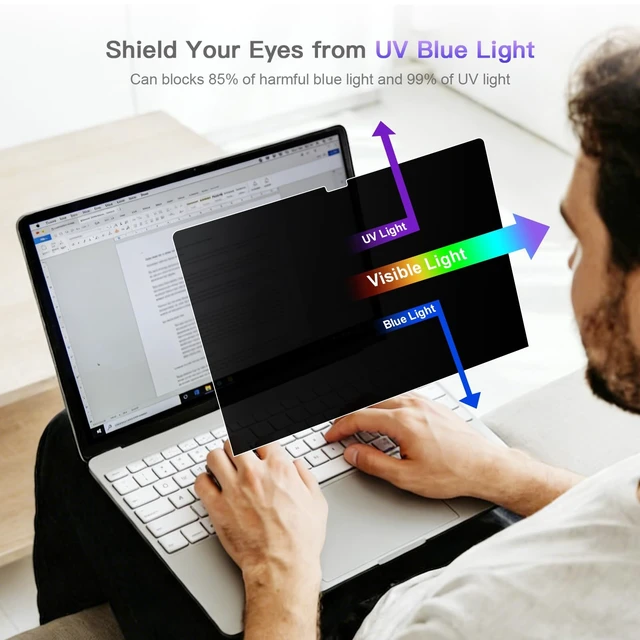
It gently filters harsh blue light, shifting your screen to a warmer hue that feels easier on your eyes. This helps your body wind down naturally, preventing that stimulating "bright light" signal that keeps you awake, so you can fall asleep easier after nighttime use.
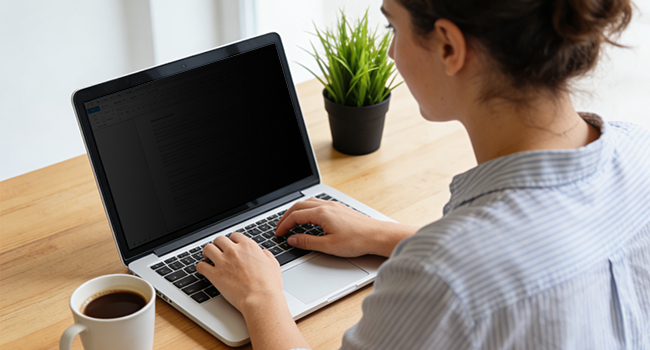
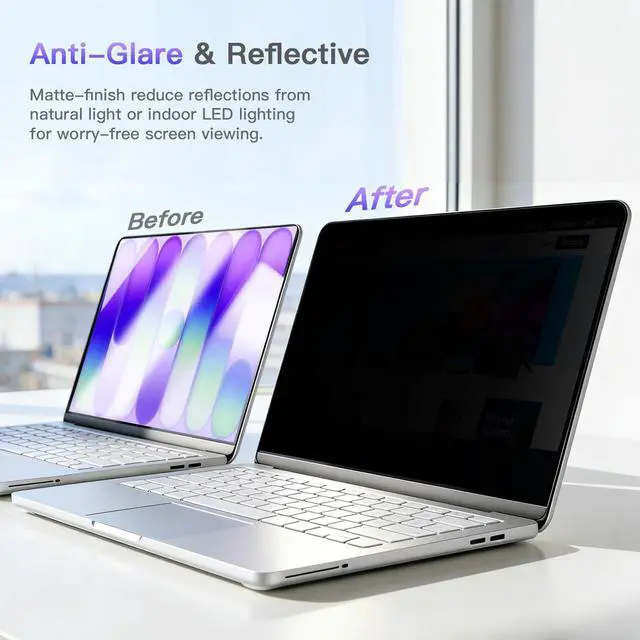
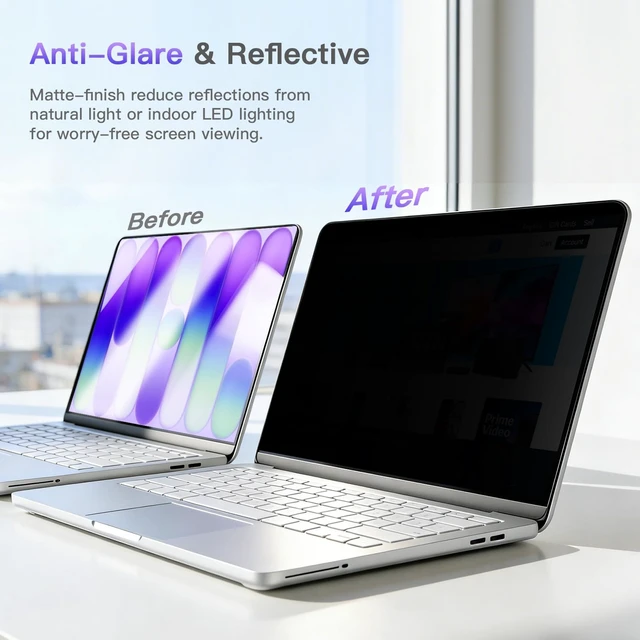
It acts primarily as an anti-glare shield. By diffusing reflections from overhead lights or the sun, it dramatically cuts down on annoying screen glare and reflections. Reduces squinting and eye strain, allowing you to see your screen's content clearly and comfortably even in strong light.
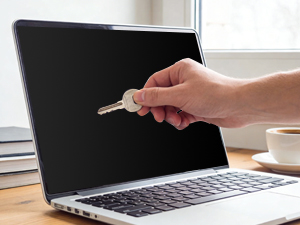
Provides a durable, hard-coated shield for your actual screen. It guards against everyday scratches from keys, coins, or other objects.
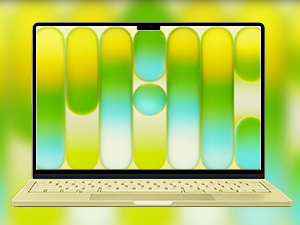
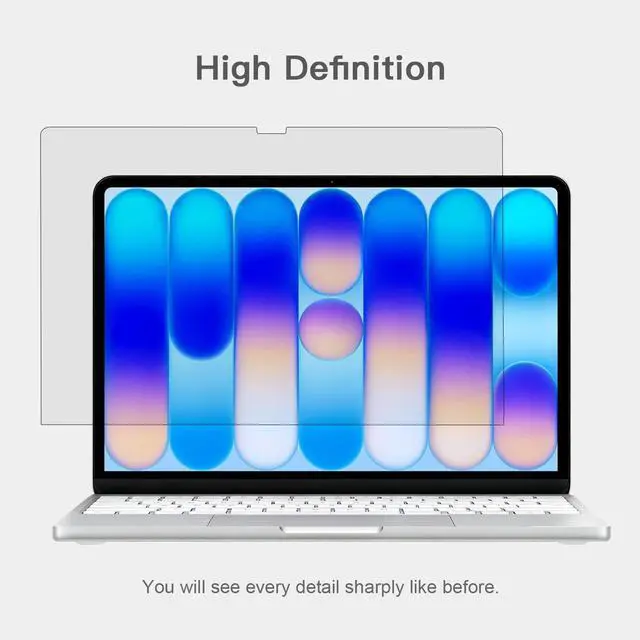
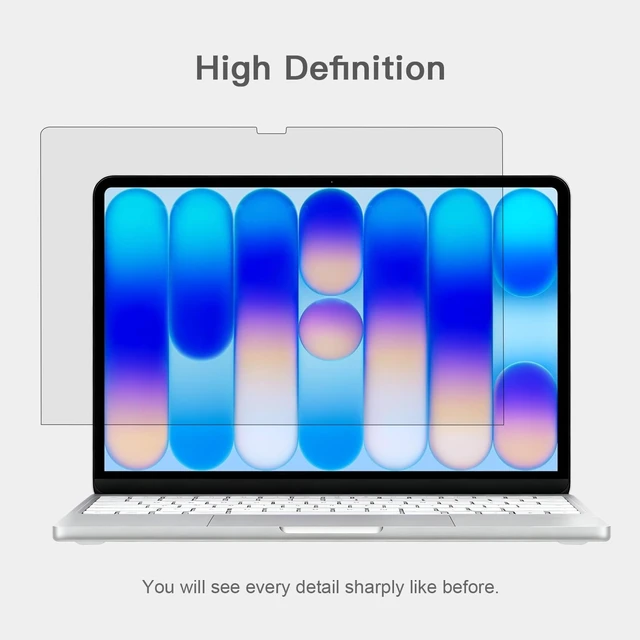
It protects without blurring, distorting, or dulling your screen's original colors and sharpness, ensuring your viewing experience like before.
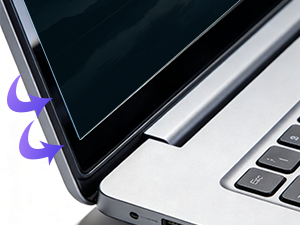
It applies smoothly without bubbles or misalignment, feeling like a seamless, original part of your screen for complete edge-to-edge protection.
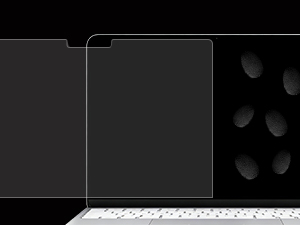
Keeps your screen looking clean and smudge-free. It resists oily fingerprints and marks from daily touching, making it always maintain a clear view.
About Installation:
1.Completely clean the screen usingthe included cleaning accessories.
2.Align the screen protector with the display area of the screen,with label 2 facing upwards.
3.Fix the side of the screen protector with the labels on the screen using guide sitckers.
4.Flip the screen protector and slowly peel off the label 1 protective film by 3-5cm.
5.Continue to peel off the protective film while using the squeegee card to slowly push the screen protector to the other side.
6.If bubbles appear midway,pull back the screen protector and wait for the bubbles to disappear before continuing with the installation.
7.After completely removing the label1 film,use the squeegee card to remove the surface bubbles towards the edge.
8.Remove guide sticker and label 2 protective film,complete installation.
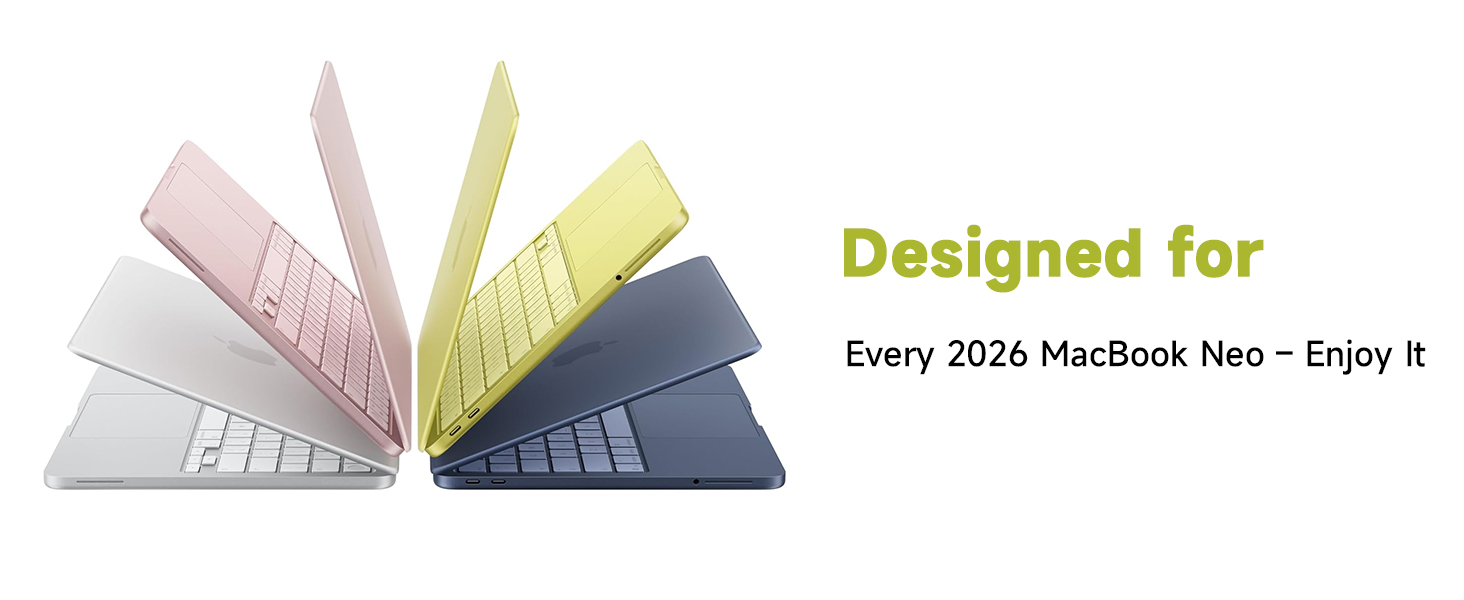
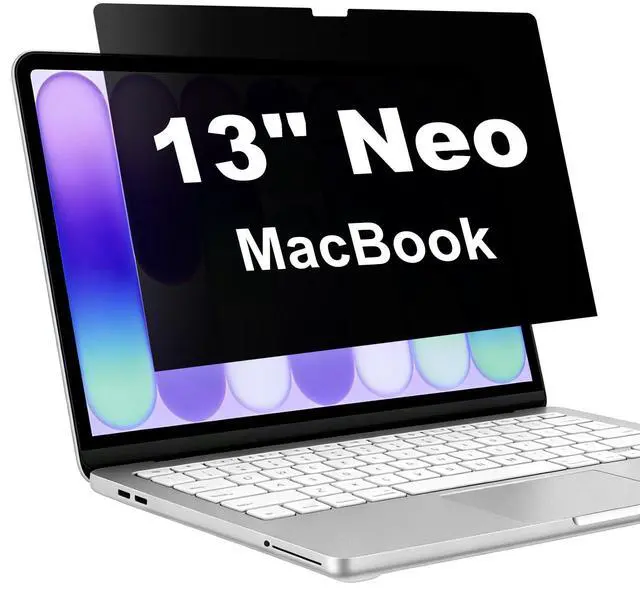
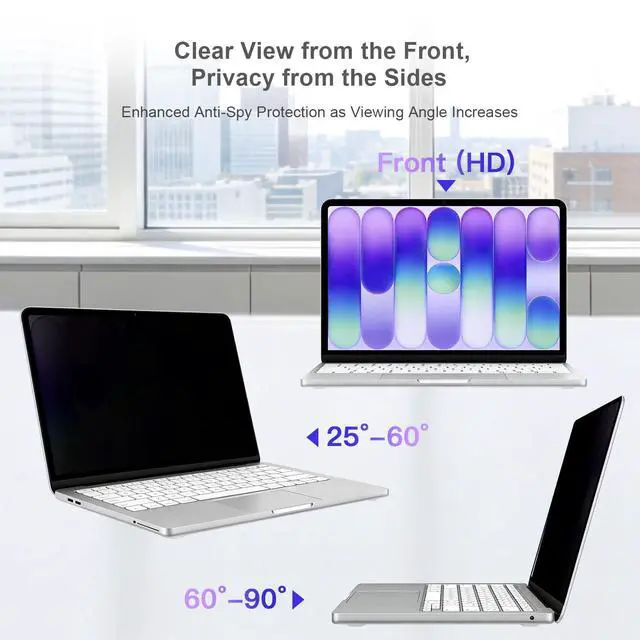
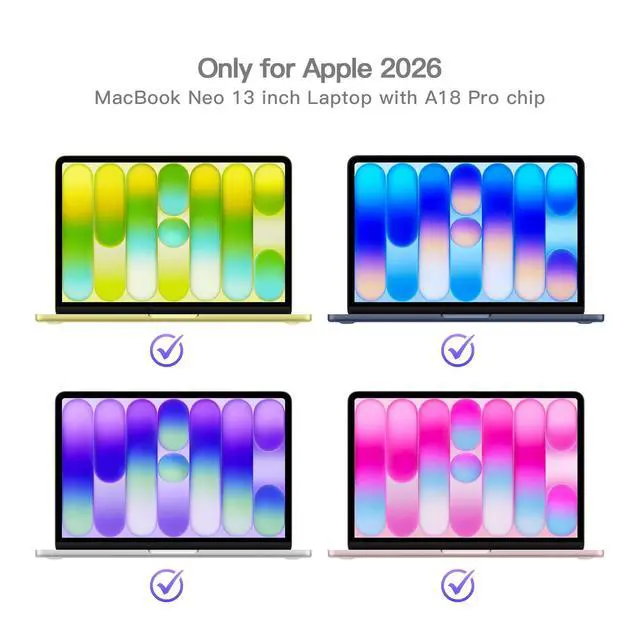
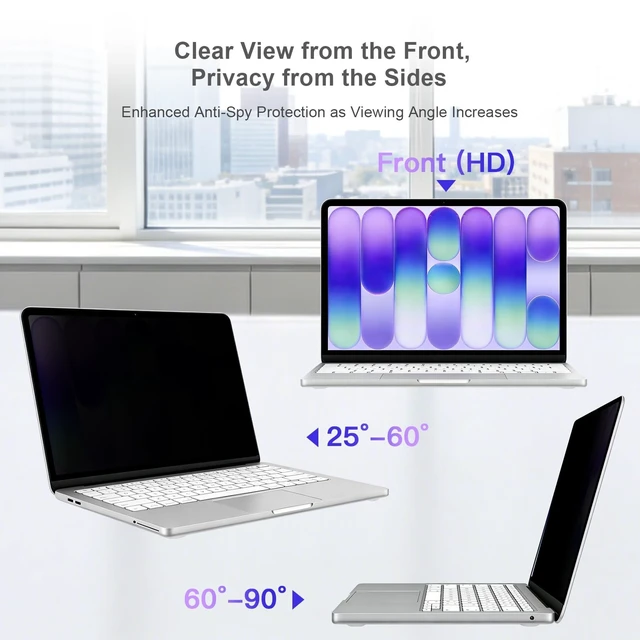
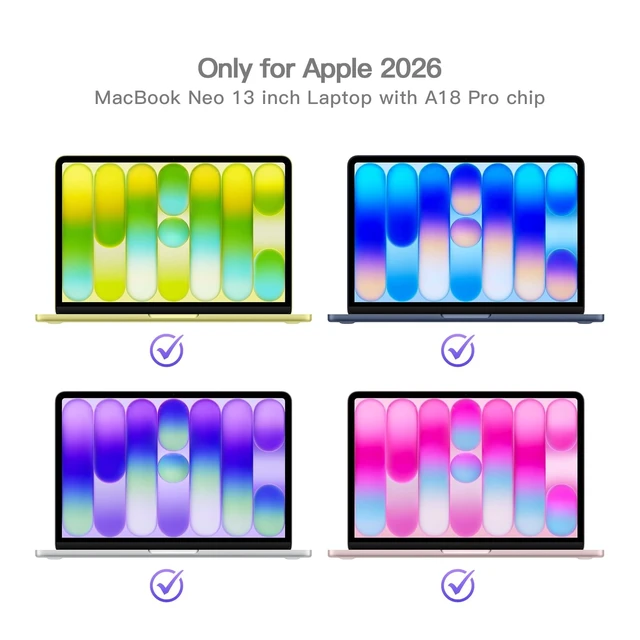
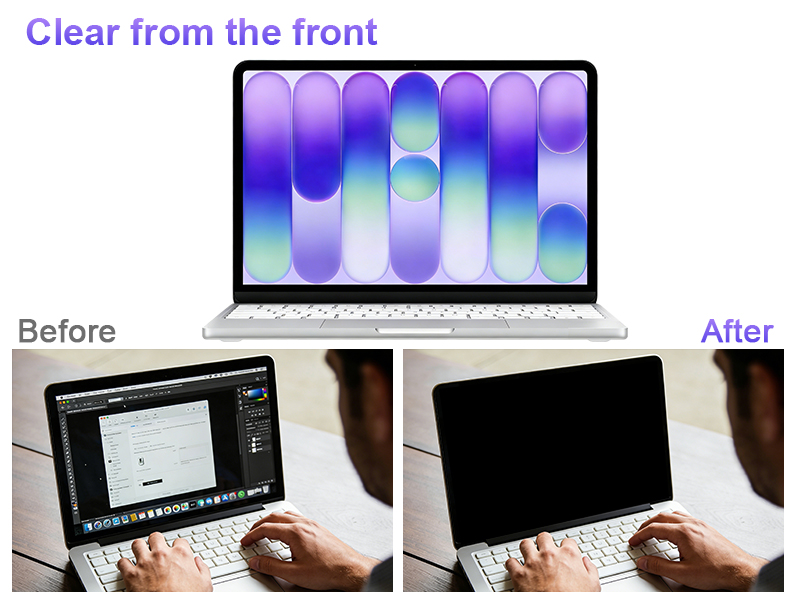
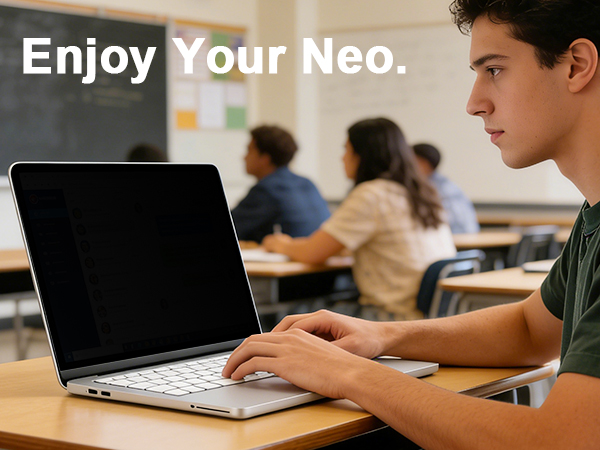
About Product Issues:Our Promise for Shipping Issues & Incorrect Sizes: If your order arrived damaged during transit, or if you received an item with incorrect dimensions/size, we’re here to help. Simply reach out to us through ’s messaging system, and we will process a replacement immediately—no return required.Question & Answer: 1.Does it leave residue when removed? No, it leaves absolutely no residue. It bonds securely to your MacBook Neo screen during use but can be peeled off cleanly and easily, even after months of application, no damage to the screen’s oleophobic coating, and no need for messy cleanup. 2.How easy is installation?Installation is very straightforward. The package includes all the accessories needed for installation. Simply follow the instructions or video step by step to complete the installation in just a few minutes. The adhesive allows repositioning, so if you misalign it, simply lift and reapply. 3.How much does brightness decrease? Only about 5%–10% brightness reduction in normal indoor lighting conditions. The high-transparency substrate keeps your screen vibrant and readable. Outdoors or low light, you may need to increase brightness by one or two steps, but you still get excellent privacy protection (screen becomes dark beyond 25° left/right). We’ve balanced privacy and clarity so you don’t have to choose one over the other. 4.Compare with similar? This BSPROTE privacy screen protector has perfect fit, precise cutting, no residue, minimal loss of brightness, and additional protection (anti blue light and glare), all while providing privacy, clear vision, safety, and a convenient user experience.
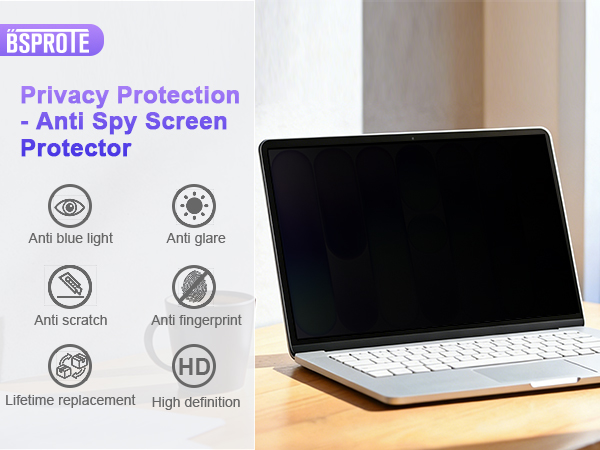
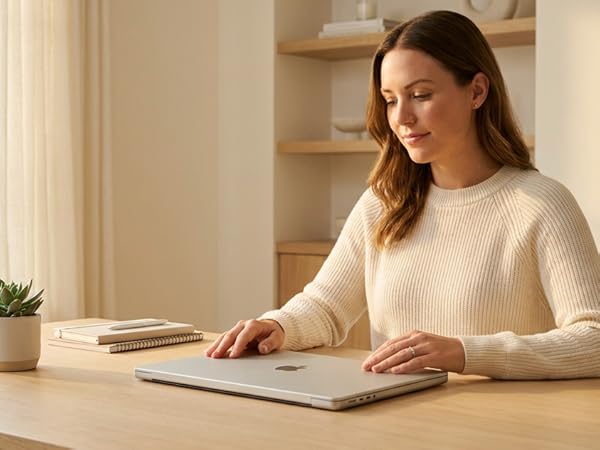
Protect Your Privcay All the Time
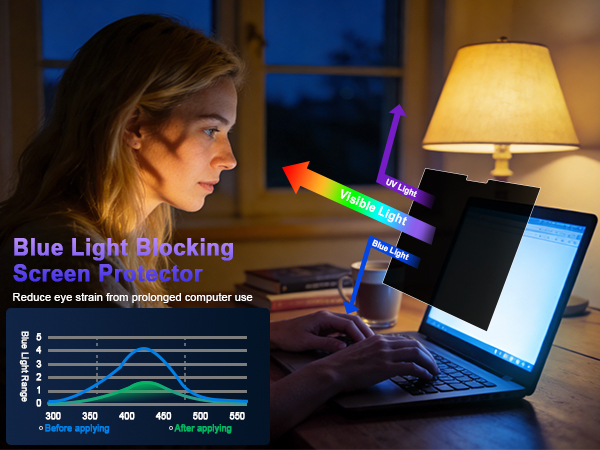
It gently filters harsh blue light, shifting your screen to a warmer hue that feels easier on your eyes. This helps your body wind down naturally, preventing that stimulating "bright light" signal that keeps you awake, so you can fall asleep easier after nighttime use.
It acts primarily as an anti-glare shield. By diffusing reflections from overhead lights or the sun, it dramatically cuts down on annoying screen glare and reflections. Reduces squinting and eye strain, allowing you to see your screen's content clearly and comfortably even in strong light.
Provides a durable, hard-coated shield for your actual screen. It guards against everyday scratches from keys, coins, or other objects.
It protects without blurring, distorting, or dulling your screen's original colors and sharpness, ensuring your viewing experience like before.
It applies smoothly without bubbles or misalignment, feeling like a seamless, original part of your screen for complete edge-to-edge protection.
Keeps your screen looking clean and smudge-free. It resists oily fingerprints and marks from daily touching, making it always maintain a clear view.
About Installation:
1.Completely clean the screen usingthe included cleaning accessories.
2.Align the screen protector with the display area of the screen,with label 2 facing upwards.
3.Fix the side of the screen protector with the labels on the screen using guide sitckers.
4.Flip the screen protector and slowly peel off the label 1 protective film by 3-5cm.
5.Continue to peel off the protective film while using the squeegee card to slowly push the screen protector to the other side.
6.If bubbles appear midway,pull back the screen protector and wait for the bubbles to disappear before continuing with the installation.
7.After completely removing the label1 film,use the squeegee card to remove the surface bubbles towards the edge.
8.Remove guide sticker and label 2 protective film,complete installation.
About Product Issues:Our Promise for Shipping Issues & Incorrect Sizes: If your order arrived damaged during transit, or if you received an item with incorrect dimensions/size, we’re here to help. Simply reach out to us through ’s messaging system, and we will process a replacement immediately—no return required.Question & Answer: 1.Does it leave residue when removed? No, it leaves absolutely no residue. It bonds securely to your MacBook Neo screen during use but can be peeled off cleanly and easily, even after months of application, no damage to the screen’s oleophobic coating, and no need for messy cleanup. 2.How easy is installation?Installation is very straightforward. The package includes all the accessories needed for installation. Simply follow the instructions or video step by step to complete the installation in just a few minutes. The adhesive allows repositioning, so if you misalign it, simply lift and reapply. 3.How much does brightness decrease? Only about 5%–10% brightness reduction in normal indoor lighting conditions. The high-transparency substrate keeps your screen vibrant and readable. Outdoors or low light, you may need to increase brightness by one or two steps, but you still get excellent privacy protection (screen becomes dark beyond 25° left/right). We’ve balanced privacy and clarity so you don’t have to choose one over the other. 4.Compare with similar? This BSPROTE privacy screen protector has perfect fit, precise cutting, no residue, minimal loss of brightness, and additional protection (anti blue light and glare), all while providing privacy, clear vision, safety, and a convenient user experience.
In today’s fast-paced digital world, privacy has never been more important. Whether you're working in a café, traveling through an airport, or attending meetings in an open office, have you ever worried about prying eyes on your screen? That’s why BSPROTE was created—to provide the better privacy screen protectors for your laptops that safeguard your personal and professional information without compromising screen clarity or functionality.
We continuously test and refine our materials to ensure that our privacy screen protectors not only safeguard your privacy, maintain crystal-clear visibility, seamless screen closure, and leave no residue. Our goal is to provide you with a secure and comfortable viewing experience.
Your satisfaction is our top priority. No matter you meet any problem about the product, we will give you the best solution at the first time.
Choosing BSPROTE means more than just selecting a privacy screen—it’s choosing a better and secure way to use your devices with confidence.