







Under Strong Natural Light
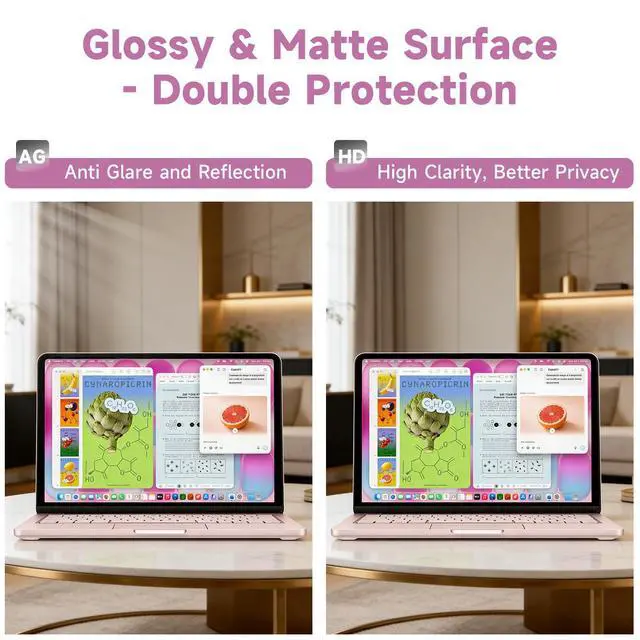
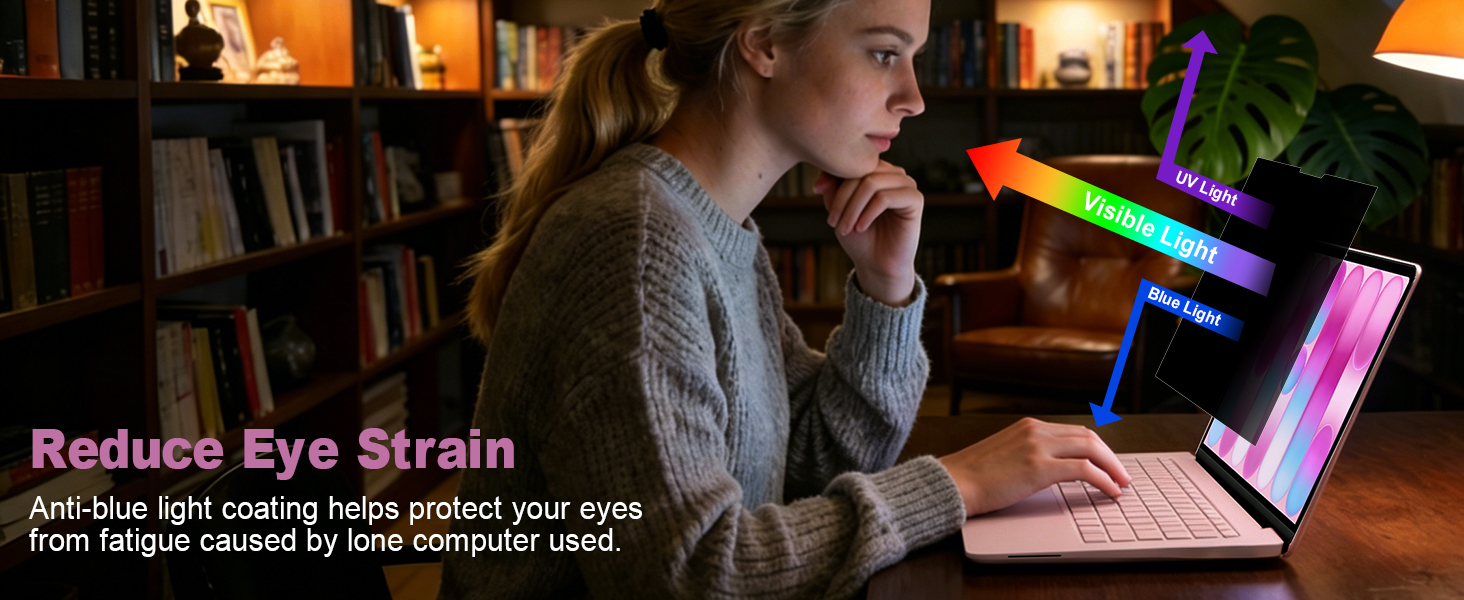
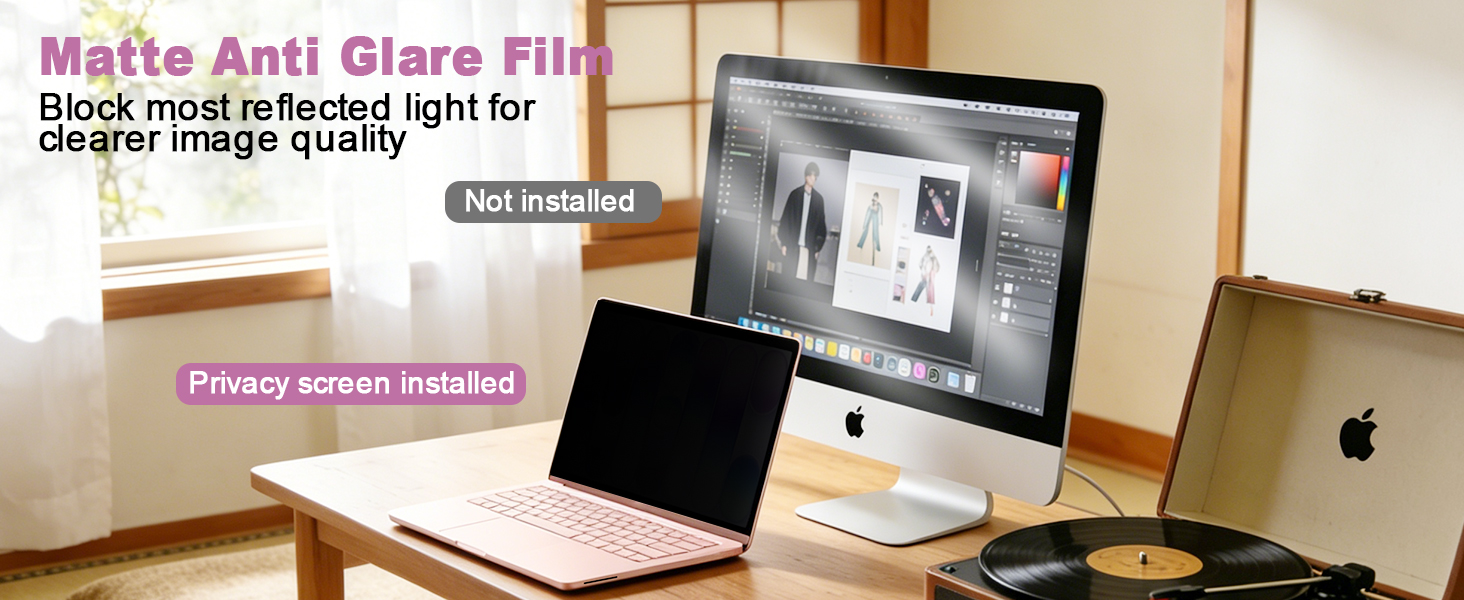
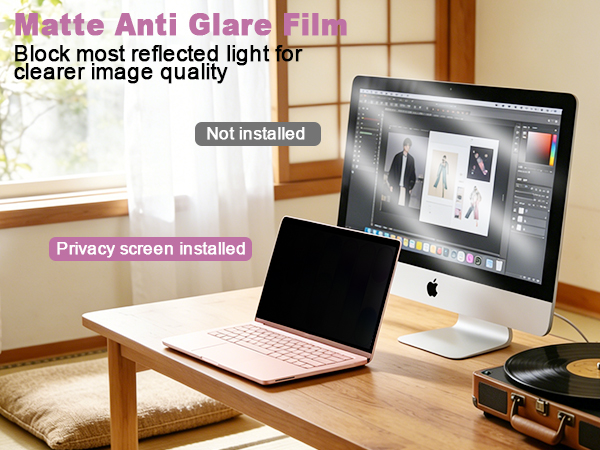
It acts primarily as an anti-glare shield. By diffusing reflections from overhead lights or the sun, it dramatically cuts down on annoying screen glare and reflections. Reduces squinting and eye strain, allowing you to see your screen's content clearly and comfortably even in strong light.
Under Weak Natural Light
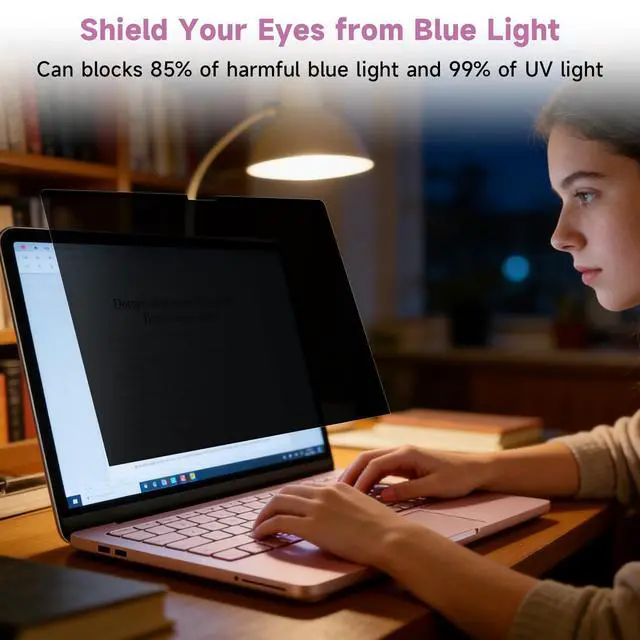
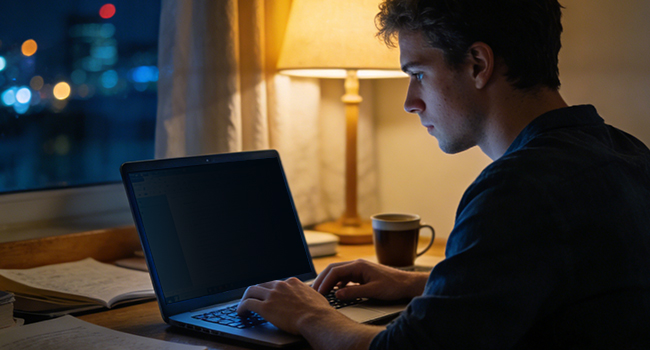
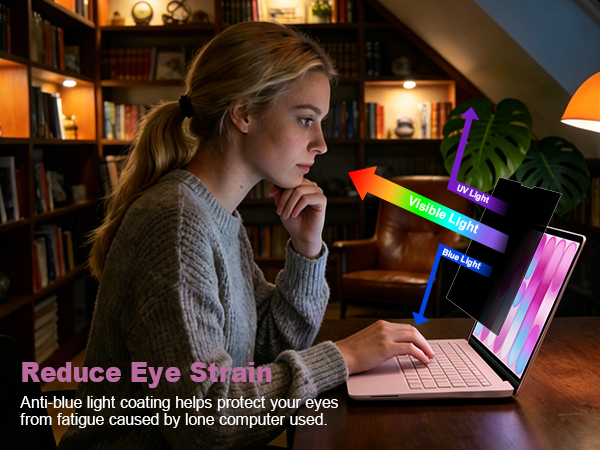
It gently filters harsh blue light, shifting your screen to a warmer hue that feels easier on your eyes. This helps your body wind down naturally, preventing that stimulating "bright light" signal that keeps you awake, so you can fall asleep easier after nighttime use.
How does the magnetic attachment work, and is it easy to install?
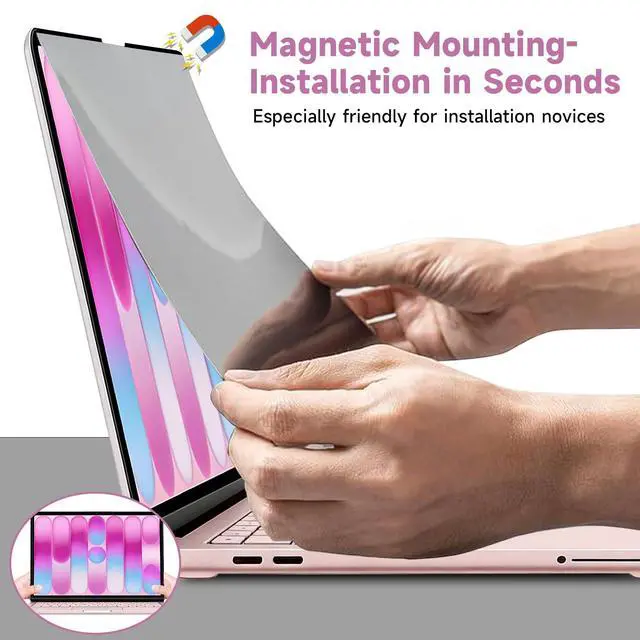
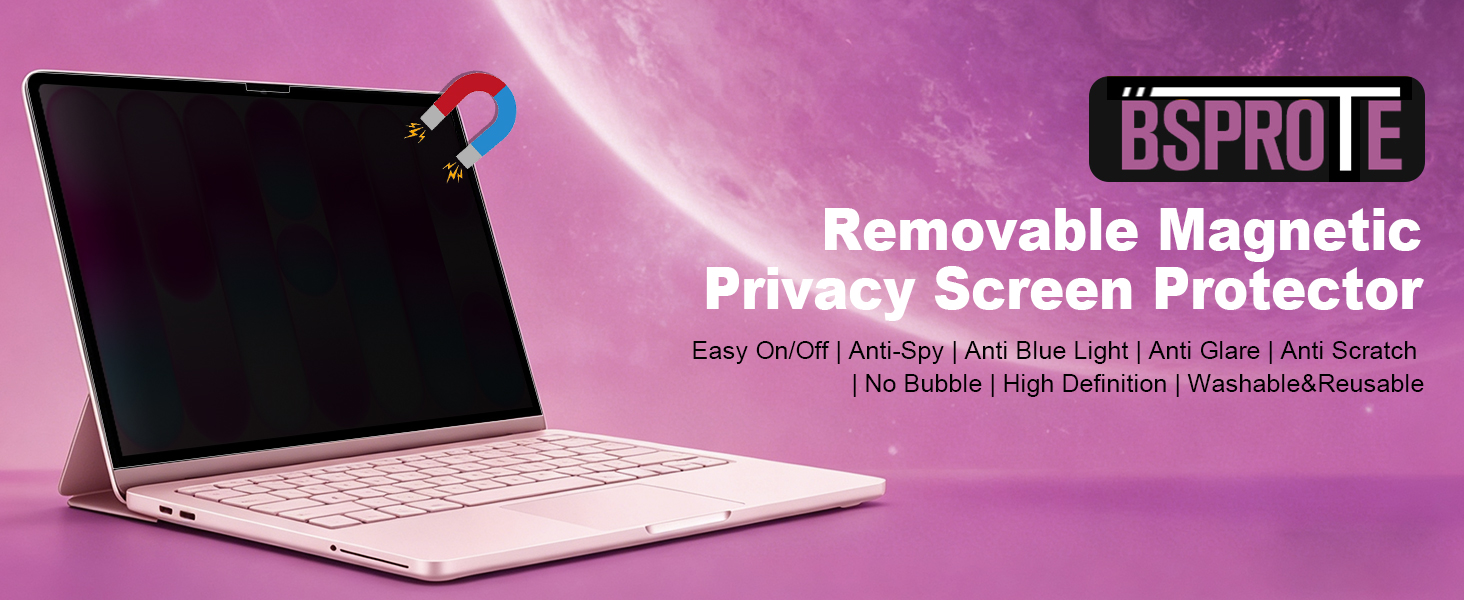
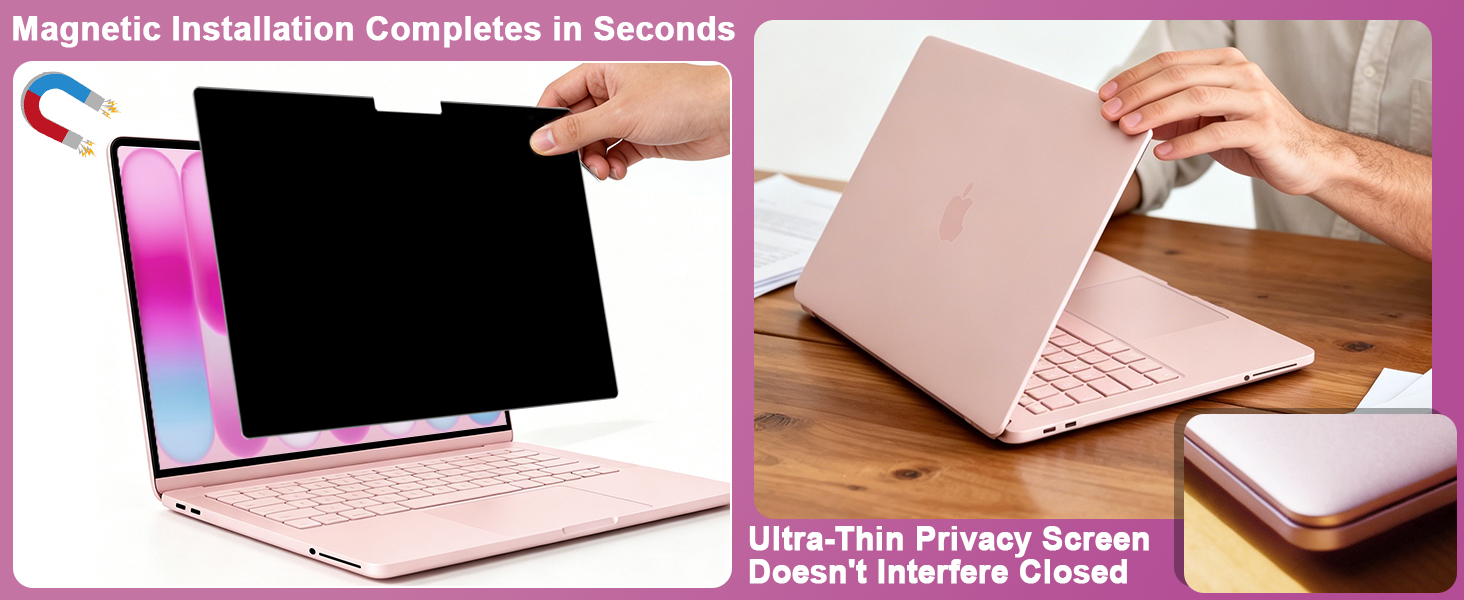
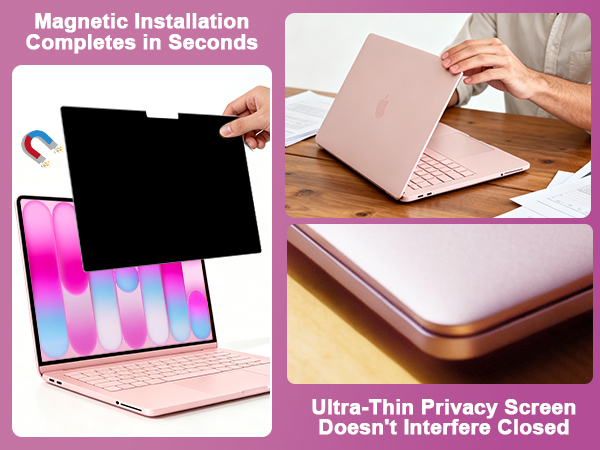
The privacy screen uses magnets along the top (and sometimes bottom) to snap onto your laptop’s bezel instantly. No adhesives, no bubbles, and no complicated setup. You can attach or remove it in seconds, and it leaves no residue on your screen.
Will this magnetic privacy screen block side views effectively in public places like coffee shops or airplanes?
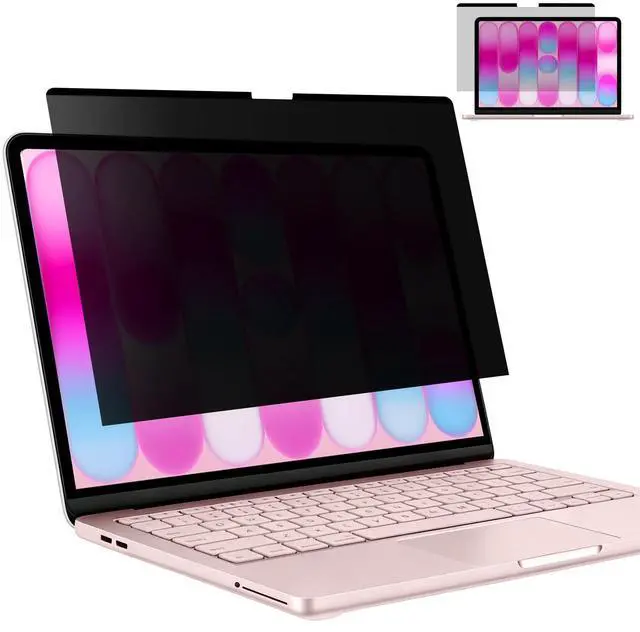
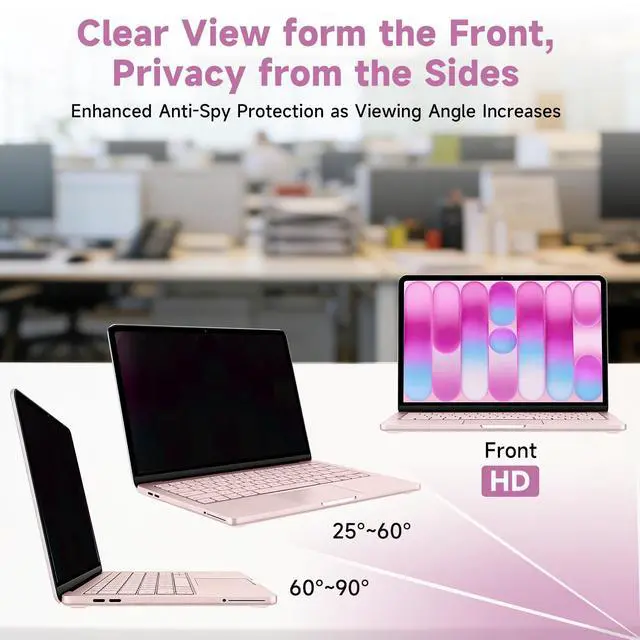
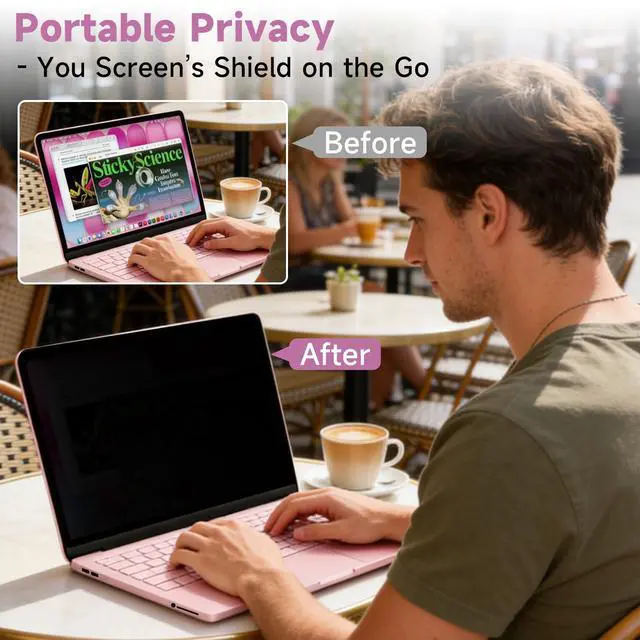
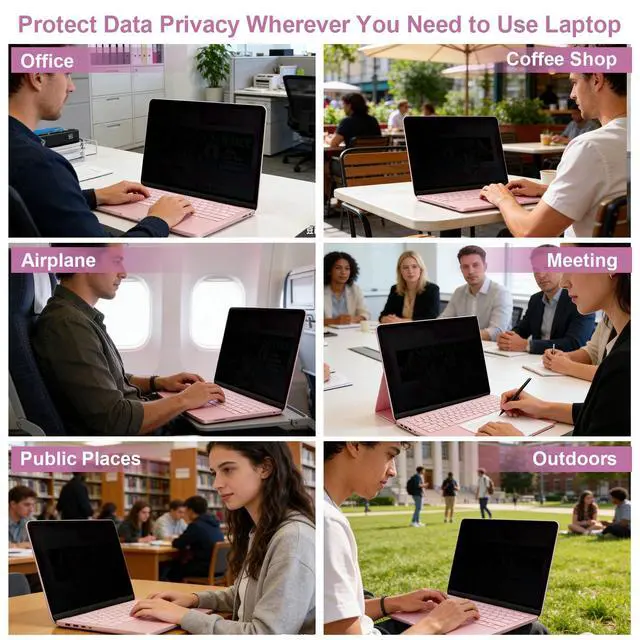
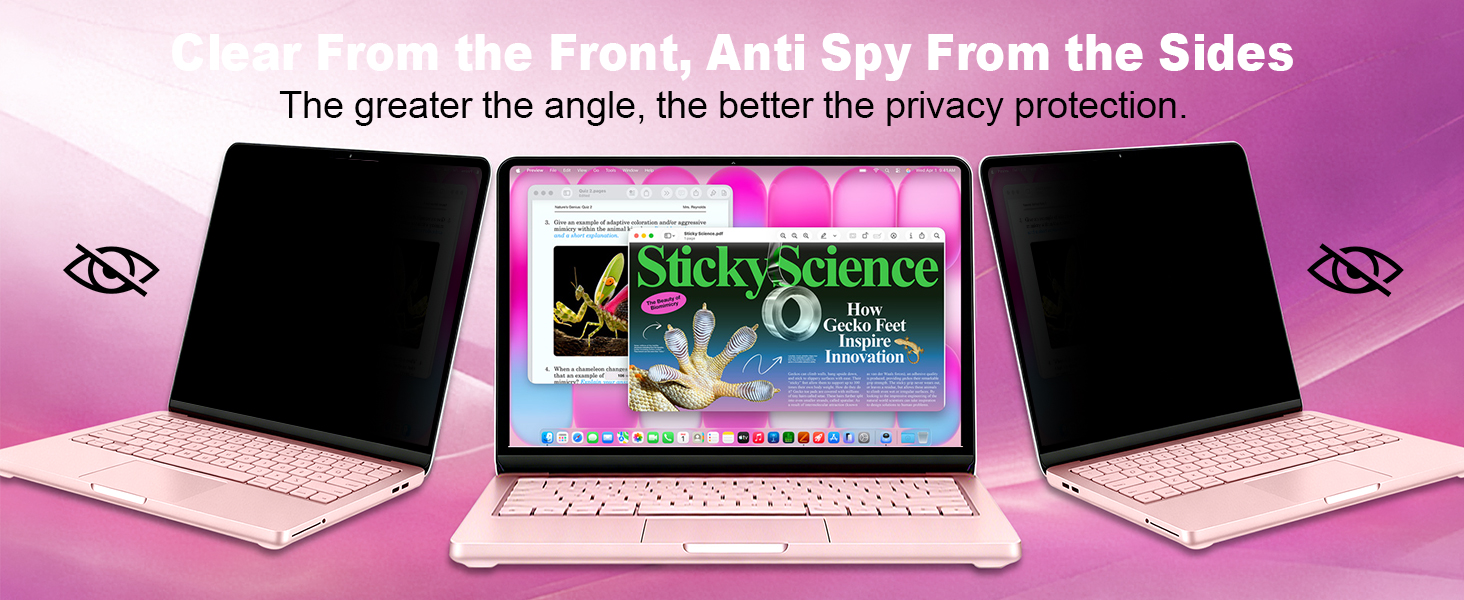
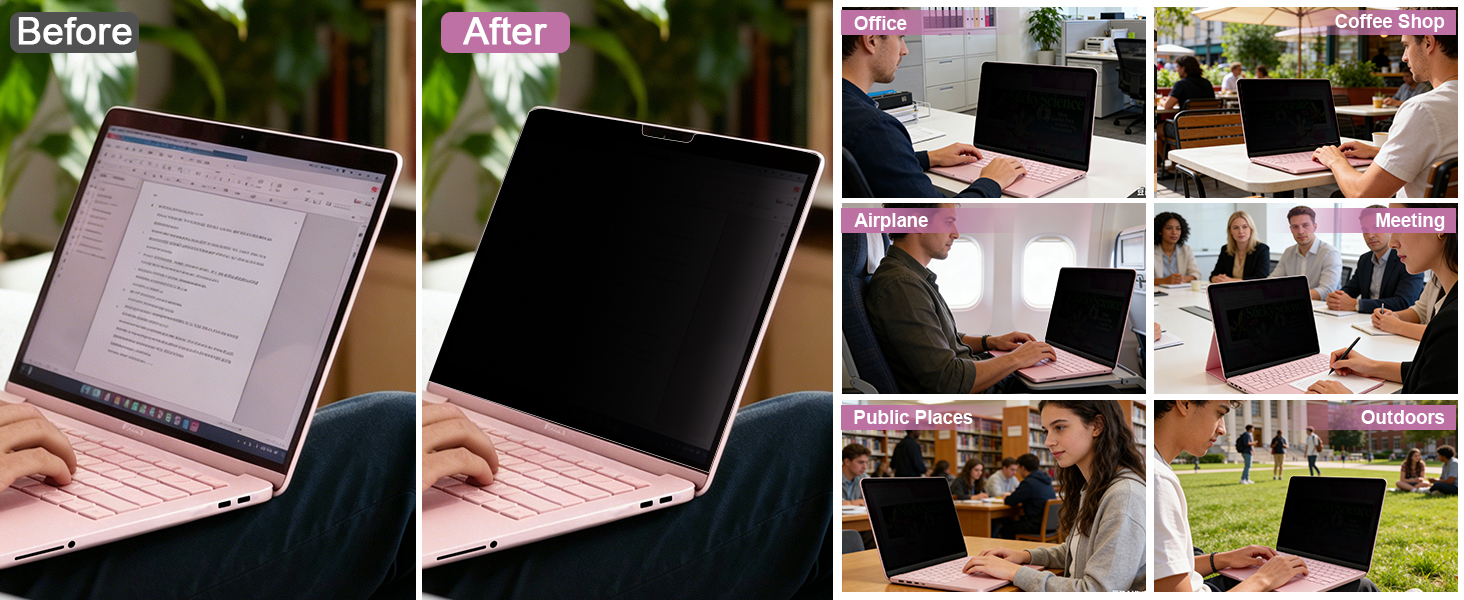
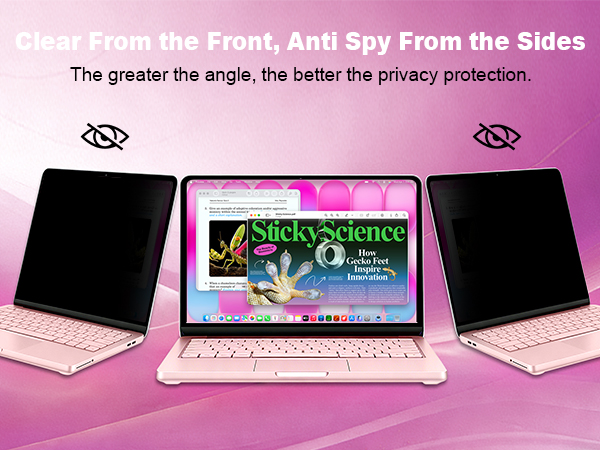
Yes, it significantly limits side-angle viewing. People sitting next to you will see a darkened or completely blacked-out screen, while you still get clear visibility when looking straight on. It works great for reducing nosy snoopers.
Does it block the camera or preventing the lid from closing?
No. It has a cutout for the camera and is thin enough that your laptop closes completely flat without any interference.
Will it reduce glare and eye strain during long working hours?
Absolutely. The matte finish and anti-glare properties cut down reflections from bright lights and sunlight, which helps reduce eye strain significantly. Many users find it especially helpful when working at night, under office lighting, or outdoors.
What accessories come with the privacy screen, and can I store it when not in use?
The package includes a storage folder, screen cleaner set, and a large microfiber cloth. The storage sleeve keeps the screen safe from scratches when removed, making it easy to carry in your laptop bag.

In today’s fast-paced digital world, privacy has never been more important. Whether you're working in a café, traveling through an airport, or attending meetings in an open office, have you ever worried about prying eyes on your screen? That’s why BSPROTE was created—to provide the better privacy screen protectors for your laptops that safeguard your personal and professional information without compromising screen clarity or functionality.
Why Choose US?
We continuously test and refine our materials to ensure that our privacy screen protectors not only safeguard your privacy, maintain crystal-clear visibility, seamless screen closure, and leave no residue. Our goal is to provide you with a secure and comfortable viewing experience.
Brand Promise.
Your satisfaction is our top priority. No matter you meet any problem about the product, we will give you the best solution at the first time.
Choosing BSPROTE means more than just selecting a privacy screen—it’s choosing a better and secure way to use your devices with confidence.
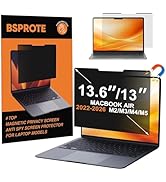
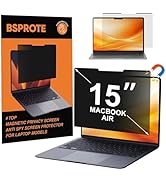
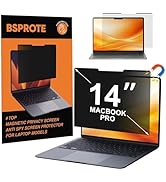
Magnetic Privacy Screen Filter
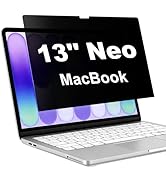
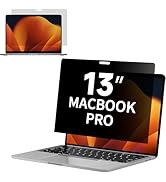
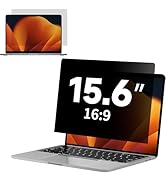
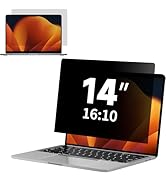
Sticky Privacy Screen Filter
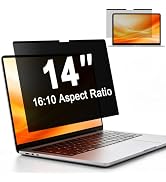
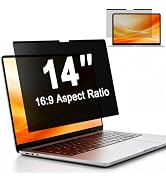
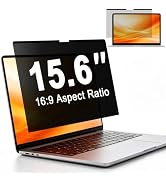
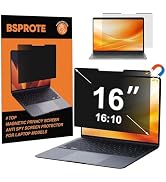
Magnetic Laptop Privacy Screen
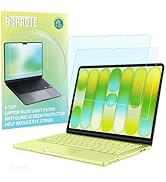
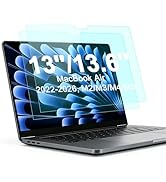
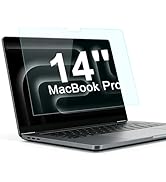
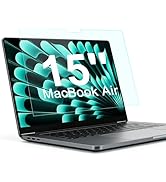
Anti Blue Light Screen Filter

Under Strong Natural Light
It acts primarily as an anti-glare shield. By diffusing reflections from overhead lights or the sun, it dramatically cuts down on annoying screen glare and reflections. Reduces squinting and eye strain, allowing you to see your screen's content clearly and comfortably even in strong light.
Under Weak Natural Light
It gently filters harsh blue light, shifting your screen to a warmer hue that feels easier on your eyes. This helps your body wind down naturally, preventing that stimulating "bright light" signal that keeps you awake, so you can fall asleep easier after nighttime use.
How does the magnetic attachment work, and is it easy to install?
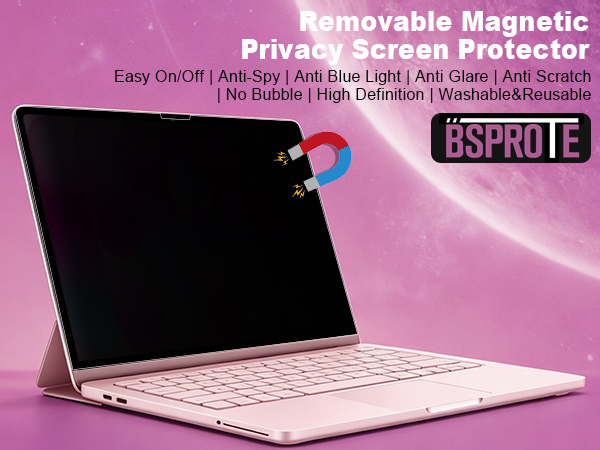
The privacy screen uses magnets along the top (and sometimes bottom) to snap onto your laptop’s bezel instantly. No adhesives, no bubbles, and no complicated setup. You can attach or remove it in seconds, and it leaves no residue on your screen.
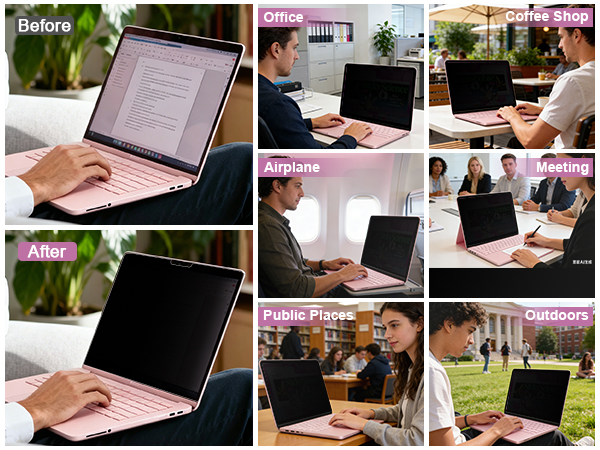
Will this magnetic privacy screen block side views effectively in public places like coffee shops or airplanes?
Yes, it significantly limits side-angle viewing. People sitting next to you will see a darkened or completely blacked-out screen, while you still get clear visibility when looking straight on. It works great for reducing nosy snoopers.
Does it block the camera or preventing the lid from closing?
No. It has a cutout for the camera and is thin enough that your laptop closes completely flat without any interference.
Will it reduce glare and eye strain during long working hours?
Absolutely. The matte finish and anti-glare properties cut down reflections from bright lights and sunlight, which helps reduce eye strain significantly. Many users find it especially helpful when working at night, under office lighting, or outdoors.
What accessories come with the privacy screen, and can I store it when not in use?
The package includes a storage folder, screen cleaner set, and a large microfiber cloth. The storage sleeve keeps the screen safe from scratches when removed, making it easy to carry in your laptop bag.
In today’s fast-paced digital world, privacy has never been more important. Whether you're working in a café, traveling through an airport, or attending meetings in an open office, have you ever worried about prying eyes on your screen? That’s why BSPROTE was created—to provide the better privacy screen protectors for your laptops that safeguard your personal and professional information without compromising screen clarity or functionality.
Why Choose US?
We continuously test and refine our materials to ensure that our privacy screen protectors not only safeguard your privacy, maintain crystal-clear visibility, seamless screen closure, and leave no residue. Our goal is to provide you with a secure and comfortable viewing experience.
Brand Promise.
Your satisfaction is our top priority. No matter you meet any problem about the product, we will give you the best solution at the first time.
Choosing BSPROTE means more than just selecting a privacy screen—it’s choosing a better and secure way to use your devices with confidence.
Magnetic Privacy Screen Filter
Sticky Privacy Screen Filter
Magnetic Laptop Privacy Screen
Anti Blue Light Screen Filter