1. Important Reminder
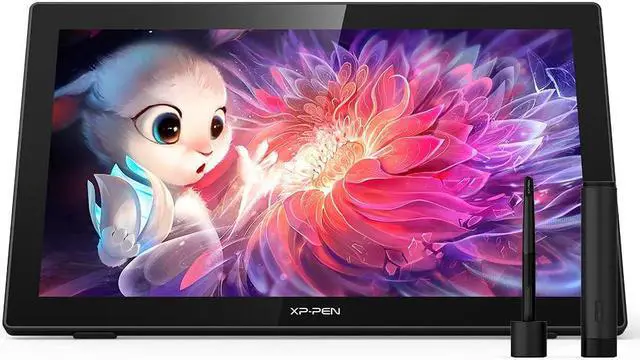
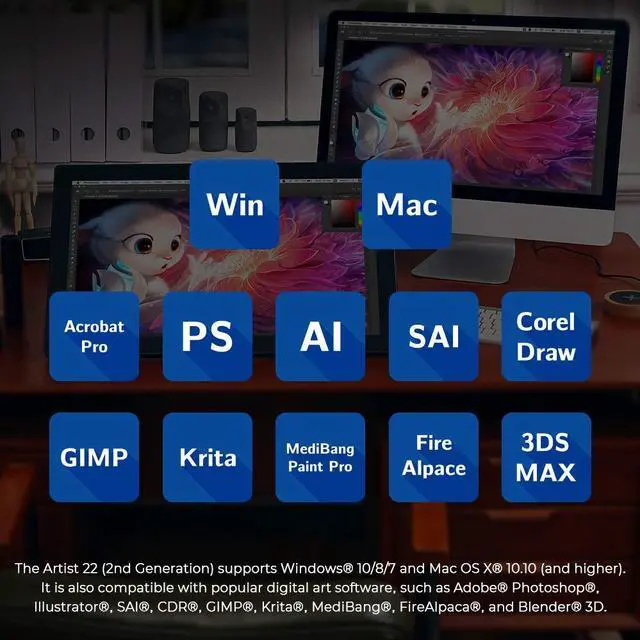
XP-PEN Artist22 2nd drawing tablet must be connected to a Laptop/desktop to work, it's compatible with Windows 11/10/8/7(32/64bit), MAC OS 10.10 or above OS.
2. Connection Tips
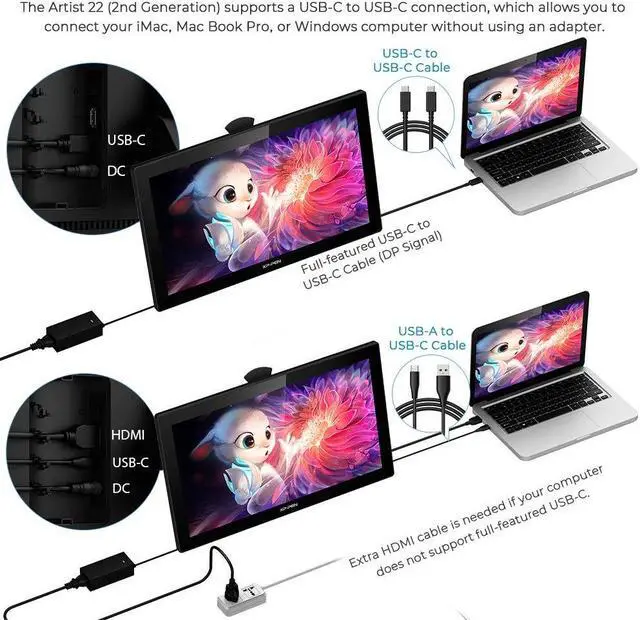
Your laptop/desktop needs to have Type-C or HDMI port available for the connection. If your computer does not have Type-C or HDMI ports, then you need an extra converter for the connection, such as VGA/DVI/DP to HDMI adapter, etc. (Depends on what ports that your laptop/desktop has).
3. Install the XP-PEN Driver on Your Computer
1-Before Driver Installation: Please Remove Other Brand's Driver from your computer and reboot before installing the XP-PEN's driver, or there will driver conflict problems.
2-Driver Download: Our driver will be regularly updated, so please go to our official web to download the newest driver, and install it on your computer.
3-For Windows Users: Please close all drawing programs and run the XP-PEN driver as Administrator when installing. (IMPORTANT)
4. For Mac Mojave ( 10.14 ), Catalina ( 10.15 ) and above
OS Users:
Mac Mojave ( 10.14 ) or above OS has upgraded in the security section, you need to put programs you newly downloaded into the accessibility list first to normally use it.
Details
steps please see the FAQ section on the XP-PEN web.
5. After-sale Service from XP-PEN
Please checks the Quick Guide, or search XP-PEN online to find a way to us for further assistance whenever you encounter problems with the use of the Artist22 2nd drawing tablet, we are always standing by to help! XP-PEN provides a one-year warranty and lifetime tech support.
6. Drawing Programs
Please install a drawing program to your computer before your art creation.
Drawing programs like krita, medibang, etc.
Or register your xppen Artist22 2nd drawing tablet on xppen web to apply for an ArtRage 5, openCanvas and Cartoon Animator 4 Pipeline.