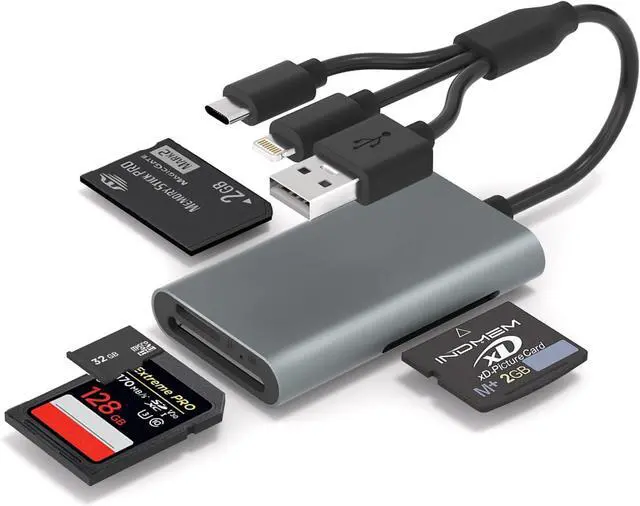
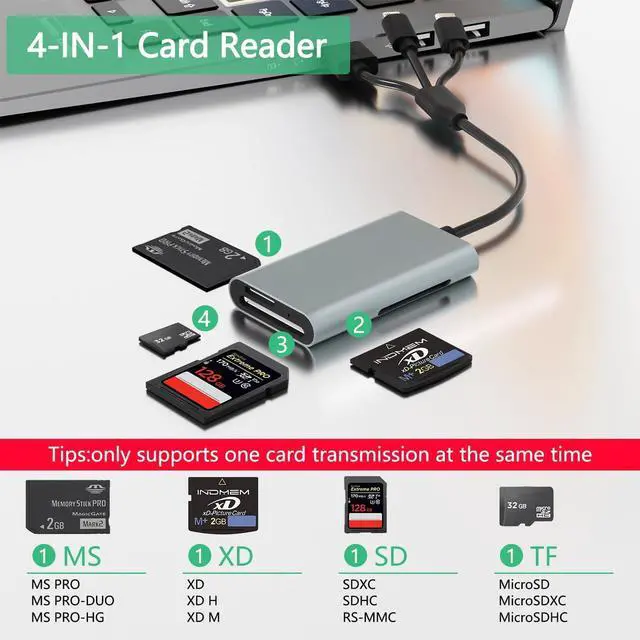
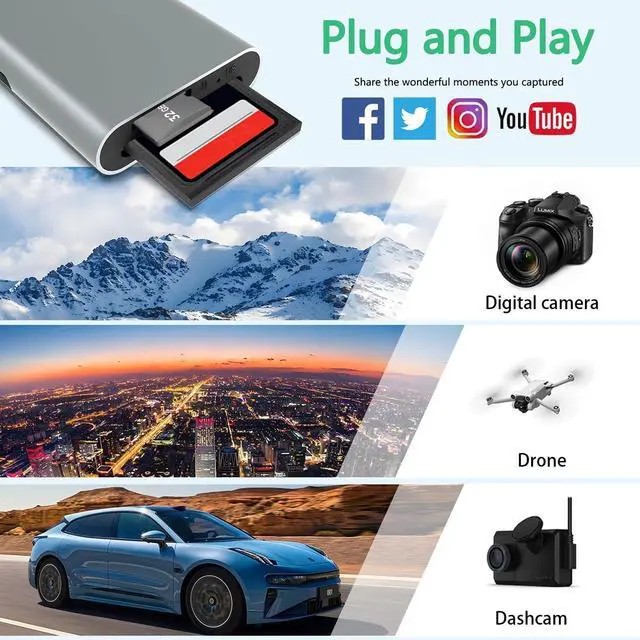
Multi-Card Reader: The memory stick duo adapter is equipped with SD / Micro SD (TF) / MS / XD four card slots supporting memory card reading needs from various devices such as cameras drones dashcams and surveillance equipment. It is compatible with Memory Stick Pro Duo Memory Stick Duo Olympus xD-Picture Card SD/SDHC/SDXC and microSD etc. Whether it's photos videos or documents you can easily read and transfer data helping you manage your files efficiently.
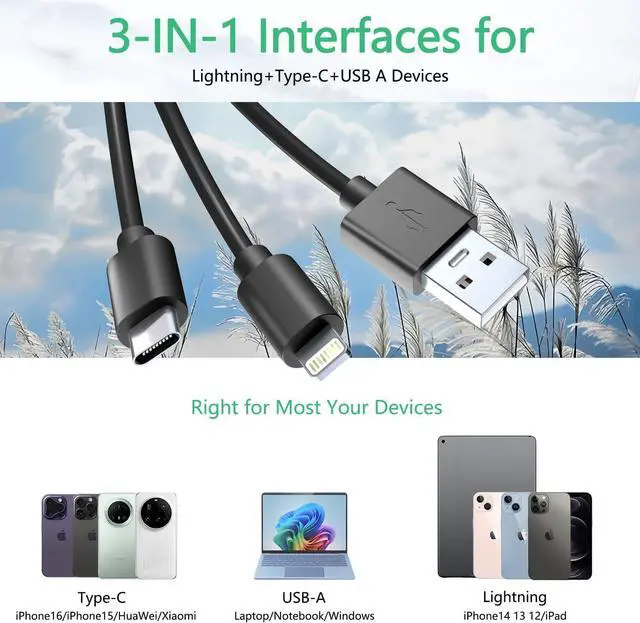
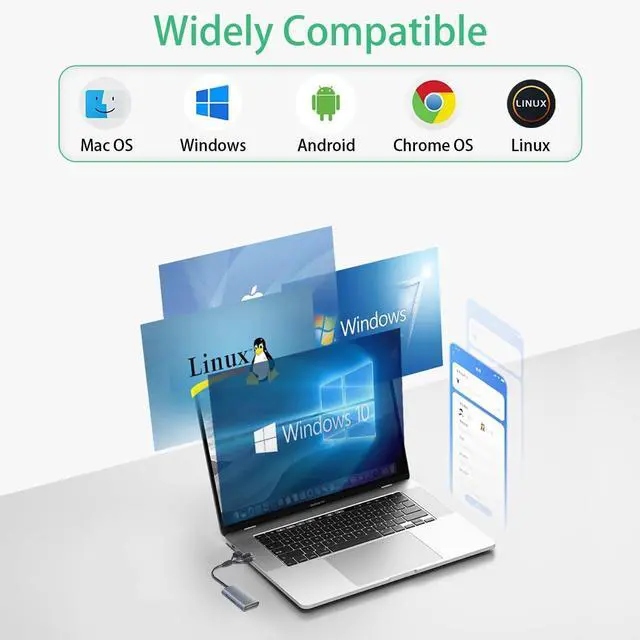
3-in-1 Interface: The memory stick adapter features Lightning USB-C and USB-A interfaces allowing for plug-and-play use without the need for any drivers. It is compatible with a wide range of devices including iPhone / iPad / MacBook / Android phones / Windows computers meeting the needs of multi-platform users. Its an ideal companion for photography enthusiasts and business professionals.
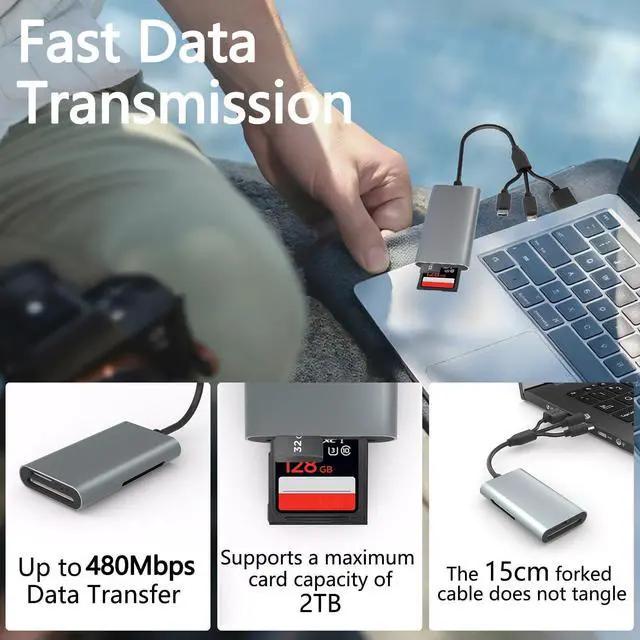
High-Speed Transmission: The SD card reader supports data transfer speeds of up to 480Mbps allowing a 1GB file to be transferred in just a few seconds significantly improving work efficiency. Easily import HD videos and RAW images with fast and stable performance no lag no delay.
Note: Actual speed varies by device.
Aluminum Alloy Casing: The SD memory card reader features an aviation-grade aluminum alloy shell offering excellent heat dissipation and compression resistance to effectively protect internal components and extend product lifespan. With a sleek and minimalist appearance and a comfortable grip it combines aesthetics and functionality making it a stylish accessory for your digital devices.
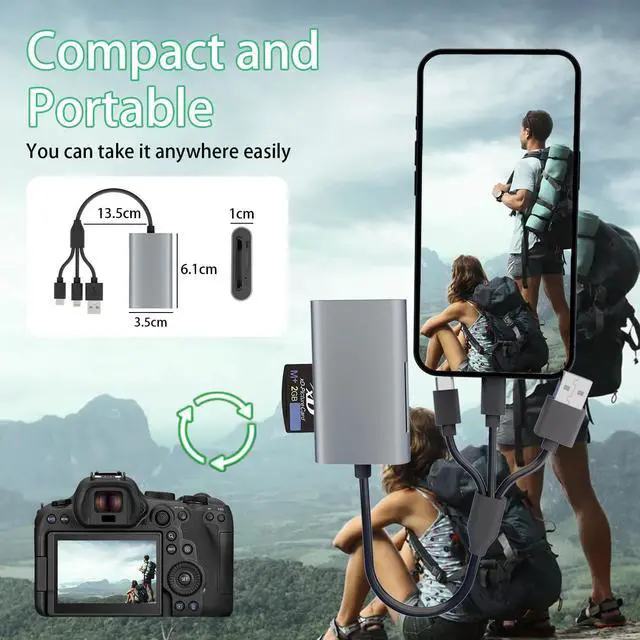
Compact and Portable: The 4 in 1 card reader is designed with a compact form factor small enough to easily fit in your pocket camera bag or laptop case. It enables you to read or back up data anytime anywhere whether you're shooting outdoors on a business trip or working in the office its your go-to portable data companion.
Kind tips: Please make sure the memory card is correctly inserted into the card reader. If photos or videos cannot be transferred unplug the card reader and memory card and reconnect them. (When some Android phones are plugged in for the first time a format mismatch prompt may pop up and the U disk needs to be formatted. It can be used normally after formatting and there is no need to perform this operation again in the future. )