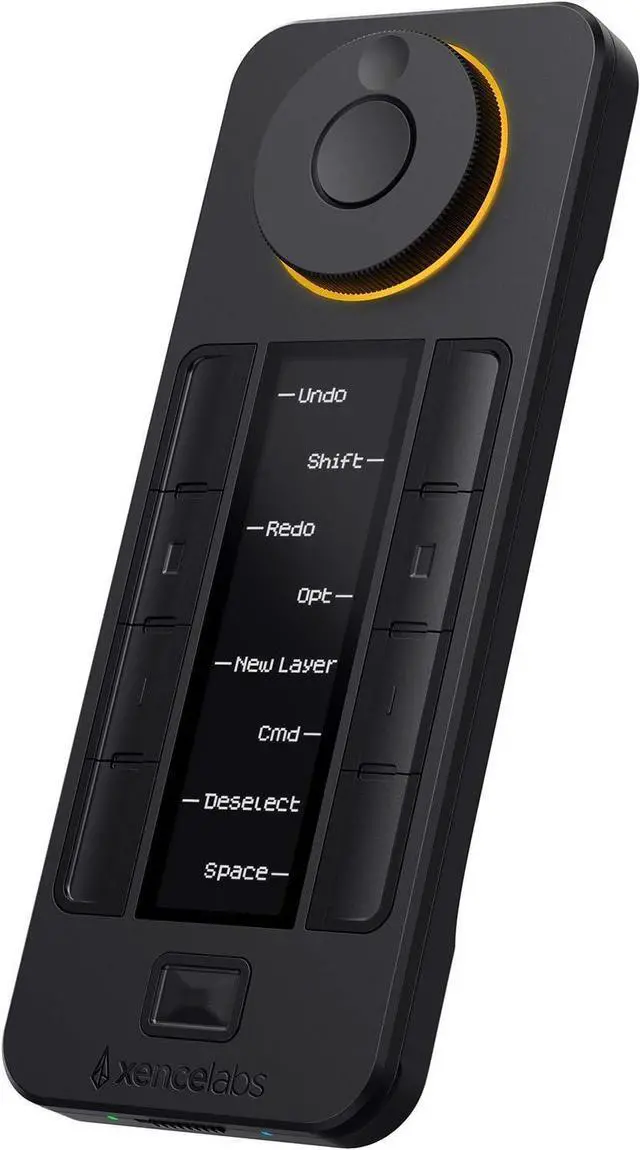
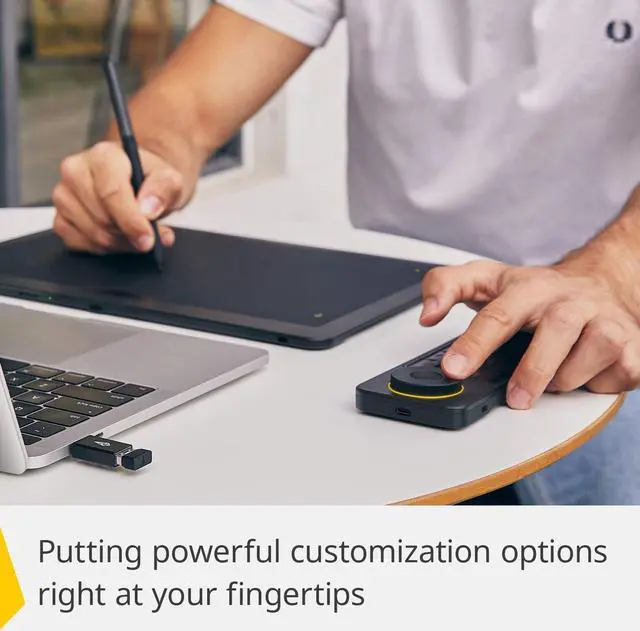
XENCELABS Quick Keys: The Xencelabs Quick Keys enables artists to incorporate shortcut keys into their regular workflow through an easy-to-use interface. You can use the Quick Keys wired or wirelessly to a computer. A USB cable and a wireless dongle are included with your Quick Keys. Quick Keys is operational while being charged.
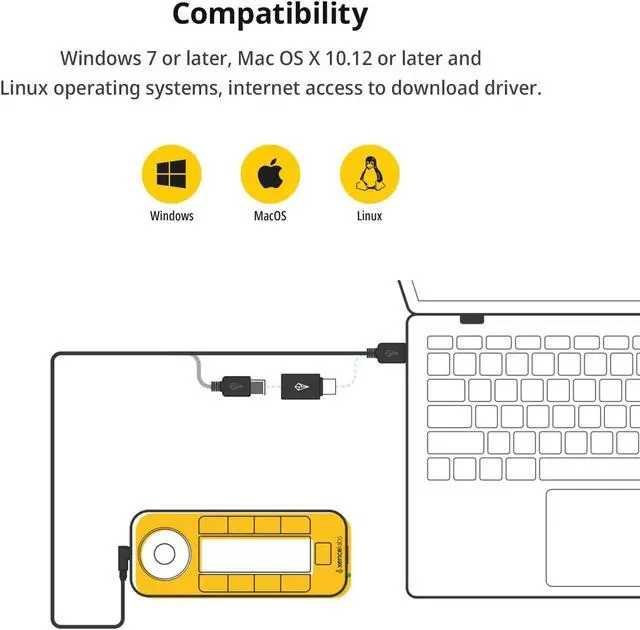
Compatibility: Compatible with current, or near current, macOS, Windows, or Linux operating systems. You will need to download and install the Xencelabs Driver to your computer. Includes Kensington NANO Security Slot.
Not Compatible and Not Supported: Raspberry PI (all versions), Android operating systems, iOS (Apple iPad, iPhone) operating systems, Stream Deck, Sony PlayStation, Windows Xbox.
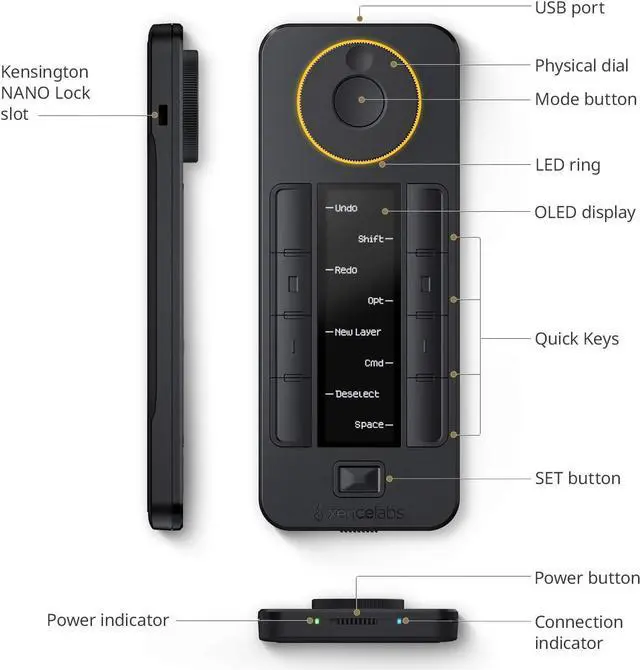
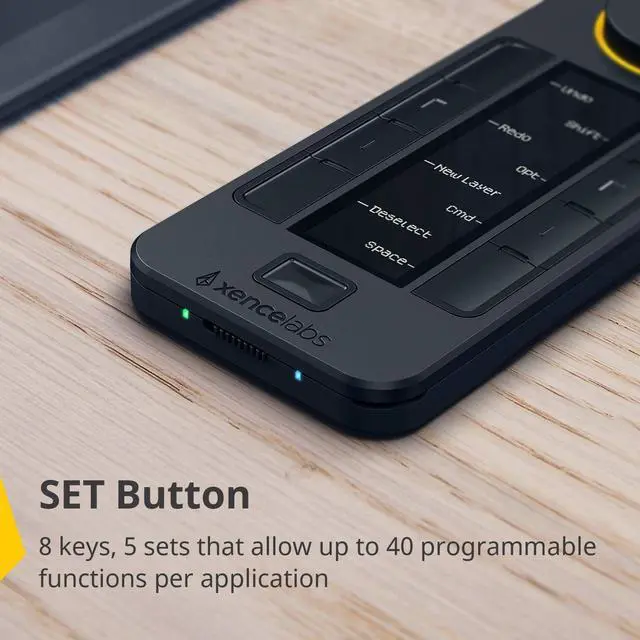
Customizable Shortcuts: A dial with four settings that will allow you to perform actions (like zoom in or zoom out) with accuracy. Left-handed or right-handed, wireless or wired, with 5 sets of 8 keys, that allows up to 40 programmable functions per application.
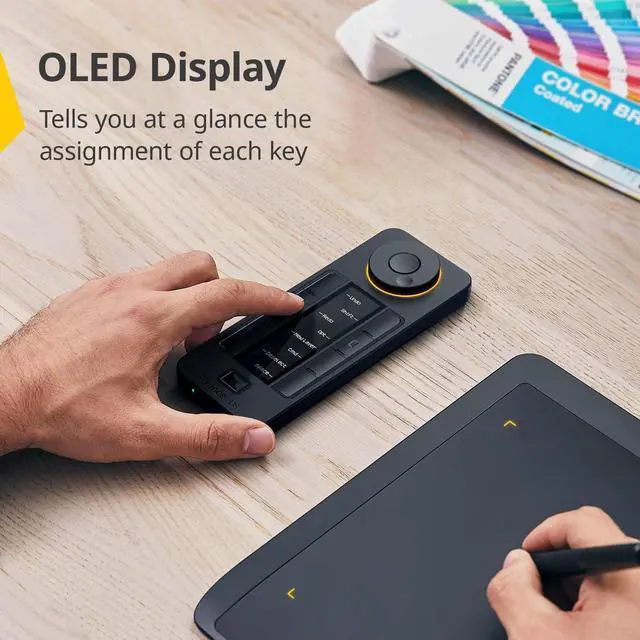
OLED Display: The Quick Keys OLED display and physical dial makes it easy to remember which keys are assigned to which shortcut, and the programmable color ring indicates which function youre currently using. Display brightness can be adjusted.
Application Shortcuts: We provide several popular design application shortcuts, or you can customize to your own workflow. Switch between key groups within an application (sketching, coloring, and editing). Custom settings on the Quick Keys can be exported, named, and imported per application.





 here!
here!